
AAirtable
Airtable is a low-code platform for building collaborative business applications on relational data. Teams can create custom interfaces, views, reports, automations, portals, and AI-assisted workflows without conventional software development.
Why people leave Airtable
Organizations may look for an Airtable alternative when they need a tool with a narrower, more opinionated workflow. Airtable is positioned as a general-purpose platform for creating applications across product, marketing, operations, sales, HR, finance, and other functions. That flexibility can require teams to design their own data structures, interfaces, permissions, and processes. A dedicated project-management, CRM, inventory, or HR product may be preferable when a team wants established domain conventions rather than a system it must configure around its processes.
Pricing and capacity requirements may also influence the decision. Airtable offers multiple plans, and its pricing page explicitly addresses Business and Enterprise Scale pricing, usage limits, and what happens when those limits are reached. Teams expecting large record volumes, extensive automation, many collaborators, or broad external participation may therefore want to compare how alternatives package capacity and access. This does not necessarily mean Airtable is unsuitable at scale—the site advertises infrastructure for data sets of up to 100 million records—but another product’s pricing or deployment model may align better with a particular workload.
Some organizations may prioritize greater control over where their data and applications run. Airtable emphasizes scalable infrastructure, centralized governance, permissions, security, and compliance, but the supplied pages present it as a hosted platform rather than a self-managed system. An open-source or self-hosted alternative may be attractive when source-code access, infrastructure control, internal customization, or deployment within a chosen environment is an explicit requirement.
Finally, teams may prefer a different balance between database work, automation, reporting, and software development. Airtable centers on no-code components, conversational app building, integrations, and embedded AI agents. Developers seeking a more code-centric application stack, or teams that do not want AI embedded across workflows, may favor alternatives with different extension and automation models. Conversely, users who primarily need simple spreadsheets, task lists, dashboards, forms, or portals may decide that a smaller product is easier to administer than a broad application-building platform.
7 Best Open Source Airtable Alternatives (Ranked)
Each alternative is evaluated for core feature coverage, deployment options, licensing, project health, and overall fit. The ranking prioritizes how closely a tool matches Airtable's primary workflows, using popularity only as a secondary signal.
AApitable15,447
Choose Apitable when source access and self-hosting outweigh the need for documented feature-for-feature Airtable parity. It covers collaborative relational tables, views, forms, automation, dashboards, APIs, embedding, and granular permissions, but the supplied open-source documentation does not establish equivalents for Airtable’s role-specific interface builder, secure external portals, or embedded AI agents. Keep
What it does
APITable provides a collaborative database-spreadsheet workspace for creating tables, linked records, forms, dashboards, and multiple views, including grid, gallery, mind map, Kanban, Gantt, and calendar views. It supports real-time editing, formulas, permissions, templates, shareable pages, embedding, and API access.
The platform also includes automation robots, integrations with services such as n8n, Zapier, Appsmith, and Slack, customizable widgets, charts, and an API panel. The repository documents local or cloud installation using Docker Compose, a Docker all-in-one image for testing, and a hosted version at AITable.ai.
What it covers
- Linked relational tables
- Collaborative data editing
- Multiple data views
- Forms for data entry
- Workflow automation
- Charts and BI dashboards
- Row and column permissions
- APIs and integrations
- Shareable embedded pages
What’s different
- No documented open-source role-specific interface builder
- No documented open-source secure external portals
- No documented open-source AI agents across records
- No documented Airtable importer or compatibility path
TToolJet39,544
Choose ToolJet when self-hosting, source access, internal-app development, and optional JavaScript/Python extension matter more than Airtable’s broader hosted business-application model. Choose Airtable when teams need its established relational workspace, reporting, external portals, or a lower-risk continuation of existing Airtable applications. ToolJet’s Community Edition covers visual apps, data connections, a no
What it does
ToolJet is an open-source low-code platform for creating internal tools, dashboards, workflows, and other business applications. Its community edition includes a visual drag-and-drop builder with responsive components, a built-in no-code database, multi-page apps, multiplayer editing, JavaScript and Python execution, and connections to more than 80 databases, APIs, cloud storage services, and SaaS tools.
Users can run ToolJet through its hosted cloud offering or deploy the product under their control. The README documents Docker, Kubernetes, AWS, GCP, Azure, OpenShift, Helm, and other deployment paths. Collaboration features include comments, mentions, granular access control, encryption, and SSO support; enterprise features add AI app generation, query assistance, agents, embedded apps, and advanced governance.
What it covers
- Visual application building
- Built-in relational data
- Custom tables, forms, and charts
- Collaborative app editing
- Workflow automation
- Database, API, and SaaS integrations
- Granular access controls
- AI-assisted workflows, depending on ToolJet edition
What’s different
- Documented Airtable application importer
- Documented automation migration
- Documented permission migration
- Community Edition AI app generation
- Community Edition agent builder
- Documented branded external portals
- Dedicated reporting coverage
SSaltcorn2,055
Choose Saltcorn when self-hosting, source access, and infrastructure control outweigh the convenience of a hosted platform. It covers the core pattern of relational data with visual interfaces and workflows, but the supplied evidence does not establish Airtable-equivalent coverage for named business integrations, centrally administered governance, or secure branded external portals. Choose Airtable when those hosted,
What it does
Saltcorn is an extensible, open-source no-code database application builder. Users can structure data and build web or mobile database applications using flexible data types, views, layouts, and actions. Its primary output is a working data-backed application rather than a static database or task list.
The repository contains the core code required to run Saltcorn locally, as a self-hosted server, or as a multitenant instance. It documents desktop and Linux installation, PostgreSQL support, Docker Compose quickstarts, systemd service deployment, and browser access at a local address. The project also supports plugins and mobile-app builds.
What it covers
- Relational data models
- Visual interfaces and views
- Forms and dashboards
- Workflow automation
- Reports and data views
- External-facing portals
- AI-assisted building and agents
- Role-based application access
What’s different
- Named Airtable integration coverage
- Documented centralized governance parity
- Documented secure branded guest portals
- Documented direct Airtable import
- Documented Airtable app compatibility
QQuests455
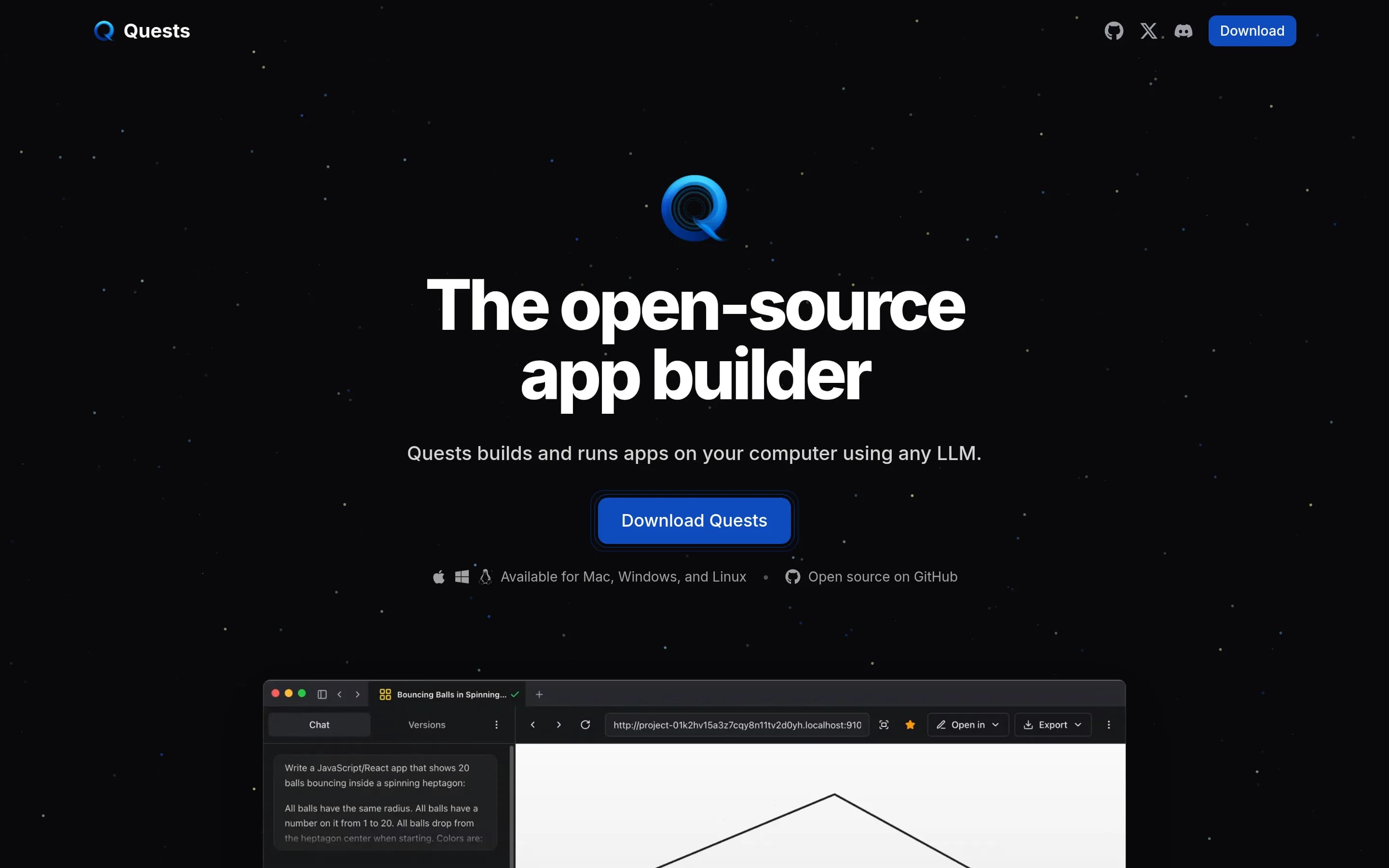
Quests is not a drop-in open-source Airtable replacement. It is a local desktop environment that uses LLMs to create and run exportable full-stack applications, whereas Airtable is a hosted, collaborative relational-data platform with built-in views, automations, reporting, portals, integrations, and governance. Choose Quests when local execution, source access, model choice, and ownership of generated applications
What it does
Quests is an open-source desktop application for building and running full-stack applications on a user's computer with an LLM provider. It supports bring-your-own-key connections to numerous providers, including OpenAI, Anthropic, Google, OpenRouter, Mistral, Groq, xAI, DeepSeek, and Ollama.
The documented workflow includes creating multiple applications, making targeted edits with a coding agent and real-time linting, versioning and restoring projects, comparing model and application outputs with evaluations, and exporting applications that can run anywhere. It includes templates for React, Angular, Astro, and Svelte, and runs on macOS, Windows, and Linux.
What it covers
- Build custom data-backed applications
- Use AI assistance in application workflows
- Create custom user interfaces
What’s different
- No documented Airtable base importer
- No documented collaborative relational workspace
- No documented configurable record views
- No documented record-triggered automations
- No documented built-in reporting
- No documented external portal system
- No documented business-tool integrations
- No documented centralized governance controls
Illa-builder12,308
ILLA Builder is the stronger choice for developer-led teams that want to self-host low-code internal tools connected to existing databases and APIs. Airtable remains the better fit for teams seeking a broader, hosted collaborative application platform—particularly where built-in relational data management, external portals, AI agents, or centralized governance are requirements. The key tradeoff is infrastructure and—
What it does
ILLA Builder is an open-source low-code platform for developers who build internal business tools. Users connect databases and APIs, then create interfaces by dragging components onto a canvas. Documented use cases include dashboards, CRUD applications, admin panels, CRM tools, and CMS applications.
The platform supports real-time collaboration, charts, tables, forms, pages, GUI data connectors, and workflow automation through schedules or webhooks. It can be used through ILLA Cloud or deployed under user control with Docker, docker-compose, or Kubernetes. The project is licensed under Apache 2.0.
What it covers
- Low-code business application building
- Custom component-based interfaces
- Database-backed applications
- Workflow automation
- Charts, tables, and forms
- Real-time collaboration
- API and data-source connections
What’s different
- No documented Airtable-base importer
- No documented built-in relational base
- No documented external portals
- No documented embedded AI agents
- No documented centralized governance suite
- No documented Airtable automation compatibility
AAppsmith40,677
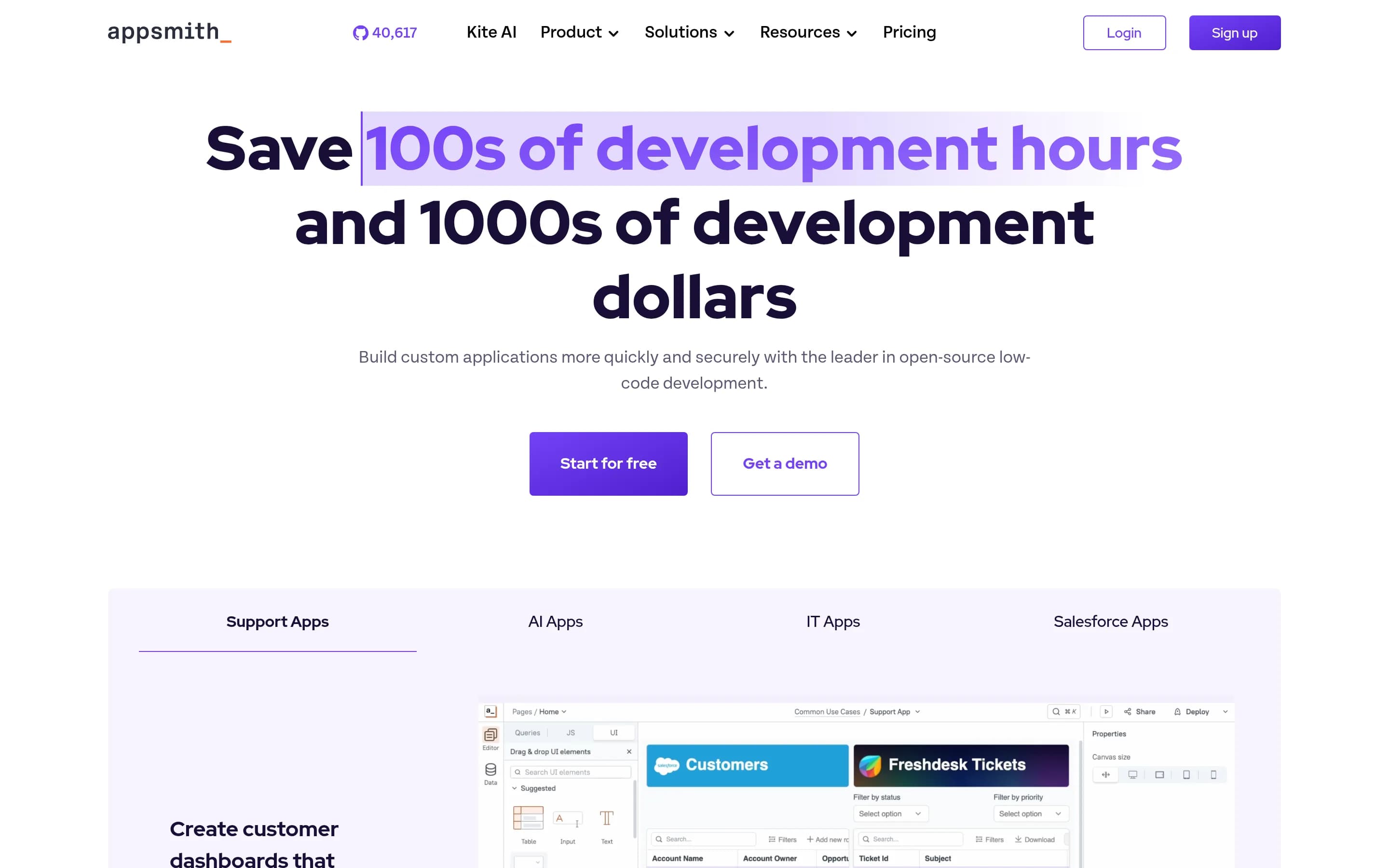
Choose Appsmith when the priority is a self-hostable, Apache-2.0, developer-oriented platform for building internal tools and dashboards over existing databases and APIs, with JavaScript customization and Git-based delivery. Choose Airtable when teams need a hosted, data-first workspace whose relational records, views, interfaces, and workflows form one integrated no-code application layer. The central tradeoff is an
What it does
Appsmith is an open-source low-code platform for creating custom applications such as dashboards, admin panels, customer 360 tools, IT automation, and service-management interfaces. Its documented workflow focuses on building, deploying, and maintaining applications connected to databases and APIs, with support for more than 25 databases and any API.
Users can access Appsmith Cloud or install the platform on their own infrastructure. The README documents Docker, Kubernetes, and AWS AMI installation paths, along with local development guidance. The repository also describes Appsmith Agents for business-specific questions and automations using private data.
What it covers
- Low-code business applications
- Custom application interfaces
- Database and API connectivity
- Workflow automation
- Dashboards and reporting interfaces
- Portal-style applications
- AI-enabled applications
- Roles and access controls
What’s different
- Native relational record store
- Airtable base and app importer
- Documented Airtable compatibility layer
- Documented record-centric grid and view parity
Undb2,970
Choose Undb when infrastructure control, local-first operation, and a focused no-code database/BaaS are more important than Airtable’s broader application platform. Choose Airtable when you need documented coverage for end-to-end business applications, automations, reporting, portals, AI agents, integrations, or centralized governance; the supplied Undb material does not establish equivalents for those capabilities.
What it does
undb is an open-source no-code database that can also operate as a Backend as a Service. It uses SQLite and provides a UI for table management, formula fields compatible with Excel/Airtable-style calculations, and built-in playground mode. Documented views include kanban, gallery, calendar, pivot, and forms, with OpenAPI RESTful API support.
The product is designed for private, local-first deployment. Users can run it as a Bun-packaged binary, launch it with Docker, use Docker Compose for development, or deploy it on Render.com. The README also provides a hosted undb cloud option and supports persistent local storage through a Docker volume.
What it covers
- No-code data management
- Table-management interface
- Formula fields
- Multiple visual views
- API access
What’s different
- End-to-end business app deployment not established
- Workflow automation not established
- Reporting capability not established
- External portals not established
- AI agents not established
- Named business-tool integrations not established
- Centralized governance controls not established