
BBasecamp
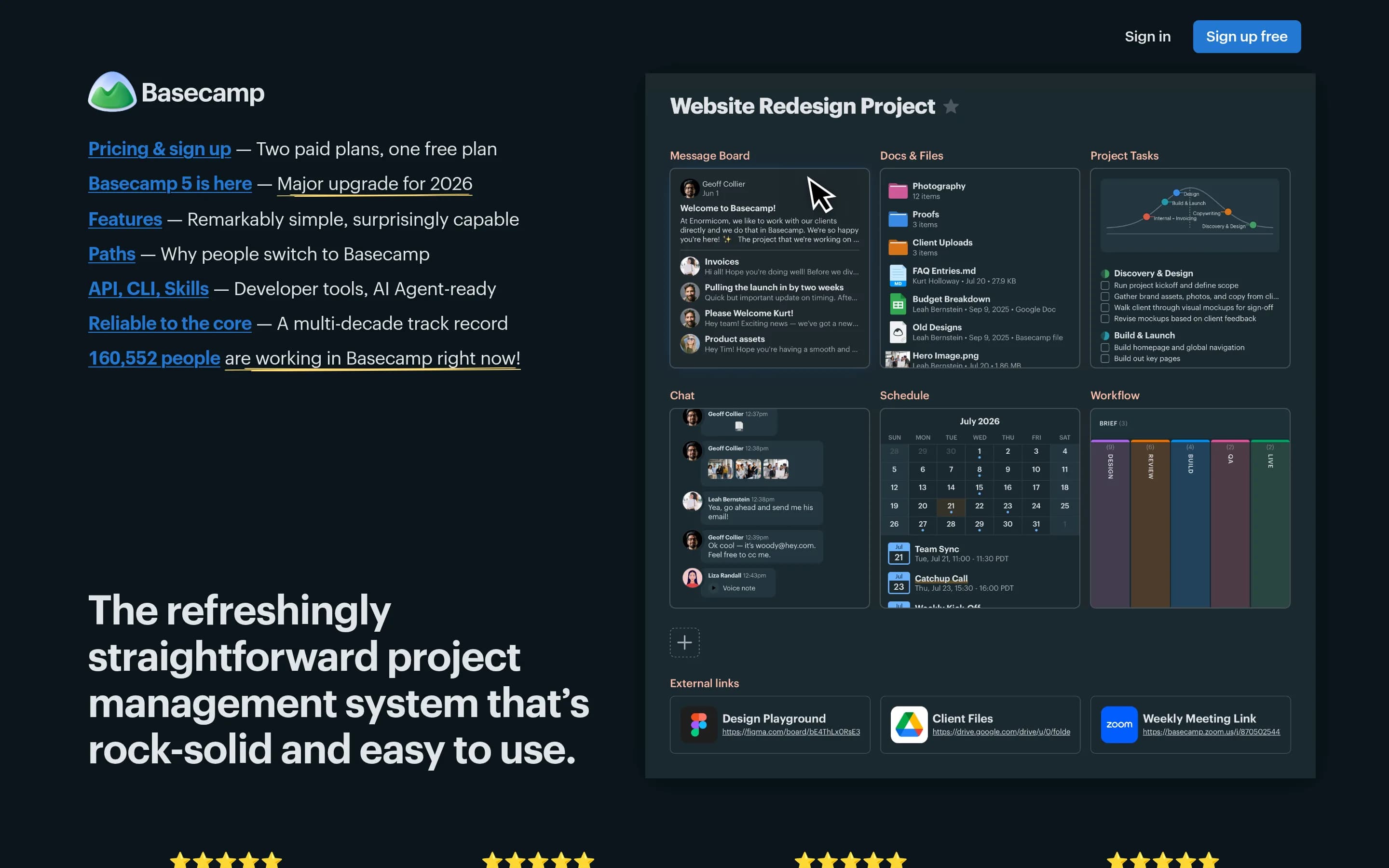
Basecamp is a project management platform that organizes projects, tasks, discussions, schedules, files, client access, and status reporting in one workspace. It combines structured project delivery with built-in asynchronous communication and lightweight team chat.
Why people leave Basecamp
Organizations may look for a Basecamp alternative when its opinionated, all-in-one approach does not match how they plan and govern work. Basecamp organizes each project around a configurable set of built-in tools, including to-do lists, message boards, Card Tables, calendars, files, check-ins, and reports. That straightforward model can be useful, but teams needing a different planning structure, more specialized workflows, or another way to represent dependencies and delivery may prefer a product designed around those requirements rather than adapting their processes to Basecamp’s toolbox.
Pricing and packaging may also motivate a comparison. Basecamp offers a free package limited to one active project, a per-user Pro package, and a fixed-price Pro Unlimited package. Timesheets and the Admin Pro Pack are included with Pro Unlimited but sold as optional upgrades on Pro. A freelancer, small team, or growing organization may find that another product’s user limits, project limits, storage allocation, administrative controls, or time-tracking package fits its usage and budget more closely. Conversely, teams that do not need Basecamp’s communication, file, or scheduling modules may prefer to pay for a narrower tool.
Some organizations may not want to consolidate project planning, chat, discussions, documents, files, and calendars in one service. They may already have established tools for messaging, cloud storage, documents, or scheduling and want a project manager that integrates with those systems without duplicating them. Others may prefer deeper specialization in one area, such as task tracking, kanban workflows, document collaboration, or workplace messaging. Although Basecamp links to external cloud files and provides integrations, an alternative may better reflect an organization’s existing software stack or desired division of responsibilities.
Technical control can be another consideration, particularly for people specifically seeking open-source alternatives. The supplied pages describe Basecamp’s hosted packages, API, SDKs, CLI, integrations, and support for external AI agents, but they do not present the core product as open-source or self-hosted. Teams that prioritize source-code access, deployment on infrastructure they control, custom modifications, or governance independent of a single vendor may therefore evaluate open-source options. Developers may also compare the maturity and fit of automation interfaces: Basecamp provides API and command-line access, while its agent-oriented functionality is described as an early technology preview, so organizations with established automation requirements may want to assess alternatives carefully.
4 Best Open Source Basecamp Alternatives (Ranked)
Each alternative is evaluated for core feature coverage, deployment options, licensing, project health, and overall fit. The ranking prioritizes how closely a tool matches Basecamp's primary workflows, using popularity only as a secondary signal.
PPaca1,723
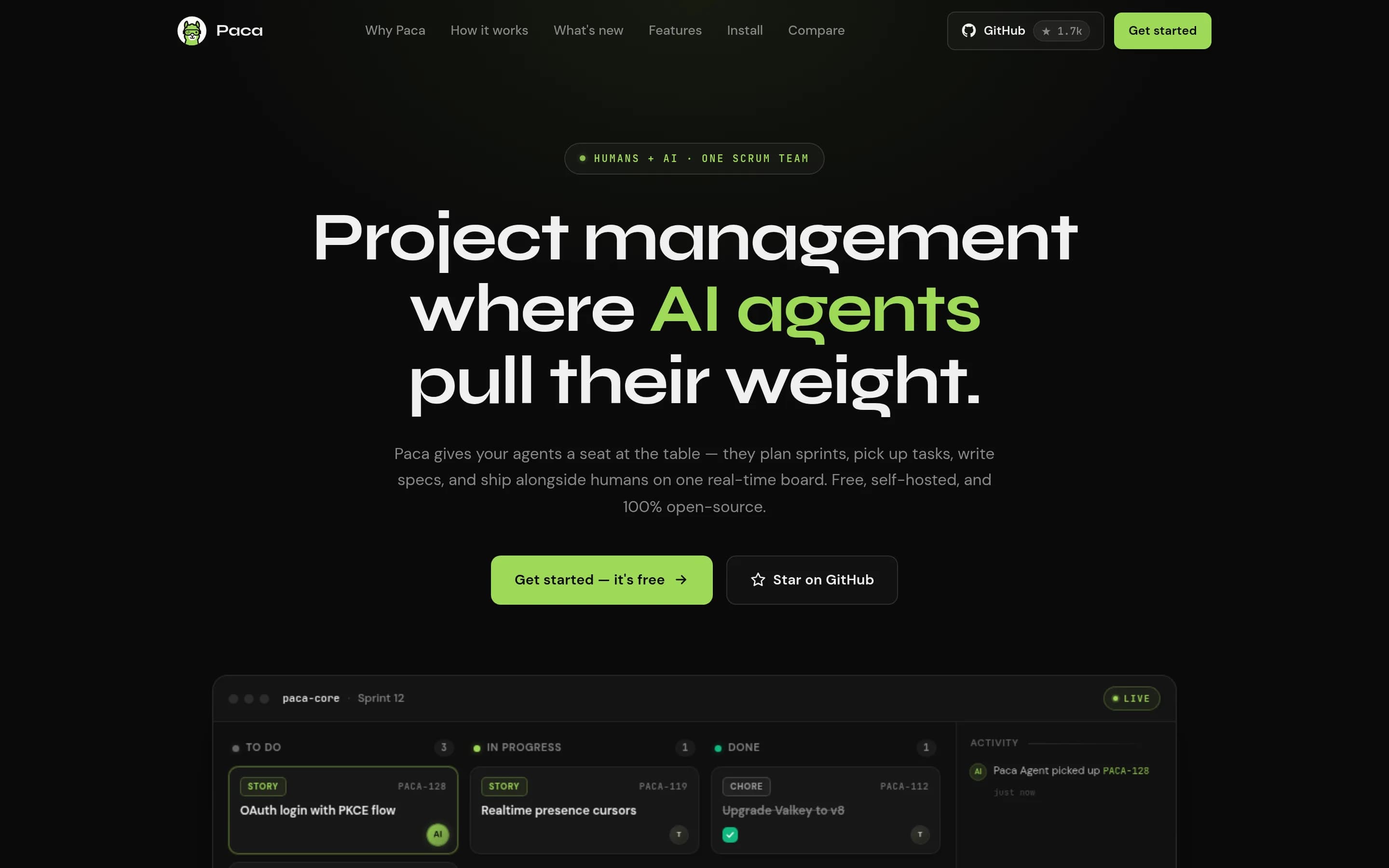
Paca is the stronger choice for teams that want an Apache-2.0, self-hosted, configurable Scrum/Scrumban system with first-class AI-agent participation and are prepared to operate it themselves. Basecamp remains the better fit for organizations wanting a vendor-hosted, broader all-in-one workspace with documented communication, scheduling, client-access, reporting, and time-tracking capabilities. The central tradeoff—
What it does
Paca is a self-hosted project management platform for Scrum teams in which humans and AI agents collaborate on the same Scrumban board, sprints, goals, backlog, tasks, and project documentation. Its workflow covers planning, execution, checking, and adaptation, with real-time updates and in-app AI chat for creating or updating work.
The platform documents BDD collaboration, system design documents, activity diffs with revert, configurable workflows and fields, visual automation flows, an MCP server, and sandboxed WASM plugins. It runs under user-controlled infrastructure through an interactive installer or Docker Compose, with PostgreSQL, storage, optional AI-agent services, and a browser-accessed instance.
What it covers
- Persistent project workspaces
- Assigned tasks with comments and attachments
- Board-based workflow tracking
- Project documentation
- Activity and real-time work updates
What’s different
- No documented Basecamp import or compatibility path
- No documented message-board equivalent
- No documented project or global calendars
- No documented human group chat or direct messaging
- No documented recurring check-ins or status-report suite
- No documented client-specific visibility controls
- No documented timesheets or time export

SScrumboy429
Choose Scrumboy when self-hosting and customizable kanban/sprint workflows are more important than Basecamp’s broad, integrated collaboration workspace. Choose Basecamp when projects depend on documented all-in-one coverage for discussions, chat, calendars, files, client access, check-ins, reporting, and timesheets; the supplied Scrumboy material centers instead on boards, issue tracking, workflows, and automation.
What it does
Scrumboy is a self-hosted project-management and issue-tracking application centered on customizable Kanban boards. Users can create projects, define workflows and priority tiers, manage todos with tags and filters, assign work, and collaborate on realtime boards. It also supports sprints, audit trails, shareable anonymous boards, sticky-note walls, Markdown notes, voice commands, and multiple languages.
The application runs as a local web server backed by SQLite, with Docker images, Docker Compose, source builds, and a Windows executable documented in the README. Full and anonymous modes are available, alongside optional authentication, 2FA, OIDC/SSO, backups, webhooks, API access, PWA support, and MCP-compatible client support for AI-agent integrations.
What it covers
- Project-based work organization
- Kanban-style workflow boards
- Assigned tasks and status tracking
- Collaborative project updates
- Task notes and tags
- Automation interfaces
- Mobile-oriented access
What’s different
- No documented message boards
- No documented chat or direct messages
- No documented project/global calendars
- No documented general file repository
- No documented recurring check-ins or status reports
- No documented client visibility controls
- No documented timesheets
KKaneo8,318
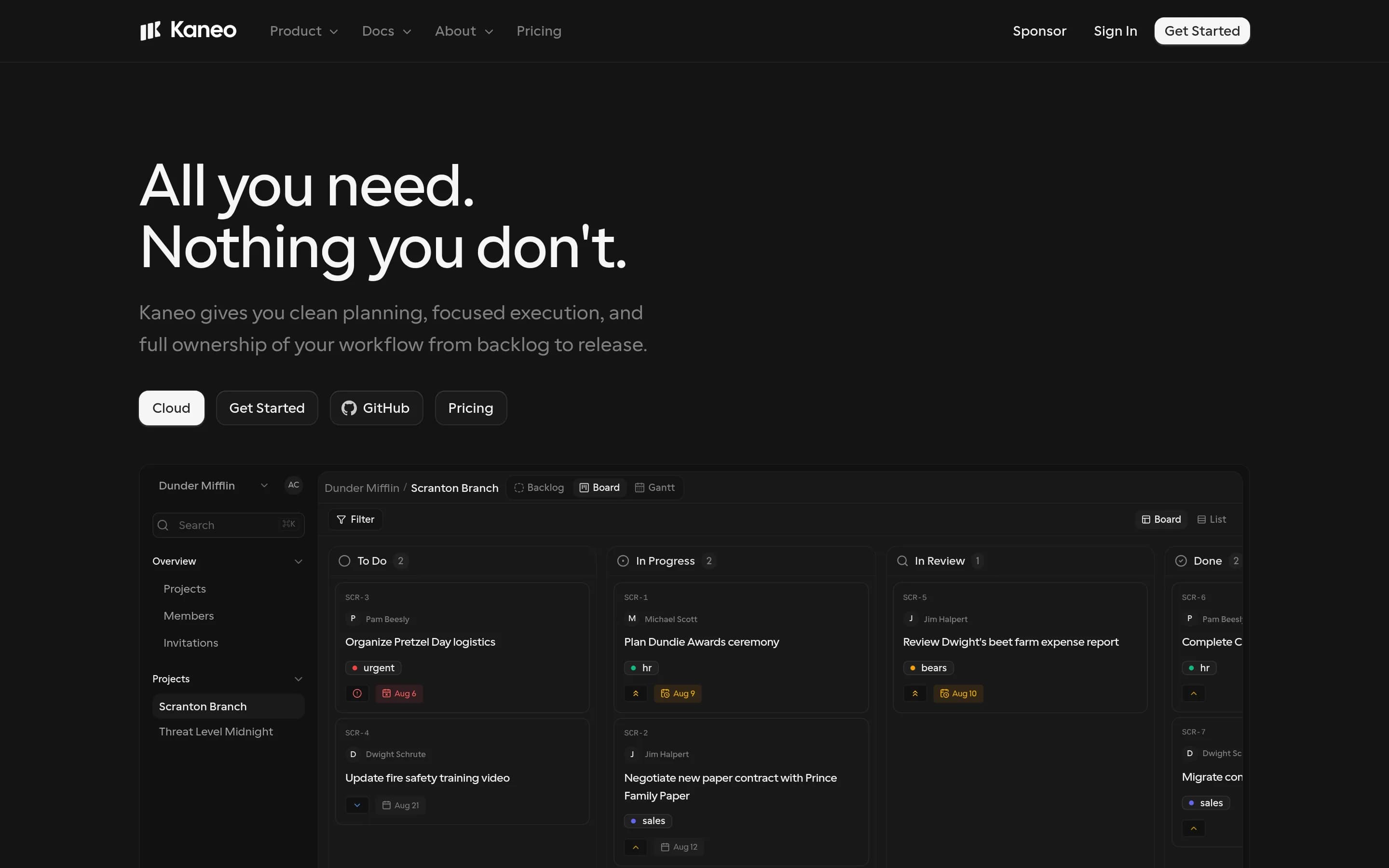
Kaneo is the stronger choice for teams prioritizing MIT-licensed source access, self-hosting, infrastructure control, and focused board/list task planning. Basecamp remains the better fit for organizations that want a hosted, broader all-in-one workspace with documented discussions, chat, calendars, files, client access, check-ins, reporting, and timesheets. The key tradeoff is operational control and narrower work
What it does
Kaneo is an open-source project management platform designed to help teams organize products and projects without a heavily feature-laden interface. The README identifies tasks, projects, labels, issue management, and project management as core uses, and describes a clean interface focused on team work.
The product can be deployed under user control with Docker Compose, a bundled container and PostgreSQL, separate API and web images, or a Kubernetes Helm chart. It also supports a built-in HTTP MCP endpoint and an official MCP package so compatible AI clients can manage tasks, projects, and labels. The repository is MIT-licensed and documents self-hosted and cloud links.
What it covers
- Project workspaces
- Assigned tasks with due dates
- Board-based workflows
- List-based planning
- Labels and priorities
What’s different
- No documented message boards
- No documented team chat or direct messages
- No documented project or global calendars
- No documented document and file workspace
- No documented recurring check-ins or status reports
- No documented client visibility controls
- No documented timesheets
VVikunja5,069
Choose Vikunja when source access, self-hosting, task dependencies, and flexible list/Kanban/Gantt/table planning matter more than an all-in-one communications workspace. Choose Basecamp when projects must combine tasks with documented message boards, team chat, direct messages, check-ins, status reporting, files, calendars, and controlled client access. Vikunja covers collaborative task and project management, but—t
What it does
Vikunja is an open-source task and project management product described as a task manager that users own. The repository identifies project-management use, provides an API, and links to a hosted version for individuals or teams. The supplied README does not enumerate specific task, scheduling, assignment, or reporting workflows beyond the product's task-manager description.
Users can install Vikunja from the project documentation, build it from source, or use Docker images. The repository also points to a hosted service and a browser-accessible trial, but does not explicitly document a graphical interface in the supplied text. Vikunja Pro is mentioned as a separate offering with admin panels, audit logs, and time tracking.
What it covers
- Project-based task organization
- Task assignments and due dates
- Subtasks and attachments
- Kanban-style task boards
- Task comments
- Project sharing
- Calendar integration
What’s different
- No documented message boards
- No documented team or direct chat
- No documented recurring check-ins
- No documented Basecamp-style status reports
- No documented selective client visibility
- No documented Basecamp importer