
CCanva
Canva is an online visual design suite for creating presentations, social media graphics, print materials, images, videos, websites, and other visual content. It combines templates, collaborative workflows, brand tools, AI-assisted creation, and publishing or printing options.
Why people leave Canva
Someone might look for a Canva alternative when they want a more focused application rather than a broad visual suite. Canva brings presentations, social graphics, photo tools, video editing, websites, documents, whiteboards, print products, and AI features into one environment. That breadth is convenient, but a user whose work centers on one discipline may prefer software designed specifically for advanced image editing, video production, vector illustration, or website creation.
The template-led workflow may also be a reason to compare alternatives. Canva emphasizes ready-made templates, editable layouts, stock media, resizing, and quick content production. Those workflows can suit fast, repeatable design tasks, while people seeking a different creative process may want more direct control over artwork, file structure, editing behavior, or output. Organizations may likewise prefer tools that align more closely with established specialist workflows instead of adopting an all-in-one creative ecosystem.
Deployment and governance requirements can be another motivation. Canva is presented as an online platform with collaboration, brand management, integrations, business plans, and enterprise services. Individuals or organizations that prioritize self-hosting, offline operation, infrastructure control, or an open-source development model may therefore investigate other products. Teams may also evaluate alternatives according to their own requirements for access management, asset storage, interoperability, long-term file access, or integration with existing systems; the supplied page does not establish how Canva fits every such requirement.
Finally, users may reassess the product as their needs or preferred feature mix changes. Canva offers free use alongside Pro, Business, Enterprise, Education, and other plans, while some promoted workflows include AI-assisted writing, image generation, captions, background removal, upscaling, and brand tooling. A prospective user may prefer a product whose available features, plan structure, AI usage, or scope better matches a narrower budget and workflow. These considerations do not mean Canva is unsuitable generally; they are reasons someone could compare it with specialist, locally controlled, or open-source alternatives.
4 Best Open Source Canva Alternatives (Ranked)
Each alternative is evaluated for core feature coverage, deployment options, licensing, project health, and overall fit. The ranking prioritizes how closely a tool matches Canva's primary workflows, using popularity only as a secondary signal.
OOpen-design86,943
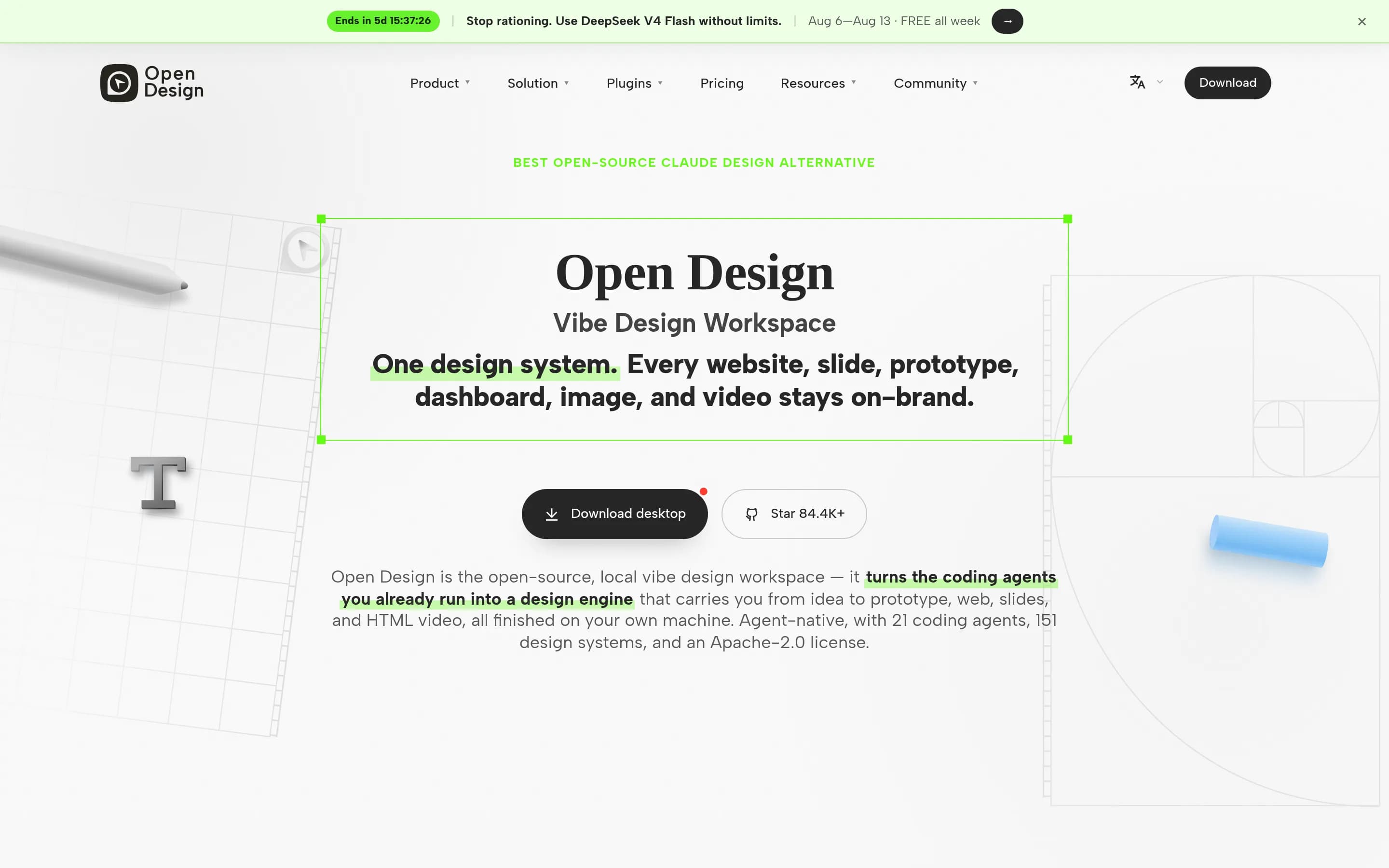
Open Design is not a drop-in Canva replacement: it substitutes a local-first, agent-driven workflow that produces editable files for Canva’s template-led general-purpose editor. Choose Open Design when infrastructure control, open-source customization, coding-agent integration, and HTML/PDF/PPTX/MP4 deliverables matter most. Choose Canva when users need a conventional template editor or documented coverage for photo
What it does
Open Design is an open-source, local-first native desktop application for macOS and Windows. Users select a skill and design system, provide a brief, and generate prototypes, live dashboards, decks, images, and motion graphics inside a project Studio. Outputs include sandboxed HTML artifacts and downloadable source files.
The application documents presentation workflows with decks that can be navigated and exported to HTML, PDF, PPTX, ZIP, or Markdown. It also supports brand-oriented DESIGN.md systems, reusable skills, plugins, schedulable automations, image generation, and HyperFrames video rendering to MP4. It integrates with numerous coding-agent CLIs, MCP, and OpenAI-compatible endpoints through BYOK. The repository contains the desktop product and documents installation and use on user-controlled computers.
What it covers
- Presentation and deck creation
- Image generation and download
- Video and motion-graphics output
- Brand-rule application across outputs
- AI-assisted visual creation
- Website and prototype generation
What’s different
- No documented Canva project import
- No documented background-removal tool
- No documented print ordering
- No documented Canva-like real-time collaboration
- No established template-editor parity
CCanva-clone512
Canva-clone is a narrower, self-hostable design editor suited to teams willing to operate a TypeScript web application and its external services. It covers templates, canvas editing, image AI, project organization, and several export formats, but the supplied evidence does not document Canva’s broader presentation delivery, real-time collaboration, brand management, video, website, or print-ordering workflows. Choose
What it does
This Next.js-based visual design platform provides a user-facing drag-and-drop editor for customizing templates and manipulating text, shapes, layers, and drawings. Users can create and organize multiple projects, use stock photos through Unsplash, remove image backgrounds, generate images with Replicate AI, and export designs as PNG, JPG, SVG, or JSON files.
The repository documents authentication, Stripe subscription management, responsive operation, and premium features such as additional templates, unlimited projects, AI generations, and high-resolution exports. It can be installed locally with Node.js or Bun, PostgreSQL, and configured third-party services, then deployed to Vercel. No Docker or Kubernetes setup is documented.
What it covers
- Template-based graphic editing
- Text, shape, drawing, and layer tools
- AI image generation
- Image background removal
- Stock-photo access
- Multi-project organization
- PNG and JPG export
What’s different
- Presentation delivery not documented
- Collaborative editing not documented
- Brand management not documented
- Video editing and captions not documented
- Visual website building not documented
- Print ordering not documented
- AI writing not documented
OOpen-AI-Design-Agent318
Open-AI-Design-Agent is a plausible alternative for prompt-driven generation of campaign assets, social graphics, brand kits, image edits, and short-form video, especially when self-hosting and source-code modification matter. It is not a full Canva replacement: the supplied evidence does not document real-time collaboration, presentation delivery, website building, print ordering, AI writing, or Canva-file import.3A
What it does
Open AI Design Agent is an MIT-licensed design application that converts natural-language briefs into coordinated creative deliverables. Its agent plans assets, selects among image and video models, generates them in dependency order, carries brand references between outputs, and assembles downloadable kits. Documented outputs include posters, flyers, social graphics, presentation slides, logos, brand identities, packaging mockups, UI screens, motion ads, and social video cutdowns.
The application includes a design studio with generation and editing modes, multi-image references, text-aware model routing, natural-language edits, persistent brand kits, templates, SVG export, background removal, upscaling, generation history, and a visual workflow editor. It can run as a hosted browser service or from the repository with a Next.js client and FastAPI server; Docker Compose is documented, a
What it covers
- Social and poster creation
- Reusable design templates
- Presentation-slide creation
- Brand-kit application
- Image editing and background removal
- Video-ad and social-video creation
- AI-assisted image and video generation
What’s different
- Documented real-time collaboration
- Documented presentation delivery
- Documented video recording and captions
- Documented visual website building
- Documented print ordering
- Documented AI writing
- Documented Canva-file import
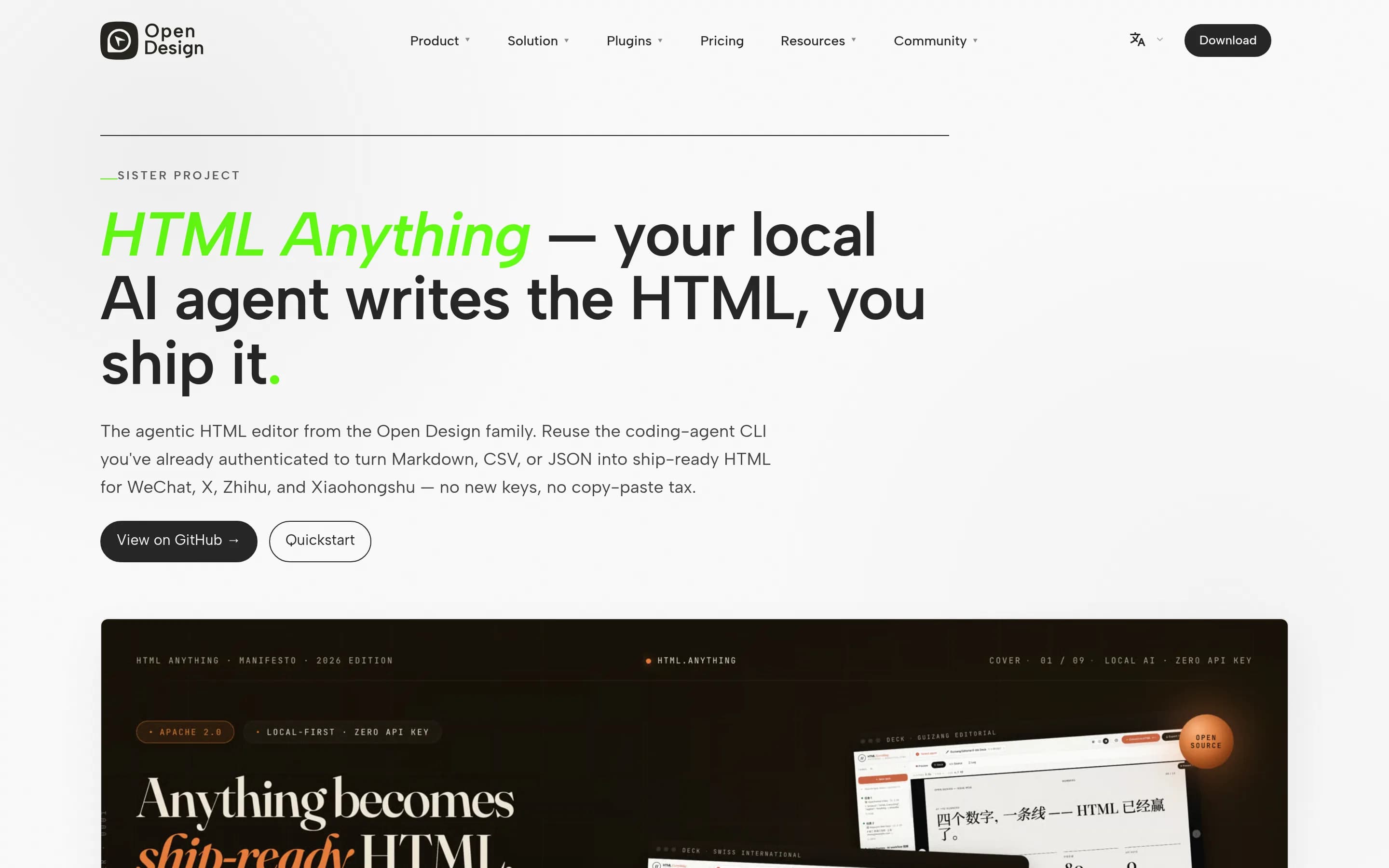
HHtml-anything8,308
Html-anything is a focused, open-source alternative for turning text or structured data into AI-generated HTML, decks, posters, and social images while keeping the agent loop local. Choose it when local infrastructure control, editable HTML/PNG output, and coding-agent workflows matter most. Choose Canva for a broader visual-design suite, especially when collaboration, direct photo/video editing, brand administration
What it does
HTML Anything is a browser-based visual content editor built around local coding-agent CLIs. Users provide Markdown, CSV, TSV, JSON, SQL, or plain text, choose from 75 skill templates and nine surface modes, and generate single-file HTML with a live sandboxed preview. The documented outputs include magazine articles, keynote decks, résumés, posters, social cards, data reports, web prototypes, and Hyperframes video frame scripts.
The application supports streaming generation, interruption and reprompting, presenter notes, PDF export for decks, HTML and PNG downloads, and one-click formatting or export for WeChat, X, Zhihu, and related platforms. It is Apache-2.0 licensed and runs locally as a Next.js app with pnpm; the web layer can also deploy to Vercel while the agent remains on the user’s laptop. It requires a supported coding-agent CLI session rather than an API key.
What it covers
- Template-assisted visual creation
- Presentation-style deck creation
- Poster and social-card output
- AI-assisted content generation
- HTML and PNG export
What’s different
- Documented real-time collaboration
- Photo editing and background removal
- Integrated video editing, recording, and captions
- Brand Kit administration
- General-purpose visual website builder
- Print ordering