
CCoda
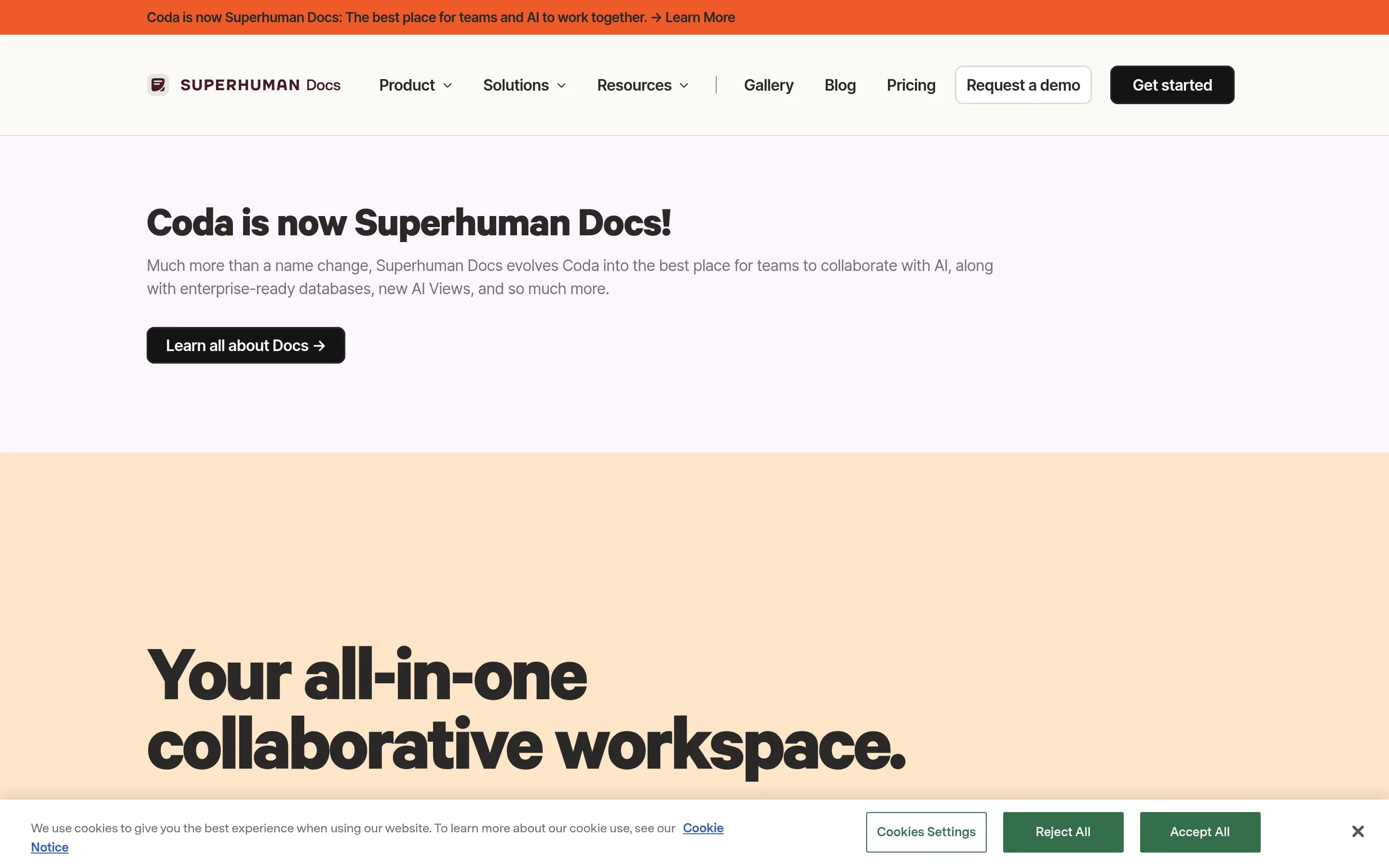
Coda is a collaborative workspace for creating documents, team hubs, structured tables, trackers, and lightweight applications in a shared canvas. It combines text, data, formulas, automations, integrations, and AI-assisted workflows.
Why people leave Coda
Someone might seek a Coda alternative when the product’s all-in-one model is broader than the job they need to accomplish. Coda combines documents, wikis, tables, trackers, lightweight applications, automations, AI, and integrations. That flexibility can be useful, but a team focused on one workflow may prefer a purpose-built writing tool, database, project tracker, wiki, or application platform with a more narrowly defined structure and fewer design decisions.
Coda documents can evolve from simple pages into interconnected systems containing tables, formulas, controls, automations, and synced data. As these systems become important to daily operations, teams may need people who understand how the documents were assembled and how their components relate. Organizations seeking more standardized workflows, stronger separation between content and operational data, or less dependence on internally built configurations may evaluate alternatives that impose clearer conventions.
Another motivation could be fit with an organization’s existing software stack. Coda offers Packs and integrations for tools such as Jira, Slack, Salesforce, Snowflake, Figma, and Miro, including workflows that sync, display, or update external data. A team may nevertheless prefer to work directly in its systems of record, choose a platform with a different connector ecosystem, or avoid placing another collaborative layer between users and those systems. Requirements around importing existing content, administering permissions, mobile access, or handling especially large documents could also shape the decision.
Finally, some organizations may want different deployment, governance, portability, or extensibility characteristics. Coda provides enterprise administration, access controls, APIs, Packs, and publishing, but an open-source or self-hosted alternative may offer greater control over infrastructure and product direction. Others may prioritize a conventional file format, a simpler migration path, or transparent access to the underlying implementation. These considerations do not make Coda unsuitable in general; they reflect differences in how teams balance an adaptable workspace against specialization, operational simplicity, and control.
4 Best Open Source Coda Alternatives (Ranked)
Each alternative is evaluated for core feature coverage, deployment options, licensing, project health, and overall fit. The ranking prioritizes how closely a tool matches Coda's primary workflows, using popularity only as a secondary signal.
AApitable15,447
APITable is the stronger choice when the primary requirement is a self-hostable, open-source visual database for collaborative tables, linked records, forms, APIs, and low-code workflows. Coda remains the better fit for teams centered on document-first hubs that combine substantial narrative content with operational data, or whose workflows depend on Coda-specific Packs and AI. The key tradeoff is infrastructure and
What it does
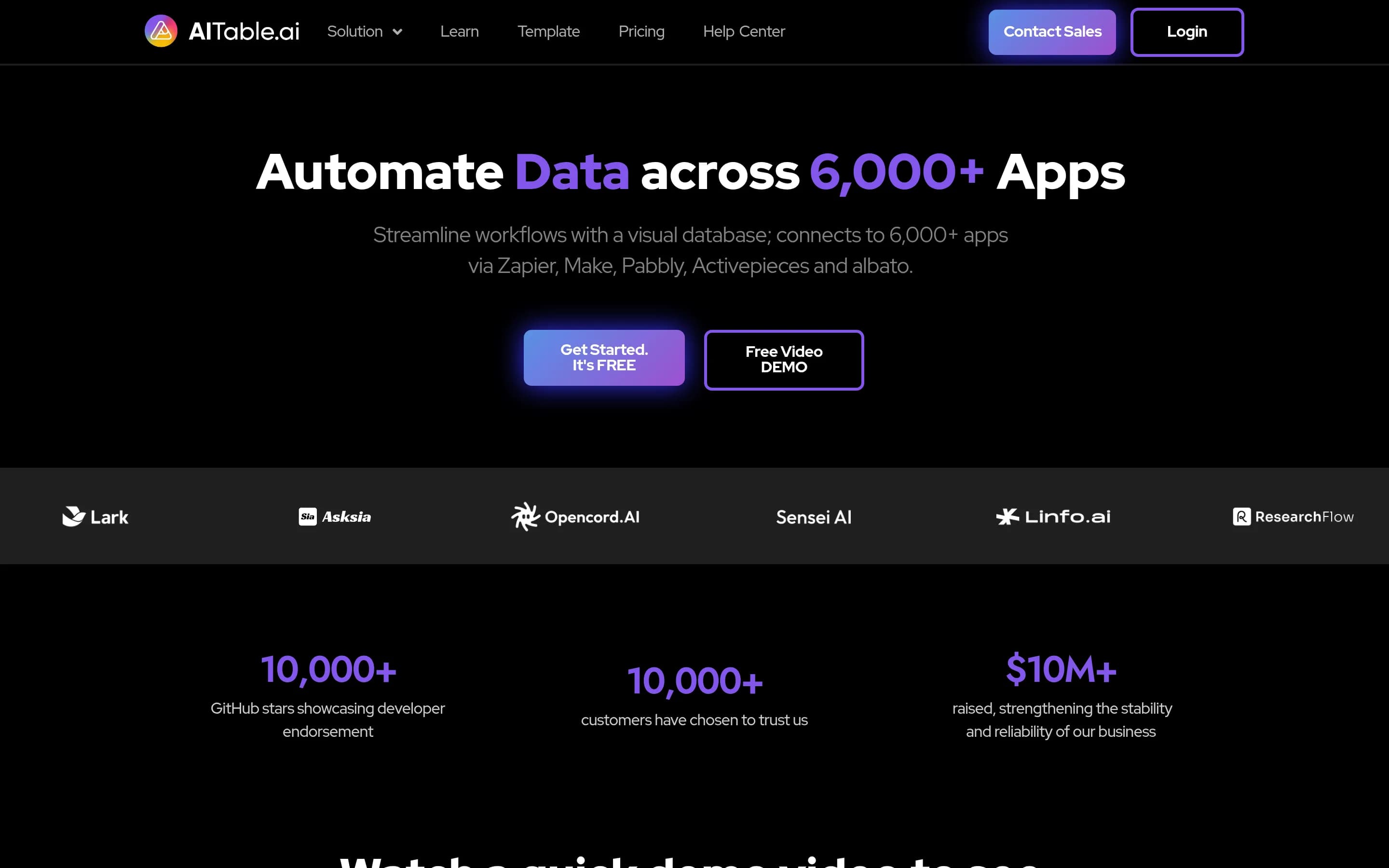
APITable provides a collaborative database-spreadsheet workspace for creating tables, linked records, forms, dashboards, and multiple views, including grid, gallery, mind map, Kanban, Gantt, and calendar views. It supports real-time editing, formulas, permissions, templates, shareable pages, embedding, and API access.
The platform also includes automation robots, integrations with services such as n8n, Zapier, Appsmith, and Slack, customizable widgets, charts, and an API panel. The repository documents local or cloud installation using Docker Compose, a Docker all-in-one image for testing, and a hosted version at AITable.ai.
What it covers
- Real-time collaborative editing
- Structured tables and linked records
- Formulas and workflow automations
- Low-code workflow building
- API access and extensions
- Templates and external integrations
- Shareable or embeddable content
What’s different
- No documented Coda importer
- No documented Coda Pack compatibility
- No established document-first hub parity
- No established interactive website-publishing parity
- No established open-source AI feature parity
CColanode5,015
Choose Colanode when self-hosting, local-first offline work, and infrastructure control matter more than Coda’s broader application-building layer. It covers collaborative pages, structured databases, files, and real-time editing, but the supplied evidence does not document equivalents for Coda’s formulas, automations, Packs, developer API, AI assistance, or web publishing. Keep Coda when those capabilities are part이
What it does
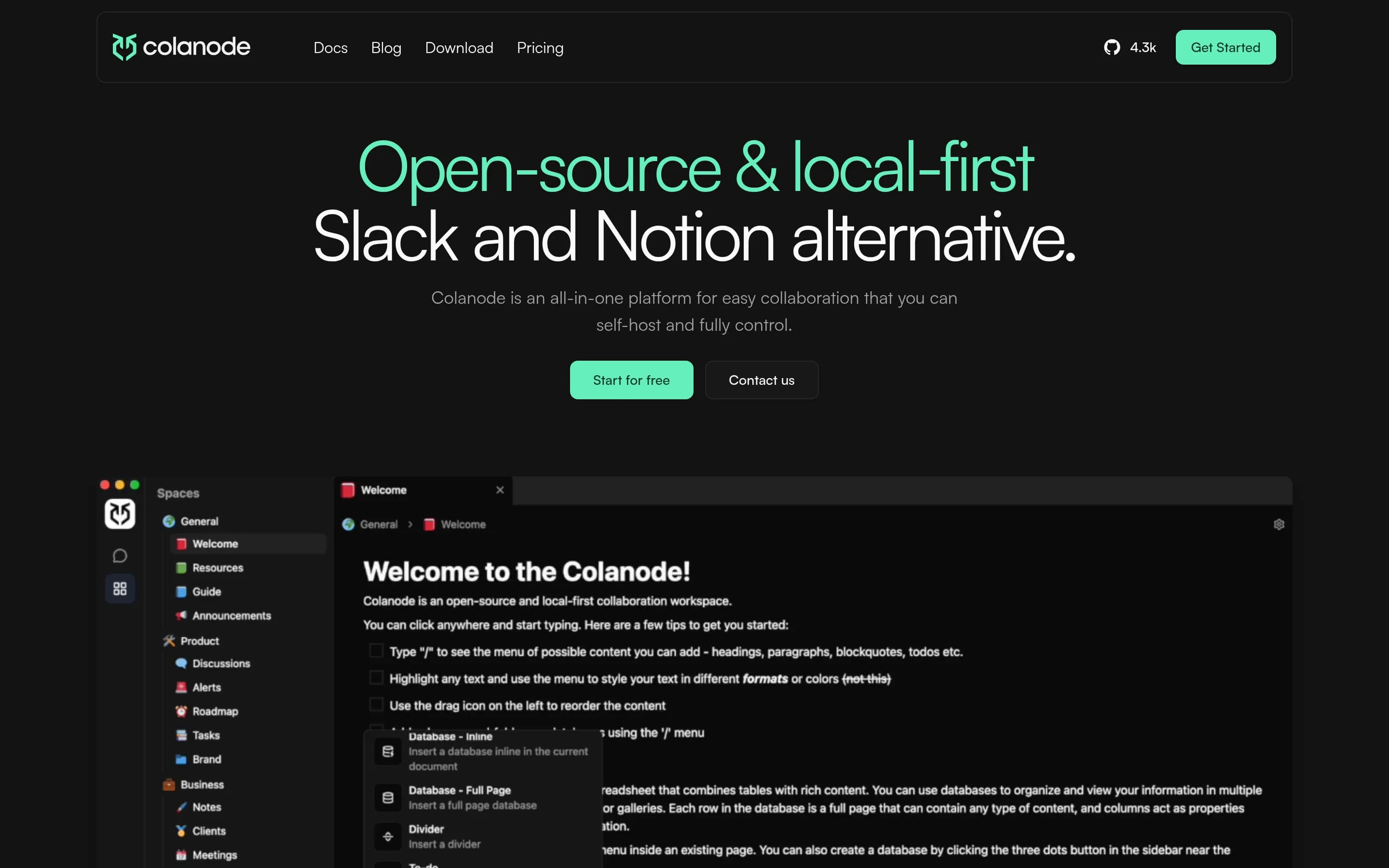
Colanode is an open-source, local-first collaboration workspace for individuals and teams. Users can communicate through real-time chat, create rich-text documents, wikis, and notes, organize information in customizable databases with table, kanban, and calendar views, and store and share files within workspaces.
The client saves changes to a local SQLite database before synchronizing them with a server, supporting offline work and immediate local reads. CRDTs powered by Yjs enable concurrent editing of pages and database records. Colanode provides web and desktop clients, hosted cloud servers, and a self-hosted server deployment model using Docker Compose or Kubernetes, with Postgres, Redis, and configurable file storage backends.
What it covers
- Collaborative rich-text pages
- Structured tables and records
- Real-time collaborative editing
- Team workspaces
- Desktop and web access
What’s different
- No documented formulas or automated actions
- No documented lightweight app controls
- No documented Packs or connector ecosystem
- No documented developer API
- No documented AI assistance
- No documented interactive web publishing
- No documented Coda import or compatibility path
DDocmost21,372
Docmost is the better fit for teams that primarily need a self-hosted collaborative wiki or documentation system, including real-time editing, spaces, permissions, diagrams, and page history. Coda remains the stronger choice for operational documents that depend on custom apps, automations, broad integrations, or mature table-driven workflows. Docmost offers structured Bases with formulas and Kanban views, but these—
What it does
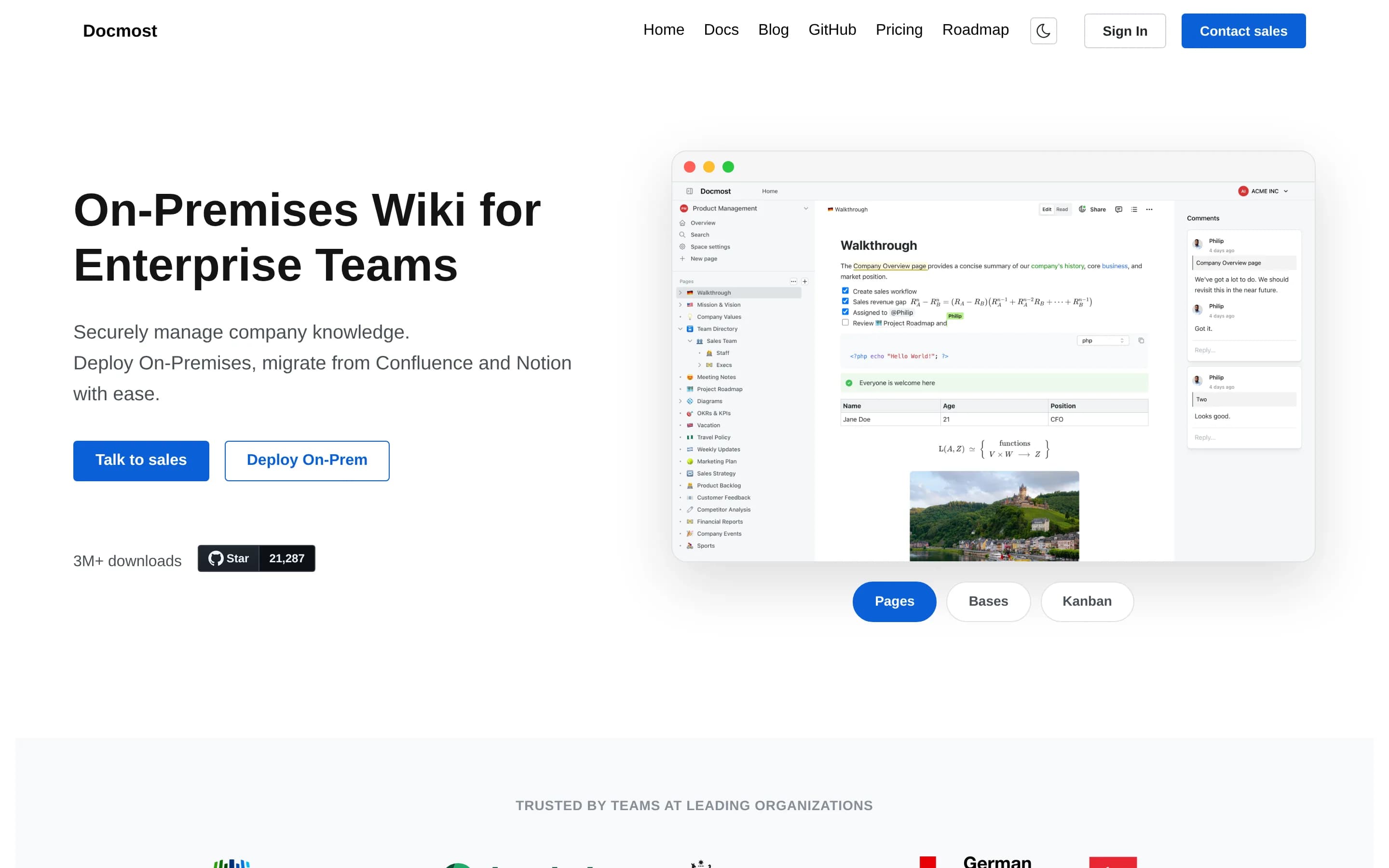
Docmost is open-source collaborative wiki and documentation software for teams. Its documented workflows include real-time collaboration, spaces, permissions management, groups, comments, page history, search, file attachments, and embedded external content.
The product also supports diagrams through Draw.io, Excalidraw, and Mermaid, plus translations in more than ten languages. Users can try its cloud version or deploy the complete open-source core using the project's self-hosting documentation. The core is licensed under AGPL-3.0, while some enterprise features use a separate enterprise license.
What it covers
- Real-time collaborative pages
- Structured tables, with limited parity
- Formula-capable databases, Enterprise in Docmost
- AI writing and knowledge assistance, Enterprise in Docmost
- Templates, Enterprise in Docmost
- Public page sharing
- REST API, Enterprise in Docmost
- Comments and team mentions
What’s different
- No documented Coda-specific importer
- No documented workflow automations
- No documented lightweight app builder
- No documented control components
- No documented Pack extension system
- No comparable connector coverage documented
- Forms still planned
- Calendar database view still planned
MrDoc3,229
MrDoc is the narrower, self-hostable choice for individuals and small teams primarily managing documents, notes, wikis, and knowledge. Choose it when infrastructure control and a document-centered workflow matter more than Coda’s structured tables, formulas, automations, integrations, and app-building model. Keep Coda when operational data and interactive workflows are central, because equivalent relational tables, C
What it does
MrDoc is an online document system for individuals and small teams to manage documents, knowledge, and notes. Its web platform organizes content into projects containing documents, templates, images, and attachments, with Markdown editing, document reading, sharing, export to PDF and ePub, and support for diagrams and mind maps.
The product supports registration and user administration, project visibility and access-code permissions, project collaboration with configurable roles, document version comparison and restoration, API-based document and image operations, and AI Write. It can be deployed privately using Docker Compose or installed with Python and Django, database configuration, migrations, and the Django development server. Desktop, Android, browser-extension, and Obsidian integrations are also documented.
What it covers
- Collaborative document projects
- Document templates
- User and project permissions
- Account-token API access
- AI-assisted writing
What’s different
- No documented relational tables or trackers
- No documented formulas or workflow automations
- No documented Coda-like lightweight apps
- No documented packaged external integrations
- No documented interactive web publishing