
CConfluence
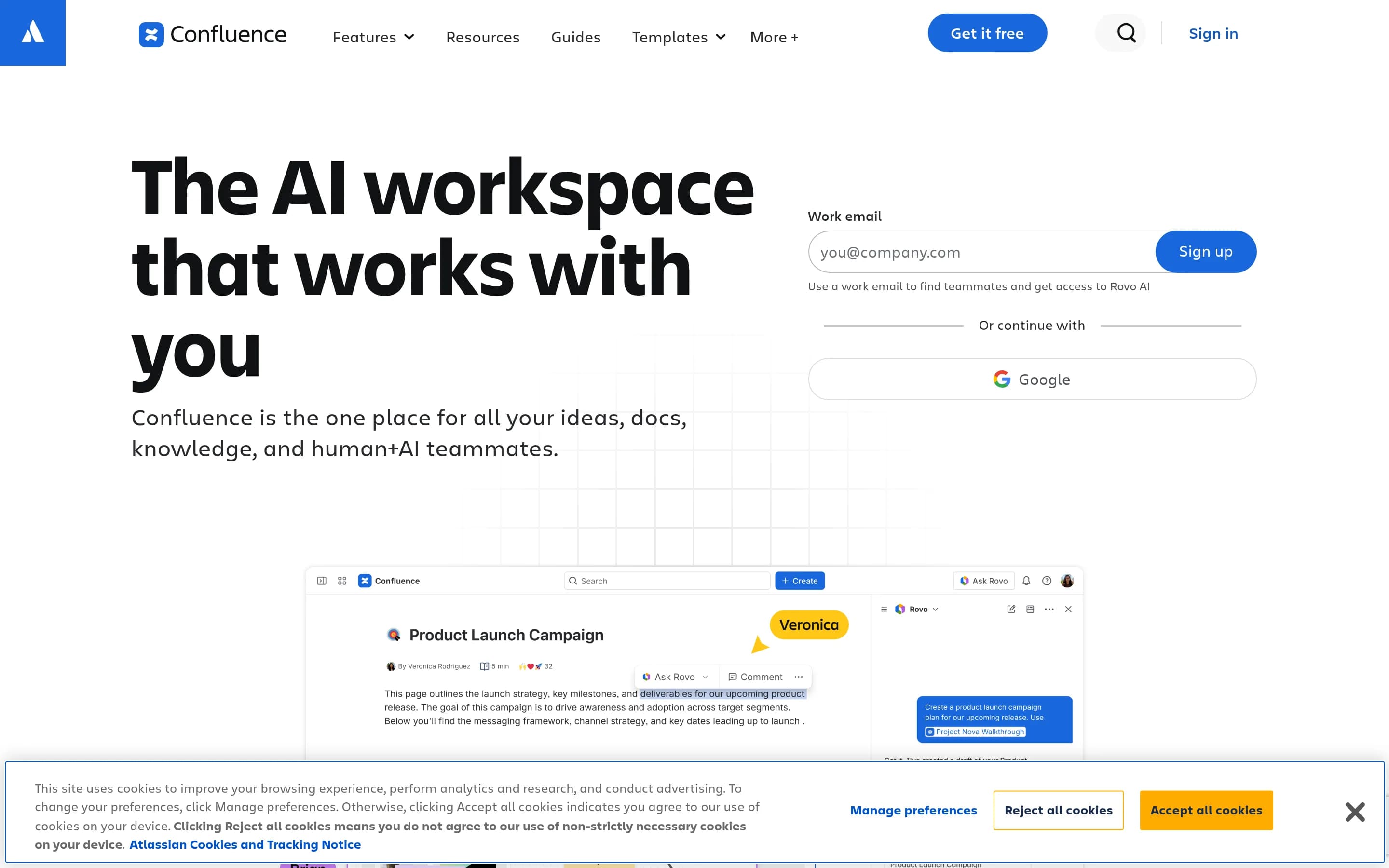
Confluence is a shared workspace for creating, organizing, finding, and maintaining team documentation and institutional knowledge. It combines collaborative pages with live documents, whiteboards, databases, templates, search, integrations, and AI-assisted drafting and summarization.
Why people leave Confluence
Organizations may seek a Confluence alternative when they want a more focused documentation or wiki experience. Confluence spans pages, live documents, whiteboards, databases, videos, slides, work tracking, integrations, and AI-assisted workflows. That breadth can be useful, but teams whose main requirement is publishing and maintaining straightforward internal documentation may prefer a product with fewer content types, a simpler information model, or less emphasis on adjacent planning and presentation workflows.
Deployment, control, and portability can also influence the decision. A team evaluating open-source alternatives may want to inspect or modify the software, operate it within its own infrastructure, or exercise more direct control over upgrades and data handling. Others may prioritize storing content in portable, text-oriented formats or maintaining a repository-based documentation workflow. These preferences do not necessarily indicate a problem with Confluence; they reflect different requirements around ownership, administration, migration, and long-term access to institutional knowledge.
Confluence is positioned as a connected workspace within Atlassian’s broader ecosystem, with Jira, Loom, Rovo, Teamwork Graph, Marketplace apps, and third-party integrations appearing prominently in the supplied page. Organizations already using those tools may value that connection, while teams centered on another stack may look for an alternative that fits their existing identity, search, development, or collaboration systems more directly. Some may also want a standalone knowledge base rather than a workspace whose value is partly tied to cross-product context and integrations.
Finally, teams may differ in how much AI they want embedded in knowledge work. Confluence highlights AI drafting, summaries, answers across connected sources, content transformation, and agents that move work forward. Some organizations may prefer a documentation system where AI is optional, locally operated, or absent because of governance, predictability, or workflow preferences. Others may favor a different primary artifact altogether: Markdown documentation, a lightweight team wiki, document-centric editing, or a visual canvas. In those cases, an alternative may better match how the team authors, reviews, publishes, searches, and preserves knowledge.
17 Best Open Source Confluence Alternatives (Ranked)
Each alternative is evaluated for core feature coverage, deployment options, licensing, project health, and overall fit. The ranking prioritizes how closely a tool matches Confluence's primary workflows, using popularity only as a secondary signal.
DDocmost21,372
Docmost is the stronger fit for teams seeking a focused, self-hosted collaborative wiki with control over infrastructure and optional locally operated AI. Confluence remains the better choice for organizations that need its broader workspace model—whiteboards, databases, content transformation, work tracking, and deep Atlassian ecosystem connections—or want to avoid an enterprise-licensed migration path. Several Doc
What it does
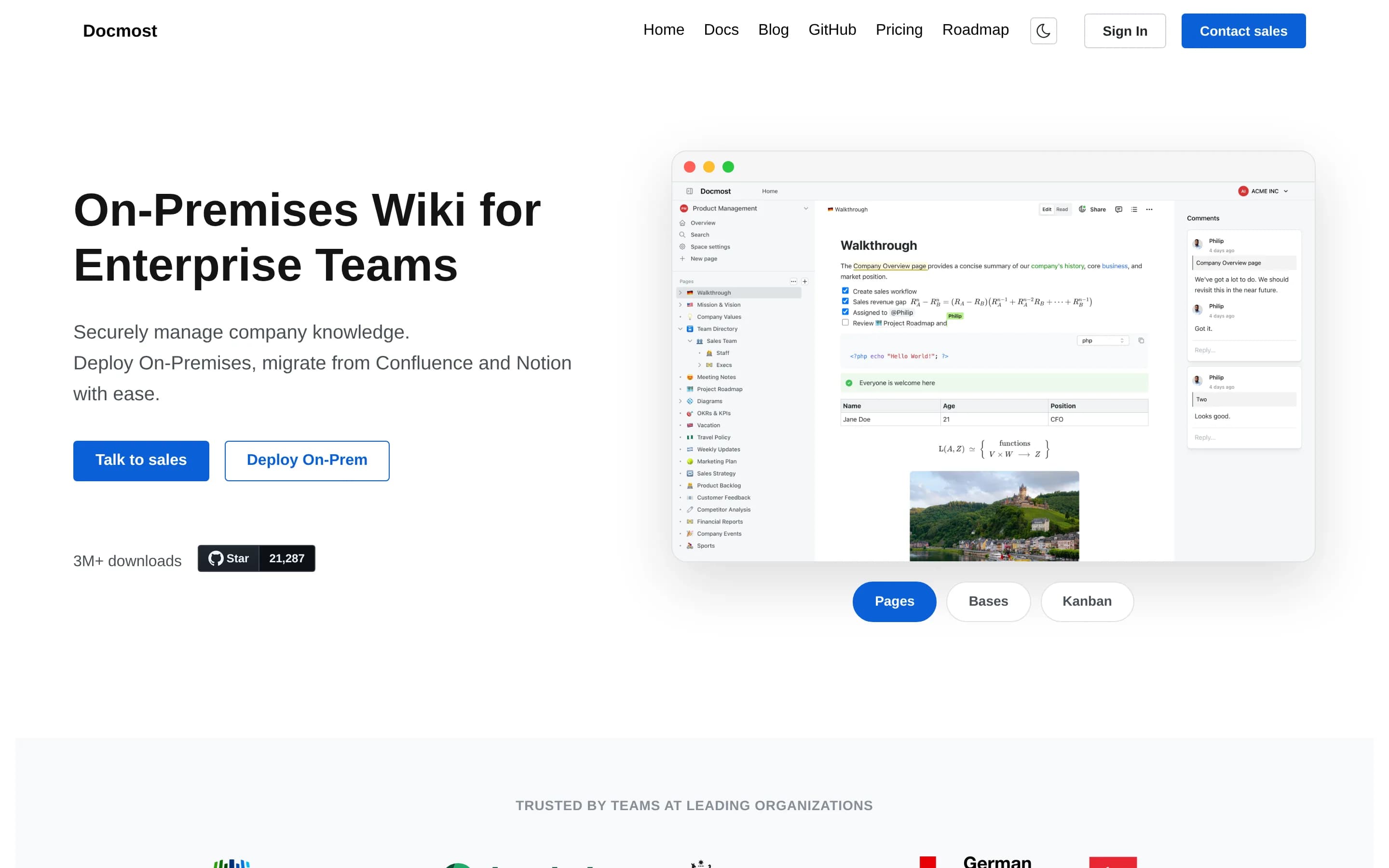
Docmost is open-source collaborative wiki and documentation software for teams. Its documented workflows include real-time collaboration, spaces, permissions management, groups, comments, page history, search, file attachments, and embedded external content.
The product also supports diagrams through Draw.io, Excalidraw, and Mermaid, plus translations in more than ten languages. Users can try its cloud version or deploy the complete open-source core using the project's self-hosting documentation. The core is licensed under AGPL-3.0, while some enterprise features use a separate enterprise license.
What it covers
- Collaborative documentation pages
- Real-time multi-user editing
- Workspace search
- Spaces and access controls
- Comments and page history
- Reusable page templates
- Structured databases, via Enterprise
- AI writing and search, via Enterprise
- Embedded diagrams and visual sketching
- File attachments and embeds
What’s different
- No documented equivalent for Confluence content transformation
- No documented equivalent for integrated work tracking
- No documented Jira integration
- Slack integration not yet shipped
- GitHub and GitLab integrations not yet shipped
- No documented Marketplace-scale app ecosystem
- Confluence importer excluded from the open-source core
AAlexandrie2,326
Alexandrie is the stronger fit for teams that want a focused, self-hosted, offline-first Markdown knowledge base with source access and infrastructure control. Confluence remains the better choice for organizations needing a broader connected workspace—especially AI-assisted knowledge work, whiteboards, databases, content transformation, and deep Atlassian-oriented workflows. Migrating trades Confluence’s breadth for
What it does
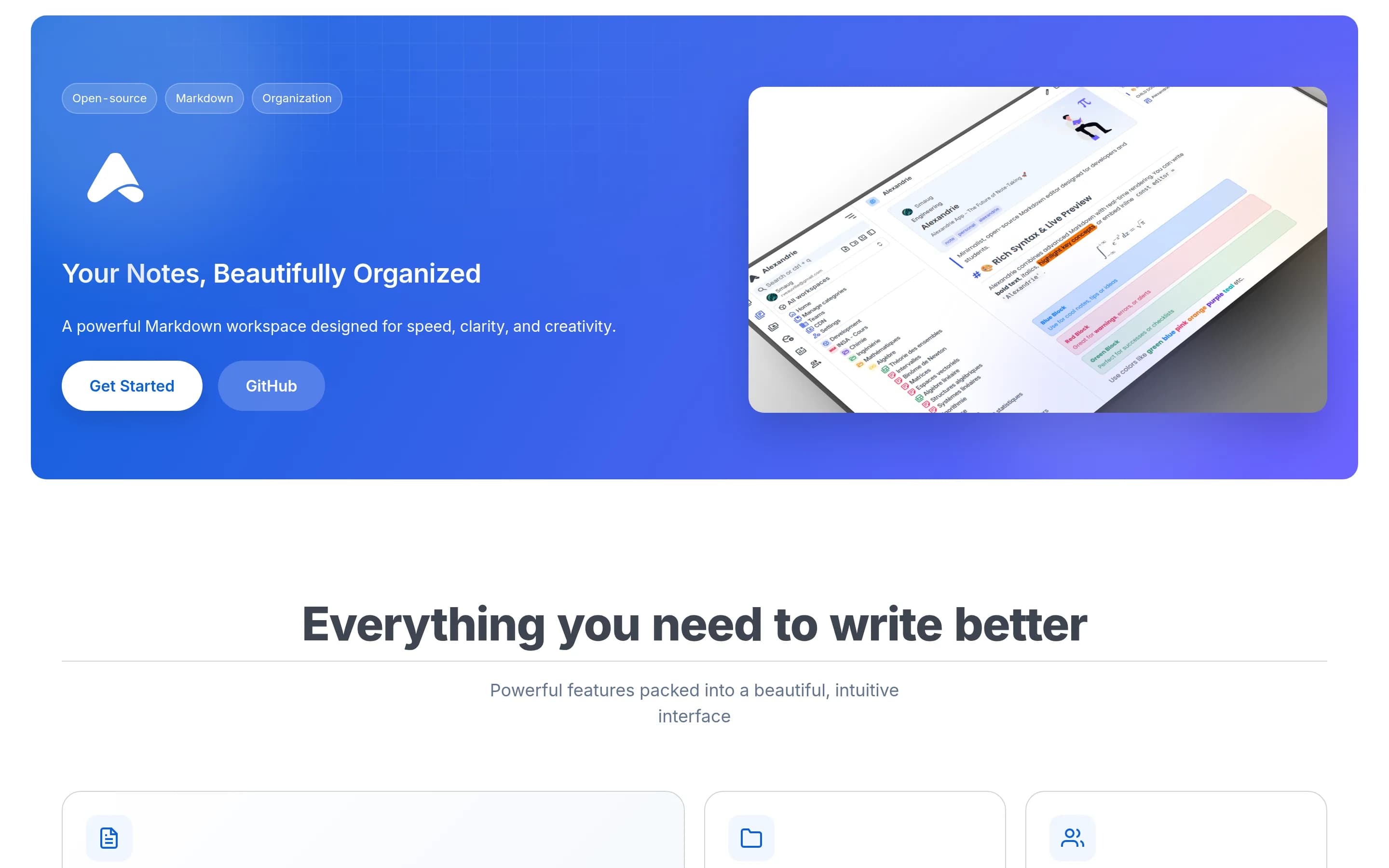
Alexandrie is an open-source, self-hosted wiki and knowledge-management platform for teams and individuals. Users create and maintain nested documents with an extended Markdown editor supporting LaTeX, custom containers, checkboxes, snippets, speech-to-text, and embedded diagrams. Documents can be organized across teams, workspaces, categories, and hierarchical nodes.
The platform provides full-text search with highlighted results, offline-first PWA access and synchronization, public links, granular workspace and node permissions, integrated Kanban boards, media previews, and ZIP import/export. It supports OIDC single sign-on, automated backup and restore workflows, and S3-compatible storage. Deployment is documented through Docker Compose, with the application available locally at port 8200.
What it covers
- Collaborative team documentation
- Hierarchical workspaces and nested documents
- Full-text workspace search
- Templates and reusable snippets
- Granular permissions
- Public or restricted sharing
- Comments and activity history
What’s different
- No documented AI drafting or summarization
- No documented AI answers across connected sources
- No documented collaborative whiteboards
- No documented structured database content type
- No documented content-to-deck or prototype transformation
- No documented Confluence-equivalent integration catalog
AAppFlowy75,519
AppFlowy is the stronger fit for teams prioritizing open-source code, self-hosting, and direct control over data while retaining documents, wikis, databases, comments, templates, and AI features. Confluence remains the safer choice for organizations that need its broader workspace—especially whiteboards, connected search across tools, content transformation, and deep Atlassian ecosystem workflows—or that cannot yet验证
What it does
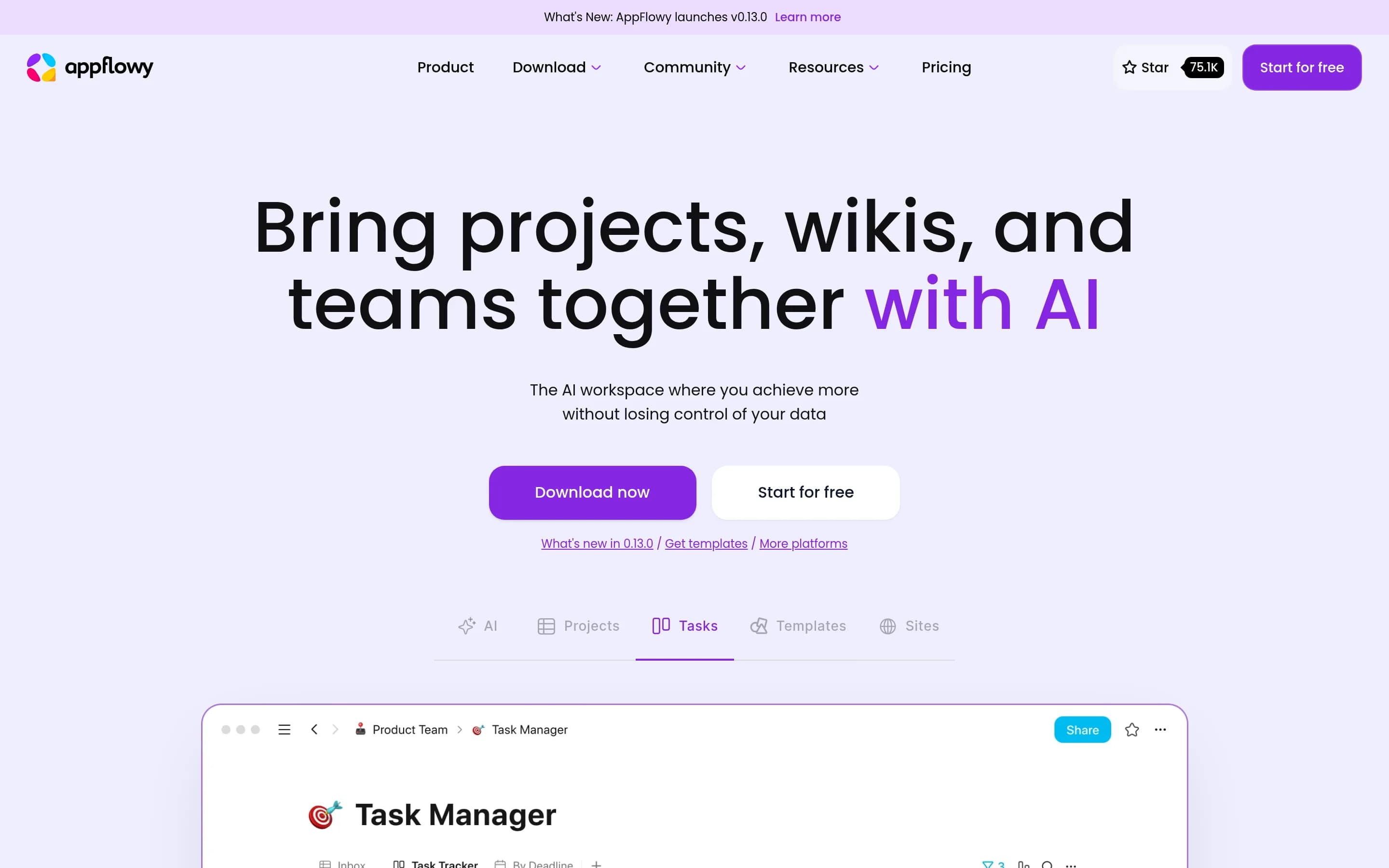
AppFlowy is an open-source collaborative workspace that brings projects, wikis, teams, databases, documentation, templates, and AI features together. Its documented workflows include Kanban boards for to-dos, database views for tasks and projects, collaborative workspace use, and creation of documentation sites.
The repository provides downloadable desktop applications for macOS, Windows, and Linux, plus mobile applications for iPhone and Android. It also documents source-based installation and self-hosting, giving users a deployment path under their own control. AppFlowy is distributed under the AGPL-3.0 license and is built with Flutter and Rust.
What it covers
- Collaborative document pages
- Wiki-oriented workspaces
- Structured databases
- Inline page comments
- Document version history
- Templates
- AI-assisted summaries
- Project and Kanban views
- Desktop and mobile access
What’s different
- No documented collaborative whiteboards
- No documented Confluence importer
- No documented cross-app answer search
- No documented Jira or Loom integration
- No documented slide, map, or prototype transformation
WWiki28,765
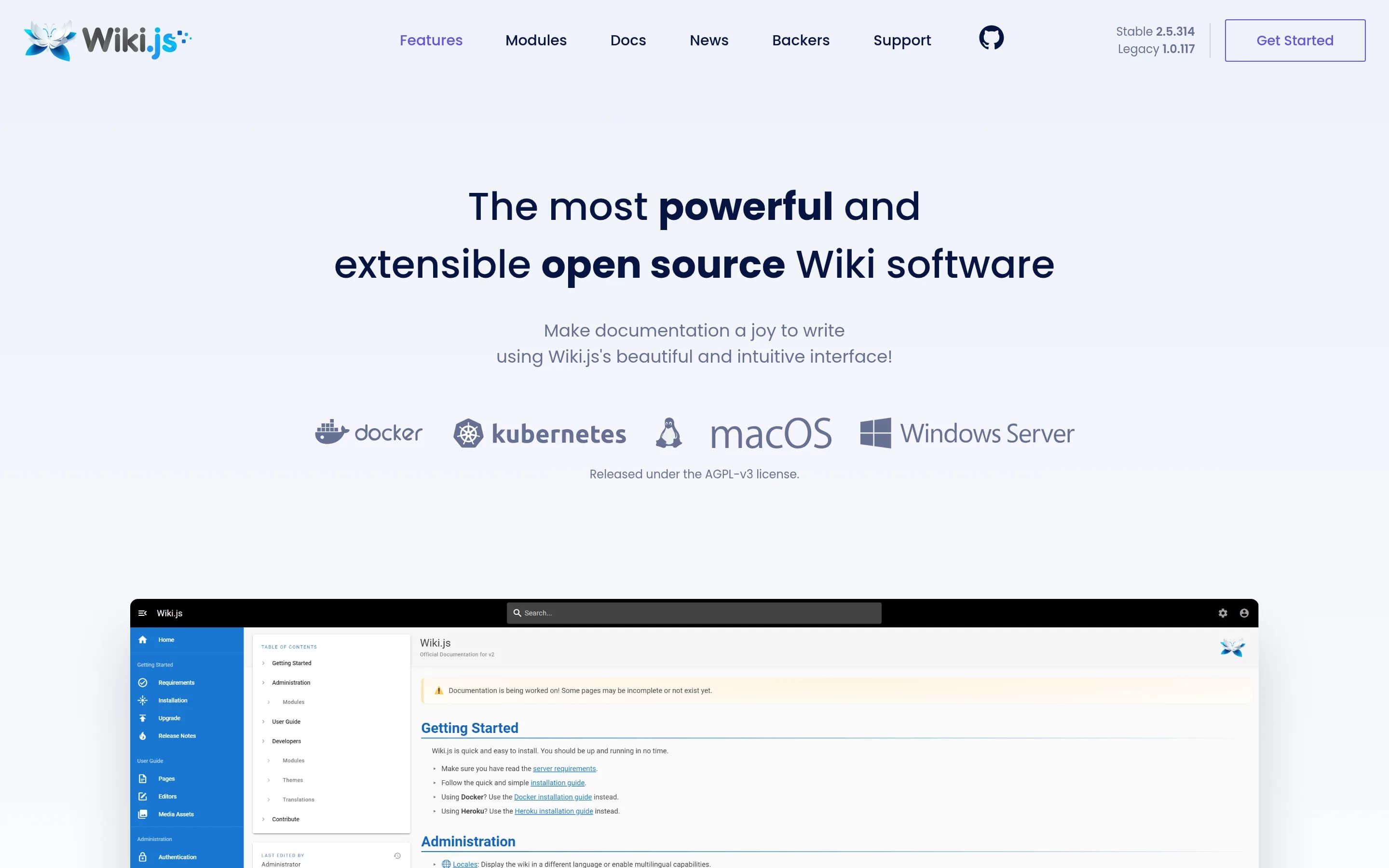
Wiki.js is the better fit for teams seeking a focused, open-source, self-hosted wiki for documentation. Confluence remains the stronger choice when documentation must coexist with live documents, whiteboards, databases, AI workflows, work tracking, and Atlassian ecosystem integrations; the supplied Wiki.js evidence does not establish coverage for those capabilities.
What it does
Wiki.js is an open-source wiki application built on Node.js for creating, organizing, and maintaining documentation. Its repository identifies it as a modern, lightweight wiki app and includes documentation, installation, requirements, demo, and translation resources, supporting use as a team knowledge base and shared documentation site.
The supplied evidence describes a complete web-based product rather than a library or client. It can be deployed under user control, with Docker distribution evidenced by the repository’s Docker Pulls badge. The README does not document live collaborative editing, workspace-wide search and answers, templates, AI-assisted drafting, whiteboards, databases, summaries, or integrations.
What it covers
- Team documentation and wiki pages
- Extensible search integrations
- External service integrations
What’s different
- No supplied evidence for live documents
- No supplied evidence for AI drafting or summaries
- No supplied evidence for collaborative whiteboards
- No supplied evidence for structured databases
- No supplied evidence for content-to-slide or chart transformation
- No supplied evidence for Jira-style work tracking
BBookStack18,987
Choose BookStack when the priority is a self-hosted, focused documentation/wiki system with an opinionated information model and modifiable MIT-licensed source. Choose Confluence when the workspace must also cover live documents, whiteboards, databases, AI assistance, content transformation, work tracking, or broad ecosystem integrations. BookStack explicitly limits its scope rather than positioning itself as an all‑
What it does
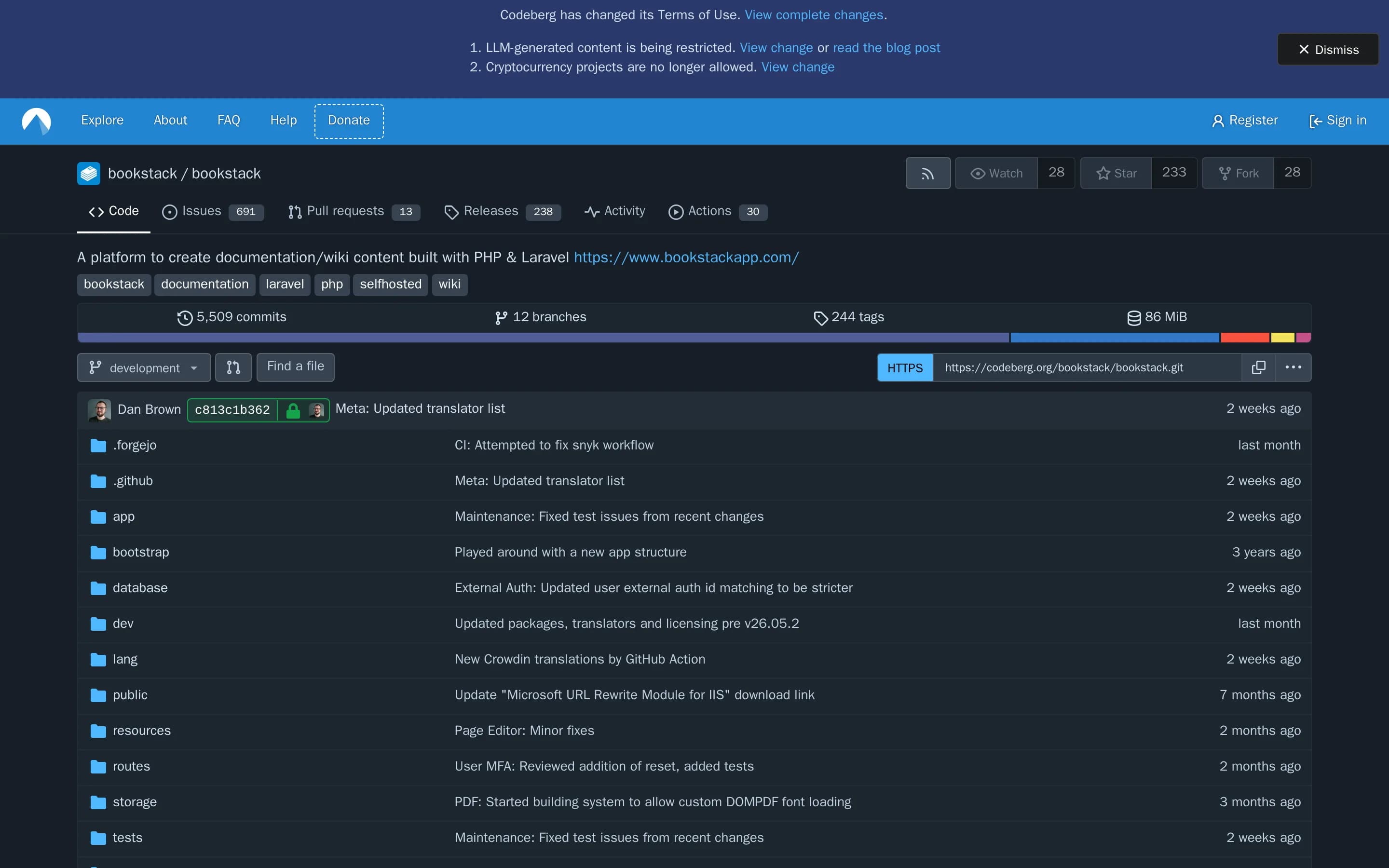
BookStack is an opinionated documentation platform for storing and organizing information. It is designed to provide an intuitive experience for creating content, while retaining advanced features for users who need them. The repository describes it as focused specifically on documentation rather than as a broadly extensible platform.
The project is open source under the MIT License and includes installation instructions, documentation, and a demo instance. Its source is a complete Laravel and PHP application intended for deployment as a user-controlled BookStack instance. The supplied evidence does not detail live document collaboration, workspace-wide search and answers, templates, AI drafting, whiteboards, or structured databases.
What it covers
- Documentation creation
- Information organization
- Maintained knowledge content
What’s different
- No documented live-document collaboration
- No documented AI drafting or summaries
- No documented workspace answers across connected sources
- No documented structured databases
- No documented Confluence-like whiteboards
- No documented content-to-slide or prototype transformation
- No documented equivalent integration breadth
DDocs16,725
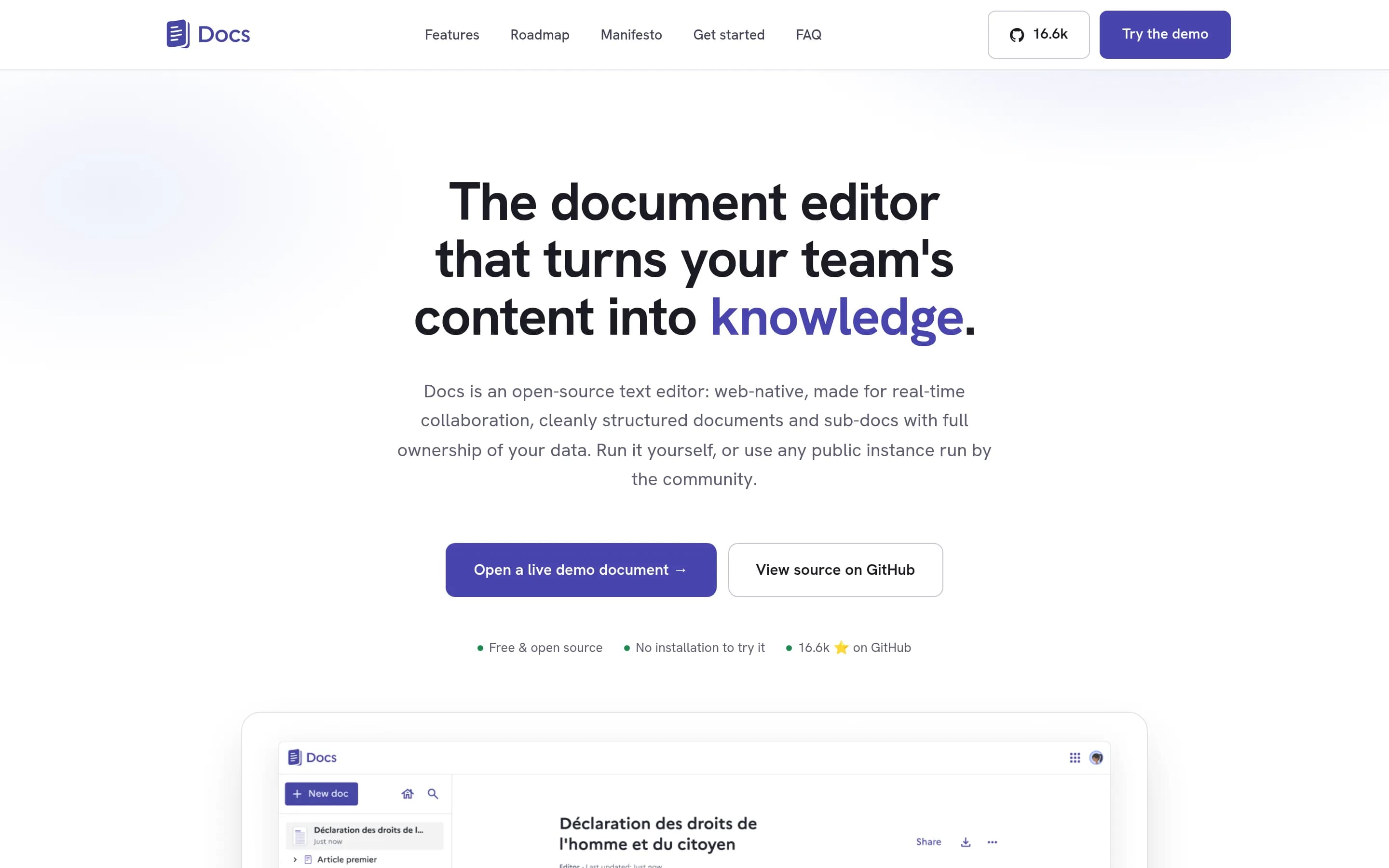
Docs is a narrower, open-source alternative for teams centered on collaborative documents and hierarchical knowledge, with self-hosting, portable imports/exports, and optional bring-your-own-provider AI. Choose Docs when infrastructure control and a focused text-editing model matter most. Keep Confluence when the broader workspace—whiteboards, structured databases, work tracking, rich content transformation, or Atlاس
What it does
La Suite Docs is an open-source, web-native collaborative editor for teams and organizations. It supports rich-text and Markdown editing, structured documents and subpages, hierarchical knowledge organization, searchable content, comments, sharing, live cursors, presence, and granular access control. Offline editing and document import/export are also documented.
Optional model- and gateway-agnostic AI features can rewrite, summarize, translate, and correct selected text, with a beta AI toolbar and cursor workflow. Docs includes presentation mode, PDF exports, resource-server and server-to-server APIs, and an example for importing Meet transcripts. The complete product can be self-hosted using Kubernetes or Docker Compose, with local development documented through Docker and Docker Compose.
What it covers
- Real-time collaborative writing
- Hierarchical pages or sub-documents
- Content search
- Comments and sharing
- Granular access controls
- Optional AI writing and summarization
- Templates or structured authoring aids
- Presentation output
What’s different
- No documented collaborative whiteboards
- No documented structured databases
- No documented Jira-style work tracking
- No documented cross-app AI answers
- No documented Confluence-specific importer
- No documented equivalent integration catalog
Gollum14,313
Choose Gollum for a focused, self-hosted wiki whose text or markup pages live in Git and can be edited through either a web interface or standard development tools. Choose Confluence when teams need broader real-time collaboration, AI-assisted knowledge discovery, whiteboards, databases, content transformation, or integrated work tracking; those capabilities are not documented for Gollum.
What it does
Gollum is a simple wiki system built on top of Git repositories. Users create human-editable pages from text or markup files, organize pages into directories, include images and PDFs, edit through a built-in web interface or a preferred editor, and view or revert page versions.
It supports Markdown, RDoc, and additional renderers such as AsciiDoc, Creole, MediaWiki, Org, Pod, reStructuredText, and Textile. Document features include Mermaid and PlantUML diagrams, citations, CriticMarkup annotations, mathematics, macros, redirects, RSS feeds, uploads, templates, and custom CSS or JavaScript. Gollum runs locally as a Ruby application, via Rack, as a service, in a Java WAR, or with Docker; it serves the wiki over a browser at a configurable address.
What it covers
- Editable team wiki pages
- Directory-based page organization
- Browser-based page editing
- Reusable page templates
- Attached images and PDFs
- Page revision and rollback history
What’s different
- No documented live-document co-editing
- No documented AI drafting or answers
- No documented AI page or comment summaries
- No documented collaborative whiteboards
- No documented structured databases
- No documented content-to-presentation transformation
- No documented work tracking or Confluence-style app integrations
CColanode5,015
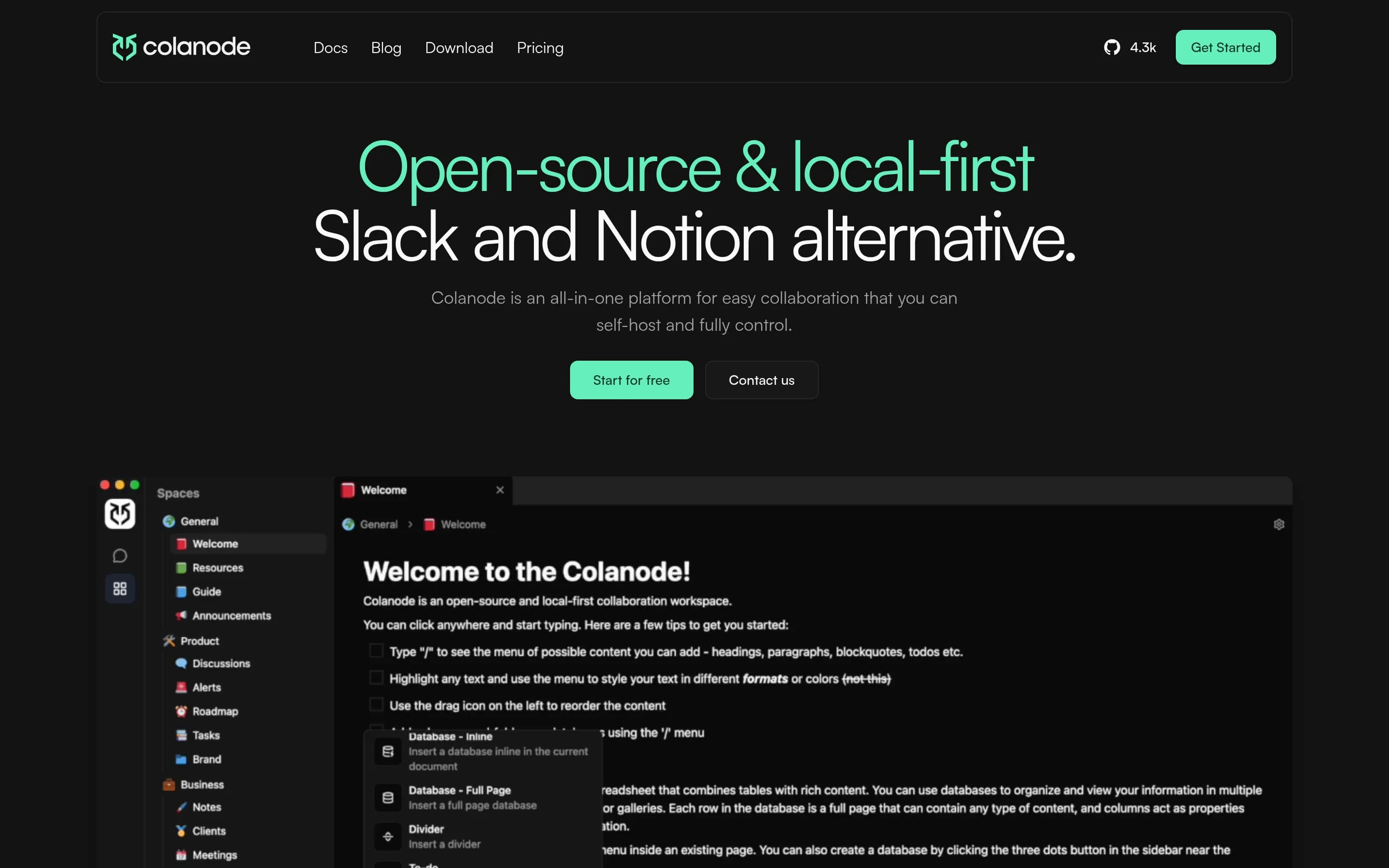
Choose Colanode if self-hosting, local-first/offline work, and an open-source workspace combining wiki pages, databases, files, and chat are the priorities. Choose Confluence if you need its broader documented workspace—especially whiteboards, templates and AI drafting, AI search and summaries, content transformation, or established Atlassian and third-party integrations. Colanode covers core collaborative knowledge,
What it does
Colanode is an open-source, local-first collaboration workspace for individuals and teams. Users can communicate through real-time chat, create rich-text documents, wikis, and notes, organize information in customizable databases with table, kanban, and calendar views, and store and share files within workspaces.
The client saves changes to a local SQLite database before synchronizing them with a server, supporting offline work and immediate local reads. CRDTs powered by Yjs enable concurrent editing of pages and database records. Colanode provides web and desktop clients, hosted cloud servers, and a self-hosted server deployment model using Docker Compose or Kubernetes, with Postgres, Redis, and configurable file storage backends.
What it covers
- Collaborative rich-text pages and wikis
- Concurrent multi-user page editing
- Structured databases with custom fields and views
- Team workspaces for organized knowledge
What’s different
- No documented collaborative whiteboards
- No documented templates or AI-assisted drafting
- No documented AI search, answers, or summaries
- No documented content-to-chart, map, slide, or prototype transformation
- No documented Confluence import or migration path
- No documented Jira, Loom, or listed third-party integration parity
Dokuwiki4,699
DokuWiki is the narrower choice: a GPL-2.0, self-hostable PHP wiki for teams primarily maintaining straightforward knowledge pages. Choose it when operating an open-source wiki on your own infrastructure matters more than Confluence’s broader workspace. Choose Confluence when live documents, whiteboards, databases, AI assistance, content transformation, work tracking, or its connected-app ecosystem are required.
What it does
DokuWiki is an open-source wiki engine designed for creating, organizing, and maintaining shared documentation. Its documented purpose and wiki classification support use as a team knowledge base or institutional documentation system.
The supplied repository facts provide installation instructions and identify DokuWiki as a PHP-based wiki engine. They do not document live collaborative editing, workspace search and answers, templates, AI-assisted drafting, whiteboards, databases, summaries, or integrations. The project is licensed under GPL-2.0 and includes an installation path for deployment under user control.
What it covers
- Wiki-style knowledge publishing
- Team documentation
What’s different
- No documented live documents
- No documented AI drafting or summaries
- No documented whiteboards
- No documented structured databases
- No documented content-to-slide or chart transformation
- No documented work tracking or named integrations
OOpenDeepWiki3,529
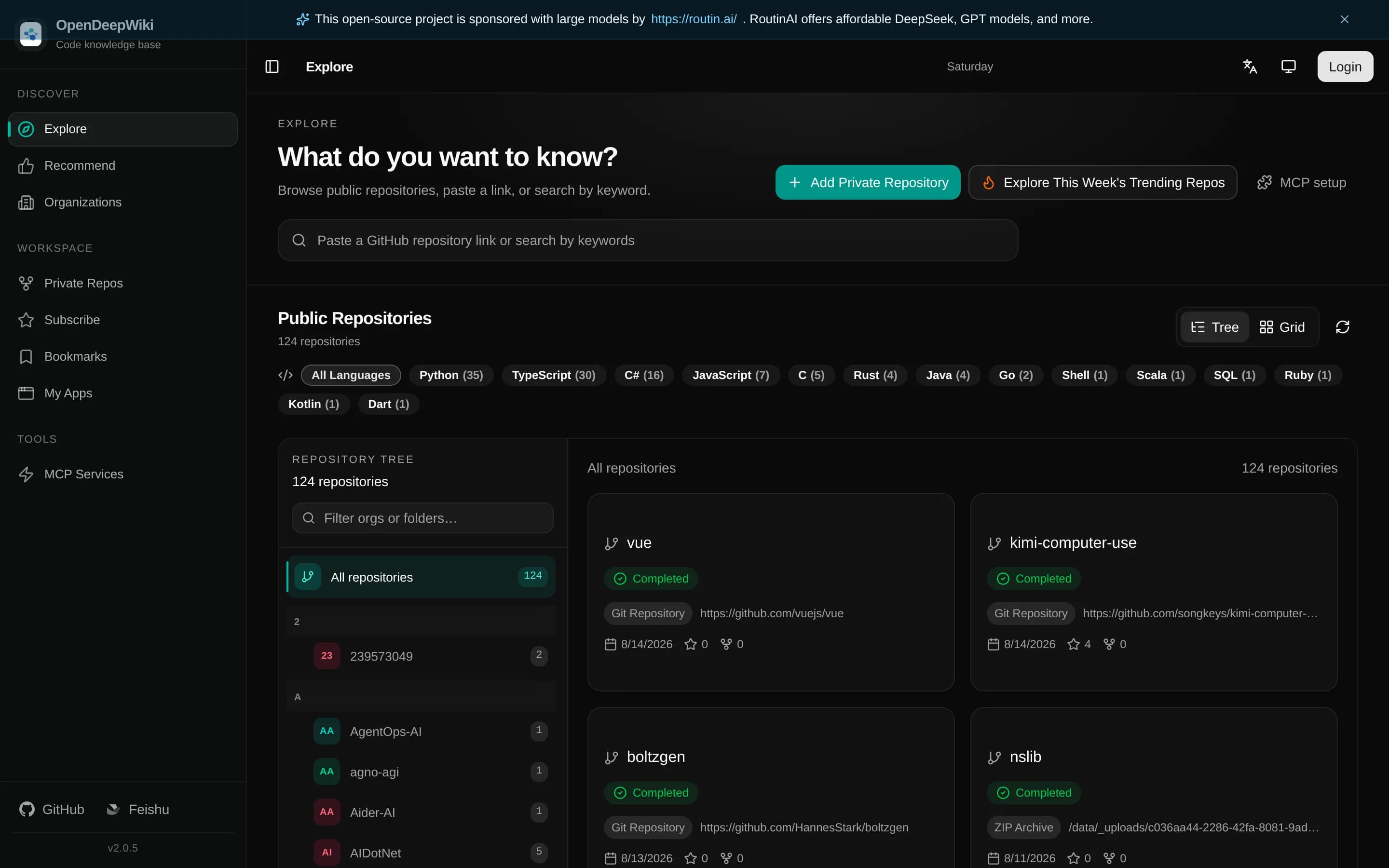
OpenDeepWiki is a specialized, self-hostable repository knowledge base rather than a feature-for-feature Confluence replacement. Choose it when documentation originates in Git repositories, ZIP archives, or local directories and should feed public docs, AI chat, embeds, or MCP tools. Choose Confluence for broadly collaborative team authoring and its documented mix of live documents, whiteboards, databases, templates,
What it does
OpenDeepWiki imports Git repositories, ZIP archives, and approved local directories, then uses configured AI providers to generate README summaries, project overviews, wiki catalogs, document content, translations, mind maps, and optional Graphify artifacts. The indexed repository knowledge is served through public Next.js documentation pages, built-in chat, embedded chat APIs, share links, and repository-scoped MCP endpoints.
The platform also includes administration for repositories, users, roles, departments, API keys, AI providers, models, skills, MCP providers, and GitHub App imports. Background workers support repository processing, translation, visualization, and scheduled incremental updates. It is deployable under user control with Docker Compose or Sealos, using SQLite or PostgreSQL, and also supports local .NET and Next.js development.
What it covers
- Searchable organizational knowledge
- AI-assisted documentation and answers
- Organized documentation catalogs
- User and role administration
- Integrations with external collaboration tools
What’s different
- No documented live coauthoring parity
- No documented collaborative whiteboards
- No documented structured databases
- No documented general-purpose template library
- No documented work-tracking equivalent
- No documented Confluence importer
MrDoc3,229
MrDoc is the better fit for individuals and small teams seeking a self-hosted, Markdown-oriented documentation system with project collaboration, version history, permissions, and basic AI writing. Confluence remains the stronger choice for organizations needing a broader connected workspace—particularly live documents, whiteboards, structured databases, cross-app answers, content transformation, and extensive work/
What it does
MrDoc is an online document system for individuals and small teams to manage documents, knowledge, and notes. Its web platform organizes content into projects containing documents, templates, images, and attachments, with Markdown editing, document reading, sharing, export to PDF and ePub, and support for diagrams and mind maps.
The product supports registration and user administration, project visibility and access-code permissions, project collaboration with configurable roles, document version comparison and restoration, API-based document and image operations, and AI Write. It can be deployed privately using Docker Compose or installed with Python and Django, database configuration, migrations, and the Django development server. Desktop, Android, browser-extension, and Obsidian integrations are also documented.
What it covers
- Collaborative documentation projects
- Document templates
- AI-assisted writing
- Access permissions
- Document version history
What’s different
- Live-document collaboration not documented
- Collaborative whiteboards not documented
- Structured databases not documented
- AI summaries and audio briefings not documented
- Cross-app search and answers not documented
- Content-to-presentation transformation not documented
- Named Confluence ecosystem integrations not documented
CCommunity2,415
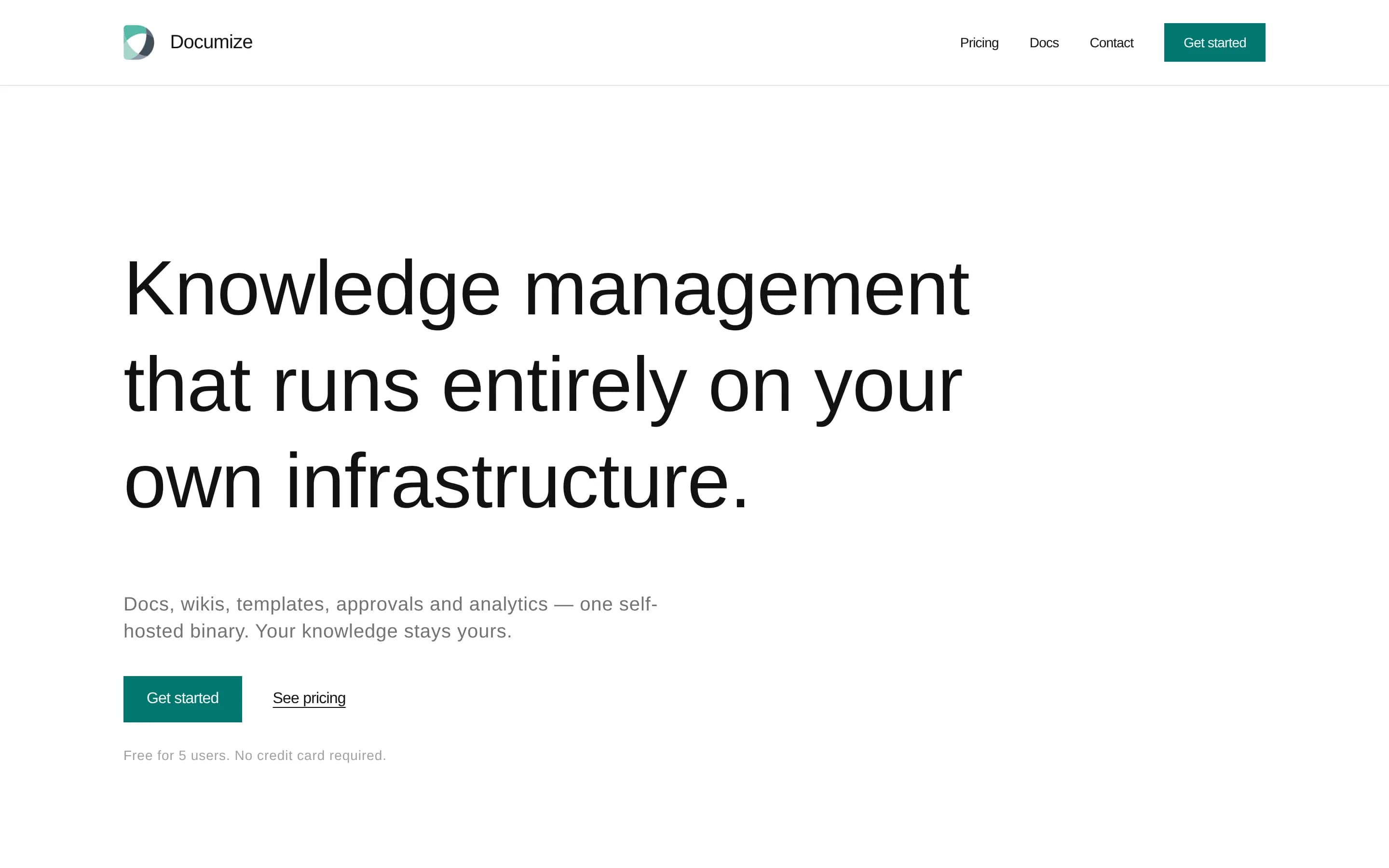
Documize Community is the better fit for teams that primarily need a self-hosted, open-source documentation or wiki system with spaces, labels, templates, and database-backed search. Confluence remains the stronger choice when whiteboards, structured databases, AI-assisted work, content transformation, or broad Atlassian and third-party integrations are requirements; the supplied sources do not document those areasln
What it does
Documize Community is an open-source knowledge-management solution for technical and non-technical users. It unifies customer-facing and internal documentation, organizing content with labels, spaces, and categories. The repository describes the product as a modern Confluence alternative and includes a screenshot of the product interface.
The application is built with Go and EmberJS and compiles to a single executable for Linux, Windows, macOS, and Raspberry Pi. Deployments require a database with full-text search support, including PostgreSQL, Microsoft SQL Server, MySQL, Percona, or MariaDB. Authentication options include email/password, LDAP, Active Directory, Keycloak, and CAS. Community+ additionally documents approval workflows, version and lifecycle management, feedback, PDF export, analytics, activity streams, audit logs, and assignments.
What it covers
- Internal knowledge documentation
- Customer-facing documentation
- Templates for standardized documents
- Spaces and labels for organization
- Database-backed full-text search
What’s different
- No documented collaborative whiteboards
- No documented structured databases
- No documented AI drafting or summaries
- No documented content-to-slide or chart transformation
- No documented Jira, Loom, or Marketplace integration parity
MMatterwiki2,094
Matterwiki is the narrower choice for small teams that want a self-hosted, open-source wiki focused on organized, collaboratively maintained knowledge. Confluence is the better choice when the broader workspace—live documents, AI assistance, whiteboards, databases, visualization, work tracking, and integrations—is required. Matterwiki’s own README also warns that some functionality may be broken while work toward v0.
What it does
Matterwiki is a simple team wiki for storing and collaboratively maintaining company knowledge. Its documented use cases include internal documentation, notes, culture guidelines, employee onboarding content, and other shared information organized under topics and departments. Users can add and edit articles, manage topics, and see who changed documents and when.
The application uses a Node.js API, React front end, and SQLite database by default, with MySQL supported as an alternative. It can be installed with Node and npm, run locally or on a server, and deployed with Docker. The README also documents an API for integrating the wiki with mobile apps or blogs.
What it covers
- Collaborative team knowledge editing
- Organized internal documentation
- Maintained onboarding and policy content
- Visibility into document changes
What’s different
- No documented live-document mode
- No documented AI drafting or summaries
- No documented workspace answers across connected sources
- No documented collaborative whiteboards
- No documented structured databases
- No documented content visualization or transformation
- No documented Jira, Loom, Teams, GitHub, or Figma integrations
- No documented Confluence import or export path
CCrowi1,099
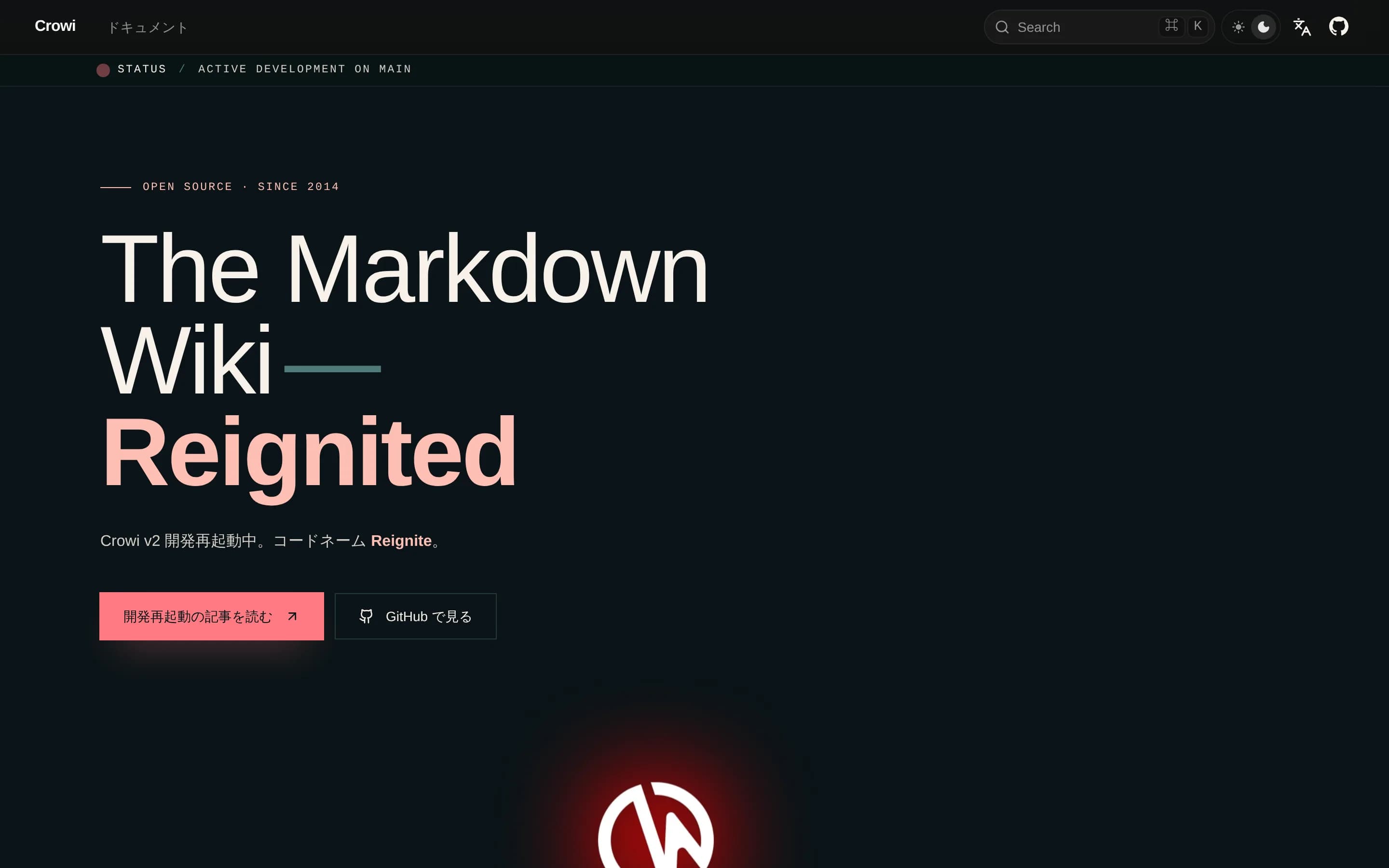
Choose Crowi for a self-hosted, Markdown-centered team wiki with URL-path hierarchy and real-time editing, provided you can accept operating an alpha release. Choose Confluence when you need a broader managed workspace spanning templates, AI-assisted knowledge work, whiteboards, databases, content transformation, work tracking, and established integrations. The central tradeoff is Crowi’s focused, operator-controlled
What it does
Crowi is a Markdown wiki designed for team knowledge sharing. Its URL-based page hierarchy organizes content into paths such as `/team/handbook/onboarding`, while the web frontend supports wiki access and real-time collaborative editing through Yjs and Hocuspocus.
The product includes pluggable storage and search backends, including local filesystem storage, S3, MongoDB-native search, Elasticsearch, and OpenSearch. It also documents OAuth 2.0, personal access tokens, an embedded MCP server, KaTeX and PlantUML renderers, and an end-user CLI for reading, writing, and searching through the HTTP API.
Crowi is deployable under user control. The repository documents local development with Node.js, pnpm, MongoDB, and Redis, and provides published Docker images plus Docker Compose, deployment, and self-hosting guidance. The current v2 release line is an active prerelease.
What it covers
- Team knowledge pages
- Real-time collaborative editing
- Workspace search
- Comments and mentions
- Page history and revisions
- Draft page workflows
- Attachments and access controls
What’s different
- No documented template library
- No documented AI drafting or summaries
- No documented collaborative whiteboards
- No documented structured databases
- No documented content-to-deck transformation
- No documented work-tracking equivalent
- No documented Confluence import path
WWiki426
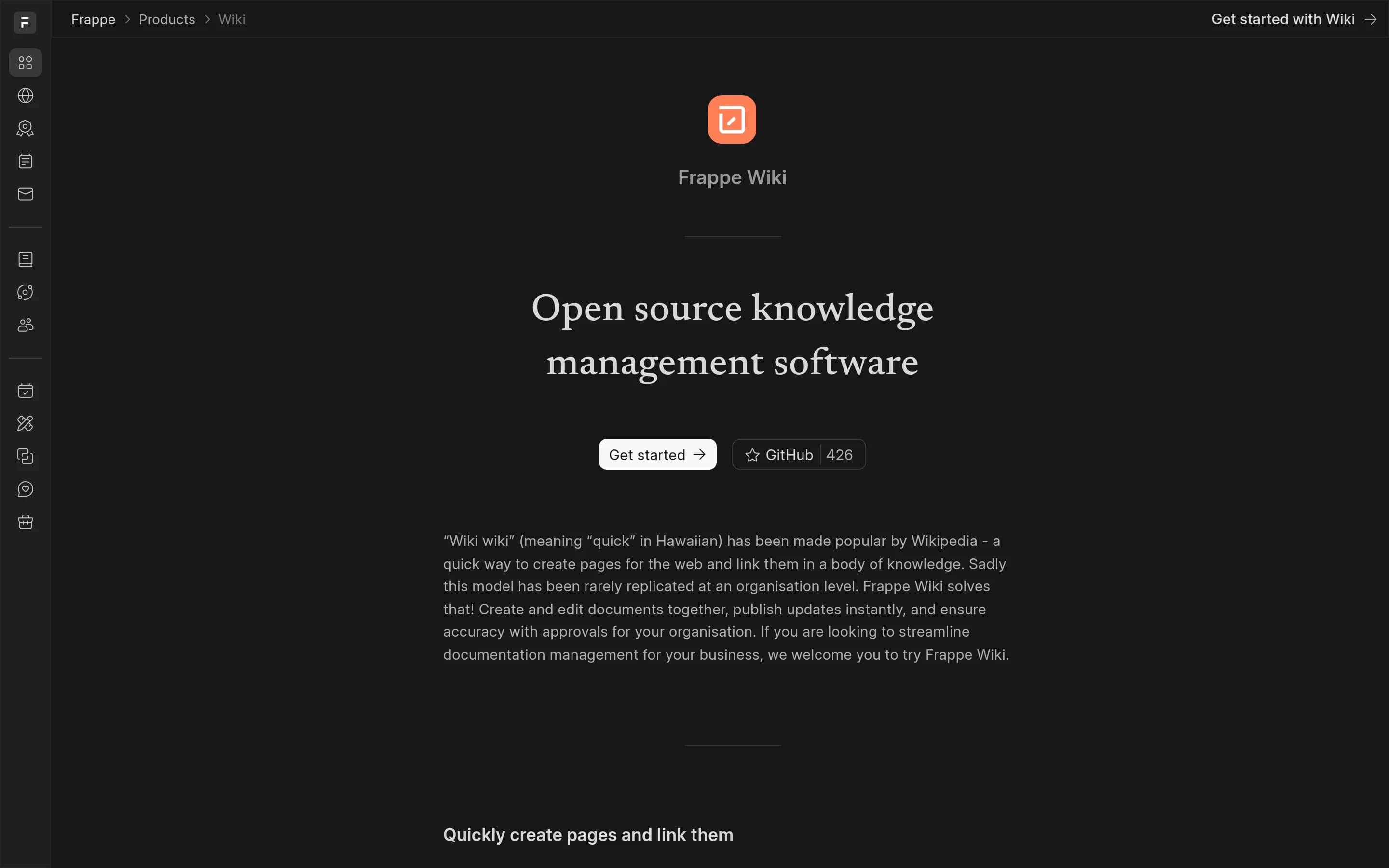
Frappe Wiki is the better fit for teams seeking a self-hostable, MIT-licensed system focused on text-heavy documentation, Markdown authoring, page hierarchy, revision history, and approval-controlled publishing. Confluence remains the better choice for organizations needing a broader connected workspace spanning live documents, whiteboards, databases, AI-assisted workflows, work tracking, and extensive integrations.迁
What it does
Frappe Wiki is an open-source documentation and knowledge-base application built on the Frappe Framework. Users create and organize wiki pages, author content in Markdown, attach files, generate tables of contents, and publish changes or new pages without downtime. The project describes use cases including user manuals, company policies, and internal knowledge.
The application maintains revision history and supports review and approval workflows for controlled wiki updates. RedisSearch provides search and indexing, while custom scripts can extend behavior through Wiki Settings. It can be deployed on managed Frappe Cloud or installed locally through a Frappe bench, where the server is started and the wiki app installed on a site.
What it covers
- Collaborative documentation pages
- Rich-text content editing
- Markdown editing in Frappe Wiki
- Hierarchical page organization
- Workspace content search
- Draft and publishing workflows
- Comments or feedback
What’s different
- No documented collaborative whiteboards
- No documented structured databases
- No documented AI drafting or summaries
- No documented cross-source AI answers
- No documented content-to-visual transformations
- No documented work tracking
- No documented Confluence content importer
AAppFlowy-Cloud1,986
AppFlowy-Cloud is a plausible Confluence alternative for teams prioritizing self-hosting, source access, and a workspace built around documents, wikis, databases, comments, and AI. Confluence remains the safer choice when whiteboards, broad connected-app search, content transformation, or deep Atlassian-centered workflows are requirements; the supplied evidence does not establish equivalent AppFlowy coverage. Also, “
What it does
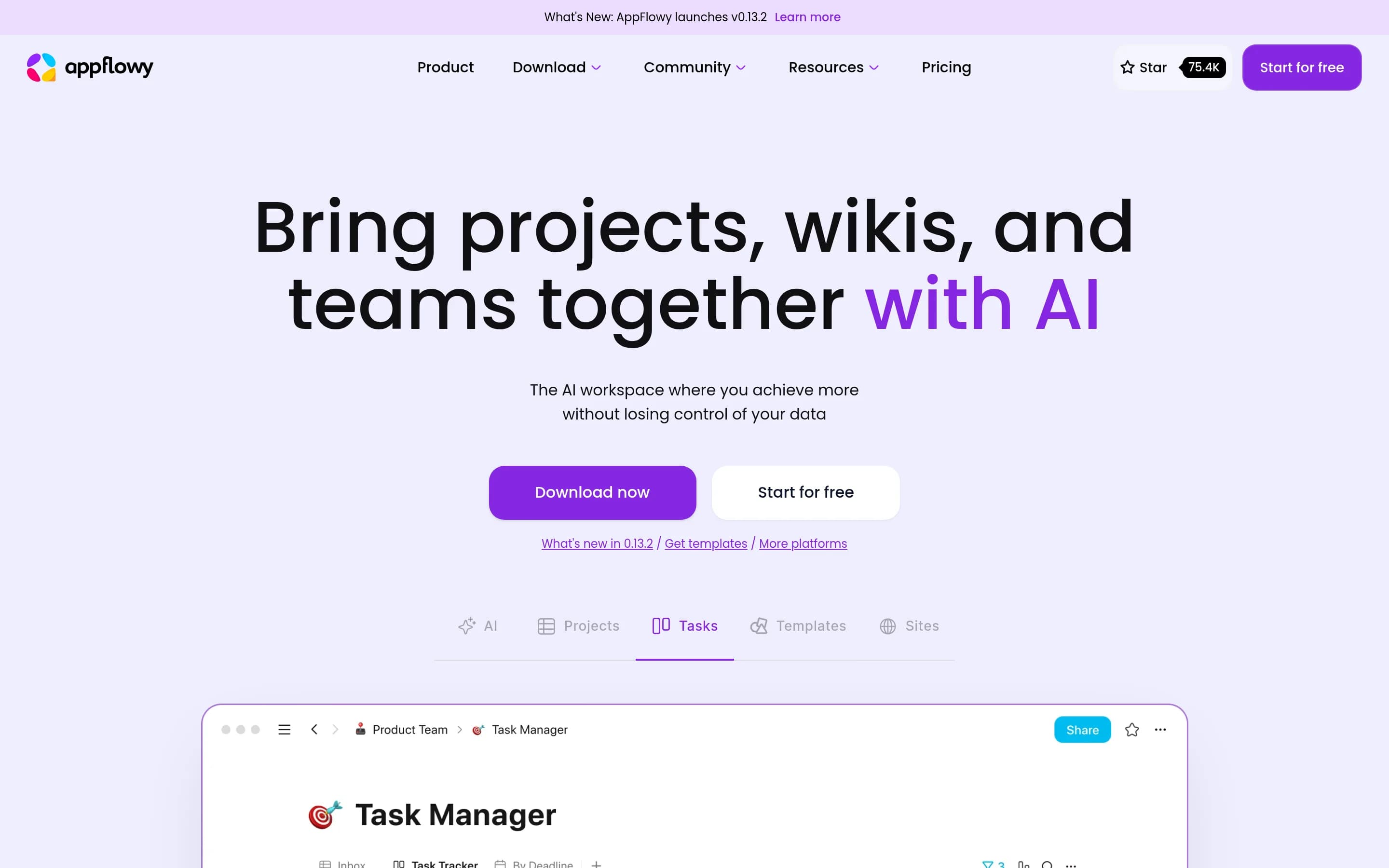
AppFlowy Cloud is a collaborative workspace that brings projects, wikis, and teams together with AI. The documented product supports hosted pages, real-time collaboration with guest editors, page publishing, and unlimited workspaces in its self-hosted Free tier.
It offers two deployment options: an AppFlowy Managed Cloud hosted and operated by the AppFlowy team, and a self-hosted cloud deployment for user-controlled infrastructure. The repository states that the public codebase is open source under AGPL-3.0, while the commercial fork and some additional functionality use a separate commercial license.
What it covers
- Collaborative document and wiki pages
- Inline page comments
- Document version history
- Structured databases and multiple views
- Page publishing
- AI summaries and meeting notes
- Document and database search
What’s different
- No documented collaborative whiteboard
- No documented connected-app answer search
- No documented timeline, map, slide, or prototype transformation
- No documented Jira-equivalent work tracking
- No documented Confluence import path
Sage-wiki582
Choose Sage-wiki for a self-hosted, Markdown-oriented knowledge base that compiles source documents into searchable articles and a knowledge graph for humans and AI agents. Choose Confluence when browser-based collaborative authoring and its broader workspace—live documents, comments, whiteboards, databases, content transformation, work tracking, and established integrations—are essential. The central tradeoff is a}。
What it does
sage-wiki ingests documents, notes, code, email, and other supported formats, then uses an LLM compilation pipeline to produce interconnected Markdown articles, summaries, concepts, and a knowledge graph. Users can search the resulting corpus with hybrid lexical, vector, and graph retrieval, ask cited questions, inspect provenance, and capture new knowledge.
The product supports humans and AI agents through a web UI, terminal dashboard, MCP tools, REST API, and Obsidian-compatible Markdown. Its graph features include typed relations, evidence, confidence, entity resolution, contradiction handling, and multi-hop graph queries. It runs as a Go binary, with local-model support, SQLite or PostgreSQL/pgvector storage, Docker Compose deployment, shared servers, Git synchronization, and federated hubs.
What it covers
- Browsable knowledge articles
- Workspace search
- AI-assisted question answering
- Source citations in answers
- Browser-based interface
- Team-hosted knowledge repository
What’s different
- No documented live co-editing parity
- No documented page-comment workflow
- No documented collaborative whiteboards
- No documented structured databases
- No documented presentation or prototype transformation
- No documented Confluence ecosystem parity
- No documented direct Confluence importer