
EEvernote
Evernote is a cross-platform note-taking application for capturing, organizing, searching, and sharing notes containing text, images, documents, scans, web content, and audio. It also connects notes with tasks and calendar events and provides optional AI-assisted search, organization, and transcription.
Why people leave Evernote
Someone may look for an Evernote alternative when they want a more focused note-taking tool. Evernote combines notes with tasks, calendars, project materials, collaboration, templates, document scanning, web clipping, PDF utilities, and AI features. That breadth can be useful, but people who mainly need a lightweight text or Markdown notebook may prefer a simpler interface with fewer adjacent workflows. Others may want a tool designed around a different organizational model, such as linked notes, plain files, or a more structured team wiki rather than Evernote’s notebooks, tags, search, and Home dashboard.
Data control can be another reason to compare alternatives. Evernote’s pages emphasize online saving, cloud storage, automatic synchronization, web access, and availability across devices. Some users may instead require local-first storage, self-hosting, direct access to their note files, or an open-source codebase that their organization can inspect and deploy independently. Offline access does not necessarily satisfy those requirements, since it addresses working without a connection rather than ownership of the underlying synchronization and hosting infrastructure.
AI preferences may also influence the decision. Evernote now offers an AI Assistant, natural-language search, content generation, note organization, transcription, and summarization. The company states that users can control which AI features are active and that account content is not used to train AI models. Even with those assurances, a person or organization may prefer a notebook without integrated generative AI, want to run models locally, or need a different review and approval process for AI-assisted content.
Finally, users may need a different balance between personal notes and collaborative work. Evernote supports real-time editing, comments, shared notes, Spaces, task assignment, and integrations with services such as Google Drive, Gmail, Outlook, Slack, and Microsoft Teams. A team seeking a dedicated knowledge base, document-publishing workflow, or full project-management system may find a specialized product better aligned with its primary output. Conversely, an individual may not need enterprise collaboration or integrated scheduling. Evaluating an alternative can therefore be less about a missing Evernote capability and more about choosing a narrower workflow, different storage model, or organizational structure that better matches how notes will be created, retained, and retrieved.
26 Best Open Source Evernote Alternatives (Ranked)
Each alternative is evaluated for core feature coverage, deployment options, licensing, project health, and overall fit. The ranking prioritizes how closely a tool matches Evernote's primary workflows, using popularity only as a secondary signal.
NNotesnook14,417
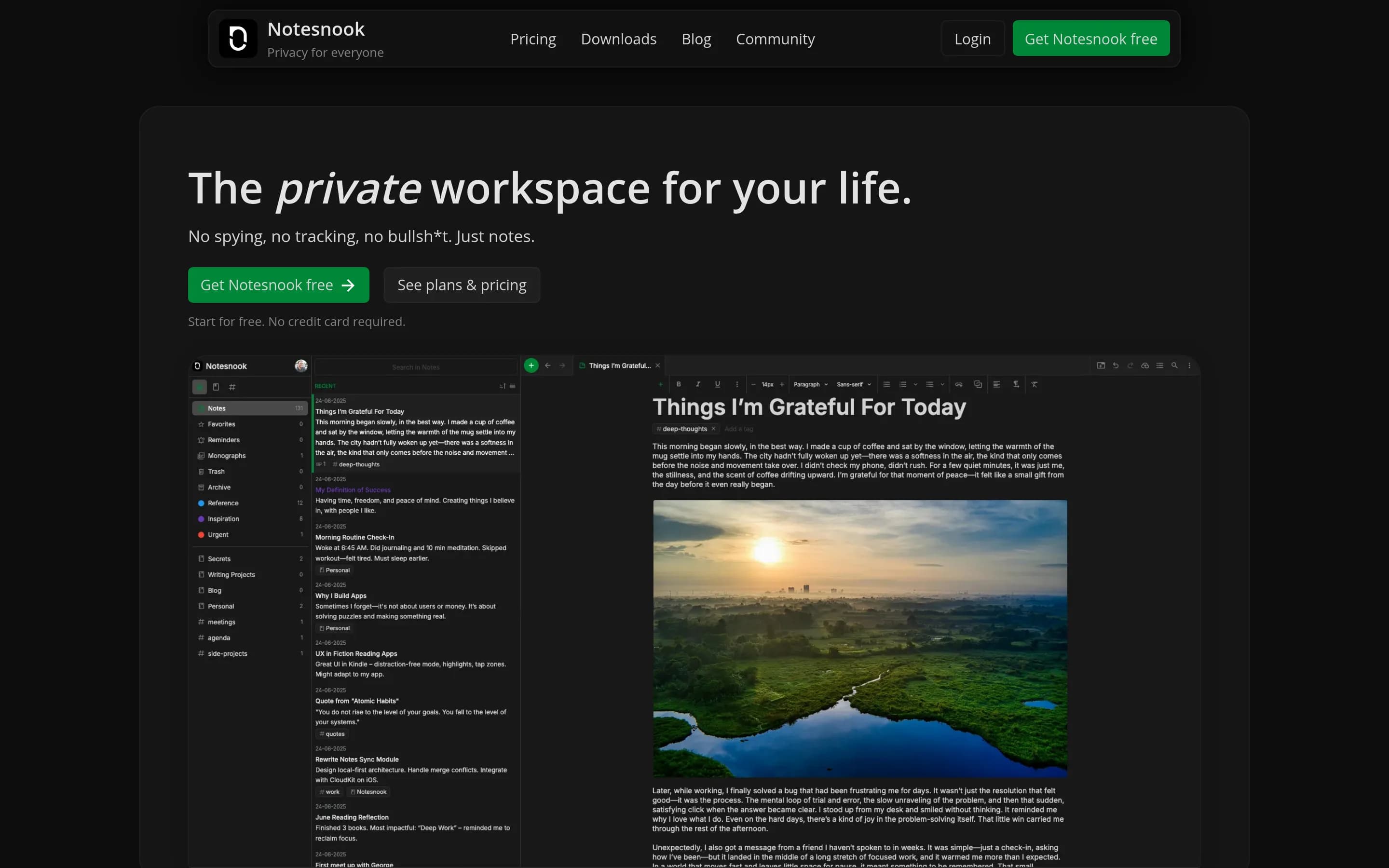
Notesnook is a direct, open-source alternative in the primary note-taking category, with web, desktop, and mobile clients plus a web clipper.
What it does
Notesnook is a privacy-focused, open-source note-taking application. It encrypts notes on the device using XChaCha20-Poly1305 and Argon2, following a zero-knowledge design intended to keep user content protected.
The repository contains the code needed to build and use web, desktop, and mobile clients, along with a web-clipper extension. Its shared editor and core packages support the cross-platform applications, while React, React Native, and Electron provide the documented client technologies. The repository is licensed under GPL-3.0.
What it covers
- Cross-platform note-taking
- Web clipping
- Multi-platform clients
- Encrypted note storage
What’s different
- Notebooks, tags, and templates are not documented in the supplied facts.
- Advanced or AI-powered search is not documented in the supplied facts.
- Tasks within notes, calendar-linked notes, sharing and real-time editing, and AI transcription are not documented in the supplied facts.
EEdgeever1,171
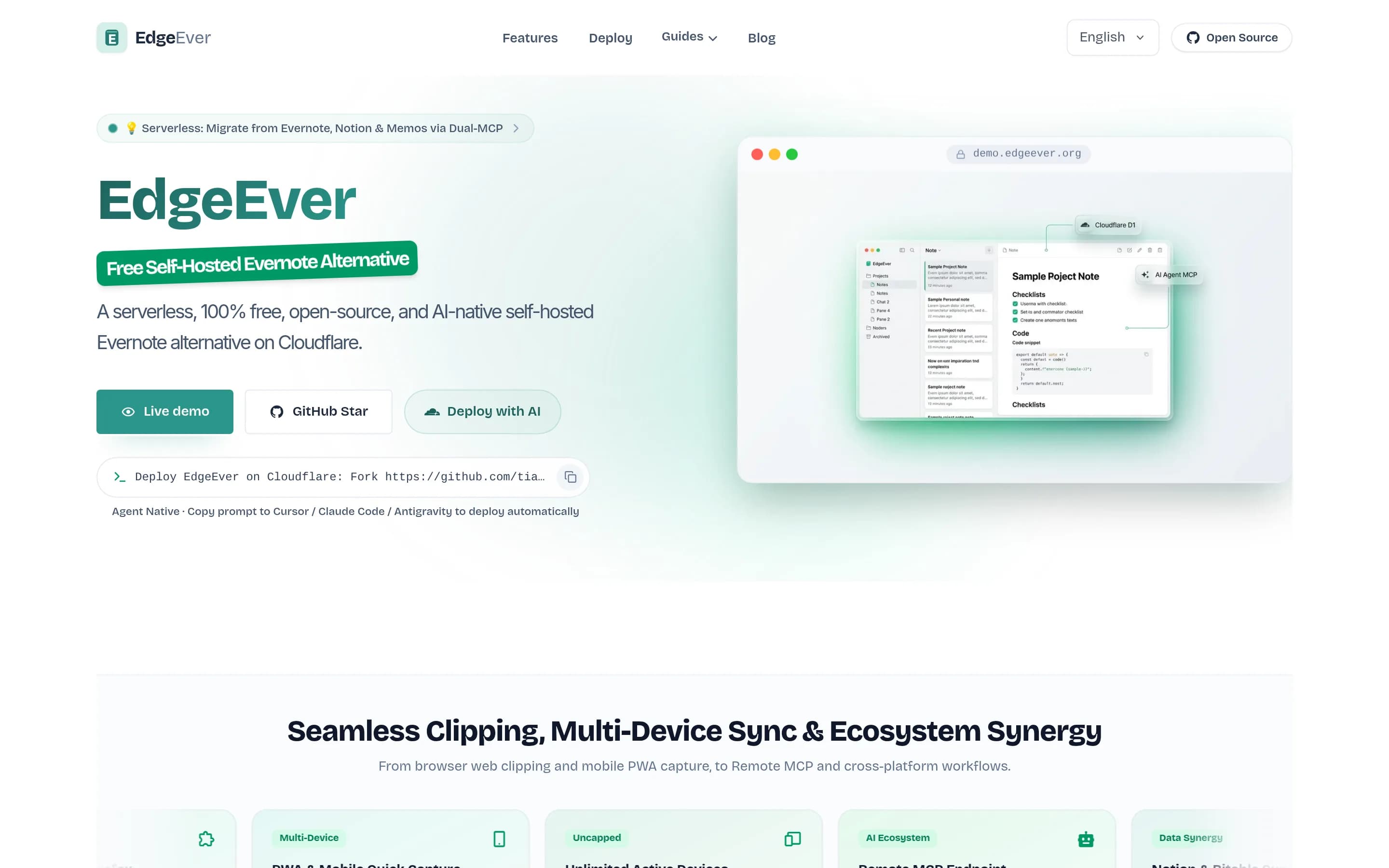
EdgeEver is a direct, open-source Evernote-style notes workspace with multimedia notes, notebooks, search, web clipping, synchronization, offline editing, sharing, and self-hosted deployment.
What it does
EdgeEver is an open-source, Evernote-style notes workspace built around a three-pane interface for capturing and organizing rich notes. It supports text, Markdown, images, PDFs, Office files, archives, audio, and video attachments, nested notebooks, revision history, public sharing, Mermaid diagrams, imports, and ZIP exports containing portable Markdown and attachments.
The product provides web clipping for Chrome, Edge, and Firefox, unlimited synchronization across web, PWA, Android, and macOS, and offline drafts or native-client editing with queued synchronization. AI features support summarization, rewriting, translation, task extraction, and other note operations through configurable model providers; MCP and REST APIs support agent access and organization.
EdgeEver is licensed under AGPL-3.0 and deploys as a Cloudflare Workers application using D1 and R2, with documented multi-user
What it covers
- Multimedia note capture and attachments
- Notebook and nested-folder organization
- Search and indexed note retrieval
- Web clipping
- Cross-device synchronization
- Offline drafts and queued synchronization
- Note export and portability
- Public sharing
- AI-assisted note operations
What’s different
- Calendar-linked notes are not documented.
- Real-time collaborative editing and comments are not documented.
- Audio or meeting transcription is not documented as a built-in workflow.
AAppFlowy75,519
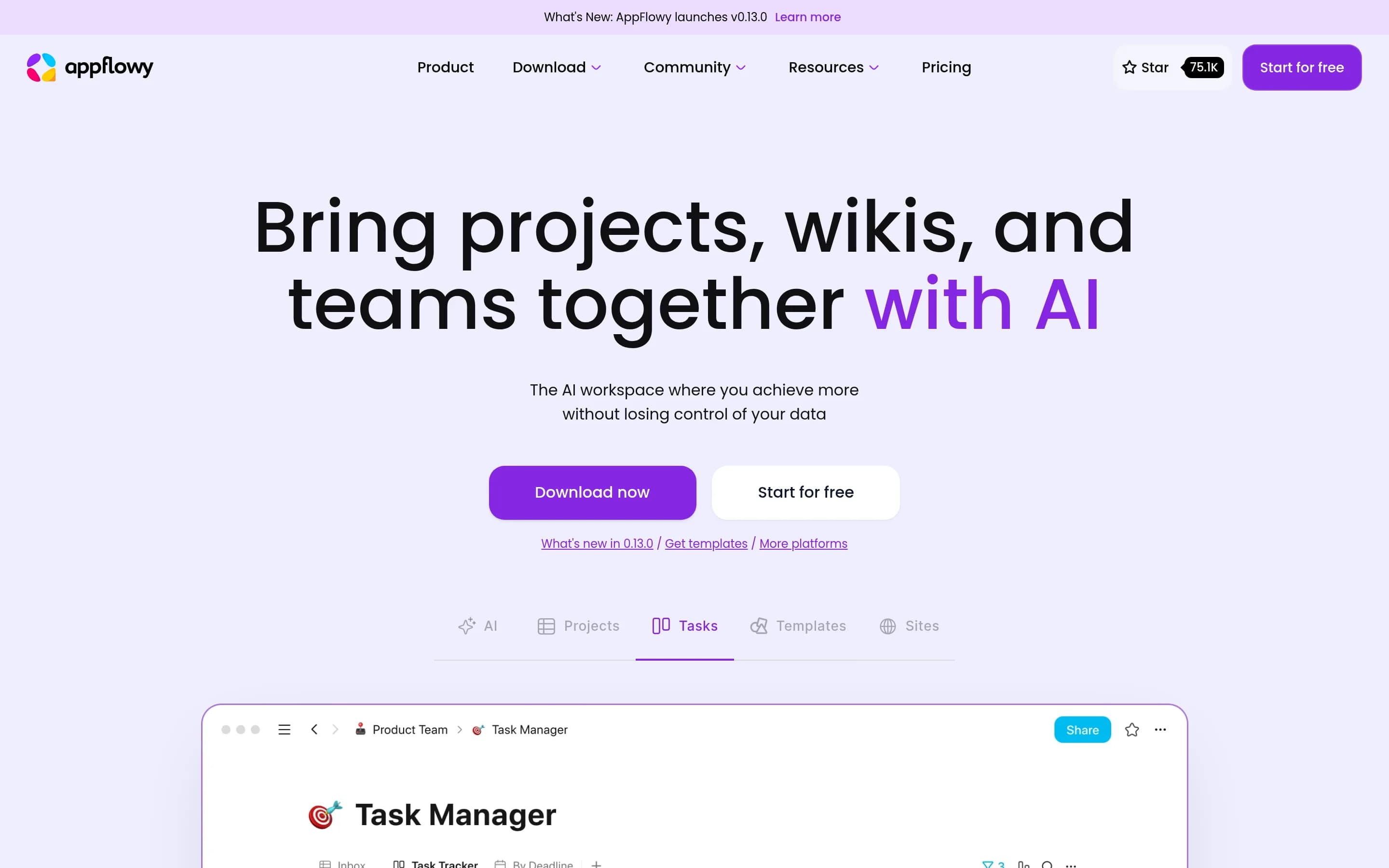
AppFlowy is a broad open-source workspace and note-taking application with documents, wikis, tasks, databases, templates, collaboration, AI, and cross-device clients, substantially covering Evernote's core note-management job.
What it does
AppFlowy is an open-source collaborative workspace that brings projects, wikis, teams, databases, documentation, templates, and AI features together. Its documented workflows include Kanban boards for to-dos, database views for tasks and projects, collaborative workspace use, and creation of documentation sites.
The repository provides downloadable desktop applications for macOS, Windows, and Linux, plus mobile applications for iPhone and Android. It also documents source-based installation and self-hosting, giving users a deployment path under their own control. AppFlowy is distributed under the AGPL-3.0 license and is built with Flutter and Rust.
What it covers
- Note-taking and documentation
- Project and task organization
- Templates
- AI assistance
- Cross-device applications
- Team collaboration
- Data control and self-hosting
What’s different
- Web Clipper is not documented in the supplied repository facts.
- Advanced search across attachments, images, handwriting, and scans is not documented.
- Calendar-linked notes are not documented.
MMemos62,267
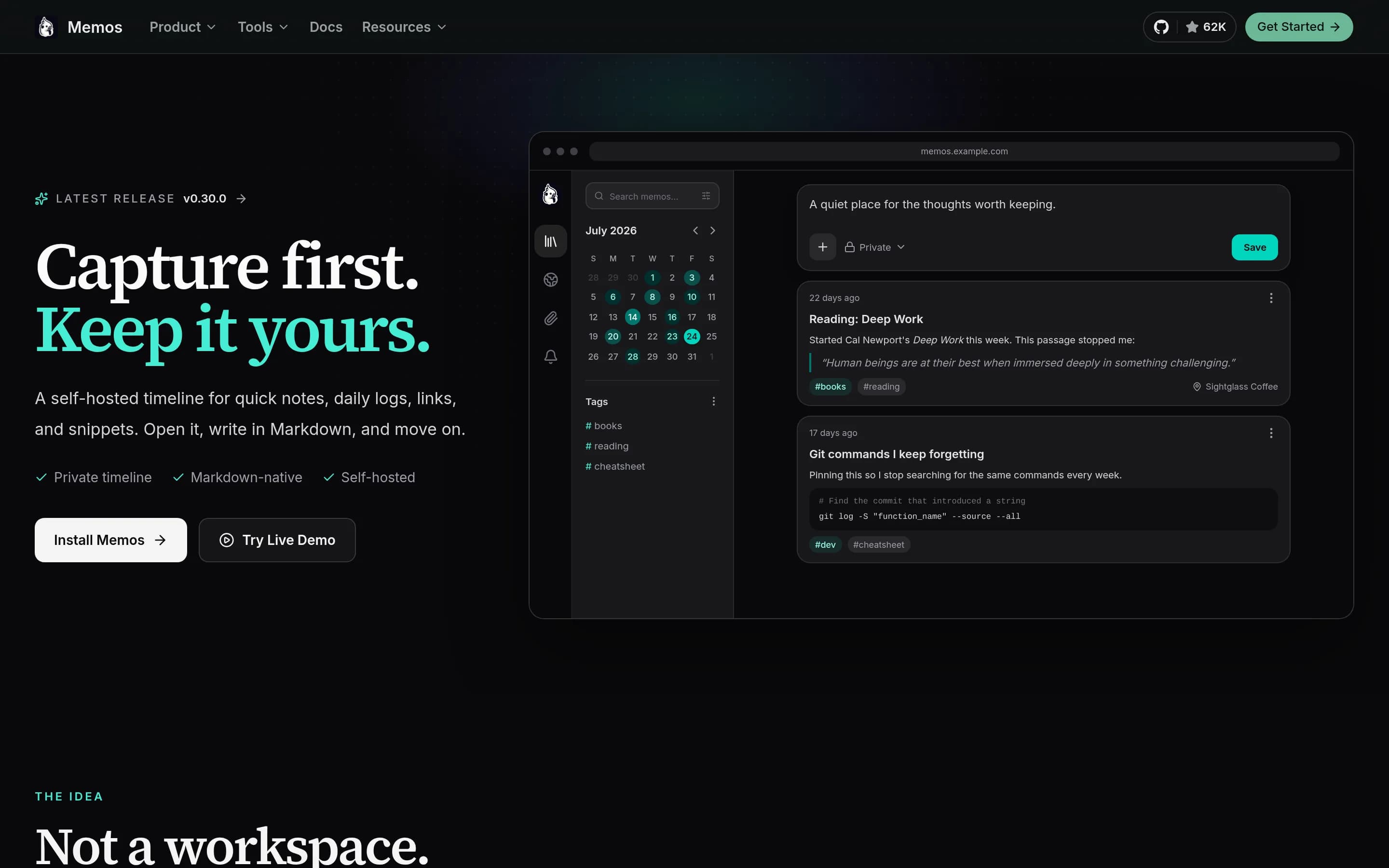
Memos is a direct open-source alternative for core note capture and retrieval. It documents a graphical web interface, Markdown notes, web clipping, and self-hosted deployment, but does not document multimedia note types, notebooks, tags, templates, advanced search, synchronization, or offline access.
What it does
Memos is an open-source, self-hosted note-taking app designed for quick capture. Its timeline-first web interface supports writing Markdown-native notes, while the Web Clipper saves pages, selected text, and images after review, visibility selection, and Markdown customization.
The product can run as a single Go binary or Docker container and supports SQLite, MySQL, and PostgreSQL. Deployment options include Docker Compose, Kubernetes, native installation, and building from source. Memos exposes REST and gRPC APIs and is licensed under MIT.
What it covers
- Note capture and storage
- Markdown-based note authoring
- Web clipping
- Self-hosted data management
What’s different
- Documented capture of audio, scans, sketches, and general document attachments
- Notebooks, tags, and templates
- Advanced or AI-powered search
- Cross-platform synchronization and offline access
- Tasks within notes
- Calendar-linked notes
- Sharing and real-time editing
- AI assistant and transcription
SSiyuan45,825
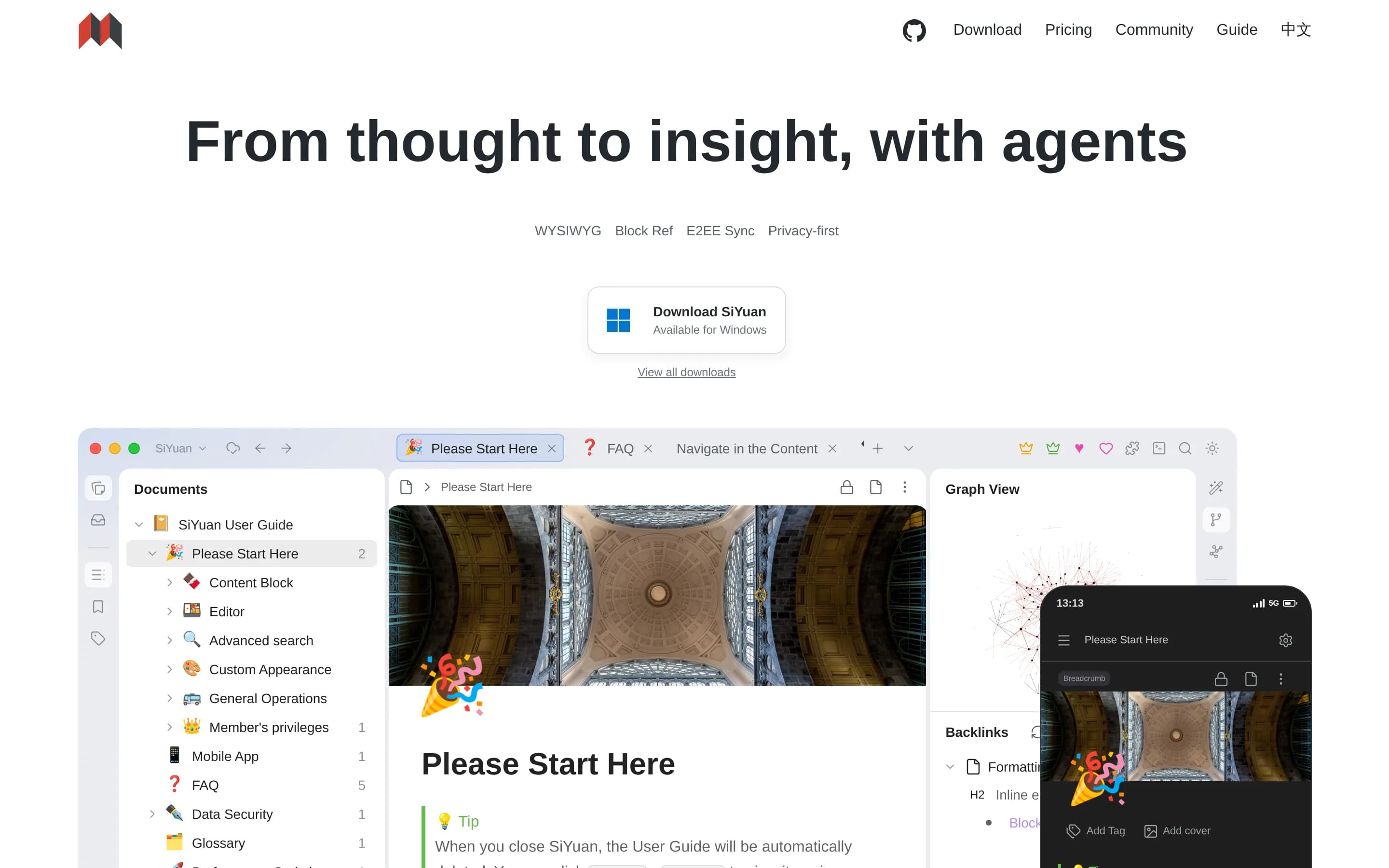
SiYuan is a direct open-source note-taking and personal knowledge management alternative with multimedia editing, organization, search, web clipping, templates, and self-hosted deployment.
What it does
SiYuan is an open-source, privacy-first knowledge-management system built around block-level references, two-way links, Markdown WYSIWYG editing, and large documents. Users can create and organize notes, query content with SQL embeds, clip web content, annotate PDFs, and create tables, charts, flowcharts, and other embedded content.
The software includes AI writing and question-and-answer chat through the OpenAI API, templates, flashcards, OCR, export to Markdown, PDF, Word, and HTML, and multi-tab split-screen editing. It is available as desktop and mobile applications and can also be deployed through Docker or Docker Compose, with browser access to a server-hosted workspace.
What it covers
- Multimedia and structured note editing
- Knowledge organization with links, attributes, and templates
- Web clipping
- PDF annotation
- AI-assisted writing and question-answering
- Cross-platform desktop and mobile applications
- Export and self-hosted deployment
What’s different
- Document scanning is not explicitly documented as a capture workflow, although Tesseract OCR is listed.
- Cross-device synchronization and offline access are not explicitly documented in the supplied README.
- Real-time collaboration, calendar-linked notes, and tasks within notes are not documented.
- Audio capture, transcription, and AI-powered natural-language search are not documented.
LLogseq44,466
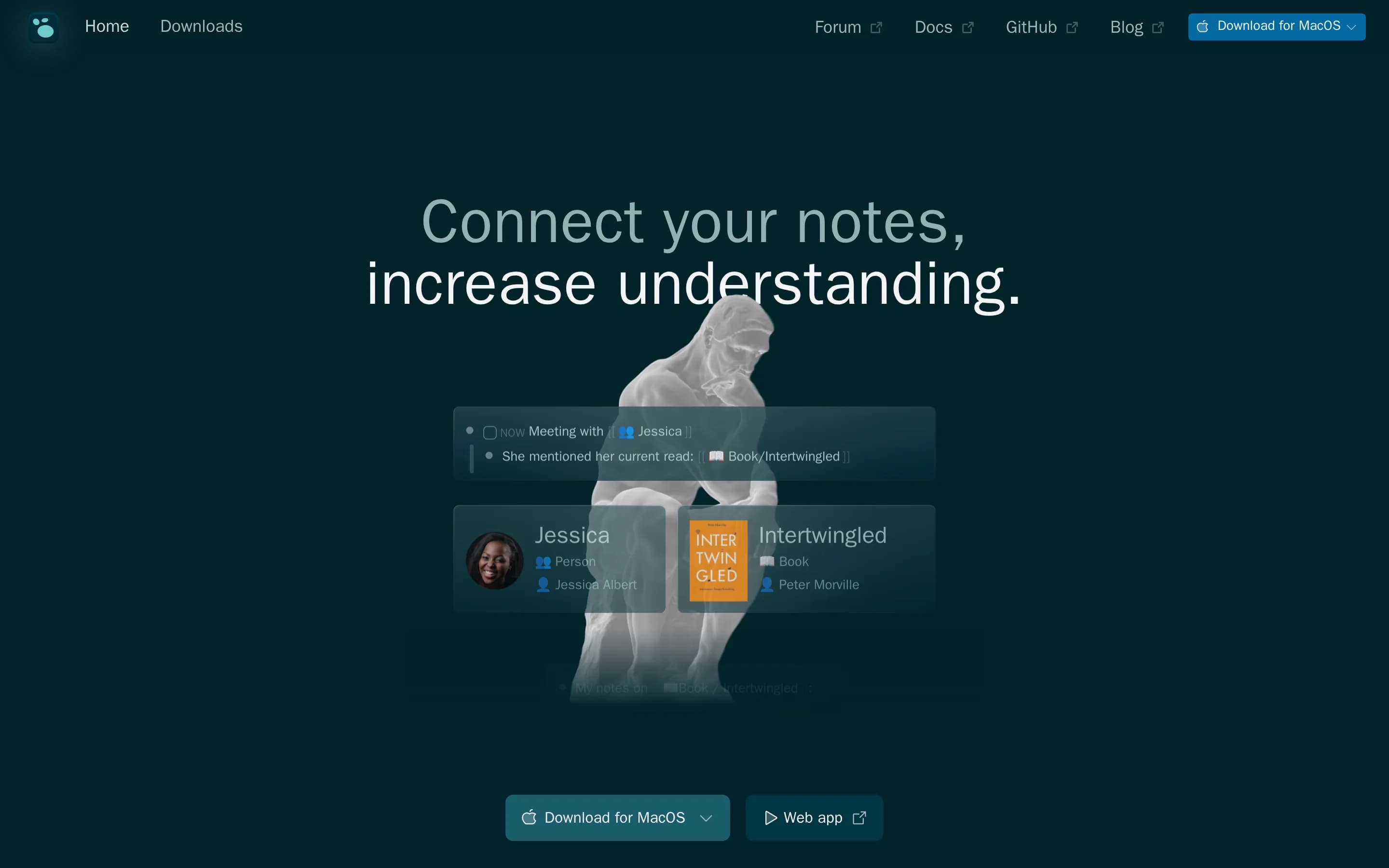
Logseq is a strong direct alternative for knowledge management and note-taking, documenting persistent Markdown or Org-mode notes, organization, search-oriented knowledge workflows, task management, mobile access, and synchronization. It does not document Evernote-style web clipping, multimedia capture breadth, or AI-assisted search and transcription.
What it does
Logseq is a privacy-first, open-source knowledge-management and collaboration application centered on structured notes and graphs. It supports Markdown and Org-mode files, task management, PDF annotation, plugins, themes, and organization of ideas and notes. The README also documents collaboration, mobile access, and a database version with graph synchronization through RTC.
Users can download desktop releases, try the web version, or build the application from source. A Linux installer is documented, along with a Docker web-app guide for development. The project is released under the AGPL-3.0 license and provides a plugin API for extending the application.
What it covers
- Persistent note creation and organization
- Knowledge management and linked note structures
- Task management associated with notes
- Desktop and mobile access
- Graph synchronization and collaboration
- PDF annotation
- Plugin-based customization
What’s different
- Documented capture of images, scans, audio, and broad multimedia note attachments
- Evernote-style Web Clipper for saving articles, pages, PDFs, URLs, and screen captures
- Advanced or AI-powered search across attachments, images, handwriting, and scans
- Documented offline-access behavior across supported clients
- Calendar-linked notes
- AI assistant, transcription, and meeting summarization
TTrilium37,438
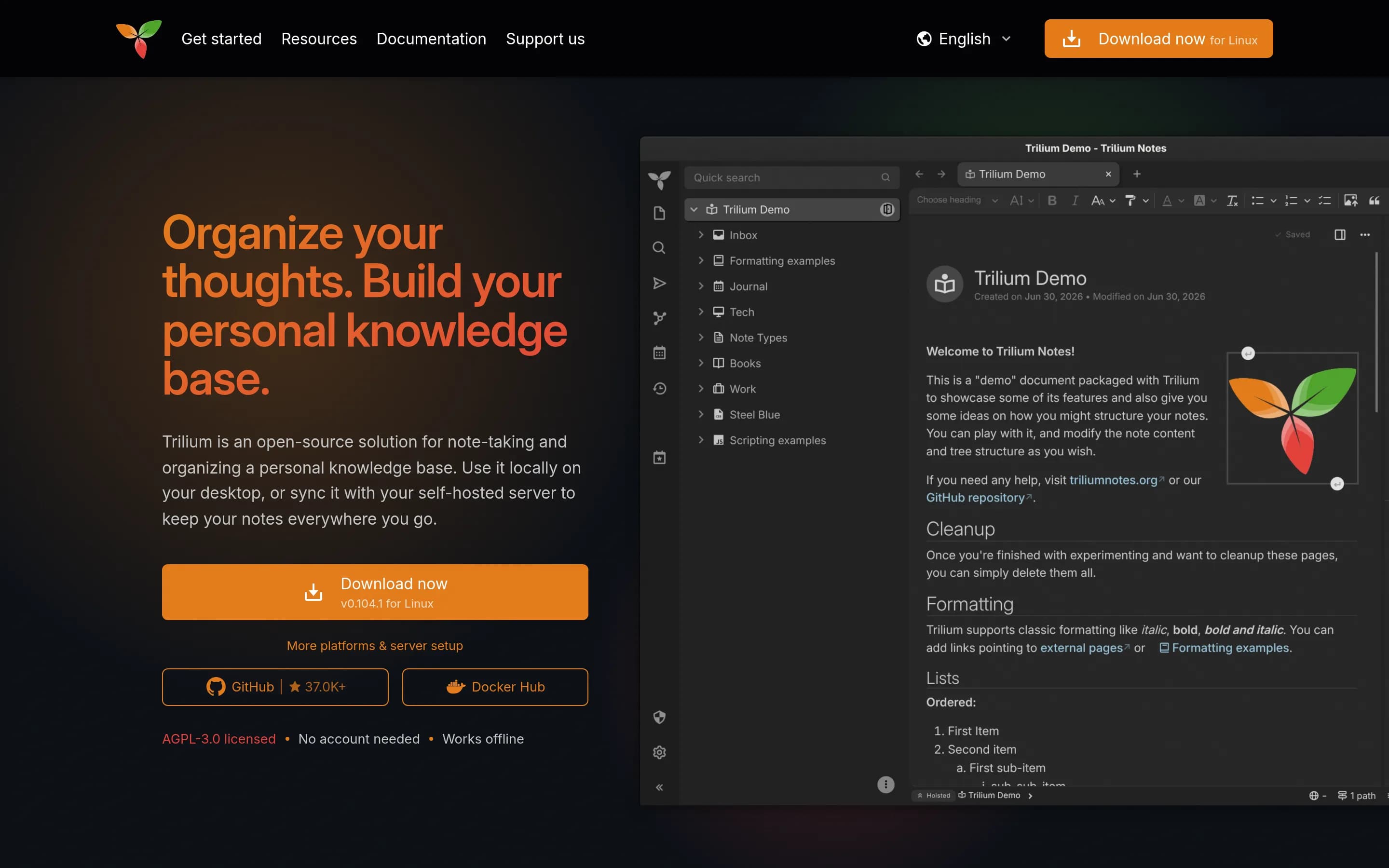
Trilium is a strong direct alternative: it is a cross-platform personal knowledge-base and note-taking application covering persistent multimedia notes, hierarchical organization, search, web clipping, synchronization, and self-hosted deployment.
What it does
Trilium Notes is a free, open-source, cross-platform hierarchical note-taking application designed for large personal knowledge bases. Users organize rich WYSIWYG notes in arbitrarily deep trees, place notes in multiple locations, edit tables, images, mathematics, and source code, search full text, version notes, and publish notes publicly.
The application also documents note attributes, scripting, REST automation, encryption, synchronization through a self-hosted sync server, relation and link maps, mind maps, geographic maps, Excalidraw-based canvases, web clipping, and Markdown or Evernote import and export. It provides desktop binaries for Windows, macOS, and Linux, a browser-accessible server interface, mobile web access, and Docker-based server installation.
What it covers
- Cross-platform note creation and retrieval
- Rich multimedia note editing
- Hierarchical note organization
- Full-text search
- Web clipping
- Cross-device synchronization
- Note sharing or publishing
What’s different
- Document scanning is not explicitly documented
- Audio capture or transcription is not explicitly documented
- AI-powered search or organization is not explicitly documented
- Tasks within notes are not explicitly documented
- Calendar-linked notes are not explicitly documented
- Real-time collaborative editing is not explicitly documented
AApp6,583
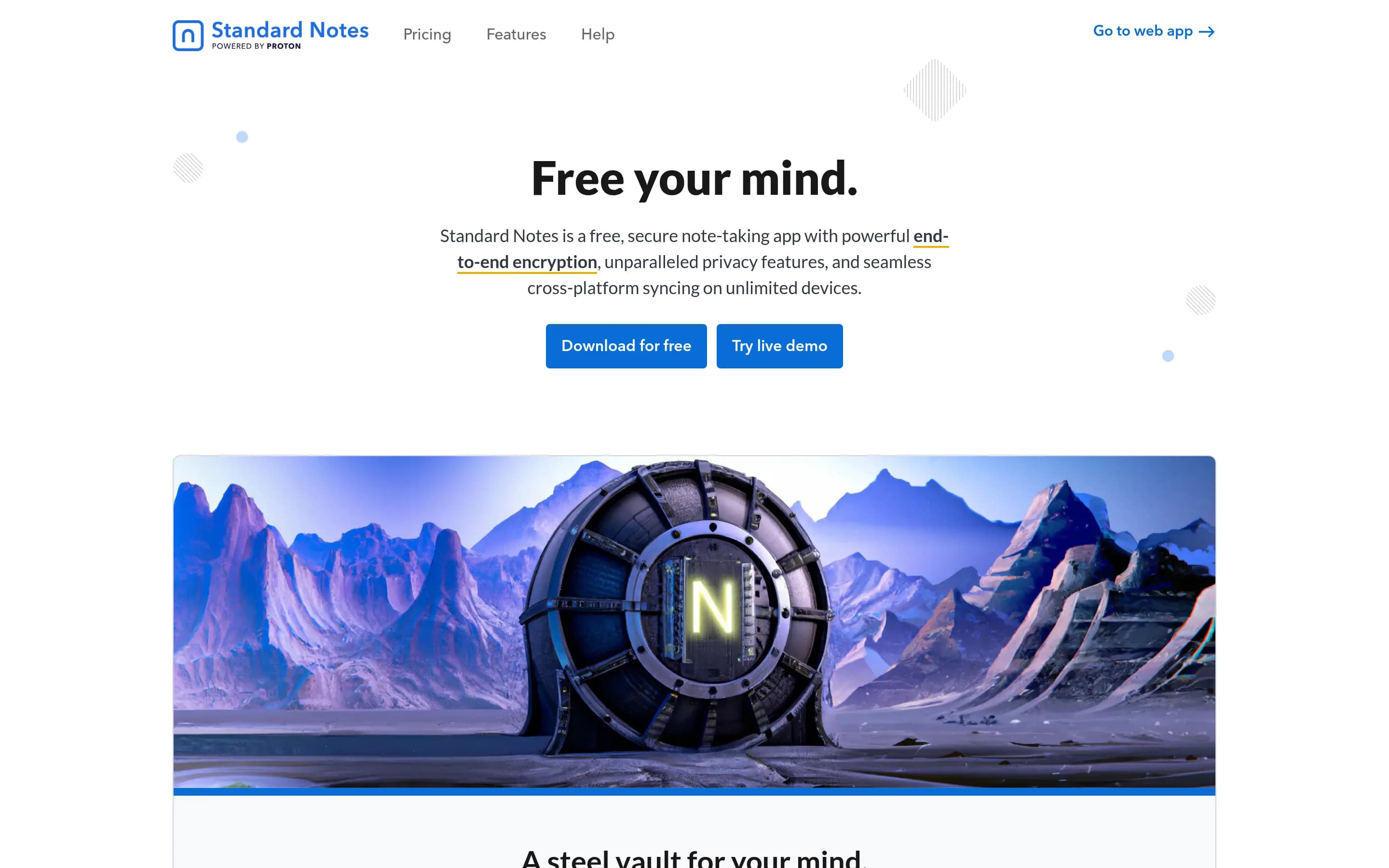
Standard Notes is a direct open-source note-taking alternative with encrypted cross-device synchronization and support for notes and files. The supplied evidence documents fewer of Evernote's capture, organization, search, clipping, and collaboration features, but it performs the target's primary note-taking workflow.
What it does
Standard Notes is an end-to-end encrypted note-taking application for digitalists and professionals. It lets users capture notes and files, keep them in a private account, and synchronize them across unlimited devices. The README emphasizes that only the user can read the encrypted content.
The project provides web, Mac, Windows, Linux, iOS, and Android access, with a documented web app and downloadable clients. Its open-source repository also supports self-hosting: users can build the web app and serve the generated static files locally, while configuring a custom sync server. The documentation additionally describes publishing through the Listed service and extension development.
What it covers
- Note capture and storage
- Cross-platform synchronization
- File storage
- Web access
- Privacy and encryption
- Self-hosted deployment
What’s different
- Documented multimedia capture beyond notes and files
- Notebooks, tags, and templates
- Advanced or AI-powered search
- Web clipping
- Tasks within notes
- Calendar-linked notes
- Sharing and real-time editing
- AI assistant and transcription
SSilverbullet5,854
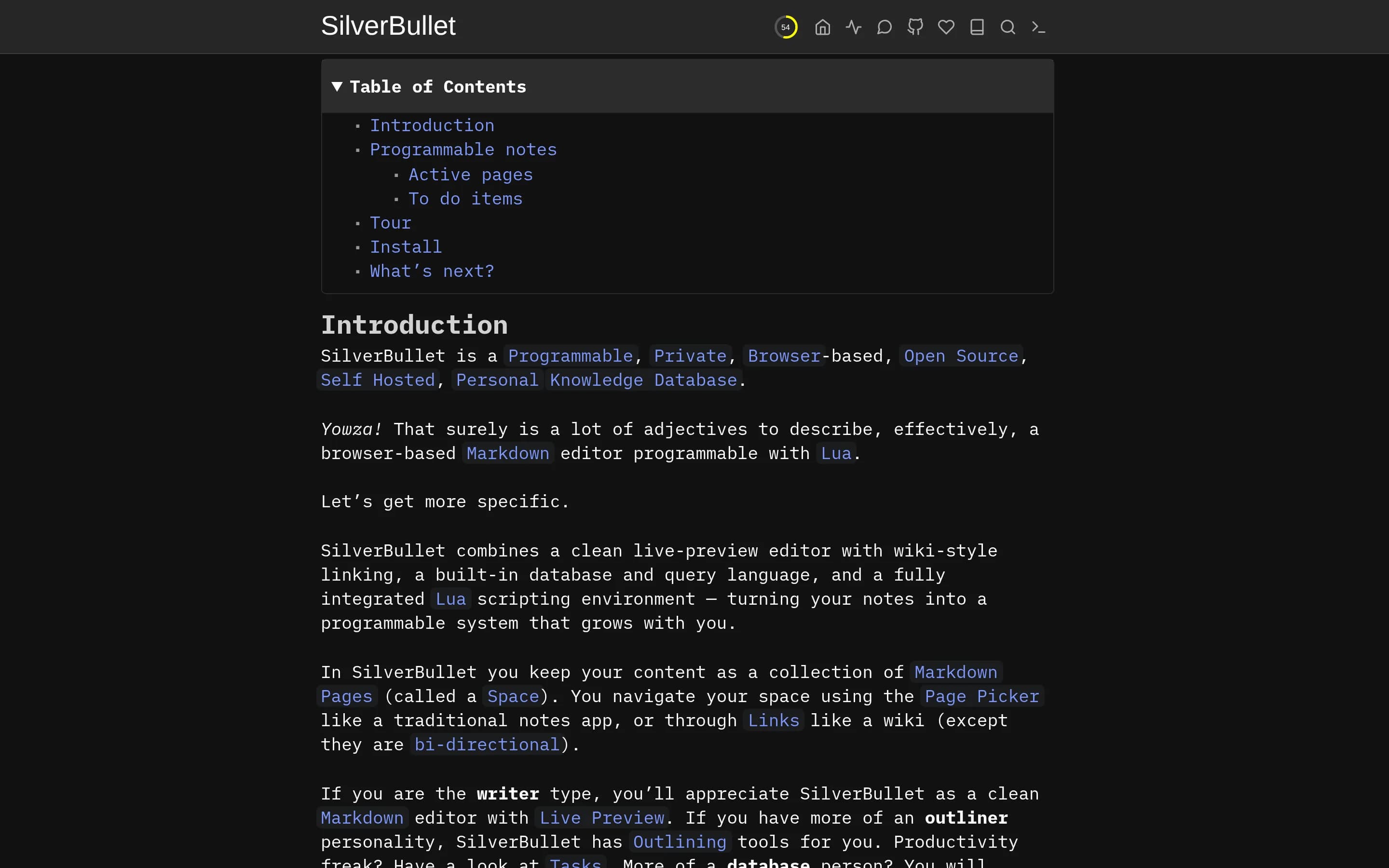
SilverBullet is a direct, self-hostable browser-based Markdown knowledge and note-taking platform with programmable organization and querying.
What it does
SilverBullet is an open-source, browser-based personal knowledge database built around Markdown pages collected in a Space. Users can edit with live preview, navigate through page links and a page picker, create wiki-style bidirectional links, and use outlining and task features.
The application also includes a built-in database and query language, Objects and Queries, plus a Lua scripting environment for dynamically generating content, custom commands, page templates, and widgets. It runs as a standalone server, with the browser client served by that server, and can be built or deployed in Docker with a mounted content directory.
What it covers
- Note capture and editing
- Personal knowledge management
- Wiki-style linking and navigation
- Tasks
- Templates
- Query-based retrieval
- Browser-based access
- Self-hosted deployment
What’s different
- Multimedia capture for images, documents, scans, web content, and audio
- Cross-device synchronization and offline access
- Web clipping
- AI-assisted search, transcription, and summarization
- Calendar-linked notes
- Real-time collaborative editing and sharing
QQOwnNotes5,841
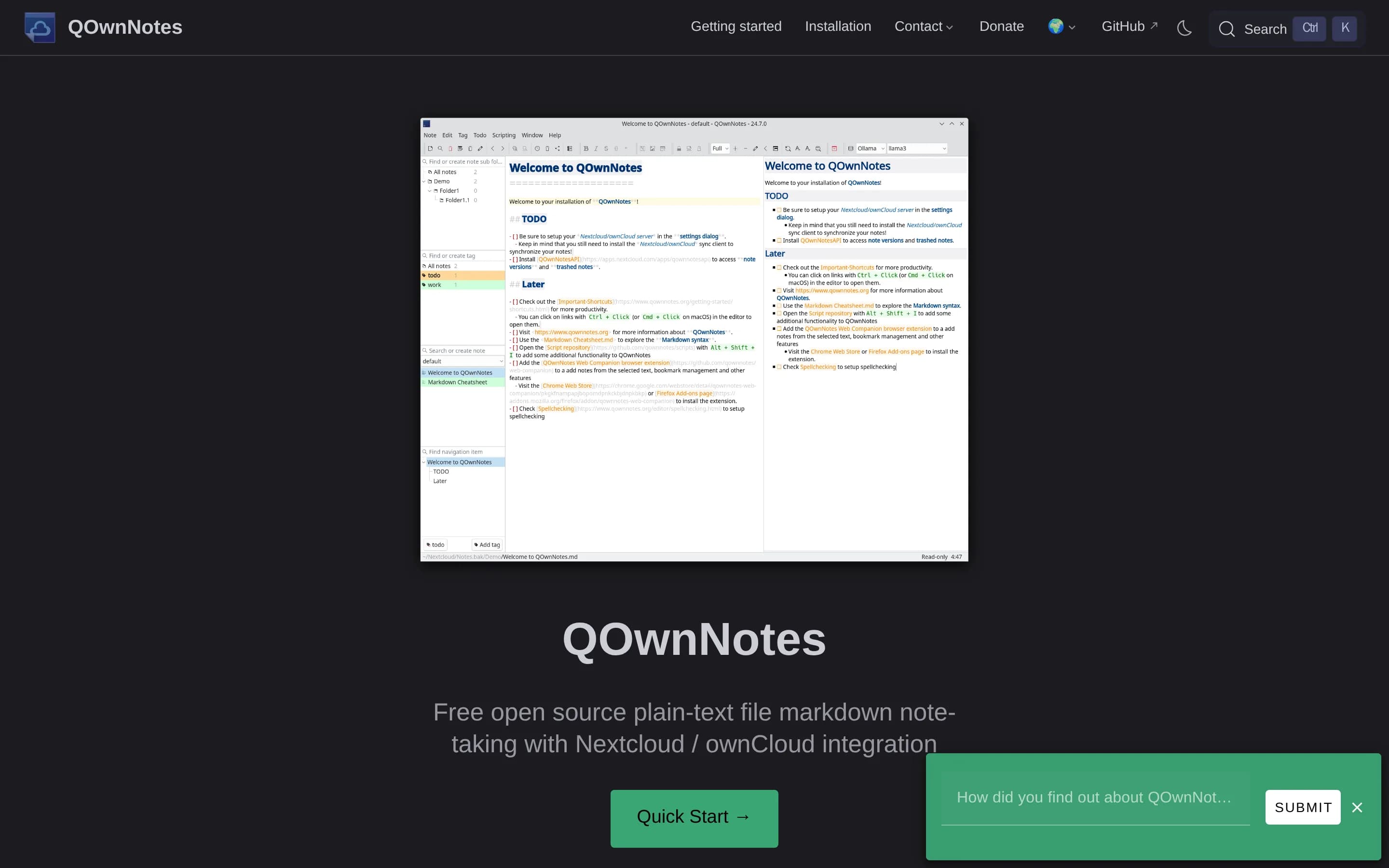
QOwnNotes is a focused open-source note-taking alternative that substantially covers Evernote’s primary note capture, organization, search, synchronization, and reuse workflow, but emphasizes plain-text Markdown files and user-controlled sync rather than multimedia notes and hosted collaboration.
What it does
QOwnNotes is an open-source desktop notepad and todo-list manager for GNU/Linux, macOS, and Windows. It stores notes as plain-text Markdown files, supports multiple folders, hierarchical tags, subfolders, wiki-style links, Markdown preview, attachments, encryption, and substring search with highlighted results. Existing text or Markdown files can be used directly, and Evernote or Joplin imports are supported.
The application syncs notes through Nextcloud or ownCloud file synchronization and can also work with services such as Syncthing or Dropbox. It supports sharing through Nextcloud or ownCloud, browser capture through its Web Companion extension, and management of remote todo lists through Tasks or CalDAV servers. A portable mode, customizable interface, scripts, and optional AI integrations are also documented.
What it covers
- Note capture and editing
- Search and retrieval
- Folders, tags, and subfolders
- Markdown-based organization
- Cross-device synchronization
- Web capture
- Todo-list management
- Note sharing
What’s different
- Broad multimedia capture including native images, documents, scans, and audio note artifacts
- Advanced search across attachments, images, handwriting, and scans
- Calendar-linked notes
- Built-in real-time collaborative editing
- Built-in transcription and meeting summarization
NNoteDiscovery2,746
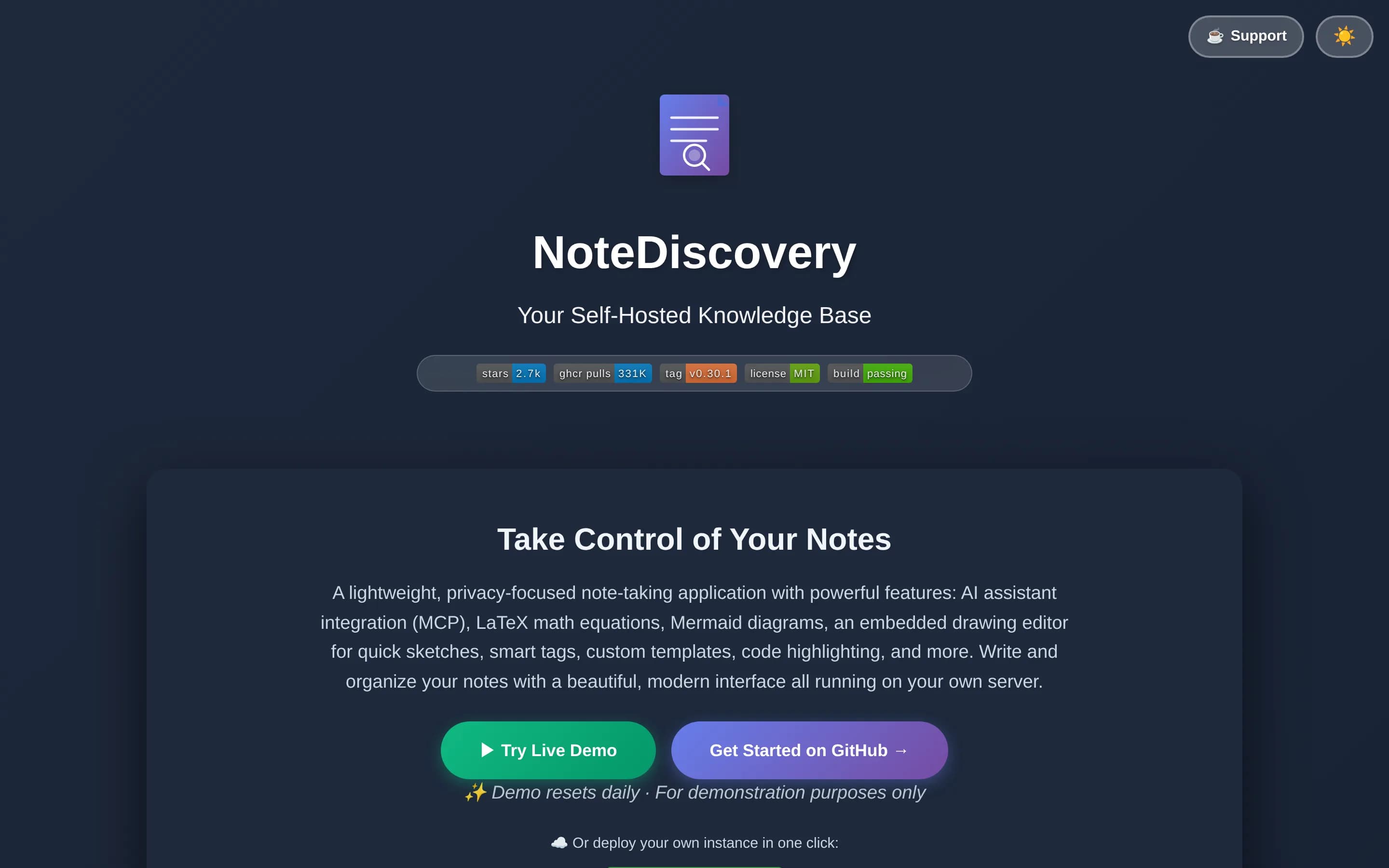
NoteDiscovery is a direct, self-hosted note-taking alternative with a graphical interface, markdown storage, organization, search, templates, drawings, links, and AI integration. It documents fewer multimedia capture, synchronization, web-clipping, calendar, and collaboration capabilities than Evernote.
What it does
NoteDiscovery is a lightweight, self-hosted note-taking and knowledge-base application for personal wikis, second brains, privacy-conscious users, and small teams. Users write and organize notes stored as plain Markdown files, then find them through full-text search, tags, favorites, backlinks, an outline panel, and an interactive graph view.
The documented interface includes responsive layouts, themes, templates with dynamic placeholders, drawing support, LaTeX/MathJax, Mermaid diagrams, HTML export, printing, and optional password protection. Its built-in MCP server lets compatible AI assistants search, create, edit, organize, tag, and append to notes. It runs through Docker or Docker Compose, or directly with Python, and stores data on the user's server.
What it covers
- Note creation and editing
- Note organization with folders, tags, and templates
- Full-text search
- Linked-note discovery and graph view
- Drawing support
- HTML export and printing
- Responsive browser access
- Self-hosted local storage
- AI-assisted note interaction
What’s different
- Document, scan, image, and audio capture workflows are not documented as general note inputs
- Web Clipper is not documented
- Cross-device synchronization and supported offline synchronization are not documented
- Calendar-linked notes are not documented
- Real-time collaborative editing and team sharing are not documented
- AI transcription and summarization are not documented
AAlexandrie2,326
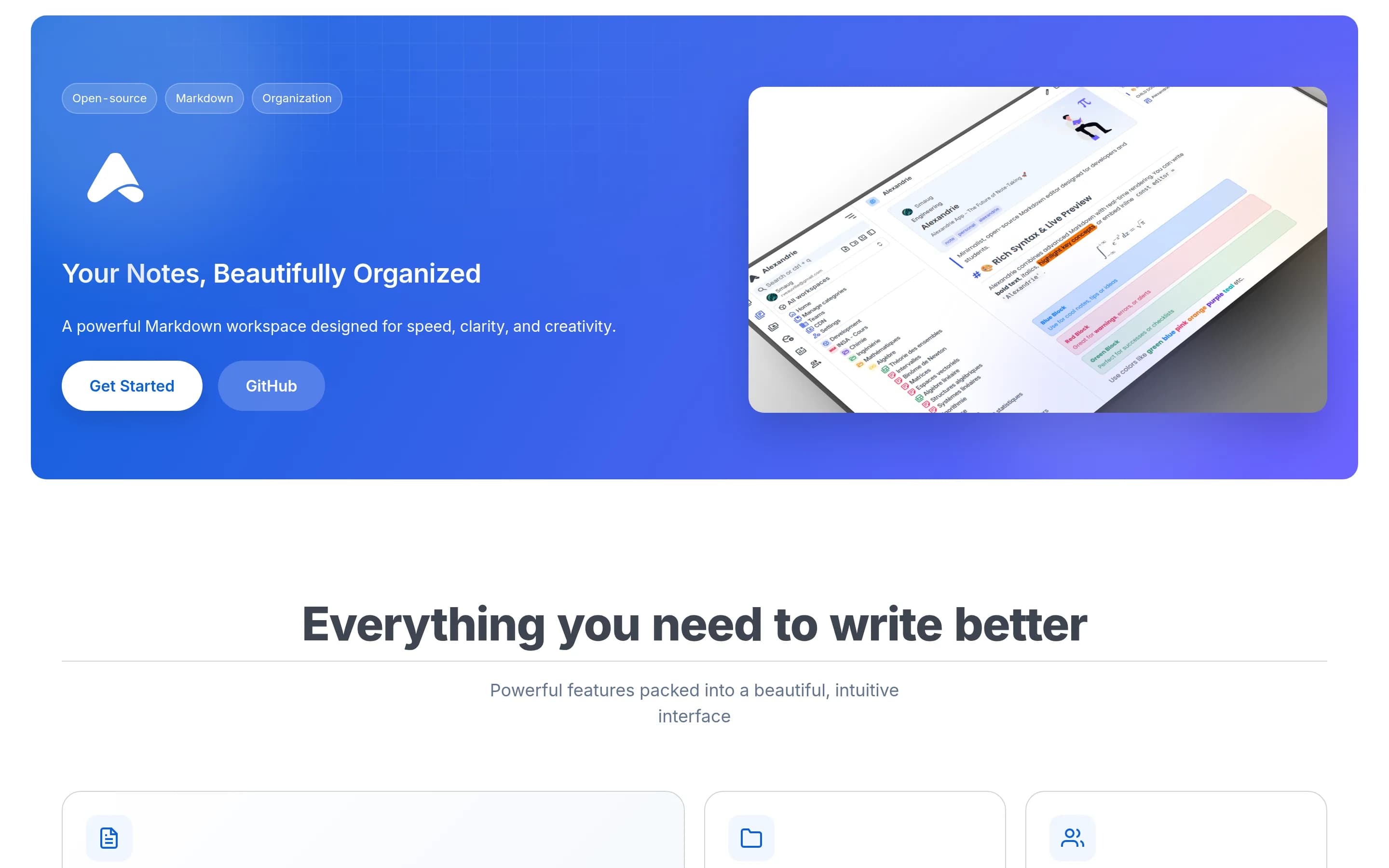
Alexandrie is a direct open-source knowledge-base and note-taking platform substitute, documenting core note creation, organization, search, sharing, offline access, and synchronization workflows.
What it does
Alexandrie is an open-source, self-hosted wiki and knowledge-management platform for teams and individuals. Users create and maintain nested documents with an extended Markdown editor supporting LaTeX, custom containers, checkboxes, snippets, speech-to-text, and embedded diagrams. Documents can be organized across teams, workspaces, categories, and hierarchical nodes.
The platform provides full-text search with highlighted results, offline-first PWA access and synchronization, public links, granular workspace and node permissions, integrated Kanban boards, media previews, and ZIP import/export. It supports OIDC single sign-on, automated backup and restore workflows, and S3-compatible storage. Deployment is documented through Docker Compose, with the application available locally at port 8200.
What it covers
- Note and document creation
- Hierarchical organization
- Full-text search
- Sharing and permissions
- Offline access and synchronization
- Templates or reusable snippets
- Media and document handling
- Self-hosted deployment
What’s different
- Web Clipper
- Calendar-linked notes
- AI assistant and transcription
- Note-level task reminders and due dates
AAtomic1,891
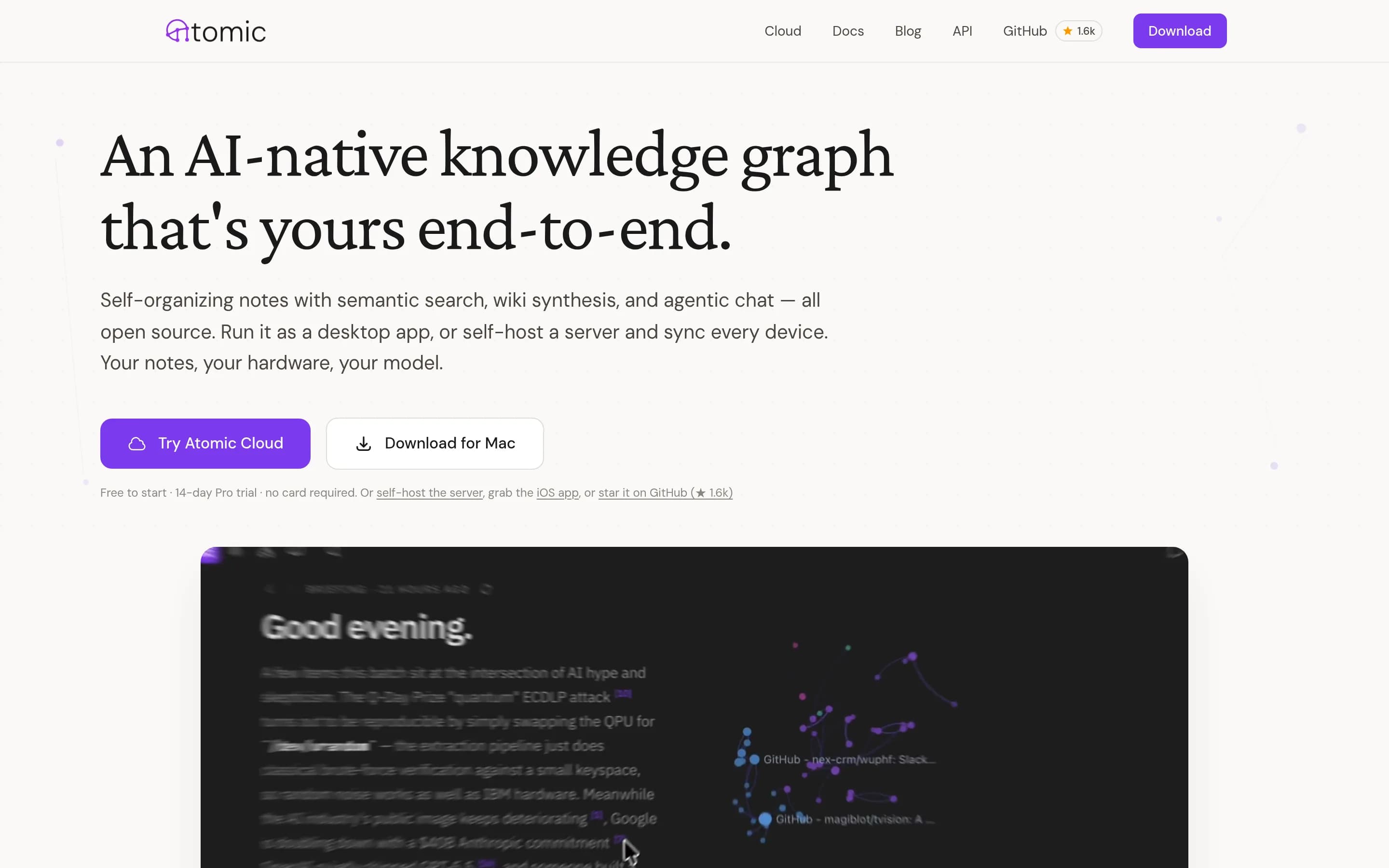
Atomic is a direct, self-hostable personal knowledge-base and note-taking product with semantic retrieval, web capture, organization, and cross-client access. It documents many central note workflows, though it does not document all Evernote features such as rich multimedia capture, calendar-linked notes, or collaborative editing.
What it does
Atomic is a personal knowledge base built around “atoms,” or Markdown notes that are automatically chunked, embedded, tagged, and linked by semantic similarity. Users can capture content through the desktop app, iOS app, browser extension, RSS feeds, or MCP tools, then search and browse the resulting knowledge graph.
The product includes wiki synthesis with inline citations, scheduled research reports, agentic chat, hierarchical auto-tagging, a spatial canvas, and support for OpenRouter, Ollama, and OpenAI-compatible providers. It runs as a Tauri desktop app, a web frontend with a headless server, or both, and can be deployed locally with Docker Compose, Fly.io, or a standalone server.
What it covers
- Markdown note capture and storage
- Hierarchical tagging and organization
- Semantic search and AI-assisted retrieval
- Web clipping and URL ingestion
- Cross-client access through desktop, web, and iOS applications
- AI-generated knowledge synthesis and chat
What’s different
- Document, scan, image, sketch, and audio capture are not documented as general note inputs
- Notebook and template support is not documented; Atomic documents hierarchical tags instead
- Calendar-linked notes are not documented
- Sharing and real-time collaborative editing are not documented
- Tasks within notes are not documented
- Audio, meeting, image, or video transcription is not documented
Anchor1,222
Anchor is a direct, self-hostable note-taking alternative with offline capture, multimedia attachments, tags, search, synchronization, sharing, and web/mobile clients. It documents fewer central capabilities than Evernote, notably no web clipper, notebooks/templates, or advanced AI search.
What it does
Anchor is an offline-first note-taking application for web and Android. Users can create rich-text notes with formatting, checkboxes, images, and audio attachments; organize them with tags, pinning, archiving, backgrounds, and trash recovery; and search locally by title or content. The application also supports note sharing with viewer or editor access, library import and export, and an Android home-screen widget.
Anchor stores edits locally and synchronizes changes across devices when online. It is designed for self-hosted deployment through Docker Compose, using a bundled or external PostgreSQL database, persistent volumes, and optional OIDC authentication. The repository also provides prebuilt container images and downloadable Android APKs.
What it covers
- Rich-text note creation and editing
- Image and audio attachments
- Tags and note organization
- Search by title or content
- Cross-device synchronization with offline editing
- Note sharing
- Web and mobile access
What’s different
- Web Clipper
- Notebooks and templates
- Advanced or AI-powered search
- Document scanning and OCR
- Calendar-linked notes
- Tasks with due dates, reminders, and notifications
- AI assistant and transcription
Crossnote-app1,087
Crossnote is a focused local-first Markdown note-taking app. It substantially covers note creation, browser-based storage, offline use, and Git synchronization, but documents fewer multimedia, organization, search, clipping, and collaboration capabilities.
What it does
Crossnote is a local-first web application for reading and writing Markdown notes. Notes remain plain Markdown files stored in the user's browser or local folders, rather than being held behind a dedicated server or account. The documented workflow centers on creating, editing, and viewing notebook content in a browser.
The application supports offline operation and direct synchronization with any Git repository through in-browser Git. Its repository describes a privacy-oriented, self-hostable approach, while the current project is being rebuilt after the original backend was shut down. The supplied documentation does not describe multimedia capture, web clipping, advanced search, templates, tasks, calendar links, or collaborative editing.
What it covers
- Markdown note creation and editing
- Browser-based note storage
- Offline note access
- Notebook-oriented organization
- Git-based synchronization
- Web application interface
What’s different
- Documented capture of images, sketches, documents, scans, audio, or web material
- Notebooks, tags, and reusable templates are not specifically documented beyond Markdown notebooks
- Advanced or AI-powered search
- Web clipping
- Tasks within notes
- Calendar-linked notes
- Sharing and real-time editing
- AI assistant and transcription
RRote1,031
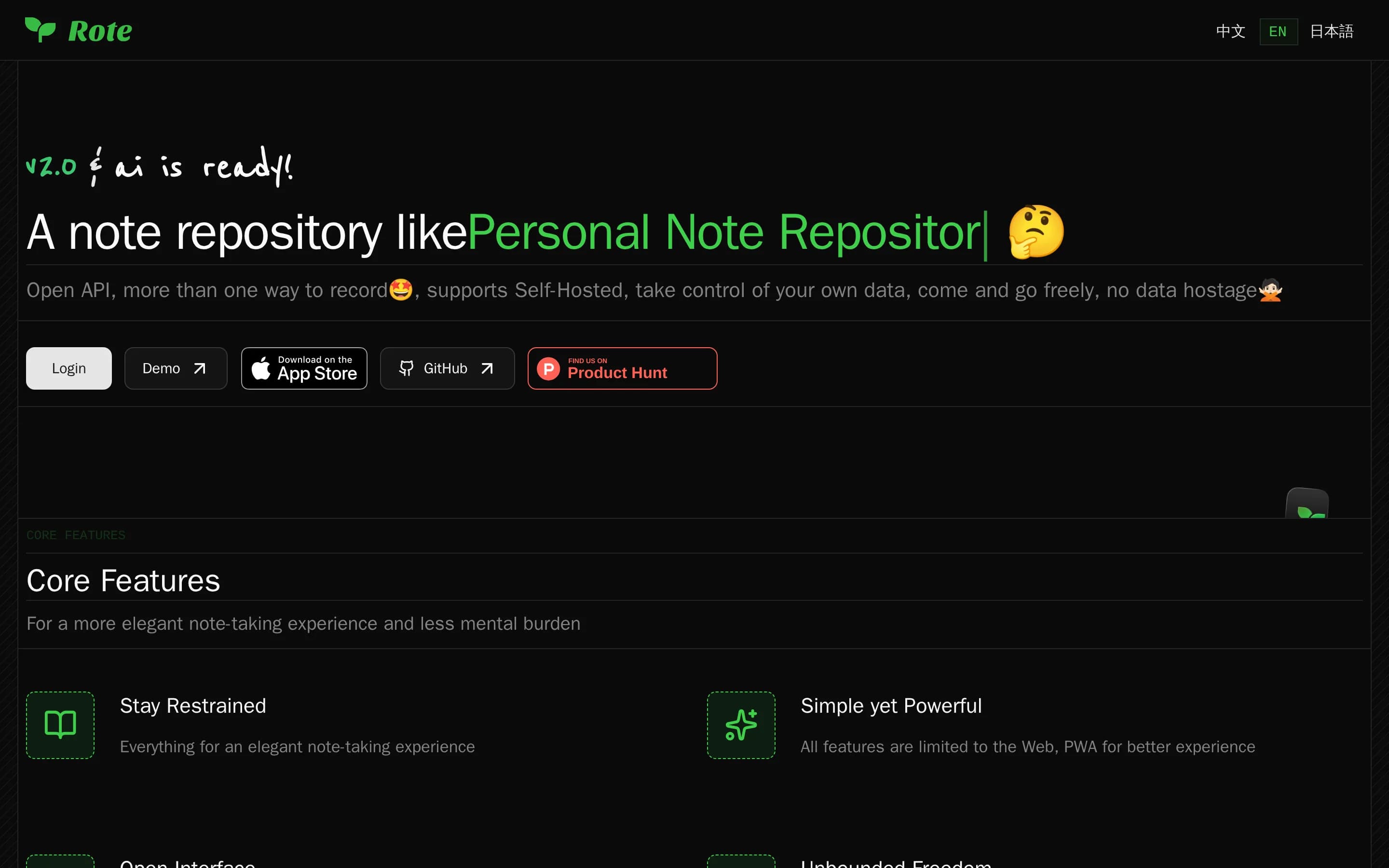
Rote is a self-hostable, graphical note-taking platform with AI-assisted search over notes and articles. It substantially covers Evernote's primary note capture and retrieval workflow, but documents fewer multimedia capture, organization, clipping, synchronization, and collaboration features.
What it does
Rote is a personal note repository focused on restrained note-taking and recording workflows. It supports Markdown articles that can be referenced by notes, open API access for recording or retrieving data, data export, and optional AI chat over notes and articles with semantic search, related notes, streamed responses, and source references.
The project is available as an independent MIT-licensed product with a graphical web interface, an iOS client, and a documented self-hosted deployment model. Users can run it with Docker Compose or deploy it through Dokploy, configure an administrator account, and optionally enable AI providers, vector storage, and automatic indexing.
What it covers
- Note capture and storage
- Note and article organization
- Semantic or AI-assisted search
- Data export
- Self-hosted deployment
- iOS access
What’s different
- Documented capture of images, scans, audio, sketches, or web pages
- Notebooks, tags, and reusable templates are not documented
- Cross-platform synchronization and offline access are not documented
- Real-time collaboration and sharing are not documented
- Tasks within notes and calendar-linked notes are not documented
- Transcription is not documented
Lumina-Note907
Lumina Note is a direct note-taking alternative with strong local Markdown, linking, knowledge-graph, PDF, and AI-assisted vault workflows, but it does not document Evernote's web clipping, synchronization, or collaboration breadth.
What it does
Lumina Note is an Electron desktop note-taking application for Windows, macOS, and Linux. Users keep notes as human-editable Markdown files in a local vault, with live preview, reading mode, WikiLinks, backlinks, graph views, images, PDFs, annotations, and flashcards.
Its embedded agent can read, write, reorganize, summarize, connect, and research notes across the vault with permission. It can draft pages, summarize PDFs, generate flashcards, and clean up knowledge. AI providers include local Ollama models, OpenAI-compatible endpoints, multiple hosted providers, and optional Lumina Cloud.
Users can install packaged releases or build the Electron app from source. The repository also documents mobile companion apps, a self-hosted relay, and an extension system, but does not document cross-device note synchronization, web clipping, or real-time collaboration as core workflows.
What it covers
- Multimedia and document-oriented note workspace
- Note organization through links, folders, and graph views
- AI-assisted note retrieval, summarization, organization, and content generation
- Desktop note-taking application
- Local ownership and user-controlled storage
What’s different
- Web Clipper
- Documented cross-device synchronization and offline access across desktop, mobile, and web
- Notebook and tag organization with reusable templates
- Tasks within notes
- Calendar-linked notes
- Sharing and real-time editing
Plainpad422
Plainpad is a focused, self-hosted note-taking application and therefore a direct substitute for Evernote's primary note-capture workflow. The supplied facts document fewer central capabilities, with no evidence of multimedia capture, web clipping, advanced search, synchronization, or offline access.
What it does
Plainpad is a self-hosted note-taking application focused on simplicity and data ownership. It provides a server-based environment for creating and maintaining notes, with demo data support for populating a database with sample study notes.
The repository documents deployment through Docker Compose: users clone the repository, enter its directory, and start the application with Docker. It is open source under GPL-3.0, and the supplied README does not document multimedia capture, notebooks or tags, web clipping, advanced search, cross-device synchronization, offline access, collaboration, tasks, or calendar integration.
What it covers
- Note taking
- Persistent note storage
- Self-hosted deployment
What’s different
- Multimedia note capture and retrieval is not documented
- Notebooks, tags, and templates are not documented
- Advanced or AI-powered search is not documented
- Web clipping is not documented
- Cross-platform synchronization and offline access are not documented
- Tasks within notes are not documented
- Calendar-linked notes are not documented
- Sharing and real-time editing are not documented
- AI assistance and transcription are not documented
SSilentNotes340
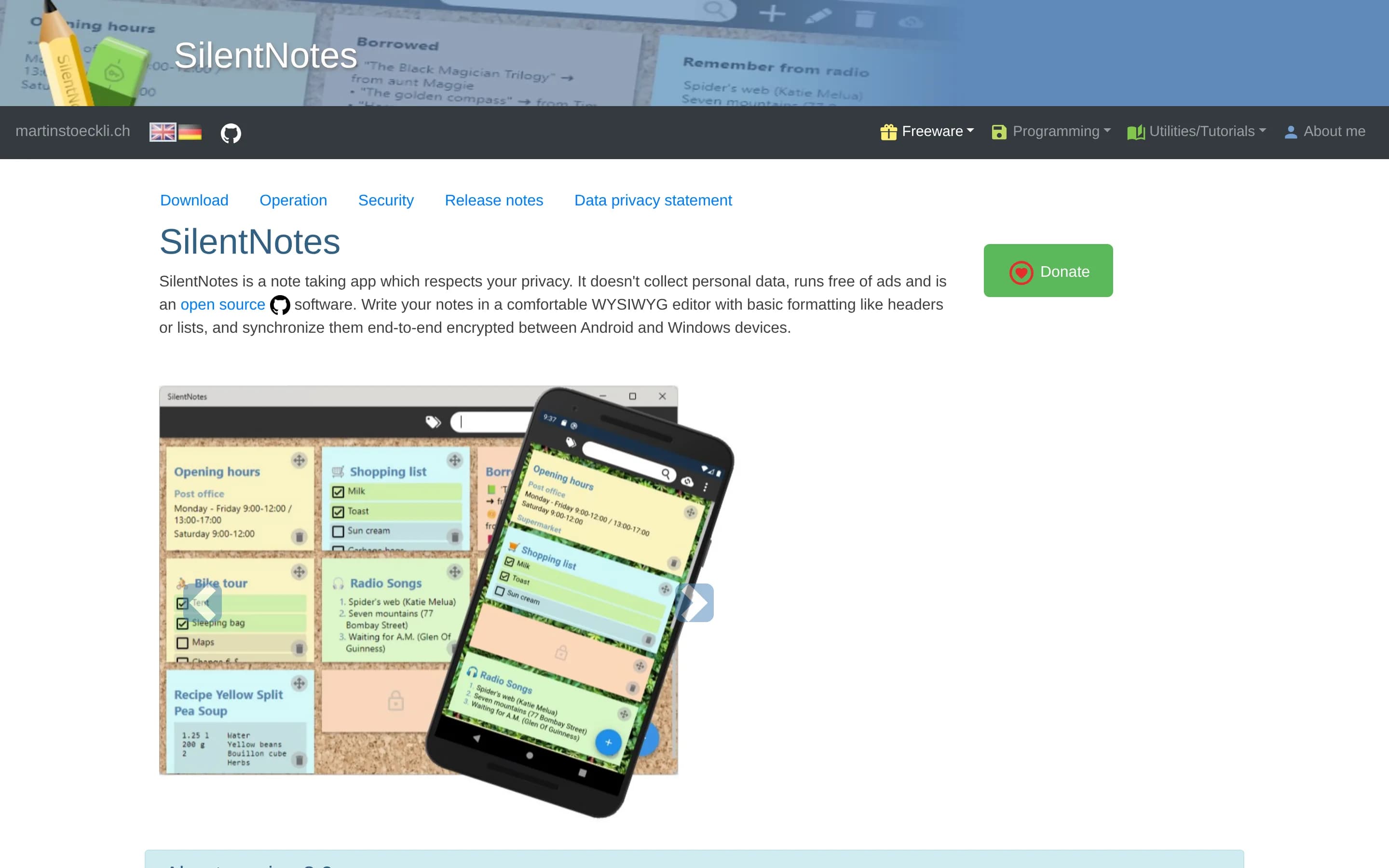
SilentNotes is a focused, privacy-oriented note-taking alternative with synchronized Android and Windows notes, tagging, search, WYSIWYG editing, and self-hosted storage. It documents fewer multimedia capture, web-clipping, collaboration, calendar, and AI capabilities than Evernote.
What it does
SilentNotes is an open-source note-taking application for Android and Windows. Users can create notes in a WYSIWYG editor, apply basic formatting, organize and filter notes with tags, recover deleted notes, and find content through full-text search. It also supports to-do lists, password protection, and dark mode.
Notes are end-to-end encrypted and can synchronize through user-selected storage, including FTP, WebDAV, Dropbox, Google Drive, and OneDrive. The repository documents self-hosted storage and cross-device synchronization, while the supplied README does not describe web clipping, multimedia note capture, collaboration, calendar integration, AI search, or transcription.
What it covers
- Cross-device note synchronization
- Text note capture and WYSIWYG editing
- Full-text search
- Tag-based organization
- To-do lists within notes
- Encrypted storage and privacy controls
What’s different
- Multimedia capture for images, sketches, documents, scans, and audio
- Web clipping
- Templates
- Advanced or AI-powered search
- Offline-access details beyond local device use
- Calendar-linked notes
- Sharing and real-time collaborative editing
- AI assistant and transcription
VVnote12,897
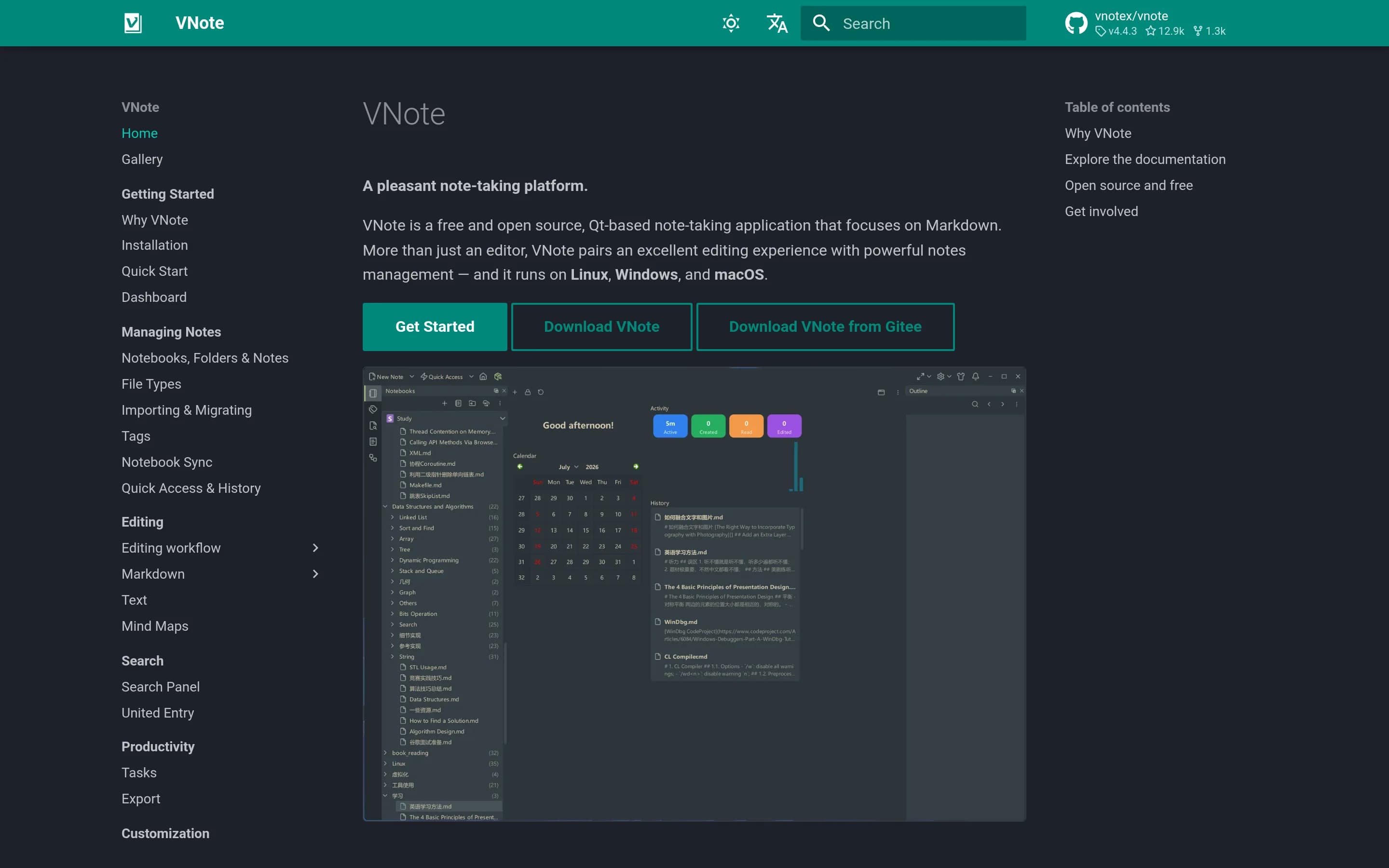
VNote is a focused, open-source desktop note-taking application and a direct alternative for Markdown-centered note capture and organization. It documents fewer multimedia, web-clipping, synchronization, search, collaboration, and task features than Evernote.
What it does
VNote is a free and open-source Qt-based desktop note-taking application focused on Markdown. It combines an editing experience with notes management rather than functioning solely as a Markdown editor, and is intended to make Markdown note-taking simpler.
The README documents native applications for Linux, Windows, and macOS, with continuous and stable builds available through project releases. The supplied materials do not document multimedia capture, web clipping, cross-device synchronization, offline mobile or web access, advanced search, collaboration, tasks, calendar links, or AI-assisted features.
What it covers
- Note creation and editing
- Note organization and management
- Cross-platform desktop availability
- Open-source local application
What’s different
- Multimedia capture for images, documents, scans, audio, and web material is not documented
- Notebook and tag organization is not specifically documented
- Advanced or AI-powered search is not documented
- Web clipping is not documented
- Cross-device synchronization and offline access are not documented
- Tasks within notes are not documented
- Calendar-linked notes are not documented
- Sharing and real-time editing are not documented
- AI assistance and transcription are not documented
NNote-gen12,636
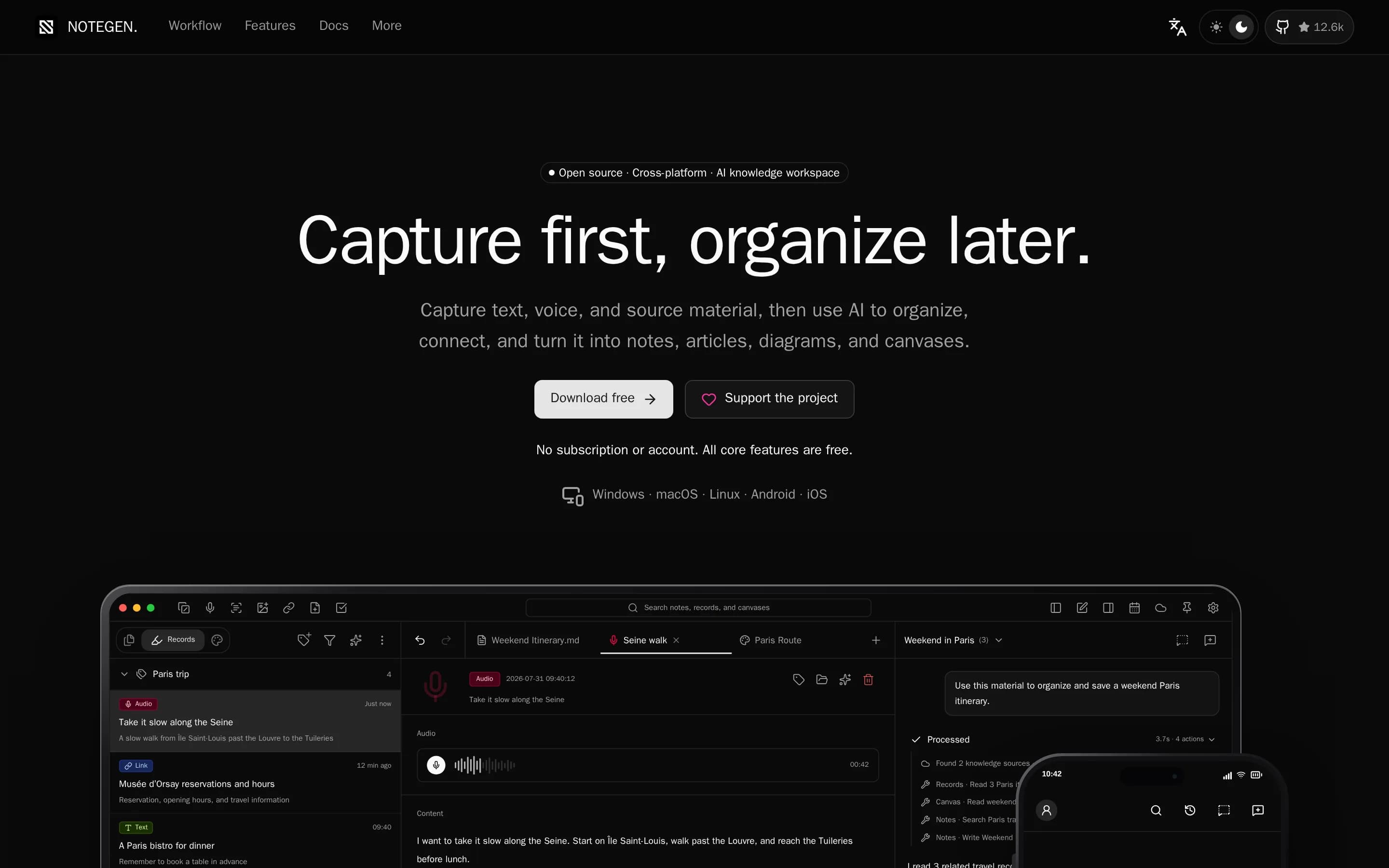
NoteGen is a direct open-source note-taking alternative with local Markdown storage, multimedia capture, organization, search, editing, AI-assisted retrieval, and cross-device synchronization.
What it does
NoteGen is a local-first Markdown application for capturing thoughts, voice recordings, screenshots, images, links, files, and todos before organizing them into structured notes. Users can filter records by tag, time, or type, select related material, apply a template or instruction, and produce summaries, reports, articles, or other Markdown structures for continued editing.
The editor supports visual and source Markdown modes, tables, task lists, code, math, diagrams, search and replace, attachments, export, printing, history, and workspace management. It also provides AI chat and writing assistance, OCR, audio and image capabilities, searchable knowledge bases with semantic and local retrieval, MCP servers, agent tools, and an editable canvas for diagrams, mind maps, timelines, drawings, and charts.
Notes remain ordinary Markdown files in a chosen workspace. The application is local
What it covers
- Multimedia note capture
- Note organization and templates
- Search and knowledge retrieval
- Markdown editing
- Cross-device synchronization
- AI-assisted note organization and retrieval
What’s different
- Dedicated web clipper workflow is not explicitly documented.
- Built-in notebooks and tags are not explicitly documented as the primary organization model.
- Tasks with due dates, reminders, notifications, assignments, and progress tracking are not documented.
- Calendar-linked notes are not documented.
- Real-time collaborative editing and comments are not documented.
- Document scanning is not explicitly documented, although OCR is supported.
BBlinko10,872
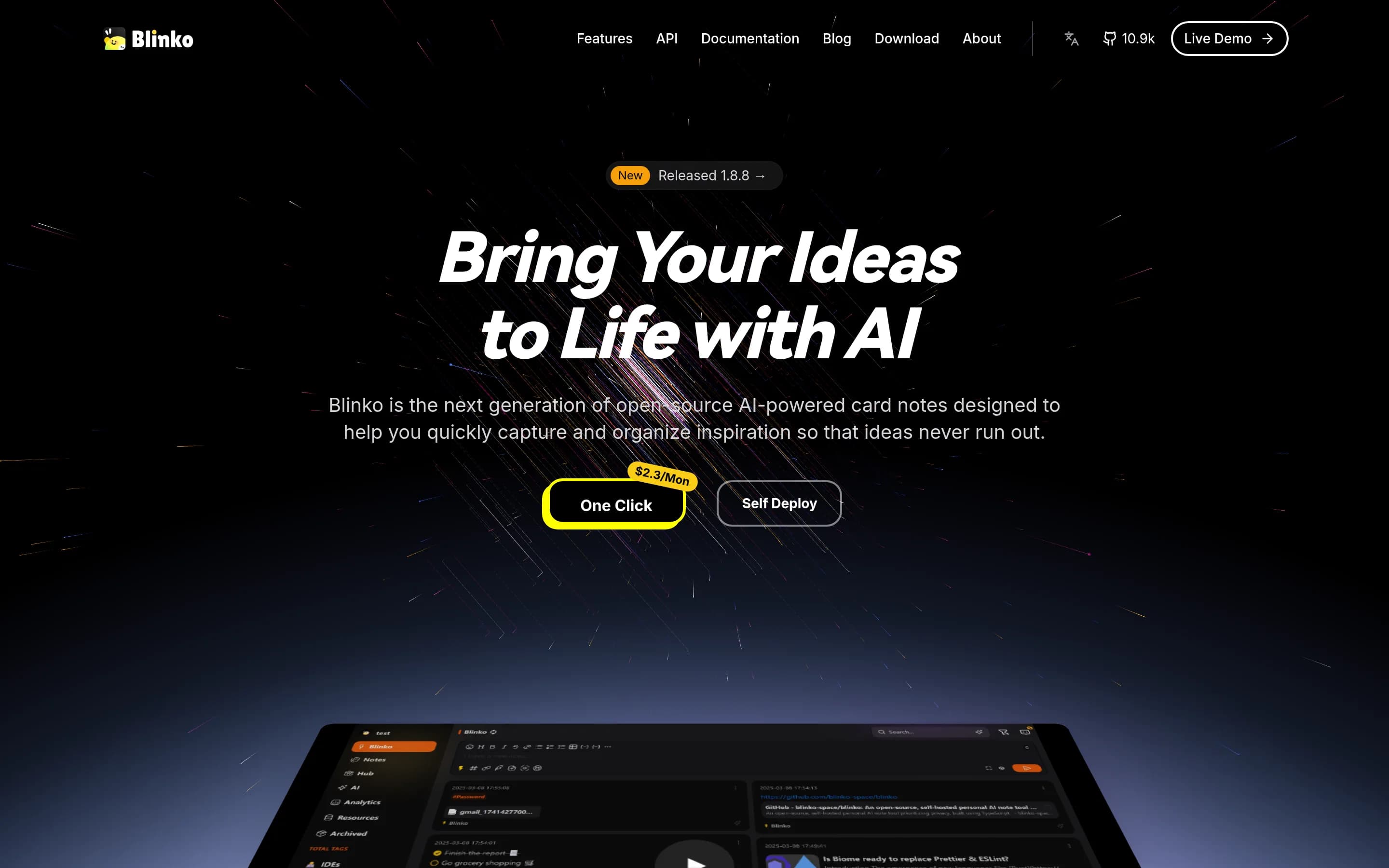
Blinko is a direct open-source, self-hosted note-taking alternative with rapid text capture, Markdown support, organization, cross-platform clients, and AI-powered natural-language retrieval. It documents fewer multimedia capture, clipping, collaboration, task, calendar, and transcription capabilities than Evernote.
What it does
Blinko is an open-source, self-hosted personal AI note-taking application focused on quickly capturing fleeting thoughts and ideas. Users can store plain-text notes with full Markdown support, organize their material, and retrieve notes through AI-powered retrieval-augmented generation and natural-language queries.
The project documents multi-platform support through Tauri for macOS, Windows, Android, and Linux, with data kept in the user's self-hosted environment. It provides a Docker-based installation path through an install script and also links to a hosted deployment option through PikaPods. The supplied README does not document web clipping, multimedia note capture, shared editing, tasks, calendar links, or transcription.
What it covers
- Note capture and storage
- Markdown text editing
- AI-powered natural-language note retrieval
- Note organization
- Multi-platform access
- Self-hosted data ownership
What’s different
- Document, image, sketch, scan, audio, and web-content capture are not documented
- Notebooks, tags, and reusable templates are not documented
- Web Clipper is not documented
- Offline access and synchronization details are not documented beyond multi-platform support
- Tasks within notes are not documented
- Calendar-linked notes are not documented
- Sharing and real-time editing are not documented
- Audio or meeting transcription is not documented
TTagspaces5,236
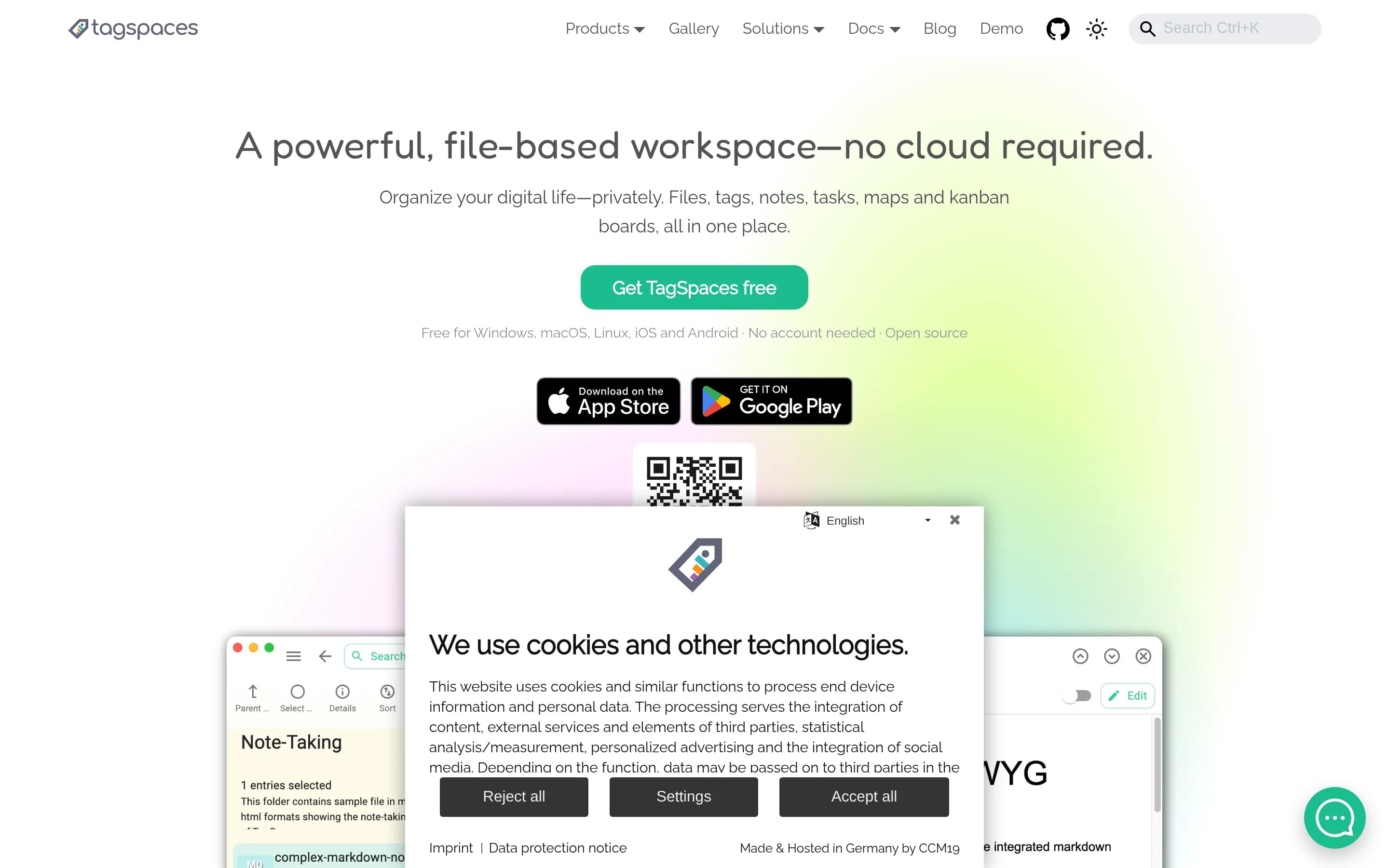
TagSpaces is a substantial offline note and document organization alternative, covering local note capture, tagging, search, web clipping, and cross-platform desktop use, but it does not document Evernote’s cloud synchronization, multimedia note repository, collaboration, AI search, or calendar-linked workflows.
What it does
TagSpaces is an open-source, offline-first application for organizing, tagging, and managing local files on Windows, Linux, and macOS. It provides file and folder browsing, filename or sidecar tagging, fuzzy search by names or tags, and note creation in TXT, Markdown, or HTML formats. A browser extension can save web pages and screenshots as local files.
The application also includes an HTML-editor-based to-do workflow, media playback for common audio and video formats, and extension modules for additional viewers and editors. It runs without cloud services and includes a locally running web service for search-index creation and image thumbnails. The repository documents Electron desktop builds, a local web version, mobile builds through Capacitor, and Docker setup files.
What it covers
- Local note creation in TXT, Markdown, and HTML
- Tag-based organization
- Fuzzy search by names and tags
- Web clipping of pages and screenshots
- Cross-platform desktop availability
- Offline access
- Basic to-do support
What’s different
- Document scanning
- Rich multimedia note capture and persistent note-centric storage
- Cloud synchronization across devices
- Offline availability of synchronized notes across desktop, mobile, and web
- Advanced or AI-powered search across attachments, images, handwriting, and scans
- Notebook-based organization and reusable templates
- Tasks embedded in notes with reminders, assignments, or progress tracking
- Calendar-linked notes
- Sharing and real-time collaborative editing
- AI assistant, transcription, and summarization
NNotabase910
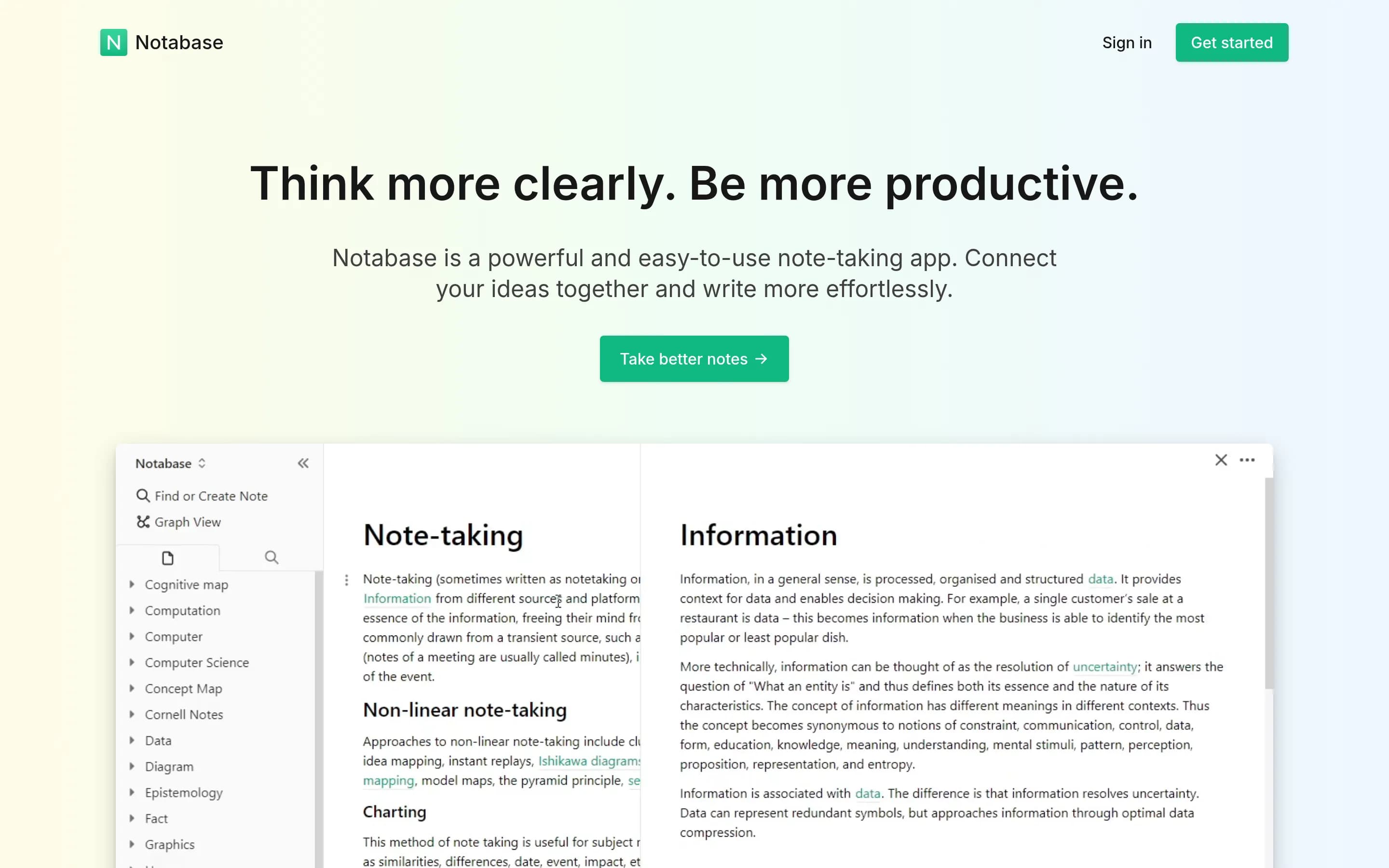
Notabase is a direct open-source note-taking and personal knowledge-base platform. It substantially covers multimedia-light note capture, organization, retrieval, synchronization, and offline access, but does not document Evernote's web clipping, rich media capture, task, calendar, collaboration, or AI features.
What it does
Notabase is an open-source personal knowledge base designed for networked thinking. Users create and edit notes with a WYSIWYG Markdown-supporting editor, connect notes with links, tags, nested notes, references, and block embeds, then browse relationships through page stacking and graph view. Full-text search, import and export, and linked or unlinked references support retrieval and ongoing organization.
The project provides a hosted experience and documents self-hosting locally with a Next.js build, Supabase authentication, database, and storage. Notes can sync to the cloud and be accessed on any device; the Progressive Web App supports faster loading and offline viewing. The repository is licensed AGPL-3.0.
What it covers
- Note creation and editing
- Note organization with links and tags
- Full-text search
- Cross-device cloud synchronization
- Offline access
- Import and export
What’s different
- Multimedia capture for images, sketches, documents, scans, and audio
- Web clipping of articles, pages, PDFs, URLs, and screen captures
- Advanced or AI-powered search across attachments, images, handwriting, or scans
- Tasks within notes
- Calendar-linked notes
- Sharing and real-time collaborative editing
- AI assistant and transcription
MMemex669
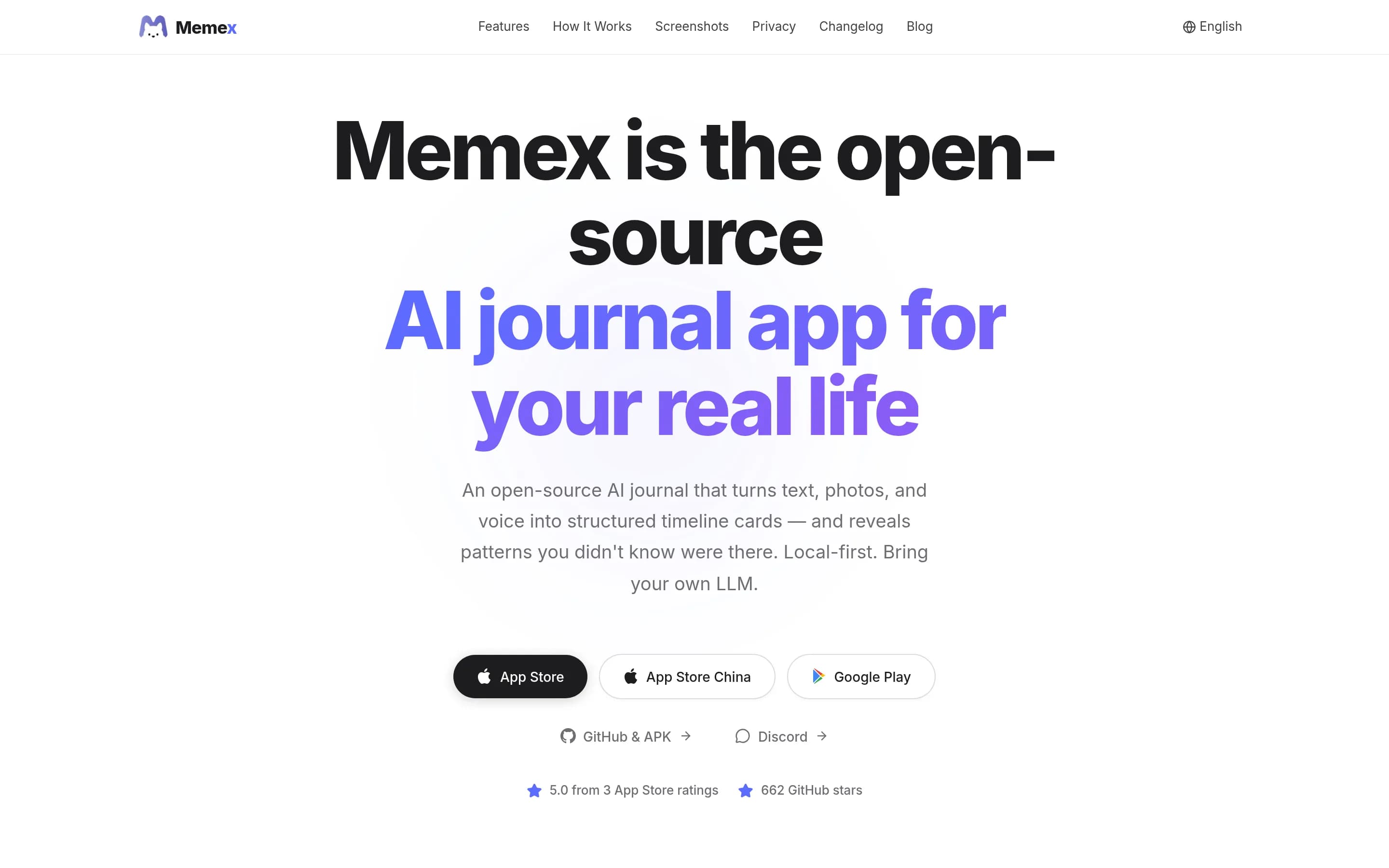
Memex is a focused, local-first mobile journaling and personal knowledge-management app. It substantially overlaps Evernote's multimedia capture, note organization, retrieval, and AI-assisted knowledge workflows, but does not document web clipping, cross-platform desktop/web synchronization, or collaborative editing.
What it does
Memex is an open-source, local-first journaling and personal knowledge-management app for iOS and Android. Users capture text, photos, voice, shared files, and other fragments; the app uses multi-agent workflows to turn records into timeline cards, structured knowledge, tasks, events, media references, and insight cards. It supports automatic tagging, entity extraction, cross-references, conversational card discussions, P.A.R.A. organization, charts, narratives, maps, timelines, and galleries.
Data is stored locally using the filesystem and SQLite, with app lock, device or iCloud Drive storage, backup and restore, and Markdown export. AI features require a configured provider or optional Memex AI service, with support documented for providers including OpenAI, Claude, Gemini, DeepSeek, and Ollama. The product is distributed for iOS and Android and can be built from source with Flutter.
What it covers
- Multimedia capture of text, photos, and voice
- AI-assisted organization and retrieval of personal records
- Automatic tagging and cross-reference linking
- Personal knowledge-base organization
- Task and event record support
- Local storage, backup, and Markdown export
- Conversational discussion of captured records
What’s different
- Web Clipper for saving and annotating web pages, PDFs, URLs, and screen captures
- Documented cross-platform synchronization across desktop, mobile, and web applications
- Notebooks as a documented organizational structure
- Real-time sharing and collaborative editing
EEclaire897
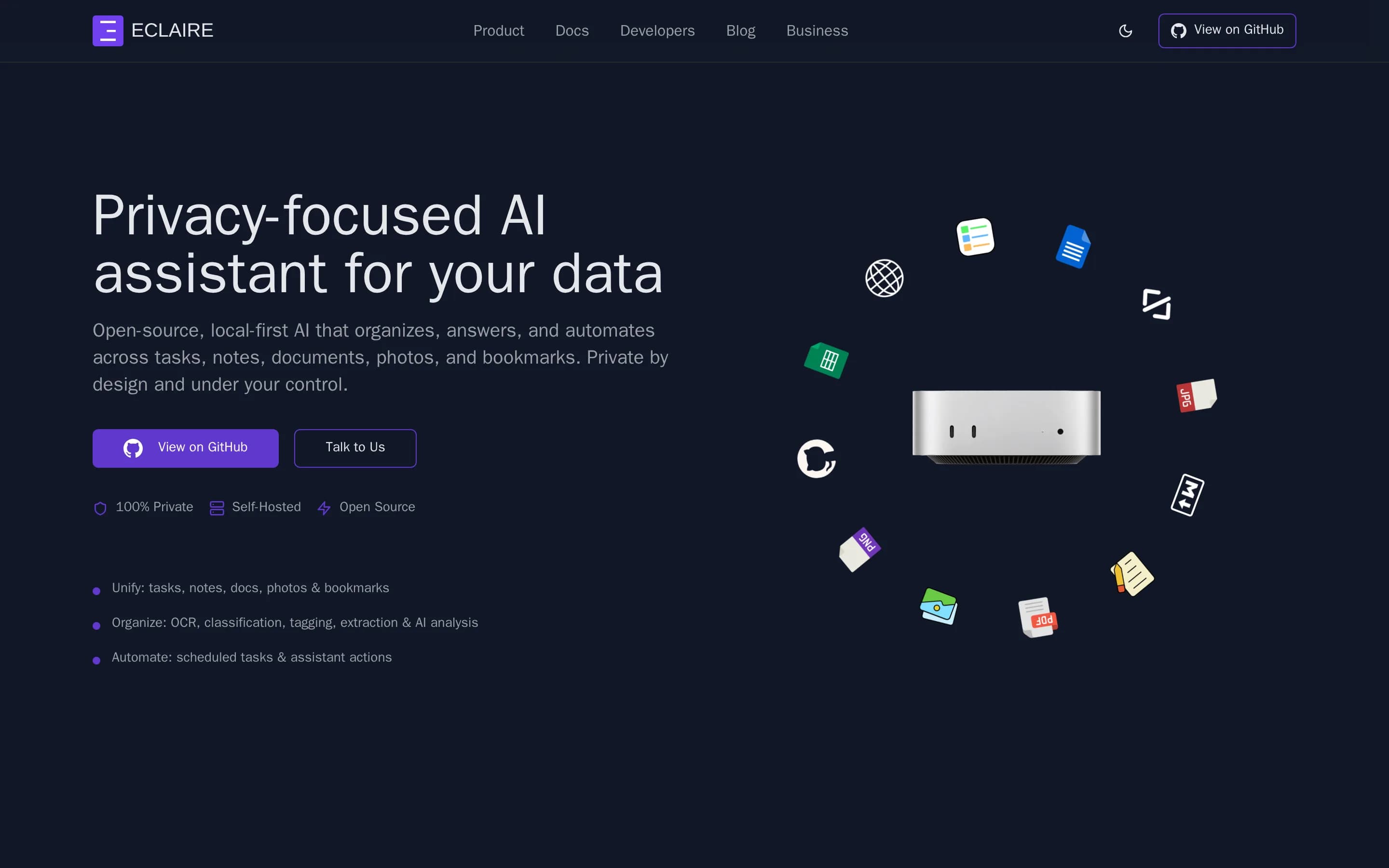
Eclaire is a broad, self-hosted note and personal-knowledge platform that substantially overlaps Evernote’s core capture, organization, retrieval, and web-archiving workflows, while adding local AI and task management.
What it does
Eclaire is a local-first, open-source AI workspace that unifies notes, documents, photos, bookmarks, and tasks. Users can save web content, create plain-text or Markdown notes, organize assets with tags and flags, search and analyze documents and images, perform OCR, and ask an assistant to summarize or retrieve information across their data.
The product provides a Vite-based web application with mobile and PWA access, Telegram integration, REST APIs, and local model support through systems such as llama.cpp, MLX, LM Studio, and Ollama. It is designed for self-hosting: the documented setup uses Docker Compose, SQLite or PostgreSQL, local storage, and locally run AI models; a command-line onboarding and administration flow is also available.
What it covers
- Multimedia note and document capture
- Notes with links to other assets
- Tags and cross-asset organization
- AI-powered search and retrieval
- Web-page and bookmark archiving
- OCR and document processing
- Cross-device access through web, PWA, and mobile integrations
- Tasks associated with personal information
What’s different
- The README does not document notebook-specific hierarchy or reusable note templates.
- The README does not document real-time collaborative editing, comments, or shared team workspaces.
- The README does not document calendar-linked notes.
- The README does not document synchronized native desktop and mobile note applications with offline note access; it documents a web app, PWA, and mobile automation integrations.