
FFigma
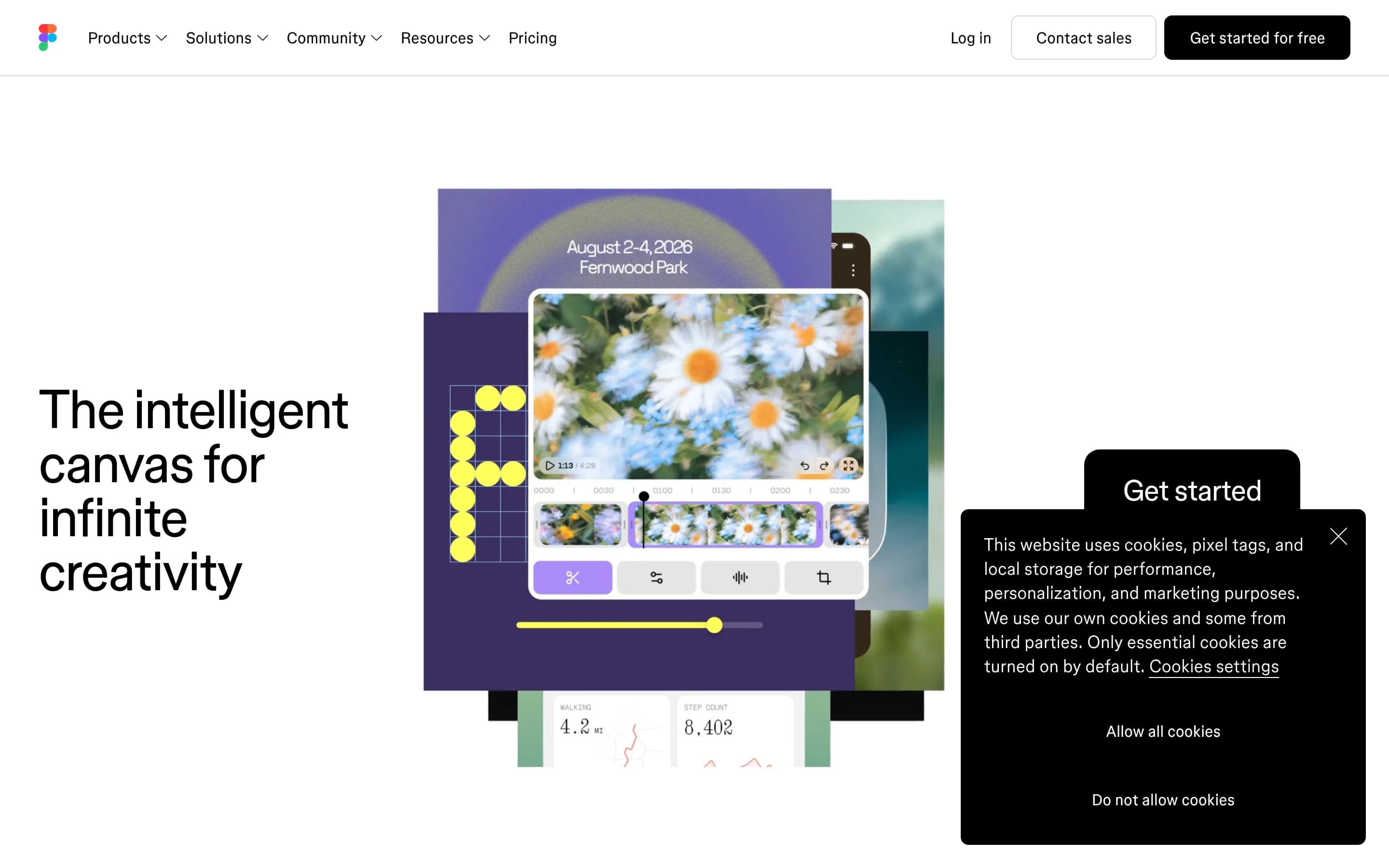
Figma is a collaborative design platform for creating interface designs, wireframes, interactive prototypes, and reusable design systems. Its broader workspace also includes whiteboarding, vector illustration, design handoff, animation, presentations, and website publishing.
Why people leave Figma
Someone may seek a Figma alternative when the product’s expanding scope does not match a narrower workflow. The platform now brings interface design together with prototyping, whiteboarding, presentations, animation, vector illustration, website publishing, AI-assisted creation, and developer tools. That breadth can be useful, but teams focused on a single task may prefer a smaller application with fewer adjacent modules and a more specialized interface. Others may want separate tools for brainstorming, production design, and developer handoff rather than adopting one workspace for the entire product-development process.
Figma emphasizes shared files, collaborative canvases, and keeping designers, engineers, product managers, and AI agents in the same environment. A team might instead need a workflow centered on local files, offline access, self-hosting, or infrastructure it can inspect and control. The supplied page does not describe those as Figma capabilities, so organizations with strict data-location, network, governance, or operational requirements may investigate open-source products that can be deployed and managed under their own policies.
Compatibility and workflow fit can also motivate a search. Figma combines precise interface design, reusable design context, interactive prototyping, and translation of designs into code. Teams may prefer alternatives built around a different file format, handoff process, code-generation approach, plugin ecosystem, or integration with an existing development toolchain. Illustrators may favor a dedicated vector editor, facilitators may prioritize a purpose-built whiteboard, and developers may want design artifacts that connect to production in a different way.
Finally, teams may compare alternatives when reviewing plans, long-term access, or dependence on a single vendor’s workspace. Figma’s site presents multiple products, beta offerings, AI workflows, and plan options, which can lead prospective users to assess which capabilities they actually need and how stable their chosen workflow should be. An open-source alternative may be attractive to organizations that value inspectable source code, the ability to customize the product, community-led development, or greater control over future migrations. These are situational tradeoffs rather than evidence that Figma is unsuitable in general.
2 Best Open Source Figma Alternatives (Ranked)
Each alternative is evaluated for core feature coverage, deployment options, licensing, project health, and overall fit. The ranking prioritizes how closely a tool matches Figma's primary workflows, using popularity only as a secondary signal.
PPenpot58,636
Choose Penpot when self-hosting, inspectable open-source infrastructure, and web-standard design-to-code workflows matter more than Figma’s broader workspace. It covers the central collaborative UI-design workflow, prototyping, design systems, and developer inspection. Choose Figma when the team depends on documented adjacent capabilities—particularly FigJam whiteboarding, website publishing, animation, or advanced D
What it does
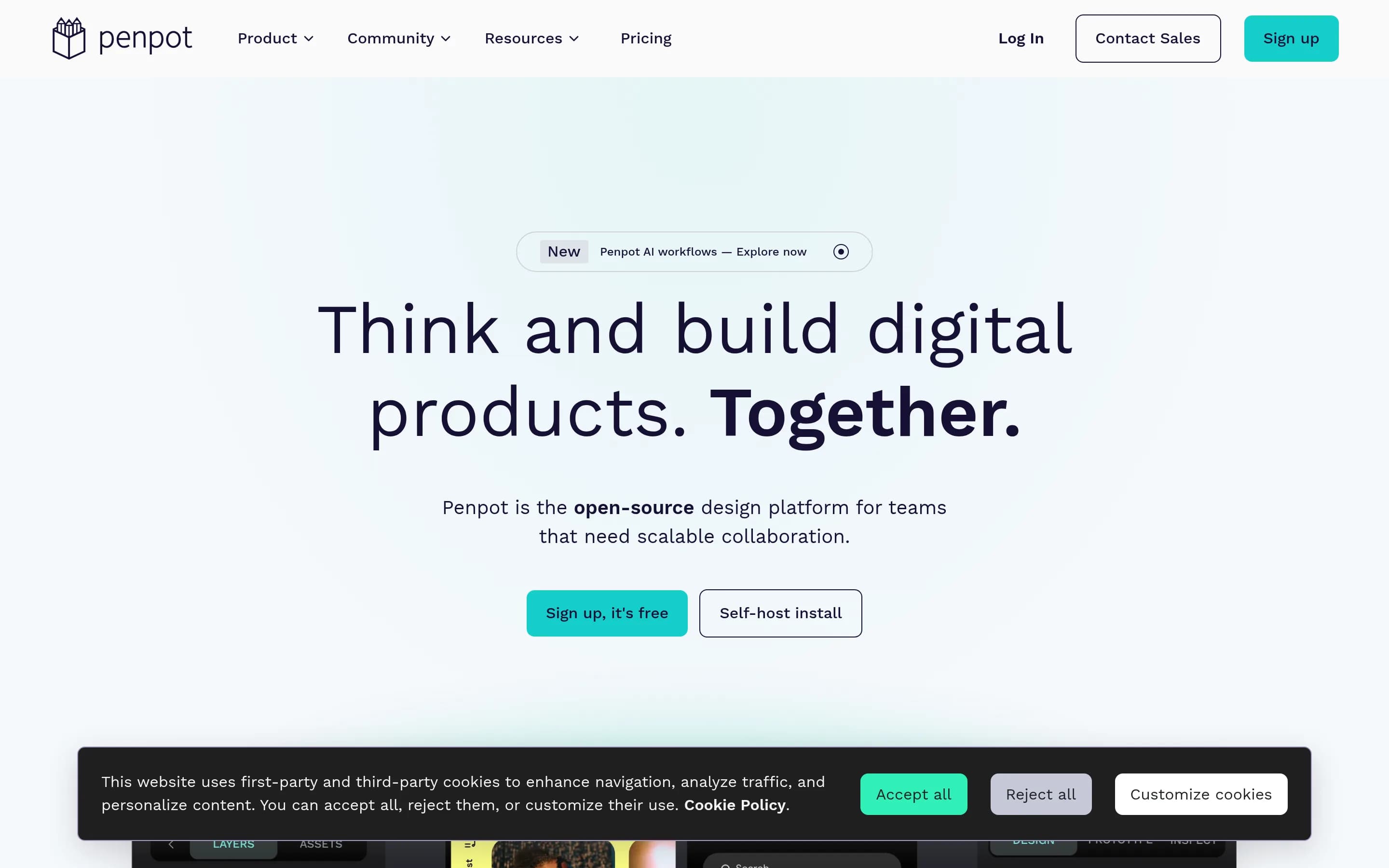
Penpot is an open-source design platform for product teams building digital products. It supports browser-based design and real-time collaboration, with interfaces expressed through open standards such as SVG, CSS, HTML, and JSON. CSS Grid and Flex Layout support responsive interface design, while the platform also provides prototyping capabilities.
Design-system workflows include native Design Tokens, Components, and Variants for reusable and consistent UI. Inspect mode provides SVG, CSS, and HTML code for handoff, and integrations are supported through webhooks, an API, plugins, and an MCP server. Penpot is available as a hosted SaaS service or for deployment on user-controlled infrastructure, with documented Docker and Kubernetes installation options.
What it covers
- Collaborative UI design
- Interactive prototyping
- Wireframing
- Reusable design systems
- Developer inspection and handoff
- Browser-based teamwork
What’s different
- No documented integrated whiteboard
- No documented website publishing
- No documented design-animation module
- No documented advanced vector-illustration coverage
OOpen-pencil7,800
OpenPencil is the stronger choice for teams that prioritize local files, inspectable MIT-licensed code, scripting, CI automation, or custom embedded editors. It covers core canvas editing, components, variables, auto layout, exports, and peer-to-peer collaboration, but remains in active development with acknowledged rough edges and compatibility gaps. Figma remains the safer choice for teams needing its documented,広範
What it does
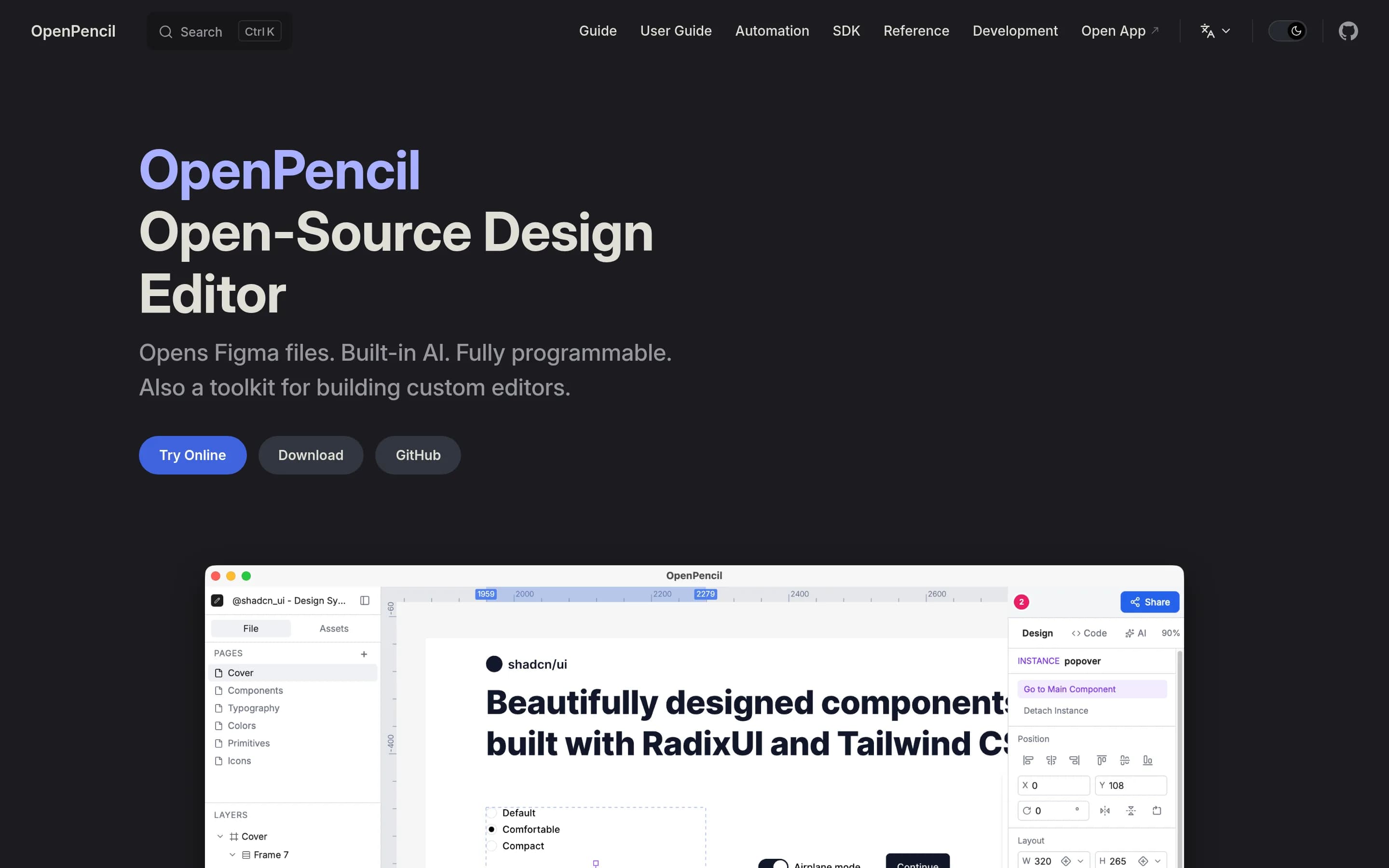
OpenPencil is an open-source design editor for opening and writing .fig and .pen files. Users can create and modify designs with components, variants, auto layout, CSS Grid, vectorization, AI-assisted operations, and real-time peer-to-peer collaboration. It also supports inspecting, linting, analyzing, converting, and exporting design documents, including JSX, HTML, images, and design tokens.
The product runs as a Tauri desktop application for macOS, Windows, and Linux, and is also available as a browser PWA and online web app. It includes a headless CLI, MCP server, Figma Plugin API evaluation, and a headless Vue SDK for programmable workflows and custom editors. The README describes it as active development with some rough edges.
What it covers
- Editable interface-design canvas
- Real-time collaborative editing
- Reusable components and variants
- Design variables and tokens
- Auto-layout workflows
- Vector drawing and image export
- Developer-oriented design-to-code export
What’s different
- No documented interactive prototyping
- No documented whiteboarding workspace
- No documented responsive site publishing
- No documented design-animation tooling
- No documented full Figma compatibility