
LLinear
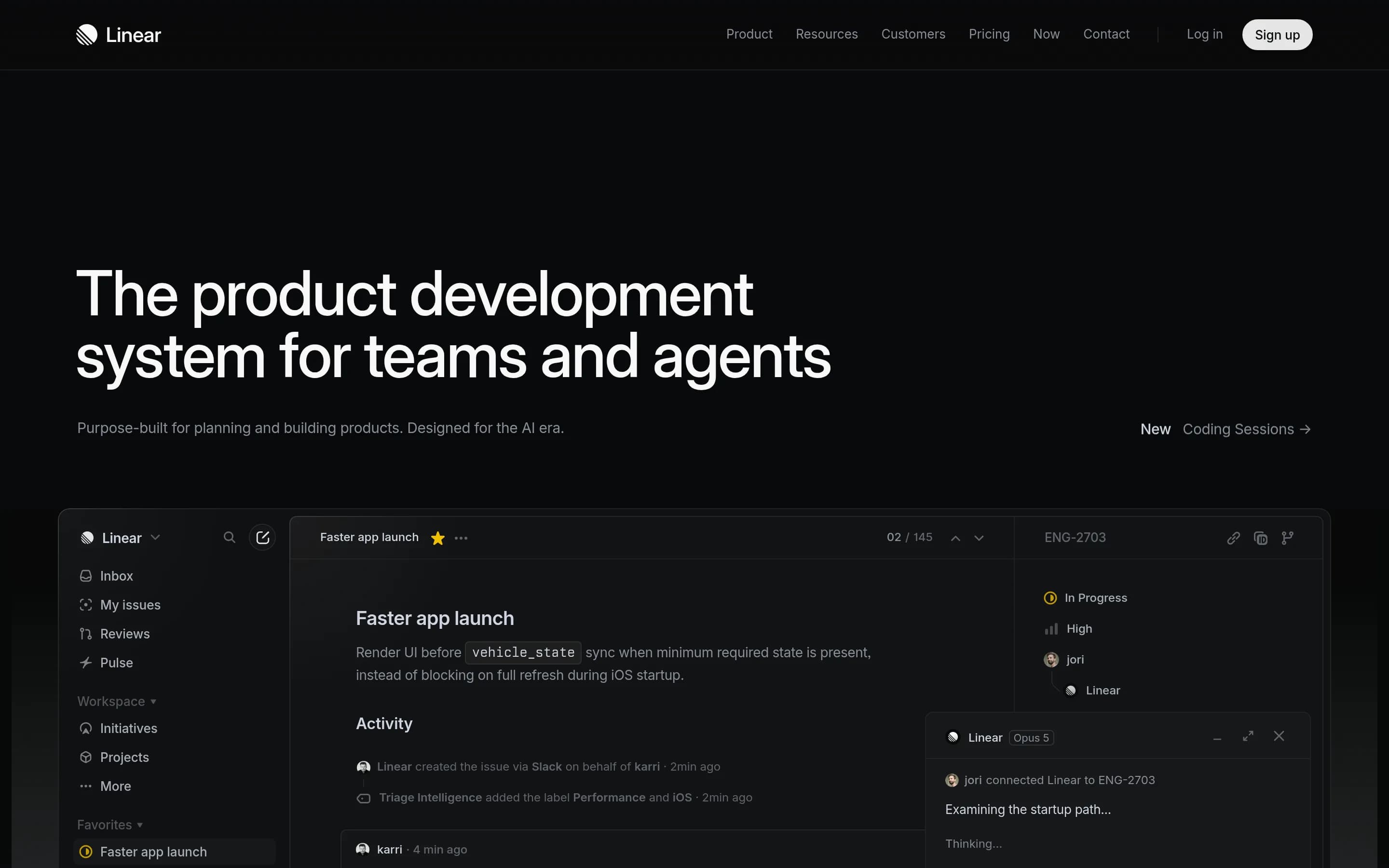
Linear is a product development platform for organizing software issues, projects, cycles, initiatives, roadmaps, and product specifications. It also connects customer feedback, code changes, analytics, and AI-assisted coding workflows to the underlying development work.
Why people leave Linear
A team might seek an alternative if Linear’s product-development model does not match how it organizes work. Linear centers its experience on issues, projects, initiatives, cycles, triage, and defined workflows. Organizations that use substantially different planning methods, need a more general-purpose work system, or want extensive customization may prefer a platform that can be adapted more freely to processes outside software and product development.
Cost and feature packaging may also influence a switch. The crawled pricing page limits the Free plan to two teams and 250 issues, while unlimited issues, additional teams, private teams, guests, Insights, Asks, advanced administration, and enterprise identity controls are assigned to paid tiers. A growing organization could therefore compare alternatives when it needs broader usage, analytics, customer-intake integrations, SAML, SCIM, or granular controls without moving to a higher plan.
Some teams may want a narrower tool rather than an increasingly broad product-development suite. Linear combines issue tracking and planning with customer requests, dashboards, structural code diffs, AI agents, and cloud coding sessions. That integrated approach can reduce handoffs, but an organization may already have preferred products for feedback collection, analytics, code review, or AI-assisted implementation. In that situation, a more focused tracker with strong interoperability—or a self-hosted system that fits an existing stack—could be more suitable.
Control over deployment, data, and automation can be another reason to evaluate alternatives. The supplied pages describe hosted workspaces, secure cloud sandboxes for coding sessions, enterprise security options, integrations, an API, and an SDK, but they do not describe a self-hosted edition. Teams with requirements for on-premises operation, direct infrastructure control, specialized compliance arrangements, or deeply customized automation may consequently investigate open-source options. Others may simply prefer a system whose source code they can inspect, modify, and operate independently, while accepting the additional maintenance and administration that such control usually entails.
7 Best Open Source Linear Alternatives (Ranked)
Each alternative is evaluated for core feature coverage, deployment options, licensing, project health, and overall fit. The ranking prioritizes how closely a tool matches Linear's primary workflows, using popularity only as a secondary signal.
PPlane56,003
Plane is a credible Linear alternative for teams that need open-source, self-hostable issue, cycle, roadmap, and analytics tooling, including on-premises or air-gapped operation. Choose Plane when infrastructure and source control outweigh exact feature parity; choose Linear when structural code review, cloud coding sessions, or its documented customer-feedback integrations are essential, because the supplied Plane材料
What it does
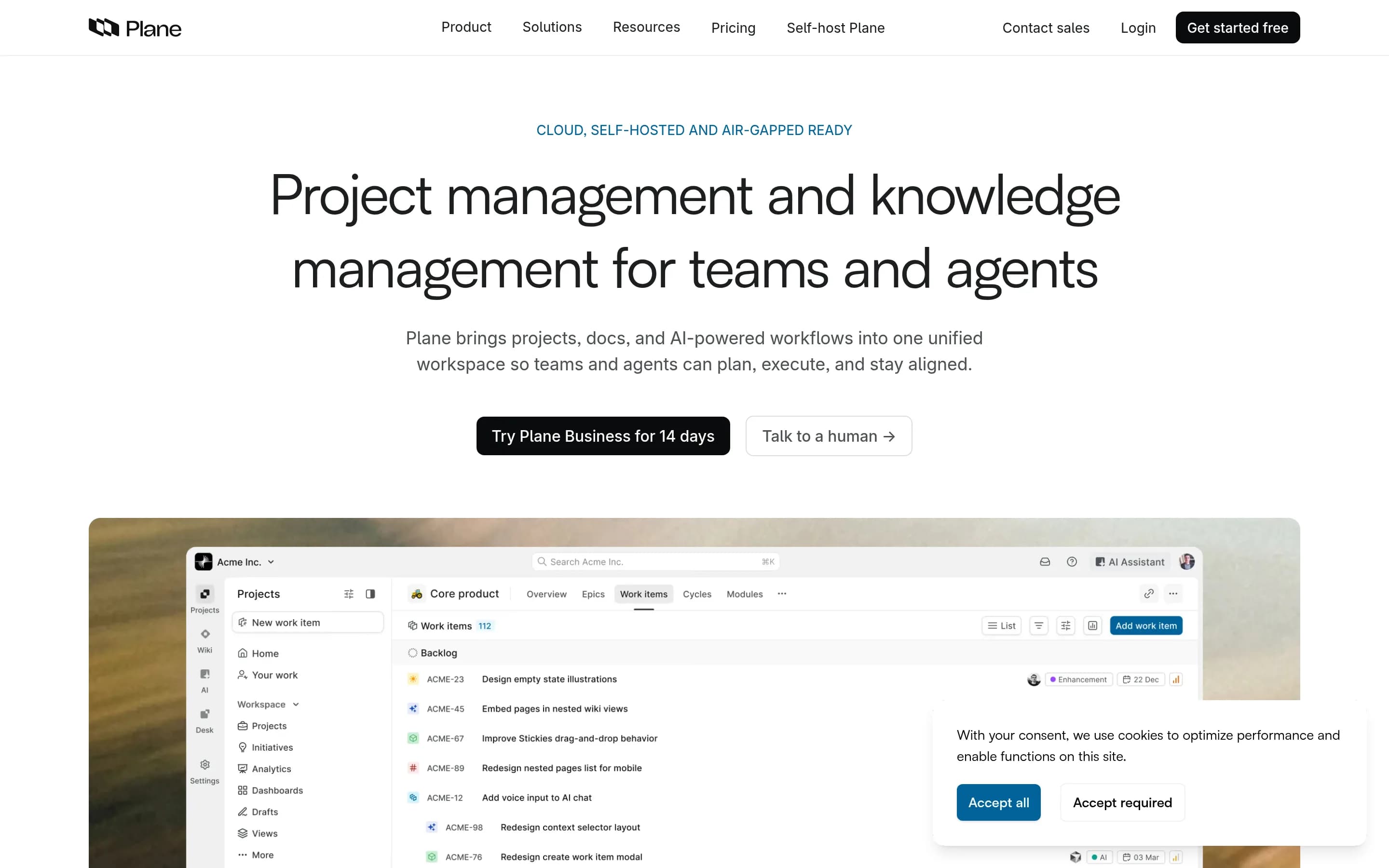
Plane is an open-source project management platform for creating and managing work items, organizing cycles and modules, tracking issues, and managing product roadmaps. Its documented workflows include rich-text task editing, file uploads, sub-properties, related issues, filters, saved views, and converting notes into actionable items.
Plane also provides burn-down charts, real-time analytics, and Pages for organizing ideas and documentation. It can be used through Plane Cloud or deployed on user-controlled infrastructure, with documented Docker and Kubernetes installation methods. The repository is licensed under AGPL-3.0.
What it covers
- Issue and work-item tracking
- Recurring cycles
- Product roadmaps
- Related and subordinate work items
- Filtered workflow views
- Progress analytics
What’s different
- Documented structural code review
- Documented cloud coding sessions
- Documented Zendesk and Intercom intake parity
PPlatform27,357
Choose Huly Platform when self-hosting, source access, and a broader workspace combining project management, documents, chat, planning, and conferencing matter more than close feature parity with Linear. Choose Linear when the team depends on its specifically documented product-development model—cycles, initiatives, issue relationships, triage, analytics, customer intake, structural code review, or AI coding sessions
What it does
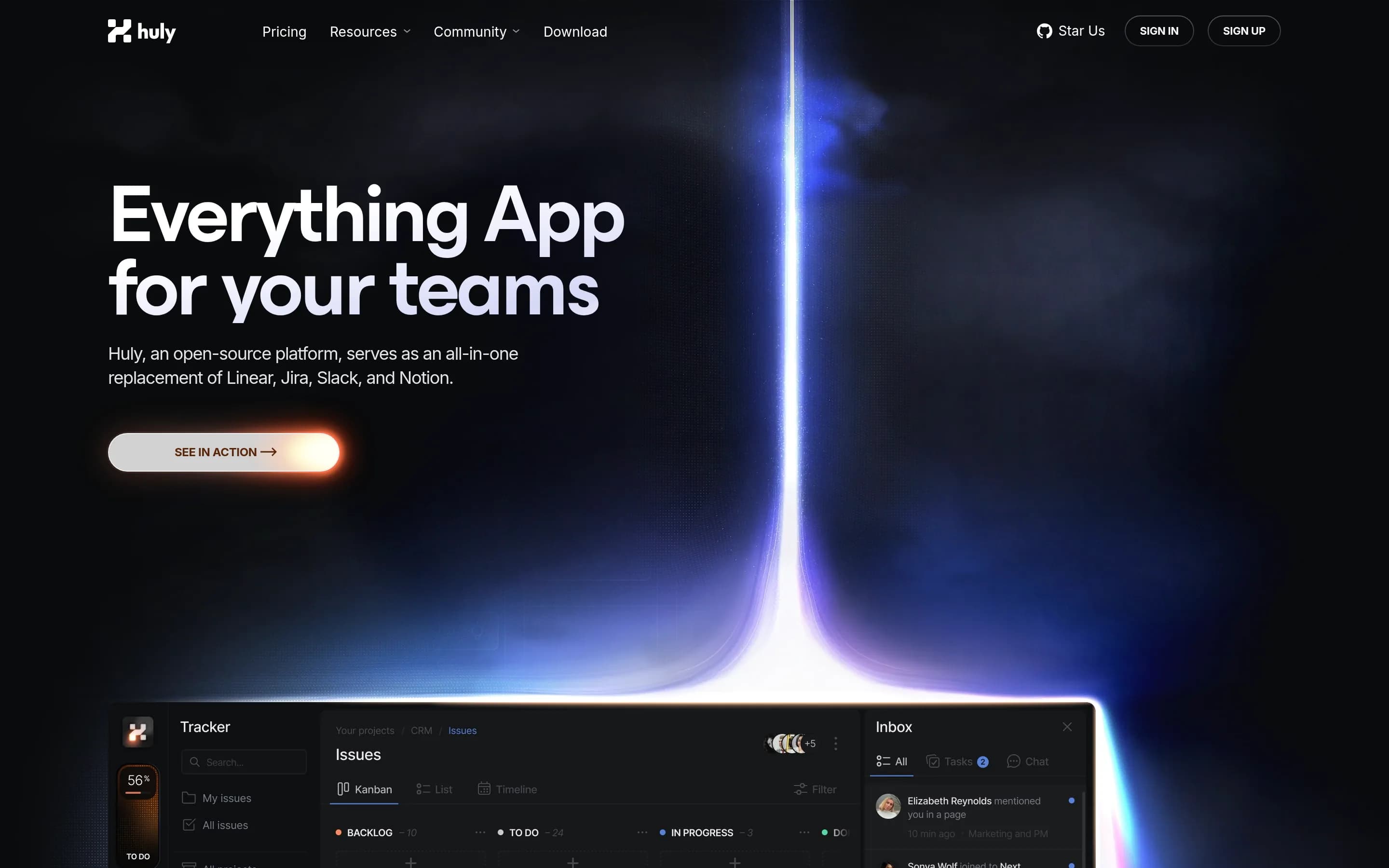
Huly is an open-source platform that includes applications for project management, chat, CRM, HRM, and applicant tracking. Its documented project-management scope and workspace setup support teams coordinating business work from a unified application, while the platform architecture also supports teams building products on top of it.
The repository documents production and development releases, API-client access for integrations and custom applications, and a complete local run path. Users can build and launch the application with Docker and Docker Compose, access it through a browser at a local URL, create an account, and create a workspace. The project is licensed under EPL-2.0 and can be self-hosted using the related Huly self-host repository.
What it covers
- Task and project management
- Progress tracking
- Customizable workspaces
- GitHub-connected development work
- Team collaboration
What’s different
- No documented cycles or initiatives
- No documented issue hierarchy or dependency relationships
- No documented Linear-style triage inbox
- No documented analytics or Insights equivalent
- No documented customer-request intake
- No documented structural code review
- No documented cloud AI coding sessions
OOpenproject15,857
Choose OpenProject when self-hosting, source-code access, infrastructure control, and broader classic/agile project management matter more than Linear’s integrated product-development experience. Choose Linear when the team depends on its documented customer-feedback routing, structural code review, or cloud AI coding sessions; equivalent OpenProject coverage is not established by the supplied sources.
What it does
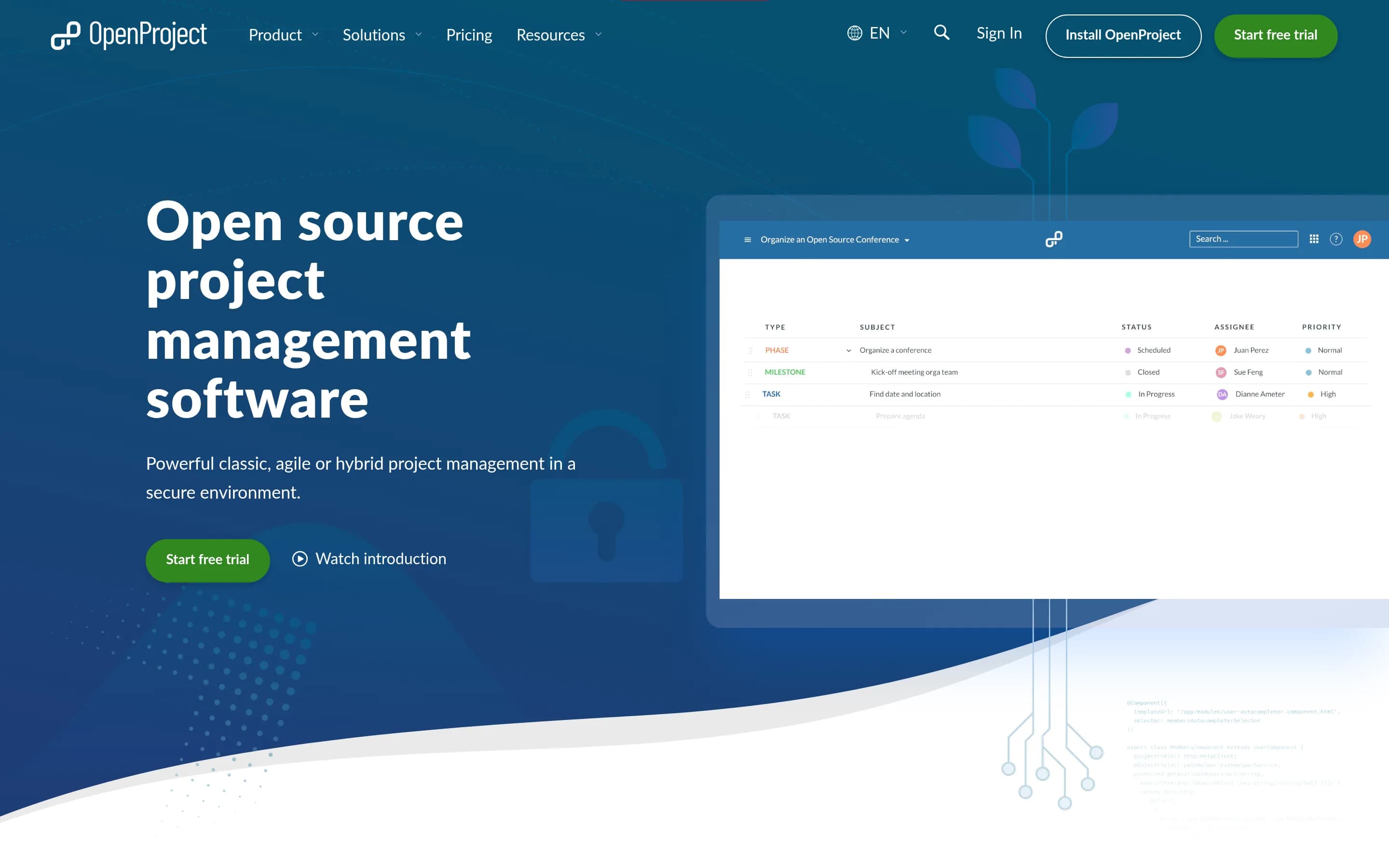
OpenProject is a web-based, open-source platform for teams and organizations managing projects, portfolios, products, tasks, bugs, agile workflows, and roadmaps. Its documented capabilities include project and portfolio management, Kanban and Scrum boards, Gantt-based planning and scheduling, task management, time tracking, cost reporting, budgeting, and team collaboration.
The software can be deployed under user control through its self-hosted Community Edition, with installation guides provided. An Enterprise Edition is also available through cloud or on-premises deployment, and documented integrations include Nextcloud, XWiki, GitHub, and GitLab.
What it covers
- Issue and bug tracking
- Project and portfolio planning
- Roadmaps and release planning
- Agile boards and sprint planning
- Work hierarchies and relationships
- Custom statuses and workflows
- Progress dashboards
- GitHub and GitLab integrations
What’s different
- No documented Linear importer
- No documented Zendesk or Intercom intake
- No documented structural code-diff review
- No documented cloud AI coding sessions
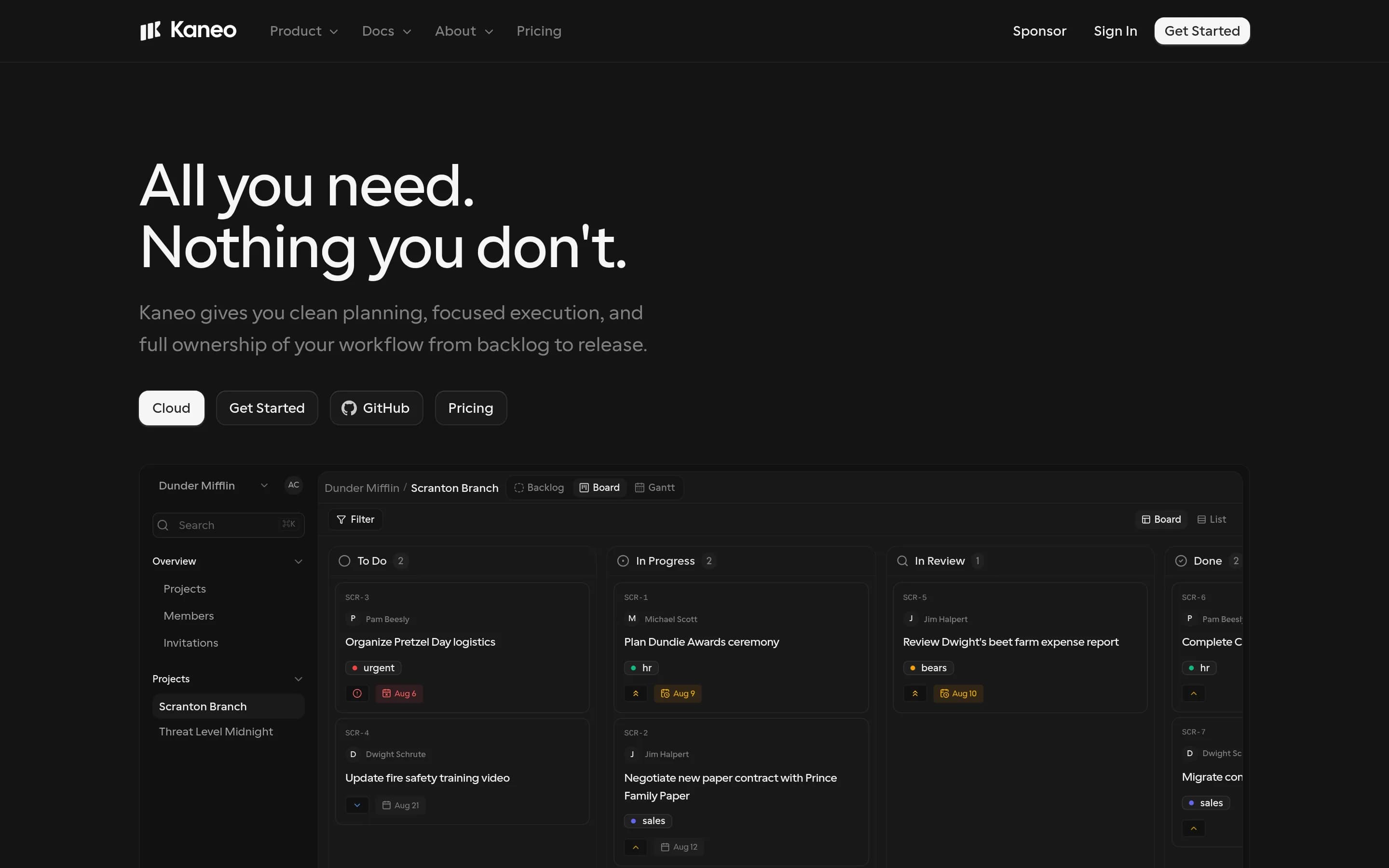
KKaneo8,318
Kaneo is the stronger choice for teams prioritizing open-source control, self-hosting, and a focused board/backlog workflow. Linear remains better suited to teams that want a cloud-managed, more refined product-development system with documented strengths such as cycles and triage. The central tradeoff is infrastructure ownership and simplicity versus broader, specialized product-team functionality.
What it does
Kaneo is an open-source project management platform designed to help teams organize products and projects without a heavily feature-laden interface. The README identifies tasks, projects, labels, issue management, and project management as core uses, and describes a clean interface focused on team work.
The product can be deployed under user control with Docker Compose, a bundled container and PostgreSQL, separate API and web images, or a Kubernetes Helm chart. It also supports a built-in HTTP MCP endpoint and an official MCP package so compatible AI clients can manage tasks, projects, and labels. The repository is MIT-licensed and documents self-hosted and cloud links.
What it covers
- Task and project management
- Board and list planning
- Backlog planning
- Custom workflows
- Labels and priorities
- GitHub-connected development work
What’s different
- No documented cycles equivalent
- No documented dedicated triage inbox
- No documented initiatives or roadmaps
- No documented issue hierarchy or dependency relationships
- No documented product analytics comparable to Insights
- No documented customer-feedback intake
- No documented structural code review
- No documented cloud AI coding sessions
Beads-ui697
Beads-ui is a focused, MIT-licensed local interface for Beads issues, epics, and boards, with live updates and coding-agent collaboration. Choose it when self-operation, source access, and a lightweight developer workflow matter more than breadth. Choose Linear when you need a hosted product-development system spanning roadmaps, cycles, analytics, customer intake, code review, or managed AI coding sessions; the Beads
What it does
Beads UI provides a local web interface for the Beads `bd` CLI, enabling users to collaborate on software issues with a coding agent. Its documented workflow includes filtering, searching, and inline editing of issues; viewing epic progress; and moving work across Blocked, Ready, In progress, and Closed board columns.
The interface monitors the Beads database for live updates, supports keyboard navigation, and allows switching between multiple project workspaces. It is distributed as an MIT-licensed npm package and runs locally with `bdui start`, binding by default to localhost. Users can configure the host, port, runtime directory, and Beads binary path; macOS and Linux are fully supported, with CLI notes for Windows.
What it covers
- Issue browsing, filtering, and editing
- Epic-level work grouping and progress
- Status-oriented board workflow
- Multiple project workspaces
- Coding-agent issue collaboration
What’s different
- No documented initiatives, roadmaps, or product specifications
- No documented cycles or team workspaces
- No documented issue relationships or triage inbox
- No documented dashboards or broader analytics
- No documented customer-request integrations
- No documented structural code review
- No documented cloud AI coding sessions
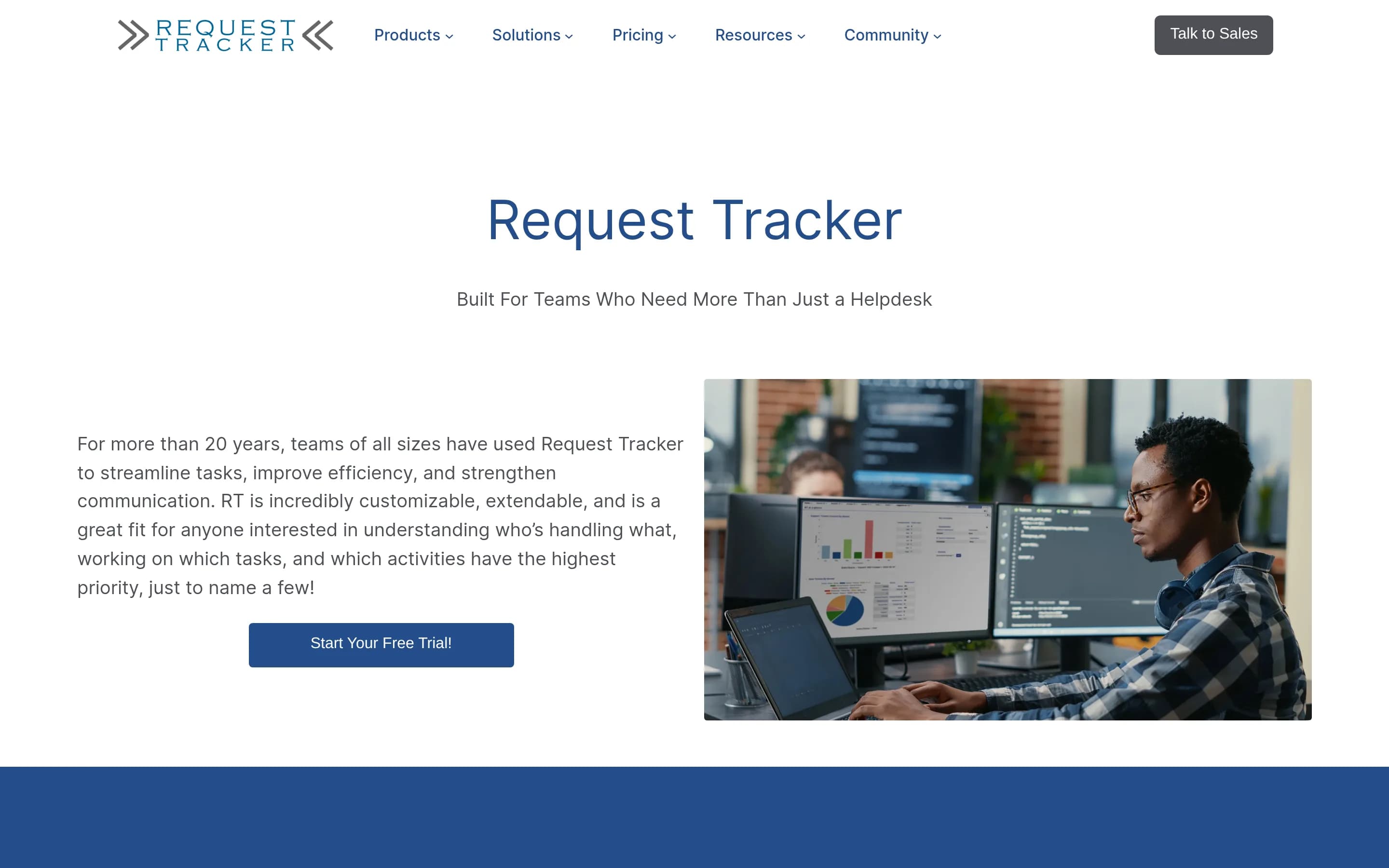
RRt1,143
RT is a credible Linear alternative when self-hosting, source-code access, highly configurable ticket workflows, or email-centric operations matter more than an integrated product-development suite. Choose RT for adaptable issue and request management with infrastructure control; choose Linear when initiatives, roadmaps, cycles, product specifications, code review, and AI coding workflows are central requirements.
What it does
Request Tracker (RT) is an open-source, enterprise-grade issue and ticket tracking system. It helps organizations record what needs to be done, assign work, track task status and completion, manage queues and users, and exchange ticket updates through an email gateway. The repository also documents ticket relationship graphing, dashboards, full-text indexing, scheduled processes, and configurable access control.
RT is distributed under GPL-2.0 and can be installed under Perl with a supported SQL database and a web server such as Apache or nginx using FastCGI or mod_perl. The included standalone rt-server supports initial setup, while production deployments use a configured web server and database. Organizations can run it on infrastructure they control or use commercial hosting and support.
What it covers
- Issue or ticket tracking
- Configurable status workflows
- Priorities and assignment
- Dashboards and charts
- Workflow automation
- API-based integrations
- Search and reporting
What’s different
- Documented initiatives and roadmaps
- Documented recurring development cycles
- Documented product specifications
- Structural code review and merging
- Managed AI coding sessions
- Documented Zendesk and Intercom intake
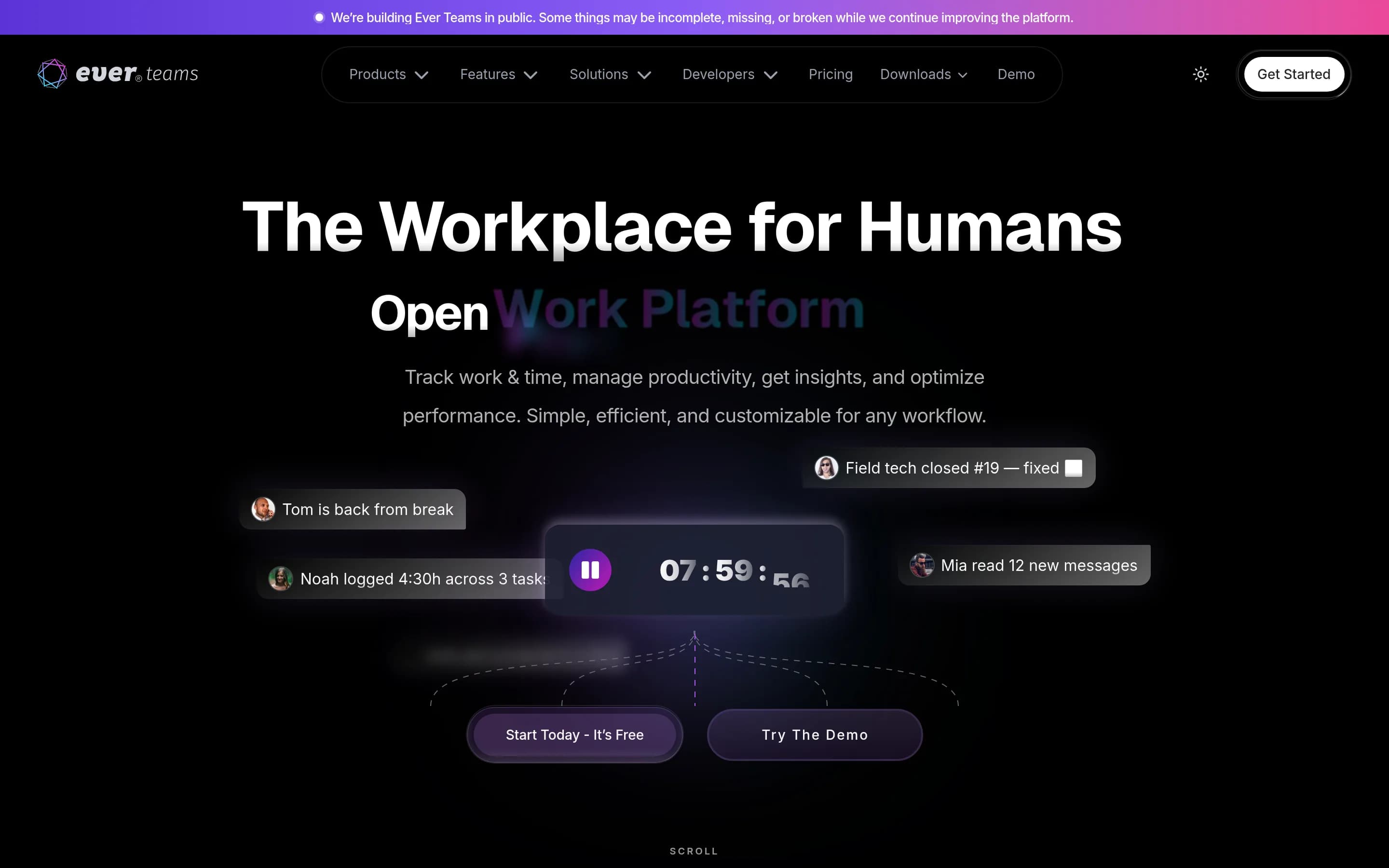
EEver-teams543
Ever Teams is the stronger candidate for teams prioritizing source access, self-hosting, and broader work/workforce management, but its README labels the platform active-development/WIP and describes key capabilities as planned. Choose Linear when mature, software-specific planning plus documented code-review, customer-intake, analytics, and AI-coding workflows matter more than infrastructure control; consider Ever,先
What it does
Ever Teams is an open work and project management platform for teams. Its documented feature set includes projects, tasks and issues management, organizations and teams, tags and labels, time management, time tracking, activity tracking, productivity metrics, and integrations with GitHub, GitLab, Bitbucket, and Jira. The repository describes the project as actively developed and a work in progress.
The product provides a web application, with mobile apps, a desktop application, and browser extensions listed in the repository. It can be run locally with Docker Compose, Docker, or a manual Node.js build, and supports deployment through several hosting providers. The web frontend requires access to the Ever Gauzy APIs, either through the documented hosted endpoint or a self-hosted Gauzy backend.
What it covers
- Project, task, and issue management scope
- Organization and team organization
- Tags and labels
- GitHub, GitLab, Bitbucket, and Jira integrations listed as planned
What’s different
- No documented initiatives or roadmaps
- No documented cycles or triage inbox
- No documented issue hierarchy or dependency relationships
- No documented product analytics or dashboards
- No documented customer-request intake
- No documented structural code review
- No documented AI coding sessions