
LLucid
Lucid is a visual collaboration platform for creating intelligent diagrams, running virtual whiteboards, and supporting product planning and roadmapping. Its tools cover processes, technical systems, cloud architecture, brainstorming, agile planning, and shared business documentation.

Why people leave Lucid
Someone might seek an alternative when Lucid’s broad suite is larger than the job they need to accomplish. The platform combines Lucidchart diagramming, Lucidspark whiteboarding, airfocus product roadmapping, and enterprise add-ons. A team focused only on flowcharts, architecture diagrams, or brainstorming may prefer a narrower tool with fewer overlapping work modes. Conversely, an organization seeking one deeply specialized environment for technical modeling, facilitation, or product delivery may decide that a general visual collaboration suite does not align closely enough with its primary workflow.
Enterprise packaging may also influence the decision. Cloud Accelerator, Process Accelerator, and Enterprise Shield are described as add-ons for Lucid Enterprise accounts. Organizations that require automated cloud architecture diagrams, governed process repositories, approval workflows, content inspection, customer-controlled encryption keys, or advanced access policies may want these capabilities included in a different product’s standard deployment. Smaller teams may instead look for an alternative whose administration and governance model is simpler for their needs.
Data handling and AI architecture can be another consideration. Lucid says its optional AI capabilities use models powered by Microsoft Azure OpenAI Service and AWS Bedrock, while subprocessors help host and provide services. Lucid also states that customer data is not permitted for training third-party generative AI models and that access is restricted and logged. Even with those safeguards, organizations with strict procurement, data-residency, self-hosting, or vendor-minimization requirements may prefer software they can operate within their own infrastructure or use without external AI providers.
Finally, teams may want a different balance between visual canvases and structured records. Lucid can connect diagrams to spreadsheets, CSV files, cloud-provider data, and numerous third-party applications, but its defining workflows remain canvas-based diagramming and whiteboarding. Users whose work must originate in code, repositories, databases, tickets, or document-centric systems may favor an alternative where those structured sources are primary rather than integrations. Open-source options may also appeal to organizations that prioritize source-code access, deployment control, customization, or reduced dependence on a single vendor for diagrams, boards, roadmaps, and governed documentation.
2 Best Open Source Lucid Alternatives (Ranked)
Each alternative is evaluated for core feature coverage, deployment options, licensing, project health, and overall fit. The ranking prioritizes how closely a tool matches Lucid's primary workflows, using popularity only as a secondary signal.
UUmlet1,601
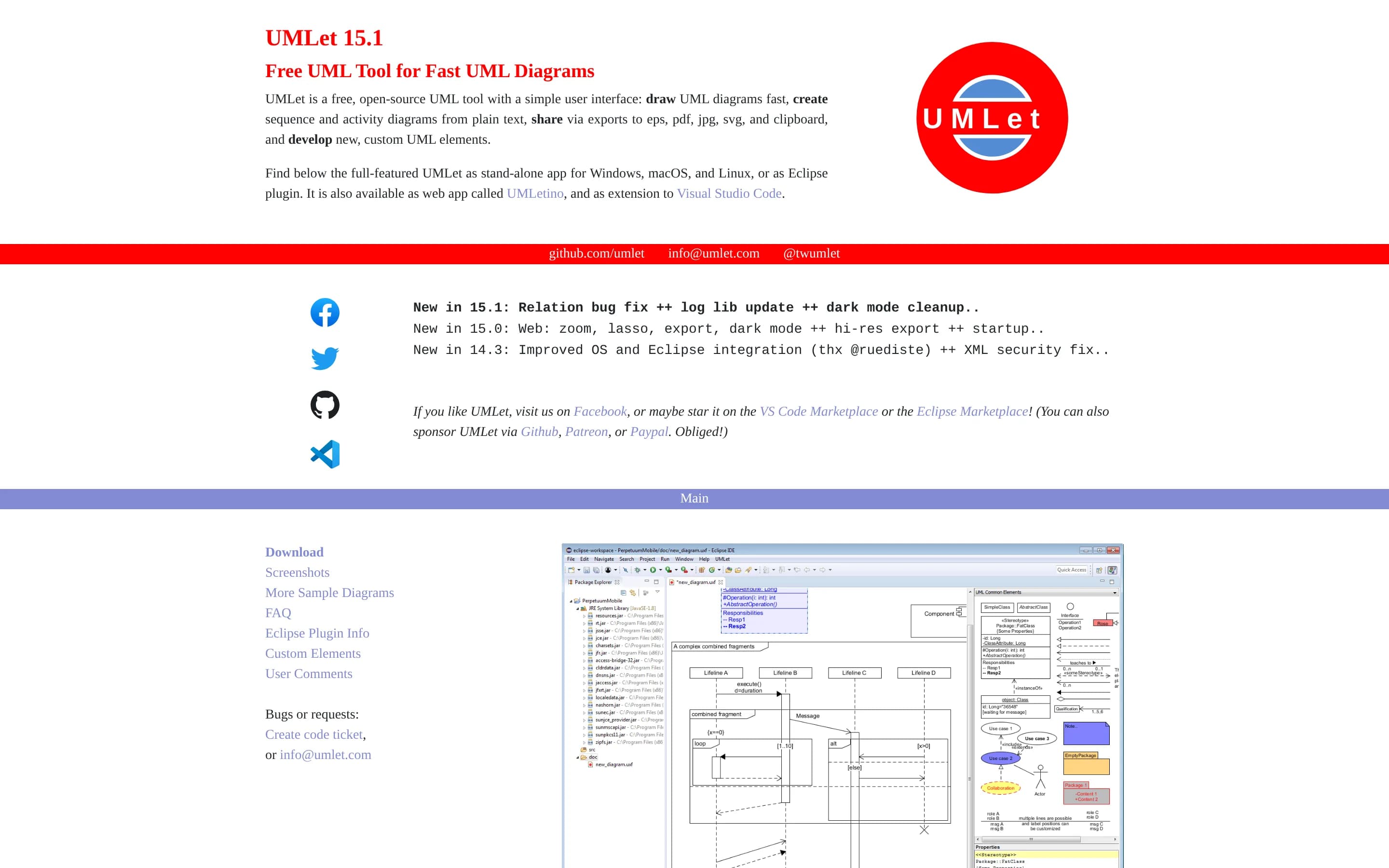
Choose UMLet when the requirement is focused UML sketching with source access, deployment control, text-based element editing, and custom UML elements. Keep Lucid when teams need a broader collaboration suite spanning whiteboards, product roadmaps, data-linked visuals, cloud discovery, governance, or enterprise controls; the supplied UMLet evidence does not establish coverage for those workflows.
What it does
UMLet is a free, open-source UML diagramming tool designed for quickly drawing UML diagrams. Its simple user interface supports creating custom UML elements and sharing diagrams through Eclipse.
The tool exports diagrams to EPS, PDF, JPG, SVG, and the clipboard. The supplied README also points users to compiled versions and identifies UMLetino as a browser-based way to use UMLet. The repository is licensed under GPL-3.0.
What it covers
- UML and technical diagram creation
- Sequence and activity diagrams
- Diagram export and sharing
- Custom diagram elements
What’s different
- Collaborative virtual whiteboards
- Product planning and roadmapping
- Data-linked visualizations
- AI-assisted diagrams and boards
- Automated cloud architecture generation
- Governed process repositories and approvals
- Enterprise security and retention controls
- Documented Lucid application integrations
OOpenflowkit703
OpenFlowKit is the narrower choice for developers who want local-first, code-oriented technical diagramming, editable visual canvases, and self-hosting under an MIT license. Lucid remains the better fit for organizations needing a broader collaboration suite spanning mature whiteboarding, product roadmaps, data-linked visuals, governed processes, enterprise controls, and business integrations. The main tradeoff is部署与
What it does
OpenFlowKit is an open-source, local-first visual diagramming studio for builders. Users can create structured flowcharts, architecture diagrams, entity-relationship diagrams, class diagrams, sequence diagrams, mind maps, user journeys, and state machines through a canvas editor, templates, Mermaid imports, or the OpenFlow DSL.
The product supports bidirectional diagram-as-code synchronization, AI generation through ten providers including local Ollama, automatic technology-icon assignment, anchored auto-layout, version snapshots, and exports to PNG, SVG, PDF, Mermaid, PlantUML, Figma, JSON, WebM, and MP4. It runs primarily in the browser with IndexedDB storage and no server-side storage; an optional beta WebRTC collaboration mode and a local MCP server are also documented.
What it covers
- Visual diagram editing
- Flowchart and architecture diagrams
- UML and structured technical diagrams
- Mind maps
- AI-assisted diagram generation
- AWS, Azure, and GCP icon libraries
- PNG and SVG export
What’s different
- No documented product roadmapping
- No documented spreadsheet-linked visualization
- No documented governed process repository
- No documented enterprise inspection or key-management controls
- No documented Lucid-style application integration catalog
- No documented live cloud-environment import
- No production-default real-time collaboration
- No general-purpose freeform whiteboard