
MMake
Make is a visual workflow automation platform for connecting applications, data sources, and AI models. It lets users build, deploy, and manage multi-step automations and AI agents through prompts, drag-and-drop tools, code, or MCP.
Why people leave Make
Someone might seek an alternative if Make’s visual-first approach does not fit how their team prefers to build and maintain automations. Developers may favor a more code-centric system that stores workflows alongside application code, while less technical teams may want a simpler interface for basic trigger-and-action tasks. A platform spanning visual construction, prompts, code, MCP, AI agents, and thousands of integrations may be broader than some organizations need.
Make emphasizes cloud-based orchestration across connected applications, data sources, and AI models. Organizations with strict infrastructure requirements may instead look for an option that offers a deployment or control model better aligned with their internal policies. The supplied page highlights enterprise security measures such as encryption, SSO, GDPR support, and SOC certifications, but each organization still needs to assess whether the platform’s architecture, data handling, access controls, and governance fit its particular compliance obligations.
Teams may also compare alternatives when their automation landscape depends heavily on custom or specialized systems. Make provides more than 3,000 pre-built app integrations and describes ways to integrate custom systems, but connector availability alone does not guarantee that every required action, field, authentication method, or API behavior will be supported in the preferred way. A team could therefore favor a tool with deeper support for its specific stack, more direct programming control, or a different process for building and maintaining custom connectors.
Finally, Make’s expansion into AI agents and agentic automation may not match every automation strategy. Some teams may want deterministic workflows without an agent layer, while others may prefer a platform dedicated more narrowly to AI orchestration, model operations, or developer tooling. Organizations evaluating long-term fit may also compare how alternatives handle workflow visibility, debugging, operational oversight, collaboration, scaling, support, and total usage costs. These are not necessarily shortcomings in Make; they are practical reasons to assess whether another product better matches the complexity, governance needs, technical skills, and deployment preferences of a particular team.
16 Best Open Source Make Alternatives (Ranked)
Each alternative is evaluated for core feature coverage, deployment options, licensing, project health, and overall fit. The ranking prioritizes how closely a tool matches Make's primary workflows, using popularity only as a secondary signal.
OOpenhuman36,306
OpenHuman is not a drop-in replacement for Make. Choose OpenHuman for local-first personal AI, persistent on-device memory, agent orchestration, and approval-gated visual workflows; choose Make when the priority is broad cross-application automation, a documented 3,000-plus connector catalog, templates, or stated enterprise compliance coverage. The central tradeoff is greater local control and AI-agent specialization
What it does
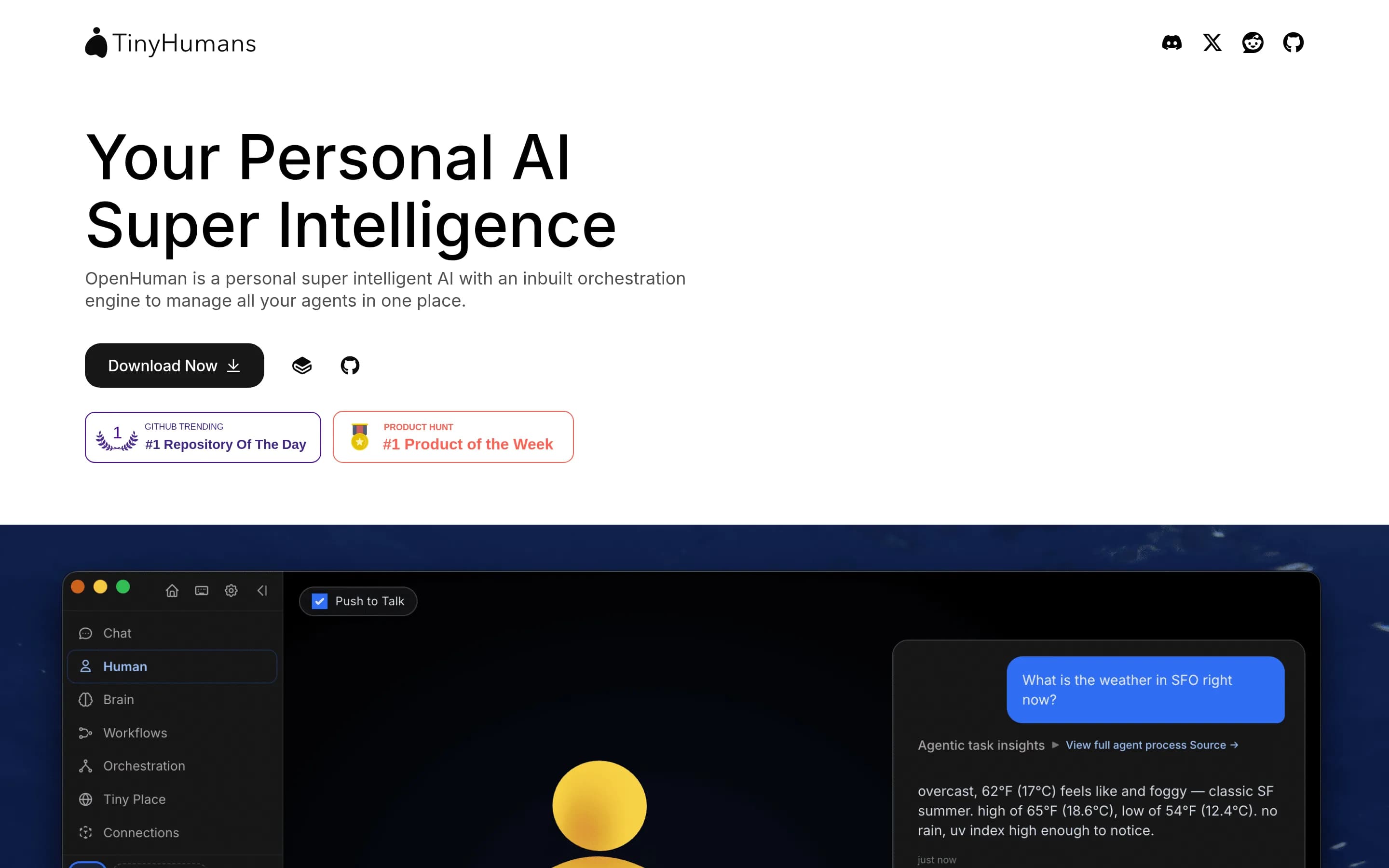
OpenHuman is an open-source, local-first personal AI assistant built around persistent memory, research, agent orchestration, and connected tools. It imports information from services such as Gmail, Notion, GitHub, and Slack, stores compressed Markdown-based memory in SQLite, and supports goals, todos, messaging channels, web search, browsing, coding, voice, and media generation.
Its workflow feature lets an agent propose automation graphs that users review on a visual canvas before saving. Workflows can be durable, trigger-driven, approval-gated, and activated by schedules, webhooks, or channel events; checkpointed runs can pause, survive restarts, and resume. The project provides desktop installers and terminal installation options, with local data storage, optional local models, and a privacy mode that prevents inference from leaving the machine.
What it covers
- Visual multi-step workflows
- Trigger-driven workflow execution
- Application and data connections
- AI-agent orchestration
- Human approval gates
What’s different
- No documented 3,000-plus pre-built connector catalog
- No documented workflow-template library
- No documented SOC 2 Type II, SOC 3, or GDPR claims
- No documented Make workflow importer
CConductor32,099
Conductor is a plausible replacement for developer-led, self-hosted orchestration where durable execution, JSON-defined workflows, polyglot workers, and infrastructure control matter most. Make remains the better fit for teams prioritizing a visual-first automation service, its documented library of more than 3,000 app integrations, templates, and stated enterprise controls. This is not a like-for-like migration: Con
What it does
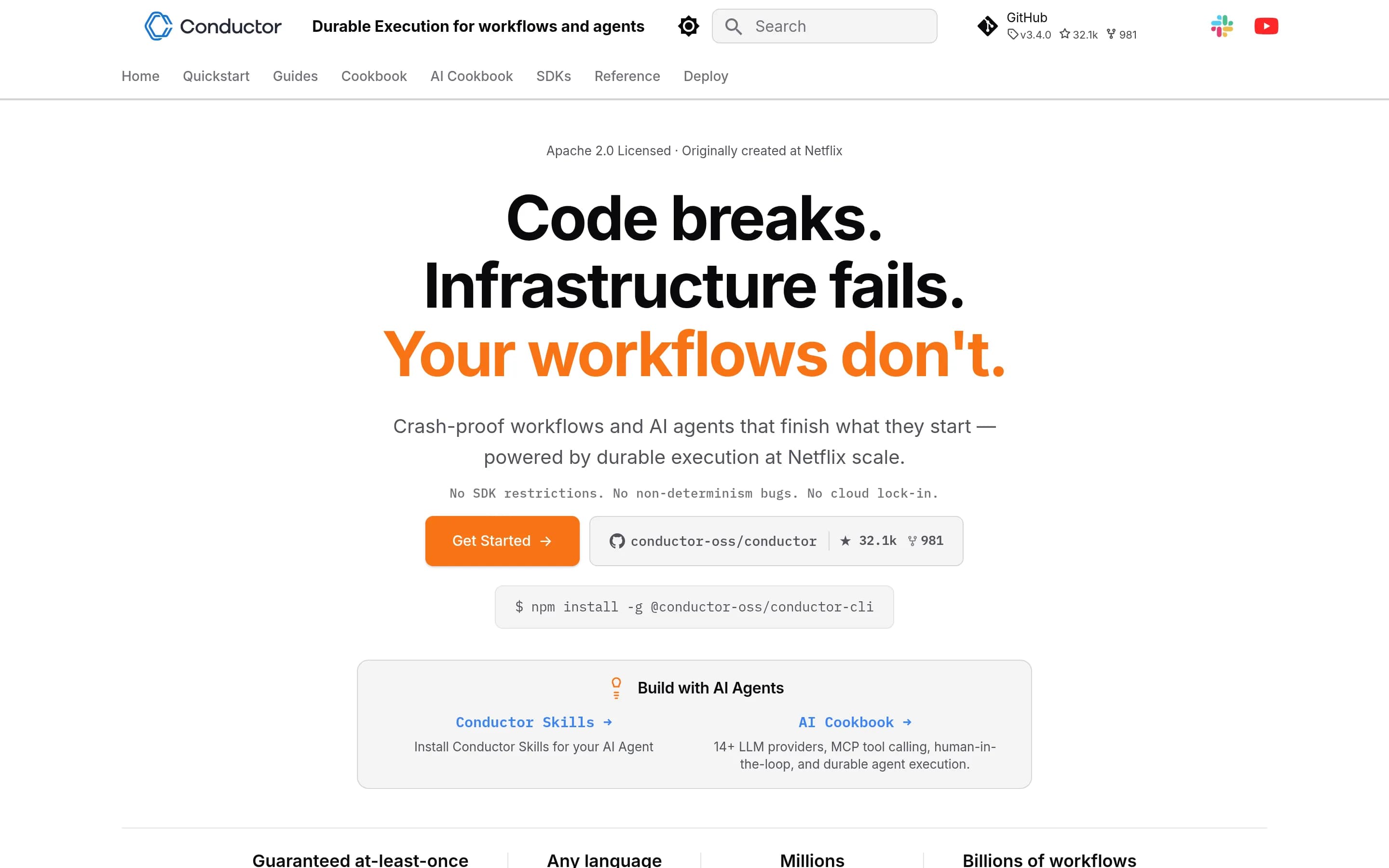
Conductor is an open-source workflow engine for orchestrating microservices, AI agents, and durable workflows. It persists every step, supports retries, timeouts, dynamic forks, loops, sub-workflows, versioning, replay, and recovery from failures. Workers can be written in Java, Python, Go, JavaScript, C#, Ruby, or Rust, while workflows use a declarative JSON model.
The product includes a built-in visual UI for designing, running, observing, and debugging workflows, with task input, output, timing, and retry history inspection. It also documents native support for 14+ LLM providers, MCP and function calling, human approvals, vector databases for RAG, and runtime-generated workflow definitions.
Conductor can run locally through its CLI, Docker, or a JVM-based server. It is licensed under Apache 2.0 and supports self-hosted deployments with multiple persistence backends and message-brok不
What it covers
- Multi-step workflow orchestration
- Visual workflow inspection and design
- API and custom-code integration
- AI-agent and MCP orchestration
- Workflow execution management
What’s different
- Documented 3,000+ pre-built app catalog
- Documented workflow template library
- Documented SSO and compliance controls
- Documented Make workflow importer
SSim29,424
Choose Sim when the priority is an open-source, self-hostable workspace centered on AI-agent workflows, with visual, conversational, and code-based building plus run monitoring. Choose Make when the priority is broader general-purpose application automation, a documented catalog of more than 3,000 integrations, workflow templates, or the stated enterprise controls in the target profile. Sim documents 1,000+ rather-rm
What it does
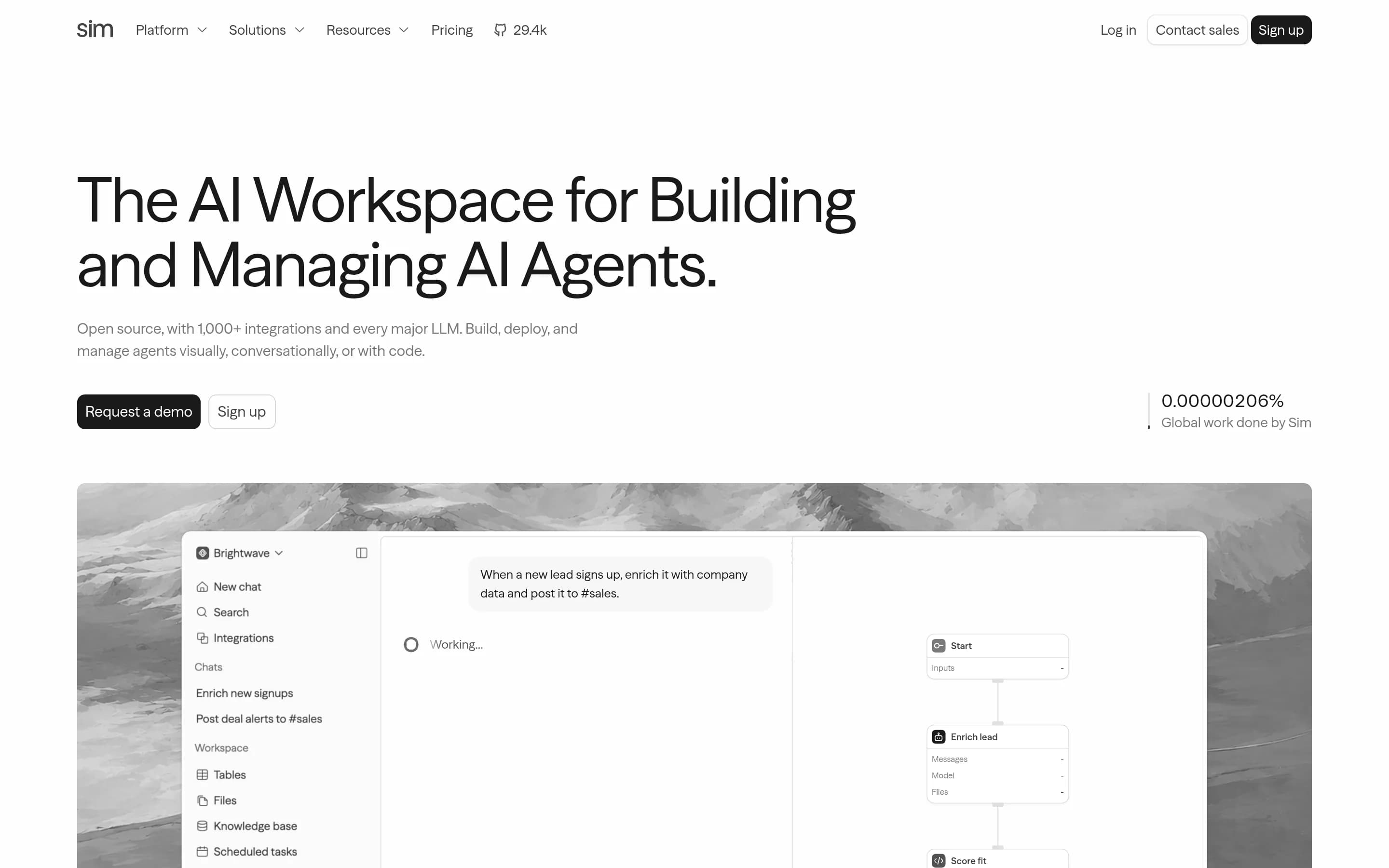
Sim is a collaborative workspace for building, deploying, and managing AI agents and workflows. Users can create agents visually, conversationally, or with code; connect more than 1,000 integrations and major language models; ingest files, knowledge bases, and structured table data; and monitor runs, logs, schedules, and workflow activity.
The workspace includes tables, files, and searchable knowledge bases for teams and agents. It can be used through the hosted sim.ai service or deployed locally from the repository. The README documents local development, Docker Compose, Kubernetes via Helm, and support for local models through Ollama and vLLM.
What it covers
- Visual workflow building
- Natural-language workflow creation
- Code-enabled workflow steps
- Application and data integrations
- AI-agent deployment
- Workflow execution monitoring
What’s different
- No documented Make workflow importer
- No documented template-library coverage
- Smaller stated integration catalog
- No fully documented match for Make's listed enterprise controls
SSkyvern22,757
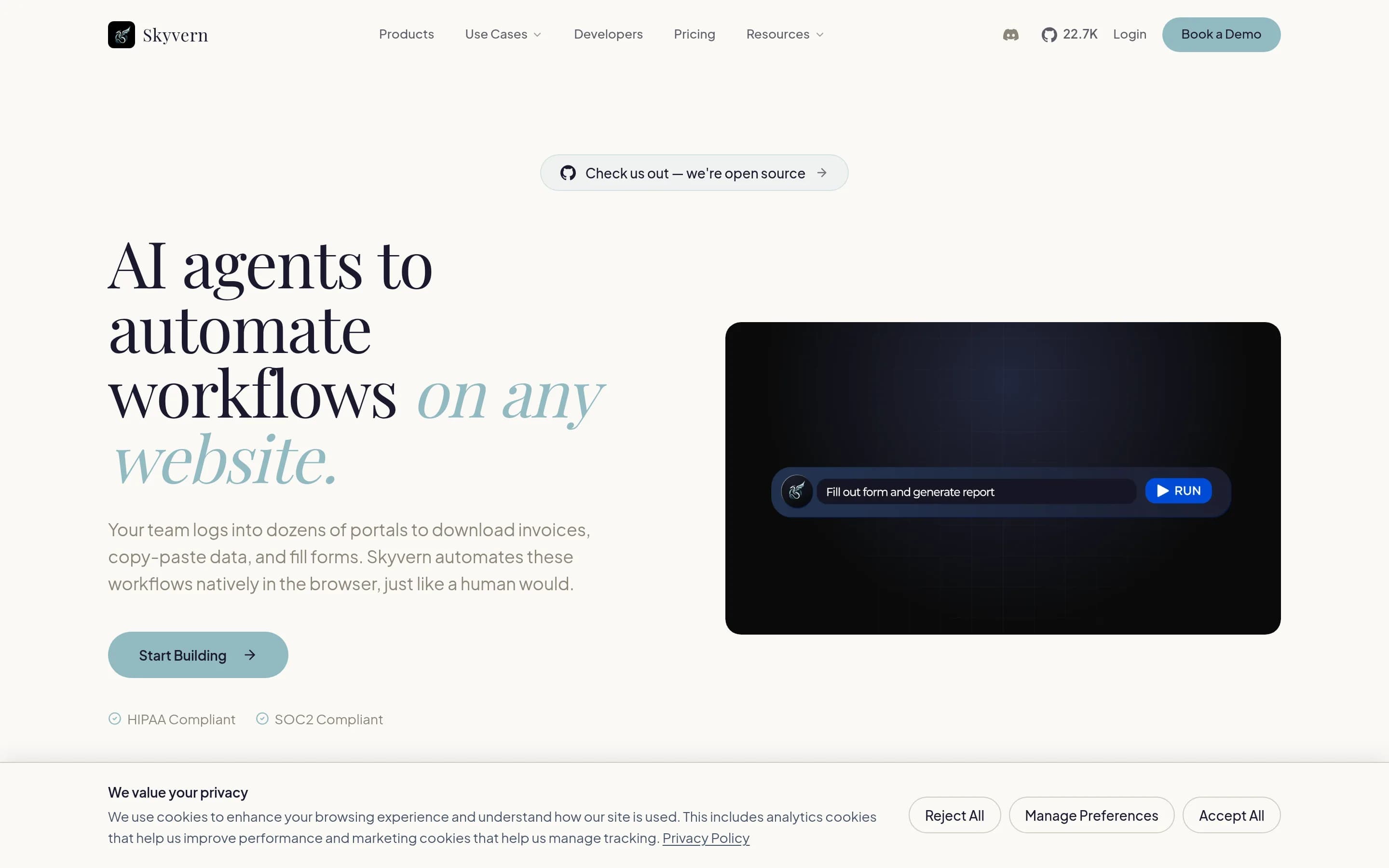
Skyvern is a focused alternative rather than a drop-in Make replacement. Choose Skyvern when browser interaction—especially with portals lacking adequate APIs—is the main workflow and you want self-hosting plus Python, TypeScript, Playwright, REST, or visual-builder access. Choose Make when you need broad cross-application orchestration and its 3,000+ pre-built integrations; the supplied evidence does not establish a
What it does
Skyvern automates browser-based workflows with large language models and computer vision. Users can define tasks with prompts, chain browser tasks into workflows, navigate unfamiliar websites, fill forms, extract structured data, validate page state, download files, and perform actions through AI-powered Playwright commands.
The repository documents a packaged web UI, Python and TypeScript SDKs, a cloud service, and local deployment. Users can install it with pip, run a local server and UI, or start the complete stack with Docker Compose and PostgreSQL. Workflow blocks include browser actions, data extraction, loops, file parsing, email sending, HTTP requests, custom code, and block storage uploads.
What it covers
- Visual multi-step workflows
- Prompt-driven automation
- Custom code blocks
- HTTP/API integration
- AI-agent task execution
- MCP integration
- Workflow run visibility
What’s different
- No documented Make scenario importer
- No documented 3,000+ native app catalog
- No documented Make template compatibility
- No documented parity with Make’s SSO and compliance controls
AAstron-rpa5,780
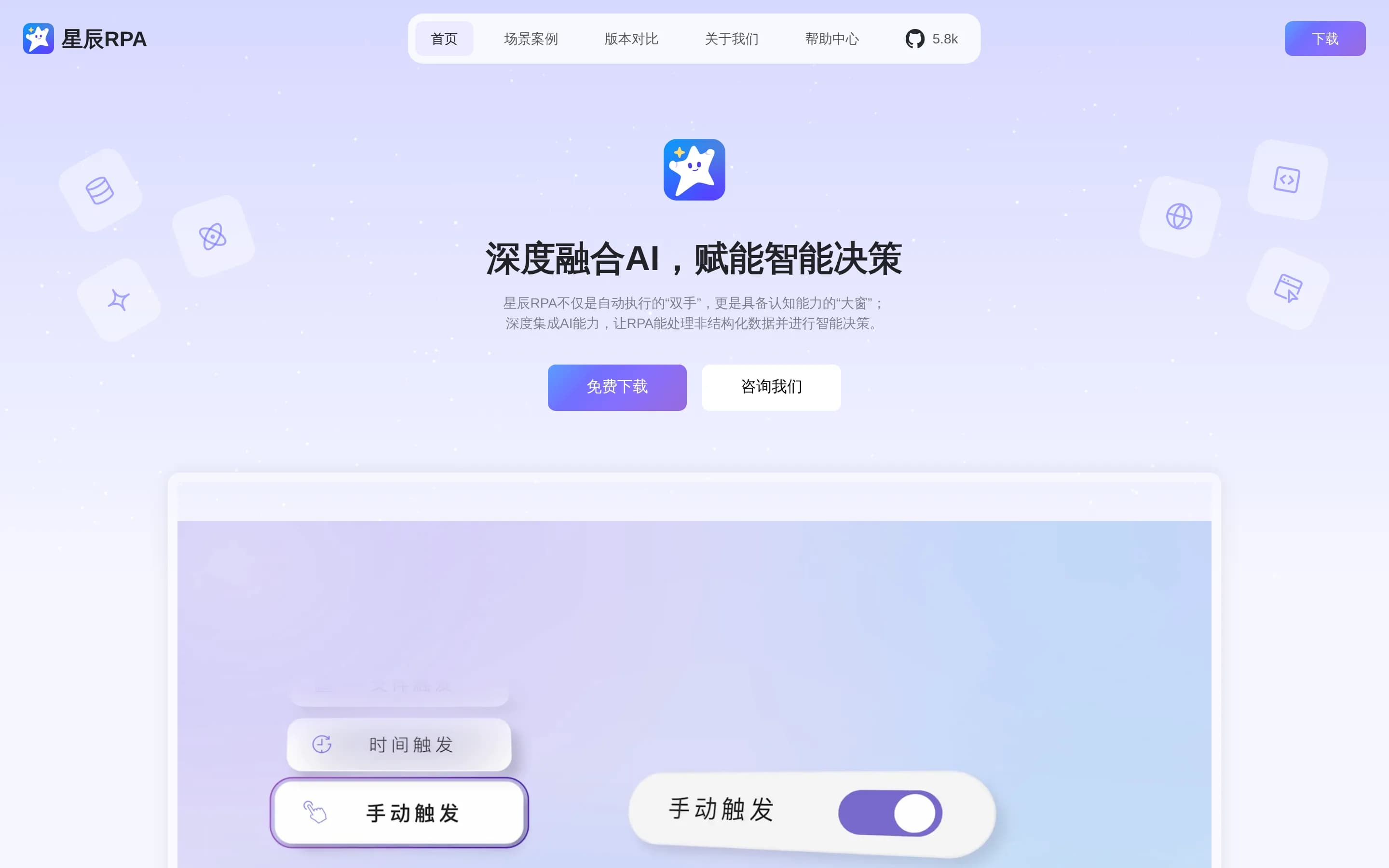
AstronRPA is a credible open-source alternative when the priority is self-hosted, Windows-centered desktop and browser RPA. It offers visual workflow design, UI automation, scheduling, API/MCP triggers, and agent interoperability. Make remains the stronger choice for cloud-oriented orchestration across a broad catalog of SaaS applications: AstronRPA documents 300+ atomic capabilities, while Make’s supplied profile is
What it does
AstronRPA is an enterprise-grade robotic process automation desktop application for building workflows that automate Windows desktop software, web pages, browsers, office tools, financial systems, and ERP applications. Its visual designer supports low-code and no-code process creation, debugging, and custom component extensions.
The suite includes more than 300 pre-built capabilities for UI operations, data processing, system interactions, browser automation, files, email, documents, APIs, and AI services. Workflows can run directly, on schedules, through scheduling modes, API calls, or MCP services, with support for monitoring, permissions, team sharing, and collaboration.
The repository documents Windows client deployment and a Docker-based server deployment. The desktop architecture uses Vue, TypeScript, and Electron, with Java Spring Boot and Python FastAPI services. It is released
What it covers
- Visual workflow construction
- Multi-step automation execution
- Application and data interaction
- API and MCP integration
- AI-agent interoperability
- Scheduled workflow execution
What’s different
- No documented Make workflow importer
- No documented 3,000-plus app connector catalog
- No documented Make template compatibility
- No documented SOC 2, SOC 3, GDPR, or SSO parity
- No documented Kubernetes deployment
SSuperplane5,289
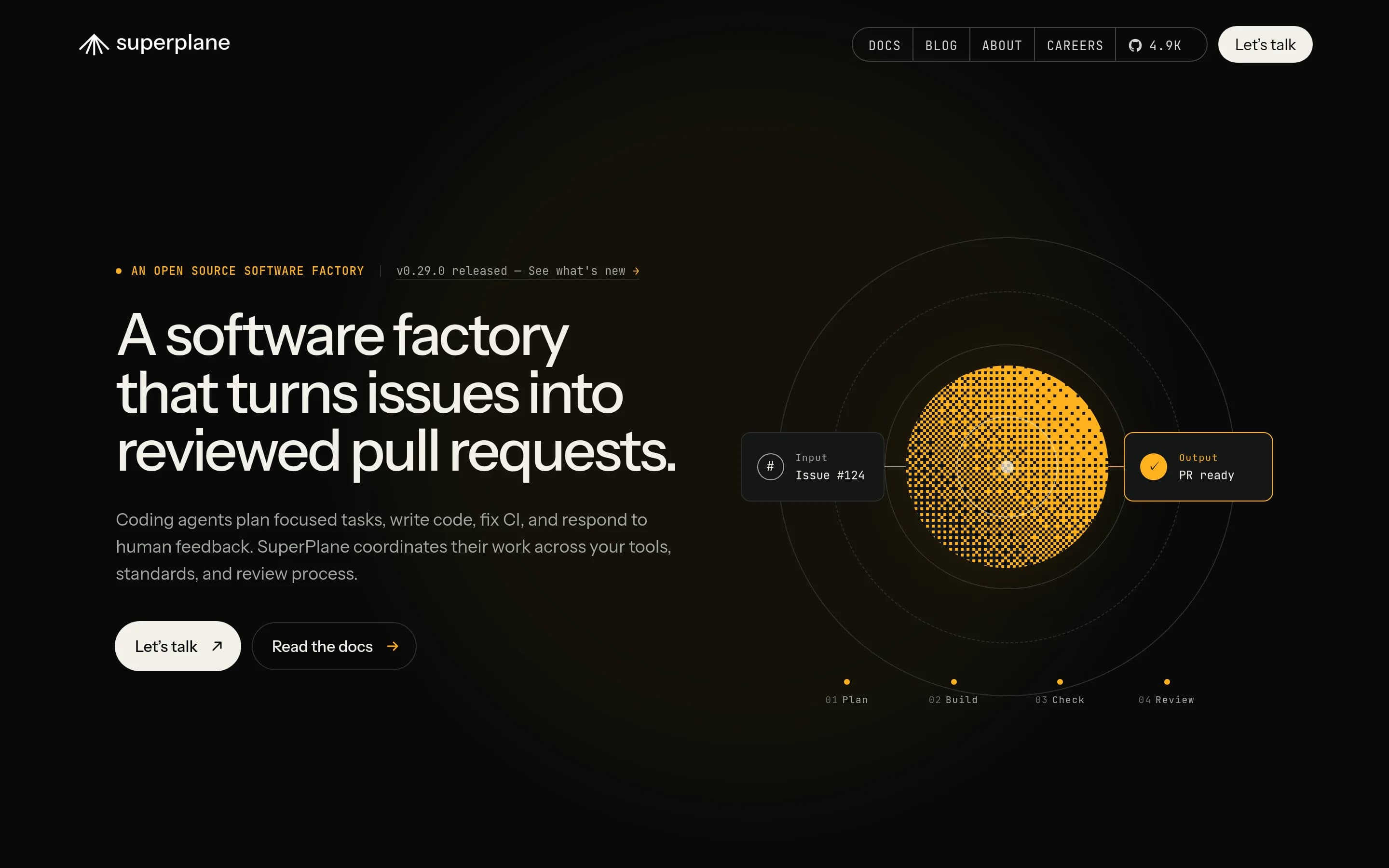
SuperPlane is a specialized, open-source alternative rather than a drop-in Make replacement. Choose SuperPlane for Git-backed, deterministic engineering workflows spanning CI/CD, infrastructure, observability, incidents, approvals, and AI agents—especially when self-hosting matters. Choose Make for broader cross-business automation, its documented library of more than 3,000 app integrations, templates, or stated GDPR
What it does
SuperPlane is an open-source automation engine and control plane for AI-driven engineering. It lets teams define git-backed apps and canvases that combine workflow graphs, custom console interfaces, app-scoped memory, and deterministic execution.
Workflows can span Git, CI/CD, infrastructure, observability, incident management, notifications, and AI tools. They support webhooks, schedules, tool events, approvals, policy checks, human-in-the-loop steps, durable runs, resumable failed steps, and concurrent execution. Documented examples include preview environments, gated deployments, progressive delivery, release trains, and incident triage.
The core engine can be self-hosted, with a documented Docker demo-container path, or used through SuperPlane Cloud. The README also documents operational dashboards, built-in per-app agents, CLI access, RBAC, and numerous integrations.
What it covers
- Graph-based multi-step workflows
- Event-triggered automation
- Application and service integrations
- AI-model workflow steps
- Operational run visibility
- Human approval steps
What’s different
- No documented Make workflow importer
- No documented 3,000-plus integration breadth
- No documented workflow template library
- No documented GDPR or SOC certification parity
- No documented MCP workflow support
LLightning292
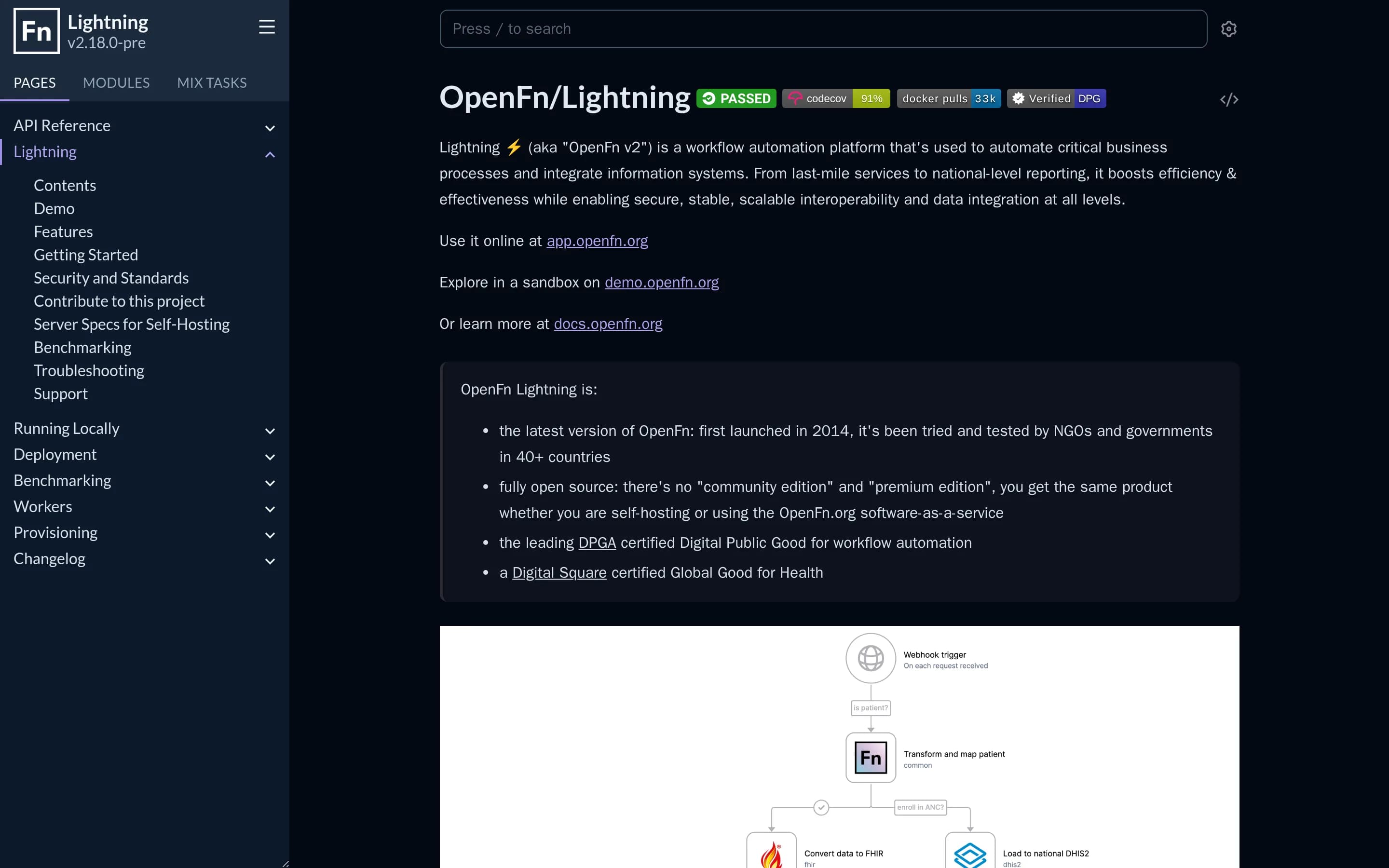
Choose Lightning when self-hosting and code-editor-based workflow development matter more than Make’s documented breadth of 3,000-plus integrations, AI agents, templates, and enterprise controls. Choose Make when those broader, ready-made capabilities are requirements; the supplied evidence does not establish equivalent coverage in Lightning.
What it does
OpenFn Lightning is an open-source workflow automation platform for automating critical business processes and integrating information systems. It is used by NGOs and governments for workflows ranging from last-mile services to national-level reporting.
Users can visually build workflows, monitor activity, filter and search runs, configure failure alerts, review project digests, and manage users and project access through roles and permissions. A CLI is also documented for building, editing, and deploying projects from a code editor.
Lightning is available as OpenFn-hosted software, a public sandbox, or a self-hosted application. The repository documents Docker and Docker Compose deployment with PostgreSQL, external infrastructure deployment including Kubernetes, and local development through Elixir and Phoenix.
What it covers
- Visual workflow building
- Multi-step workflow automation
- Information-system integration
- Central workflow monitoring
- User and access management
What’s different
- No documented 3,000-plus connector library
- No documented AI-agent deployment
- No documented MCP support
- No documented workflow-template library
- No documented SSO or SOC certification parity
Layra897
Layra is a plausible alternative for teams prioritizing self-hosted, AI-centric workflows, visual document RAG, Python control, and interactive debugging. It is not a documented drop-in replacement for Make’s broad cross-application automation platform: choose Layra for infrastructure control and specialized agent/document pipelines; choose Make when a large pre-built connector catalog, templates, or documented SaaS/
What it does
LAYRA is an open-source visual AI-agent engine combining visual document understanding, multimodal retrieval-augmented generation, and workflow orchestration. Users can upload and query documents, preserve layout and graphical elements, and create workflows with branching, nested loops, conditions, human approval steps, MCP integration, chat memory, and multimodal inputs and outputs.
The platform provides a Next.js web interface and FastAPI backend, with workflow debugging, streamed execution, reusable components, sandboxed Python execution, and integrations with services including Redis, MySQL, MongoDB, Kafka, MinIO, and Milvus. It is deployed under user control with Docker Compose; local embedding models can use NVIDIA GPUs, while Jina Embeddings v4 is available through a cloud API.
What it covers
- Visual multi-step workflow building
- AI-agent workflow orchestration
- MCP integration
- Custom-code execution
- Human-controlled workflow steps
What’s different
- No documented 3,000+ app connector catalog
- No documented workflow template library
- No documented SSO or SOC compliance controls
- No Kubernetes deployment support
LLangflow153,280
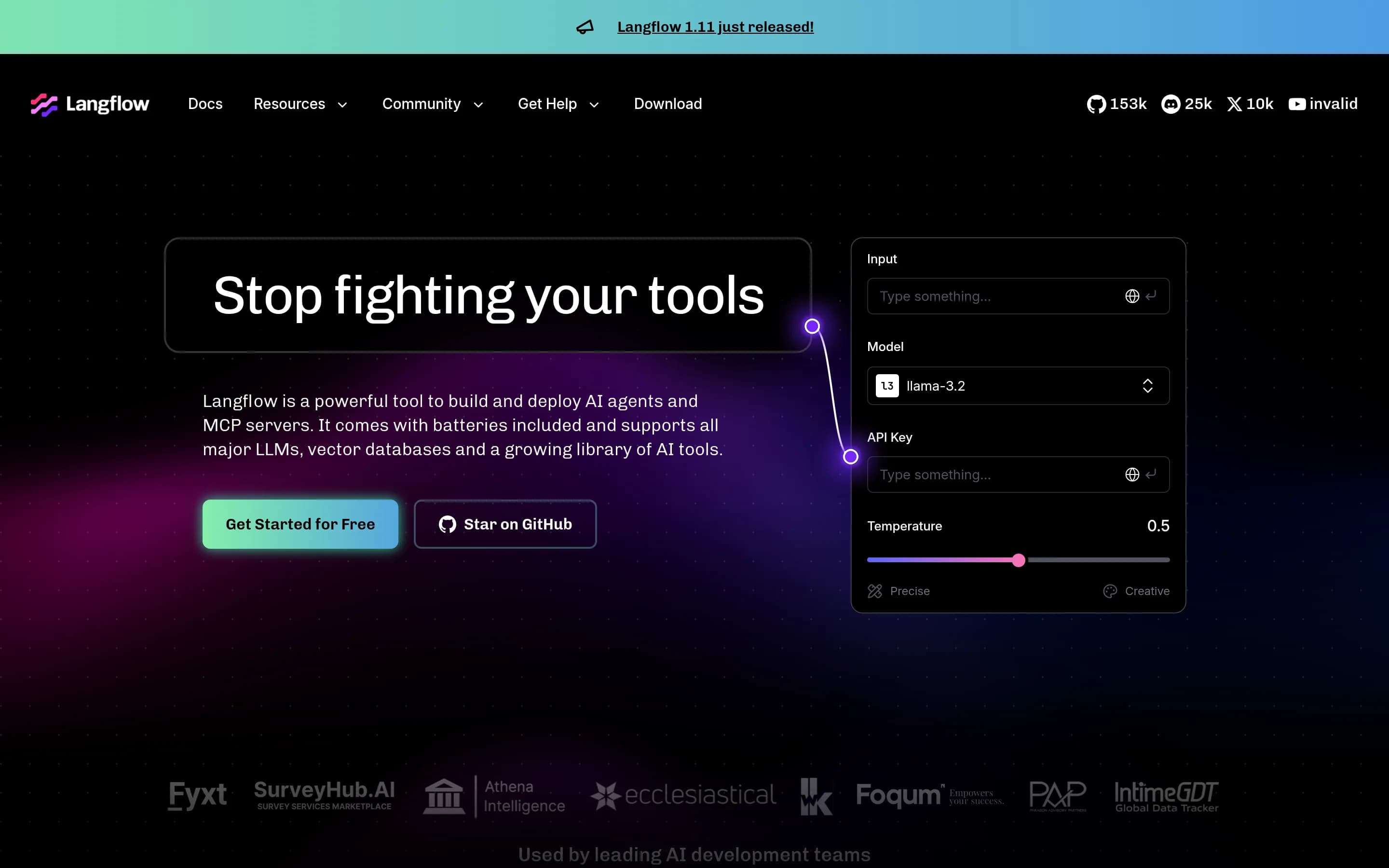
Langflow is a credible open-source alternative for teams primarily building AI agents, RAG-style flows, APIs, or MCP tools and wanting Python-level customization and self-hosting. It is not a documented drop-in replacement for Make’s broad cross-application automation platform: the supplied Langflow materials emphasize AI models, vector databases, and AI tools rather than Make’s 3,000-plus app integrations. Choose **
What it does
Langflow is an open-source platform for building and deploying AI-powered agents and workflows. Its visual builder supports iterative authoring, while source-code access allows developers to customize components with Python. An interactive playground provides step-by-step testing and refinement, and the platform documents multi-agent orchestration, conversation management, retrieval, and integrations with major LLMs, vector databases, observability tools, and AI tools.
Users can deploy flows as APIs, export them as JSON for Python applications, or expose them as MCP servers. Langflow Desktop is available for Windows and macOS, and the project can run locally through its Python package or in Docker. The repository also documents deployment to major cloud environments.
What it covers
- Visual workflow authoring
- Deployable AI workflows and agents
- MCP-based workflow exposure
- Connections to models and data sources
- Workflow testing and iteration
What’s different
- Documented 3,000-plus app connector library
- Documented Make workflow import
- Documented workflow template library
- Documented SSO and named compliance certifications
- Documented broad SaaS trigger-and-action coverage
TTrigger.dev16,037
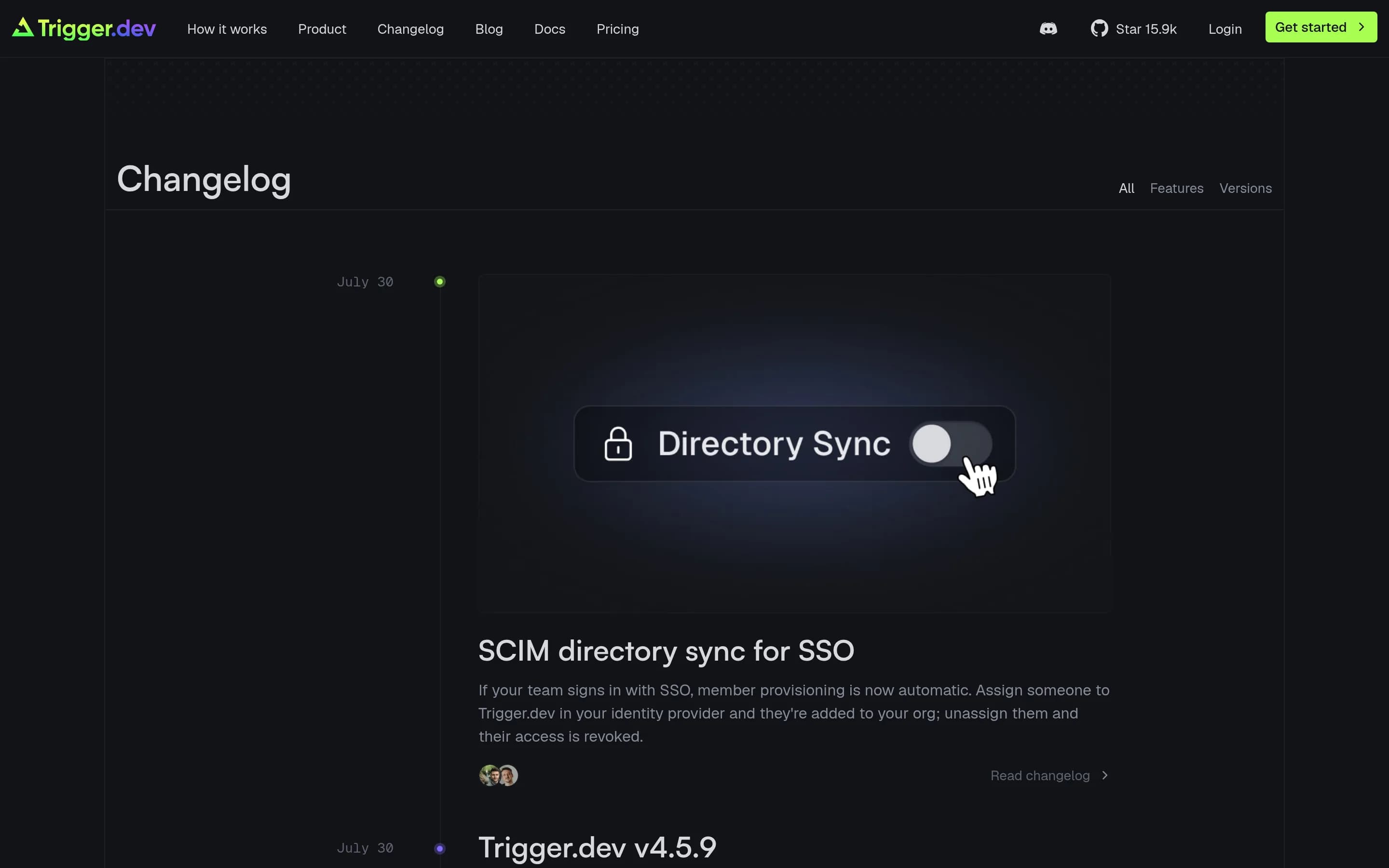
Trigger.dev is a credible alternative for developer-owned, code-first workflows and AI agents, especially when TypeScript, Git-based lifecycle practices, long-running execution, or self-hosting matter. Make remains the better fit for teams that primarily assemble cross-application automations visually or depend on its documented catalog of more than 3,000 pre-built integrations. This is not a like-for-like migration:
What it does
Trigger.dev is an open-source platform for building AI workflows and agents in TypeScript. Developers define long-running background tasks in their codebase and deploy them with durable execution, retries, queues, idempotency, checkpointing, and elastic scaling.
The platform supports cron schedules, batch triggering, structured inputs and outputs, human-in-the-loop waits, realtime updates and streaming, concurrency controls, multiple environments, versioning, logging, tracing, alerts, and run-level observability. It can run browsers, Python scripts, and FFmpeg through build extensions.
Users can run tasks through Trigger.dev’s cloud or self-host the complete product. The README documents Docker Compose and Kubernetes deployment paths, as well as a web app for creating projects and viewing task runs.
What it covers
- Multi-step workflow execution
- AI-agent deployment
- MCP support
- Monitoring and tracing
- Multiple deployment environments
- Custom-code extensibility
What’s different
- No documented visual drag-and-drop builder parity
- No documented 3,000-plus connector library
- No documented Make template equivalent
- No documented Make workflow importer
- No documented security-control parity with Make
Rocketride-server6,146
Rocketride-server is a focused alternative for developer-led AI/ML pipelines, offering IDE-based visual construction, code integration, portable JSON workflows, observability, and self-hosting. Make remains the better fit for broad cross-application business automation because the supplied RocketRide materials document AI-oriented nodes and providers, not a comparable library of 3,000+ app integrations. Choose Rocket
What it does
RocketRide is an open-source AI development environment and pipeline builder for composing, debugging, observing, and deploying AI and machine-learning workflows. Its VS Code extension provides a visual canvas for connecting nodes, while pipelines use portable JSON and can run as standalone processes or through Python and TypeScript applications.
The documented feature set includes more than 100 nodes covering LLM providers, vector databases, OCR, NER, anonymization, embeddings, and other data-processing tasks. It supports multi-agent workflows through CrewAI and LangChain, MCP and SDK integrations, execution tracing, token and latency monitoring, and a multithreaded C++ runtime.
RocketRide can run through RocketRide Cloud or under user control as a local process, Docker deployment, on-premises installation, bare metal service, or clustered deployment with Helm. The repository is MIT-ไ
What it covers
- Visual multi-step workflow building
- AI model and agent orchestration
- Prompt and code-based workflow creation
- MCP integration
- Workflow deployment and management
What’s different
- Comparable 3,000+ app integration library not documented
- General-purpose business automation coverage not documented
- Workflow template library not documented
- SSO and SOC compliance controls not documented
- Direct Make workflow import not documented
Loonflow2,089
Loonflow is the stronger fit for teams wanting a self-hosted, open-source system centered on visual business processes, forms, tickets, approvals, permissions, and extensibility. Make remains the better choice when the priority is broad cross-application automation through its stated library of more than 3,000 pre-built integrations, AI-agent deployment, templates, or documented enterprise certifications. The main a
What it does
Loonflow is an open-source process automation platform built with Django and React. Users can design business processes with drag-and-drop nodes, conditional branches, parallel tasks, hooks, forms, validation, previews, and multiple process versions. It supports ticket types for IT operations, HR approvals, financial reimbursements, and customer service, with conditional routing and automatic assignee assignment.
The platform also provides plugin and REST API extension points, granular permissions, audit logs, authentication through Microsoft OIDC and WeCom QR login, optional multi-tenant support, and an MCP ticket server. The repository documents deployment through Docker Compose, including local configuration and startup instructions, alongside a separately offered managed SaaS edition.
What it covers
- Visual drag-and-drop workflow design
- Conditional and parallel workflow paths
- Custom-system integration
- MCP-accessible operations
- Workflow validation and management
What’s different
- Comparable 3,000-plus connector library not documented
- General AI-agent deployment not documented
- Workflow template library not documented
- SOC and GDPR compliance claims not documented
RRuoyi-ai5,633
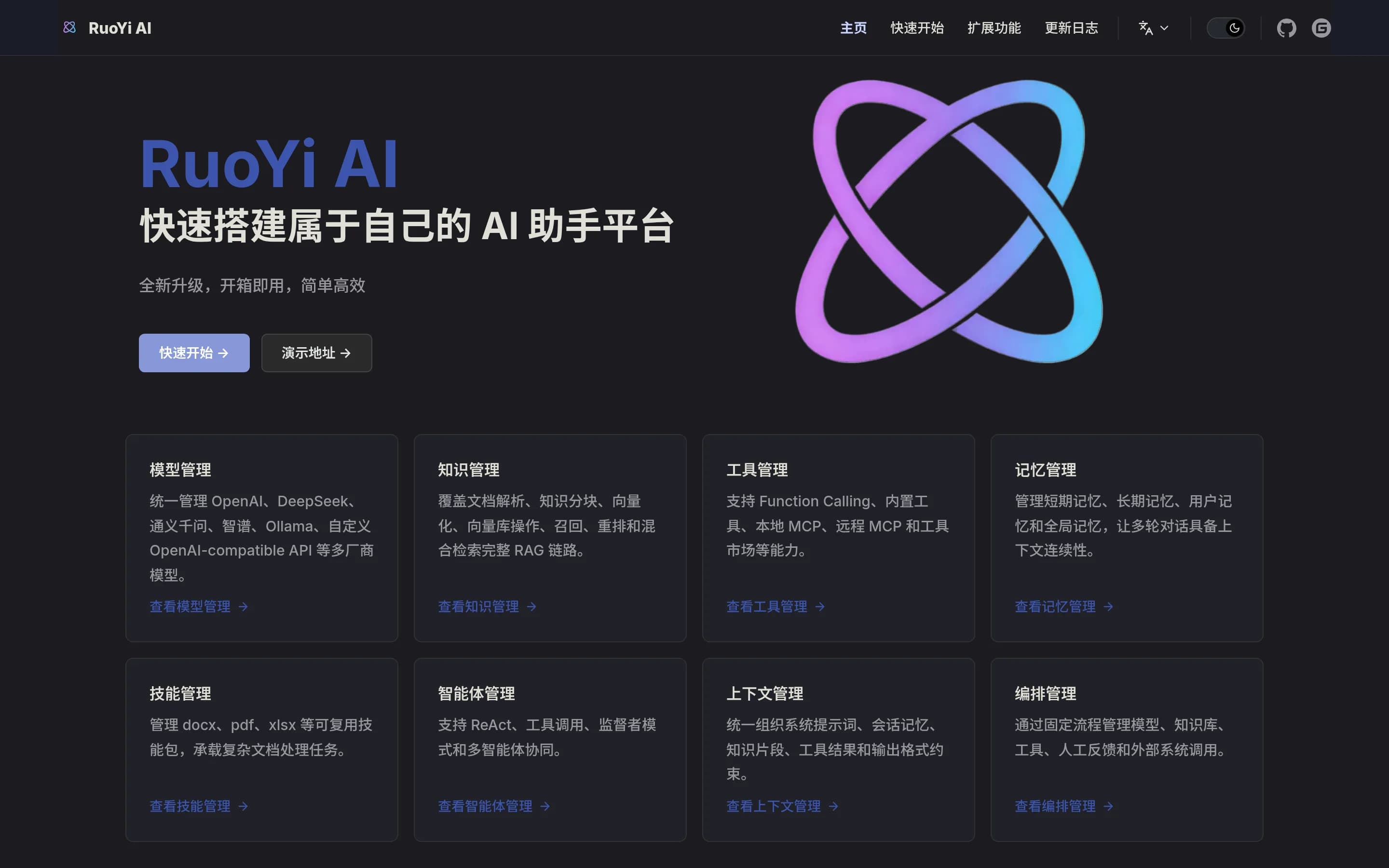
RuoYi AI is a plausible replacement for AI-centric, self-hosted orchestration, not a feature-equivalent substitute for Make’s broad application-automation platform. Choose RuoYi AI when a technical team can operate a Java-based stack and primarily needs visual AI workflows, multi-model management, RAG, MCP tools, or multi-agent coordination. Choose Make when the priority is managed cross-application automation, its 3
What it does
RuoYi AI is an enterprise AI assistant platform for building AI agents and coordinating multi-agent systems. Its documented modules include multi-provider model management, local RAG with vector databases, document parsing, MCP integration, extensible skills, and a LangChain4j-based agent framework with Supervisor orchestration.
The platform includes a visual workflow designer with drag-and-drop node orchestration and SSE streaming execution. Documented nodes include model calls, email sending, and manual review. It provides user and admin frontends, a backend service, monitoring, and WebSocket communication. The MIT-licensed project supports Docker Compose deployment, including bundled MySQL, Redis, Weaviate, and MinIO services, or step-by-step source builds.
What it covers
- Visual workflow orchestration
- Drag-and-drop workflow nodes
- AI-model connections
- MCP-based tool integration
- AI-agent orchestration
- External-system calls
What’s different
- No documented 3,000-plus app catalog
- No documented workflow-template library
- No documented SSO support
- No documented SOC or GDPR claims
- No documented Make workflow importer
Xyops4,773
Choose Xyops when self-hosting and integrated operations workflows—job scheduling, server monitoring, alerting, incident response, and ticketing—matter more than Make’s broad application-integration and AI-agent scope. Choose Make when the priority is cloud-oriented automation across many third-party applications, data sources, and AI models. The supplied evidence does not establish Xyops as a replacement for Make’s
What it does
xyOps is an open-source workflow automation and server monitoring platform for developers and operations teams. It schedules jobs across server fleets and provides a graphical workflow editor for connecting events, triggers, actions, and monitors into operational pipelines.
The platform combines real-time monitoring, customizable alerts, server snapshots, ticket creation, logs, execution history, and incident-response context. It is designed to connect detection, automation, and resolution in one system, with support for deployments ranging from small installations to large server fleets.
xyOps is BSD-3-Clause licensed and documents self-hosting through its hosting guide. Local development uses Node.js, npm, and the included build and debug scripts; the README also describes free self-hosted use and paid support tiers.
What it covers
- Visual workflow construction
- Event, trigger, and action pipelines
- Workflow scheduling and orchestration
- Operational workflow monitoring
What’s different
- Documented 3,000-plus integration library
- Documented AI-agent deployment
- Documented workflow template library
- Documented GDPR and SOC coverage
- Documented encryption controls
Nyno440
Choose Nyno when self-hosting, an Apache-2.0 license, and file-based AI workflows are more important than Make’s broad visual automation ecosystem. Choose Make when teams need its documented library of 3,000+ integrations, visual orchestration, templates, AI agents, or enterprise controls; the supplied Nyno materials do not establish comparable coverage in those areas.
What it does
Nyno is an open-source workflow builder and execution engine aimed at EU-AI applications. Users define workflows in a YAML-like format, including AI steps, prompts, context such as chat history, and additional processing steps. The README documents building and testing workflows with a Run Workflow action, then exporting them as `.nyno` files.
The product can run locally through Docker, exposing a service on port 9057 with mounted PostgreSQL data and enabled-workflow directories. Workflows can be enabled by copying files into the configured folder and called from a frontend through an HTTP API. The documentation also describes workflow-user creation, authentication, API-key masking, and deployment-related secret configuration.
What it covers
- Build and run multi-step workflows
- Connect workflows to AI model APIs
- Expose executable workflows to applications
- Use a browser interface to build and test workflows
What’s different
- No documented 3,000+ app connector library
- No documented Make workflow importer
- No documented workflow template library
- No documented MCP support
- No documented SSO or SOC attestations
- No documented Kubernetes deployment
DDograh5,353
Dograh is a specialized alternative, not a like-for-like Make replacement. Choose Dograh for self-hosted, source-customizable voice-agent workflows with telephony, bring-your-own model providers, and MCP support. Choose Make for broad cross-application automation, a large pre-built integration catalog, templates, and documented enterprise controls. Migrating makes sense only when voice automation and infrastructure2.
What it does
Dograh is an open-source voice AI platform for creating production voice agents. Its visual workflow builder supports start and agent nodes, instructions, tools, transitions, end-call outcomes, knowledge bases, webhooks, tool calling, QA, browser audio testing, and text-based test conversations.
The platform connects telephony providers including Twilio, Vonage, Telnyx, Plivo, Vobiz, Cloudonix, and Asterisk ARI. Users can bring their own LLM, TTS, STT, and telephony providers, use MCP clients to inspect or edit agent workflows, and create agents or outbound calls with Python and Node SDKs.
Dograh can run locally or on a remote server using Docker, with bundled MinIO or S3-compatible storage. A managed cloud version is also offered, while the repository documents self-hosted deployment and a BSD 2-Clause license.
What it covers
- Visual workflow building
- AI-agent creation and deployment
- MCP-assisted workflow editing
- Webhook and tool-based integrations
- Prompt and code-oriented workflow control
What’s different
- Broad general-purpose app automation
- 3,000-plus pre-built app connectors
- Documented workflow template library
- Documented SSO and compliance attestations
- Documented organization-wide workflow scaling and oversight