
OObsidian
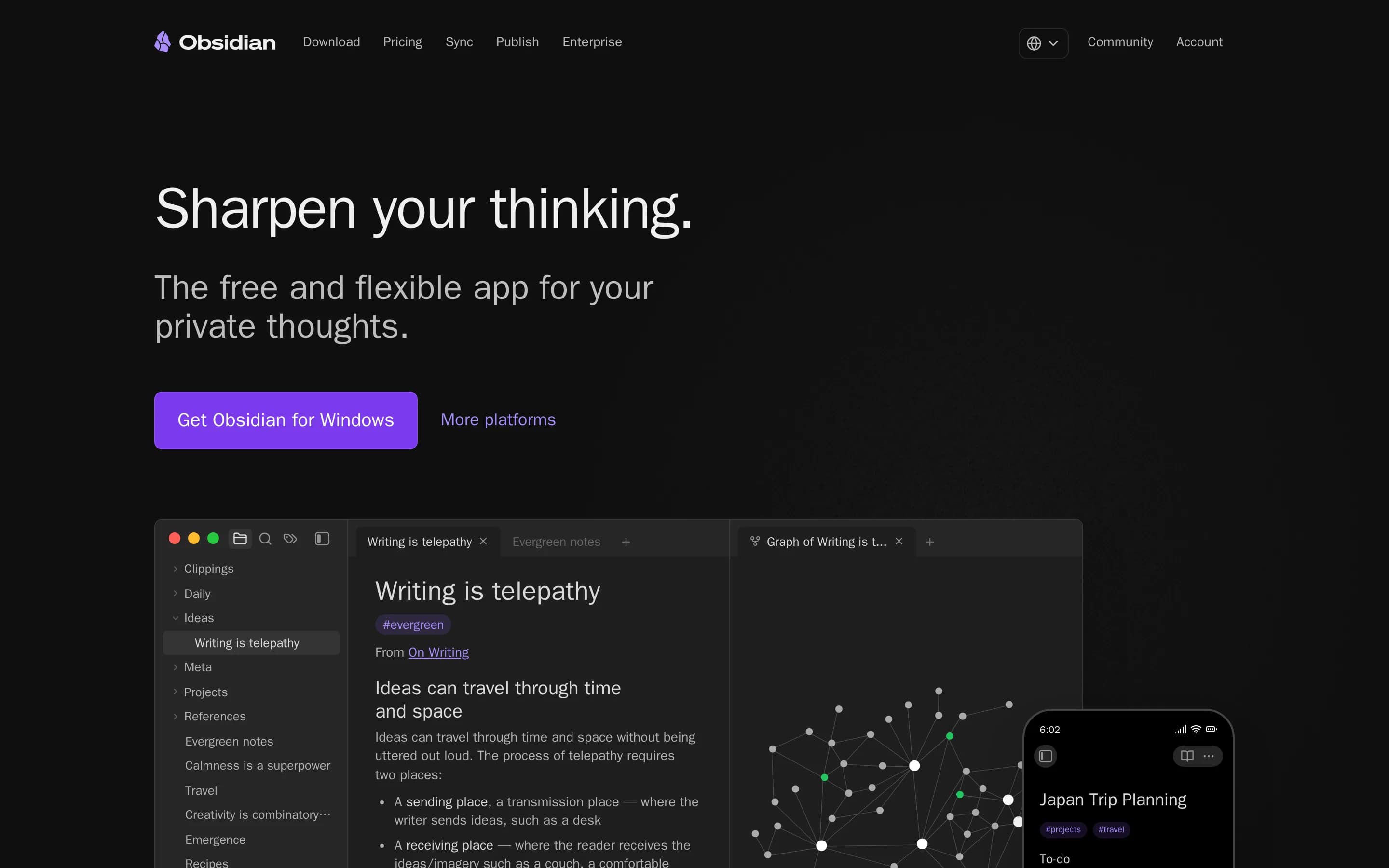
Obsidian is a private, local-first note-taking application for capturing personal notes, journals, and connected knowledge. It can synchronize vaults across devices and publish selected notes as wikis, documentation, knowledge bases, or digital gardens.
Why people leave Obsidian
Someone might seek an Obsidian alternative when they want a more immediately structured note-taking experience. Obsidian is presented as a flexible tool for personal notes, journaling, knowledge bases, and even project management, which leaves users to determine how their vault should be organized. People who prefer a more prescriptive workflow, predefined content types, or a narrower application focused on one job may find a general-purpose connected-notes environment less suitable.
Its local-first data model may also be a reason to compare alternatives. Obsidian stores data locally and can be used without signing up, which is valuable for privacy and ownership, but some users or organizations may instead prioritize a cloud-native workspace with centralized administration and browser-based access. Although Obsidian offers shared vaults with real-time updates through Sync, teams evaluating a primary collaborative workspace may want to compare how competing products handle simultaneous editing, permissions, onboarding, and institutional knowledge by default.
Cost and service packaging could influence the decision as well. The core application is free, while Obsidian Sync and Publish are optional paid services billed per user or site. Users who need both multi-device synchronization and web publishing may prefer an alternative that includes those functions in one plan, offers different storage limits, or lets them use their preferred hosting and synchronization arrangements. Sync plans also have stated limits for vault count, total storage, file size, and version-history duration, which may not fit every archive.
Finally, some people may want an open-source product rather than merely an application that keeps their data on their own devices. The supplied pages emphasize privacy, local storage, independent development, and user support, but they do not describe Obsidian itself as open source. Users who require source-code inspection, community-governed development, unrestricted modification, or self-hosting of the complete application and associated services may therefore look elsewhere. Others may prefer a product in which secure synchronization and web publication are built into the core deployment rather than provided as separate Obsidian services.
23 Best Open Source Obsidian Alternatives (Ranked)
Each alternative is evaluated for core feature coverage, deployment options, licensing, project health, and overall fit. The ranking prioritizes how closely a tool matches Obsidian's primary workflows, using popularity only as a secondary signal.
SSiyuan45,825
Choose SiYuan if open-source licensing, self-hosting, and block-level knowledge management are priorities; choose Obsidian if you depend on its documented shared-vault or hosted publishing workflows. Both support local knowledge bases, bidirectional links, graphs, and encrypted synchronization, but SiYuan’s server deployment has browser-only and import/export limitations that can complicate migration.
What it does
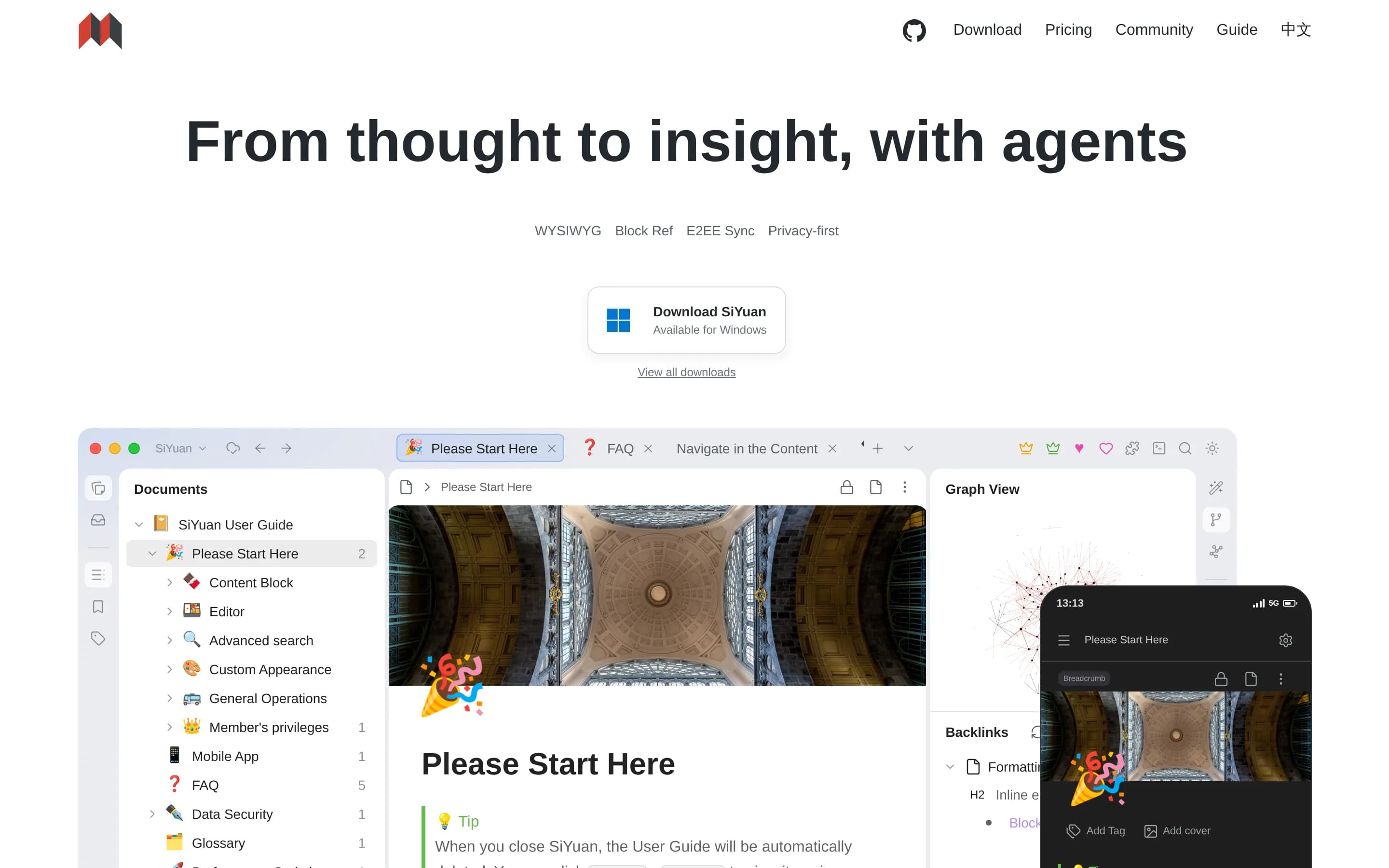
SiYuan is an open-source, privacy-first knowledge-management system built around block-level references, two-way links, Markdown WYSIWYG editing, and large documents. Users can create and organize notes, query content with SQL embeds, clip web content, annotate PDFs, and create tables, charts, flowcharts, and other embedded content.
The software includes AI writing and question-and-answer chat through the OpenAI API, templates, flashcards, OCR, export to Markdown, PDF, Word, and HTML, and multi-tab split-screen editing. It is available as desktop and mobile applications and can also be deployed through Docker or Docker Compose, with browser access to a server-hosted workspace.
What it covers
- Local device storage
- Offline note access
- Bidirectional note linking
- Knowledge relationship graphs
- Encrypted multi-device sync
- Desktop and mobile applications
- Markdown-oriented editing
- Extensibility through plugins or marketplaces
What’s different
- Hosted web publishing not documented
- Obsidian-vault import not documented
- Shared-vault invitation workflow not documented
- Detailed collaboration permissions not documented
- Docker-to-client connections unsupported
- Kubernetes deployment not documented
LLogseq44,466
Logseq is the stronger choice when open-source code, AGPL-3.0 licensing, self-hosting, and Markdown/Org-mode workflows are requirements. Obsidian remains the safer choice for users who need its documented encrypted cross-device Sync, shared vaults, graph search, or hosted publishing: the supplied evidence does not establish equivalent Logseq coverage, and Logseq’s newer database, mobile, sync, and real-time-collabor
What it does
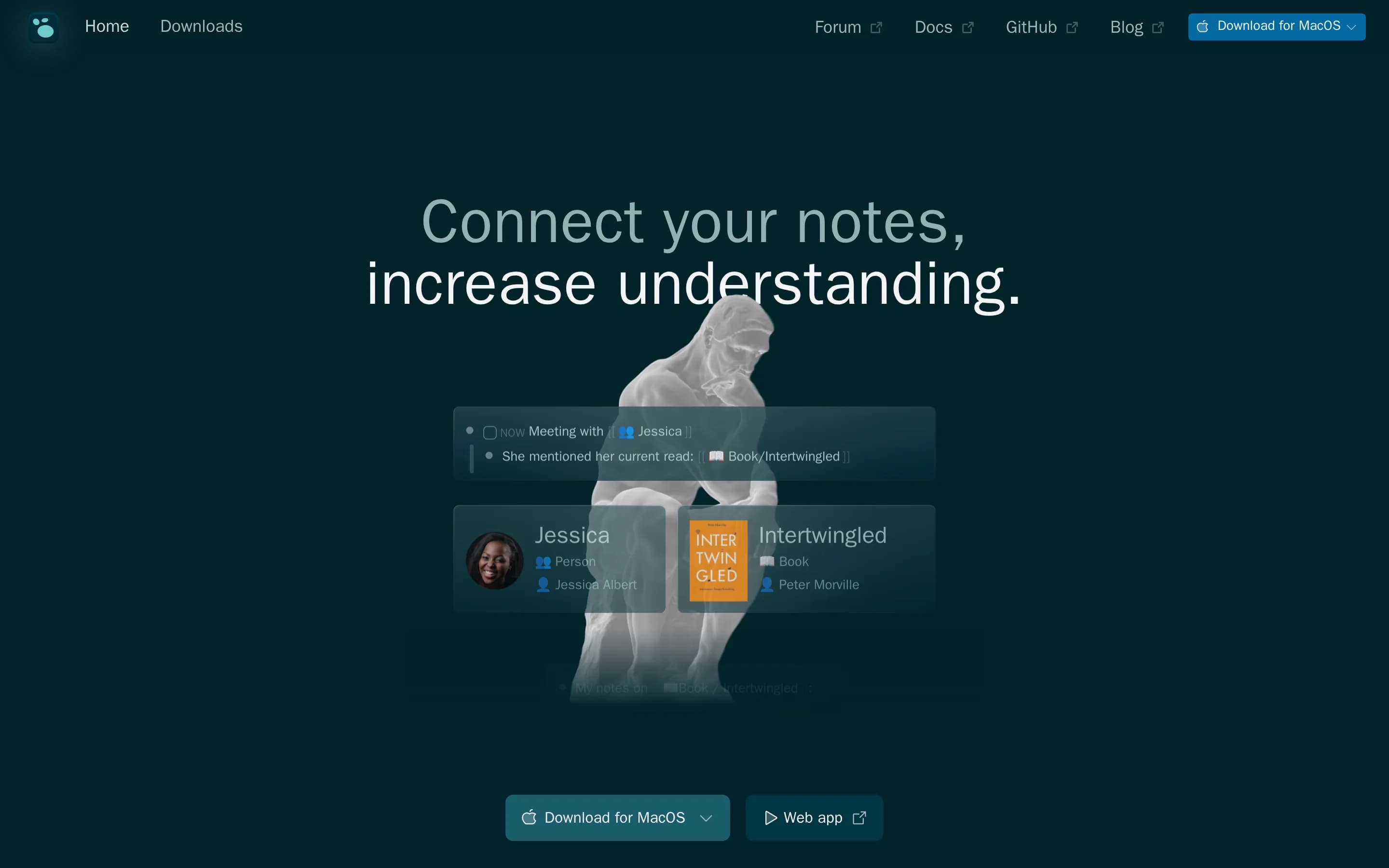
Logseq is a privacy-first, open-source knowledge-management and collaboration application centered on structured notes and graphs. It supports Markdown and Org-mode files, task management, PDF annotation, plugins, themes, and organization of ideas and notes. The README also documents collaboration, mobile access, and a database version with graph synchronization through RTC.
Users can download desktop releases, try the web version, or build the application from source. A Linux installer is documented, along with a Docker web-app guide for development. The project is released under the AGPL-3.0 license and provides a plugin API for extending the application.
What it covers
- Personal knowledge management
- Connected-note organization
- Privacy-oriented workflows
- Desktop and mobile access
- Plugins and themes
What’s different
- No documented Obsidian-specific importer
- No documented AES-256 sync parity
- No documented hosted publishing parity
- No documented graph and full-text search parity
- No documented Kubernetes deployment
TTrilium37,438
Choose Trilium when open-source licensing, self-hosted synchronization, and a hierarchical personal knowledge base are the priorities. Keep Obsidian when managed AES-256 end-to-end encrypted Sync, real-time shared vaults, or its hosted publishing service are operational requirements; the supplied Trilium sources document self-hosted sync and public note sharing, but not equivalent managed collaboration or publishing.
What it does
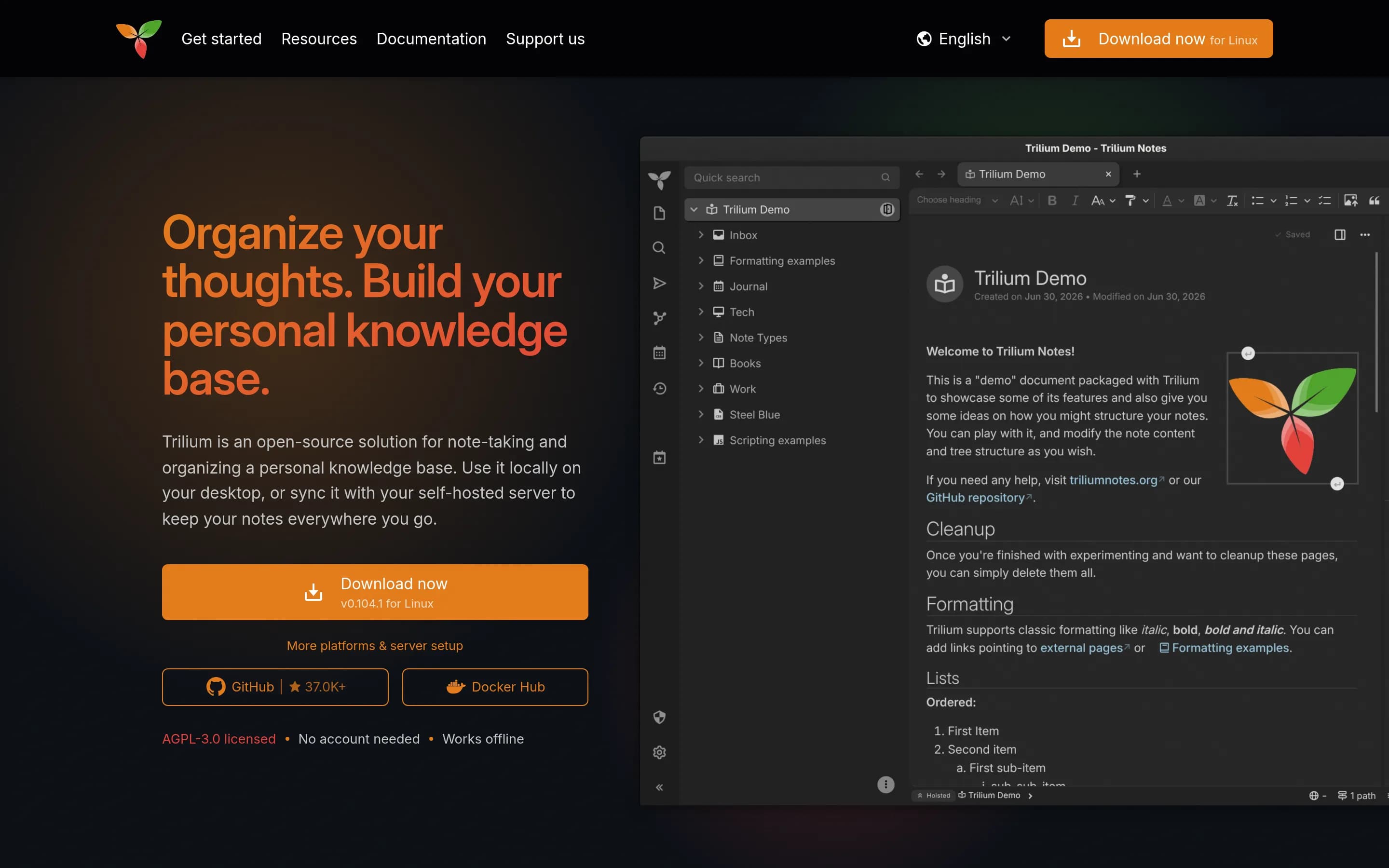
Trilium Notes is a free, open-source, cross-platform hierarchical note-taking application designed for large personal knowledge bases. Users organize rich WYSIWYG notes in arbitrarily deep trees, place notes in multiple locations, edit tables, images, mathematics, and source code, search full text, version notes, and publish notes publicly.
The application also documents note attributes, scripting, REST automation, encryption, synchronization through a self-hosted sync server, relation and link maps, mind maps, geographic maps, Excalidraw-based canvases, web clipping, and Markdown or Evernote import and export. It provides desktop binaries for Windows, macOS, and Linux, a browser-accessible server interface, mobile web access, and Docker-based server installation.
What it covers
- Personal knowledge-base creation
- Local desktop use without an account
- Offline note access
- Full-text note search
- Cross-device synchronization
- Public web note sharing
- Visual note-relationship maps
- Note revision history
What’s different
- No documented managed encrypted-sync service
- No documented real-time shared-vault editing
- No documented participant-level vault invitations
- No documented hosted-site theme or domain controls
- No documented Obsidian-specific vault migration
NNoteDiscovery2,746
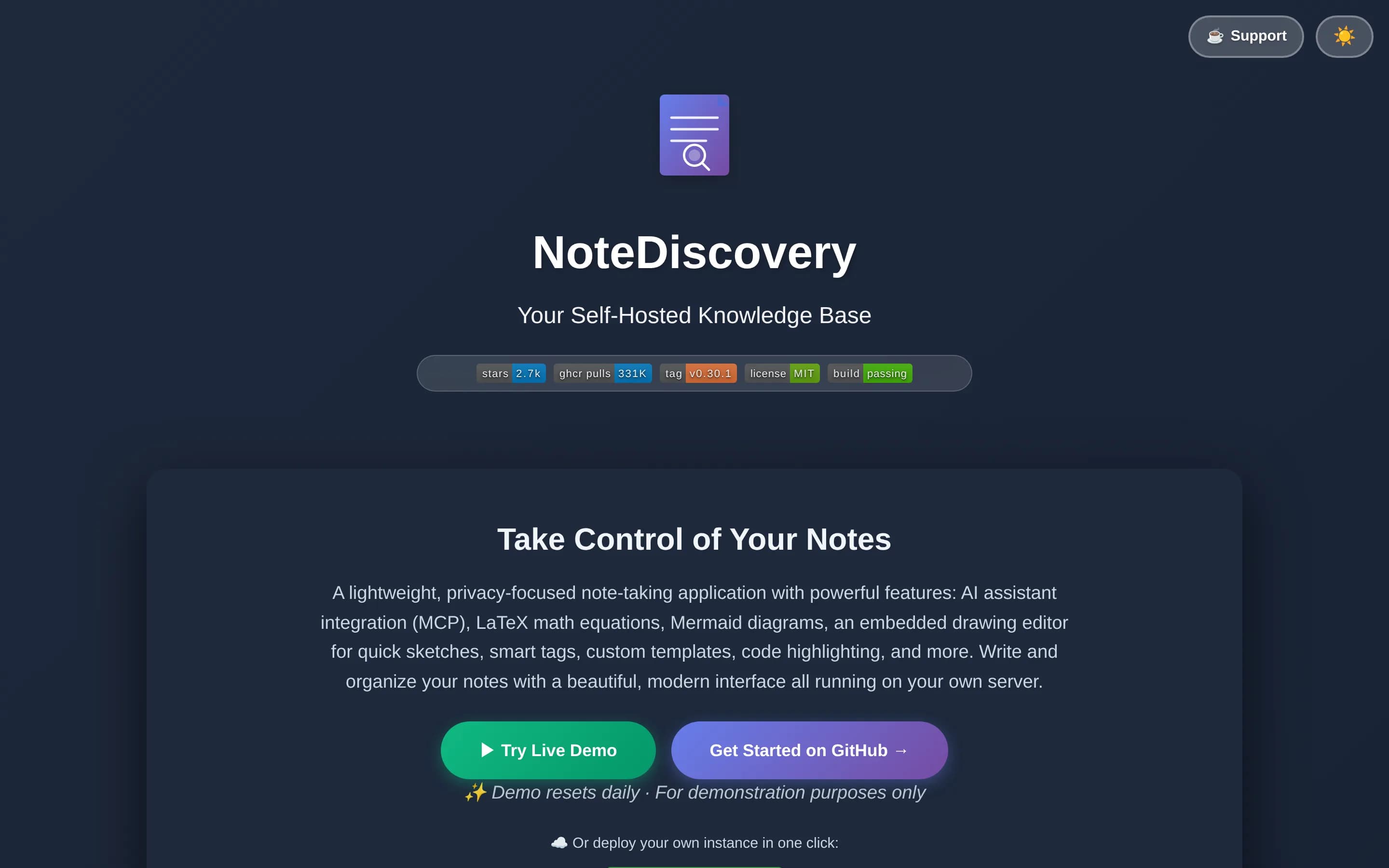
Choose NoteDiscovery if you want an MIT-licensed, self-hosted, browser-accessible Markdown knowledge base and are prepared to operate and secure its server. Choose Obsidian if you need a mature local-first application with documented cross-device encrypted sync, real-time shared vault updates, or managed web publishing. The central tradeoff is infrastructure control versus integrated device-sync and publishing—Note |
What it does
NoteDiscovery is a lightweight, self-hosted note-taking and knowledge-base application for personal wikis, second brains, privacy-conscious users, and small teams. Users write and organize notes stored as plain Markdown files, then find them through full-text search, tags, favorites, backlinks, an outline panel, and an interactive graph view.
The documented interface includes responsive layouts, themes, templates with dynamic placeholders, drawing support, LaTeX/MathJax, Mermaid diagrams, HTML export, printing, and optional password protection. Its built-in MCP server lets compatible AI assistants search, create, edit, organize, tag, and append to notes. It runs through Docker or Docker Compose, or directly with Python, and stores data on the user's server.
What it covers
- Markdown note collections
- Folder-based organization
- Linked-note graph
- Full-text search
- Themes and plugins
- Local-control storage
What’s different
- No cloud synchronization
- No documented encrypted device sync
- No documented version-history service
- No documented real-time co-editing
- No equivalent managed publishing service
NNote-gen12,636
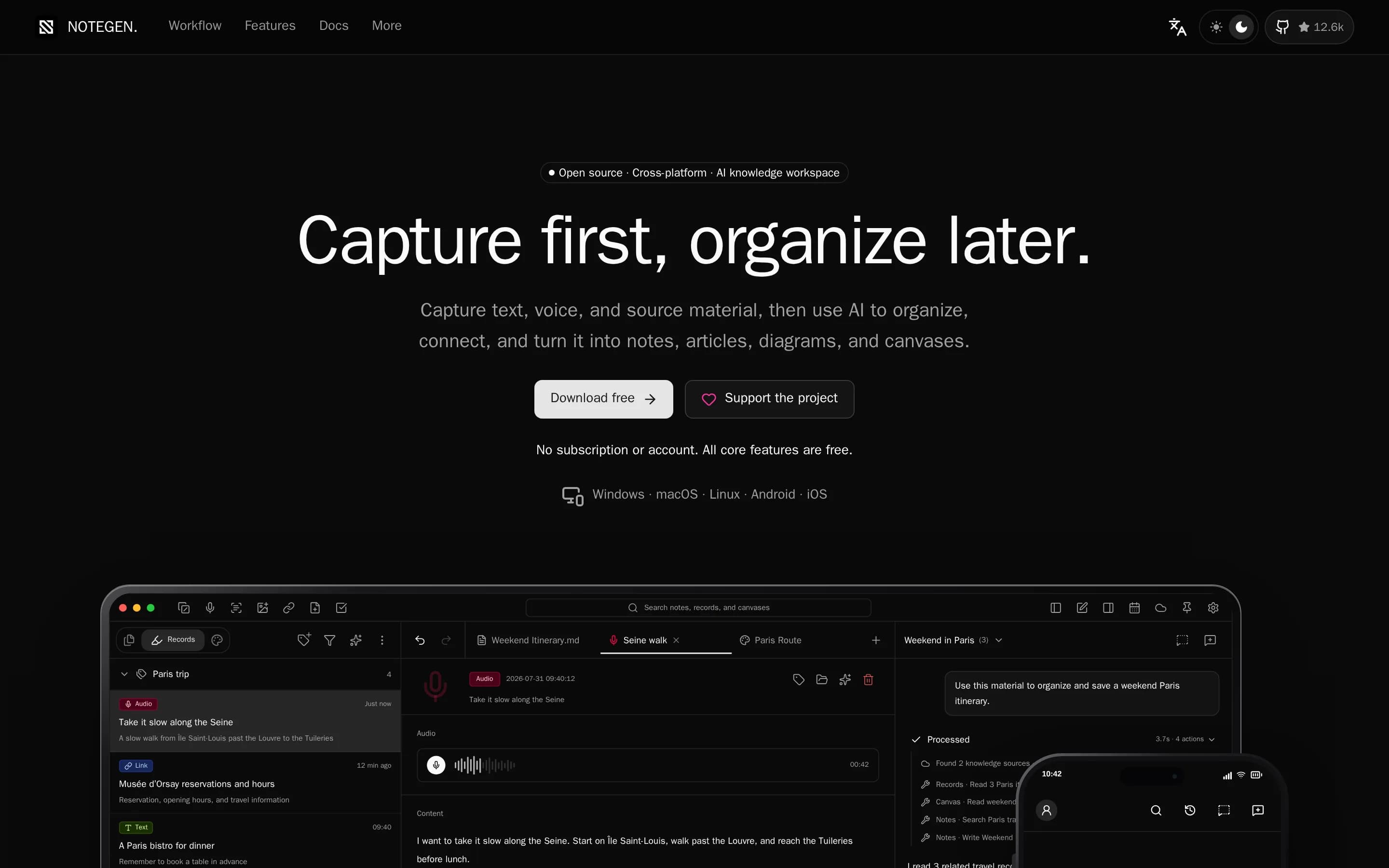
NoteGen is the stronger fit for users who want an open-source, local-first Markdown application with a capture-first workflow, configurable AI, and user-selected sync providers. Obsidian remains the safer choice when encrypted managed sync, real-time shared vaults, hosted publishing, or a documented note-graph experience are requirements; the supplied NoteGen evidence does not establish equivalents for those features
What it does
NoteGen is a local-first Markdown application for capturing thoughts, voice recordings, screenshots, images, links, files, and todos before organizing them into structured notes. Users can filter records by tag, time, or type, select related material, apply a template or instruction, and produce summaries, reports, articles, or other Markdown structures for continued editing.
The editor supports visual and source Markdown modes, tables, task lists, code, math, diagrams, search and replace, attachments, export, printing, history, and workspace management. It also provides AI chat and writing assistance, OCR, audio and image capabilities, searchable knowledge bases with semantic and local retrieval, MCP servers, agent tools, and an editable canvas for diagrams, mind maps, timelines, drawings, and charts.
Notes remain ordinary Markdown files in a chosen workspace. The application is local
What it covers
- Local-first note storage
- Standard Markdown editing
- Local text search
- Cross-device sync options
- Attachments and file references
- No-account local use
What’s different
- No documented Obsidian-style vault graph
- No documented end-to-end encrypted sync
- No documented real-time shared vaults
- No documented hosted web publishing
- No documented Obsidian-specific importer
AApp6,583
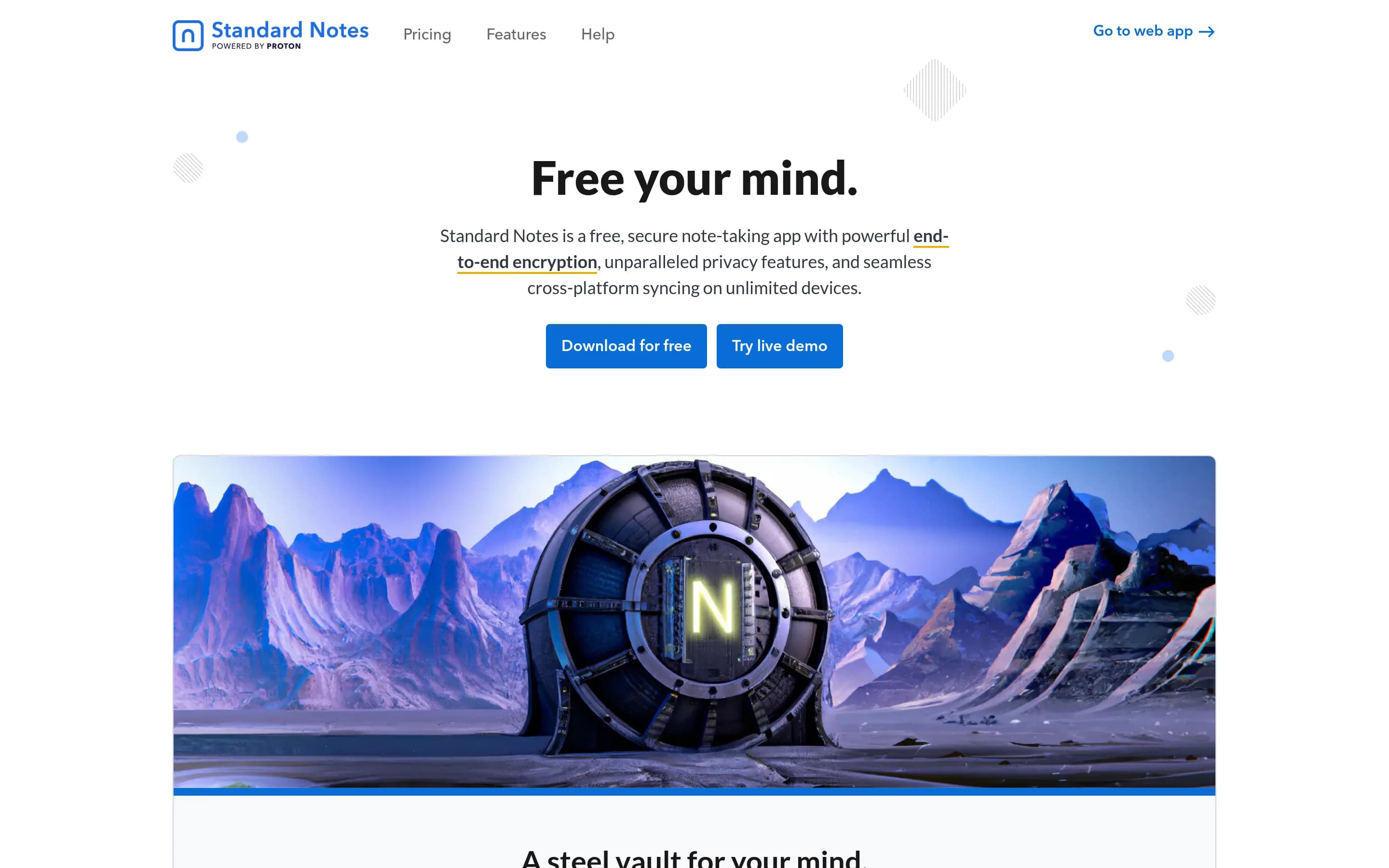
Choose Standard Notes when public source code, AGPL-3.0 licensing, self-hosting, and end-to-end encrypted cross-platform sync are more important than Obsidian’s documented graph-oriented, local-vault workflow. Keep Obsidian when connected-note exploration, full-text search, shared vaults, or wiki/knowledge-base publishing are central, because equivalent Standard Notes coverage is not established by the supplied—even(
What it does
Standard Notes is an end-to-end encrypted note-taking application for digitalists and professionals. It lets users capture notes and files, keep them in a private account, and synchronize them across unlimited devices. The README emphasizes that only the user can read the encrypted content.
The project provides web, Mac, Windows, Linux, iOS, and Android access, with a documented web app and downloadable clients. Its open-source repository also supports self-hosting: users can build the web app and serve the generated static files locally, while configuring a custom sync server. The documentation additionally describes publishing through the Listed service and extension development.
What it covers
- Private note capture
- Notes and file storage
- Encrypted cross-device sync
- Desktop and mobile clients
- Optional web publishing
What’s different
- No documented note graph
- No documented full-text search
- No documented shared-vault collaboration
- No documented wiki or digital-garden publishing
- No documented Obsidian-specific migration path
OOpen-knowledge3,466
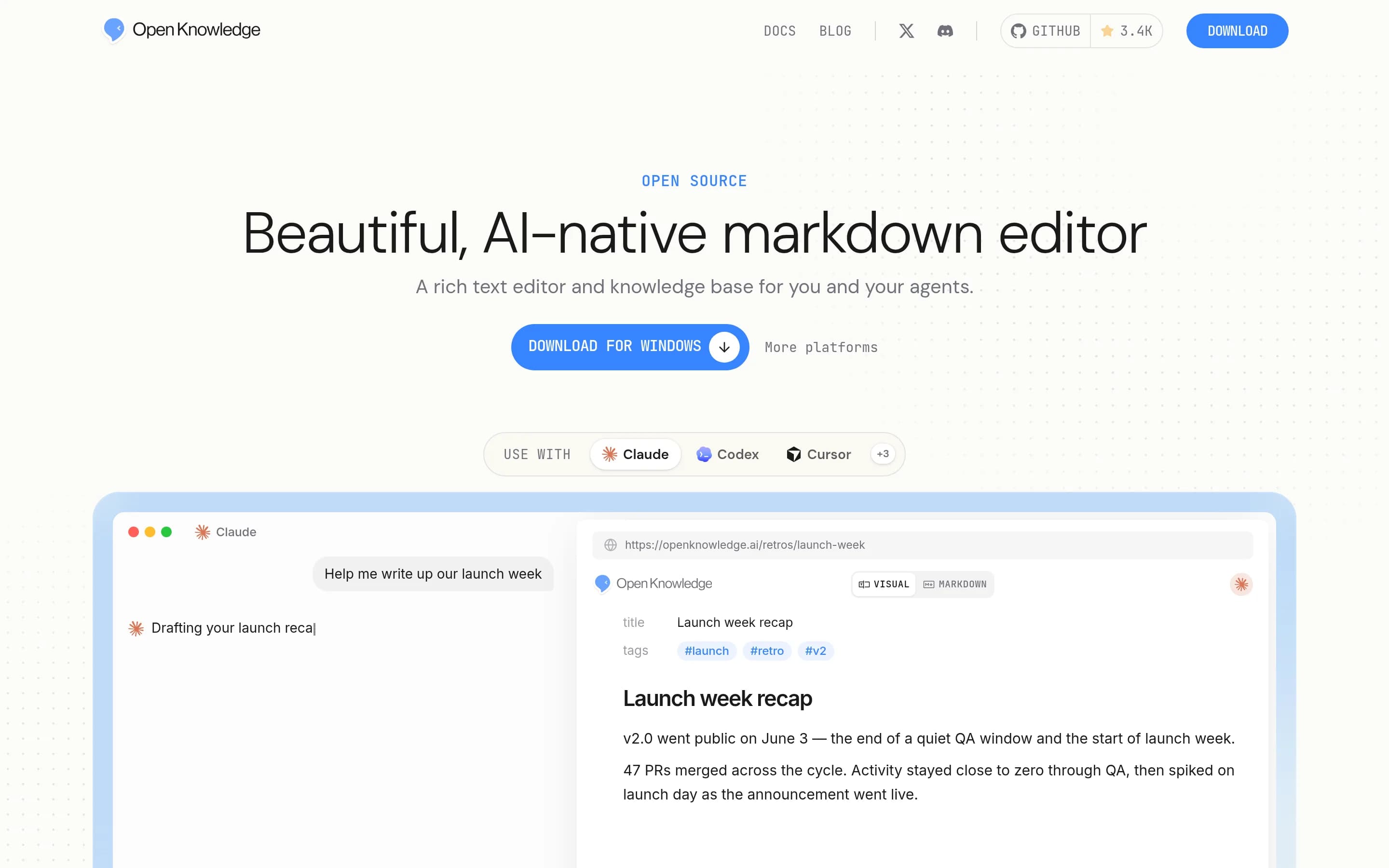
Choose OpenKnowledge if you want an open-source, local-first Markdown/MDX workspace with WYSIWYG editing, agent integrations, and optional Git/GitHub-based sharing. Keep Obsidian if encrypted cross-device Sync, shared-vault behavior, or hosted web publishing are essential: the supplied OpenKnowledge material documents Git-based sync and HTML embedding, but not equivalents to Obsidian’s end-to-end encrypted Sync or Ob
What it does
OpenKnowledge is a WYSIWYG markdown and MDX editor for existing folders, wikis, Obsidian vaults, codebases, knowledge bases, specifications, and notes. It provides file navigation, search, tabs, graph-based wiki-link viewing, embeddable HTML, and rich components for reports and technical documents.
The application integrates side-by-side AI editing with Claude, Codex, OpenCode, Pi, and other harnesses, and includes MCP, skills, and agentic search for LLM wikis and knowledge graphs. Optional team sharing and synchronization use Git and GitHub. It is available as desktop software for macOS, Windows, and Linux, or as a locally run web application installed and started through its CLI.
What it covers
- Local Markdown note storage
- Desktop applications on major platforms
- Full-text content search
- Graph and wiki-link visualization
- Optional cross-device synchronization
- Team knowledge-base workflows
What’s different
- No documented end-to-end encrypted sync
- No documented Obsidian-style shared-vault parity
- No documented hosted wiki publishing service
Flatnotes3,179
Flatnotes is a narrower, open-source alternative for people who want a self-hosted browser interface over plain Markdown, with search, tags, and wikilinks but no folder hierarchy. Choose Flatnotes for a simple, centrally hosted note collection you are prepared to operate; choose Obsidian when device-local vaults, graph exploration, encrypted cross-device sync, real-time shared vaults, or hosted publishing are central
What it does
flatnotes is a distraction-free web note-taking application that stores content as ordinary Markdown files in a flat folder rather than a database. Users can create and edit notes through raw Markdown or WYSIWYG modes, organize them with tags, link notes with Wikilinks, and find content through full-text search.
The app provides a mobile-responsive interface, customizable home page, light and dark themes, multiple authentication options, and a RESTful API. It is designed for user-controlled storage, allowing Markdown files to be added, edited, or deleted outside the application while it runs. Deployment is documented through Docker or Docker Compose, with data mounted from a local directory; hosted deployment through PikaPods is also described.
What it covers
- Markdown note editing
- Full-text note search
- Wikilinks between notes
- Local control of note files
- Light and dark themes
What’s different
- No documented graph view
- No documented encrypted device sync
- No documented sync version history
- No documented real-time shared vaults
- No documented web publishing workflow
- No folder or notebook hierarchy
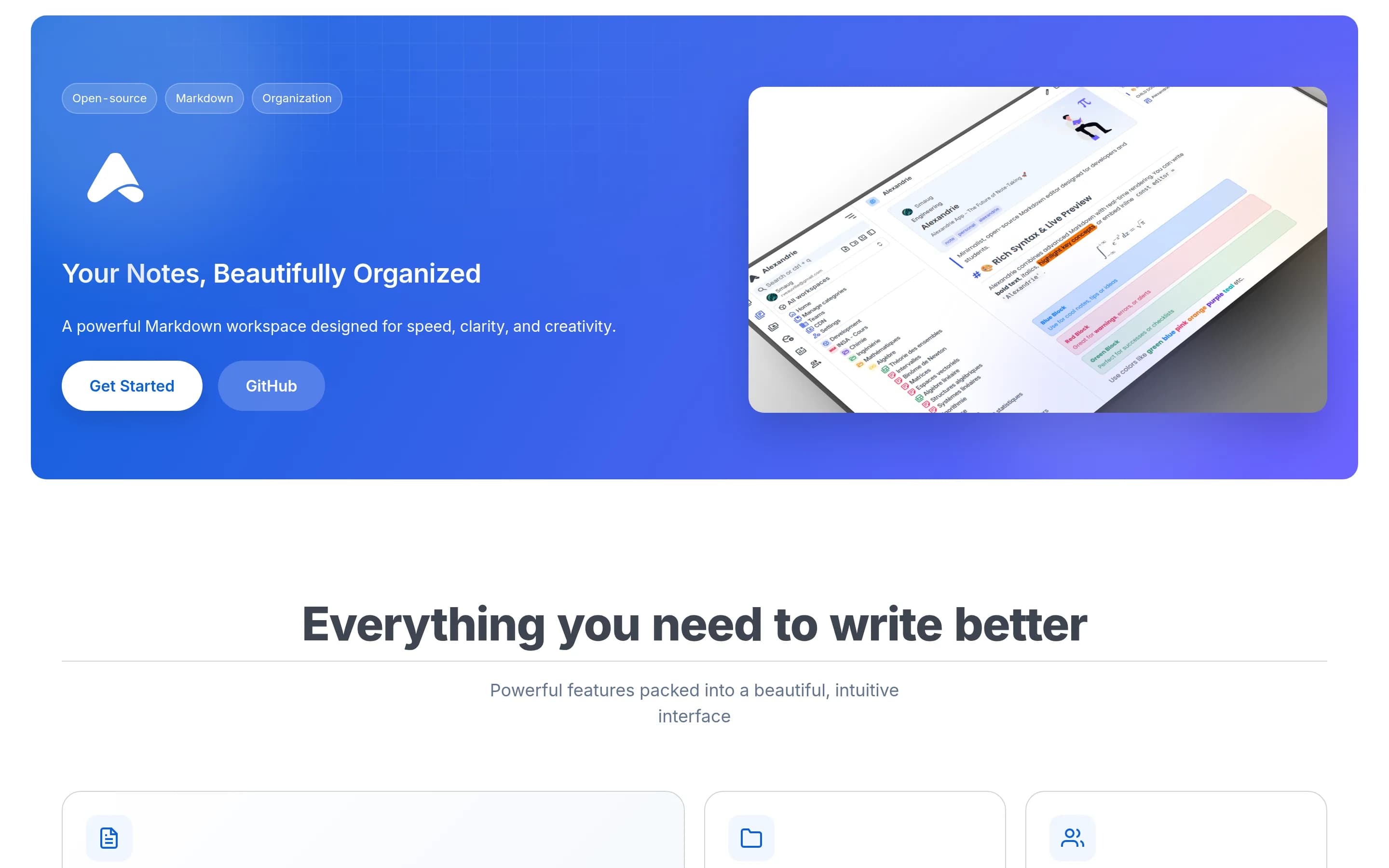
AAlexandrie2,326
Alexandrie is the stronger fit when open-source licensing, self-hosting, centralized team organization, permissions, and OIDC are priorities. Obsidian remains the safer choice for a personal, device-local vault and workflows that depend on graph exploration, native applications, or documented AES-256 end-to-end encrypted sync; equivalent Alexandrie coverage is not documented in the supplied sources.
What it does
Alexandrie is an open-source, self-hosted wiki and knowledge-management platform for teams and individuals. Users create and maintain nested documents with an extended Markdown editor supporting LaTeX, custom containers, checkboxes, snippets, speech-to-text, and embedded diagrams. Documents can be organized across teams, workspaces, categories, and hierarchical nodes.
The platform provides full-text search with highlighted results, offline-first PWA access and synchronization, public links, granular workspace and node permissions, integrated Kanban boards, media previews, and ZIP import/export. It supports OIDC single sign-on, automated backup and restore workflows, and S3-compatible storage. Deployment is documented through Docker Compose, with the application available locally at port 8200.
What it covers
- Markdown-based note writing
- Offline note access
- Cross-device synchronization
- Full-text search
- Hierarchical organization
- Team sharing and permissions
- Public note publishing
- Data export
What’s different
- Documented note graph
- Documented AES-256 end-to-end sync
- Documented sync version history
- Native desktop and mobile apps
- Documented Obsidian-plugin compatibility
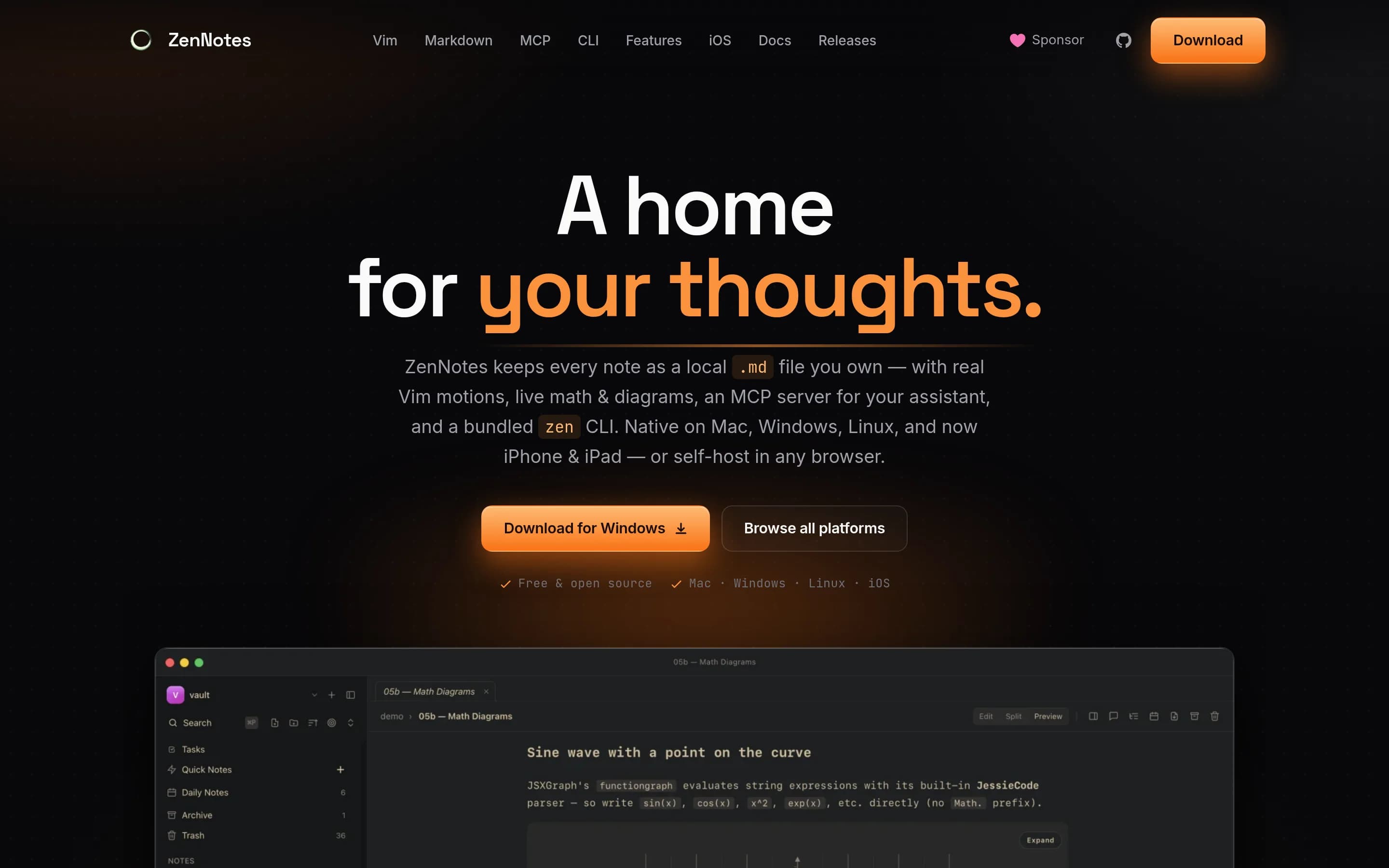
ZZennotes2,308
ZenNotes is the stronger choice for users who require an MIT-licensed, self-hostable, keyboard/Vim-first Markdown workspace and are willing to operate their own synchronization or remote-access setup. Obsidian remains the safer choice for users who need its documented encrypted cross-device Sync, real-time shared vaults, graph view, or hosted publishing; the supplied ZenNotes material documents backlinks and search,但
What it does
ZenNotes is a keyboard-first Markdown notes application that stores notes as ordinary files in a user-selected vault. Its documented workflows include quick capture, editing, split and preview modes, Vim navigation, folders, tags, search, archive and trash, tasks, daily and weekly notes, diagrams, mathematical notation, and local asset handling.
The product is distributed as an Electron desktop app for macOS, Windows, and Linux, and also provides a self-hosted web app backed by a Go server. Docker deployment is documented with mounted vault and data directories, local authentication, configurable ports, and browser access on a LAN or home server. A command-line companion and MCP server are included for terminal and tool integrations.
What it covers
- Local Markdown vaults
- Wiki links and backlinks
- Vault-wide full-text search
- Daily notes
- Tags and tasks
- Local file embeds
- Desktop applications
What’s different
- Documented graph visualization
- Managed encrypted sync service
- Real-time shared-vault collaboration
- Hosted web publishing
- Documented Obsidian plugin compatibility
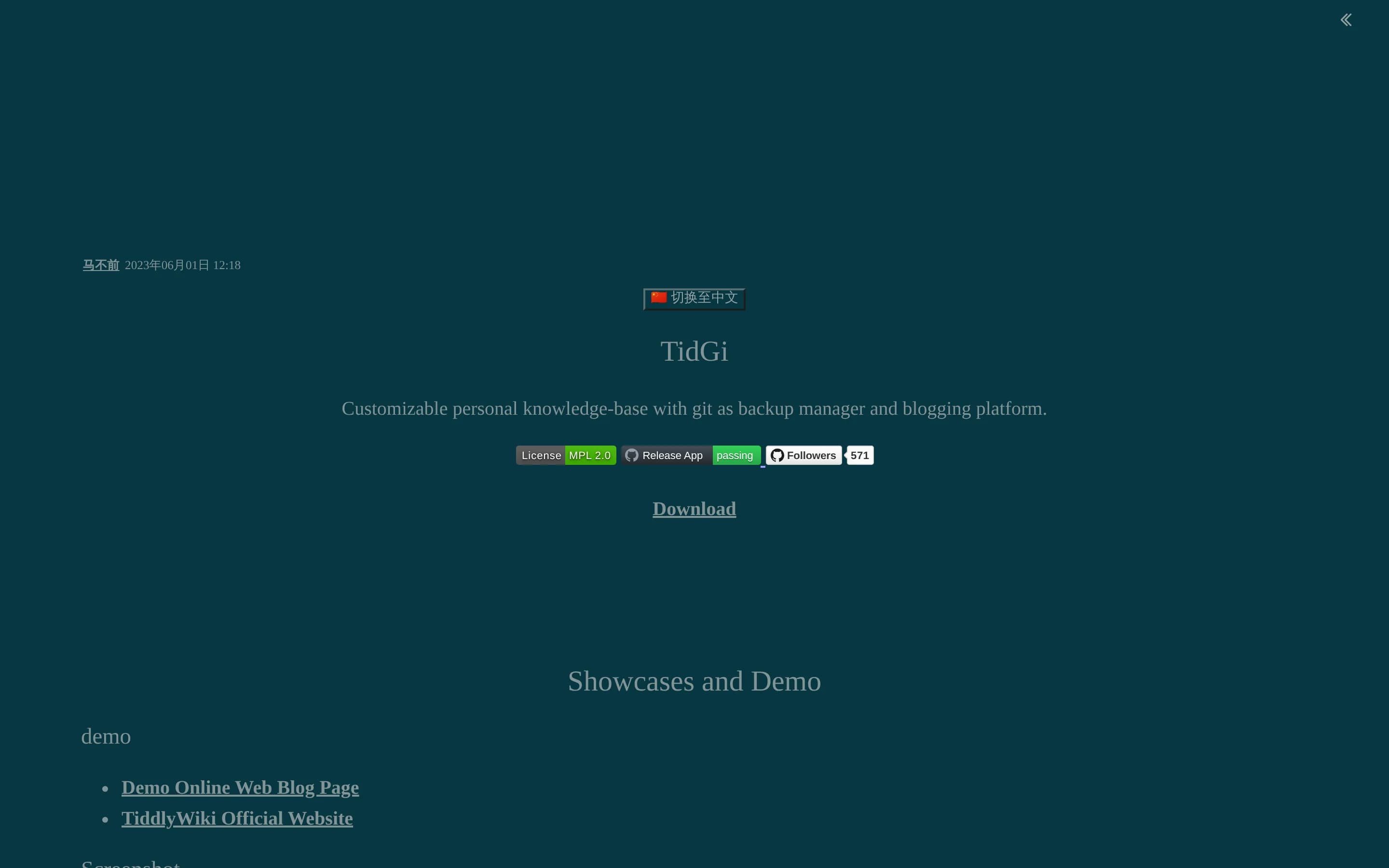
TTidGi-Desktop2,000
TidGi-Desktop is a credible open-source alternative for individuals who want a local-first TiddlyWiki workspace, Git-based backup, customization, and blog deployment. Obsidian remains the safer choice when documented graph exploration, full-text search, end-to-end encrypted cross-device sync, real-time shared vaults, or a managed publishing service are requirements; the supplied TidGi material does not establish like
What it does
TidGi is a cross-platform desktop application for note taking, GTD, and fragment knowledge management. Built on Node.js TiddlyWiki, it supports local wiki workspaces, separated editable tiddler files, backlinks, knowledge graphs, community plugins, and interactive scripts.
The application lets users store data locally or use GitHub as a storage and GitHub Pages blogging platform. It can create local Git repositories, back up wikis, clone online wikis, and deploy a TiddlyWiki blog. Official packages are provided for Windows, macOS, Debian/Ubuntu, and RPM-based Linux distributions, with an official mobile companion.
What it covers
- Local-first note storage
- Personal knowledge-base creation
- Connected wiki-style content
- Desktop note-taking
- Public blog or knowledge-site publishing
- Mobile ecosystem options
What’s different
- No documented Obsidian-vault importer
- No documented graph-view parity
- No documented full-text-search parity
- No documented end-to-end encrypted sync
- No documented real-time shared editing
- No documented managed publishing equivalent
- No supplied Docker or Kubernetes deployment
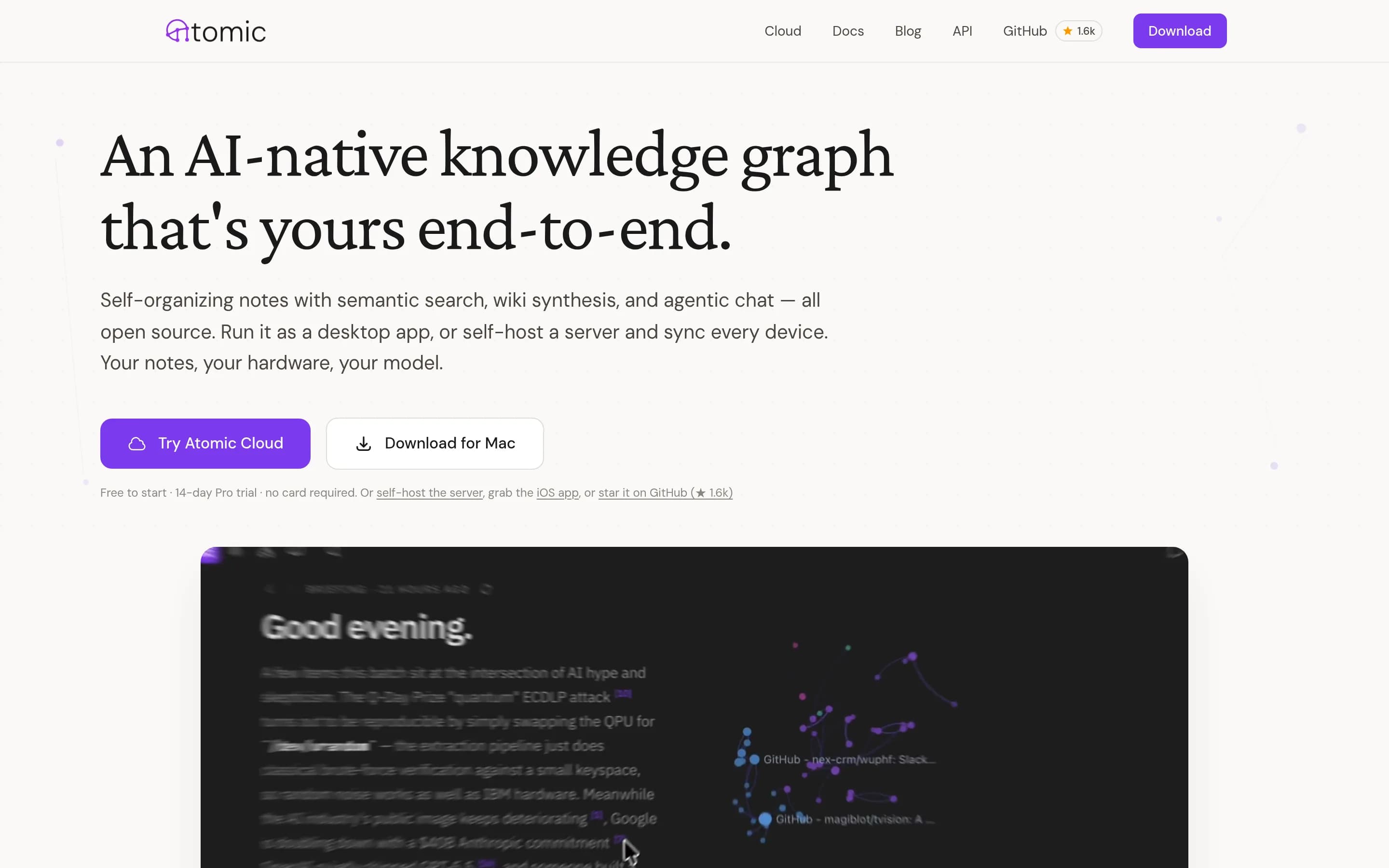
AAtomic1,891
Atomic is the stronger choice for users who want an MIT-licensed, self-hostable knowledge base centered on semantic search, automatic tagging, AI-generated wikis, and chat. Obsidian remains the safer choice for a general-purpose, local-first vault when encrypted cross-device sync, shared vaults, exact full-text search, or publishing selected notes are requirements; equivalent Atomic coverage is not documented in the
What it does
Atomic is a personal knowledge base built around “atoms,” or Markdown notes that are automatically chunked, embedded, tagged, and linked by semantic similarity. Users can capture content through the desktop app, iOS app, browser extension, RSS feeds, or MCP tools, then search and browse the resulting knowledge graph.
The product includes wiki synthesis with inline citations, scheduled research reports, agentic chat, hierarchical auto-tagging, a spatial canvas, and support for OpenRouter, Ollama, and OpenAI-compatible providers. It runs as a Tauri desktop app, a web frontend with a headless server, or both, and can be deployed locally with Docker Compose, Fly.io, or a standalone server.
What it covers
- Markdown-based personal notes
- Connected knowledge-base model
- Visual graph or canvas
- Desktop-local operation
- Search across stored knowledge
What’s different
- Documented exact full-text search
- Documented AES-256 encrypted sync
- Documented shared-vault collaboration
- Documented public-note publishing
- Documented Obsidian-vault import
Reflect-open1,421
Reflect-open is a narrower, open-source alternative for Apple users who want daily-note-first workflows and plain Markdown files. It covers local notes, wiki links, backlinks, and search, but the supplied documentation does not show Obsidian-equivalent graph visualization, encrypted managed sync, shared vaults, or web publishing. Choose Reflect-open for inspectable files, an MIT-licensed codebase, and user-controlled
What it does
Reflect is an open-source note-taking application for Mac and iPhone built around a user-selected folder of Markdown files. It opens to daily notes and supports wiki links, backlinks, tags, local search, browser capture, audio memos with transcription, and optional AI queries that cite source notes.
Notes remain usable outside the application, while the app adds graph-oriented navigation and related-note features. Users can keep content local, exclude private notes from external services, and choose iCloud Drive or Git/GitHub for synchronization and versioned backup. The repository documents downloadable Mac releases, an iOS beta, a Chrome extension, a CLI, and local source builds.
What it covers
- Local-first note storage
- Markdown-based connected notes
- Wiki-style note links
- Backlinks
- Local full-text search
- Cross-device file-sync options
What’s different
- No documented graph visualization
- No documented managed encrypted sync service
- No documented real-time shared vaults
- No documented web publishing
- No Windows or Android support
- No plugin API
Anchor1,222
Anchor is a credible open-source, self-hosted alternative for offline notes, cross-device sync, basic sharing, and centralized user administration. Choose Anchor if source availability, Docker hosting, OIDC, and admin-controlled registration matter most. Choose Obsidian if the priority is a mature connected-note vault with graph exploration, documented end-to-end encrypted sync, real-time shared-vault updates, or web
What it does
Anchor is an offline-first note-taking application for web and Android. Users can create rich-text notes with formatting, checkboxes, images, and audio attachments; organize them with tags, pinning, archiving, backgrounds, and trash recovery; and search locally by title or content. The application also supports note sharing with viewer or editor access, library import and export, and an Android home-screen widget.
Anchor stores edits locally and synchronizes changes across devices when online. It is designed for self-hosted deployment through Docker Compose, using a bundled or external PostgreSQL database, persistent volumes, and optional OIDC authentication. The repository also provides prebuilt container images and downloadable Android APKs.
What it covers
- Local note storage
- Offline note editing
- Cross-device synchronization
- Title and content search
- Note sharing
- Mobile and web access
What’s different
- Documented note graph and backlinks
- Documented end-to-end encrypted sync
- Current real-time collaboration
- Hosted web publishing
- Documented Obsidian vault import
EEdgeever1,171
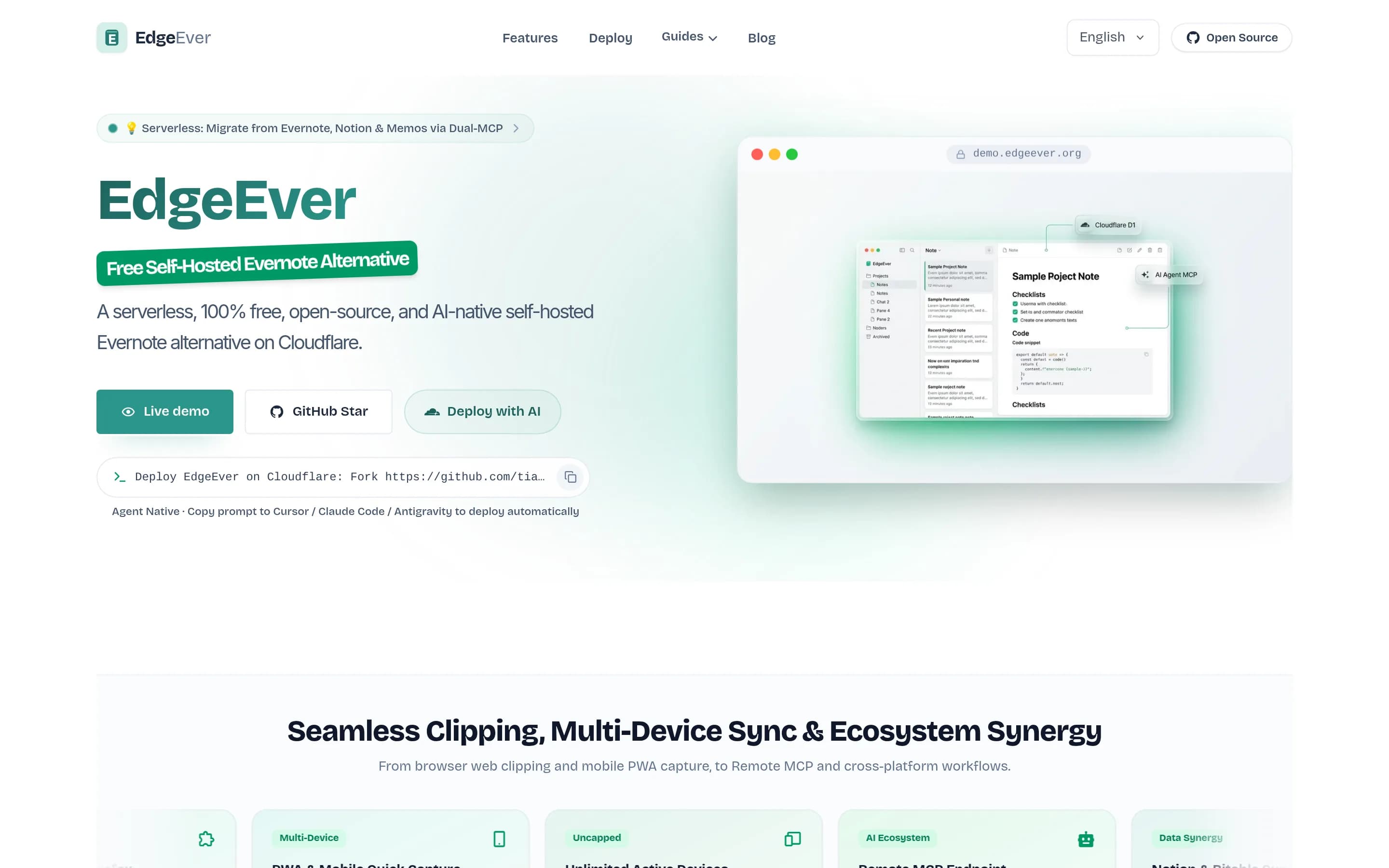
Choose EdgeEver if you want an open-source, centrally hosted notes workspace with a prescriptive three-pane notebook layout, browser/PWA access, multi-device sync, and control of the Cloudflare deployment. Keep Obsidian if your priority is a local-first connected-note vault, graph exploration, encrypted synchronization, shared vaults, or publishing a collection as a website; equivalent EdgeEver coverage is not shown.
What it does
EdgeEver is an open-source, Evernote-style notes workspace built around a three-pane interface for capturing and organizing rich notes. It supports text, Markdown, images, PDFs, Office files, archives, audio, and video attachments, nested notebooks, revision history, public sharing, Mermaid diagrams, imports, and ZIP exports containing portable Markdown and attachments.
The product provides web clipping for Chrome, Edge, and Firefox, unlimited synchronization across web, PWA, Android, and macOS, and offline drafts or native-client editing with queued synchronization. AI features support summarization, rewriting, translation, task extraction, and other note operations through configurable model providers; MCP and REST APIs support agent access and organization.
EdgeEver is licensed under AGPL-3.0 and deploys as a Cloudflare Workers application using D1 and R2, with documented multi-user
What it covers
- Markdown note editing
- Nested note organization
- Full-text-oriented content search
- Multi-device access and synchronization
- Offline editing with later synchronization
- Revision history
- Single-note sharing or publishing
- Local storage in native clients
What’s different
- Obsidian-style note graph
- Documented bidirectional-link workflow
- AES-256 end-to-end encrypted sync
- Collaborative shared vaults
- Multi-note wiki or digital-garden publishing
- Direct Obsidian vault import
- Documented plugin compatibility
NNotabase910
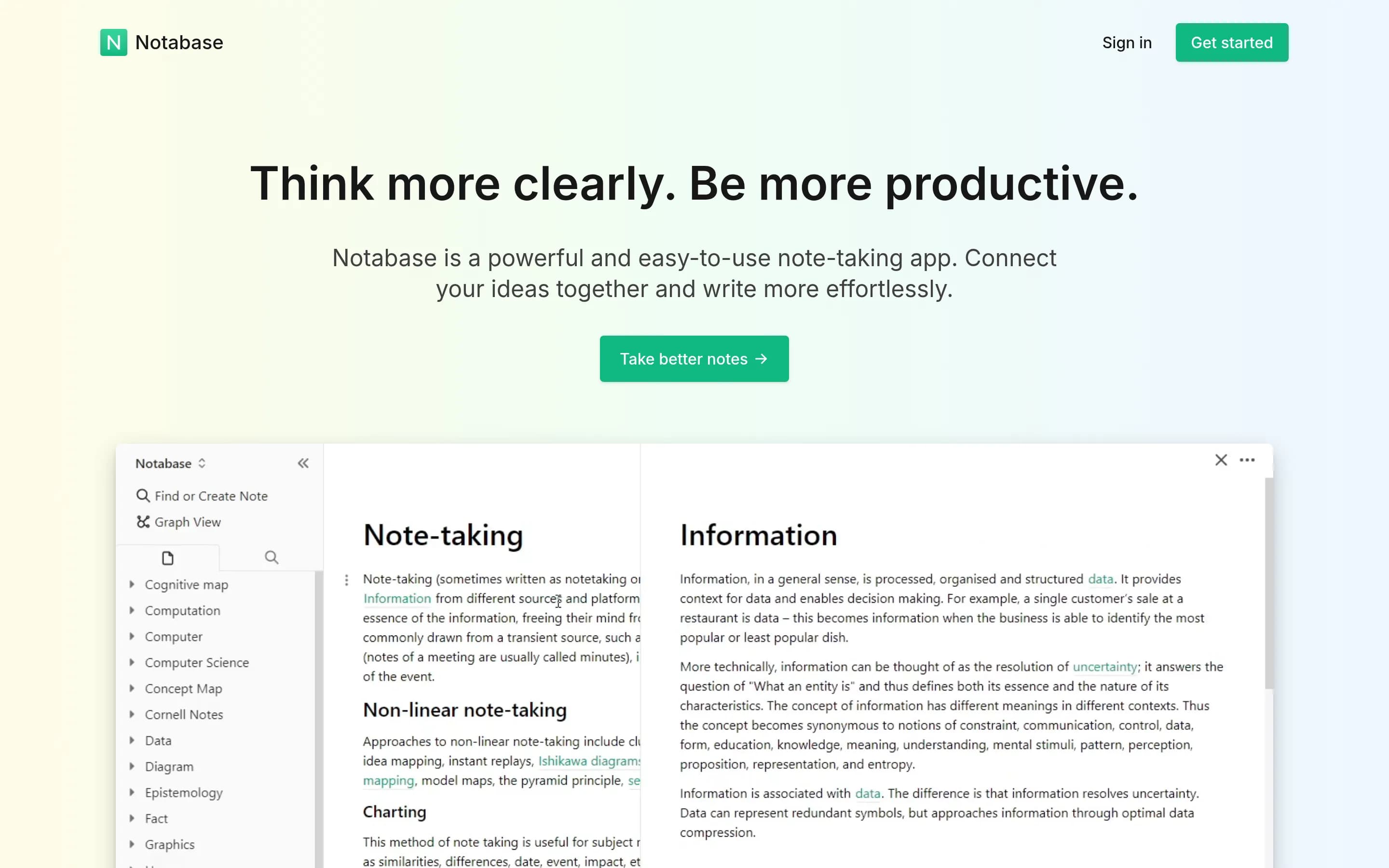
Choose Notabase if you want an open-source, web-oriented personal knowledge base with linked notes, automatic cloud access, optional self-hosting, and a simpler WYSIWYG workflow. Choose Obsidian if local, account-free storage is essential or if you require its documented encrypted sync and shared-vault capabilities; equivalent encryption, version history, and team collaboration are not documented for Notabase.
What it does
Notabase is an open-source personal knowledge base designed for networked thinking. Users create and edit notes with a WYSIWYG Markdown-supporting editor, connect notes with links, tags, nested notes, references, and block embeds, then browse relationships through page stacking and graph view. Full-text search, import and export, and linked or unlinked references support retrieval and ongoing organization.
The project provides a hosted experience and documents self-hosting locally with a Next.js build, Supabase authentication, database, and storage. Notes can sync to the cloud and be accessed on any device; the Progressive Web App supports faster loading and offline viewing. The repository is licensed AGPL-3.0.
What it covers
- Interlinked personal note collections
- Backlinks and note traversal
- Graph-based connection exploration
- Full-text note search
- Cross-device note access
- Web note publishing
What’s different
- Documented local, account-free storage
- Documented end-to-end encrypted sync
- Documented sync version history
- Documented shared team vaults
- Documented real-time collaborative updates
Lumina-Note907
Lumina Note is the stronger choice for users who require an Apache-2.0, source-available desktop workspace with plain Markdown files and built-in AI that can operate across a vault. Obsidian remains the safer choice when encrypted cross-device synchronization, shared vaults, or hosted web publishing are required, because those capabilities are documented for Obsidian but not established for Lumina Note in the cited材料
What it does
Lumina Note is an Electron desktop note-taking application for Windows, macOS, and Linux. Users keep notes as human-editable Markdown files in a local vault, with live preview, reading mode, WikiLinks, backlinks, graph views, images, PDFs, annotations, and flashcards.
Its embedded agent can read, write, reorganize, summarize, connect, and research notes across the vault with permission. It can draft pages, summarize PDFs, generate flashcards, and clean up knowledge. AI providers include local Ollama models, OpenAI-compatible endpoints, multiple hosted providers, and optional Lumina Cloud.
Users can install packaged releases or build the Electron app from source. The repository also documents mobile companion apps, a self-hosted relay, and an extension system, but does not document cross-device note synchronization, web clipping, or real-time collaboration as core workflows.
What it covers
- Local note vaults
- Markdown note editing
- Wiki-style links and backlinks
- Knowledge graph views
What’s different
- Documented full-text search coverage
- Documented encrypted cross-device sync
- Documented synchronization version history
- Documented shared-vault collaboration
- Documented web publishing
MMdSilo-app849
mdSilo is a direct open-source note-taking and personal knowledge-base application with local plain-text storage, interconnected notes, graph views, backlinks, and full-text search.
What it does
mdSilo is a local-first knowledge base and feed reader for storing ideas, thoughts, and knowledge in local plain-text files without registration. It provides an all-in-one editor supporting Markdown, WYSIWYG editing, mind maps, Mermaid diagrams, tables, mathematical notation, code blocks, and attachments.
The application includes graph, task, chronicle, and full-text search views, along with folders, tags, backlinks, recent history, and Kanban boards for organizing a personal knowledge base. It also supports RSS and Atom feeds, podcasts, exports to PDF or images, and Windows, macOS, Linux, and web builds. The repository documents building the Tauri desktop application from source.
What it covers
- Local-first plain-text storage without registration
- Markdown and WYSIWYG note editing
- Interconnected notes with wikilinks and backlinks
- Graph view and full-text search
- Folders, tags, task views, and Kanban organization
- Cross-platform desktop and web availability
What’s different
- Cross-device encrypted sync is not documented.
- Shared vaults and real-time collaboration are not documented.
- Web publishing as a hosted wiki, documentation site, or digital garden is not documented.
KKuku203
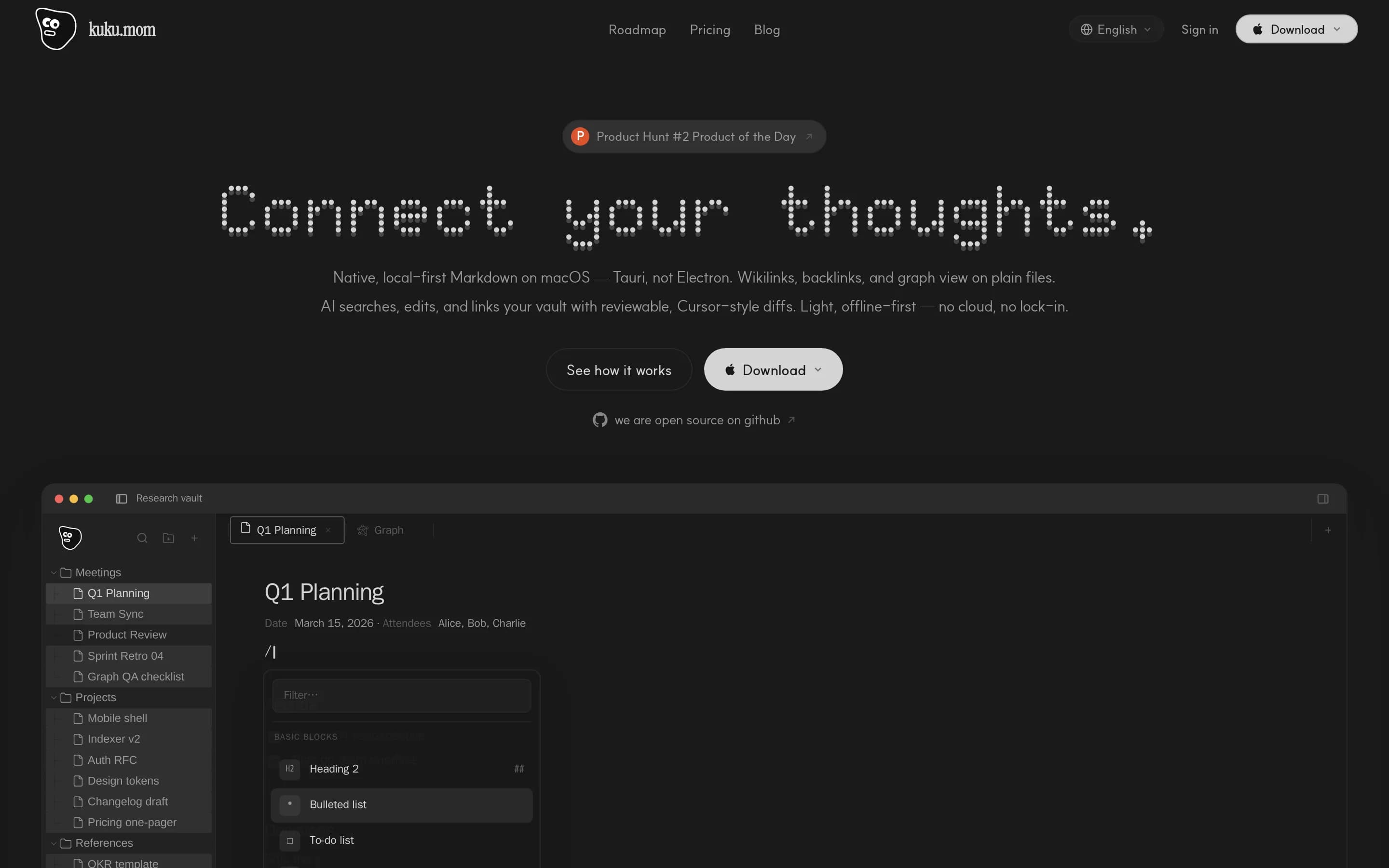
Kuku is the stronger fit for macOS users who want an MIT-licensed, inspectable and self-hostable Markdown workspace with reviewable AI editing. Obsidian remains the safer choice for users who need documented shared vaults, hosted web publishing, or broader cross-device availability now; Kuku’s Windows, Linux, mobile, real-time collaboration and team-workspace coverage is either forthcoming or planned.
What it does
Kuku is an open-source local-first Markdown workspace for macOS. It edits ordinary .md files in a local vault and supports portable personal knowledge workflows, including wiki links, backlinks, search, and 2D or 3D graph navigation.
The application also provides Second Brain workflows, AI Agent, Ask, and Inline modes, file or text attachments, and reviewable proposed edits with diffs. Its encrypted sync foundation covers workspaces, devices, key envelopes, signed commits, and encrypted objects.
The repository includes the macOS client, web app, Go server, protobuf contracts, Rust AI and indexing crates, and Docker infrastructure. Users can download the macOS build, install it through Homebrew, or inspect and self-host the system; Windows and Linux are listed as forthcoming.
What it covers
- Local-first note vaults
- Plain Markdown notes
- Wikilinks and backlinks
- Full-text vault search
- Graph navigation
- Optional encrypted sync
What’s different
- No documented web publishing
- No current real-time collaboration
- No current team workspaces
- No current Windows or Linux build
- No current native mobile apps
GitJournal4,204
GitJournal is the stronger choice for mobile-first users who want open-source Markdown notes synchronized through a Git provider they control. Obsidian remains the better fit for users who need a broader connected-knowledge environment with a documented graph, full-text search, encrypted managed sync, shared vaults, or hosted publishing. GitJournal supports wiki links and backlinks, but the supplied evidence presents
What it does
GitJournal is a mobile-first note-taking app focused on privacy and data portability. It stores notes as standardized Markdown files with optional YAML headers, and integrates them with a Git repository hosted on GitHub, GitLab, or a custom provider. The README also identifies journaling and knowledge-management use cases.
The app provides mobile applications distributed through Google Play and the Apple App Store, with screenshots documenting its user-facing interface. Its Git-based storage model lets users choose a provider and self-host or host notes through one of the documented Git providers. The supplied evidence does not document task tracking, calendar planning, whiteboards, templates, or API/MCP connections.
What it covers
- Markdown note storage
- Wiki-style note links
- Backlink navigation
- Cross-device workflows
- User-controlled note files
What’s different
- Documented current graph view
- Documented full-text search
- Managed end-to-end encrypted sync
- Real-time shared vaults
- Hosted web publishing

BBlinko10,872
Choose Blinko if you want a GPL-3.0, self-hosted application centered on rapid card-based capture, Markdown, and AI-assisted retrieval—and can operate its server deployment yourself. Choose Obsidian if your priority is a mature connected-note vault with graph exploration, encrypted cross-device sync, shared vaults, or hosted publishing. The key tradeoff is open-source deployment and focused capture versus Obsidian’s
What it does
Blinko is an open-source, self-hosted personal AI note-taking application focused on quickly capturing fleeting thoughts and ideas. Users can store plain-text notes with full Markdown support, organize their material, and retrieve notes through AI-powered retrieval-augmented generation and natural-language queries.
The project documents multi-platform support through Tauri for macOS, Windows, Android, and Linux, with data kept in the user's self-hosted environment. It provides a Docker-based installation path through an install script and also links to a hosted deployment option through PikaPods. The supplied README does not document web clipping, multimedia note capture, shared editing, tasks, calendar links, or transcription.
What it covers
- Personal note capture and organization
- Plain-text notes with Markdown formatting
- User-controlled note storage
- Search and retrieval across notes
- Desktop and mobile platform availability
What’s different
- No documented note-link graph
- No documented encrypted cross-device sync
- No documented shared-vault collaboration
- No documented hosted web publishing
- No documented Obsidian vault importer
HHaptic1,694
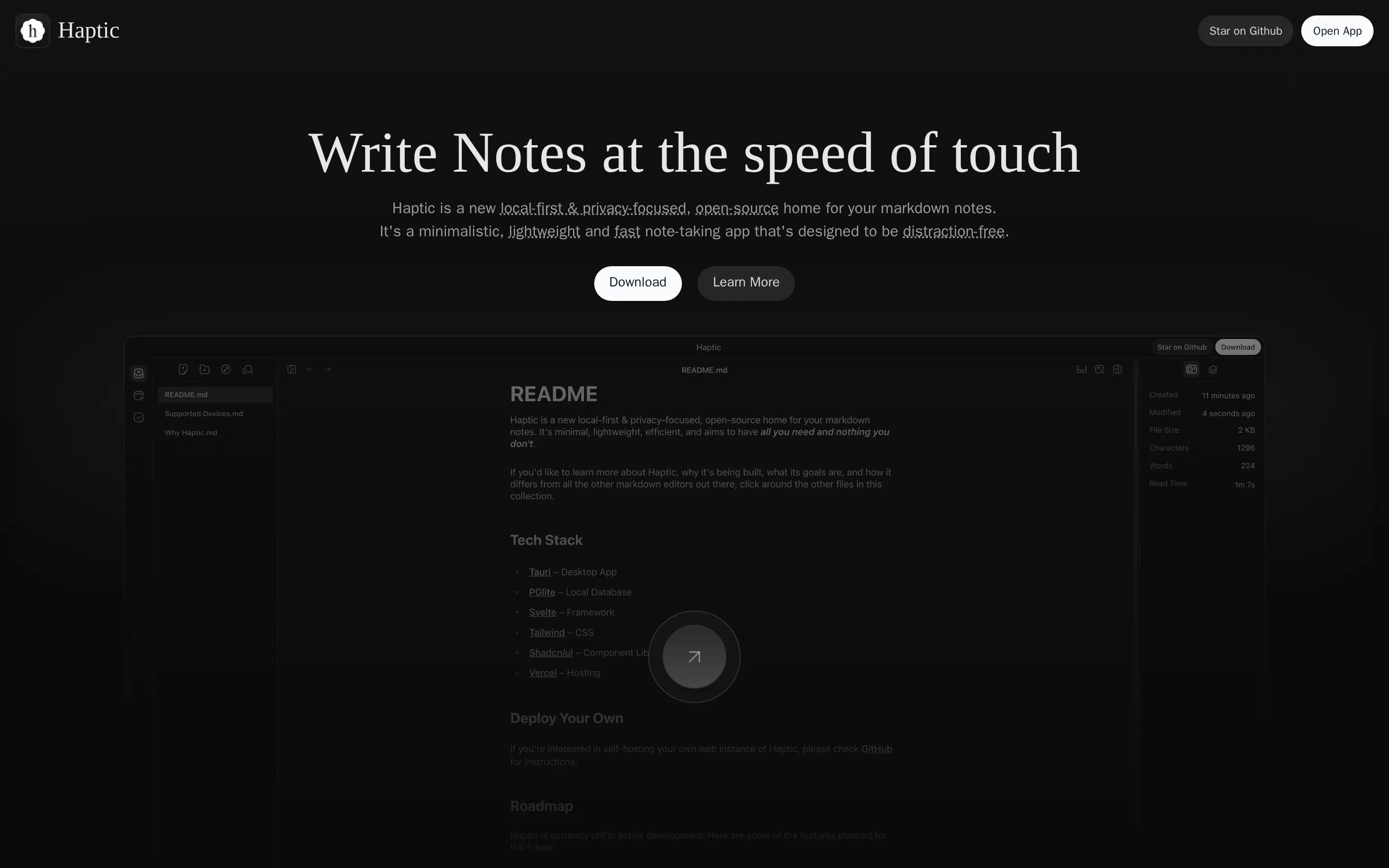
Choose Haptic if you want a minimal, local-first Markdown editor whose web instance can be self-hosted and whose AGPLv3 source can be inspected or modified. Choose Obsidian if you need the broader documented workflow now—graph exploration, full-text search, encrypted cross-device sync, shared vaults, mobile support, or hosted publishing. The main tradeoff is open-source deployment flexibility versus feature coverage:
What it does
Haptic is a local-first, privacy-focused application for writing and managing markdown notes. It is presented as a lightweight open-source home for notes, using a local database and a Tauri desktop application, with a web instance also available.
Users can run the web version through a self-hosted Vercel deployment or Docker container and access it in a browser. The README identifies note synchronization and note sharing as planned roadmap items, so these capabilities are not documented as currently available. The repository is licensed under AGPLv3.
What it covers
- Local-first note storage
- Privacy-focused operation
- Note-based personal knowledge capture
What’s different
- No current Haptic cross-device sync
- No current Haptic note sharing
- No current Haptic mobile support
- No documented Haptic graph exploration
- No documented Haptic full-text search
- No documented Haptic web publishing
Crossnote-app1,087
Crossnote-app is the better fit for users who require an AGPL-licensed, local-first Markdown web app with browser storage and direct Git-repository synchronization. Obsidian remains the safer choice for users who need documented graph search, full-text search, encrypted cross-device sync, shared vaults, or hosted publishing; none of those capabilities is established for Crossnote-app by the supplied evidence. Cross
What it does
Crossnote is a local-first web application for reading and writing Markdown notes. Notes remain plain Markdown files stored in the user's browser or local folders, rather than being held behind a dedicated server or account. The documented workflow centers on creating, editing, and viewing notebook content in a browser.
The application supports offline operation and direct synchronization with any Git repository through in-browser Git. Its repository describes a privacy-oriented, self-hostable approach, while the current project is being rebuilt after the original backend was shut down. The supplied documentation does not describe multimedia capture, web clipping, advanced search, templates, tasks, calendar links, or collaborative editing.
What it covers
- Local-first note storage
- Markdown-based note writing
- Offline operation without an account
What’s different
- No documented graph exploration
- No documented full-text search
- No documented encrypted cross-device sync or version history
- No documented shared-vault collaboration
- No documented hosted web publishing
- No documented Obsidian-vault importer