
SShortcut
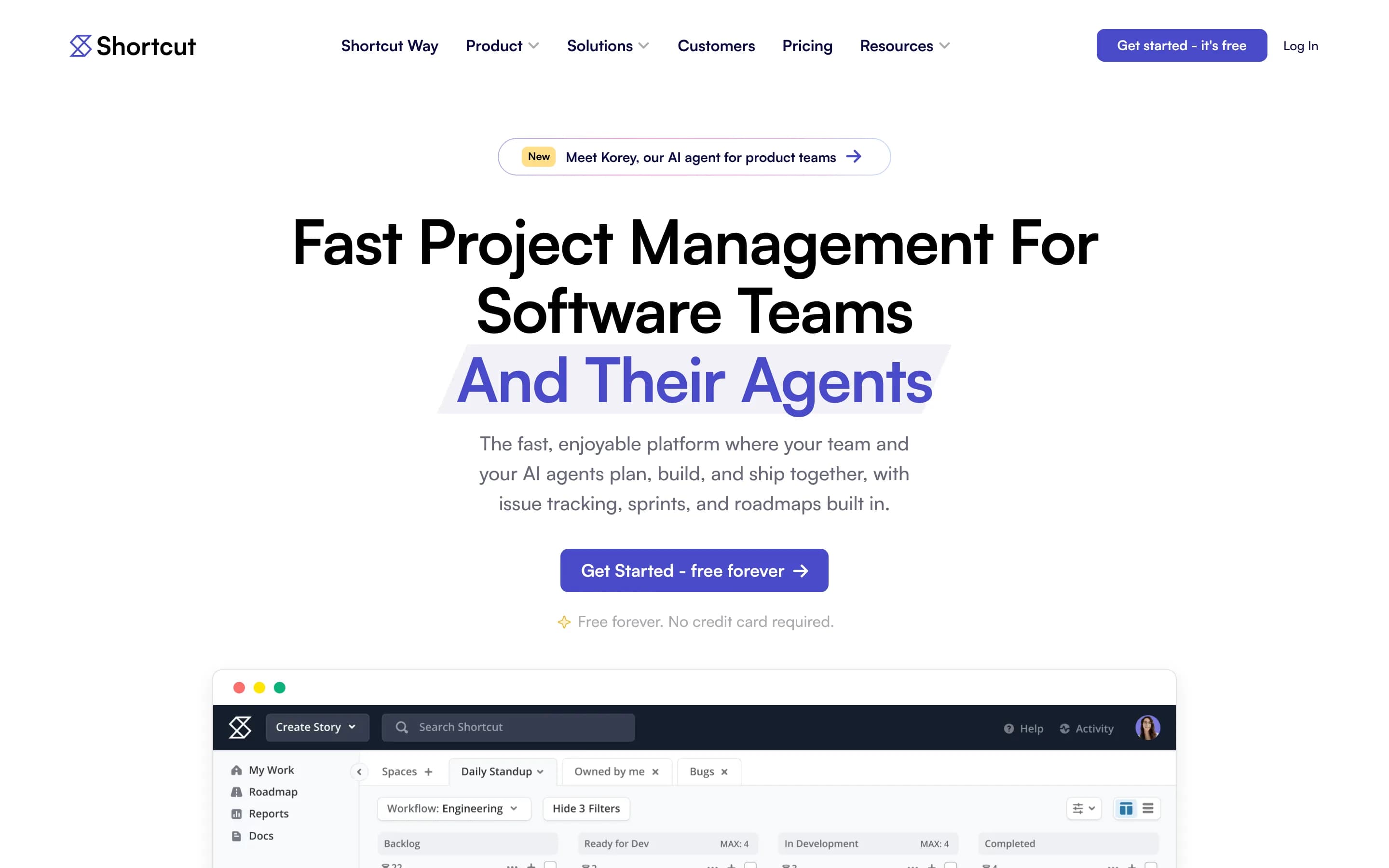
Shortcut is a project management platform for software teams to plan and track product development from early ideas through release. It combines issue tracking, backlogs, sprints, roadmaps, objectives, documentation, reporting, and development-tool integrations.
Why people leave Shortcut
Teams may seek an alternative when Shortcut’s software-development focus does not match the work they need to coordinate. Its central model is built around engineering issues, product backlogs, iterations, roadmaps, and releases. Organizations that primarily manage marketing campaigns, client services, operations, or highly varied cross-functional work may prefer a more general work-management system or a tool designed around their particular domain.
Shortcut emphasizes keeping customization limited enough to remain simple while still supporting custom workflows and fields. That balance may not suit organizations that require deeply configurable issue types, complex approval paths, extensive permissions, or highly tailored reporting structures. Conversely, a small team with straightforward task-tracking needs may decide that projects, objectives, roadmaps, reports, and agent-oriented workflows add more structure than it needs and choose a simpler task manager.
A team may also reconsider the product if its workflow depends heavily on systems outside Shortcut. The platform connects with GitHub, GitLab, Bitbucket, Slack, Sentry, Cursor, Claude Code, and other tools, and it can update work through version-control automations. While this is useful for integrated engineering workflows, organizations may prefer an alternative that consolidates more of their development lifecycle into one suite, supports a different set of integrations, or reduces reliance on synchronization between multiple services.
Shortcut’s increasing emphasis on AI agents may not align with every organization’s priorities or policies. The product supports assigning work to agents, generating specifications and pull requests, coordinating agent progress, and connecting coding agents to GitHub. Teams that do not plan to use agent-assisted development, have restrictive governance requirements, or want project management without this additional workflow layer may evaluate alternatives with a different product direction. Others may specifically seek an open-source or self-hosted option to gain greater deployment control, inspect or modify the software, manage data within their own infrastructure, or reduce dependence on a single hosted vendor.
7 Best Open Source Shortcut Alternatives (Ranked)
Each alternative is evaluated for core feature coverage, deployment options, licensing, project health, and overall fit. The ranking prioritizes how closely a tool matches Shortcut's primary workflows, using popularity only as a secondary signal.
PPlane56,003
Plane is a credible open-source replacement for Shortcut’s core issue, sprint, roadmap, documentation, and analytics workflows, with cloud or self-hosted deployment. Choose Plane when deployment control and AGPL-licensed source matter; choose Shortcut when named development-tool automations, objective alignment, or coding-agent coordination are essential, because equivalent Plane coverage is not established by the-sW
What it does
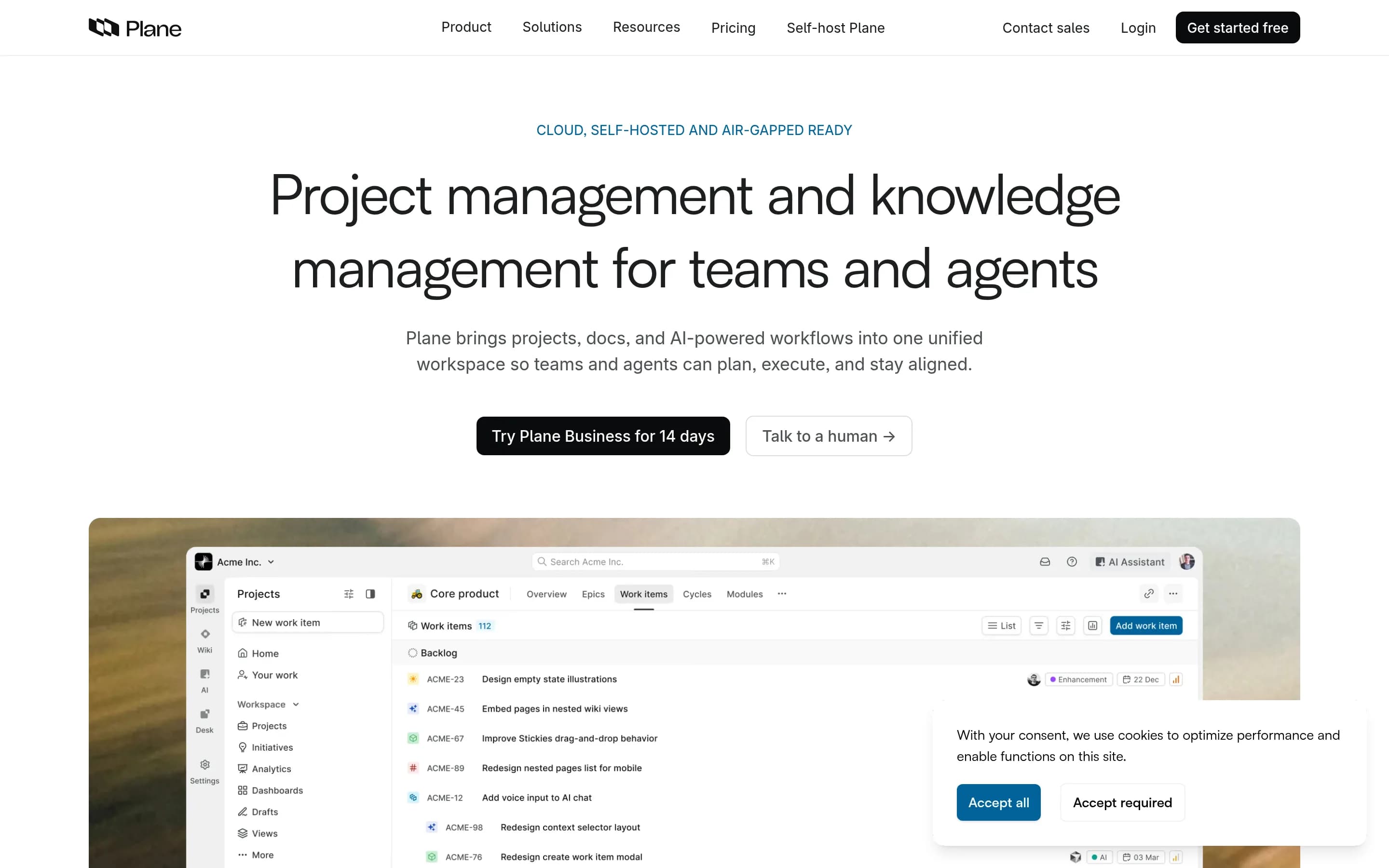
Plane is an open-source project management platform for creating and managing work items, organizing cycles and modules, tracking issues, and managing product roadmaps. Its documented workflows include rich-text task editing, file uploads, sub-properties, related issues, filters, saved views, and converting notes into actionable items.
Plane also provides burn-down charts, real-time analytics, and Pages for organizing ideas and documentation. It can be used through Plane Cloud or deployed on user-controlled infrastructure, with documented Docker and Kubernetes installation methods. The repository is licensed under AGPL-3.0.
What it covers
- Issue and task tracking
- Sprint or cycle planning
- Product roadmaps
- Filtered work views
- Project documentation
- Progress analytics
What’s different
- No documented objective alignment
- No documented named development-tool automations
- No documented coding-agent pull-request workflow
- No documented Shortcut importer
OOpenproject15,857
OpenProject is the stronger choice for organizations that prioritize open-source licensing, self-hosting, infrastructure control, and broader classic/agile project management. Shortcut remains the safer choice for software teams that depend on its documented AI-agent workflow, specific development integrations, or a low-risk migration path. OpenProject covers much of the planning and issue-tracking foundation, but no
What it does
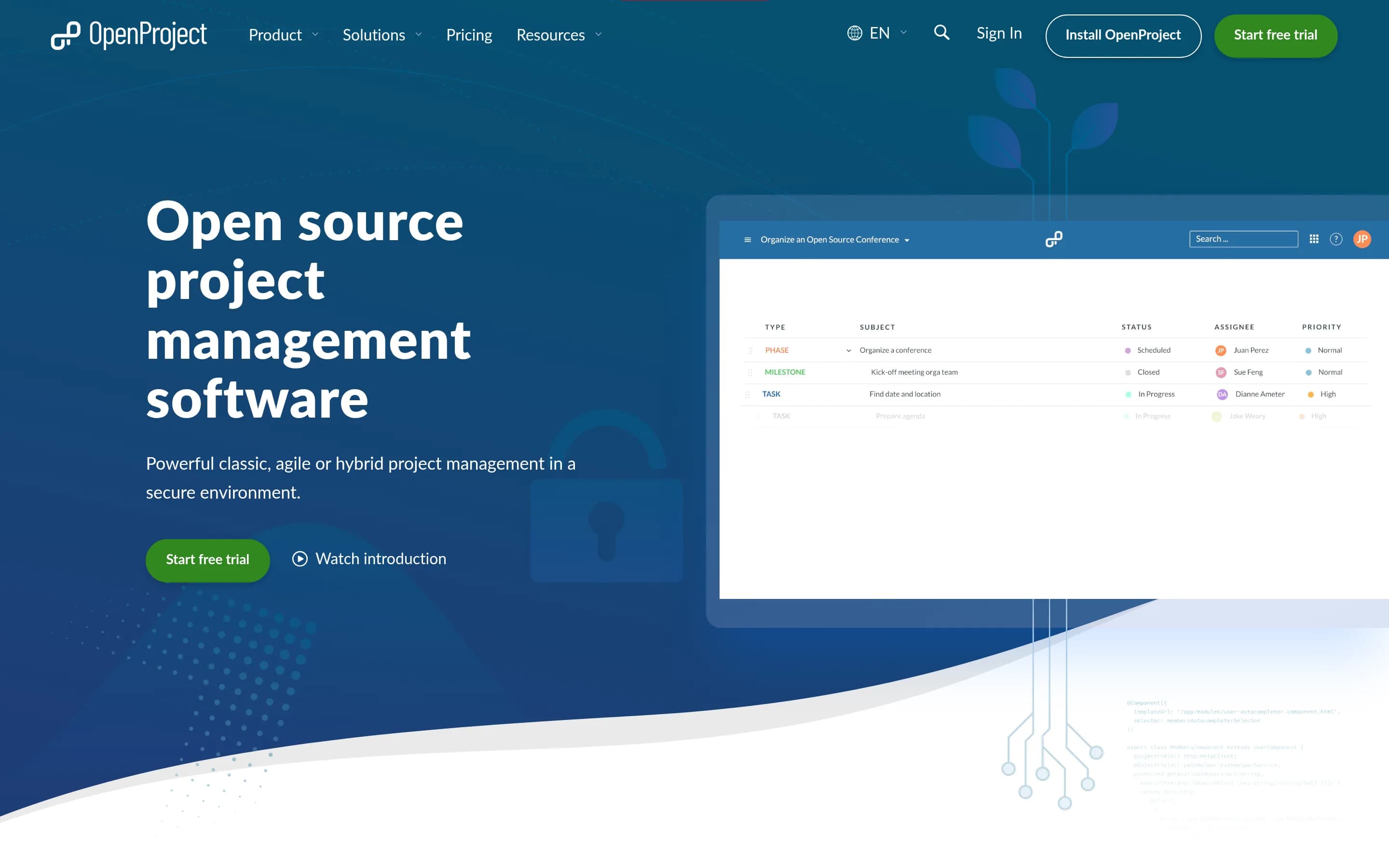
OpenProject is a web-based, open-source platform for teams and organizations managing projects, portfolios, products, tasks, bugs, agile workflows, and roadmaps. Its documented capabilities include project and portfolio management, Kanban and Scrum boards, Gantt-based planning and scheduling, task management, time tracking, cost reporting, budgeting, and team collaboration.
The software can be deployed under user control through its self-hosted Community Edition, with installation guides provided. An Enterprise Edition is also available through cloud or on-premises deployment, and documented integrations include Nextcloud, XWiki, GitHub, and GitLab.
What it covers
- Issue and task tracking
- Backlogs and sprint boards
- Kanban and agile workflows
- Roadmaps and release planning
- Custom fields and workflows
- Project documentation
- GitHub and GitLab integrations
- Progress dashboards and reporting
What’s different
- No documented Shortcut importer
- No documented AI-agent coordination
- No documented Bitbucket integration
- No documented Slack integration
- No documented Sentry integration
- No clear equivalent to Shortcut objectives
PPlatform27,357
Choose Huly Platform if self-hosting and combining project work, documents, chat, and conferencing are more important than matching Shortcut feature-for-feature. Choose Shortcut if your software-delivery process depends on documented objectives, iterations, roadmaps, specialized reporting, broad development-tool integrations, or AI-agent coordination; equivalent Huly coverage is not established by the supplied first‑
What it does
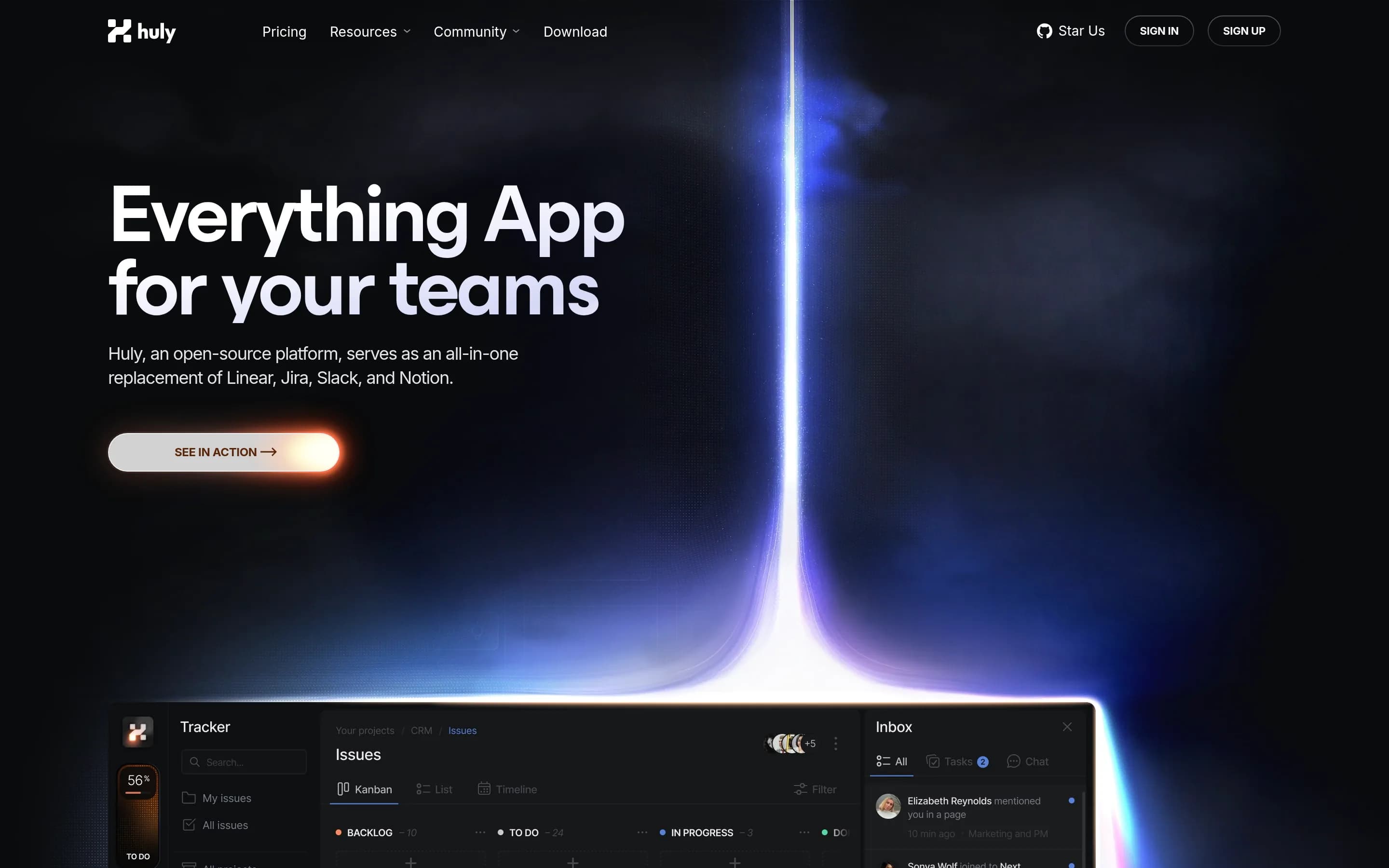
Huly is an open-source platform that includes applications for project management, chat, CRM, HRM, and applicant tracking. Its documented project-management scope and workspace setup support teams coordinating business work from a unified application, while the platform architecture also supports teams building products on top of it.
The repository documents production and development releases, API-client access for integrations and custom applications, and a complete local run path. Users can build and launch the application with Docker and Docker Compose, access it through a browser at a local URL, create an account, and create a workspace. The project is licensed under EPL-2.0 and can be self-hosted using the related Huly self-host repository.
What it covers
- Project and task tracking
- Customizable workspaces and filtering
- Progress tracking
- Project documentation
- GitHub-linked workflows
What’s different
- No documented objectives or goal alignment
- No documented iterations or WIP limits
- No documented software-delivery roadmaps
- No documented workload or project-health reports
- No documented GitLab, Bitbucket, Slack, or Sentry integrations
- No documented AI coding-agent coordination
LLeantime11,356
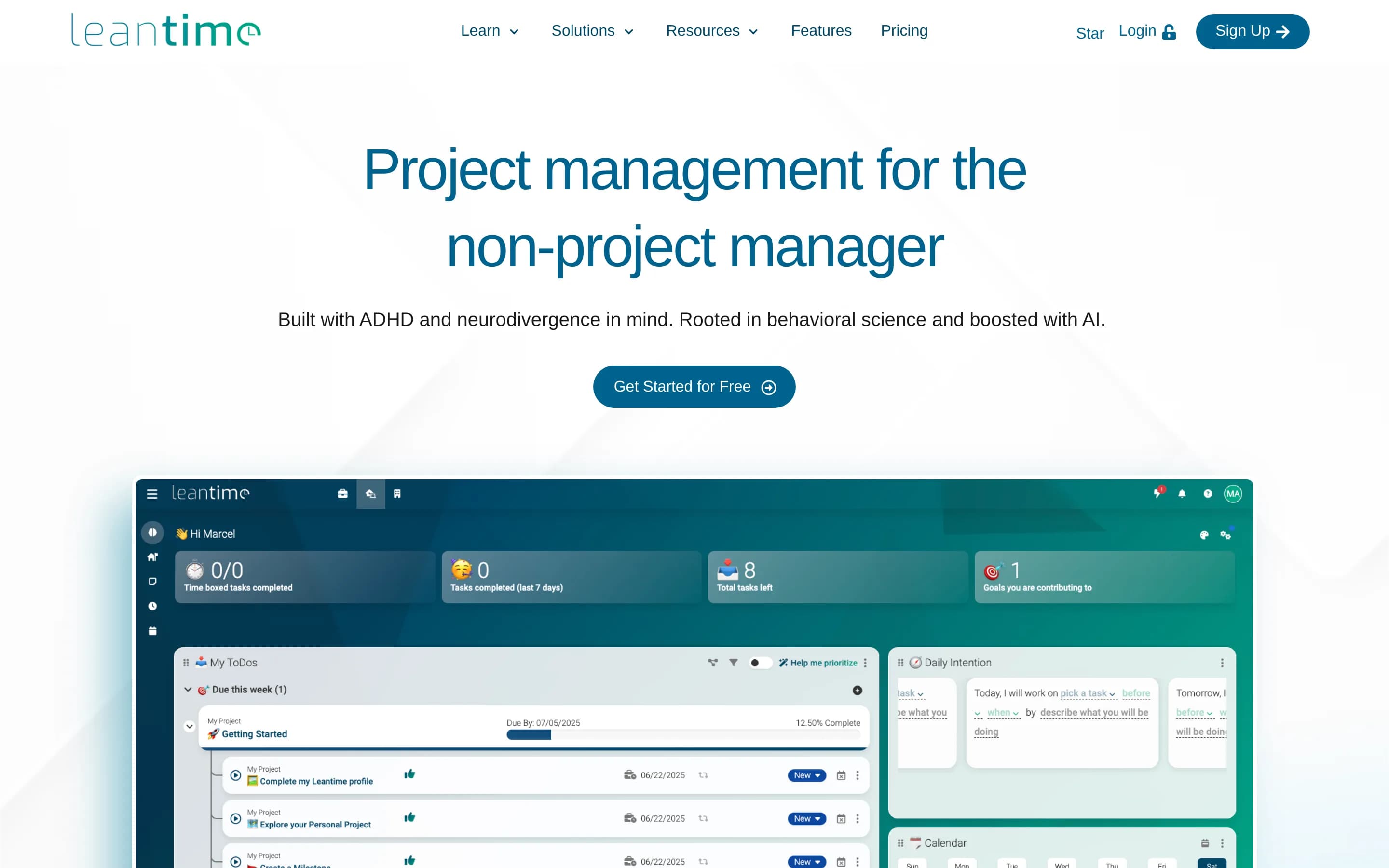
Leantime is a credible open-source, self-hostable alternative for teams that want broader, goal-focused project management, including tasks, sprints, reports, documents, timelines, and time tracking. Shortcut remains the better fit for software-delivery teams that depend on its engineering-specific issue model, development-tool automations, or AI-agent workflow; comparable Leantime coverage for those areas is notِشذق
What it does
Leantime is an open-source project management system designed for non-project managers. It combines strategy, planning, and execution with task management through kanban, Gantt, table, list, and calendar views. Documented features include subtasks, dependencies, milestones, sprints, timesheets, project dashboards, reports, status updates, goals and metrics, retrospectives, comments, discussions, and project permissions.
The application can be deployed on a user-controlled server through a local PHP, MySQL or MariaDB, and Apache or Nginx installation, or through the official Docker image and Docker Compose setup. It also supports file storage, LDAP and OIDC integration, plugins, a JSON-RPC API, and integrations with Slack, Mattermost, and Discord.
What it covers
- Task and project tracking
- Kanban-style work views
- Sprint management
- Goals and progress tracking
- Project reports and status updates
- Project documents and knowledge management
- Milestones and timeline planning
What’s different
- No documented Shortcut importer
- No documented GitHub, GitLab, or Bitbucket integration
- No documented version-control-triggered automation
- No documented Sentry integration
- No documented AI-agent assignment or pull-request workflow
- No documented Kubernetes installation
SScrumboy429
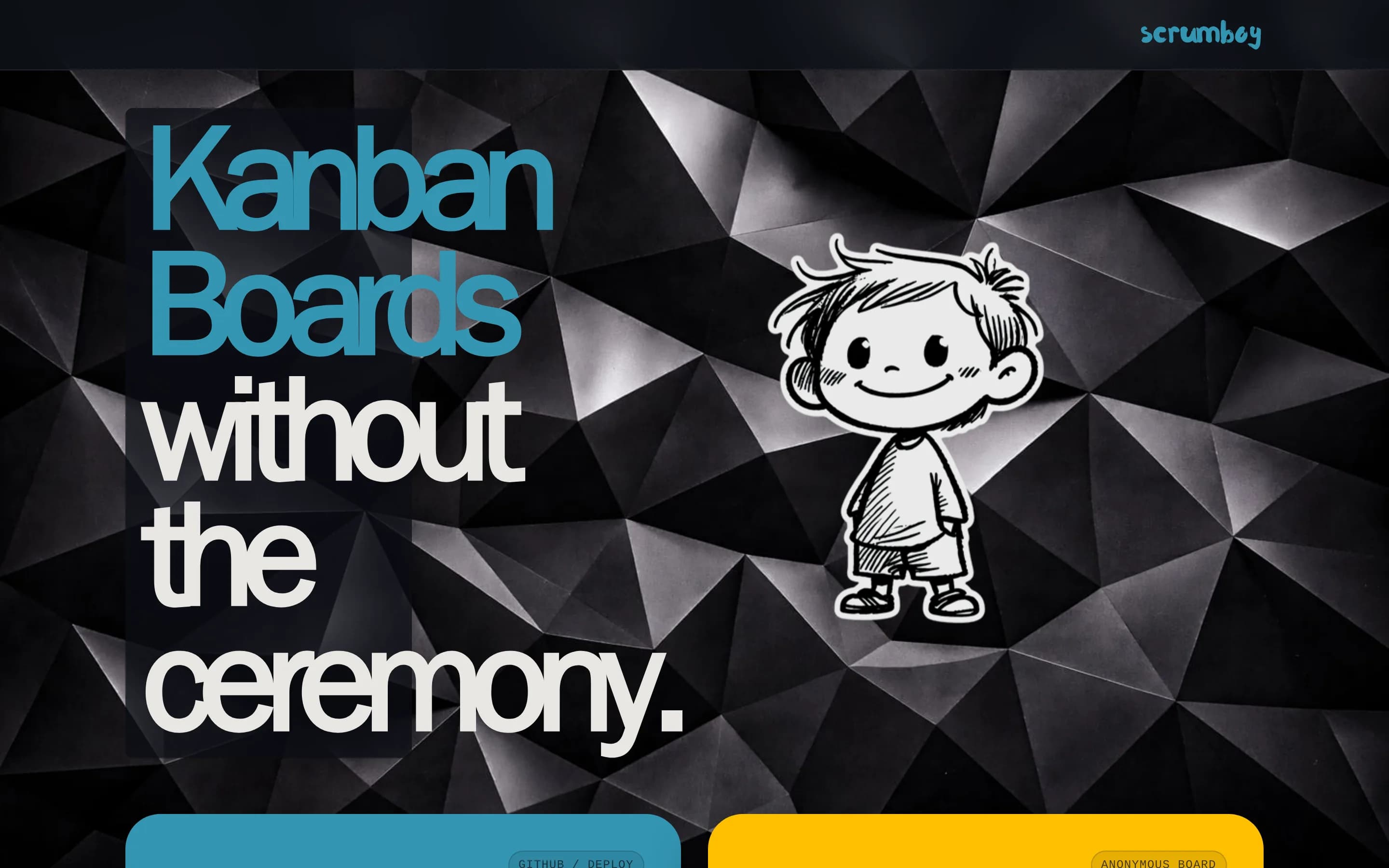
Scrumboy is a credible self-hosted alternative for solo developers and small-to-medium teams whose work centers on Kanban boards, issue tracking, custom workflows, priorities, and sprints. Its main tradeoff is narrower documented planning coverage: unlike Shortcut’s broader software-delivery model, the supplied evidence does not establish roadmaps, objectives, portfolio-style progress reporting, or native GitHub/GitL
What it does
Scrumboy is a self-hosted project-management and issue-tracking application centered on customizable Kanban boards. Users can create projects, define workflows and priority tiers, manage todos with tags and filters, assign work, and collaborate on realtime boards. It also supports sprints, audit trails, shareable anonymous boards, sticky-note walls, Markdown notes, voice commands, and multiple languages.
The application runs as a local web server backed by SQLite, with Docker images, Docker Compose, source builds, and a Windows executable documented in the README. Full and anonymous modes are available, alongside optional authentication, 2FA, OIDC/SSO, backups, webhooks, API access, PWA support, and MCP-compatible client support for AI-agent integrations.
What it covers
- Issue and task tracking
- Kanban-style workflow boards
- Custom workflows and priorities
- Backlog and sprint management
- Assignments, tags, and filtering
- Automation API support
- AI-agent connectivity
What’s different
- Documented product roadmaps
- Documented objectives and goal alignment
- Documented portfolio progress reporting
- Documented native development-tool integrations
- Documented connected project documents
- Documented Shortcut importer
WWorklog237
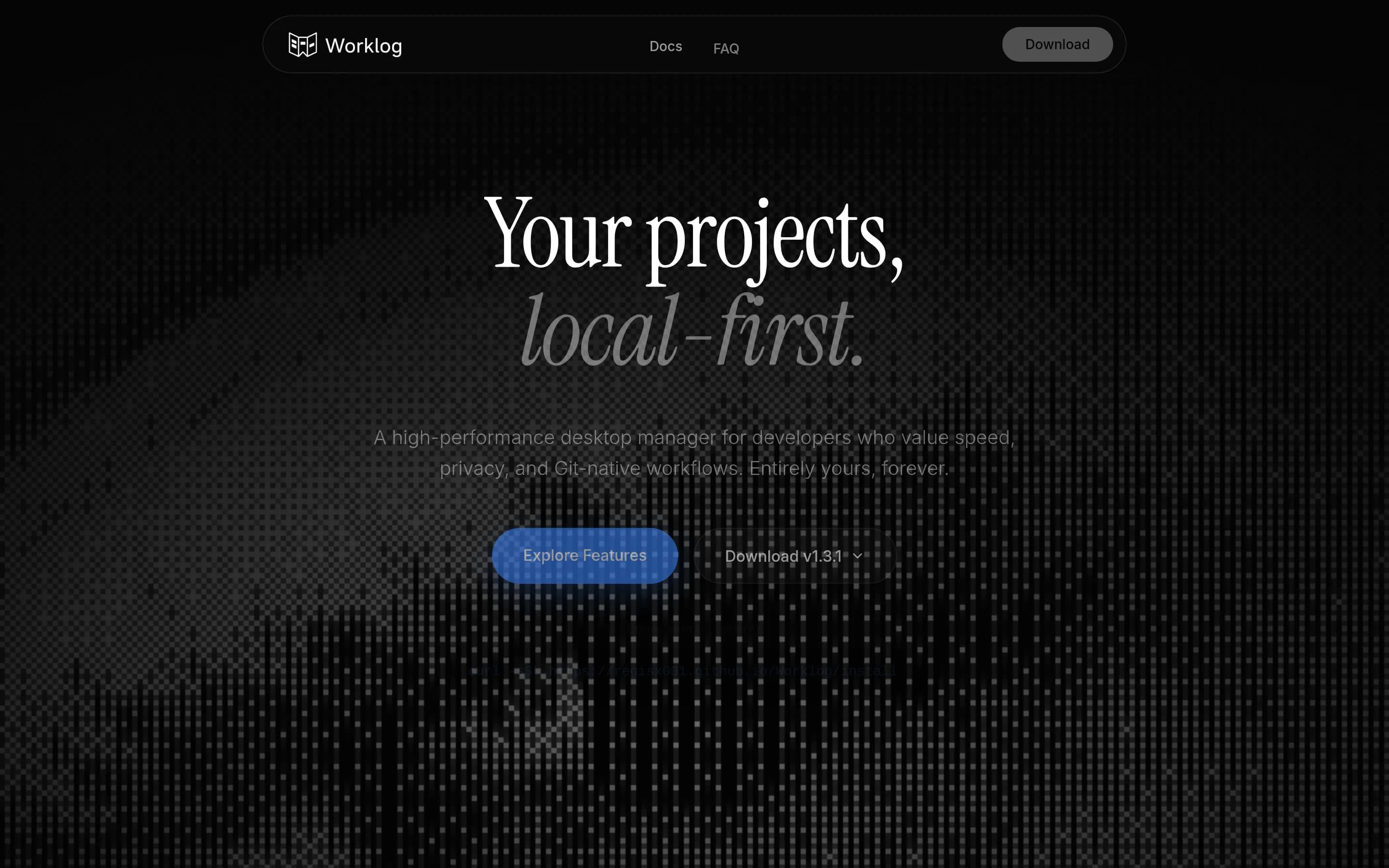
Worklog is a narrower, local-first desktop alternative rather than a feature-complete Shortcut replacement. Choose Worklog for small development teams that primarily need offline Kanban ticket management, keyboard-driven planning, local SQLite storage, and optional Git synchronization. Choose Shortcut when the workflow depends on broader software-delivery planning—especially sprints, objectives, roadmaps, reporting,→
What it does
Worklog is a local-first desktop project manager for small development teams. Its core hierarchy is Workspace → Board → Ticket, with a Kanban workflow covering Backlog, Todo, In Progress, and Done. Users can manage tickets, edit details inline, add comments, use context menus, and navigate through a command palette and keyboard shortcuts.
The application provides table and timeline views, workspace persistence, configurable background Git synchronization, SQLite schema migrations, lazy loading, and infinite scrolling for larger datasets. Data is stored in a `.worklog/worklog.db` file within the selected workspace, with no cloud backend required for normal operation.
Worklog is distributed as a native Tauri desktop application for macOS, Linux, and Windows, with documented Debian/Ubuntu, Arch/AUR, and AppImage installation paths. The project is MIT licensed and can also be developed or,
What it covers
- Development ticket tracking
- Kanban-style workflow boards
- Backlog organization
- Ticket status changes
- Comments and ticket metadata
What’s different
- No documented sprints or iterations
- No documented objectives or goal alignment
- No documented portfolio roadmaps
- No documented progress reporting
- No documented connected project documents
- No documented third-party development integrations
- No documented AI-agent coordination
RRoadmap567
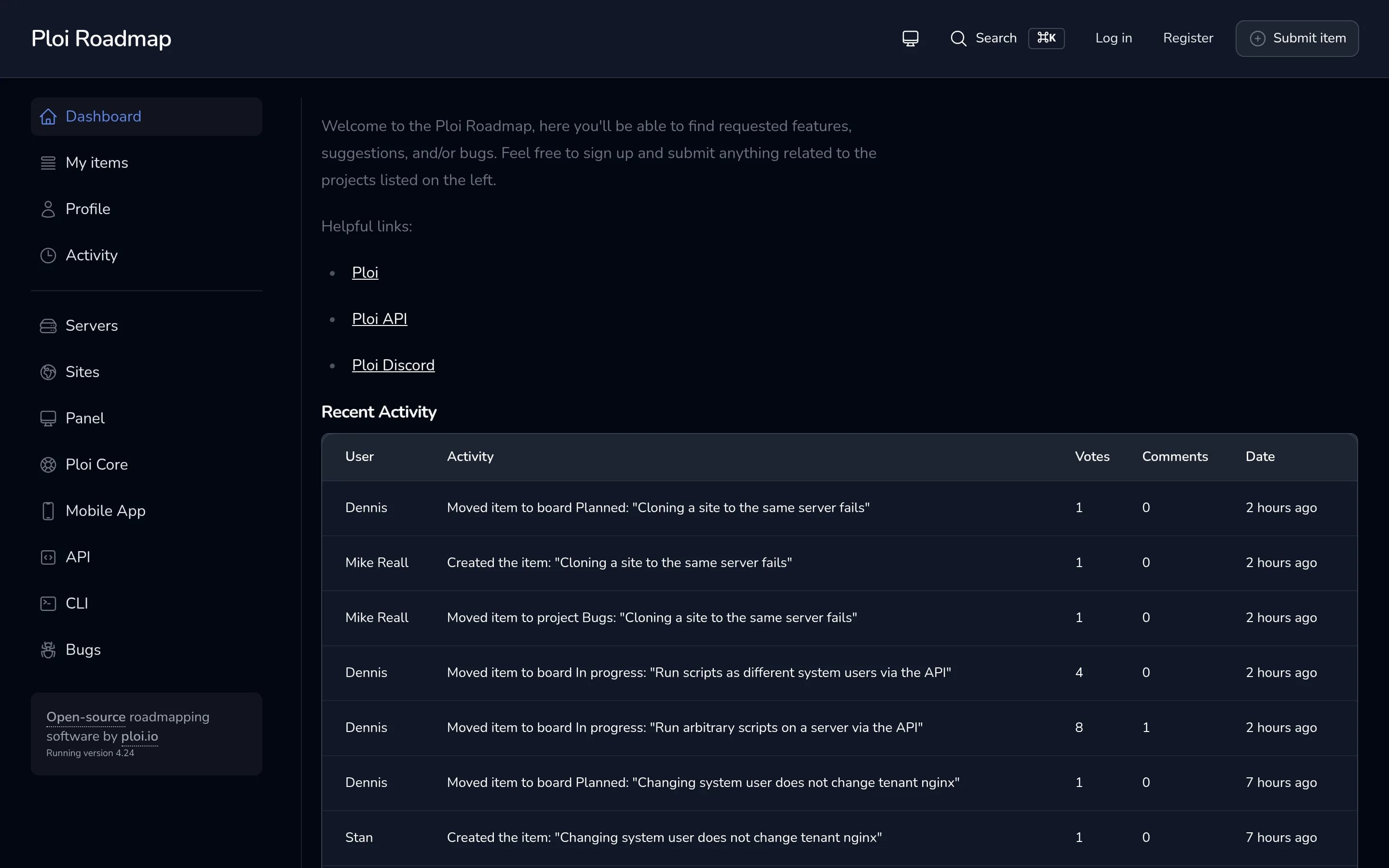
Roadmap is a narrower, self-hostable replacement for teams primarily collecting, discussing, voting on, and publishing product requests. Choose it when deployment control and an MIT-licensed codebase matter more than end-to-end software-delivery planning. Keep Shortcut when the workflow depends on documented capabilities such as backlogs, iterations, objectives, reporting, project documentation, multiple development–
What it does
Roadmap is an open-source application for creating and managing customizable product roadmaps. Users can organize items into projects, mention users in comments, and use upvotes to identify priorities. It includes automatic slug and branded Open Graph image generation, a simplified administrator, employee, and user role system, and OAuth 2 single sign-on support.
The application can connect projects to GitHub repositories and assign or create issues from roadmap items. Each item also exposes an AI-oriented endpoint with JSON, YAML, or Markdown output and optional comments. It is built with Laravel, PHP, and a database, and can be installed locally or deployed under user control; the README documents both conventional installation and Docker Compose deployment.
What it covers
- Project roadmaps
- Prioritized work items
- User comments
- Basic role controls
- GitHub-connected work items
- Machine-readable item data
What’s different
- Documented sprint planning
- Documented objective alignment
- Documented delivery reporting
- Documented project documents
- Documented GitLab and Bitbucket integrations
- Documented Slack and Sentry integrations
- Documented AI task and pull-request generation