
SSlack
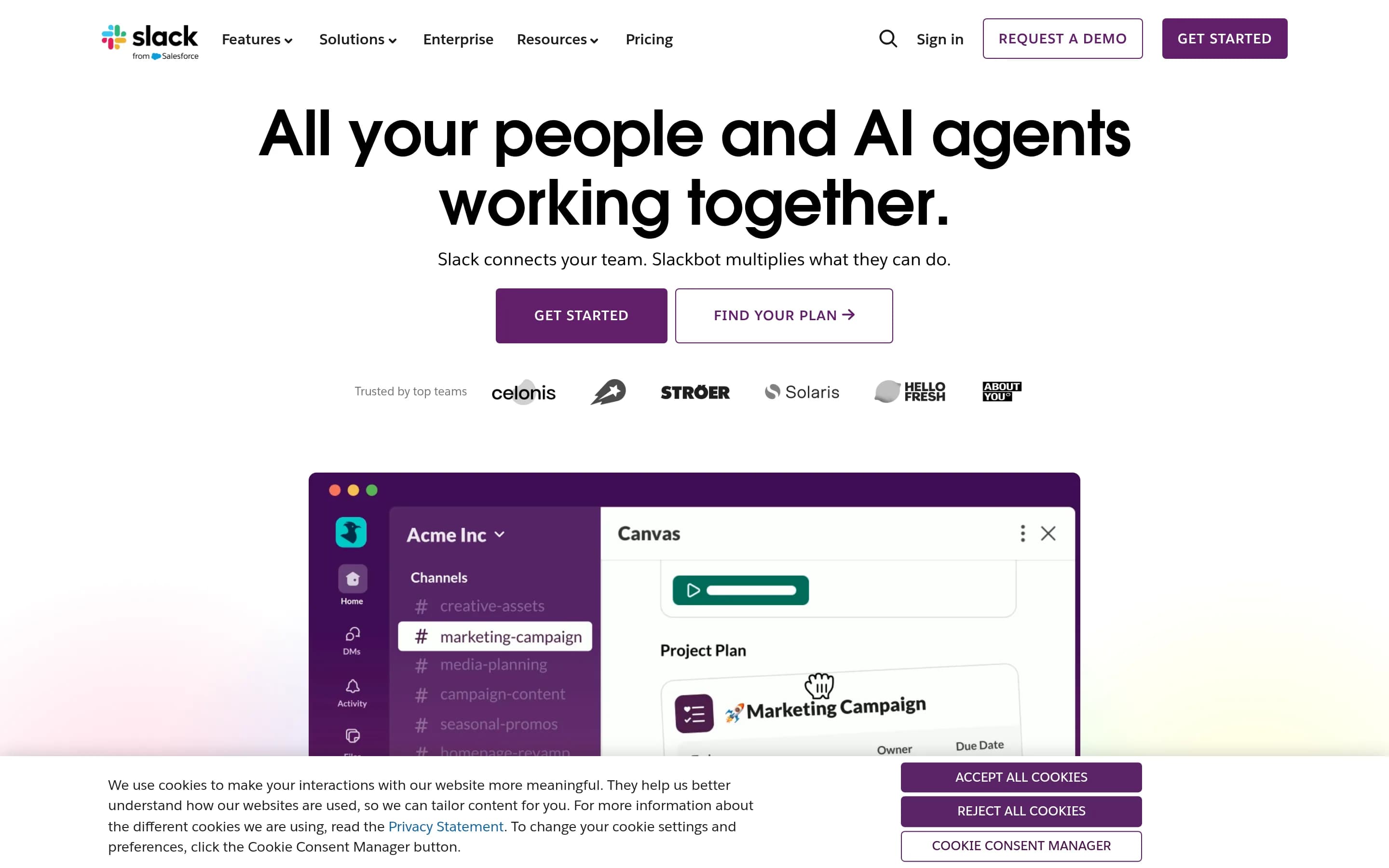
Slack is a workplace messaging platform that organizes persistent team conversations, files, tools, and participants into searchable channels and direct messages. It also supports external collaboration, audio and video huddles, integrations, workflow automation, and shared canvases and lists.
Why people leave Slack
Organizations may look for a Slack alternative when channel-based communication no longer matches how they prefer to structure work. Slack places most activity in channels, threads, and direct messages, with conversations automatically saved and searchable. Teams that favor longer-lived documents, tightly structured project records, forums, or email-style communication may want a product where information is organized around those artifacts rather than around a continuous message history.
Access and subscription requirements may also influence a switch. The supplied pages state that initiating Slack Connect direct messages requires a paid plan, while the experience of inviting external partners to shared channels can depend on the inviting organization’s subscription and the partner’s eligibility. A company that collaborates extensively with clients, vendors, volunteers, or other outside groups may therefore compare alternatives with a different external-access model or fewer dependencies on each participant’s plan.
Some teams may prefer a narrower product. Slack combines messaging with huddles, clips, canvases, lists, file sharing, AI summaries, enterprise search, CRM connections, apps, agents, and workflow automation. That breadth can be useful, but an organization seeking only secure messaging—or one that already has established tools for meetings, documents, tasks, search, and automation—may prefer a simpler system with less functional overlap. Conversely, teams whose primary job is formal project planning or document publishing may choose a specialist product rather than relying on Slack’s supporting modules.
Hosting, data control, and ecosystem strategy can create additional reasons to evaluate alternatives. Slack states that it is hosted on Amazon Web Services, with AWS US as the default location, while data residency lets global teams select where certain types of data at rest are stored. Organizations with self-hosting requirements, specific infrastructure policies, or a preference for open-source deployment may seek software offering more direct operational control. Others may want to reduce reliance on Slack’s marketplace and connected services, use a different security or identity model, or adopt a communication platform that fits more naturally with their existing technology stack.
2 Best Open Source Slack Alternatives (Ranked)
Each alternative is evaluated for core feature coverage, deployment options, licensing, project health, and overall fit. The ranking prioritizes how closely a tool matches Slack's primary workflows, using popularity only as a secondary signal.
ZZulip25,717
Choose Zulip when topic-organized, asynchronous team chat and self-hosting are more important than reproducing Slack’s broader collaboration suite. Choose Slack when the organization depends on documented Slack capabilities for external shared conversations, AI summaries, huddles and clips, workflow automation, canvases, or lists; the supplied Zulip evidence does not establish equivalent coverage for those features.
What it does
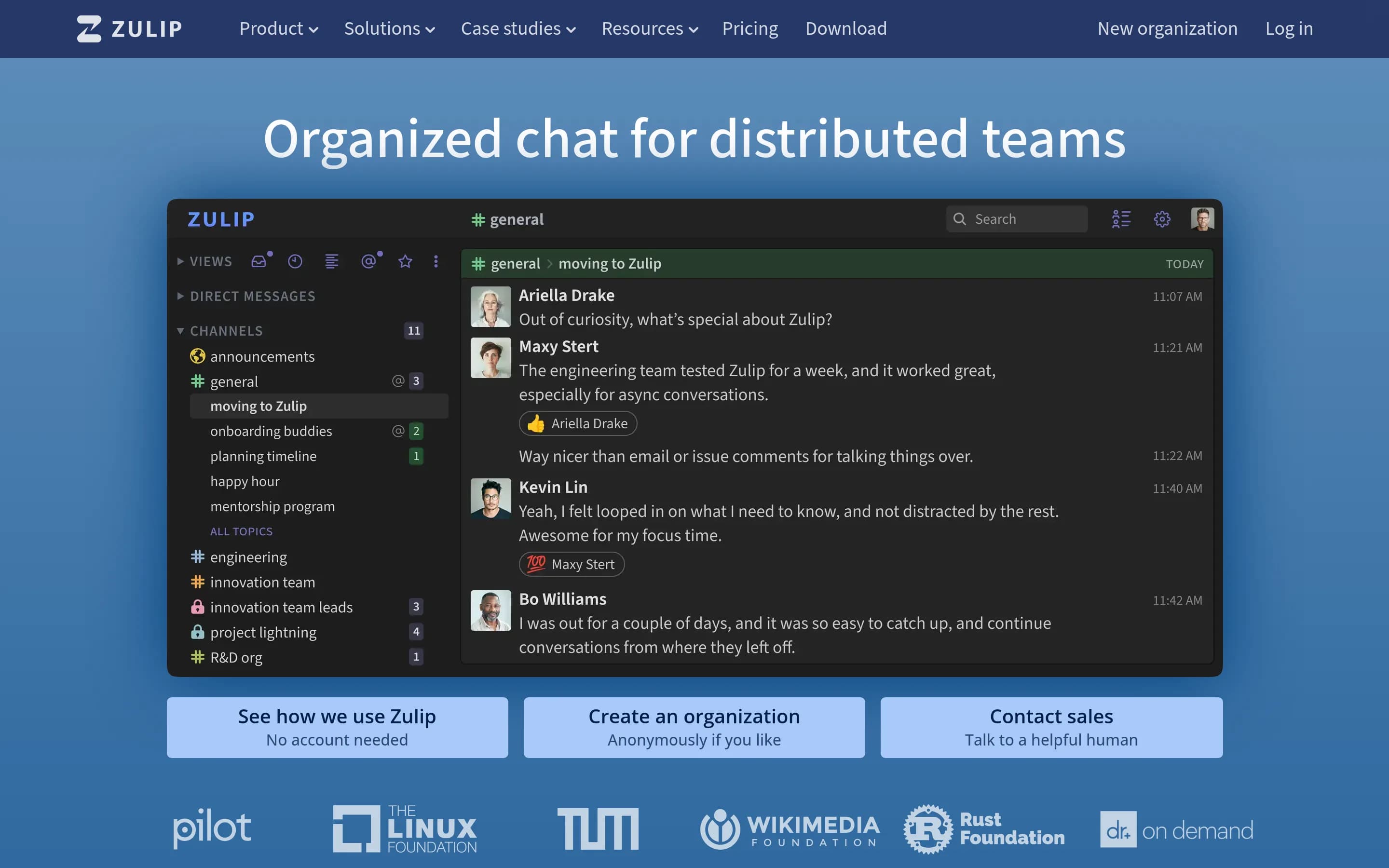
Zulip is an open-source team chat application designed for both live and asynchronous conversations. Its topic-based threading combines chat and email-like organization, helping teams keep discussions focused and productive.
The repository provides the Zulip server and web application. Users can run it through Zulip Cloud or self-host it directly on Ubuntu or Debian Linux, with Docker and prebuilt deployment images also documented. Zulip is distributed under the Apache 2.0 license.
What it covers
- Channel-based team chat
- Private direct messaging
- Recorded conversation history
- File sharing in messages
- Tool integrations
What’s different
- No documented Slack Connect equivalent
- No documented AI summaries or recaps
- No documented huddles or clips
- No documented Workflow Builder equivalent
- No documented canvases equivalent
- No documented project-list equivalent
RRaven750
Raven is a credible alternative for organizations that want self-hosted channel messaging and deep Frappe/ERP integration. It covers channels, direct messages, threads, file sharing, search, mobile access, authentication, and AI agents, but the supplied evidence does not establish equivalents for Slack Connect, native huddles or clips, canvases and lists, AI recaps, or Slack’s broader integration ecosystem. Choose F
What it does
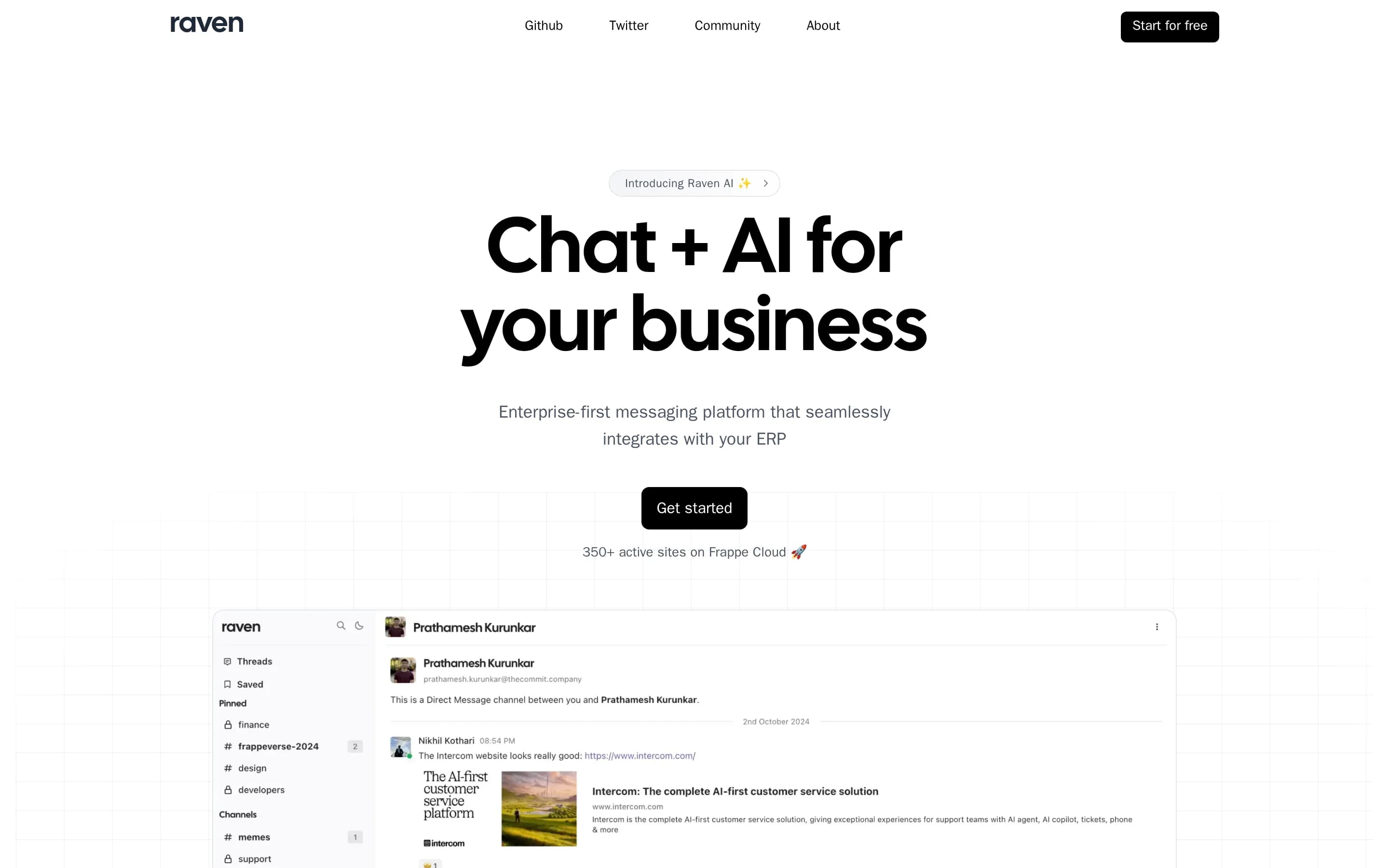
Raven is an open-source workplace messaging platform that centralizes team conversations. Users can organize discussions in channels, send direct messages, format rich text, share images and documents, and use reactions, replies, and threads to manage ongoing conversations.
The platform integrates with Frappe applications such as ERPNext and FrappeHR, supporting document previews, event notifications, workflow actions, and printing within chats. It also documents AI agents for task automation and file or image data extraction, plus OAuth, LDAP, two-factor authentication, dark mode, and mobile access.
Raven can be installed on Frappe Cloud or self-hosted using its production deployment script. Docker Compose and local Frappe Bench setup instructions are provided, and the repository includes web and mobile applications.
What it covers
- Topic- or project-based channels
- One-to-one and group messaging
- Threaded replies and reactions
- Rich-text messages and file sharing
- Search across channels, people, messages, and files
- Apps, bots, and workflow actions
- Mobile application access
- AI-assisted task automation
What’s different
- No documented Slack Connect equivalent
- No documented native huddles or recorded clips
- No documented canvases or project lists
- No documented AI summaries or missed-message recaps
- No documented Slack app compatibility
- No documented Slack data importer