
SSlite
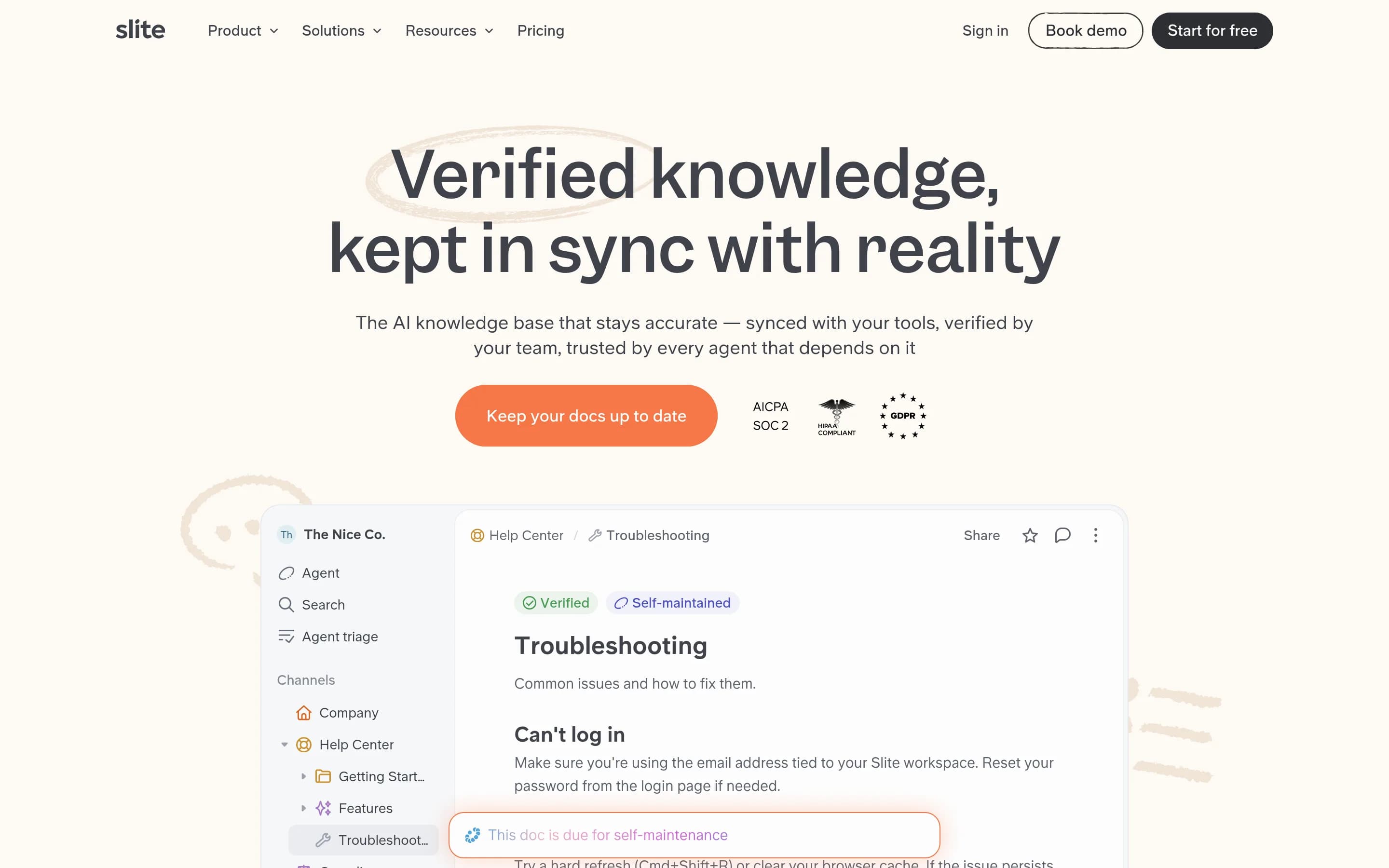
Slite is a team knowledge base for writing, organizing, verifying, and retrieving internal documentation. It combines collaborative documents with permission-aware AI search and workflows that identify stale knowledge, draft updates from connected tools, and route changes to people for approval.
Why people leave Slite
Teams may look for a Slite alternative when they want a different balance between knowledge management, collaborative editing, and AI-assisted maintenance. Slite is centered on an organized internal knowledge base whose documents are verified and kept current. A team whose main requirement is a broad office suite, project tracker, customer-facing help desk, or real-time messaging system may prefer a product where that adjacent workflow is the core experience rather than maintaining another specialized workspace.
Cost and packaging can also influence the decision. Slite’s pricing is per user, and capabilities such as the Slite Agent, cross-tool search, suggested document fixes, agent workflows, SSO, custom public-doc domains, SCIM, audit logs, and some enterprise controls are divided across plans. Organizations with many occasional readers, limited AI usage, or strict budget targets may seek self-hosted or differently priced alternatives. Others may want essential identity, auditing, or automation capabilities available without moving to a higher tier.
The product’s AI and connected-source model may not fit every governance strategy. Slite can index company knowledge, create semantic embeddings, search connected systems, and expose read-and-write access through MCP while inheriting user permissions. Although the supplied pages describe human approval queues, citations, access controls, EU hosting, and compliance measures, some organizations may still require fully local deployment, direct control of storage and indexes, a specific cloud region, or a policy that avoids sending internal context through a hosted AI knowledge service. An open-source option may also be preferable when teams need to inspect or modify the underlying implementation.
Finally, migration and ecosystem requirements can prompt a search for alternatives. Teams with substantial knowledge already embedded in Notion, Confluence, Google Drive, Slack, Jira, or other systems may decide that consolidating or synchronizing content adds more operational complexity than adopting a tool native to their existing stack. Others may need integrations, document structures, publishing controls, customization, or automation patterns not shown in the supplied pages. Slite’s emphasis on detecting drift and proposing updates is useful only when connected sources and ownership practices provide reliable signals; teams wanting simpler manual documentation, deeper workflow customization, or a different approach to search and knowledge lifecycle management may be better served elsewhere.
5 Best Open Source Slite Alternatives (Ranked)
Each alternative is evaluated for core feature coverage, deployment options, licensing, project health, and overall fit. The ranking prioritizes how closely a tool matches Slite's primary workflows, using popularity only as a secondary signal.
DDocmost21,372
Choose Docmost when infrastructure control, on-premises or air-gapped operation, and an inspectable AGPL-licensed core outweigh the convenience of a specialized hosted service. It covers collaborative wiki basics and offers verification, AI, MCP, and granular controls through its commercial editions, but the supplied evidence does not show Slite-like connected-source drift detection, AI-drafted maintenance updates, a
What it does
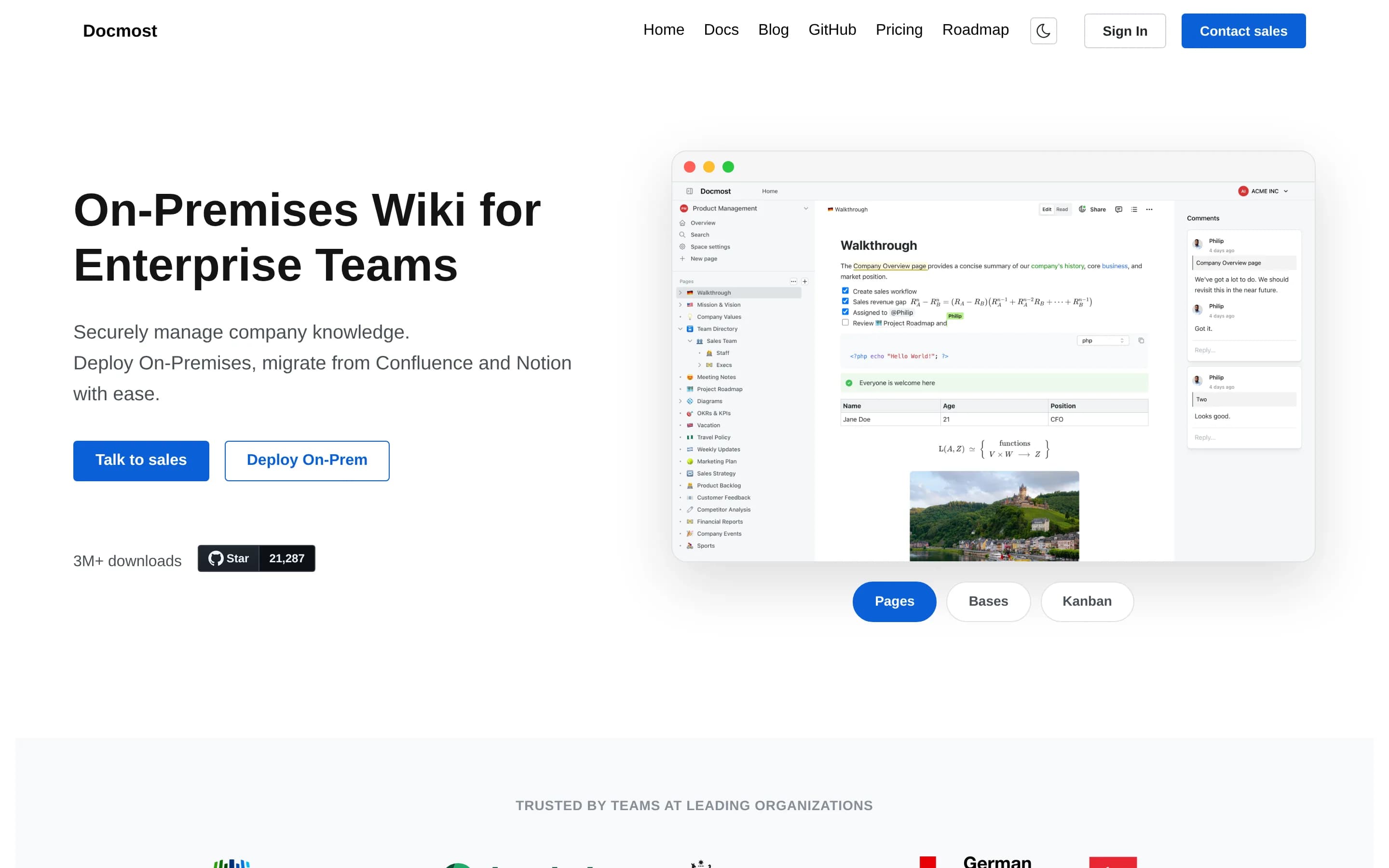
Docmost is open-source collaborative wiki and documentation software for teams. Its documented workflows include real-time collaboration, spaces, permissions management, groups, comments, page history, search, file attachments, and embedded external content.
The product also supports diagrams through Draw.io, Excalidraw, and Mermaid, plus translations in more than ten languages. Users can try its cloud version or deploy the complete open-source core using the project's self-hosting documentation. The core is licensed under AGPL-3.0, while some enterprise features use a separate enterprise license.
What it covers
- Collaborative document editing
- Comments and mentions
- Knowledge-base search
- Spaces and access controls
- Public page sharing
- Page verification workflows
- AI answers with citations
- MCP access
What’s different
- Connected-tool knowledge search not documented
- AI-drafted stale-content fixes not documented
- Central bulk maintenance panel not documented
- Page analytics currently planned
- Slack and GitHub integrations currently planned
CCommunity2,415
Documize Community is the stronger choice for teams prioritizing an AGPL-licensed, self-hosted knowledge base with control over infrastructure and database selection. Slite remains the better fit for teams that need permission-aware AI answers, connected-source search, document verification, and AI-assisted knowledge maintenance; these capabilities are not documented for Community, while approval, lifecycle, and many
What it does
Documize Community is an open-source knowledge-management solution for technical and non-technical users. It unifies customer-facing and internal documentation, organizing content with labels, spaces, and categories. The repository describes the product as a modern Confluence alternative and includes a screenshot of the product interface.
The application is built with Go and EmberJS and compiles to a single executable for Linux, Windows, macOS, and Raspberry Pi. Deployments require a database with full-text search support, including PostgreSQL, Microsoft SQL Server, MySQL, Percona, or MariaDB. Authentication options include email/password, LDAP, Active Directory, Keycloak, and CAS. Community+ additionally documents approval workflows, version and lifecycle management, feedback, PDF export, analytics, activity streams, audit logs, and assignments.
What it covers
- Internal documentation
- Structured knowledge organization
- Internal and external documentation
- Document access controls
What’s different
- No documented permission-aware AI answers
- No documented connected-source search
- No documented document verification
- No documented stale-knowledge detection
- No documented AI-drafted updates
- Community edition excludes listed Community+ workflow and analytics capabilities
AAlexandrie2,326
Alexandrie is the better fit for teams prioritizing self-hosting, source-code access, offline use, Markdown, and control of their data and infrastructure. Slite remains the stronger choice when the core requirement is verified documentation with permission-aware AI answers and automated knowledge-maintenance workflows; those capabilities are not documented for Alexandrie.
What it does
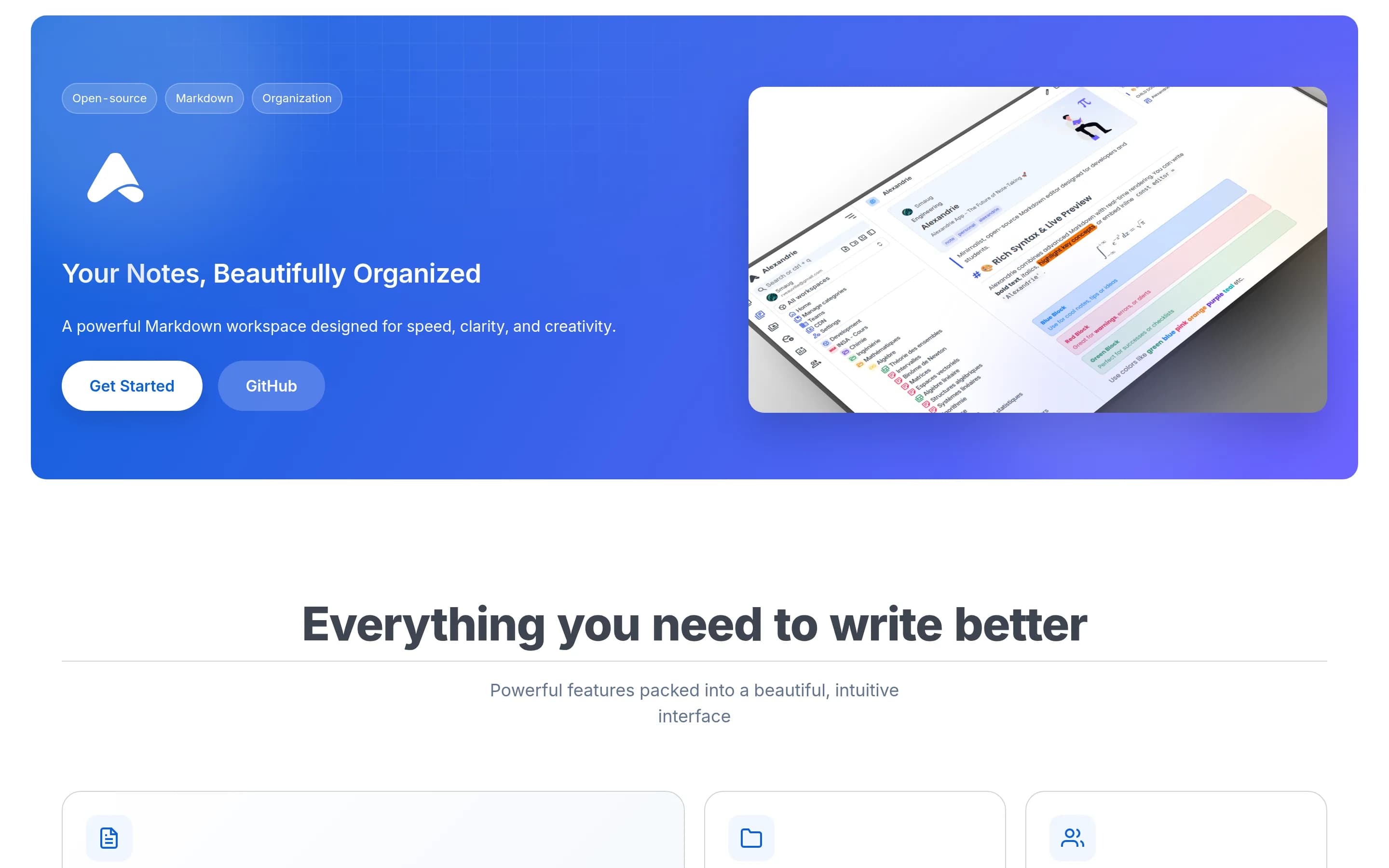
Alexandrie is an open-source, self-hosted wiki and knowledge-management platform for teams and individuals. Users create and maintain nested documents with an extended Markdown editor supporting LaTeX, custom containers, checkboxes, snippets, speech-to-text, and embedded diagrams. Documents can be organized across teams, workspaces, categories, and hierarchical nodes.
The platform provides full-text search with highlighted results, offline-first PWA access and synchronization, public links, granular workspace and node permissions, integrated Kanban boards, media previews, and ZIP import/export. It supports OIDC single sign-on, automated backup and restore workflows, and S3-compatible storage. Deployment is documented through Docker Compose, with the application available locally at port 8200.
What it covers
- Team knowledge-base documents
- Collaborative document editing
- Hierarchical workspaces and documents
- Granular document permissions
- Public document sharing
- Full-text document search
- Comments and mentions
- Knowledge analytics
What’s different
- Document verification workflow
- Permission-aware AI answers
- Cross-tool AI search
- Knowledge maintenance panel
- AI-drafted document updates
- MCP access for AI agents
CColanode5,015
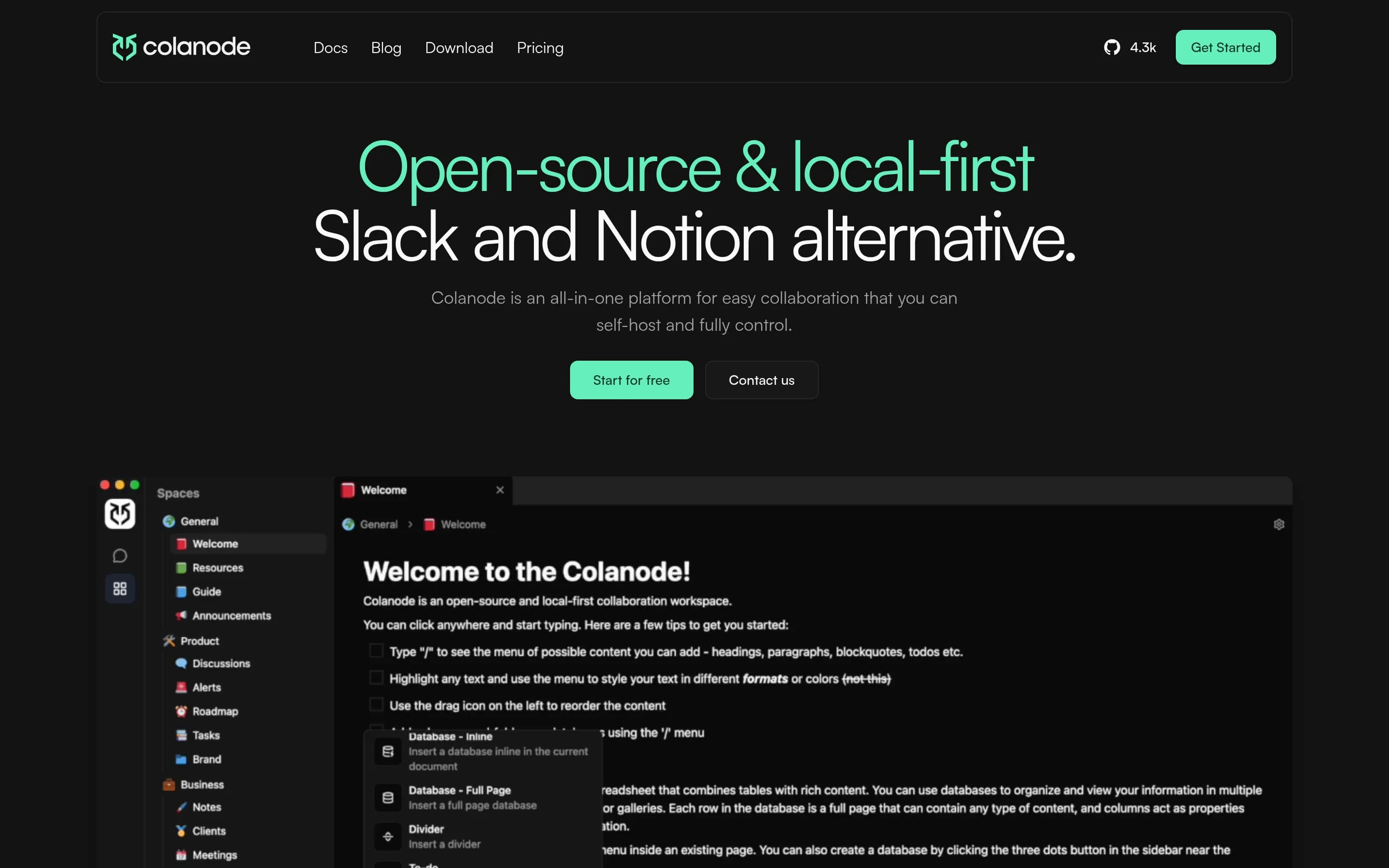
Colanode is the stronger choice for teams prioritizing self-hosting, local-first/offline work, data control, and a broader workspace combining documents, chat, databases, and files. Slite remains the better fit when the primary requirement is a managed, verified knowledge base with permission-aware AI answers and structured knowledge-maintenance workflows; those capabilities are not documented for Colanode in the pro
What it does
Colanode is an open-source, local-first collaboration workspace for individuals and teams. Users can communicate through real-time chat, create rich-text documents, wikis, and notes, organize information in customizable databases with table, kanban, and calendar views, and store and share files within workspaces.
The client saves changes to a local SQLite database before synchronizing them with a server, supporting offline work and immediate local reads. CRDTs powered by Yjs enable concurrent editing of pages and database records. Colanode provides web and desktop clients, hosted cloud servers, and a self-hosted server deployment model using Docker Compose or Kubernetes, with Postgres, Redis, and configurable file storage backends.
What it covers
- Collaborative rich-text documents
- Team wikis and notes
- Workspace-based content organization
- Web and desktop access
What’s different
- Document verification workflow not documented
- Permission-aware AI answers not documented
- Knowledge maintenance panel not documented
- AI-drafted updates and approval routing not documented
- Knowledge analytics not documented
- MCP access for AI agents not documented
- Granular document publishing and access modes not documented
OOpenKB3,777
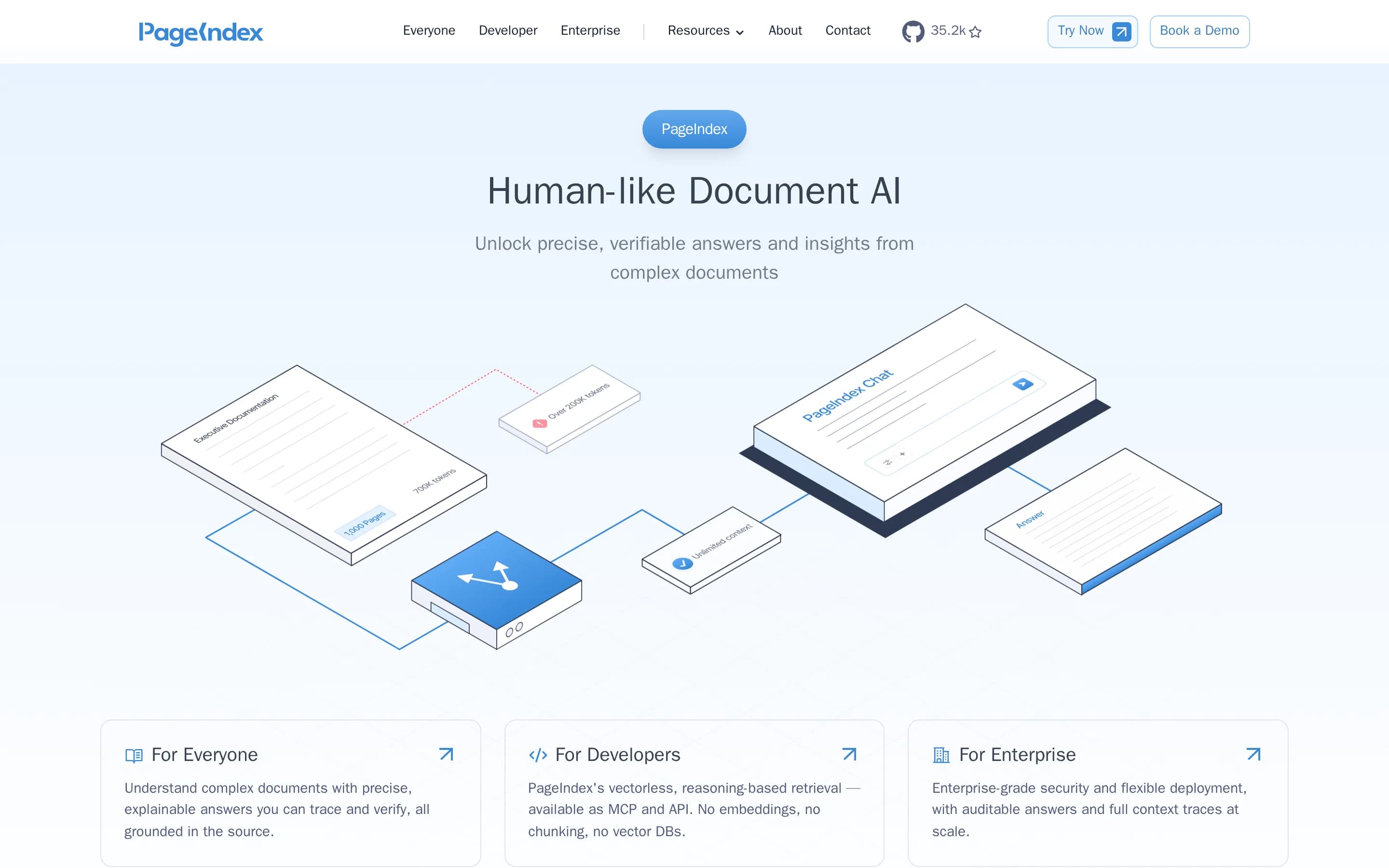
OpenKB is a self-hostable, Apache-2.0, Python-based system for compiling heterogeneous documents into an LLM-generated Markdown wiki and querying it with citations. Choose it when local control, inspectable code, long-document retrieval, multimodal source handling, or Obsidian-compatible files matter most. Slite remains the better fit for teams needing a managed collaborative knowledge workspace with granular access,
What it does
OpenKB is an open-source knowledge-base system that compiles PDFs, Word files, Markdown, presentations, spreadsheets, text, URLs, and other sources into a structured wiki. It generates summaries, concept pages, entity pages, indexes, and cross-links, with support for long documents, figures, tables, images, and vectorless retrieval through PageIndex.
Users can query or chat with the compiled wiki and receive grounded answers with citations. The system can also generate agent skills, interactive knowledge graphs, and HTML slide decks. Its wiki uses Markdown files and cross-links and can be opened in Obsidian.
OpenKB is distributed as a Python package and exposes both a CLI and a bundled browser-based Knowledge Workbench. It can run locally with an LLM provider, while optional PageIndex Cloud support is available for selected indexing features.
What it covers
- Browsable internal knowledge base
- Document ingestion and organization
- Cited question answering
- Automated knowledge maintenance
- Web-based knowledge browsing
What’s different
- Collaborative comments and mentions
- Owner-led document verification
- Granular document access controls
- Central maintenance review panel
- Knowledge usage analytics
- Approval-based update routing
- Permission-inheriting MCP document writes