
TTickTick
TickTick is a cross-platform task management app for capturing, organizing, scheduling, and completing personal or shared to-dos. It combines task lists with calendar planning, reminders, habit tracking, multiple task views, and focus tools.
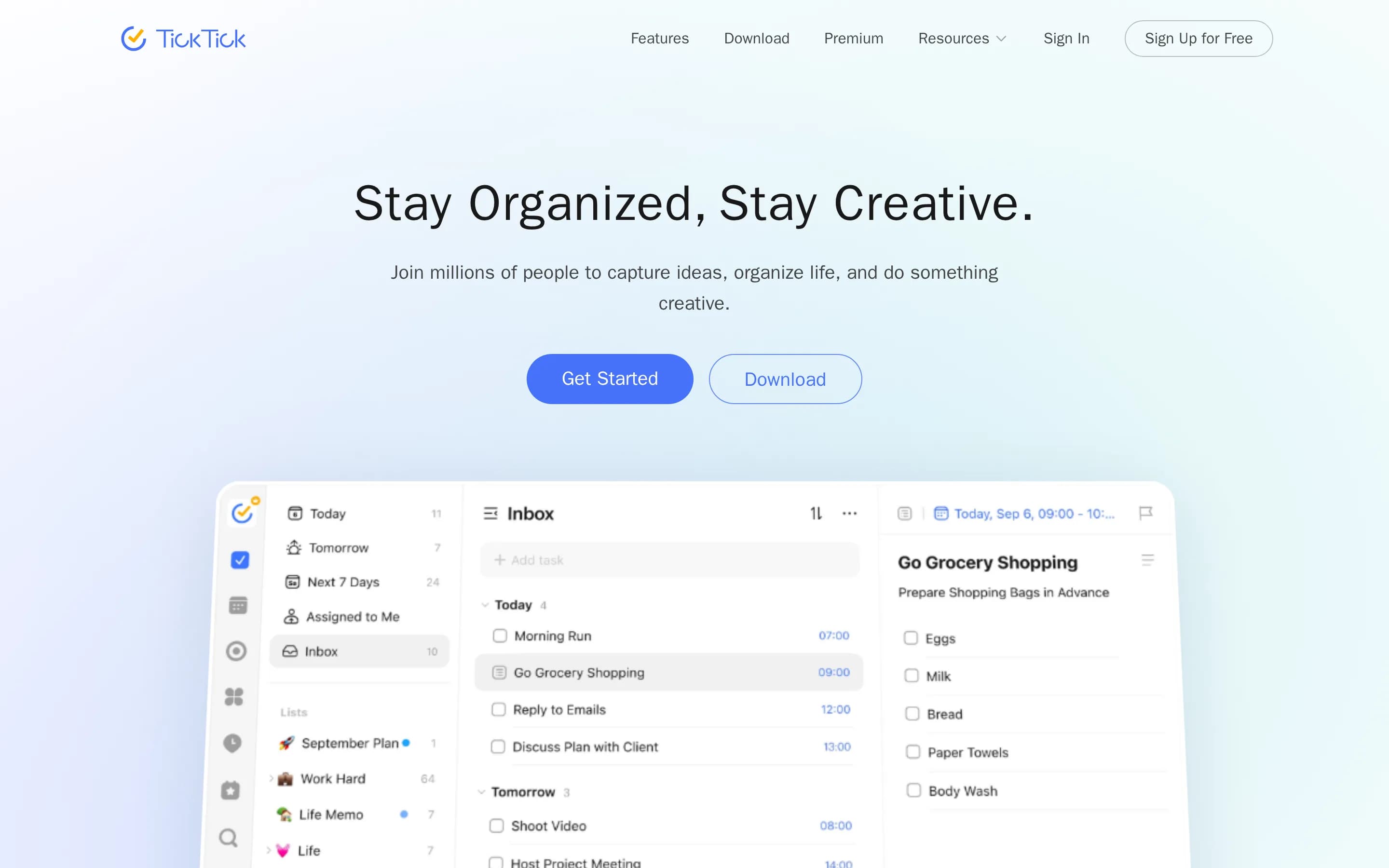
Why people leave TickTick
Someone might look for a TickTick alternative when its all-in-one approach does not match the way they prefer to work. TickTick combines to-do lists, calendars, habits, reminders, project structures, statistics, and a Pomo Timer in one application. That breadth can be convenient, but a person who wants only a lightweight checklist, a dedicated calendar, or a specialized habit tracker may prefer a narrower product with fewer modules and a workflow centered on one job.
Feature availability may also influence the decision. The crawled Premium page places capabilities such as additional calendar views, third-party calendar subscriptions, filters, task history, historical statistics, checklist-item reminders, estimated Pomo tracking, and some customization options behind the paid upgrade. Users who depend on one of these capabilities may compare alternatives whose free edition includes it, whose pricing structure better fits their usage, or whose paid plan bundles features differently. This does not necessarily make TickTick unsuitable; the preferred value depends on which features a person needs regularly.
People may also want a different balance between personal task planning and structured project work. TickTick supports folders, lists, tasks, checklist items, shared projects, Kanban views, and timelines, but its overall identity remains that of a to-do list and calendar. A team managing complex delivery work might instead seek deeper project planning, reporting, assignment, or governance workflows. Conversely, an individual may decide that shared-project history, timeline views, and layered organization are more structure than their personal system requires.
Finally, visitors to an open-source alternatives directory may prioritize requirements not established by the supplied TickTick pages, such as inspectable source code, community-led development, or the ability to operate software on infrastructure they control. Others may want different platform support, data-control arrangements, integrations, or interface conventions. TickTick emphasizes synchronization across platforms and provides downloadable apps, but users with particular technical, organizational, or ownership requirements may still evaluate alternatives before committing their tasks, schedules, habits, and historical records to a long-term productivity system.
8 Best Open Source TickTick Alternatives (Ranked)
Each alternative is evaluated for core feature coverage, deployment options, licensing, project health, and overall fit. The ranking prioritizes how closely a tool matches TickTick's primary workflows, using popularity only as a secondary signal.
SSuper-productivity21,376
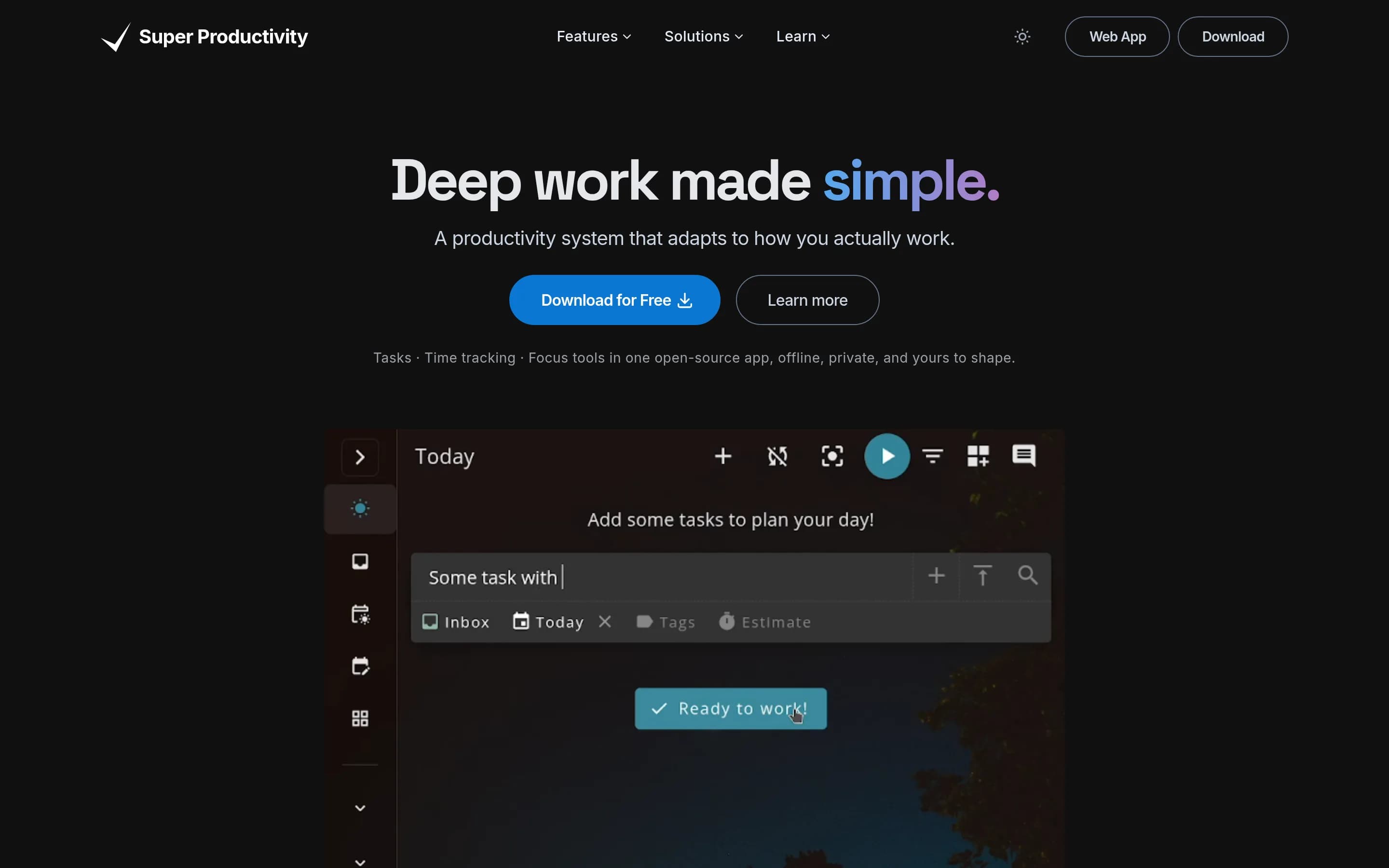
Super Productivity is the stronger fit for local-first, open-source task management centered on timeboxing, time tracking, focus tools, and developer integrations. TickTick remains the safer choice for users who need its broader all-in-one coverage—particularly dedicated habit tracking, shared projects, timeline views, and documented task-history features—or who cannot risk rebuilding a mature task system without a B
What it does
Super Productivity is an open-source todo list app centered on organizing tasks with projects, subtasks, tags, and color coding. Users can plan work with timeboxing, track time, create timesheets and work summaries, and use break reminders, anti-procrastination support, personal metrics, and a Pomodoro timer.
The app integrates with Jira, Trello, GitHub, GitLab, Gitea, OpenProject, Linear, ClickUp, and Azure DevOps, importing assigned tasks and creating work logs. It supports CalDAV, notes, files, bookmarks, and synchronization through SuperSync, Dropbox, or WebDAV. Desktop, mobile, and web access are documented, with Docker deployment and a self-hostable SuperSync server.
What it covers
- Task lists with subtasks and due dates
- Projects, tags, and folders
- Calendar-connected task planning
- Kanban-style task views
- Pomodoro-based focus sessions
- Cross-device synchronization
- Progress metrics and summaries
What’s different
- No documented dedicated habit tracker
- No documented timeline view
- No documented checklist-item reminders
- No documented shared-project workflow
- No documented direct TickTick import
MMindwtr1,677
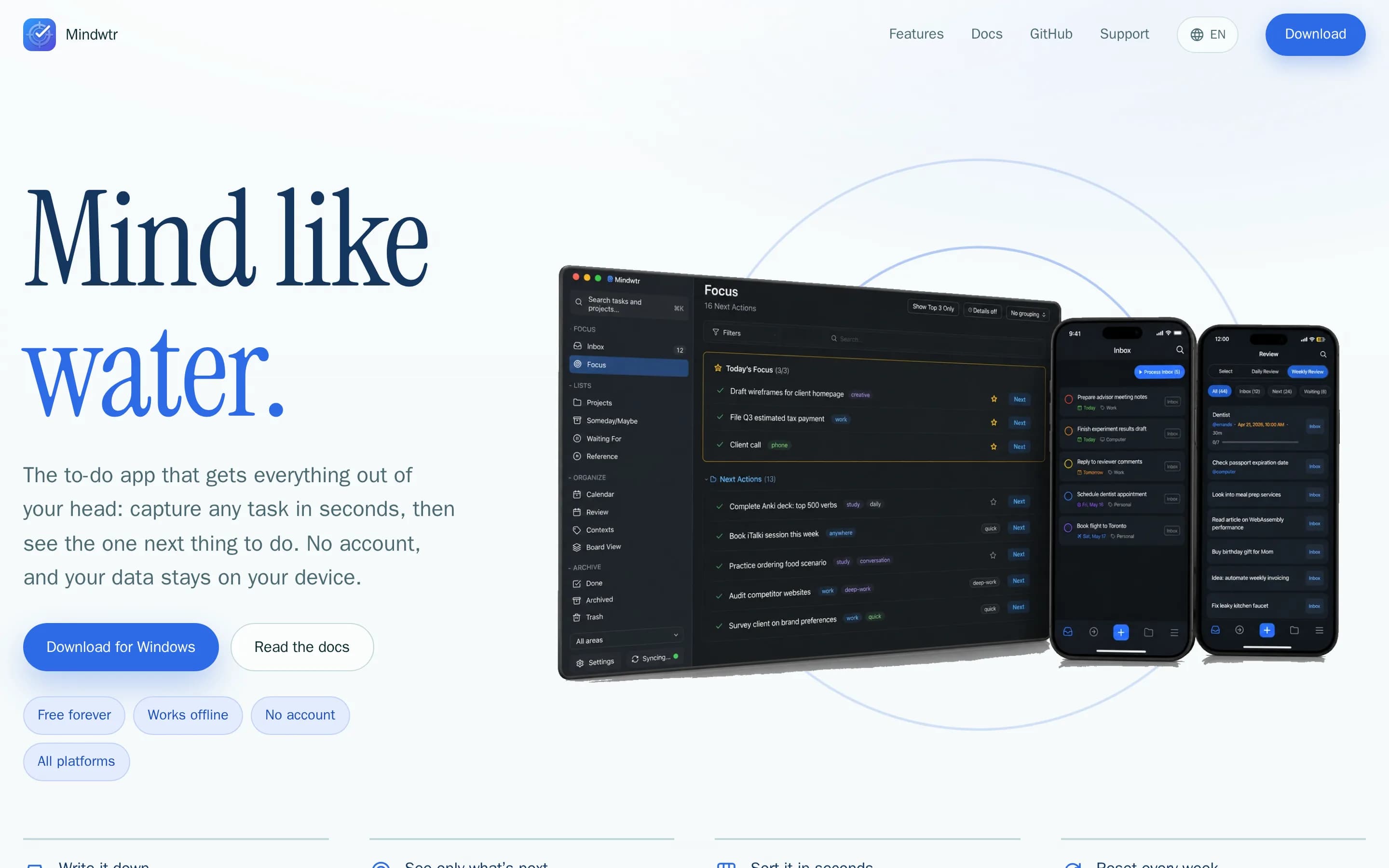
Choose Mindwtr if you want a local-first, open-source personal task system built around GTD, with optional self-hosted sync. Choose TickTick if you need its broader all-in-one planning model—especially habit tracking—or shared projects and team-oriented collaboration. Mindwtr overlaps on core tasks, reminders, calendar planning, boards, projects, and Pomodoro, but it explicitly is not designed for shared workspaces,8
What it does
Mindwtr is a free, open-source to-do application built around the Getting Things Done method. It captures tasks and ideas into an inbox, guides clarification and organization, presents next actions in Focus, and supports projects, sections, contexts, waiting-for items, someday/maybe lists, reviews, checklists, recurrence, search, attachments, and Markdown notes.
The application provides calendar planning, Kanban boards, notifications with snooze, Pomodoro focus sessions, daily digests, weekly reviews, optional AI assistance, and imports from TickTick, Todoist, OmniFocus, Apple Reminders, Obsidian, and CSV. It runs on Windows, macOS, Linux, iOS, Android, and offline-capable web, with optional iCloud, Dropbox, folder, WebDAV, or user-controlled server synchronization. Docker deployment is documented.
What it covers
- Task capture and completion
- Task reminders
- Dated calendar planning
- Kanban-style boards
- Projects and sections
- Cross-platform apps
- Pomodoro focus timer
- External calendar subscriptions
What’s different
- Habit tracking
- Shared workspaces
- Task assignments
- Team discussion
- Documented timeline view
- Documented historical statistics
- Documented checklist-item reminders
PPlanify5,582
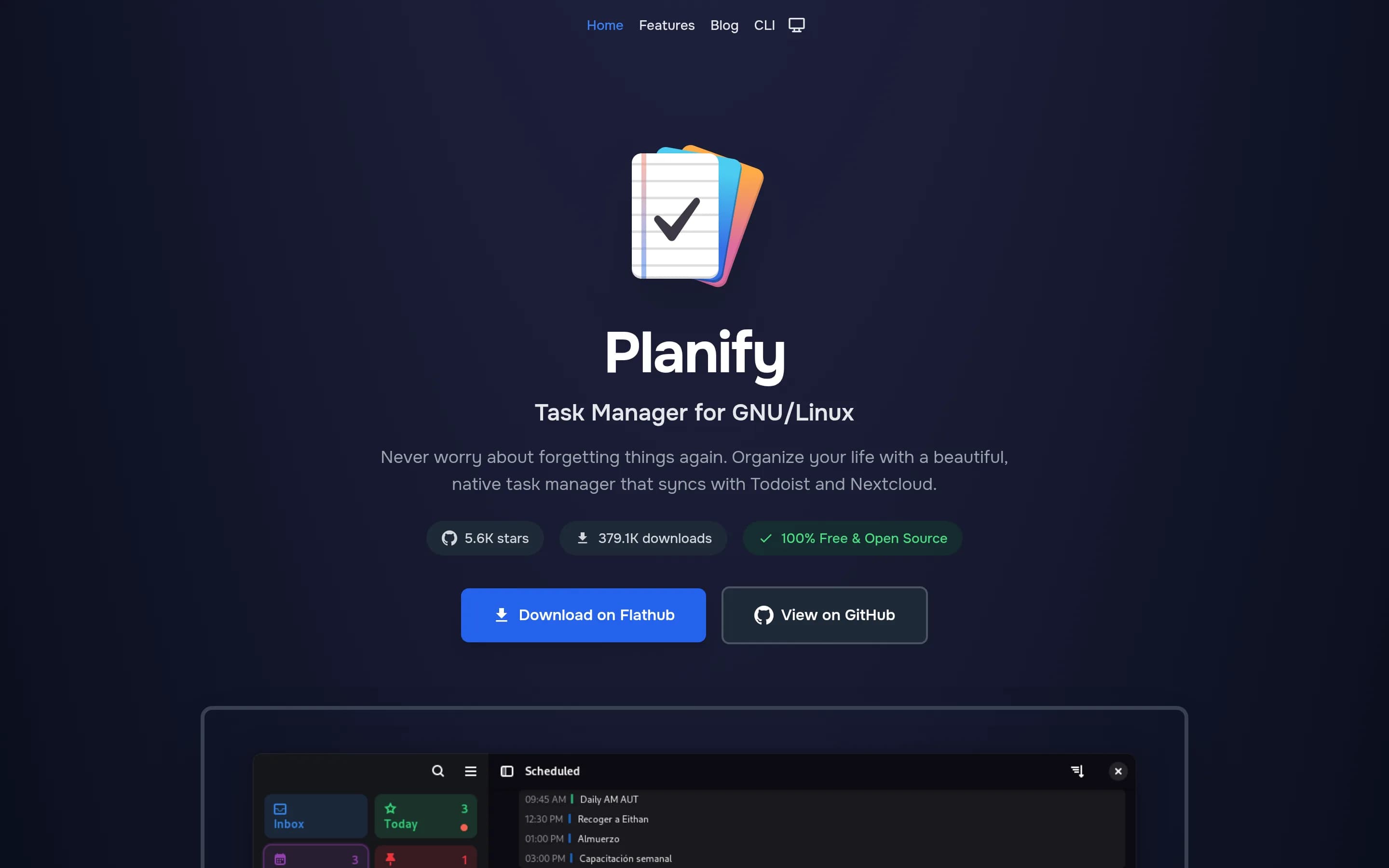
Planify is the stronger choice for GNU/Linux users who want a GPL-licensed, offline-capable task manager with local use and Todoist or self-controlled CalDAV/Nextcloud synchronization. TickTick remains the better fit for people who need a broader first-party cross-platform experience—including phone and tablet apps—or integrated habit tracking, a Pomo timer, and timeline views. Planify covers substantial task-pl管理功能,
What it does
Planify is a GNOME task-management application for capturing and organizing work into tasks, projects, and sections. Its documented workflows include drag-and-drop organization, progress tracking, quick search, labels and filters, recurring tasks, attachments, flexible multiple reminders, and notifications.
The application includes calendar integration for visual schedule planning, offline operation, analytics, and synchronization with Todoist and Nextcloud. It is distributed under GPL-3.0, with Flathub installation and source-build instructions for Linux systems using GTK4, including a local run command.
What it covers
- Task capture and completion
- Task reminders
- Calendar-based planning
- Projects, sections, and subtasks
- Board-style task view
- Labels and filters
- Recurring tasks
- Progress and productivity summaries
- Cross-device sync through supported services
What’s different
- No documented habit tracking
- No documented Pomo timer
- No documented timeline view
- No native mobile app
- No documented TickTick importer
WWeektodo2,137
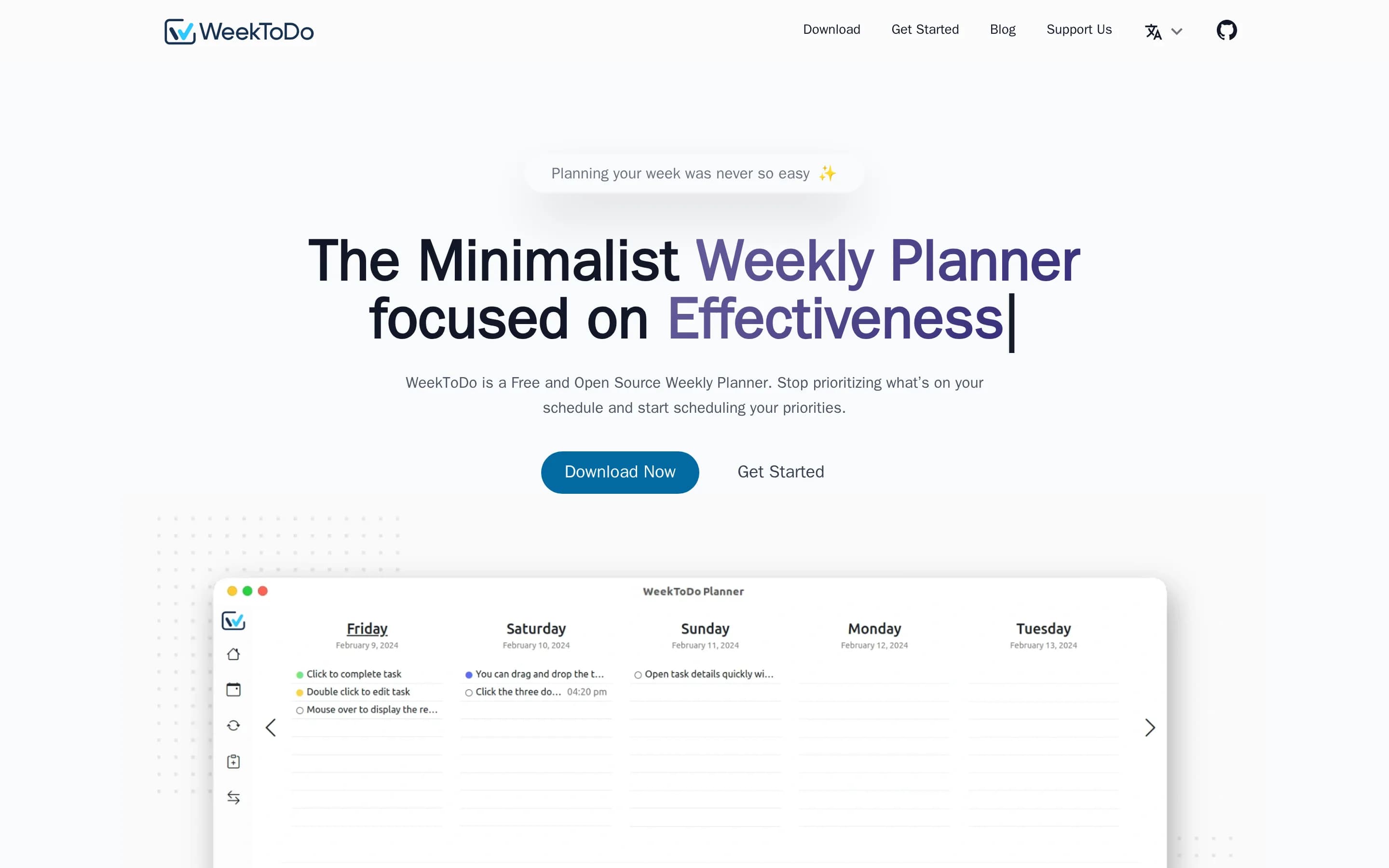
Choose WeekToDo for an open-source, minimalist weekly planner that keeps data on the device and combines tasks with calendar scheduling. Choose TickTick when cross-device synchronization, mobile access, collaboration, habit tracking, focus tools, or richer task views are important; WeekToDo lists mobile and synchronization as roadmap items rather than current features.
What it does
WeekToDo is a free, privacy-focused weekly planner and to-do application for scheduling tasks and projects. It provides custom to-do lists, subtasks, drag-and-drop organization, task colors, task times, recurring tasks, Markdown support, and notifications and reminders. The README also documents light and dark modes, multiple languages, and a customizable interface.
The application is available for Windows, macOS, Linux, and online. It stores data locally and can be installed from platform releases or Snap, run as a web or native Electron application from source, and launched in a development web environment with Docker Compose. Cross-device synchronization and mobile support are listed as roadmap items rather than current features.
What it covers
- Task and to-do lists
- Calendar-based scheduling
- Task reminders
- Recurring tasks
- Subtasks or checklist items
- Desktop and browser access
What’s different
- Cross-device synchronization currently on roadmap
- Mobile version currently on roadmap
- Habit tracking not documented
- Pomo timer not documented
- Kanban and timeline views not documented
- Shared projects not documented
- Task history and statistics not documented
- Third-party calendar subscriptions not documented
DDootask5,548
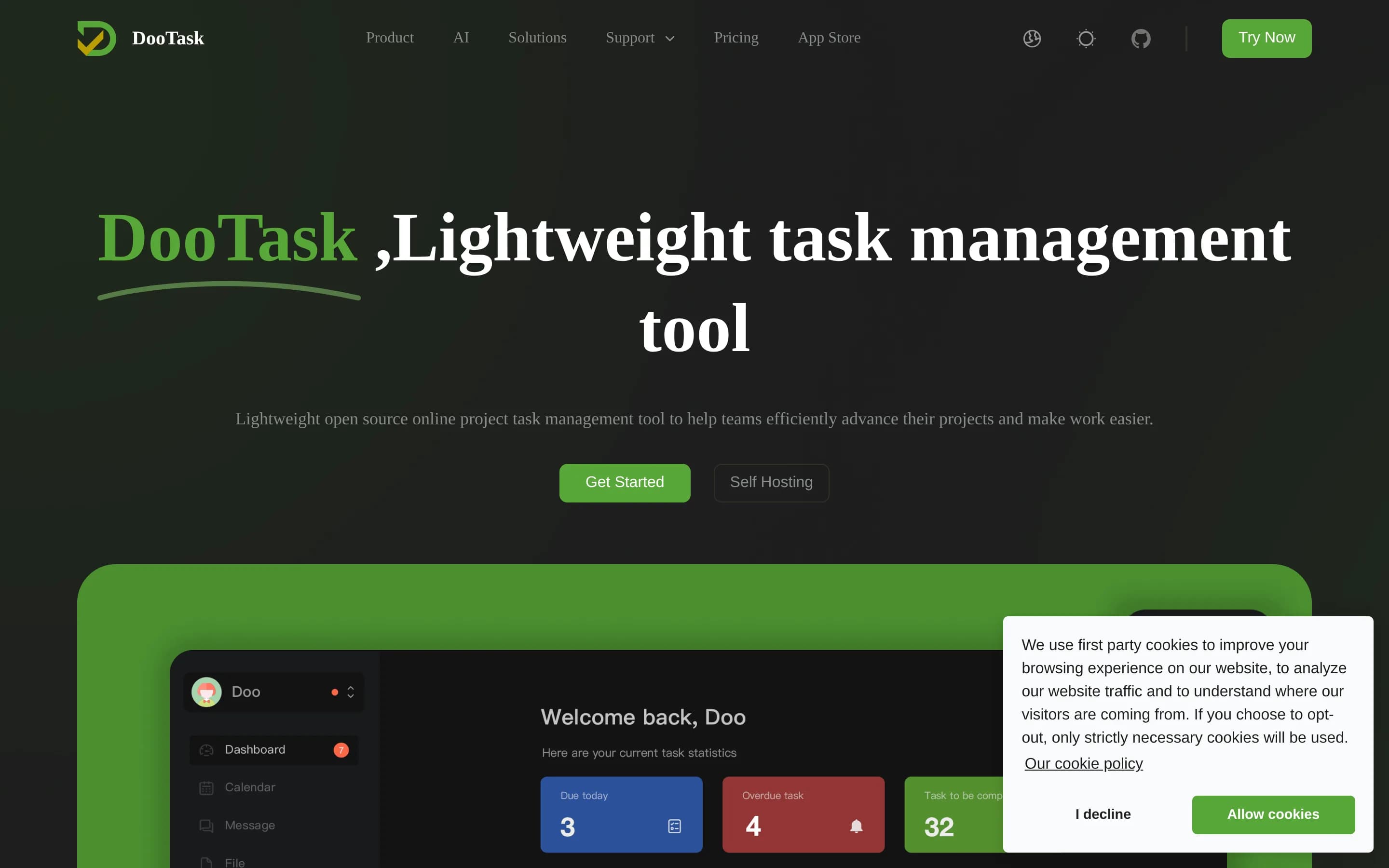
DooTask is a self-hosted, open-source project and task management platform with to-dos, task distribution, collaboration, team chat, and related project workflows. It substantially covers TickTick's primary task-management job and several central features, though the supplied README does not document reminders, calendar planning, synchronization, or task views in detail.
What it does
DooTask is an open-source online project and task management system for organizing projects, distributing tasks, and coordinating remote work. Its documented feature set includes document collaboration, online mind maps, online flowcharts, instant messaging, file management, and task-oriented project workflows. Messaging uses asymmetric encryption according to the repository description.
The project is designed for user-controlled deployment. It requires Docker and Docker Compose, uses MariaDB through the default Compose service, and supports CentOS, Debian, Ubuntu, macOS, and other Linux/Unix systems. Installation, upgrades, service control, port changes, HTTPS configuration, backups, migration, and uninstallation are documented through scripts and commands.
What it covers
- Task and project management
- To-do and task organization
- Task assignment or distribution
- Document and team collaboration
- Instant messaging for team communication
What’s different
- Task reminders
- Calendar planning and agenda views
- Multiple task views such as Kanban or timelines
- Cross-platform synchronization
- Habit tracking
- Pomo focus timer
- Task history and statistics
KKanri1,994
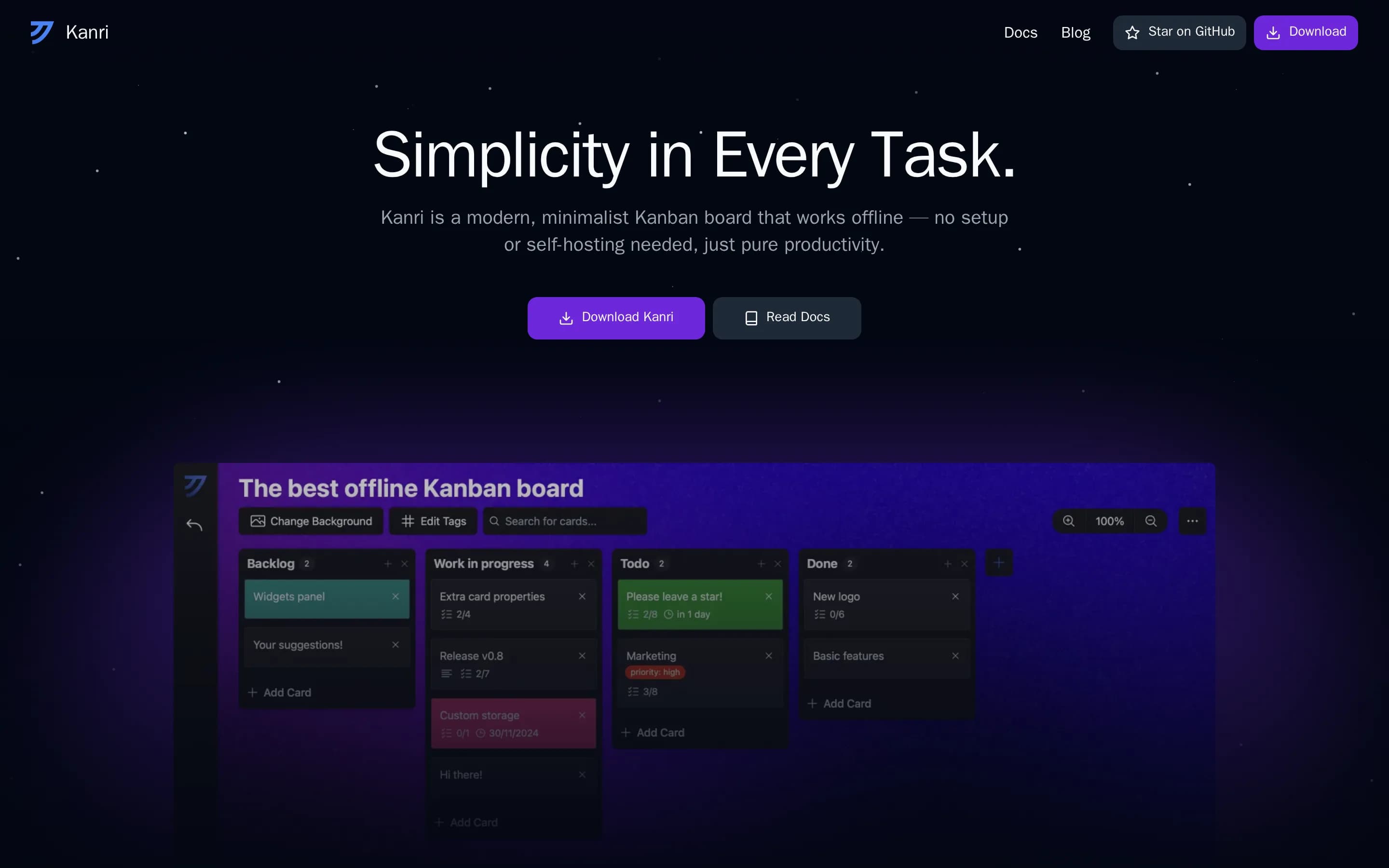
Kanri is a narrower, offline-first Kanban alternative rather than a feature-complete TickTick replacement. Choose Kanri for local desktop boards, visual card workflows, and inspectable open-source code without accounts or built-in cloud sync. Choose TickTick when cross-device synchronization, calendar planning, reminders, habits, focus timers, or broader list-based task management are essential.
What it does
Kanri is a cross-platform desktop Kanban board designed for simple, offline task and project organization. Users create boards with customizable columns and cards, then add rich-text descriptions, subtasks, due dates, and tags. Themes and board background images provide additional customization, while keyboard shortcuts support board navigation.
The application stores data locally in a single JSON file and requires no internet connection or account. It supports basic Trello import and granular or full exports for backups. Installers are available for Windows, macOS, and Linux, with macOS installation also available through Homebrew. The repository documents Tauri-based development and production build commands.
What it covers
- Task-like cards with completion workflows
- Kanban board views
- Subtasks or checklist-like items
- Due dates
- Project grouping through boards
- Task detail descriptions
What’s different
- No built-in cloud synchronization
- No documented calendar planning views
- No current reminders; roadmap item only
- No documented habit tracking
- No documented Pomo focus timer
- No documented task-history statistics
- No documented TickTick import
- No documented mobile apps
LLotti1,162
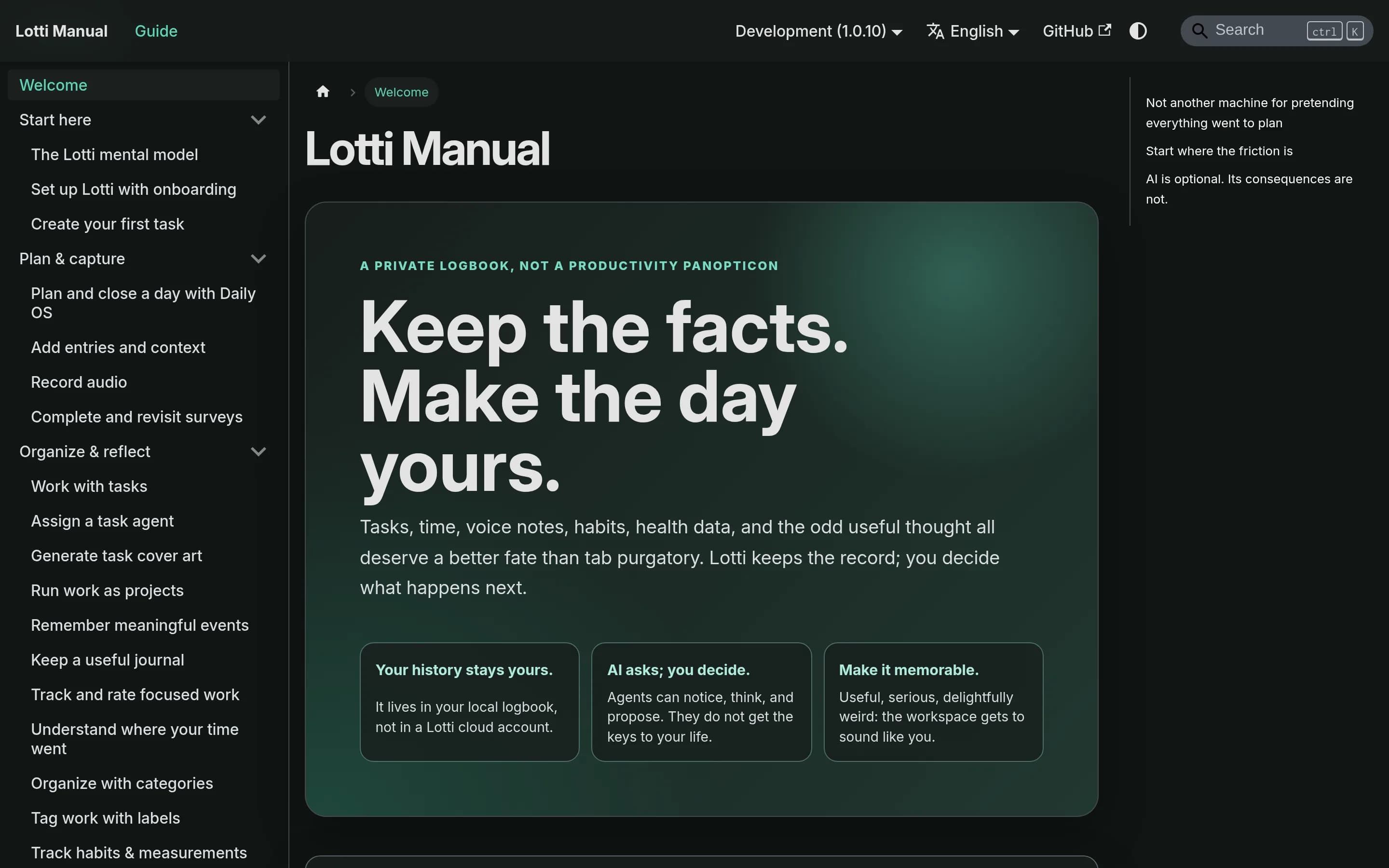
Lotti is a plausible alternative for individuals who want an open-source, local-first logbook that separates planned tasks from actual time, supports optional AI, and synchronizes through infrastructure they control. It is not a documented drop-in replacement for TickTick: calendar views, task reminders, Kanban/timeline views, shared projects, and a Pomo timer are not established by the supplied Lotti sources. Choose
What it does
Lotti is a local-first personal logbook that separates planned tasks from records of completed work. Users can create tasks with checklists, priorities, estimates, due dates, labels, statuses, and linked context; record time, notes, images, audio, measurements, and journal entries; and organize information with categories and labels.
The application includes habit tracking, time analysis, speech transcription, dashboards, search, and optional task-specific AI agents that summarize records and propose changes for approval. It runs across macOS, Linux, Windows, iOS, and Android. Data is stored in local SQLite with filesystem attachments, while synchronization uses end-to-end encryption through a Synapse homeserver operated by the user or a trusted party.
What it covers
- Tasks with due dates and priorities
- Tasks with checklists
- Category and label organization
- Habit tracking
- Cross-device synchronization
- Time and progress analysis
What’s different
- No documented task reminders
- No documented calendar views or subscriptions
- No documented Kanban or timeline views
- No documented shared-project workflow
- No documented Pomo focus timer
- No documented TickTick importer
TTaskwarrior-flutter244
Taskwarrior-flutter is the better fit for technically capable users who want an open-source, Taskwarrior-centered task app and can operate or configure TaskServer for multi-device synchronization. TickTick is the safer choice for users who need a documented, integrated calendar, reminders, habits, Pomo timer, multiple task views, and historical statistics without maintaining sync infrastructure. The central tradeoff—
What it does
Taskwarrior Mobile App is a Flutter application for managing TODO lists with Taskwarrior. The documented workflow includes creating and managing tasks, filtering them according to user needs, and viewing task-management screens through the mobile app. The project describes Taskwarrior as a fast, flexible command-line task manager and provides screenshots of the application.
The app can run from the Flutter project with `flutter run` and supports TaskServer configuration for synchronizing tasks across clients and devices. The README documents self-hosted TaskServer deployment, cloud hosting, Docker-based setup, certificates, synchronization, and backup considerations. It is released under GPL-3.0.
What it covers
- Task capture and management
- Task filtering
- Cross-device task synchronization
What’s different
- No documented calendar planning
- No documented task reminders
- No documented Kanban views
- No documented habit tracking
- No documented Pomo timer
- No documented task history or achievement statistics