
WWhimsical
Whimsical is a collaborative visual workspace for creating diagrams, flowcharts, mind maps, and interface wireframes on an infinite canvas. It supports real-time editing, comments, templates, version history, media embeds, and AI-assisted generation.

Why people leave Whimsical
Someone might seek a Whimsical alternative when their work centers on a narrower artifact than the product’s combined diagrams, wireframes, mind maps, and whiteboards. A team focused exclusively on technical diagrams may prefer software with a workflow dedicated to that discipline, while an interface-design team may want a more specialized prototyping environment. Conversely, people who mainly need an open-ended brainstorming canvas may not need the product’s wireframing and structured-diagram features. In each case, a more focused tool could provide a closer match for the team’s primary work.
Whimsical emphasizes a fast, streamlined experience built around templates, drag-and-drop components, and an infinite canvas. That approach may not suit people whose diagramming process requires a different editing model, a particular notation, or more control over how artifacts are produced and maintained. The supplied pages describe flowcharts, mind maps, diagrams, and wireflows, but do not establish support for every specialized modeling convention. Teams with strict documentation or implementation requirements may therefore evaluate alternatives against their own required formats and workflows.
Collaboration preferences can also motivate a change. Whimsical offers multiplayer editing, comments, shared boards, version history, and integrations, but some organizations may want their visual workspace to fit a different collaboration or deployment model. They might prioritize compatibility with an existing toolchain, a particular method of storing files, or greater control over where the software and its data run. An open-source alternative may be attractive when inspectable code, customization, or self-managed infrastructure is an organizational requirement, although the suitability of any replacement would still need to be verified.
Finally, teams may reconsider the product as their collection of boards grows or their process changes. Whimsical combines several related visual workflows in one workspace, which is convenient for product planning but can overlap with tools already used for design, documentation, or brainstorming. Consolidating around an existing platform could reduce duplicated artifacts, while separating diagrams and wireframes into specialist applications could make ownership clearer. Cost, licensing terms, platform availability, integration needs, and long-term access to editable work may also enter the decision, but these factors should be compared directly because the crawled pages do not provide enough detail to characterize them.
3 Best Open Source Whimsical Alternatives (Ranked)
Each alternative is evaluated for core feature coverage, deployment options, licensing, project health, and overall fit. The ranking prioritizes how closely a tool matches Whimsical's primary workflows, using popularity only as a secondary signal.
EExcalidraw129,679
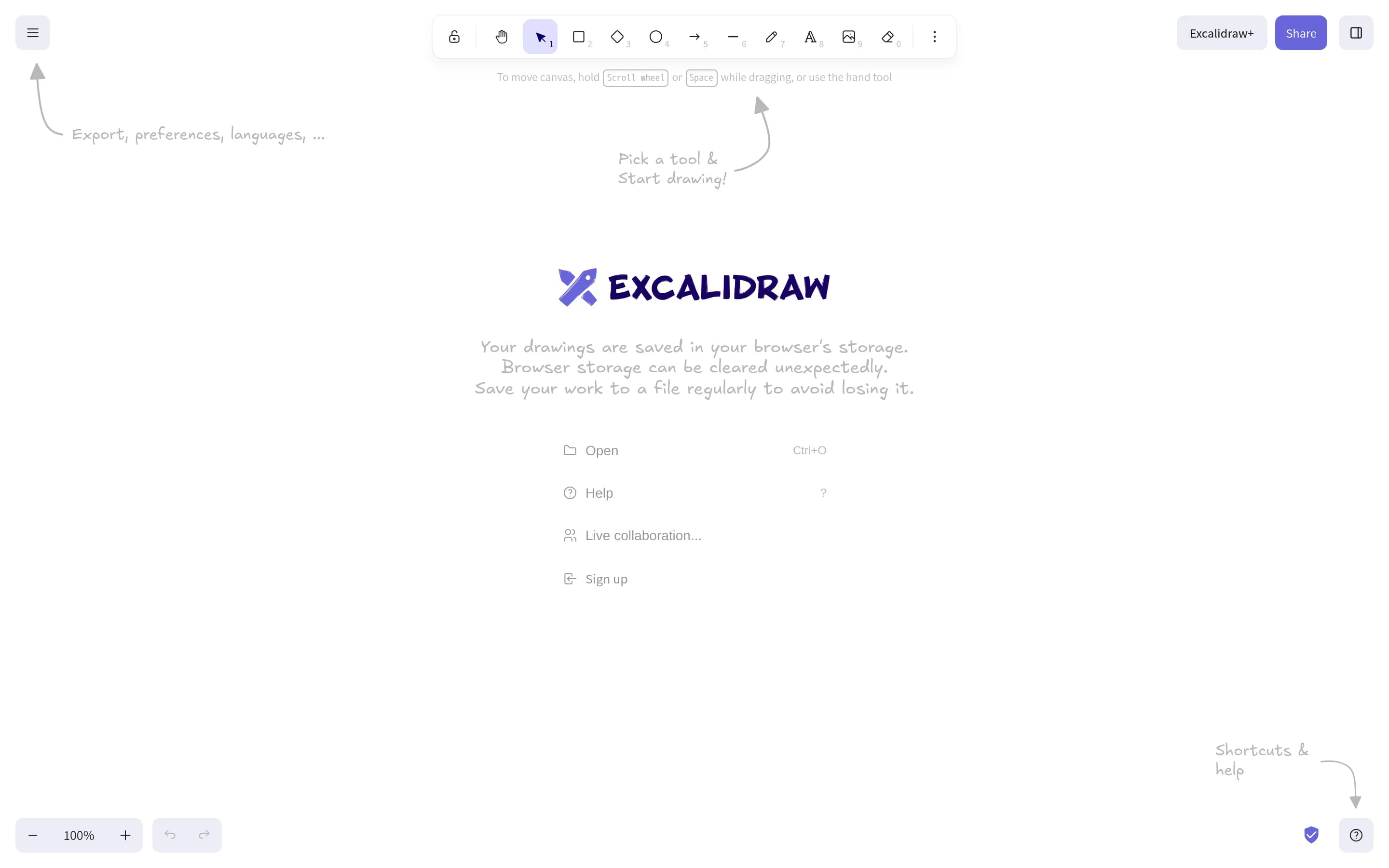
Choose Excalidraw when you want an MIT-licensed, self-hostable, customizable whiteboard centered on hand-drawn diagrams and wireframes, with real-time collaboration and open drawing files. Keep Whimsical when your workflow depends on its broader structured product-planning feature set—particularly mind maps, drag-and-drop interface wireflows, comments and version history, or AI generation—because equivalent Excalid、一
What it does
Excalidraw is an open-source virtual whiteboard for creating hand-drawn-style diagrams, wireframes, and other drawings. Its editor provides an infinite canvas, shape libraries, images, arrows, labels, free drawing, zooming, panning, undo/redo, dark mode, localization, and export to PNG, SVG, clipboard, or an `.excalidraw` JSON file.
The hosted Excalidraw.com app adds real-time collaboration, end-to-end encryption, local-first browser autosave, offline PWA support, and shareable read-only links. The repository also supplies an npm package for embedding the editor in other applications, while the app source is included for local development and deployment.
What it covers
- Infinite canvas-based workspace
- Diagram and wireframe creation
- Real-time collaboration
- Image support
- Shareable visual artifacts
What’s different
- No documented dedicated mind-map workflow
- No documented comments or version history
- No documented AI-assisted generation
- No documented expert-template or video-embed workflow
- No documented Whimsical import compatibility
OOpenflowkit703
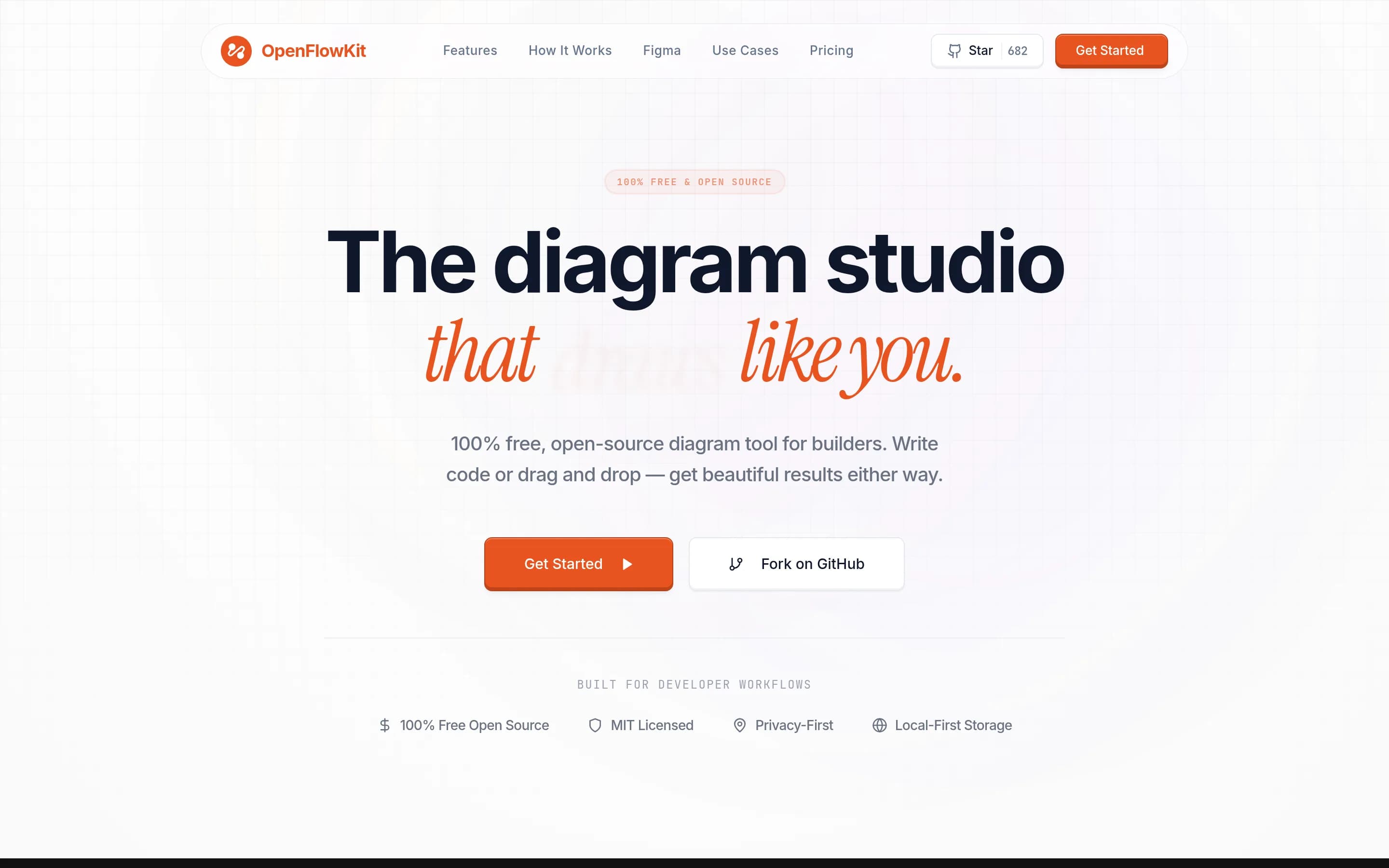
OpenFlowKit is the stronger fit for developers who want MIT-licensed, local-first technical diagramming, diagram-as-code, structured imports, and self-managed deployment. Whimsical remains the safer choice for teams that need a broader collaborative workspace—especially production-ready multiplayer editing, wireframing, comments, and mixed visual artifacts. OpenFlowKit’s real-time collaboration is an opt-in beta and—
What it does
OpenFlowKit is an open-source, local-first visual diagramming studio for builders. Users can create structured flowcharts, architecture diagrams, entity-relationship diagrams, class diagrams, sequence diagrams, mind maps, user journeys, and state machines through a canvas editor, templates, Mermaid imports, or the OpenFlow DSL.
The product supports bidirectional diagram-as-code synchronization, AI generation through ten providers including local Ollama, automatic technology-icon assignment, anchored auto-layout, version snapshots, and exports to PNG, SVG, PDF, Mermaid, PlantUML, Figma, JSON, WebM, and MP4. It runs primarily in the browser with IndexedDB storage and no server-side storage; an optional beta WebRTC collaboration mode and a local MCP server are also documented.
What it covers
- Visual canvas editing
- Flowchart creation
- Mind-map creation
- AI-assisted diagram generation
- Templates
- Version snapshots
- Infinite canvas
What’s different
- Production-ready multiplayer editing
- Documented comments
- Documented wireframes and wireflows
- Documented media embeds
WWhitebophir2,632
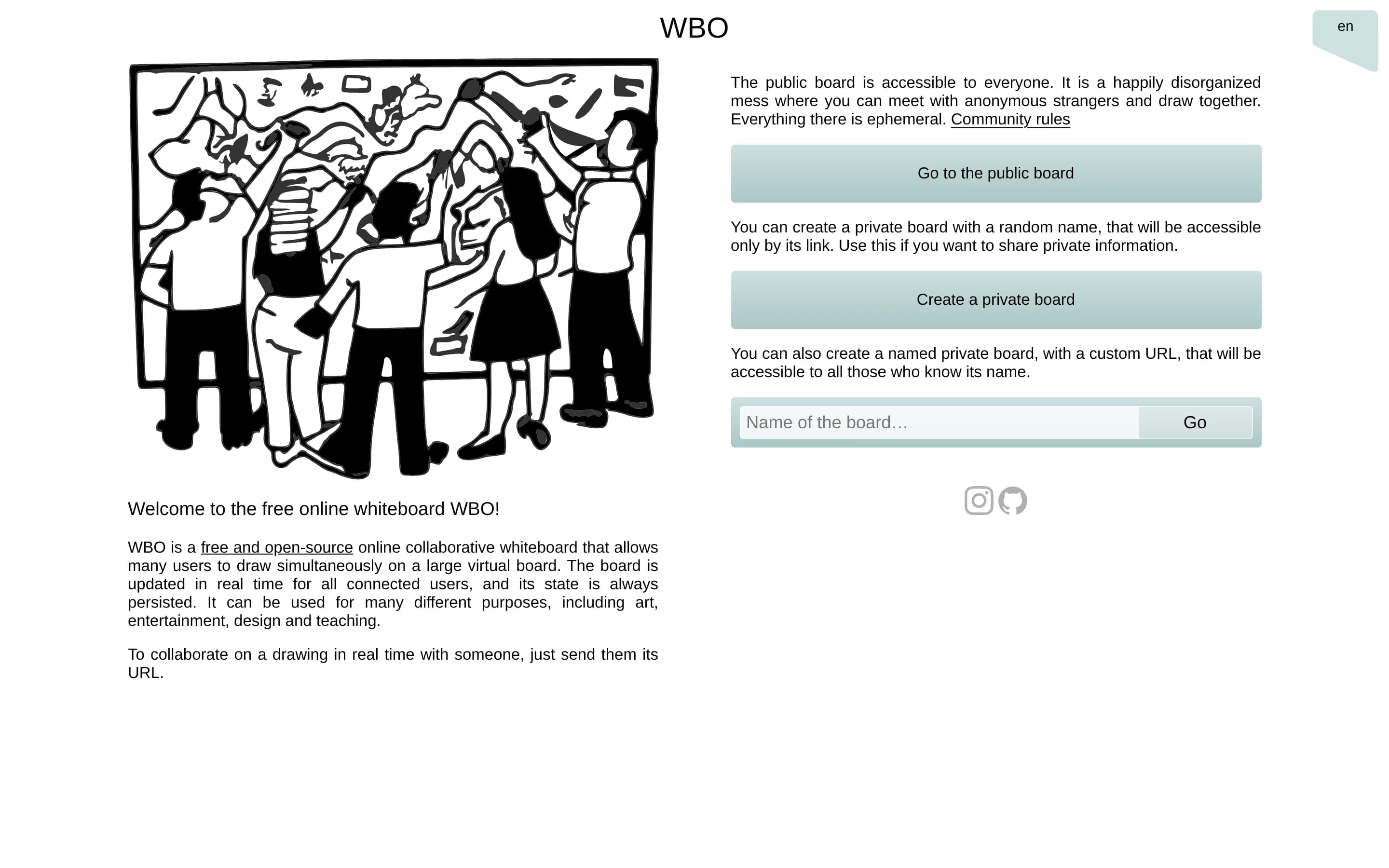
Whitebophir is a narrower, self-hostable open-source replacement for real-time freeform whiteboarding, not a feature-equivalent Whimsical replacement. Choose Whitebophir when infrastructure control, inspectable AGPL-3.0 code, persistent shared drawing, and simple URL-based collaboration matter most. Choose Whimsical when workflows depend on structured flowcharts, mind maps, wireframes, comments, version restoration,?
What it does
WBO is an online collaborative whiteboard for simultaneous drawing by multiple users on a large virtual board. Boards update in real time for connected users, and their state is persisted. The README describes uses including art, entertainment, design, teaching, and collaborative diagram editing.
WBO can run on a user's own server with Node.js or as an official Docker container, with board data stored outside the container. It supports optional JWT-based board authentication, reader/editor/moderator capabilities, read-only boards, configurable board paths, SVG preview downloads, and OpenTelemetry-based server monitoring.
What it covers
- Large virtual canvas
- Real-time multi-user editing
- Persistent board state
- Editable collaborative diagrams at a broad level
- Link-based board sharing
What’s different
- No documented structured flowchart workflow
- No documented mind-map workflow
- No documented wireframes or wireflows
- No documented comments
- No documented user-facing version restoration
- No documented AI-assisted generation
- No documented templates or media embeds
- No built-in permission-management UI