
AAsana
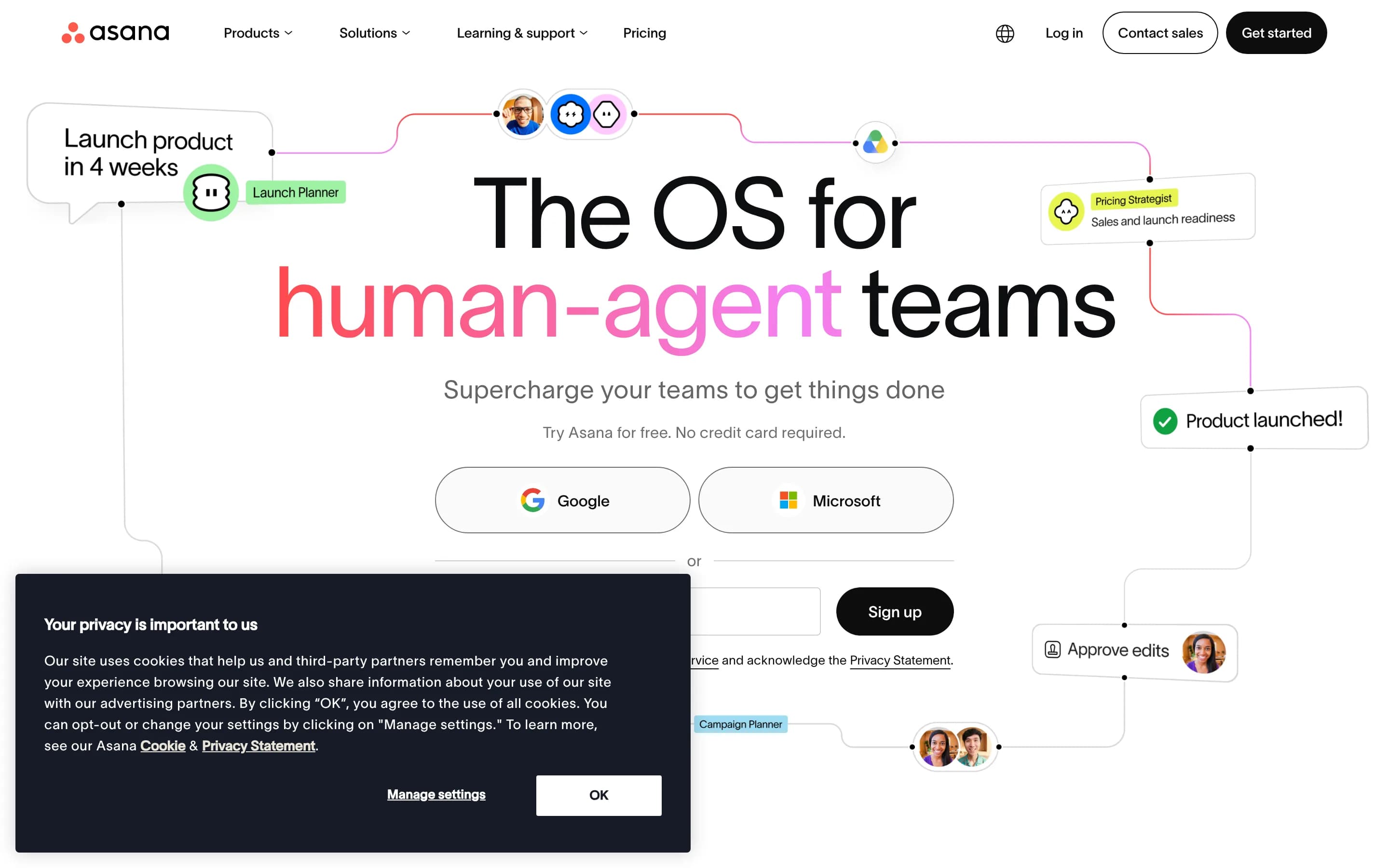
Asana is a work and project management platform for planning, assigning, tracking, and reporting on team projects. It combines tasks, timelines, dependencies, goals, portfolios, forms, automation, resource planning, and AI-assisted workflows in a shared workspace.
Why people leave Asana
Someone might seek an Asana alternative when the product’s breadth exceeds the needs of their team. Asana supports personal tasks, cross-functional projects, portfolios, goals, workload planning, reporting, automations, integrations, and AI-assisted workflows. That range can be useful, but a team focused on a straightforward to-do list or Kanban board may prefer a smaller tool with fewer concepts to configure and maintain. Conversely, teams with a highly specialized workflow may want software designed specifically for their industry rather than adapting a general work-management platform.
Pricing and feature segmentation may also prompt a comparison. The crawled pricing page places timeline and Gantt views, reporting dashboards, forms, custom fields, templates, and unlimited automations above the Personal plan. Portfolios, goals, workload, approvals, proofing, native time tracking, formulas, and some business integrations appear in a higher plan, while SAML, SCIM, capacity planning, service accounts, and additional administrative controls are listed for Enterprise. Organizations that need only one or two of these capabilities may look for alternatives with a different packaging model, lower total cost, or more features available in a free or entry-level plan.
Some teams may also need a different balance between project planning and adjacent work. Asana connects tasks, projects, goals, dependencies, forms, dashboards, workload, and automations, but organizations centered on document authoring, persistent chat, file storage, software development, or service management may prefer a product where that workflow is the primary system of record. Others may seek deeper native time, budget, client, or technical delivery functionality rather than relying on integrations or broader project structures.
Finally, organizations may compare alternatives because of deployment, governance, or control requirements. The supplied pages describe Asana as a hosted platform with enterprise permissions, audit trails, SAML, SCIM, and governed AI agents, but they do not describe an open-source or self-hosted edition. Teams that prioritize source-code access, self-hosting, local data control, custom infrastructure, or independence from a single hosted vendor may therefore evaluate open-source options, even if doing so introduces additional operational and maintenance responsibilities.
5 Best Open Source Asana Alternatives (Ranked)
Each alternative is evaluated for core feature coverage, deployment options, licensing, project health, and overall fit. The ranking prioritizes how closely a tool matches Asana's primary workflows, using popularity only as a secondary signal.
PPlane56,003
Plane is the stronger choice for teams that prioritize open-source, self-hosted infrastructure and issue- or sprint-oriented project delivery. Asana remains the safer choice for organizations that depend on a broader, explicitly documented work-management model spanning goals, portfolios, dependencies, timelines, workload, forms, and enterprise governance. Plane covers core task tracking, cycles, modular project work
What it does
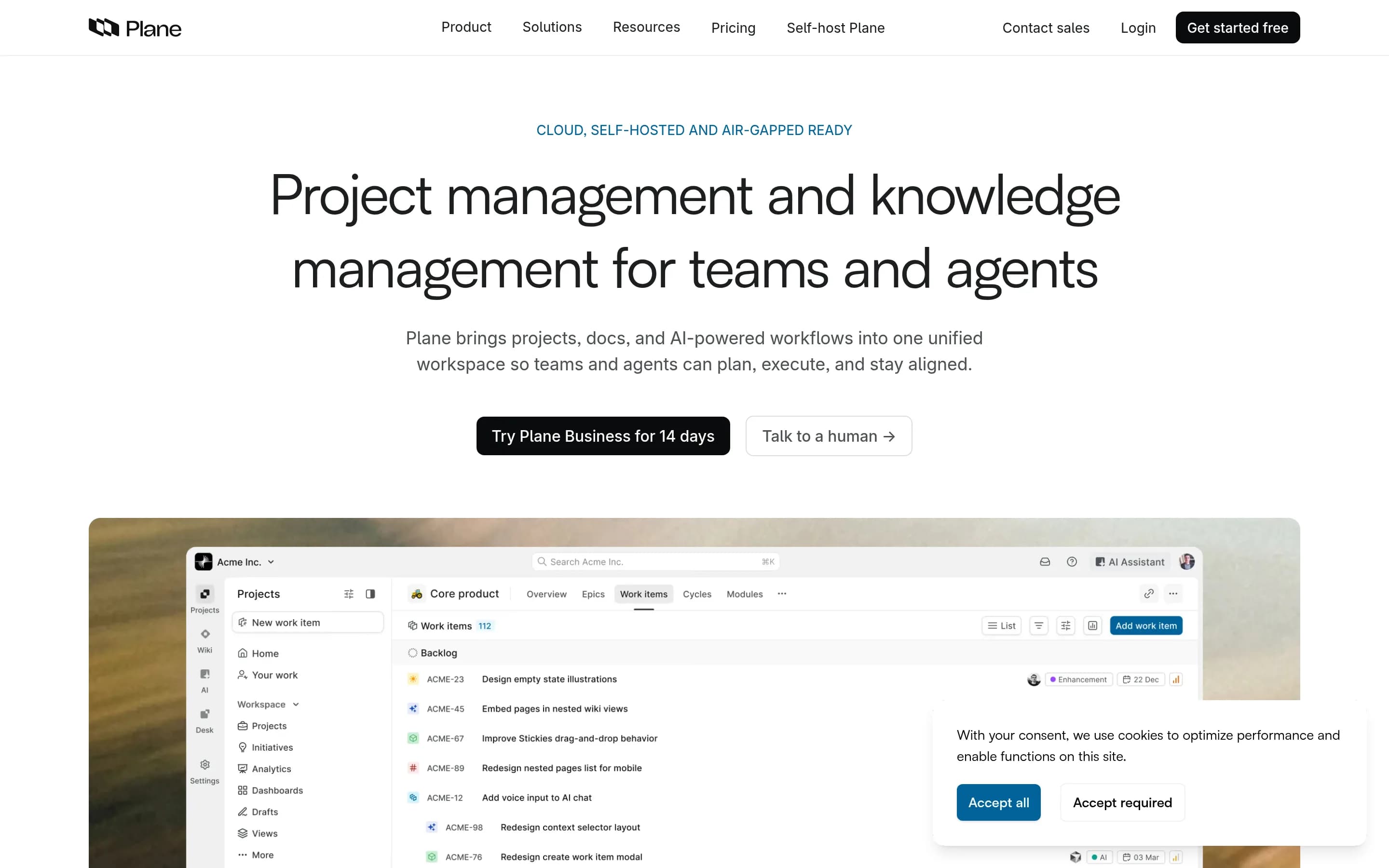
Plane is an open-source project management platform for creating and managing work items, organizing cycles and modules, tracking issues, and managing product roadmaps. Its documented workflows include rich-text task editing, file uploads, sub-properties, related issues, filters, saved views, and converting notes into actionable items.
Plane also provides burn-down charts, real-time analytics, and Pages for organizing ideas and documentation. It can be used through Plane Cloud or deployed on user-controlled infrastructure, with documented Docker and Kubernetes installation methods. The repository is licensed under AGPL-3.0.
What it covers
- Task and assignment tracking
- Project work organization
- Filtered and shared views
- Progress analytics
- AI-assisted workspace features
- Intake and workflow capabilities
- Apps and integrations
What’s different
- No documented goal and portfolio tracking
- No documented workload or capacity planning
- No documented dependencies and milestones
- No documented timeline or Gantt views
- No documented Asana import compatibility
OOpenproject15,857
OpenProject is the stronger choice when source access, self-hosting, and infrastructure control outweigh the convenience of Asana’s vendor-hosted workspace. It covers substantial project-management ground—including tasks, portfolios, Gantt planning, agile boards, resource planning, time and cost tracking, and workflows—but the supplied OpenProject materials do not document equivalents for Asana’s AI-assisted workflow
What it does
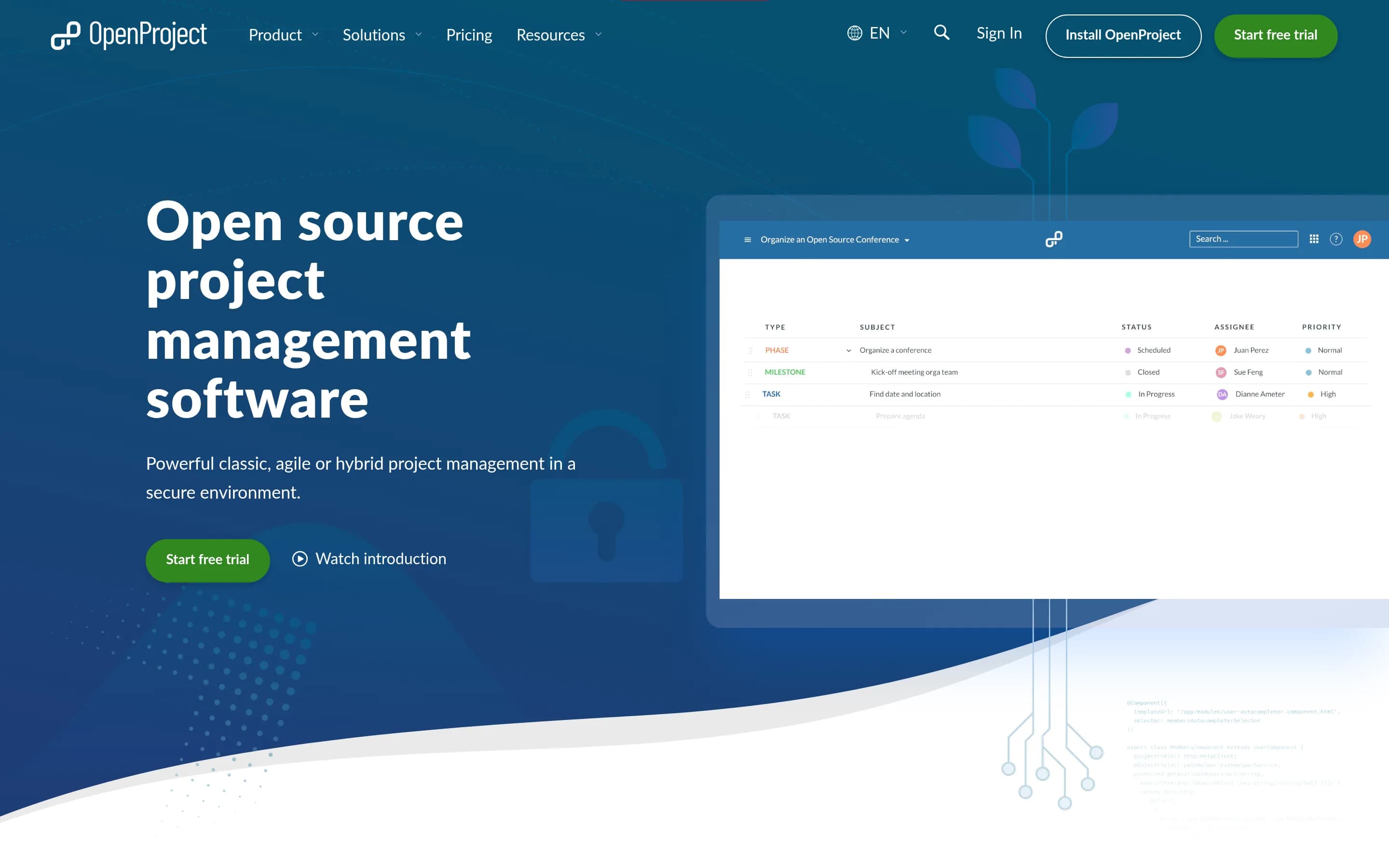
OpenProject is a web-based, open-source platform for teams and organizations managing projects, portfolios, products, tasks, bugs, agile workflows, and roadmaps. Its documented capabilities include project and portfolio management, Kanban and Scrum boards, Gantt-based planning and scheduling, task management, time tracking, cost reporting, budgeting, and team collaboration.
The software can be deployed under user control through its self-hosted Community Edition, with installation guides provided. An Enterprise Edition is also available through cloud or on-premises deployment, and documented integrations include Nextcloud, XWiki, GitHub, and GitLab.
What it covers
- Task assignment and progress tracking
- Project and portfolio management
- Gantt-based planning and scheduling
- Kanban-style boards
- Calendars and team planning
- Dependencies and work hierarchies
- Custom fields and configurable workflows
- Dashboards and project-status views
- Resource and workload planning
- Application integrations
What’s different
- No documented AI-assisted workflows
- No documented Asana-compatible goals model
- No documented Asana importer
- No documented integration breadth comparable to Asana
PPlatform27,357
Choose Huly Platform when source access, Docker-based self-hosting, and combining project work with chat, documents, calls, and GitHub synchronization outweigh the need for Asana’s broader documented planning and governance coverage. Choose Asana when portfolios, goals, forms, workflow rules, reporting, workload planning, AI workflows, or enterprise administration are operational requirements; equivalent Huly support
What it does
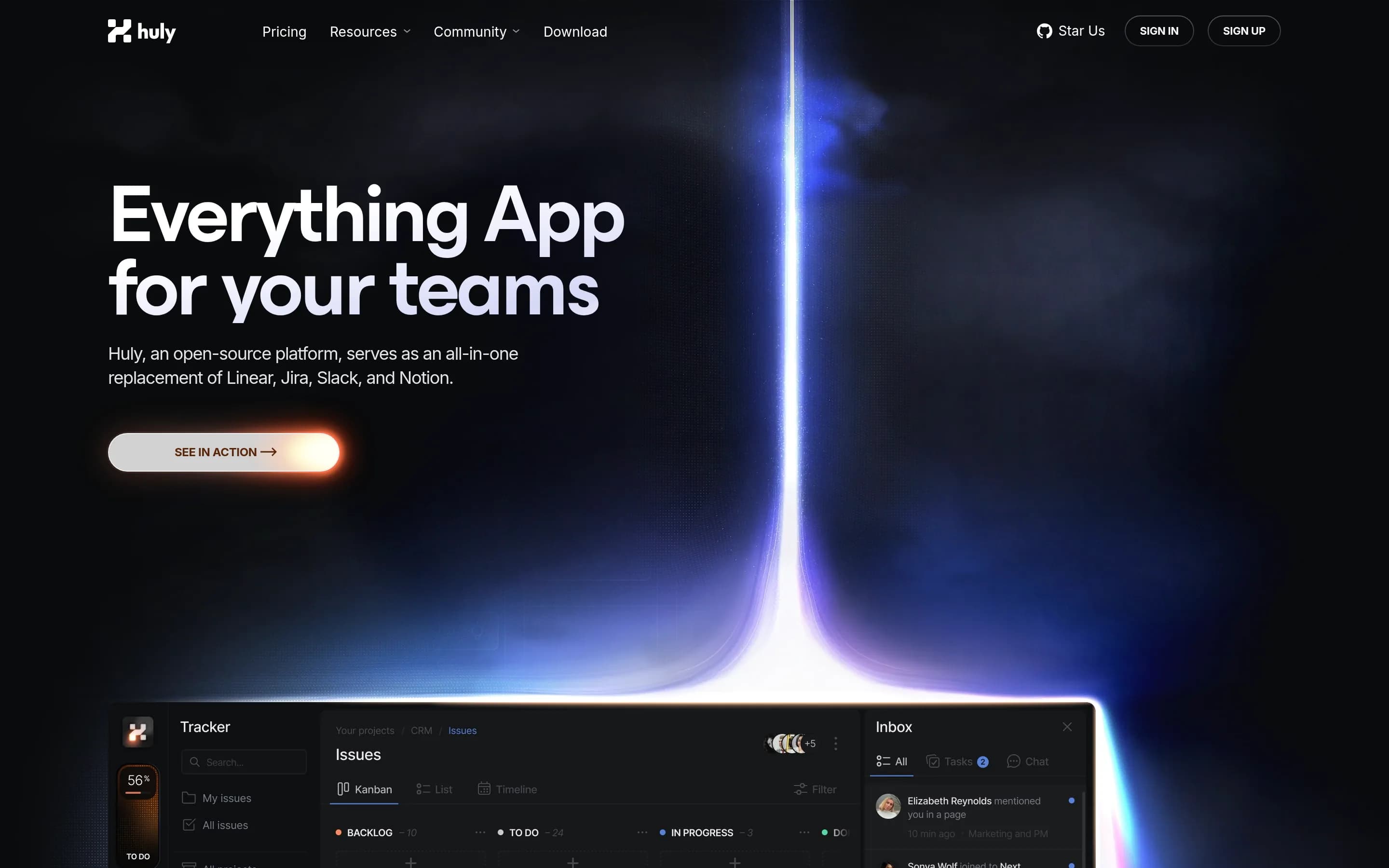
Huly is an open-source platform that includes applications for project management, chat, CRM, HRM, and applicant tracking. Its documented project-management scope and workspace setup support teams coordinating business work from a unified application, while the platform architecture also supports teams building products on top of it.
The repository documents production and development releases, API-client access for integrations and custom applications, and a complete local run path. Users can build and launch the application with Docker and Docker Compose, access it through a browser at a local URL, create an account, and create a workspace. The project is licensed under EPL-2.0 and can be self-hosted using the related Huly self-host repository.
What it covers
- Team task creation and tracking
- Multi-project organization
- Personal tasks and planning
- Progress tracking and notifications
- Collaborative project work
What’s different
- No documented Asana importer
- No documented portfolios or goal hierarchy
- No documented intake forms or workflow rules
- No documented reporting dashboards
- No documented workload or capacity planning
- No documented Asana-equivalent enterprise controls
- AI capability listed as TBD in pricing
NNamviek2,547
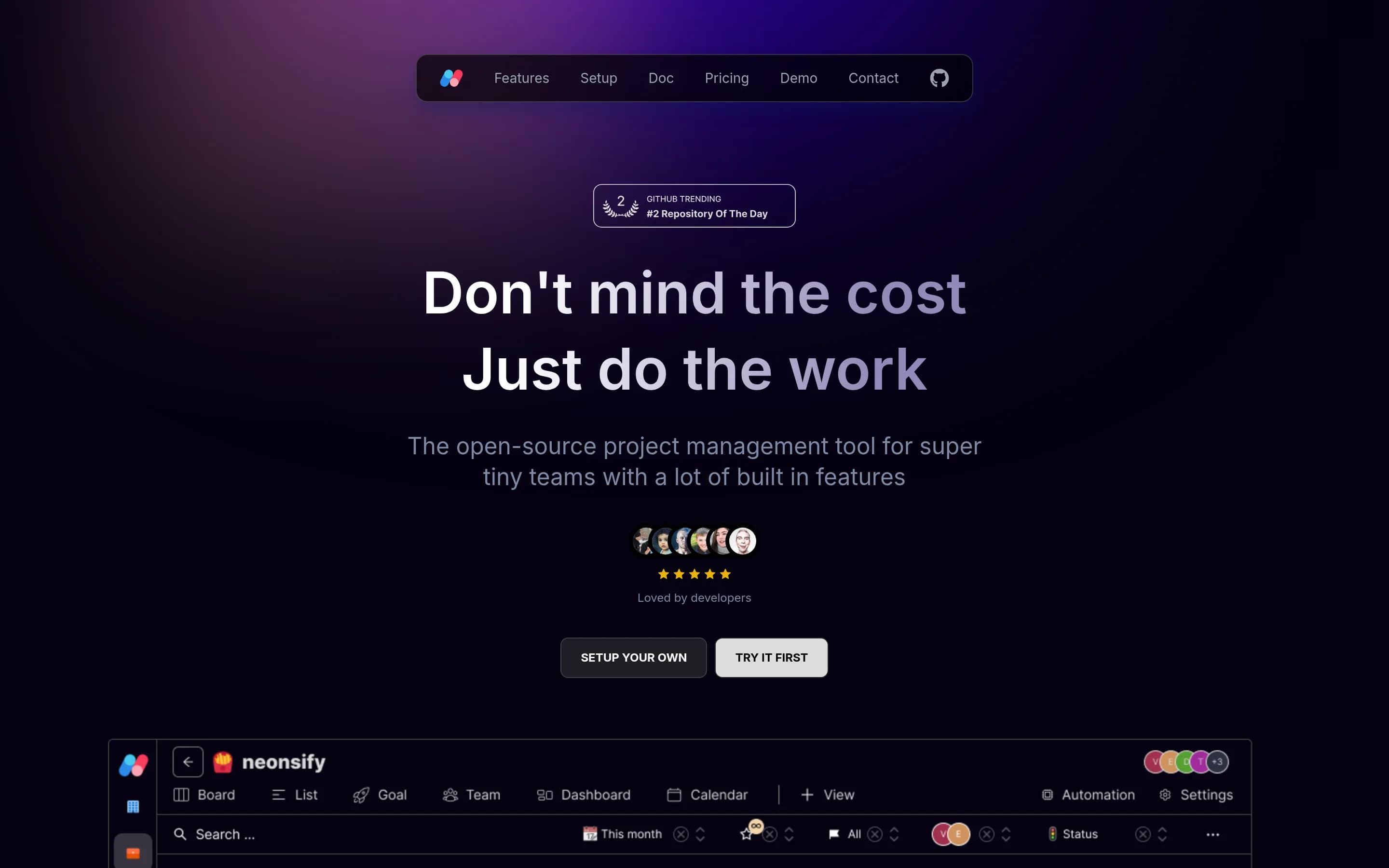
Namviek is the narrower, self-hosted choice for small teams that need task management, common project views, dashboards, and basic reporting while retaining source and infrastructure control. Asana is the better fit for organizations that need broader work-management coverage such as dependencies, portfolios, intake forms, automation, workload planning, AI workflows, or extensive integrations. Choose Namviek when a “
What it does
Namviek is an open-source project management tool designed for development teams with limited budgets. It provides essential project management capabilities for organizing team work and is described as a self-hosted alternative with fixed hosting costs rather than per-user pricing.
The project is built with Next.js, Node.js, MongoDB, Redis, and NX, and includes demo instances for trying the product. Users can run it locally with Docker Compose, configure required services such as Redis, MongoDB, and Minio, follow manual installation and deployment documentation, or deploy through Vercel and Render. The supplied README does not specify Gantt charts, resource planning, workflow automation, or dashboards.
What it covers
- Assigned task tracking
- Board and list views
- Calendar-based scheduling
- Goal-oriented views
- Filtered custom views
- Dashboards and project reporting
What’s different
- No documented timeline or Gantt view
- No documented task dependencies or milestones
- No documented portfolio management
- No documented intake forms or workflow rules
- No documented workload or capacity planning
- No documented AI-assisted workflows
- No documented broad integration catalog
KKaneo8,318
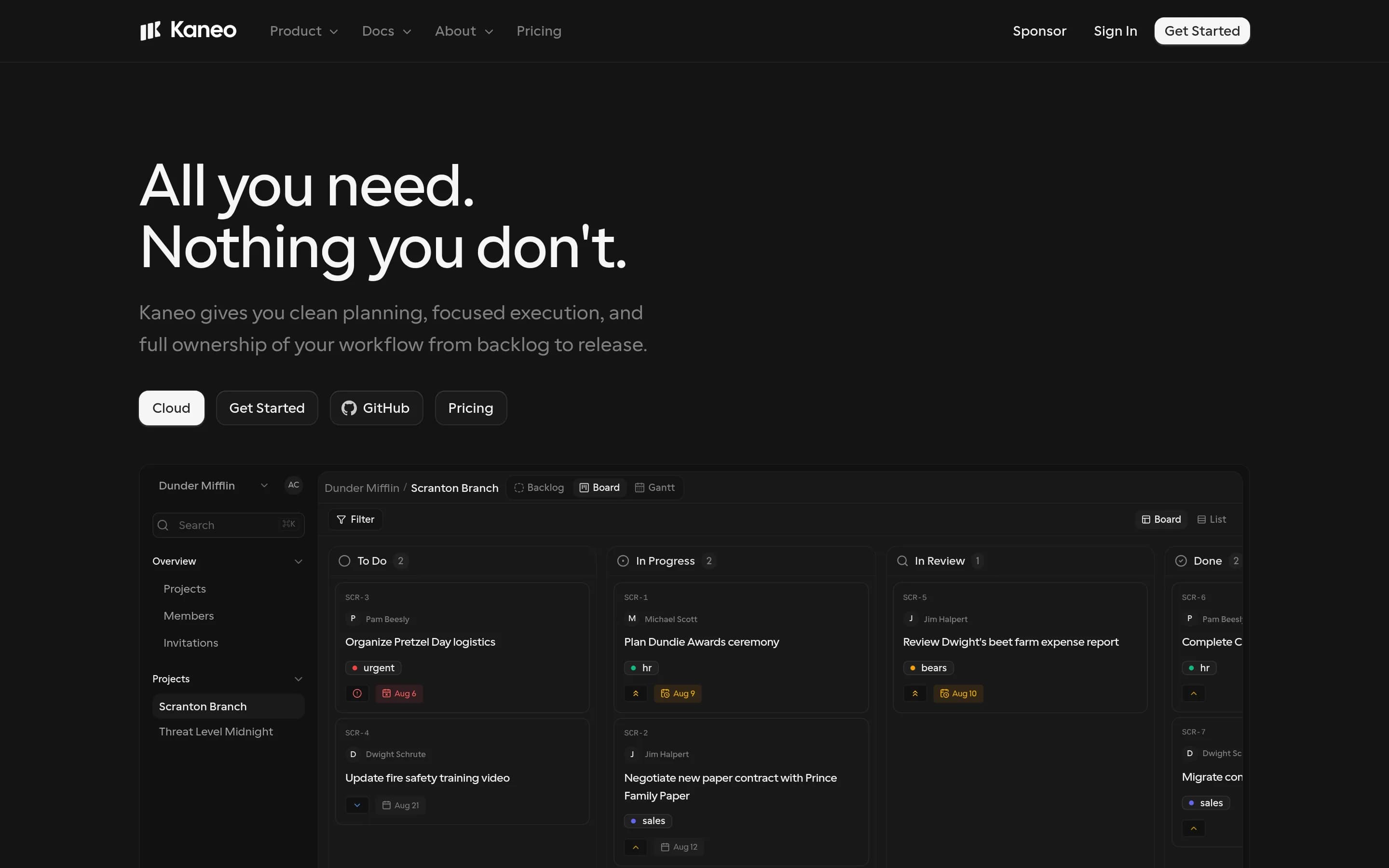
Choose Kaneo for focused task, backlog, list, and board workflows when MIT-licensed source access or control of hosting and data is a priority. Choose Asana when the broader work-management layer—timelines, dependencies, goals, portfolios, forms, reporting, workload planning, automation, AI workflows, or a large integration catalog—is required; those capabilities are not established for Kaneo by the supplied sources.
What it does
Kaneo is an open-source project management platform designed to help teams organize products and projects without a heavily feature-laden interface. The README identifies tasks, projects, labels, issue management, and project management as core uses, and describes a clean interface focused on team work.
The product can be deployed under user control with Docker Compose, a bundled container and PostgreSQL, separate API and web images, or a Kubernetes Helm chart. It also supports a built-in HTTP MCP endpoint and an official MCP package so compatible AI clients can manage tasks, projects, and labels. The repository is MIT-licensed and documents self-hosted and cloud links.
What it covers
- Projects and tasks
- Task ownership and due dates
- Board and list views
- Labels and priorities
- Team roles and permissions
What’s different
- No supplied evidence of timelines or Gantt views
- No supplied evidence of task dependencies or milestones
- No supplied evidence of goals or portfolios
- No supplied evidence of forms or reporting dashboards
- No supplied evidence of workload or capacity planning
- No supplied evidence of rules-based automation
- No supplied evidence of AI-assisted project workflows