
CClickUp
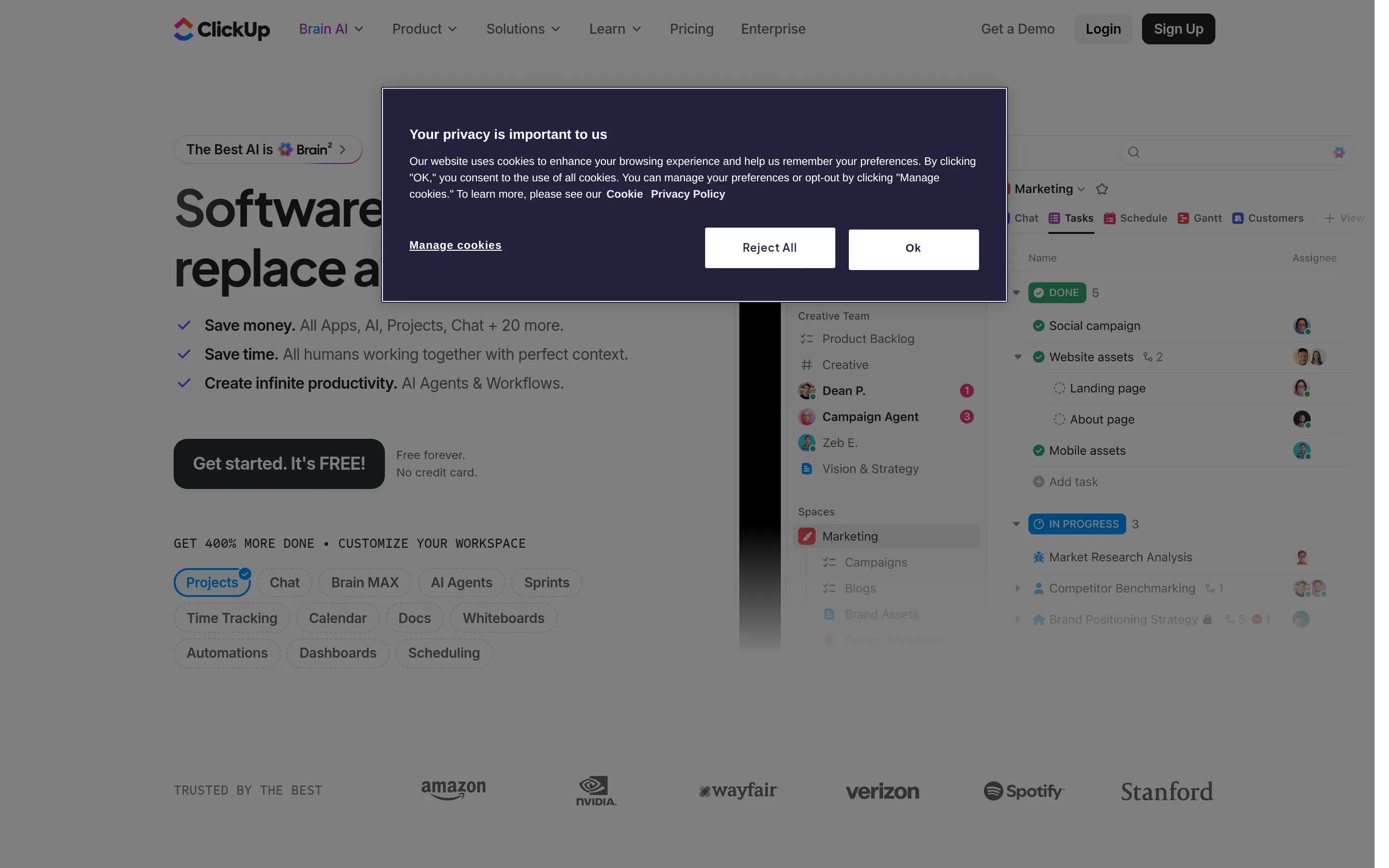
ClickUp is a work management platform for planning projects, assigning and tracking tasks, documenting team knowledge, and monitoring delivery through configurable views and dashboards. It also includes chat, calendars, automations, time tracking, forms, whiteboards, and workspace-aware AI tools.
Why people leave ClickUp
Organizations may seek a ClickUp alternative when they want a more focused product. ClickUp combines projects, tasks, documents, wikis, chat, calendars, dashboards, goals, forms, whiteboards, automations, AI, and other modules in one workspace. That breadth can support consolidation, but it may exceed the needs of a team that only wants straightforward task tracking, software issue management, documentation, or workplace messaging. A narrower tool may offer a workflow and information structure that are easier to standardize around one primary job.
ClickUp’s flexibility may also prompt teams to compare alternatives. The platform supports custom statuses, fields, task types, permissions, templates, automations, and more than 15 views. These options allow different groups to model work in different ways, yet organizations seeking a strongly opinionated process may prefer software with fewer configuration decisions. Teams may also want an alternative tailored to a particular methodology or department rather than a general platform designed to accommodate many kinds of work.
Pricing and usage rules can be another reason to evaluate substitutes. ClickUp states that upgrading applies to an entire Workspace, members added to a paid Workspace are billed on a prorated basis, and each Workspace requires its own upgrade. It also distinguishes internal members from external guests and allocates guest seats according to plan. Some features have usage limits, while advanced AI capabilities consume shared monthly credits. Depending on team composition and expected AI or automation use, buyers may prefer simpler per-user pricing, different guest policies, self-hosting, or fewer metered capabilities.
Finally, some organizations may require a different deployment or governance model. ClickUp offers enterprise controls such as SSO, SAML, 2FA, granular permissions, audit logs, monitoring, and regional data residency, but a company may still need direct infrastructure control, a specific integration architecture, or an open-source system it can inspect and modify. Others may already rely on dedicated chat, document, calendar, and analytics products and see limited value in moving those workflows into one suite. In those cases, an alternative may better fit existing systems while providing the particular project or task workflow the organization considers essential.
12 Best Open Source ClickUp Alternatives (Ranked)
Each alternative is evaluated for core feature coverage, deployment options, licensing, project health, and overall fit. The ranking prioritizes how closely a tool matches ClickUp's primary workflows, using popularity only as a secondary signal.
PPlane56,003
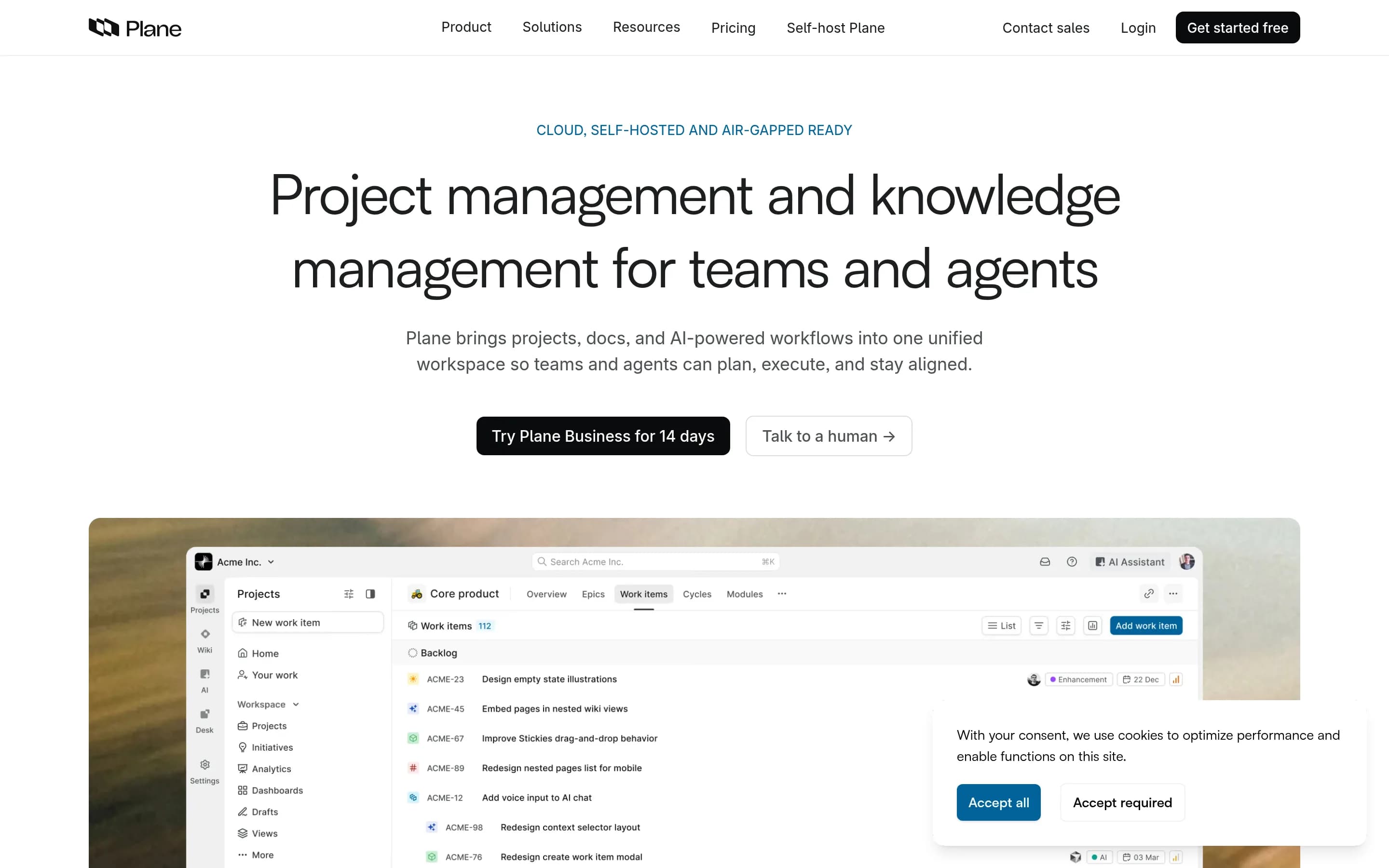
Plane is the stronger choice for teams that want an open-source, self-hostable system centered on work items, cycles, roadmaps, pages, and analytics. ClickUp remains better for organizations seeking a broader consolidated suite with documented chat, calendars, time tracking, forms, whiteboards, extensive views, and related workspace modules. The central tradeoff is infrastructure control and a narrower project focus—
What it does
Plane is an open-source project management platform for creating and managing work items, organizing cycles and modules, tracking issues, and managing product roadmaps. Its documented workflows include rich-text task editing, file uploads, sub-properties, related issues, filters, saved views, and converting notes into actionable items.
Plane also provides burn-down charts, real-time analytics, and Pages for organizing ideas and documentation. It can be used through Plane Cloud or deployed on user-controlled infrastructure, with documented Docker and Kubernetes installation methods. The repository is licensed under AGPL-3.0.
What it covers
- Task and work-item tracking
- Sprint or cycle planning
- Product roadmaps
- Project pages and documentation
- Filtered, saved views
- Project analytics
- Workspace-context AI
What’s different
- Built-in team chat not documented
- Calendar planning not documented
- Time tracking and timesheets not documented
- Forms and whiteboards not documented
OOpenproject15,857
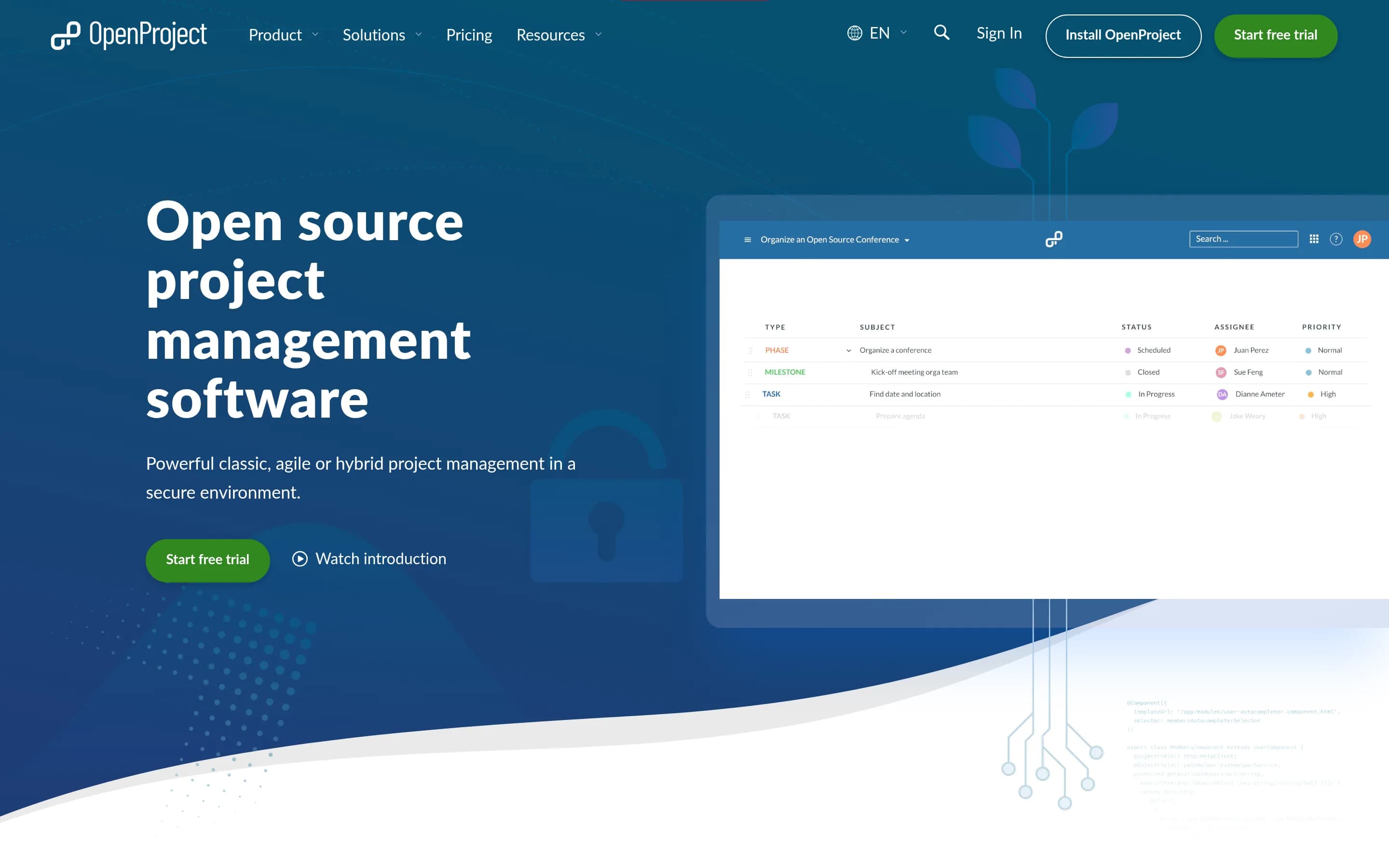
OpenProject is a credible alternative for teams whose priority is open-source, self-hostable project and portfolio management, including task and issue tracking, Gantt planning, agile boards, roadmaps, time tracking, and wikis. Choose OpenProject when infrastructure and data control outweigh suite breadth. Choose ClickUp when the workspace must also provide documented native chat, AI, forms, whiteboards, goals/OKRs,,
What it does
OpenProject is a web-based, open-source platform for teams and organizations managing projects, portfolios, products, tasks, bugs, agile workflows, and roadmaps. Its documented capabilities include project and portfolio management, Kanban and Scrum boards, Gantt-based planning and scheduling, task management, time tracking, cost reporting, budgeting, and team collaboration.
The software can be deployed under user control through its self-hosted Community Edition, with installation guides provided. An Enterprise Edition is also available through cloud or on-premises deployment, and documented integrations include Nextcloud, XWiki, GitHub, and GitLab.
What it covers
- Task and issue tracking
- Project and portfolio management
- Gantt planning and scheduling
- Kanban and Scrum boards
- Roadmaps and release planning
- Calendars and dashboards
- Time tracking and reporting
- Documents and wikis
- Custom fields and status workflows
- Roles and permissions
What’s different
- No documented native workplace chat
- No documented workspace-aware AI
- No documented whiteboards or mind maps
- No documented goals or OKR tracking
- No documented ClickUp migration path
LLeantime11,356
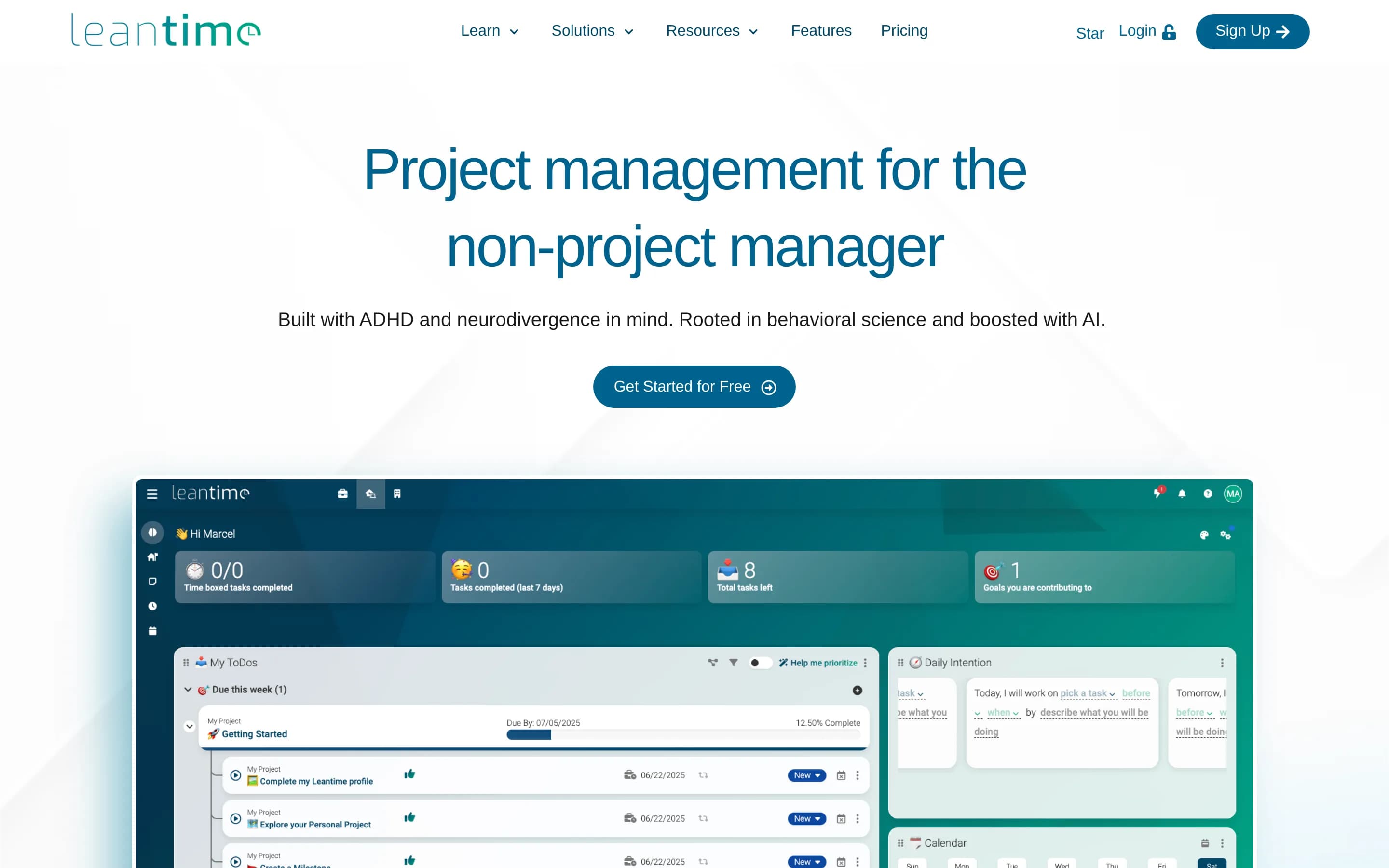
Leantime is a credible open-source replacement for ClickUp’s project-management core, covering tasks, dependencies, milestones, multiple planning views, goals, reports, docs, time tracking, and whiteboards. Choose Leantime when self-hosting, source access, or a goals-focused workflow for non-project managers matters more than suite breadth. Keep ClickUp when you depend on documented capabilities not established forLe
What it does
Leantime is an open-source project management system designed for non-project managers. It combines strategy, planning, and execution with task management through kanban, Gantt, table, list, and calendar views. Documented features include subtasks, dependencies, milestones, sprints, timesheets, project dashboards, reports, status updates, goals and metrics, retrospectives, comments, discussions, and project permissions.
The application can be deployed on a user-controlled server through a local PHP, MySQL or MariaDB, and Apache or Nginx installation, or through the official Docker image and Docker Compose setup. It also supports file storage, LDAP and OIDC integration, plugins, a JSON-RPC API, and integrations with Slack, Mattermost, and Discord.
What it covers
- Task and subtask tracking
- Dependencies and milestones
- Kanban, list, table, calendar, and Gantt views
- Project dashboards and reports
- Goals and metrics
- Project docs and wikis
- Time tracking and timesheets
- Whiteboards and visual planning
What’s different
- Native workplace chat not documented
- Workflow automations not documented
- Forms and intake workflows not documented
- ClickUp-compatible import not documented
- Equivalent workspace-wide AI not established
EEver-gauzy4,327
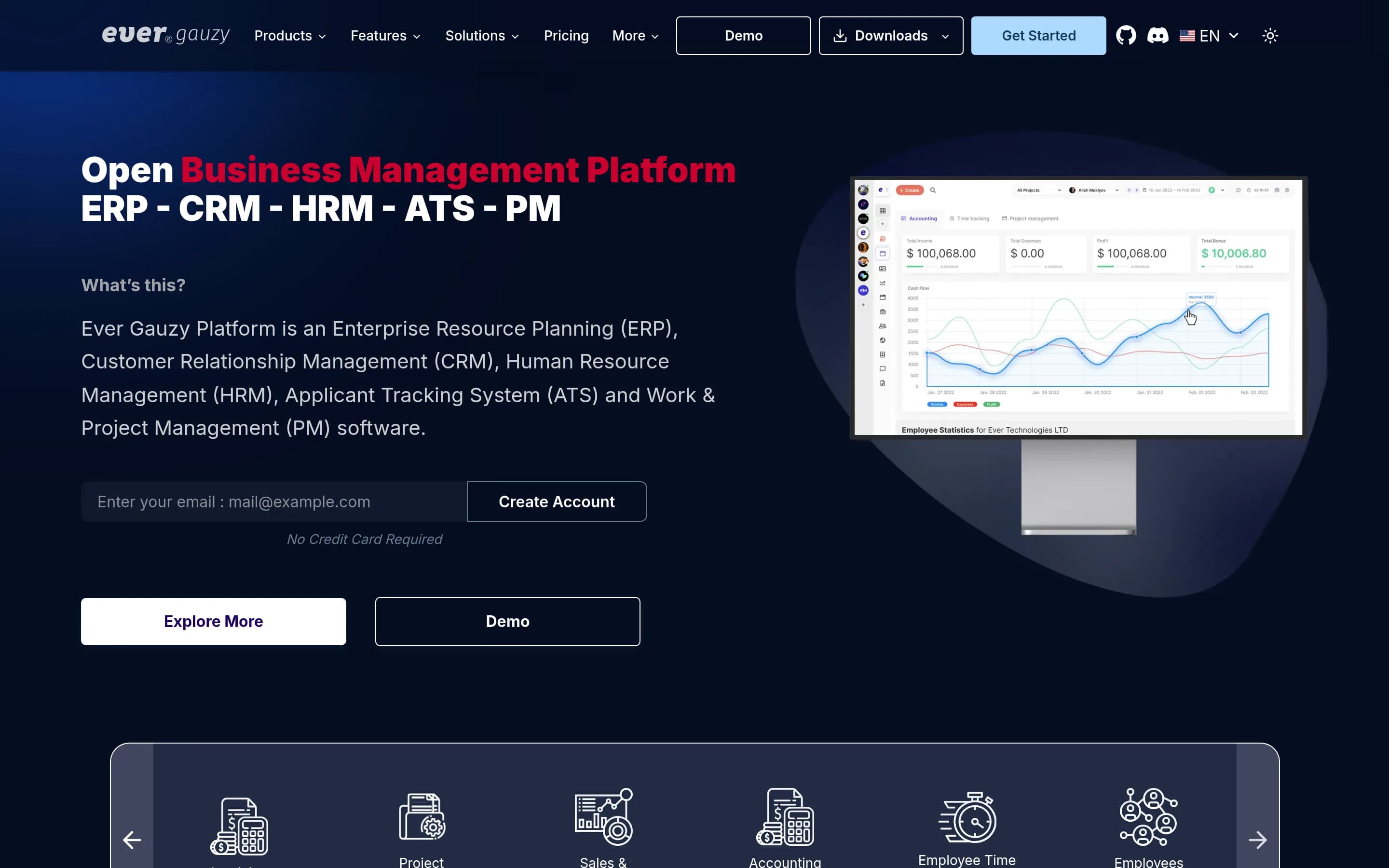
Choose Ever Gauzy when infrastructure control and combining project work with ERP, CRM, HR, recruiting, finance, and workforce tracking are more important than ClickUp-style collaboration breadth. Choose ClickUp when delivery planning, configurable project views, collaborative docs, chat, whiteboards, forms, automations, or workspace AI are central; the supplied Ever Gauzy materials do not document equivalent support
What it does
Ever Gauzy is an open business-management platform covering ERP, CRM, HRM, ATS, sales, finance, inventory, and work and project management. Its documented project-related workflows include projects and tasks, schedules, team and organization management, goals and KPIs, dashboards, reports, insights, analytics, integrations, and time tracking with timesheets and activity tracking.
The platform is available as a browser-based web UI, server application, and Windows, macOS, and Linux desktop applications. Users can run it locally with Yarn or deploy it with Docker Compose; Kubernetes is recommended for production. It supports SQLite for demos and PostgreSQL or other databases for deployment, and is licensed under AGPL-3.0.
What it covers
- Project and task management
- Time tracking and timesheets
- Dashboards and analytics
- Goals, KPIs, and OKRs
- Schedules and events
- Tags and labels
- Roles and permissions
- Knowledge-base functionality
What’s different
- No documented team chat
- No documented whiteboards or mind maps
- No documented intake forms
- No documented workflow automations
- No documented workspace-aware AI
- No documented ClickUp-equivalent planning-view set
- No documented task-connected collaborative docs
WWorklenz3,147
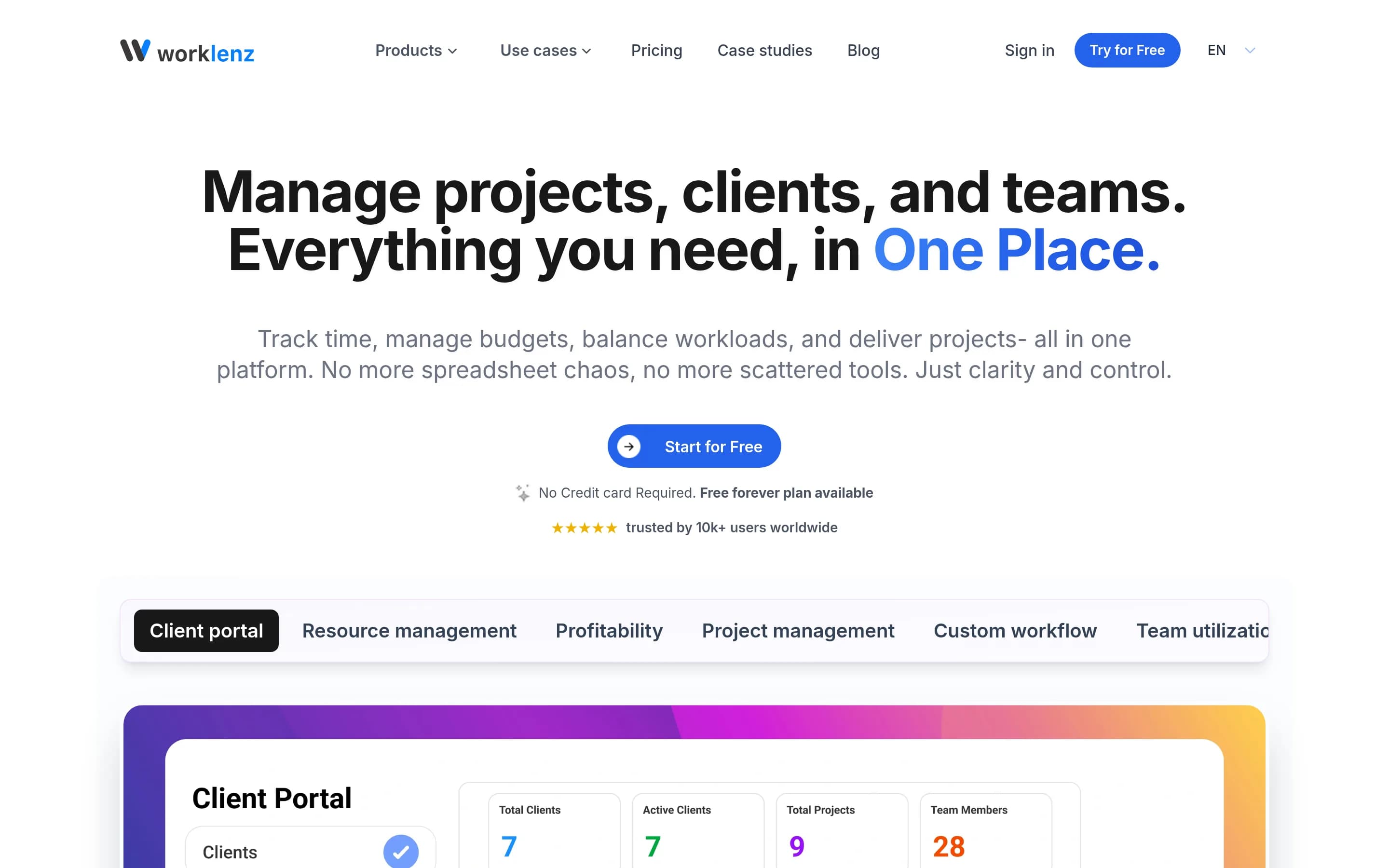
Choose Worklenz when self-hosting and an agency-oriented workflow—task delivery, time, resources, budgets, profitability, and client visibility—matter more than suite breadth. Choose ClickUp when the workspace must also consolidate documentation, persistent chat, whiteboards, forms, automations, goals, calendars, or workspace-aware AI; those areas are not documented for Worklenz in the supplied material.
What it does
Worklenz is an open-source project management platform for planning, executing, and monitoring projects. Teams can create projects and tasks, set priorities and due dates, track progress through list, board, and Gantt views, use templates, and collaborate through comments and file sharing.
The platform documents resource planning, workload balancing, visual scheduling, time tracking, budgets and costs, analytics, reporting, team utilization, project profitability, and a client portal. It can be used through Worklenz Cloud or deployed under user control with Docker, Docker Compose, or manual installation using React, Express, PostgreSQL, Redis, and object storage.
What it covers
- Project and task management
- Task ownership and priorities
- Task dependencies and schedules
- Custom status workflows
- List, Kanban, and Gantt views
- Time tracking
- Analytics and reporting
- Templates
- Workload and capacity planning
- Task comments and attachments
What’s different
- Docs and wikis not documented
- Persistent team chat not documented
- Workflow automations not documented
- Goals and OKRs not documented
- Forms and whiteboards not documented
- Workspace-aware AI not documented
- Calendar, roadmap, and portfolio views not documented
LLaravel-gitscrum2,908
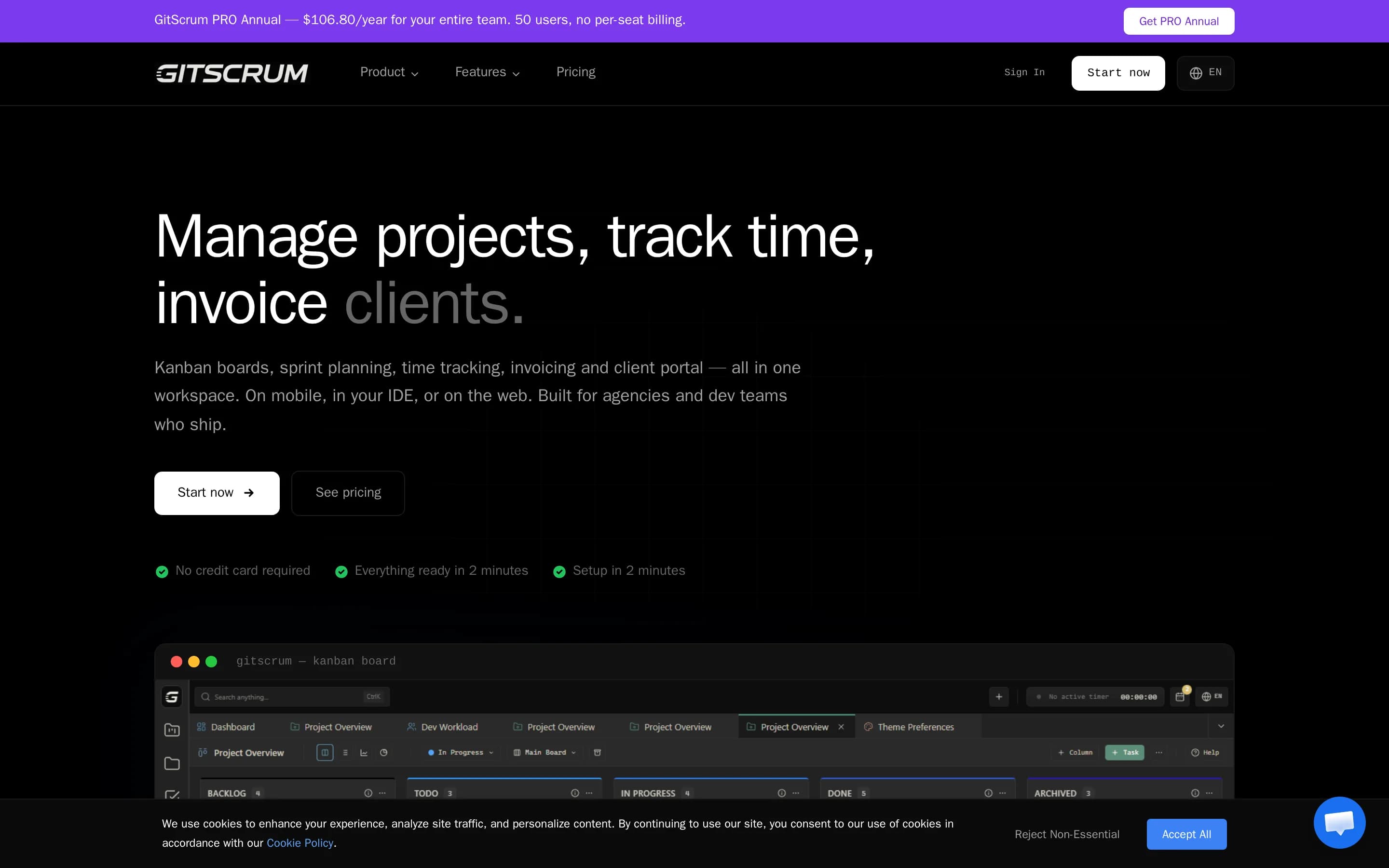
Laravel-gitscrum is a narrower, self-hosted option for teams centered on Scrum-style backlogs, user stories, sprints, issues, and Kanban. Its main tradeoff is substantial maintenance and coverage risk: the repository identifies this edition as code developed in 2016 and supported only until 2017. Choose it when infrastructure control, MIT-licensed code, and a focused Agile workflow outweigh the need for current broad
What it does
GitScrum is an open-source project management tool for organizing projects and managing team tasks within workspaces. Its documented Agile workflow includes product backlogs, user stories, sprint backlogs, issues, prioritization, estimates, checklists, labels, assignments, comments, attachments, and status tracking.
The application provides dynamic Kanban boards, sprint planning, burndown charts, Gantt charts, dashboards, milestones, discussions, mentions, and integrations with GitHub, GitLab, and Bitbucket. The repository documents deployment through Laravel, PHP, Nginx or Apache, and MySQL or MariaDB, with Composer installation, database migration, OAuth configuration, and an available Docker setup.
What it covers
- Task assignment and status tracking
- Kanban-based work planning
- Milestone or sprint organization
- Priorities, labels, and checklists
- Comments and activity history
- Attachments and effort estimates
What’s different
- No documented collaborative docs or wikis
- No documented workplace chat
- No documented forms or whiteboards
- No documented native time tracking or timesheets
- No documented workflow automations
- No documented workspace-aware AI
- No documented goals, OKRs, or portfolio management
- No documented ClickUp data importer
PPaca1,723
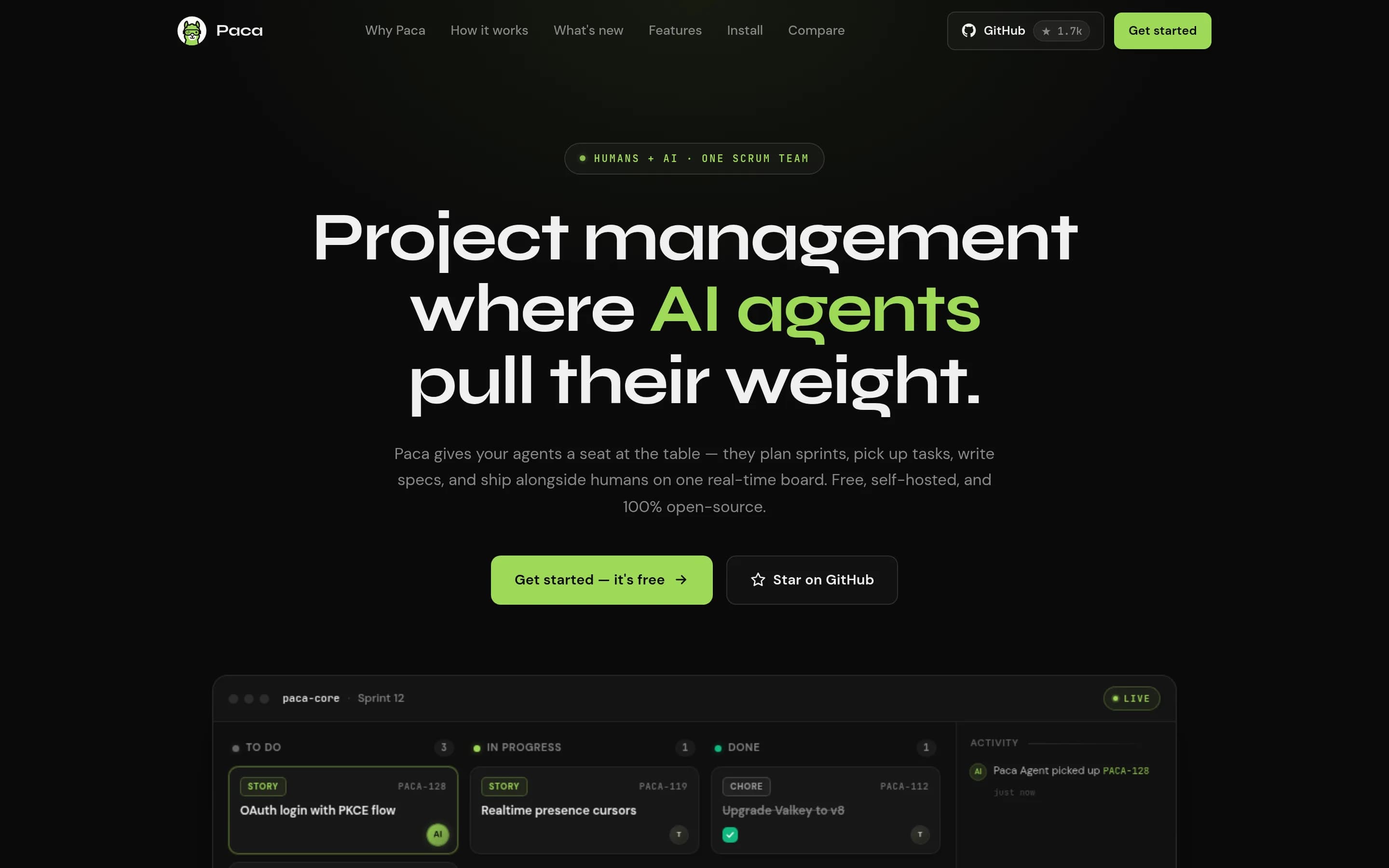
Paca is the stronger fit for Scrum-oriented teams that want self-hosting, inspectable Apache-2.0 code, configurable workflows, and AI agents working directly on the same board as people. ClickUp remains the better choice for organizations needing a broader, vendor-managed work suite with established coverage across multiple planning views, dashboards, goals, time tracking, forms, whiteboards, calendars, and workplace
What it does
Paca is a self-hosted project management platform for Scrum teams in which humans and AI agents collaborate on the same Scrumban board, sprints, goals, backlog, tasks, and project documentation. Its workflow covers planning, execution, checking, and adaptation, with real-time updates and in-app AI chat for creating or updating work.
The platform documents BDD collaboration, system design documents, activity diffs with revert, configurable workflows and fields, visual automation flows, an MCP server, and sandboxed WASM plugins. It runs under user-controlled infrastructure through an interactive installer or Docker Compose, with PostgreSQL, storage, optional AI-agent services, and a browser-accessed instance.
What it covers
- Tasks, assignments, statuses, and custom fields
- Sprint and backlog management
- Board-based project tracking
- Project documents
- Configurable workflows
- Event-driven automations
- Project-level AI chat
- Extensible integrations and tools
What’s different
- No documented Gantt or timeline view
- No documented calendar or roadmap view
- No documented portfolio or Everything view
- No documented dashboards or goal tracking
- No documented time tracking or timesheets
- No documented forms or whiteboards
- No documented workplace chat module
44gaBoards689
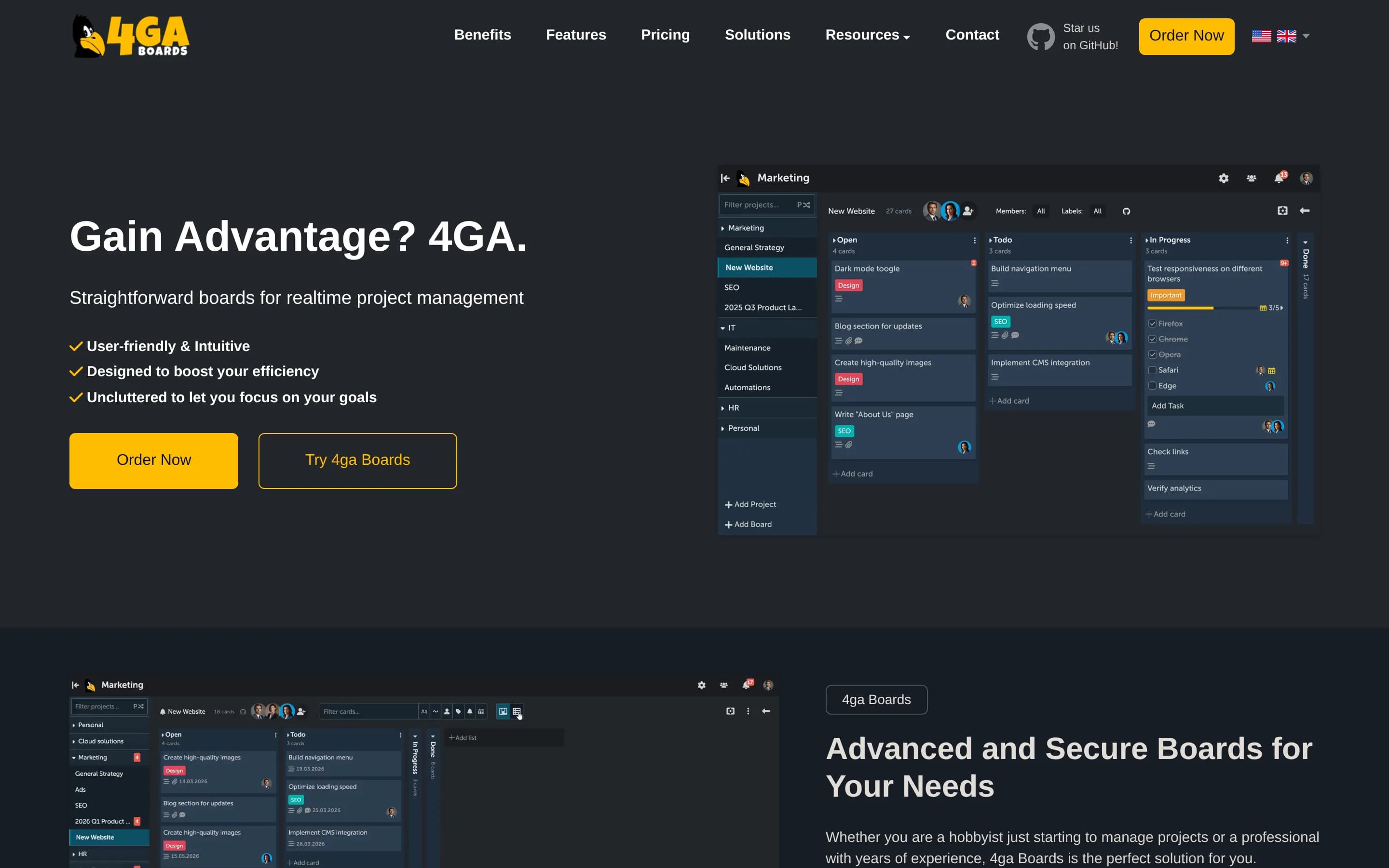
4ga Boards is a focused, self-hostable Kanban project-management platform that substantially overlaps with ClickUp's task tracking, project delivery, and board-planning workflows, but does not document ClickUp's broader documentation, dashboards, automation, or collaboration suite.
What it does
4ga Boards is a realtime web-based kanban system for project and task management. Its documented hierarchy is projects, boards, lists, cards, and tasks, with collapsible lists, filtering and rearranging, multitasking tools, an advanced Markdown editor, shortcuts, and realtime updates without page reloads. It supports shared work through SSO login options and board collaboration features.
The project can be run under user control with Docker Compose, Kubernetes, TrueNAS, or a manual installation. The README also documents importing boards from Trello, exporting and importing boards, backup and restore scripts, PostgreSQL configuration, and a hosted professional option. It is released under the MIT license.
What it covers
- Kanban board planning
- Project and task organization
- Realtime collaborative updates
- Task and card editing
- Project hierarchy
- Trello board import
What’s different
- Collaborative docs and workspace wikis
- Dashboards, analytics, goals, and OKR tracking
- Workflow automations
- Persistent team chat
- Workspace AI tools
- Time tracking and timesheets
- Forms and whiteboards
- Documented dependencies, milestones, estimates, or roadmap views
SScrumboy429
Scrumboy is a narrower, self-hosted Kanban and issue-tracking alternative for teams prioritizing infrastructure control, inspectable AGPL-3.0 code, configurable board workflows, and lightweight collaboration. Choose it for focused task and sprint management when your organization can operate the service. Choose ClickUp when you need a broader managed suite spanning multiple planning views, documents, dashboards, chat
What it does
Scrumboy is a self-hosted project-management and issue-tracking application centered on customizable Kanban boards. Users can create projects, define workflows and priority tiers, manage todos with tags and filters, assign work, and collaborate on realtime boards. It also supports sprints, audit trails, shareable anonymous boards, sticky-note walls, Markdown notes, voice commands, and multiple languages.
The application runs as a local web server backed by SQLite, with Docker images, Docker Compose, source builds, and a Windows executable documented in the README. Full and anonymous modes are available, alongside optional authentication, 2FA, OIDC/SSO, backups, webhooks, API access, PWA support, and MCP-compatible client support for AI-agent integrations.
What it covers
- Kanban-based task management
- Assignees, statuses, tags, and estimates
- Custom project workflows
- Sprint-based work tracking
- Real-time board collaboration
- Webhook and API integration options
- OIDC/SSO and two-factor authentication
What’s different
- No documented Gantt or timeline views
- No documented calendar or portfolio views
- No documented docs or workspace wikis
- No documented dashboards, goals, or OKRs
- No documented integrated team chat
- No documented time tracking or timesheets
- No documented structured intake forms
- No documented native workspace-aware AI
Zametek.ProjectPlan237
Zametek.ProjectPlan is a narrower, open-source desktop application for designing and tracking project plans, with a CLI suited to batch processing and CI. Choose it when local control, source access, schedule planning, or scripted plan compilation matters more than collaboration breadth. Choose ClickUp when teams need a shared work-management service spanning task collaboration, documents, dashboards, chat, forms, or
What it does
Projectplan.net is an open-source, cross-platform desktop application for designing, creating, and tracking project plans. It is positioned as a simple alternative to Microsoft Project and supports project imports from Microsoft Project and Excel, project scenarios, compilation, metrics, and generated Gantt, arrow, and scenario charts.
The repository also includes the headless zpp command-line tool for scripting, CI pipelines, and batch processing. It can export images and JSON metrics, and convert imported plans into project files. Users can build or run the desktop application with the .NET SDK, publish self-contained binaries for Windows, Linux, and macOS, and build a Windows MSI installer.
What it covers
- Project-plan creation
- Project tracking
- Gantt-style output
- Scenario-based planning
- Project metrics
What’s different
- Collaborative docs and wikis
- Team chat
- Dashboards, goals, and OKRs
- Workflow automations
- Time tracking and timesheets
- Forms and whiteboards
- Workspace-aware AI
- Documented ClickUp import
CCommunityServer3,155
CommunityServer is a plausible ClickUp alternative for organizations prioritizing a self-hosted, Apache-2.0 workspace centered on documents, conventional project tracking, CRM, email, and internal collaboration. Choose it when infrastructure control and these narrower workflows matter most. Choose ClickUp when delivery depends on its broader set of configurable views, dashboards, goals, automations, forms, whitebo‑
What it does
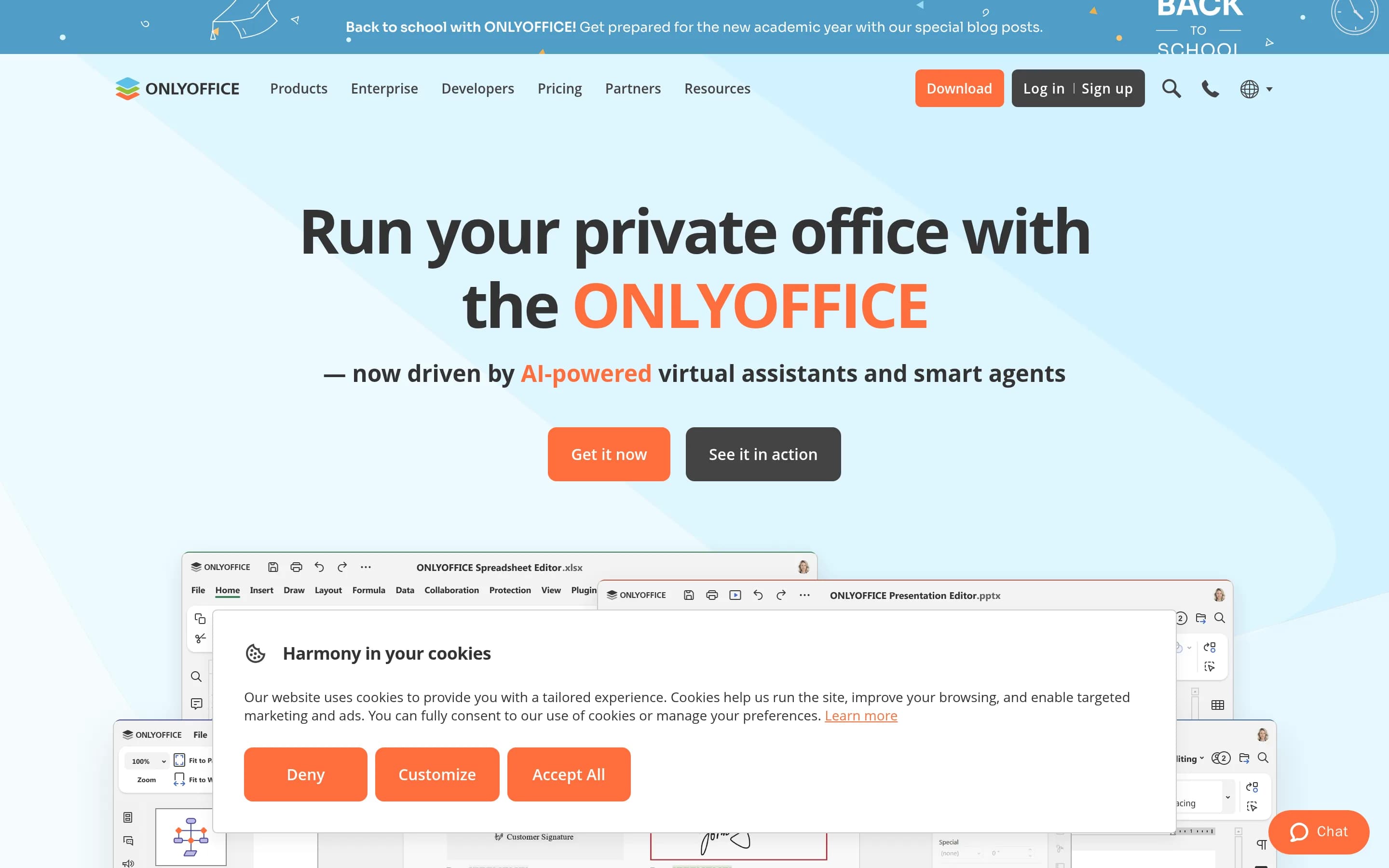
ONLYOFFICE Groups is an open-source collaborative business platform that centralizes document management, project management, CRM, and email. Users can organize and share files with permissions, connect cloud storage services, manage customer contacts and interactions, and aggregate multiple email accounts.
Its project tools support projects, milestones, tasks, subtasks, Gantt charts, time tracking, and automated reports. Collaboration features include blogs, forums, an internal wiki, shared calendars, meetings, and an employee directory. The repository documents deployment through an official Docker image and Linux installation documentation, allowing organizations to run the platform under the Apache 2.0 license.
What it covers
- Projects, tasks, and subtasks
- Milestones and Gantt planning
- Task time tracking and reports
- Document and file sharing
- Internal wiki and shared calendar
What’s different
- No documented board, timeline, roadmap, or portfolio views
- No documented dashboards, goals, or OKR tracking
- No documented workflow automations
- No documented whiteboards or mind maps
- No documented workspace-aware AI
- No documented ClickUp import or compatibility path
EEver-teams543
Ever-teams is the better candidate for teams prioritizing inspectable, self-hostable project and workforce management with time tracking; however, its documented capabilities are described as planned, and the project explicitly warns that it is actively developed and work in progress. Choose ClickUp when a mature, broad workspace spanning delivery planning, documents, dashboards, automation, chat, AI, forms, and rich
What it does
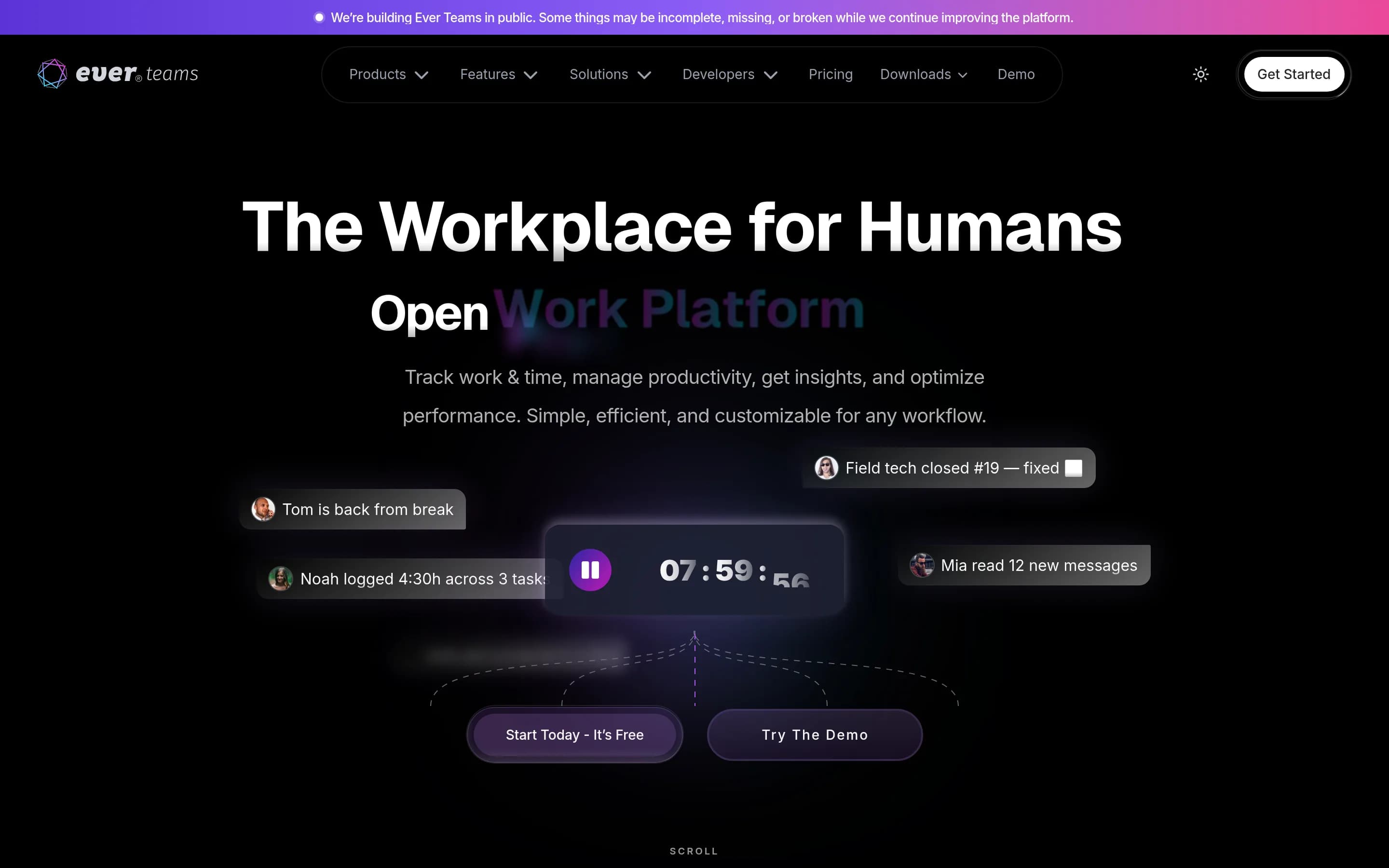
Ever Teams is an open work and project management platform for teams. Its documented feature set includes projects, tasks and issues management, organizations and teams, tags and labels, time management, time tracking, activity tracking, productivity metrics, and integrations with GitHub, GitLab, Bitbucket, and Jira. The repository describes the project as actively developed and a work in progress.
The product provides a web application, with mobile apps, a desktop application, and browser extensions listed in the repository. It can be run locally with Docker Compose, Docker, or a manual Node.js build, and supports deployment through several hosting providers. The web frontend requires access to the Ever Gauzy APIs, either through the documented hosted endpoint or a self-hosted Gauzy backend.
What it covers
- Project and task management
- Issue tracking
- Time tracking
- Teams and organizations
- Tags and labels
What’s different
- No documented ClickUp importer
- No documented docs or wikis
- No documented dashboards or goals
- No documented workflow automations
- No documented team chat
- No documented workspace AI
- No documented forms or whiteboards
- No documented Gantt, timeline, or roadmap views