
CCopper CRM
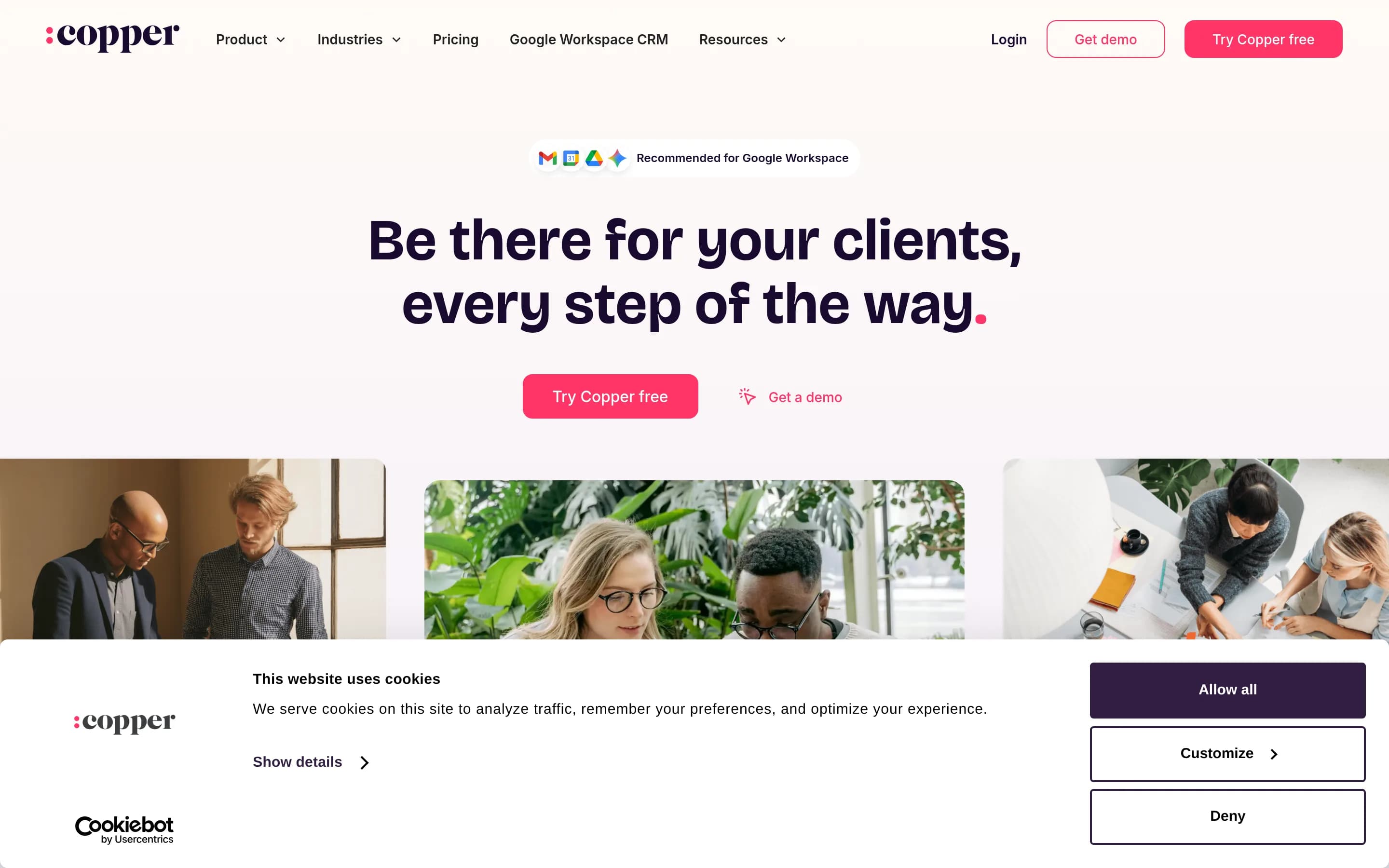
Copper CRM is a customer relationship management platform for tracking contacts, leads, opportunities, projects, and ongoing client relationships. It is designed around Google Workspace, allowing teams to update CRM records and track interactions from Gmail and Google Calendar.
Why people leave Copper CRM
Someone might seek an alternative if their organization does not primarily work in Google Workspace. Copper’s distinguishing workflow is closely tied to Gmail, Google Calendar, Drive, and related tools. That can be useful for Google-centric teams, but a business standardized on another email and productivity ecosystem may prefer a CRM whose native workflows better match its existing environment. Teams may also want more freedom to change productivity suites without making a central customer system feel less well integrated.
Another reason could be a need for a CRM with a different functional focus. Copper covers contacts, opportunities, pipelines, tasks, project delivery, automated follow-ups, and reporting, with an emphasis on relationship-focused service businesses. Organizations with highly specialized sales processes, extensive customer-service operations, or broader marketing requirements may want a platform built more directly around those jobs. Conversely, a small team that only needs a simple contact list and deal tracker might consider Copper’s combined sales, project, automation, and reporting scope more than it requires.
Workflow and customization requirements can also prompt a search. Copper supports configurable pipelines, labels, tags, owners, templates, recurring tasks, notifications, and workflow triggers. However, every organization has different rules for approvals, data models, permissions, reporting, and automation. A team should compare whether Copper’s available configuration matches its processes or whether an alternative offers a better fit for unusually complex, rigid, or industry-specific workflows.
Finally, businesses may evaluate alternatives because of ecosystem, deployment, governance, or long-term cost considerations. Copper promotes integrations with third-party tools and provides mobile apps and developer resources, but prospective users may require a particular connector, a different approach to data control, or deployment options not described on the supplied page. Growing teams may also compare total costs as users and workflows expand. An open-source alternative may be attractive to organizations that prioritize source access, self-hosting, deeper modification, or reduced dependence on a single vendor, provided they are prepared to operate and maintain it.
14 Best Open Source Copper CRM Alternatives (Ranked)
Each alternative is evaluated for core feature coverage, deployment options, licensing, project health, and overall fit. The ranking prioritizes how closely a tool matches Copper CRM's primary workflows, using popularity only as a secondary signal.
EEspocrm3,266
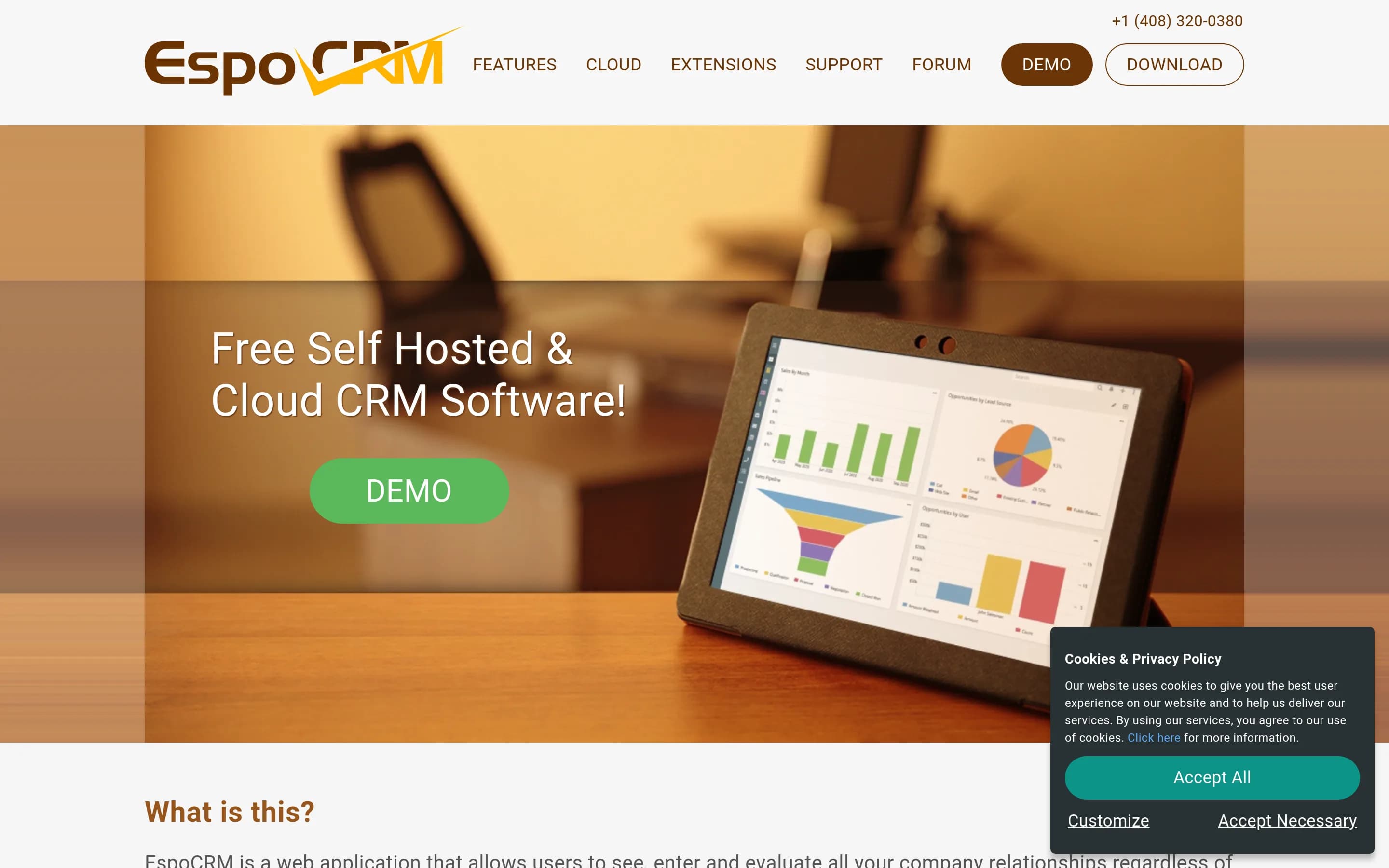
EspoCRM is the stronger choice for organizations prioritizing self-hosting, source access, custom data models, REST API integration, or CRM workflows spanning sales, support, and marketing. Copper remains the better fit for teams whose central requirement is its tightly integrated Gmail and Google Calendar opportunity workflow. EspoCRM offers Google Calendar sync, Google Contacts integration, and secure Gmail login,但
What it does
EspoCRM is a free, open-source customer relationship management web application for storing and organizing business information. Its documented entities include leads, contacts, sales opportunities, marketing campaigns, and support cases, providing workflows for sales and customer relationship management.
The application uses a single-page frontend with a PHP REST API backend and supports customization of entities, fields, relationships, and buttons. It can be downloaded and deployed on servers using PHP with MySQL, MariaDB, or PostgreSQL, and the repository documents manual, scripted, Docker, and Traefik installation paths. An online demo is also available.
What it covers
- Lead and opportunity management
- Account and contact records
- Sales pipelines
- Calendar, calls, and tasks
- Email synchronization and sending
- Web-form lead capture
- Projects and project tasks
- Reports and workflow automation
- Custom entities and fields
- Role-based access controls
What’s different
- Copper-equivalent embedded Gmail workflow not documented
- Google Drive integration not documented
- Business-card lead scanning not documented
- LinkedIn lead capture not documented
- Mobile CRM applications not documented
- Inactive-contact re-engagement rules not documented
- Post-project review or referral requests not documented
- Copper-specific migration tooling not documented
DDjango-CRM2,386
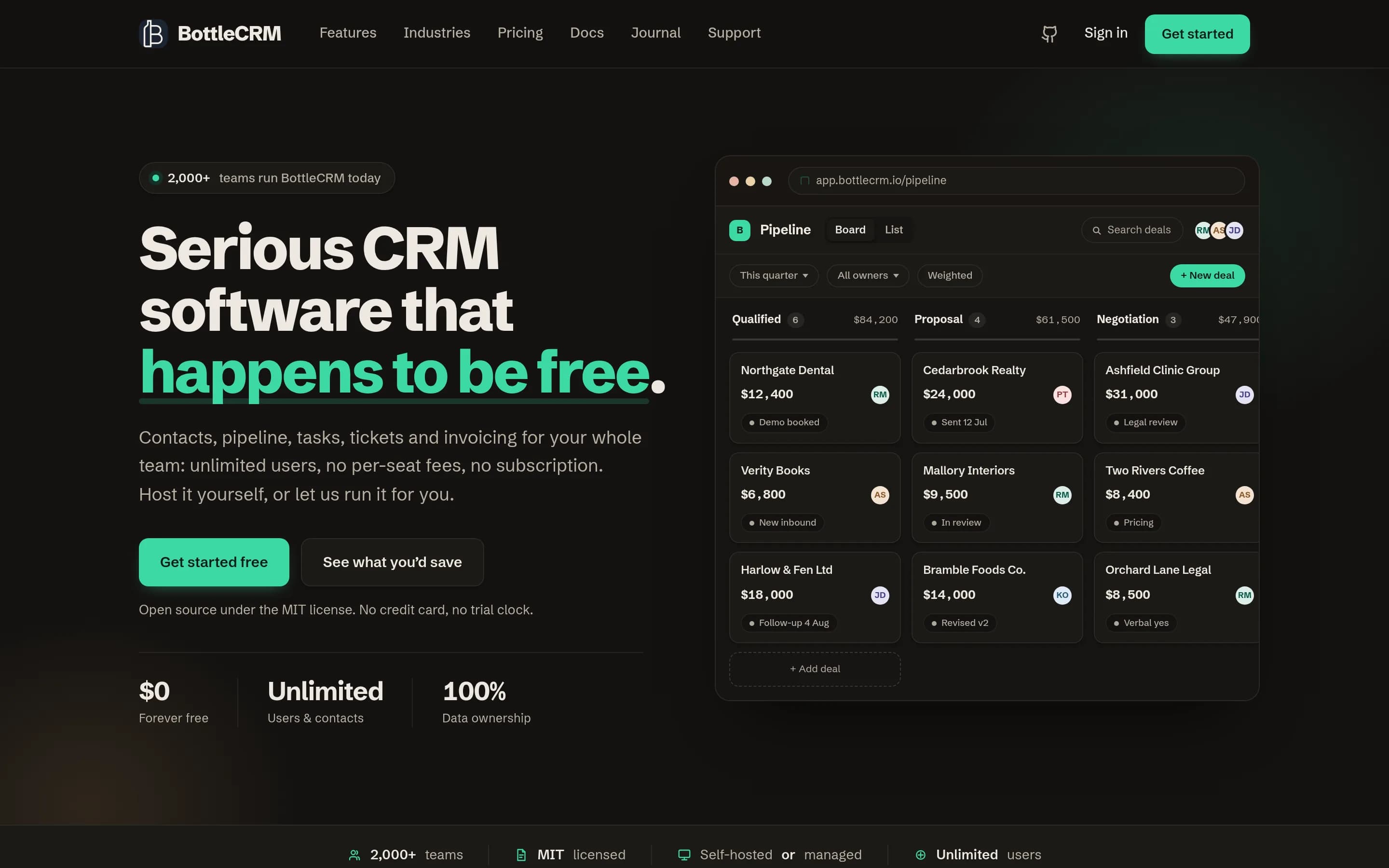
Django-CRM (also presented as BottleCRM in the supplied sources) is a credible self-hosted alternative for teams needing contacts, leads, deal pipelines, tasks, mobile access, support tickets, invoicing, and source-level control. Its main tradeoff is substantially less workflow and Google Workspace integration than Copper: documented gaps include workflow automation, recurring tasks, reminders, calendar feeds, and aِ
What it does
BottleCRM is an MIT-licensed CRM for startups and enterprises that manages the customer lifecycle through leads, accounts, contacts, opportunities, support tickets, tasks, and invoices. It provides a SvelteKit web application, a native Flutter mobile app for iOS and Android, and a REST API backed by Django REST Framework.
The product supports multi-tenant deployments with PostgreSQL Row-Level Security, allowing one installation to serve one organization or many tenants. Users can run it on their own infrastructure using Docker Compose or manual setup, with documented production deployment, backups, security hardening, API, and self-hosting guidance.
What it covers
- Contact and account records
- Lead management and web forms
- Visual opportunity pipeline
- Task ownership and due dates
- Custom fields and tags
- Pipeline forecasting and analytics
- iOS and Android access
- Documented integration API
What’s different
- No Gmail-centered CRM workflow documented
- No Google or Apple calendar feed
- No workflow automation
- No recurring tasks or reminders
- No lead scoring or nurturing
- No customer-email composition
- No outbound webhooks
- No documented client-project module
- No general dashboard builder
- No user-facing CSV import
NNextcrm-app681
NextCRM is a plausible self-hosted alternative for teams that prioritize source access, infrastructure control, and a broad CRM/project stack. It documents contacts, leads, opportunities, activities, projects, reports, email, documents, and invoicing. Copper remains the safer choice for organizations whose central requirement is a documented, Google Workspace–centric CRM workflow; the supplied NextCRM materials show,
What it does
NextCRM is an open-source CRM application for managing accounts, contacts, leads, opportunities, contracts, targets, activities, projects, documents, campaigns, and reports. Its documented workflows include CRM record CRUD, linked notes, calls, emails, meetings, and tasks, project boards and tasks, unified keyword and semantic search, audit history, AI enrichment, and an MCP server for agent access.
The application is built with Next.js, React, PostgreSQL, Prisma, and shadcn/ui. It provides a browser-based interface, an online demo, email-client support through IMAP/SMTP, invoicing with payments and PDF export, and chart-based reports. It can run locally or be self-hosted with Docker Compose, which bundles the application, PostgreSQL with pgvector, MinIO, and Inngest.
What it covers
- Contact and account records
- Lead and opportunity records
- Project and task management
- CRM activity tracking
- Sales reporting
- Email capabilities
- Document storage
What’s different
- No documented Gmail-embedded CRM workflow
- No documented Google Calendar interaction tracking
- No documented business-card lead scanning
- No documented closed-deal-to-project duplication
- No documented customer re-engagement or review-request automation
- No documented native mobile applications
- No documented Copper data importer
CCrm8,714
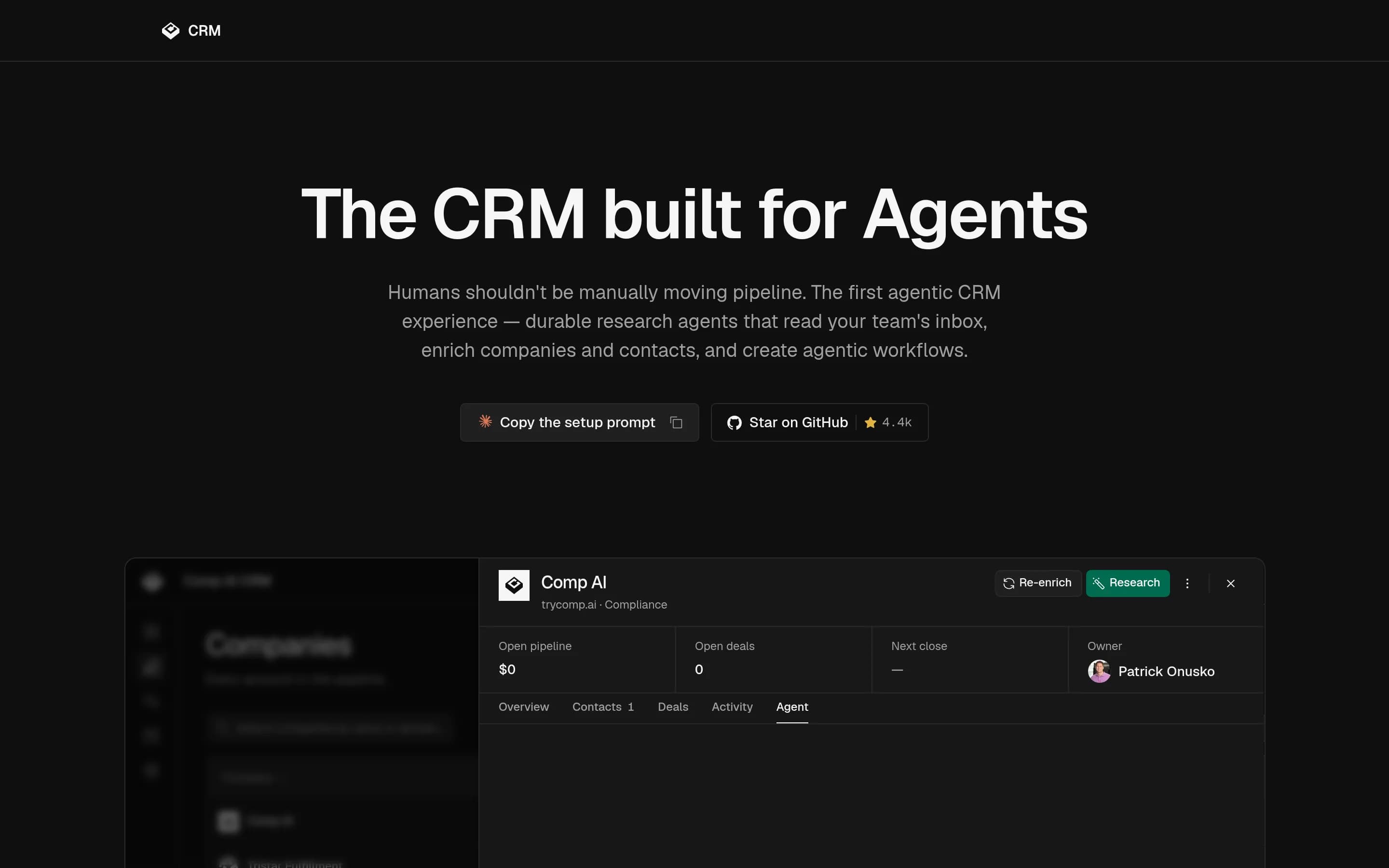
Comp AI CRM is the stronger choice for teams that want an MIT-licensed, self-hostable CRM centered on autonomous research, mailbox-derived records, and scheduled agent workflows—especially with Microsoft or mixed identity environments. Copper CRM remains the safer choice for Google Workspace–centric teams needing a more broadly documented conventional CRM covering project delivery, reporting, mobile access, and third
What it does
Comp AI CRM is an open-source customer relationship management system centered on an autonomous research agent. The agent maintains notes, searches CRM history, identifies contacts, researches people, enriches companies, records evidence-backed facts, schedules rechecks, and supports conversations from contact, company, and deal records.
The product includes a Next.js web front end, NestJS API, authentication, mailbox synchronization, CRM data stored with Prisma and Postgres, and optional Redis and external research integrations. It supports Google and Microsoft sign-in, with Gmail and Calendar access documented for Google. Local setup uses Bun and Docker Compose; the README also documents independent deployments of the web app, API, and agent, including Vercel-oriented production components.
What it covers
- Company and contact records
- Deal and pipeline records
- Scheduled follow-ups
- Mailbox-derived relationship context
- Workflow automation
What’s different
- No documented Copper data importer
- No documented client project delivery
- No documented custom sales reporting
- No documented mobile application
- No documented PandaDoc, DocuSign, or QuickBooks connectors
- No multi-organization tenancy
SSuiteCRM5,679
SuiteCRM is the stronger choice for organizations that prioritize source access, self-hosting, data control, and customization, and that can operate a PHP-based CRM or buy managed hosting. It documents broad lead, opportunity, marketing, service, reporting, and integration capabilities. Copper remains the better fit for Google Workspace-centric teams that depend on CRM workflows embedded in Gmail and Google Calendar;
What it does
SuiteCRM is an open-source, enterprise-ready customer relationship management application. Its documented scope includes accounts, contacts, leads, opportunities, cases, contracts, quotes, documents, reports, multi-currency, multi-language support, portals, and workflow features.
SuiteCRM 7 can be deployed on Linux or Windows servers using Apache or IIS, PHP, and MySQL, MariaDB, or MSSQL. The README documents local test and development deployment, self-hosting on an internal network or public cloud, and use through managed hosting services. An online demo is also available.
What it covers
- Centralized customer and relationship records
- Lead capture and opportunity management
- Workflow and marketing automation
- CRM reporting and dashboards
- Third-party integration through APIs and plugins
What’s different
- No documented Gmail and Google Calendar-native workflow
- No documented closed-deal-to-project duplication
- No documented mobile CRM application
- No documented business-card or LinkedIn lead capture
- No documented call and SMS activity tracking
AAtomic-crm1,202
Atomic CRM is a credible alternative for teams that want an MIT-licensed, self-hostable CRM they can modify in TypeScript, while retaining basic contact, task, email-capture, and deal-pipeline workflows. Choose Atomic CRM when source access, infrastructure control, API integration, or code-level customization matters most. Choose Copper CRM when deep Gmail and Google Calendar workflows, client-project delivery, built
What it does
Atomic CRM is an open-source customer relationship management application built with React, shadcn-admin-kit, and Supabase. It organizes contacts, tracks deals on a Kanban sales pipeline, records notes and activity history, captures emails by CC, and supports data import and export.
Users can create tasks and reminders, manage custom fields and themes, control access through Google, Azure, Keycloak, or Auth0, and connect other systems through an API. The repository documents a graphical web application that runs locally with Node and Docker, using a local Supabase instance, Postgres database, and Vite development server. An online demo is also available.
What it covers
- Contact records
- Task and reminder tracking
- Deal-pipeline tracking
- Email communication capture
- Activity history
- API integrations
- Custom fields
What’s different
- Google Calendar-centered opportunity workflows
- Closed-deal-to-project delivery
- Automated lead capture from forms, cards, or LinkedIn
- Revenue and opportunity-risk reporting
- Inactive-customer re-engagement automation
- Documented Copper-specific migration
DDeskcommCRM581
DeskcommCRM is the stronger choice for organizations that sell primarily through WhatsApp and want an MIT-licensed, self-hosted CRM with AI-assisted qualification, follow-up, and pipeline movement. Copper CRM remains the better fit for teams centered on Gmail and Google Calendar or needing its broader documented coverage of project delivery, mobile access, reporting, and named business integrations. The key tradeoff—
What it does
DeskcommCRM is an open-source CRM and sales operating system for businesses that sell through WhatsApp. Its documented workflows include capturing leads through webhooks, managing contacts and funnel stages in a Kanban view, handling conversations in a shared inbox, assigning work to people or AI agents, and sending follow-ups or WhatsApp messages through rule-based automations.
The product includes graphical web screens for CRM, inbox, performance, team administration, integrations, and AI-agent management. It supports RAG-based agents, WhatsApp through WAHA or Meta Cloud API, multi-tenant operation, role-based access, audit logs, and configurable AI providers. The repository documents self-hosted deployment on a Docker-capable VPS, with Supabase for database, authentication, storage, and realtime services.
What it covers
- Contact records
- Configurable sales pipelines
- Lead capture through webhooks or forms
- Tags and ownership assignment
- Follow-up automation
- Stage-based workflow actions
- Sales-performance reporting
What’s different
- No documented Gmail or Google Calendar workflow
- No documented deal-to-project conversion
- No documented native mobile apps
- No documented PandaDoc, DocuSign, or QuickBooks connectors
- No documented Copper data importer
Outreachr233
Outreachr is a specialized, local-first desktop CRM for founders managing pre-seed through Series A fundraising; it offers source access, local SQLite ownership, investor research, fundraising stages, and controlled one-to-one outreach. Copper CRM is the better fit for general customer relationship management, especially when Gmail and Google Calendar are central and teams need broader sales, client-project, follow‑2
What it does
Outreachr is a free, open-source fundraising operating system for founders raising pre-seed, seed, or Series A. It combines investor research, target ranking, introductions, one-to-one outreach, meetings, diligence, and committed capital in a founder-owned local SQLite workspace.
Users can define a round, evaluate investor fit using documented evidence, build a pipeline, plan introductions, approve and send one initial Gmail or Outlook message, track meetings and diligence, and monitor expected checks and commitments. It also supports tasks, notes, documents, calendar integrations, mailbox-history reconciliation, and constrained Codex or Claude assistance.
The application is delivered as a desktop Electron app for macOS, Windows, and Linux. It has no application server or hosted product account; the canonical workspace remains local, with optional provider integrations and encrypted,ユー
What it covers
- Pipeline stage tracking
- Contact-oriented relationship tracking
- Tasks and meeting workflows
- Gmail and calendar connectivity
- Email outreach support
- Document-link tracking
What’s different
- No documented general sales CRM coverage
- No documented closed-deal project duplication
- No documented custom sales reports
- No documented recurring automation
- No documented customer re-engagement campaigns
- No documented mobile application
- No documented Copper data importer
IIceburgcrm229
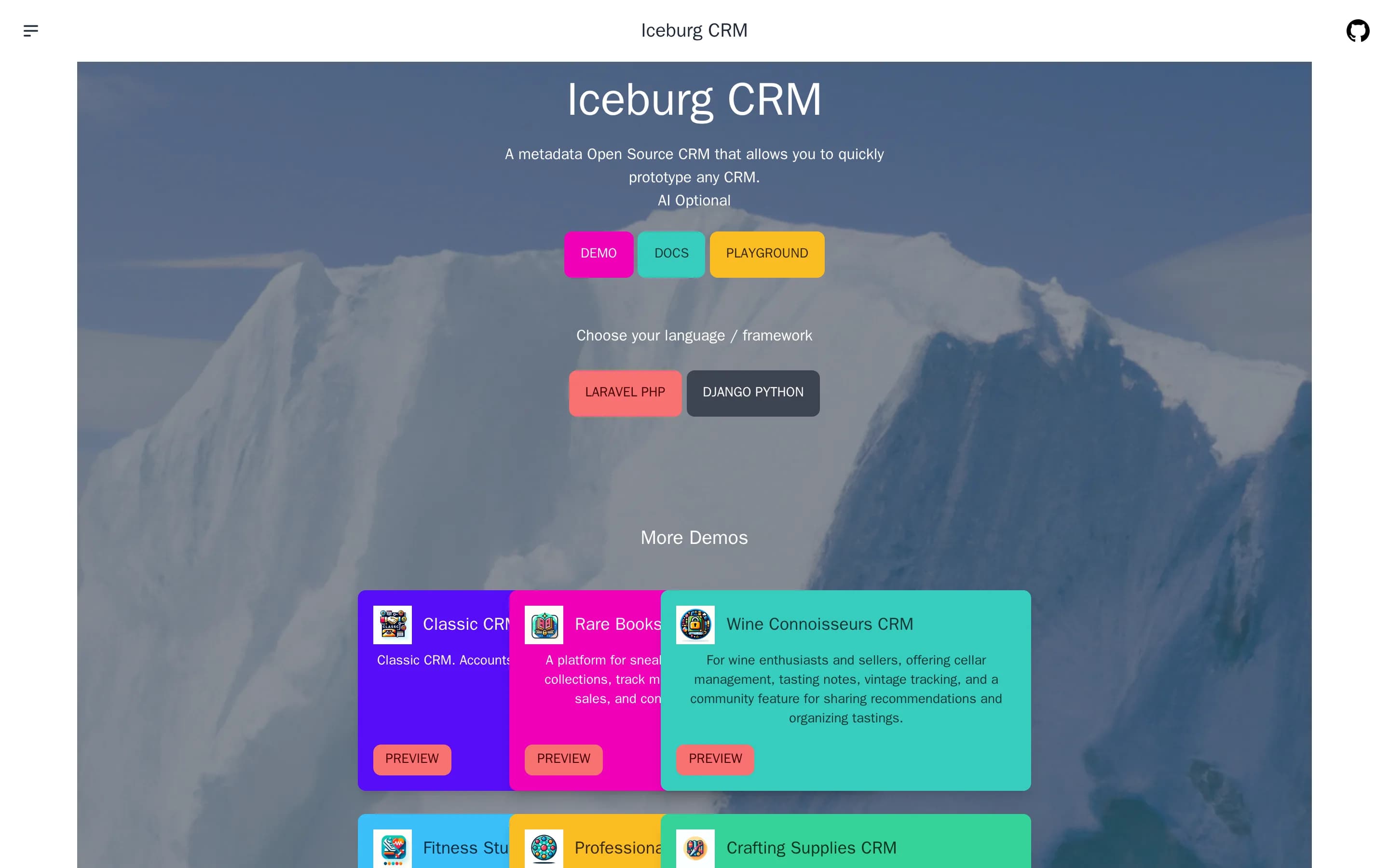
IceburgCRM is the stronger choice for organizations that prioritize self-hosting, source access, and a highly configurable metadata-driven data model. Copper remains the safer choice for teams whose central workflow depends on native Gmail and Google Calendar context, because the supplied IceburgCRM material does not document equivalent Google Workspace integration. IceburgCRM covers standard CRM entities and extensِ
What it does
Iceburg CRM is an open-source, metadata-driven CRM and CRM builder built with Laravel, Vue 3, Inertia, Tailwind, and DaisyUI. Its default configuration includes modules for accounts, contacts, leads, opportunities, contracts, projects, quotes, campaigns, cases, and products, along with relationships, subpanels, calendars, audit logs, charts, roles, and permissions.
Users can create or modify modules, fields, relationships, workflows, and dashboard widgets, import or export data in six listed formats, and use the built-in API. Optional AI features assist with field data and can generate CRM configurations from prompts. The repository documents Composer or Git installation, database configuration, local server deployment, hosted demonstrations, and optional hosted service access.
What it covers
- Accounts and contact records
- Lead and opportunity modules
- Projects and related records
- Configurable CRM workflows
- Calendar-based activity views
- Role-based access controls
- Charts and sales dashboards
- Import and export capabilities
- API access
What’s different
- Documented Gmail record workflows
- Documented Google Calendar synchronization
- Documented mobile applications
- Documented business-card scanning
- Documented LinkedIn lead capture
- Documented automated re-engagement emails
- Documented review or referral requests
- Documented PandaDoc, DocuSign, or QuickBooks integrations
LLaravel-crm23,694
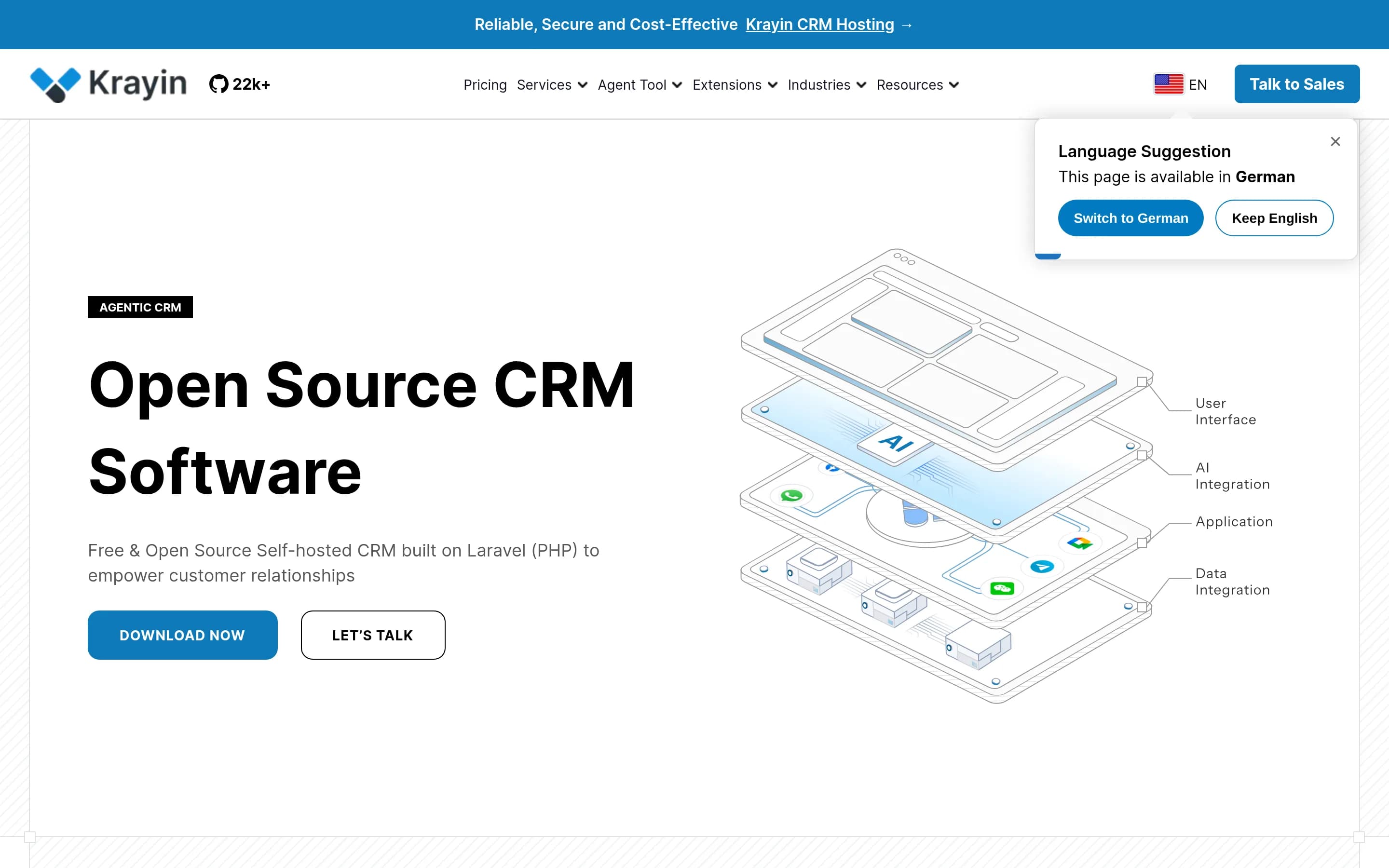
Laravel-crm (Krayin CRM) is the stronger choice for teams that prioritize source access, self-hosting, infrastructure control, and Laravel/PHP customization. Copper CRM remains the safer choice for teams whose daily sales workflow depends on its documented Gmail and Google Calendar experience, or that need its project-delivery and automation features without establishing equivalent Krayin workflows. Krayin covers the
What it does
Krayin CRM is a free, open-source customer relationship management platform for SMEs and enterprises. It is designed for customer lifecycle management and provides customer, lead, and sales management workflows through a descriptive admin panel and dashboard. The README also documents custom attributes, modular architecture, and email parsing through SendGrid.
The application is built with Laravel, PHP, and Vue.js. It can be installed on a server using Apache or NGINX, PHP, Composer, and MySQL, or run locally with Laravel's development server. Docker installation is documented separately, and the project also offers optional managed cloud hosting and a multi-tenant SaaS extension.
What it covers
- Contact and organization records
- Lead and opportunity tracking
- Sales activity management
- Custom CRM fields
- Email-related CRM workflows
- Role-based record access
What’s different
- Embedded Gmail opportunity workflow not documented
- Closed-deal-to-project conversion not documented
- Recurring and stage-triggered automation not documented
- Mobile CRM apps not documented
- Copper-specific integrations not documented
- Copper-specific importer not documented
DDolibarr7,524
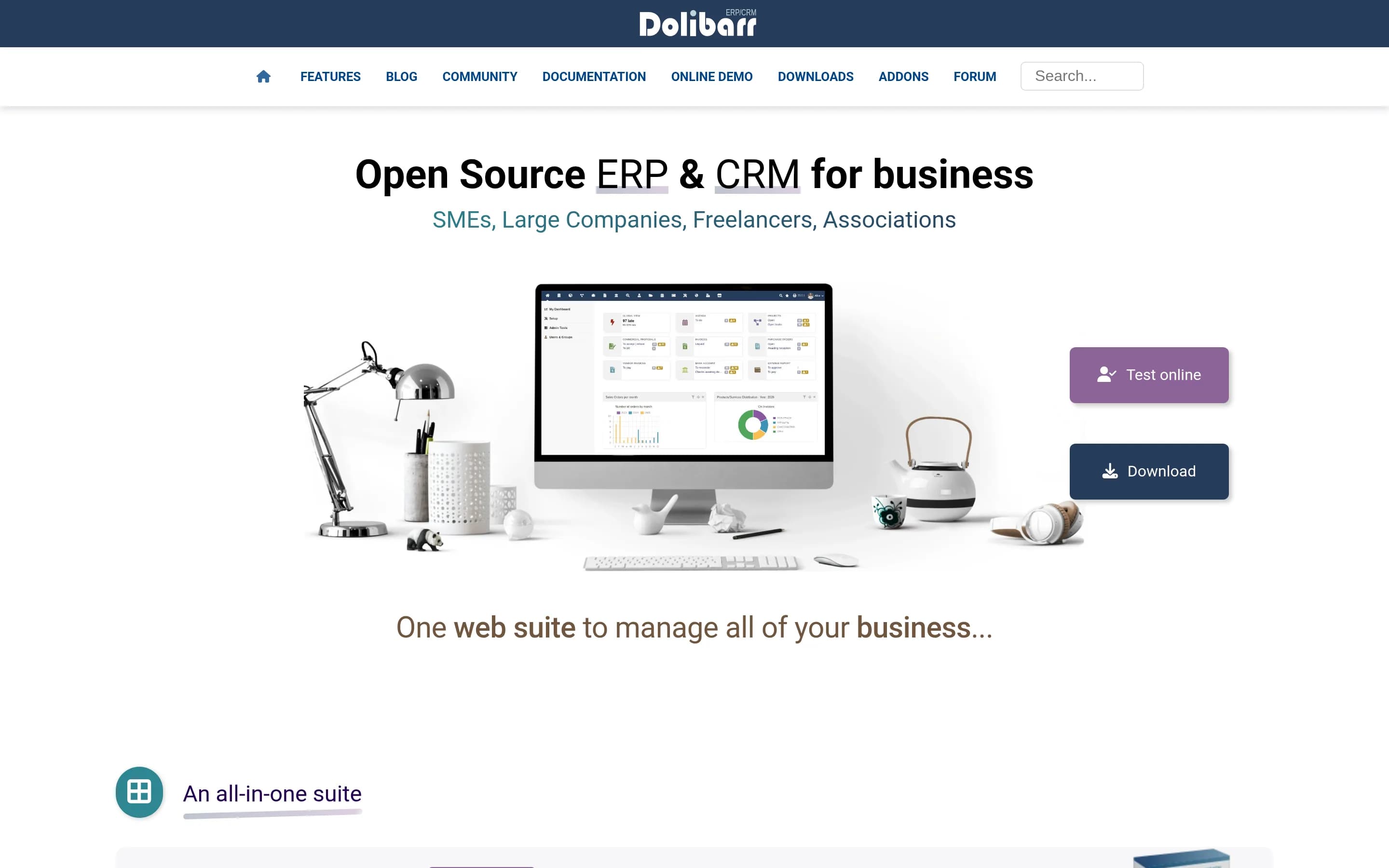
Dolibarr is the stronger choice for organizations that want a self-hostable, modifiable CRM combined with broader ERP functions such as quoting, invoicing, stock, accounting, and HR. Copper remains the better fit for teams whose priority is a CRM workflow embedded in Gmail and Google Calendar. The central tradeoff is operational control and business-suite breadth versus Copper’s documented Google-centric workflow; no
What it does
Dolibarr is an open-source ERP and CRM suite for companies, foundations, and freelancers. Its documented modules include customers, prospects, suppliers, contacts, leads and opportunities, commercial proposals, orders, contracts, invoices, payments, projects, tasks, shared agendas, reporting, stock, purchasing, accounting, human resources, and document management.
The application can run standalone or as a web application over a LAN or the Internet. Users can install it on a PHP web server with MariaDB, MySQL, or PostgreSQL, use packaged installations, or deploy the documented Docker image. It supports multi-user permissions, customizable dashboards, APIs, data import/export, localization, and third-party integrations.
What it covers
- Customer, prospect, and contact records
- Lead and opportunity management
- Projects and task management
- Calendars and activity agendas
- Reporting and data export
- Email outreach capabilities
- APIs and third-party extensions
What’s different
- Documented native Gmail CRM workflow
- Documented native Google Calendar CRM context
- Native embedded webmail
- Documented Copper-specific importer
- Documented mobile relationship-tracking apps
- Documented stage-triggered workflow parity
- Documented LinkedIn or business-card lead capture
OOpen-mercato1,655
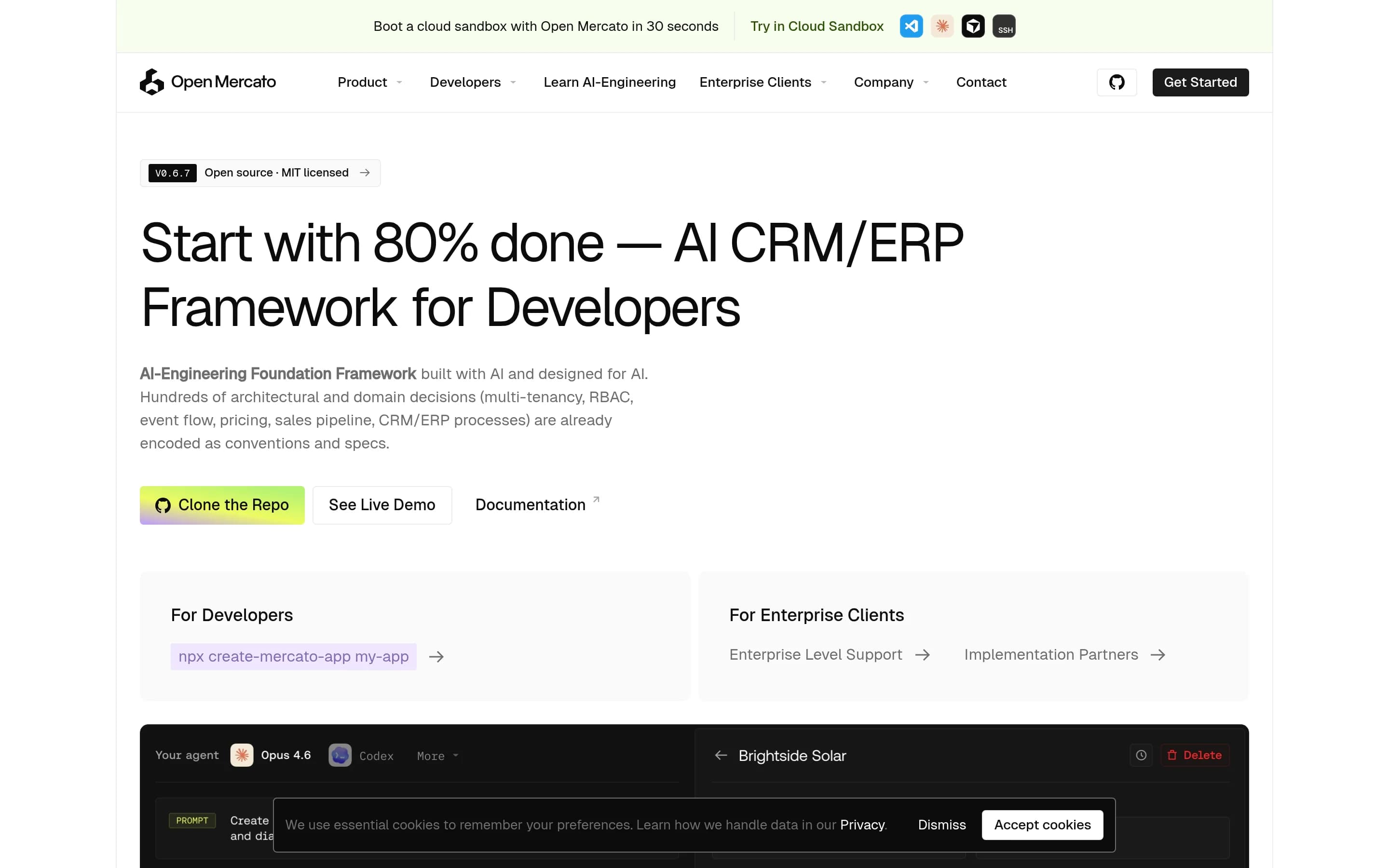
Open Mercato is a developer-oriented, self-hostable CRM/ERP framework rather than a direct drop-in replacement for Copper CRM. Choose Open Mercato when source ownership, custom data models, tenant-aware permissions, and bespoke workflows justify operating and extending a TypeScript application. Choose Copper when the priority is a ready-made CRM centered on Gmail and Google Calendar, especially because the supplied ―
What it does
Open Mercato is an open-source TypeScript foundation for building and running CRM, ERP, commerce, and custom business applications. Its documented CRM use case models customers and opportunities, while its modular architecture supports bespoke workflows, custom entities, dynamic forms, APIs, and administrative pages.
The platform includes multi-tenancy, organization hierarchies, feature-based RBAC, event subscribers, workflow processing, indexing, caching, and reporting-oriented modules. The repository documents a Next.js administrative interface, dashboard screenshots, a live demo, and an AI assistant inside admin pages.
It is self-hostable from the repository. Local setup uses Node.js, PostgreSQL, Redis, and optionally Meilisearch through Docker Compose; documented paths include development, standalone apps, VPS deployment, Railway, and containerized environments.
What it covers
- Lead and customer records
- Sales opportunities
- Custom data fields
- Configurable workflows
- Role-based permissions
- Interaction timelines
What’s different
- No documented Gmail or Google Calendar integration
- No documented mobile CRM apps
- No documented business-card or LinkedIn capture
- No documented SMS activity tracking
- No documented deal-to-project duplication
- No documented re-engagement campaigns
- No documented Copper data importer
RRelaticle1,518
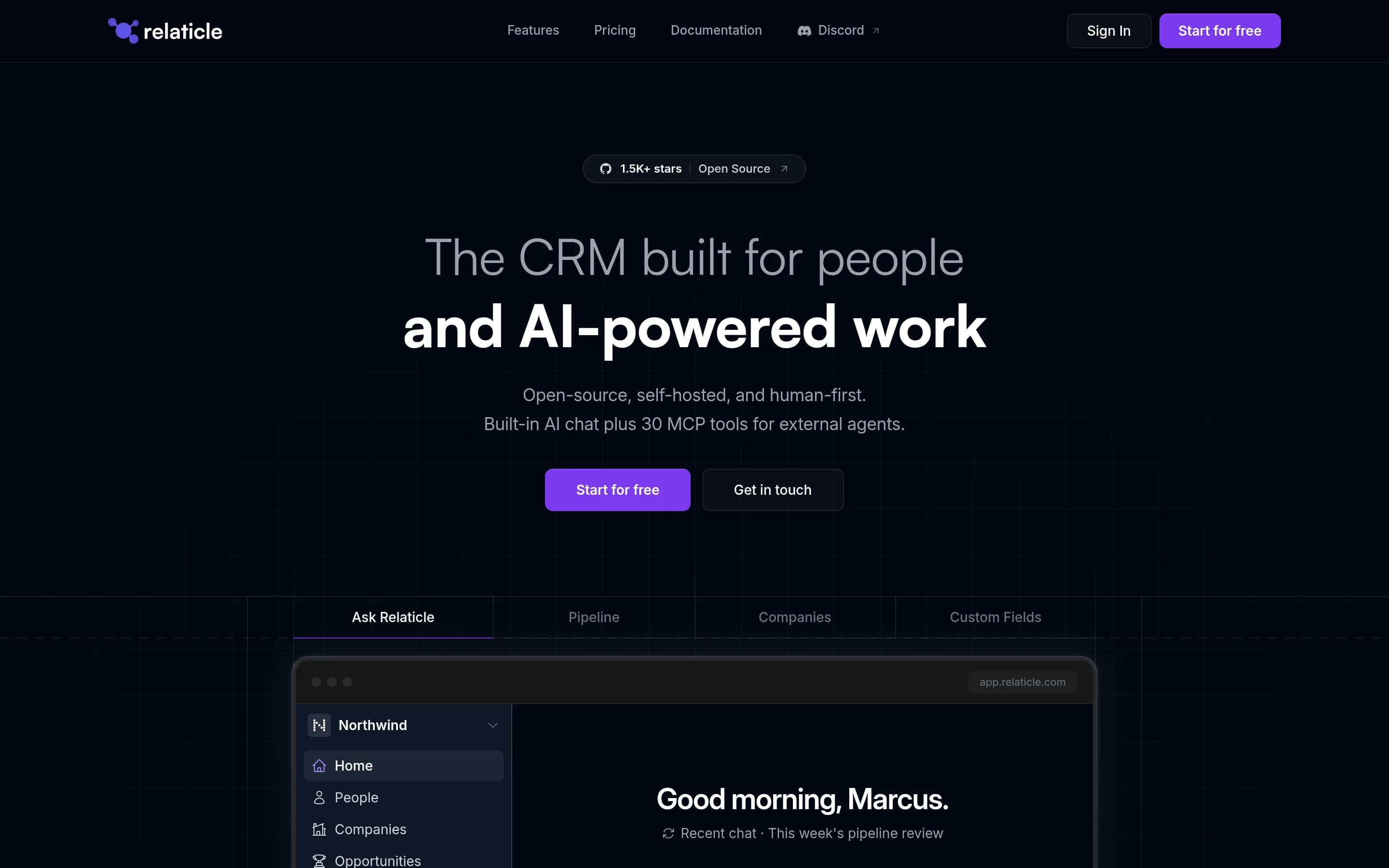
Relaticle covers the basic CRM model—companies, people, opportunities, pipelines, tasks, notes, custom fields, and permissions—while adding source access, self-hosting, REST/MCP integration, and AI-assisted operations. Choose Relaticle if infrastructure control and extensibility outweigh the work of operating it. Choose Copper CRM if native Gmail and Google Calendar workflows, project delivery, automated outreach, or
What it does
Relaticle is an open-source, self-hosted CRM for managing contacts, opportunities, tasks, teams, and other customizable CRM data. Its documented interface is built with Filament and Livewire, and the project includes multi-team isolation, 22 custom field types, entity relationships, conditional visibility, and per-field encryption.
The CRM provides a production-grade MCP server with 32 tools, REST API CRUD operations, and schema discovery for AI agents. It is intended for developer-led teams, AI-focused startups, and SMBs. The repository documents local installation with PHP, PostgreSQL, Composer, and Node.js, plus Docker and manual self-hosting deployment paths.
What it covers
- Company and contact records
- Sales opportunity pipelines
- Custom fields and stages
- Assignable CRM tasks
- Notes and activity history
- Role-based team access
What’s different
- No documented native Gmail or Google Calendar workflow
- No documented closed-deal-to-project conversion
- No documented website, card-scan, or LinkedIn lead capture
- No documented automated re-engagement or review requests
- No documented custom sales-reporting coverage
- No documented mobile CRM apps
- No documented PandaDoc, DocuSign, or QuickBooks connectors
MMycompany317
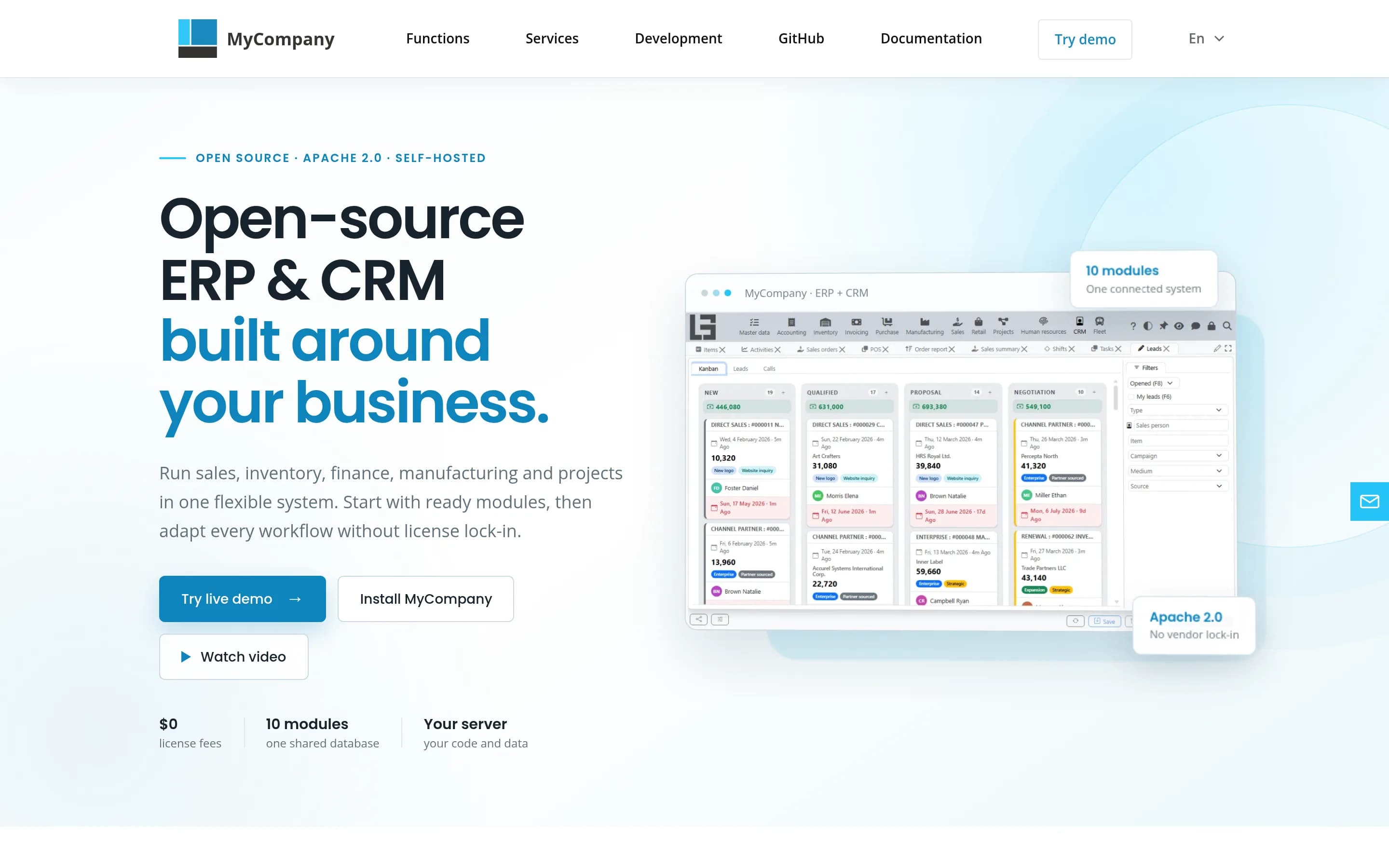
Choose MyCompany when self-hosting, source access, and combining CRM with ERP functions such as inventory, invoicing, manufacturing, projects, HR, and POS matter more than Copper’s Google Workspace-centered experience. Choose Copper CRM when Gmail and Google Calendar integration is central or when you need its documented CRM automation, reporting, lead-capture, mobile, and third-party integration coverage; the MyCOMP
What it does
MyCompany is a free, open-source ERP and CRM for small and medium-sized businesses. Its sales and CRM module provides a lead kanban board, sales stages, calls and emails logged on leads, marketing-source tracking, and creation of sales orders and invoices from leads. The application also includes purchasing, inventory, invoicing, manufacturing, projects, HR, and retail POS modules sharing one database.
The product can be installed on Linux or Windows, with documented web and desktop clients, or deployed with Docker. It includes an online demo, English, Polish, and Russian interfaces, and supports customization through separate lsFusion modules. PostgreSQL and the lsFusion platform are installed as part of the documented server setup.
What it covers
- Lead and pipeline management
- Logged calls and emails
- Sales records and invoicing workflows
- Project and task management
- Mobile-device access
What’s different
- No documented Gmail or Google Calendar workflow
- No documented business-card or LinkedIn capture
- No documented stage-triggered CRM automation
- No documented custom sales-report coverage
- No documented re-engagement or referral automation
- No documented PandaDoc, DocuSign, or QuickBooks connectors