
CCursor
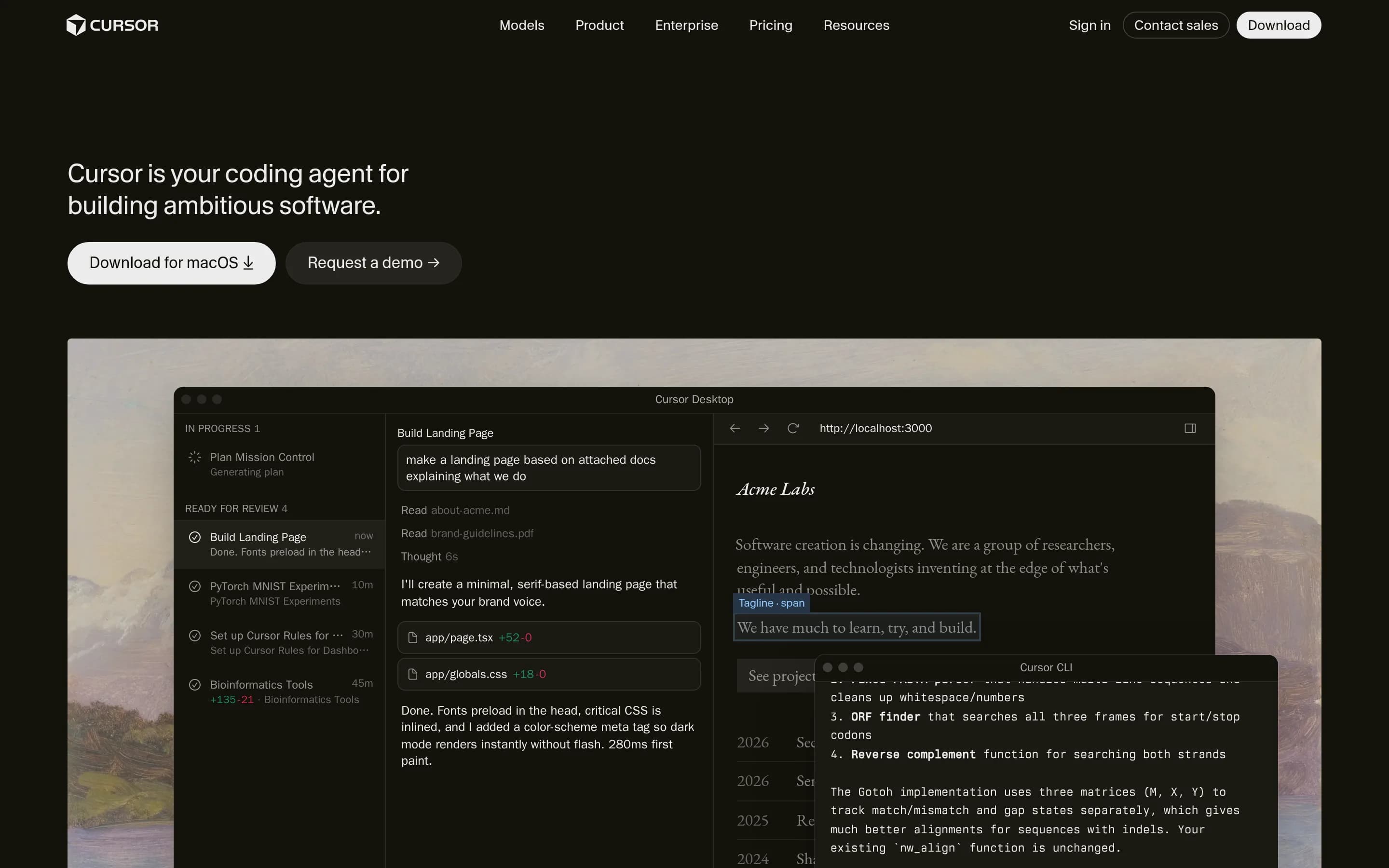
Cursor is an AI-assisted development environment that combines a code editor with autonomous coding agents. It can understand repositories, plan and make multi-file changes, run terminal commands and tests, debug code, and support development from desktop, CLI, web, and mobile surfaces.
Why people leave Cursor
Developers may seek an alternative when they want a more traditional editing workflow with less emphasis on autonomous agents. Cursor is designed around AI that can inspect a codebase, edit multiple files, invoke tools, run terminal commands, and continue working for extended periods. That level of agency can be useful, but some teams may prefer tools where every code change is written or explicitly initiated by a person, particularly for sensitive repositories or work that requires close, incremental review.
Model choice, operating cost, and predictability may also influence a switch. Cursor offers multiple models, and its pages describe token-priced models intended for everything from quick interactive edits to long-running tasks involving hundreds of tool calls. Organizations with frequent or large-scale workloads may want an alternative with different usage economics, fixed infrastructure costs, self-hosted models, or tighter control over how models are selected. Others may prefer a simpler product that does not require evaluating tradeoffs among model capability, latency, and token consumption.
Some users may look elsewhere because they need greater control over where code context and agent workloads are processed. Cursor describes agents operating across desktop, cloud, CLI, web, mobile, and integrations such as GitHub and Slack. A team with strict security, regulatory, network-isolation, or data-residency requirements may instead prioritize a fully local or self-hosted development environment. The supplied pages link to security and data-use resources but do not establish that every Cursor workflow can run entirely within infrastructure controlled by the customer.
Finally, developers may prefer an alternative that better matches an established toolchain. Cursor provides its own editor experience alongside CLI, mobile, plugins, skills, MCP connections, Git workflows, and code review. Teams deeply standardized on another IDE, extension ecosystem, or review process may not want to shift core development habits or introduce another agent interface. An open-source alternative may also appeal to users who want to inspect, modify, or independently deploy the software that mediates code generation and repository access.
7 Best Open Source Cursor Alternatives (Ranked)
Each alternative is evaluated for core feature coverage, deployment options, licensing, project health, and overall fit. The ranking prioritizes how closely a tool matches Cursor's primary workflows, using popularity only as a secondary signal.
CCline66,245
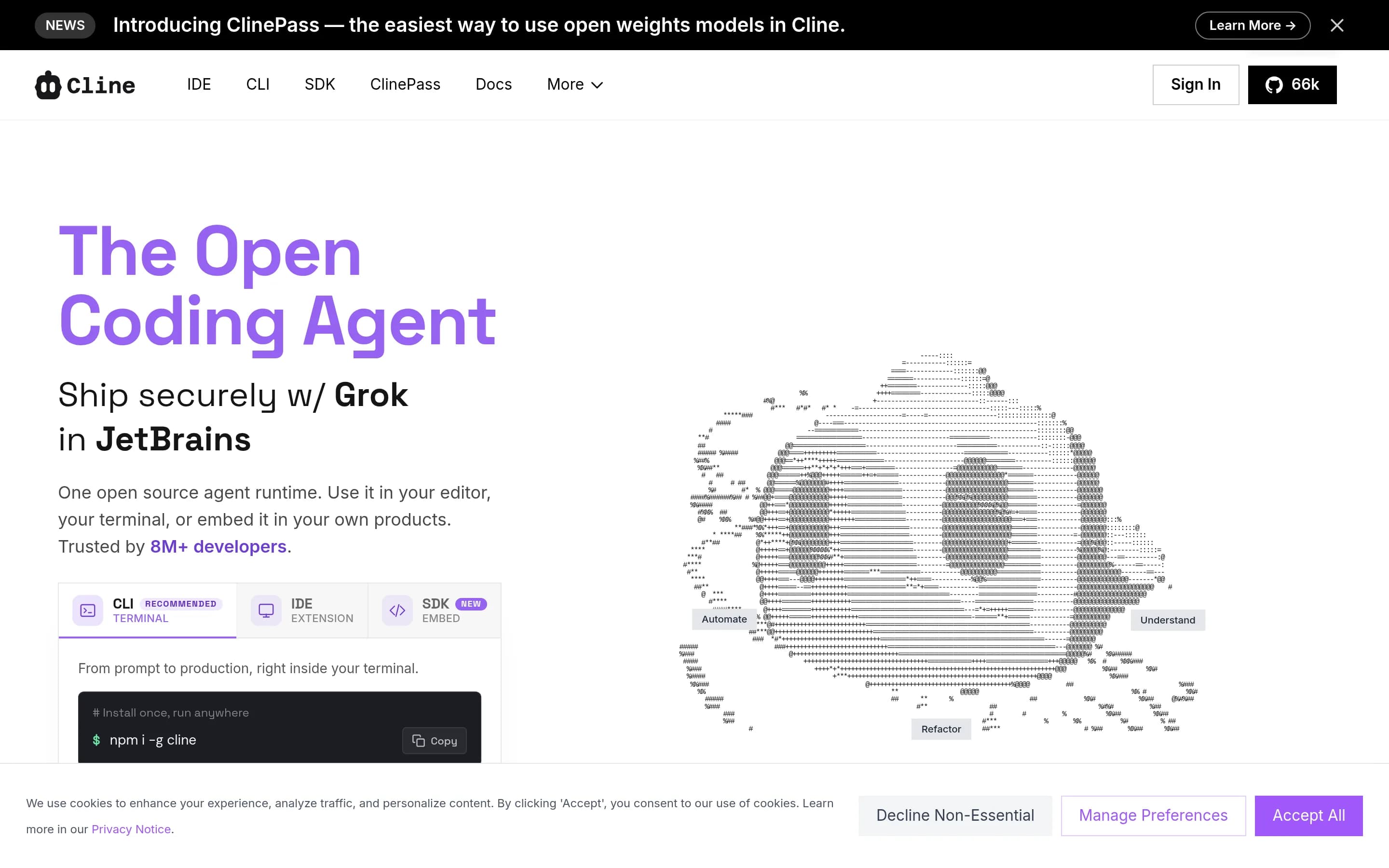
Cline is a direct open-source competitor: its IDE extensions and CLI agent inspect repositories, plan changes, edit multiple files, run commands and tests, and track reviewable diffs and checkpoints.
What it does
Cline is an open-source autonomous coding agent available as a VS Code extension, JetBrains plugin, CLI assistant, and web-based Kanban task board. It reads project structure, coordinates edits across files, displays reviewable diffs, tracks checkpoints, and can monitor compiler, linter, and test results.
Users can switch between planning and execution modes, approve actions or enable autonomous operation, run Bash commands and long-lived processes, and connect project rules, skills, plugins, and MCP servers. The repository also documents multi-agent teams, scheduled agents, messaging integrations, headless CI/CD execution, and support for many hosted or local model providers. Local installation is documented for the CLI, SDK, and editor integrations.
What it covers
- Repository structure understanding and cross-file reasoning
- Agent-driven multi-file code edits
- Terminal command, build, and test execution
- Planning and autonomous execution modes
- Reviewable diffs and checkpoints
- Rules, skills, plugins, and MCP extensibility
- Multiple AI model providers
- CLI, IDE, and multi-agent workflows
What’s different
- The supplied README does not explicitly document a dedicated code-review product workflow beyond reviewing diffs and using Cline to inspect changes.
- The supplied README does not explicitly document Git integration as a named workflow, although it documents checkpoints, auto-commit in Kanban, and git-diff input for CLI use.
Devon3,455
Devon is the better fit for teams willing to operate an AGPL-licensed, self-hostable agent and accept early-stage limitations in exchange for source access and an experimental local-model path. Cursor is the safer choice for broad language coverage, integrated editing and review, and desktop-to-cloud/mobile agent workflows; Devon documents minimal non-Python functionality, immature local inference, and several major—
What it does
Devon is an open-source AI pair programmer that works with software repositories. Its documented features include multi-file editing, codebase exploration, configuration writing, test writing, bug fixing, architecture exploration, and support for local models. It can use Anthropic, OpenAI, Groq, and Ollama-backed models.
The repository provides a main UI installed and run with `npx devon-ui`, plus a separate terminal interface installed through npm. The README describes an Electron UI and a self-hostable Electron app, with project-folder access boundaries and optional telemetry disablement. Windows support is noted as still in progress, and non-Python language support is described as limited.
What it covers
- Multi-file agent editing
- Repository exploration
- Test-writing assistance
- Bug-fixing workflows
- Multiple model options
- Local-model option, with limitations
- Graphical and terminal interfaces
What’s different
- No documented integrated autocomplete or syntax-aware editor
- No documented Git checkpoints
- No documented code-review workflow
- No documented web or mobile agents
- No documented GitHub or Slack agents
- No released plugin system; listed as a goal
- Minimal documented non-Python support
JJat251
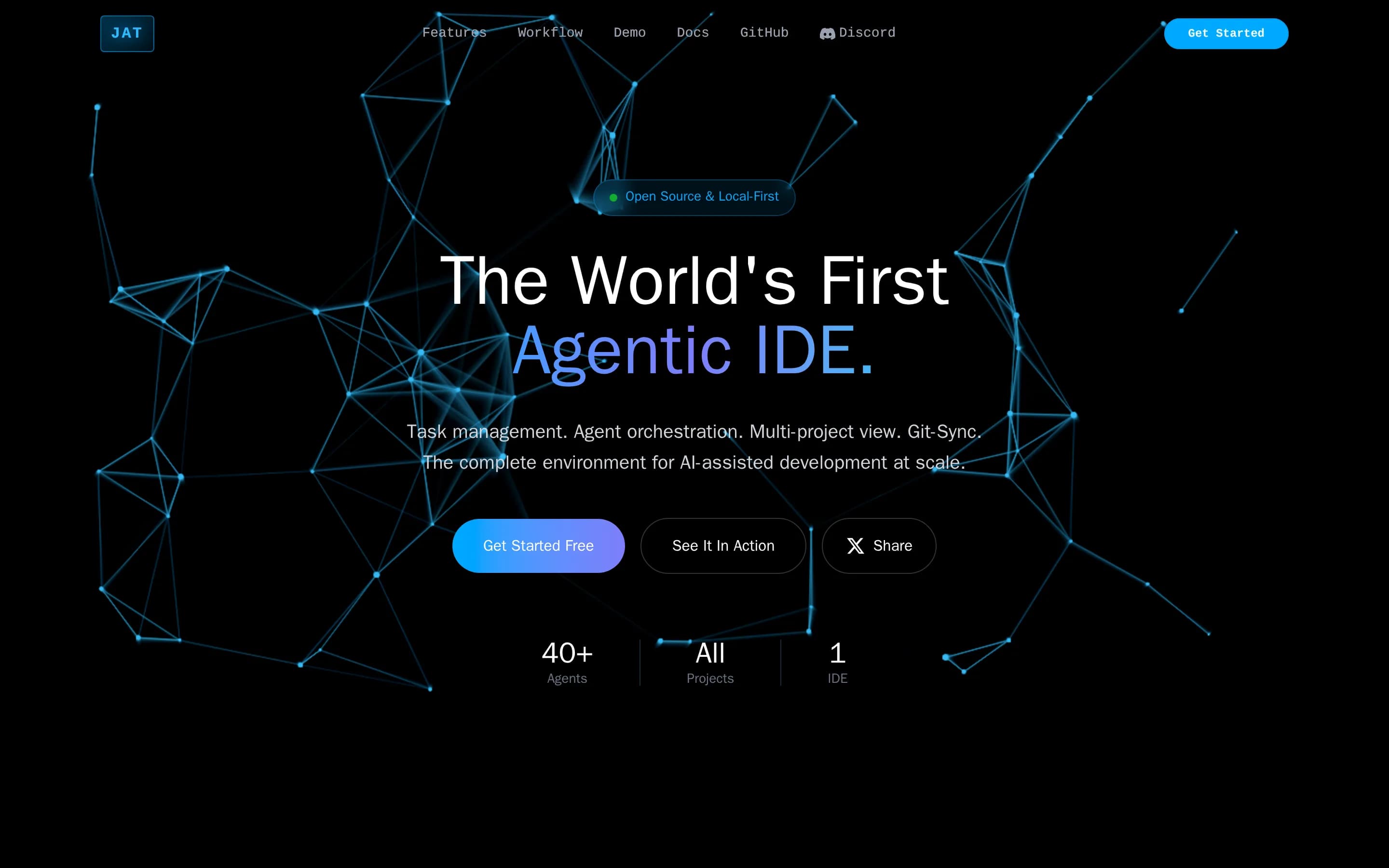
Choose Jat when self-hosting, source access, and supervising many parallel agents are more important than Cursor’s documented autocomplete, dedicated code-review capability, checkpoints, and broad client surfaces. Choose Cursor for an integrated AI editor with those documented workflows and desktop, CLI, web, and mobile access. Jat is not a less-agentic substitute: its design emphasizes agent orchestration and can be
What it does
JAT is a self-contained environment for agentic software development. It combines a Monaco code editor, repository file management, integrated terminal access, Git staging and commits, task and epic management, dependency visualization, agent sessions, and review workflows. Agents can work in parallel through Epic Swarm, while supervisors monitor output, answer questions, approve changes, and track token usage and cost.
The product also supports autonomous operation. RSS, Slack, Telegram, Gmail, and custom adapters can create tasks and spawn agents immediately, on a delay, on a schedule, or through cron. It runs locally through a shell installation and serves a web interface at localhost:3333; VPS setup and Tailscale-based remote access are documented. The repository is MIT licensed and includes CLI tools, daemons, and a SvelteKit IDE.
What it covers
- Repository-oriented coding agents
- Multi-file code editing
- Integrated terminal access
- Planning and debugging workflows
- Git staging, diffs, commits, push, and pull
- Agent task review
- External Slack workflows
- Extensible agent tooling
What’s different
- No documented code autocomplete
- No documented checkpoints
- No documented dedicated code-review product
- No documented native desktop or mobile clients
- No documented Cursor project import
- No documented Docker or Kubernetes deployment

NNeuralinverse218
NeuralInverse is a plausible open-source alternative for developers who want a VS Code-style editor, autonomous coding, bring-your-own-model flexibility, or specialized firmware and legacy-modernization tooling. Cursor remains the safer choice when teams require its documented repository search, terminal/test execution, Git checkpoints, code review, and desktop-to-CLI/web/mobile integrations, because equivalent OSS-d
What it does
NeuralInverse is an open-source AI-native IDE based on VS Code. It combines a familiar code-editing experience with AI chat, inline diffs, autocomplete, Fast Apply, and Power Mode, an autonomous coding agent with 22 or more tools and concurrent sub-agents. It supports bring-your-own-LLM configurations across 20 providers, including cloud, local, and gateway options.
The IDE also provides specialized workflows for firmware and embedded development, including MCU variants, SVD register maps, serial monitoring, and compliance tooling. Its legacy-modernization module offers a five-stage migration pipeline, support for more than 30 source languages, translation profiles, a knowledge base, and audit export. Users can download desktop builds for Windows, macOS, and Linux, use the browser-based Neural Inverse Cloud, or build and run the open-source repository from source.
What it covers
- Autonomous coding agents
- AI chat and inline edits
- Code autocomplete
- Multiple model providers
- Per-feature model selection
- Desktop editor and browser access
What’s different
- Documented repository-wide search
- Documented terminal and test execution
- Documented Git checkpoints
- Documented integrated code review
- Documented CLI and mobile agents
- Documented GitHub and Slack agent surfaces
- Documented Cursor data importer
CCrystal3,110
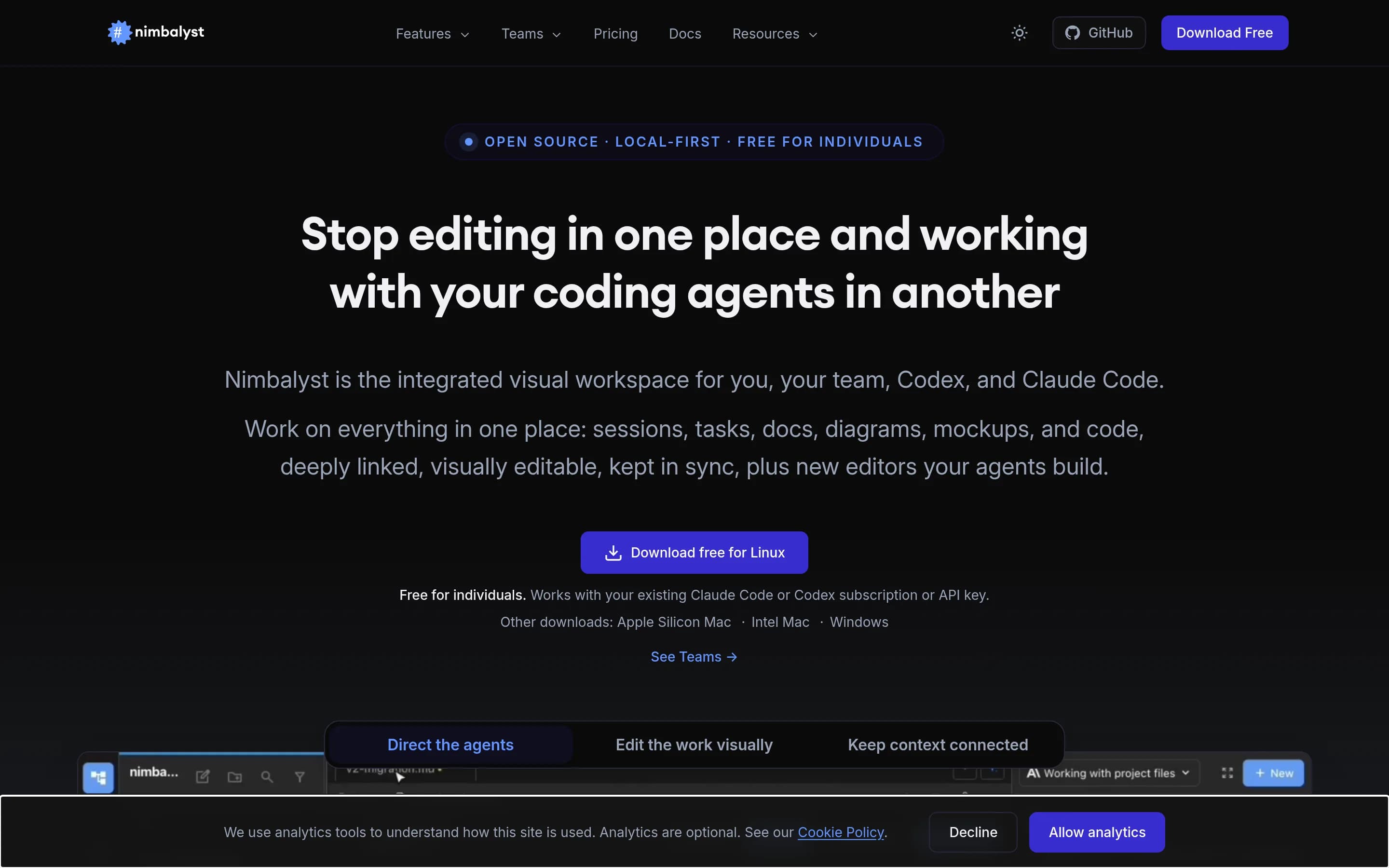
Do not adopt Crystal as a new Cursor replacement: it was deprecated in February 2026 and replaced by Nimbalyst. Evaluate Nimbalyst instead if you want an MIT-licensed, local-first desktop workspace centered on Claude Code, Codex, parallel worktrees, visual artifacts, and explicit diff approval. Choose Cursor when you need its broader desktop, CLI, web, mobile, GitHub, and Slack agent surfaces or a more established AI
What it does
Crystal, now Nimbalyst, is a desktop AI-native workspace for coordinating human and AI development workflows. It runs multiple Codex and Claude Code sessions in parallel Git worktrees, supports implementation planning and task execution, and streams agent edits into open editors in real time.
The application combines Monaco-based code editing with Markdown, spreadsheet, diagram, visual data-modeling, and mockup workflows. It uses a local-first file model with formats including Markdown, JSON, and CSV, plus project management, session tracking, auto-save, file watching, and Git worktree isolation. The README identifies Electron as its desktop foundation and provides a download path; Crystal itself is deprecated in favor of Nimbalyst.
What it covers
- Repository-aware AI editing
- Reviewable AI diffs
- Manual code editing
- Parallel agent sessions
- Integrated terminal commands
- Git branch and worktree management
- Planning and debugging workflows
- Pull-request review
- MCP, commands, and skills
- Multiple agent providers
What’s different
- No documented Cursor data importer
- No documented code autocomplete
- No documented agent CLI
- No documented web agent interface
- No documented GitHub or Slack agent surface
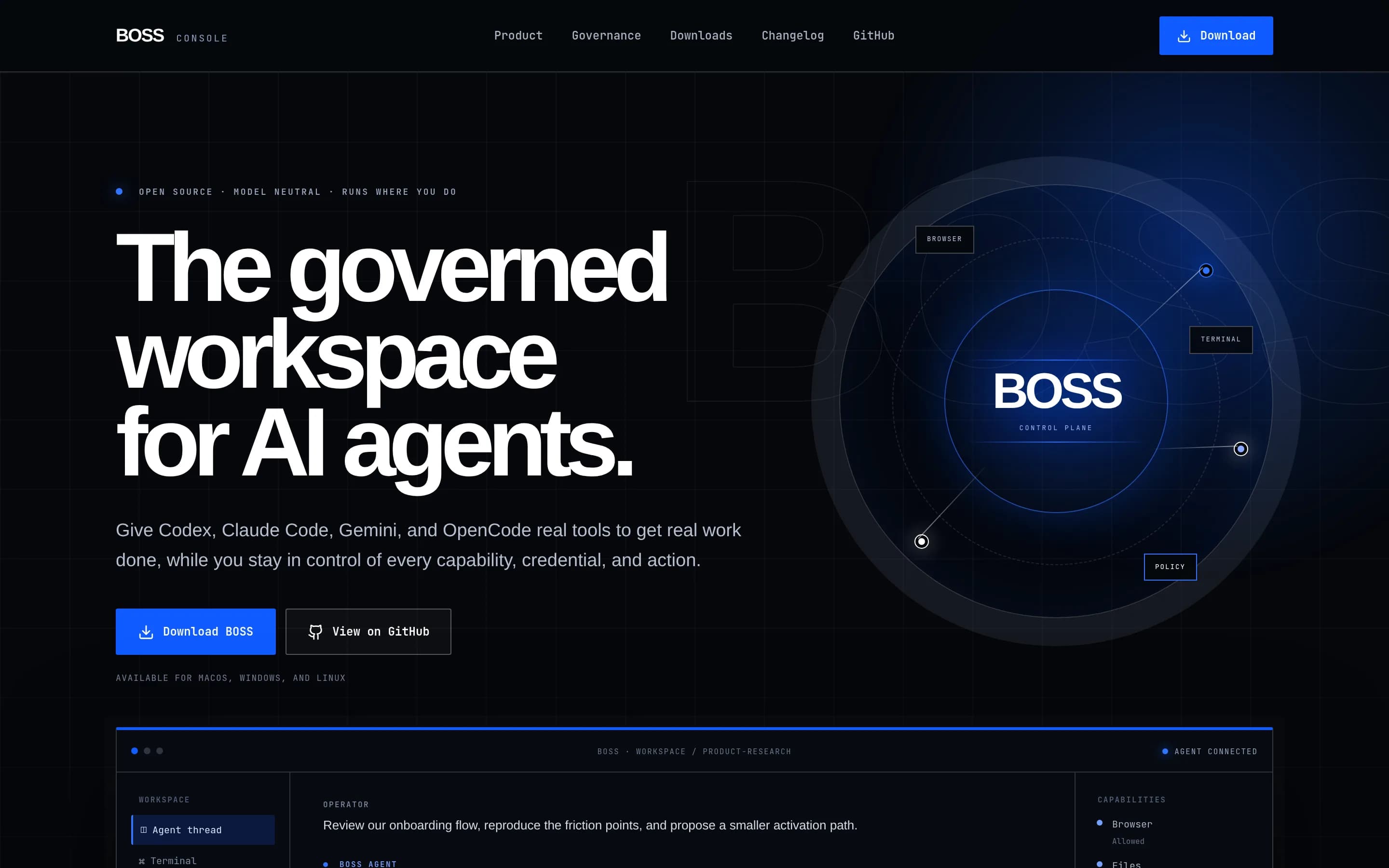
BBossConsole219
BossConsole is the stronger choice for teams that want an Apache-2.0, self-hostable operator console with bring-your-own CLI agents, local tool governance, and extensible MCP tooling. Cursor remains the better fit for developers seeking a cohesive AI-native editor with documented autocomplete, repository-aware patching, planning, debugging, checkpoints, and code review. BossConsole is not a less-agentic substitute:—;
What it does
BOSS is an open-source, cross-platform desktop console for AI-assisted work. It runs Claude Code, Codex, Gemini, or OpenCode in an integrated workspace that combines a code editor, terminal, embedded browser, Git tools, secrets management, and more than 100 MCP tools. Agents can inspect and modify code, execute commands, access workspace context, and automate browser workflows.
The application includes a Toolbox plugin store, runtime plugin hot-reload, per-tool controls, server-enforced RBAC, signed plugins, and shareable terminal sessions. It is built with Kotlin Multiplatform and Compose Multiplatform on the JVM, with installers for macOS, Windows, and Linux. Users run it locally and bring their own supported agent or CLI.
What it covers
- Integrated code editor
- Terminal command execution
- Repository file access
- Git operations
- Multiple AI-agent options
- MCP-based tool extension
- Agent-driven multi-step work
What’s different
- Documented code autocomplete
- Documented syntax-aware editing
- Built-in planning and debugging
- Git checkpoints
- Dedicated code review
- Full web and mobile agent clients
- Documented GitHub and Slack agent surfaces
DDeer-flow80,054
DeerFlow is not a like-for-like open-source Cursor replacement. It is a self-hostable agent harness and application for long-running research, coding, and creation workflows, with sandboxes, memory, tools, skills, and subagents. Choose DeerFlow when infrastructure control, extensibility, and autonomous multi-step work matter more than a conventional IDE. Choose Cursor when the primary requirement is an integrated, on
What it does
DeerFlow is an open-source super-agent harness for long-running tasks that can research, code, and create. It orchestrates sub-agents, memories, sandboxes, extensible skills, tools, and message gateways, with documented support for context compaction, session goals, scheduled tasks, and multiple model providers.
The project can run locally or as a persistent server. Its README documents local development, Docker-based startup, production deployment with SQLite or PostgreSQL, browser access at localhost:2026, a terminal workbench (TUI), an embedded Python client, MCP integration, and IM channels. Users configure providers and execution permissions through an interactive setup wizard or config files.
What it covers
- Long-running agent tasks
- Command and file execution
- Planning and subtasking
- Sandboxed tool use
- Multiple model providers
- Extensible skills and MCP
What’s different
- No documented Cursor-compatible project import
- No documented editor autocomplete parity
- No documented Git checkpoint parity
- No documented integrated code review
- No documented mobile or Slack agent surface