
MMonday.com
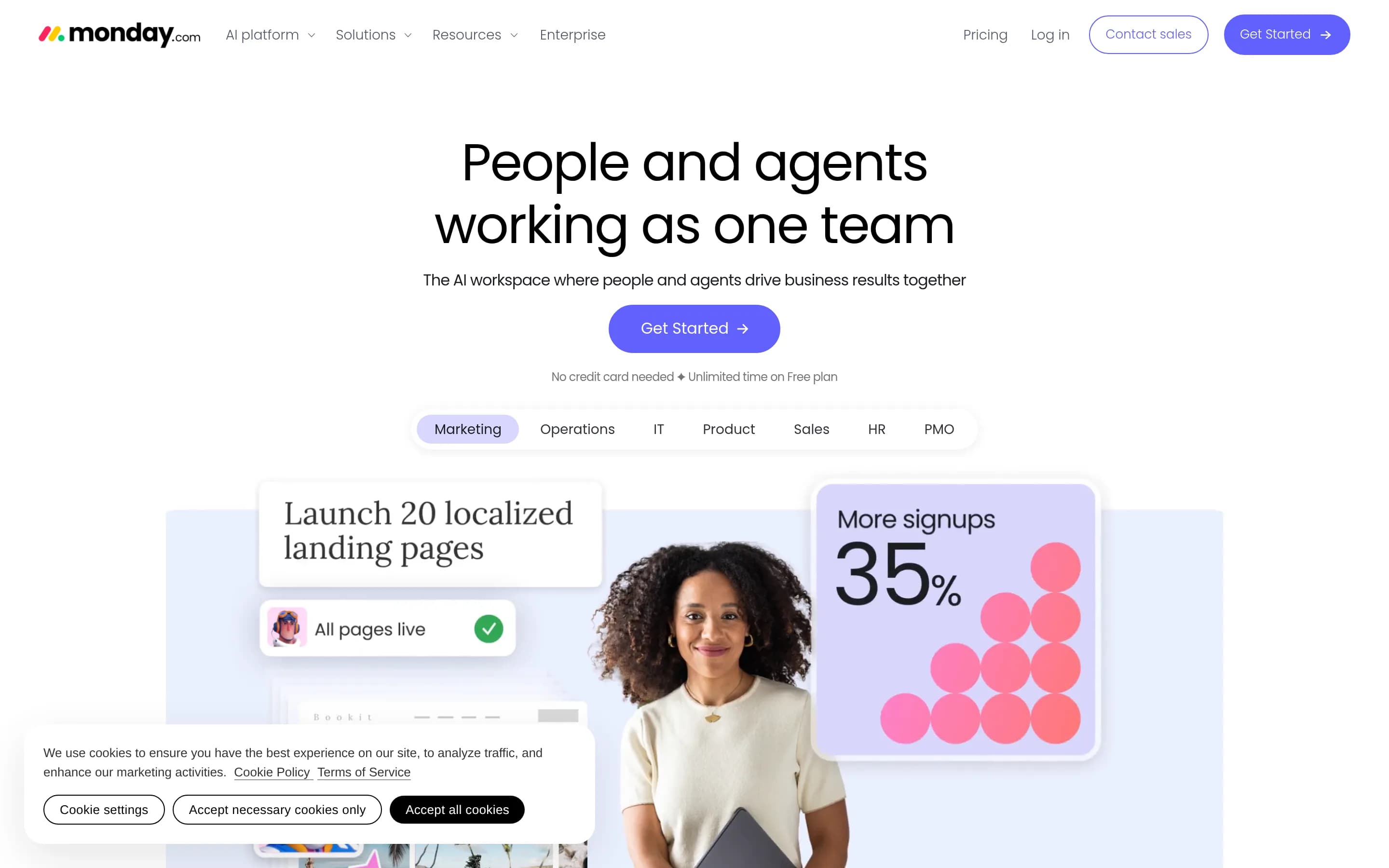
monday.com is a configurable work platform for planning projects, assigning work, tracking timelines and dependencies, automating processes, and reporting on delivery. Its broader suite also supports sales pipelines, service requests, software development, marketing campaigns, recruiting, and other departmental workflows.
Why people leave Monday.com
Organizations may consider an alternative when they want a more narrowly focused project-management system. monday.com spans work management, CRM, software development, service delivery, marketing, recruiting, legal operations, documents, forms, dashboards, automations, and AI agents. That breadth can be useful for consolidation, but a team whose needs are limited to straightforward project plans or task tracking may prefer a product with fewer modules and a more opinionated workflow. Conversely, a specialist team may want software designed specifically around its domain rather than configuring a general work platform to represent that process.
The platform’s flexibility may also prompt teams to compare alternatives. Boards, fields, views, automations, dashboards, permissions, integrations, and agents can be adapted to many processes. However, organizations that value standardized structures may prefer a system that requires fewer configuration choices. Maintaining consistent boards, workflow rules, reporting conventions, and access policies across departments can call for internal governance, especially when projects, sales records, tickets, campaigns, and hiring workflows share the same platform. A company may therefore seek an alternative with stronger defaults for its particular operating model.
Some buyers may want to avoid adopting a broad, vendor-hosted work platform for operationally sensitive data. The supplied pages describe enterprise security, granular permissions, audit logs, data controls, and human approval for agent actions, but organizations can still have requirements that point elsewhere. These might include self-hosting, direct infrastructure control, a different deployment model, simpler data residency arrangements, or an open-source codebase that can be inspected and modified. Such requirements do not imply that monday.com lacks controls; they reflect a different approach to ownership and system administration.
Finally, teams may decide that AI agents and cross-department automation are not central to their needs. monday.com increasingly presents agents that build plans, update records, draft content, triage requests, monitor risks, and act across connected tools. Some organizations may prefer deterministic rules, limited automation, or human-only workflows, while others may need a different integration ecosystem or more specialized reporting. Teams already committed to separate CRM, service, development, or marketing systems may also see less value in consolidating those workflows and instead choose a lighter project tool that complements their existing stack.
11 Best Open Source Monday.com Alternatives (Ranked)
Each alternative is evaluated for core feature coverage, deployment options, licensing, project health, and overall fit. The ranking prioritizes how closely a tool matches Monday.com's primary workflows, using popularity only as a secondary signal.
PPlane56,003
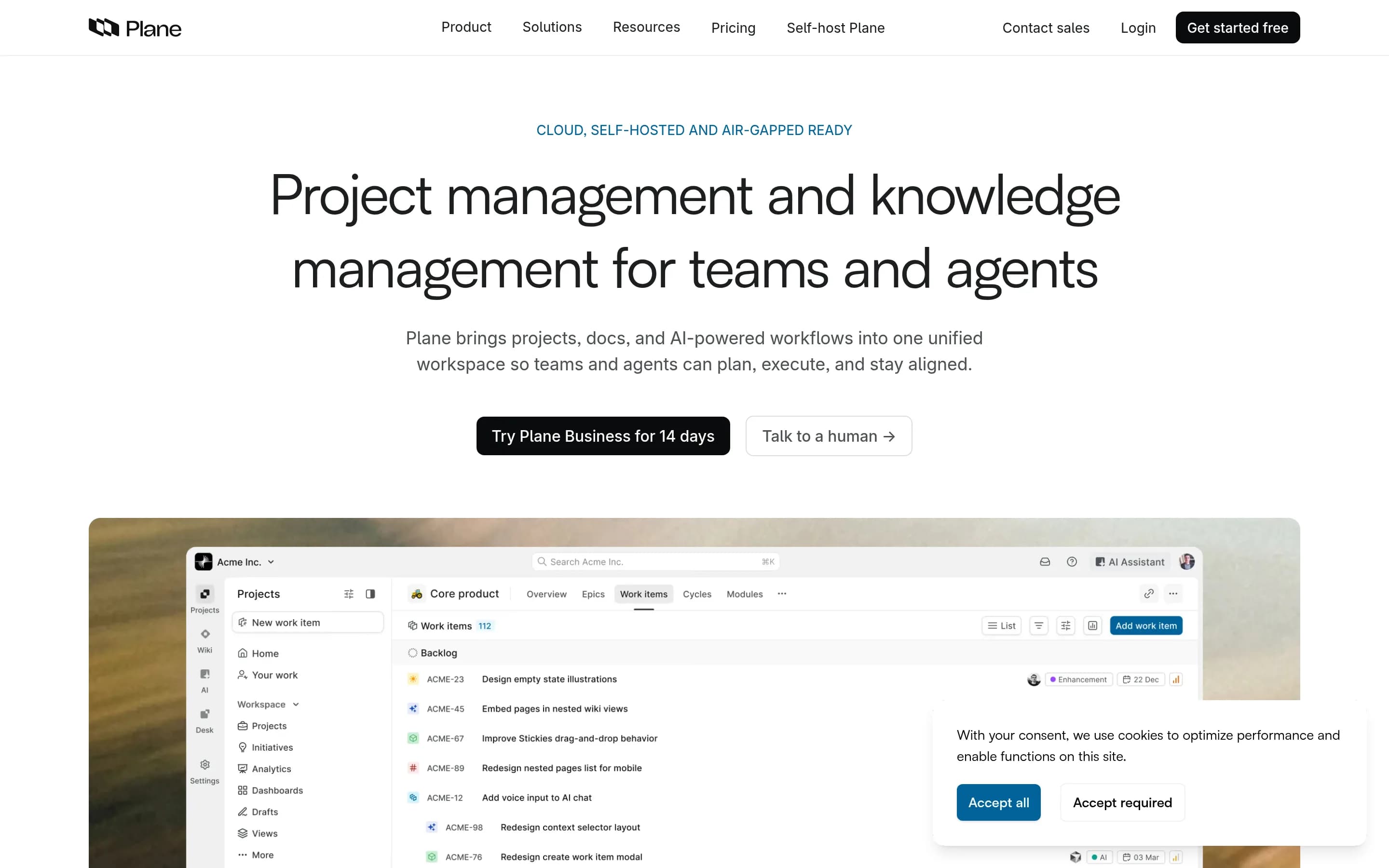
Choose Plane when the priority is an open-source, self-hostable project-management system centered on work items, cycles, roadmaps, documentation, and analytics. Choose Monday.com when the organization needs the documented breadth of configurable departmental workflows—particularly CRM, forms, workload planning, and extensive cross-application automation. The main tradeoff is infrastructure and code control versus a更
What it does
Plane is an open-source project management platform for creating and managing work items, organizing cycles and modules, tracking issues, and managing product roadmaps. Its documented workflows include rich-text task editing, file uploads, sub-properties, related issues, filters, saved views, and converting notes into actionable items.
Plane also provides burn-down charts, real-time analytics, and Pages for organizing ideas and documentation. It can be used through Plane Cloud or deployed on user-controlled infrastructure, with documented Docker and Kubernetes installation methods. The repository is licensed under AGPL-3.0.
What it covers
- Task and issue tracking
- Configurable filtered views
- Project documentation
- Progress analytics and dashboards
- AI-assisted workspace functions
What’s different
- No documented workload balancing
- No documented dependency planning
- No documented forms capability
- No documented CRM pipeline coverage
- No documented parity for Monday.com’s named integrations
- No documented Monday.com import procedure
OOpenproject15,857
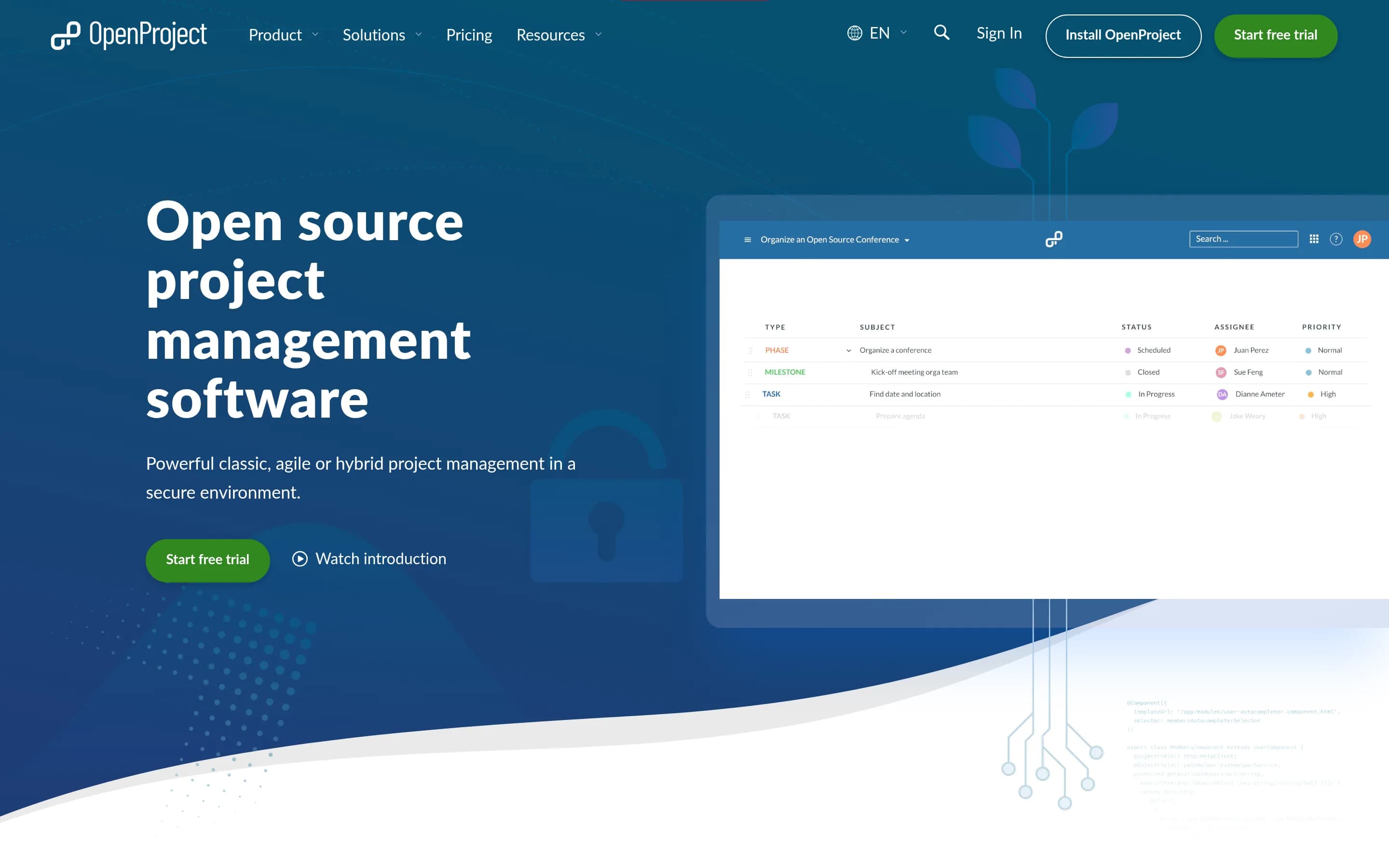
OpenProject is the stronger fit when the priority is open-source, self-hostable project management with direct infrastructure control. It covers core planning, task, scheduling, resource, dashboard, workflow, and collaboration needs, but the supplied evidence does not establish monday.com-equivalent CRM, no-code AI agents, forms, or its broader integration coverage. Choose OpenProject for a project-focused deployment
What it does
OpenProject is a web-based, open-source platform for teams and organizations managing projects, portfolios, products, tasks, bugs, agile workflows, and roadmaps. Its documented capabilities include project and portfolio management, Kanban and Scrum boards, Gantt-based planning and scheduling, task management, time tracking, cost reporting, budgeting, and team collaboration.
The software can be deployed under user control through its self-hosted Community Edition, with installation guides provided. An Enterprise Edition is also available through cloud or on-premises deployment, and documented integrations include Nextcloud, XWiki, GitHub, and GitLab.
What it covers
- Project and portfolio tracking
- Task assignment and progress tracking
- Timelines, milestones, and dependencies
- Resource and workload planning
- Custom dashboards and status views
- Configurable fields, roles, and workflows
- Documents and team collaboration
- GitHub integration
What’s different
- No documented sales CRM coverage
- No documented no-code AI agent builder
- No documented request-form capability
- No documented Slack, Salesforce, Zoom, Gmail, or Outlook integrations
- No documented monday.com migration path
LLeantime11,356
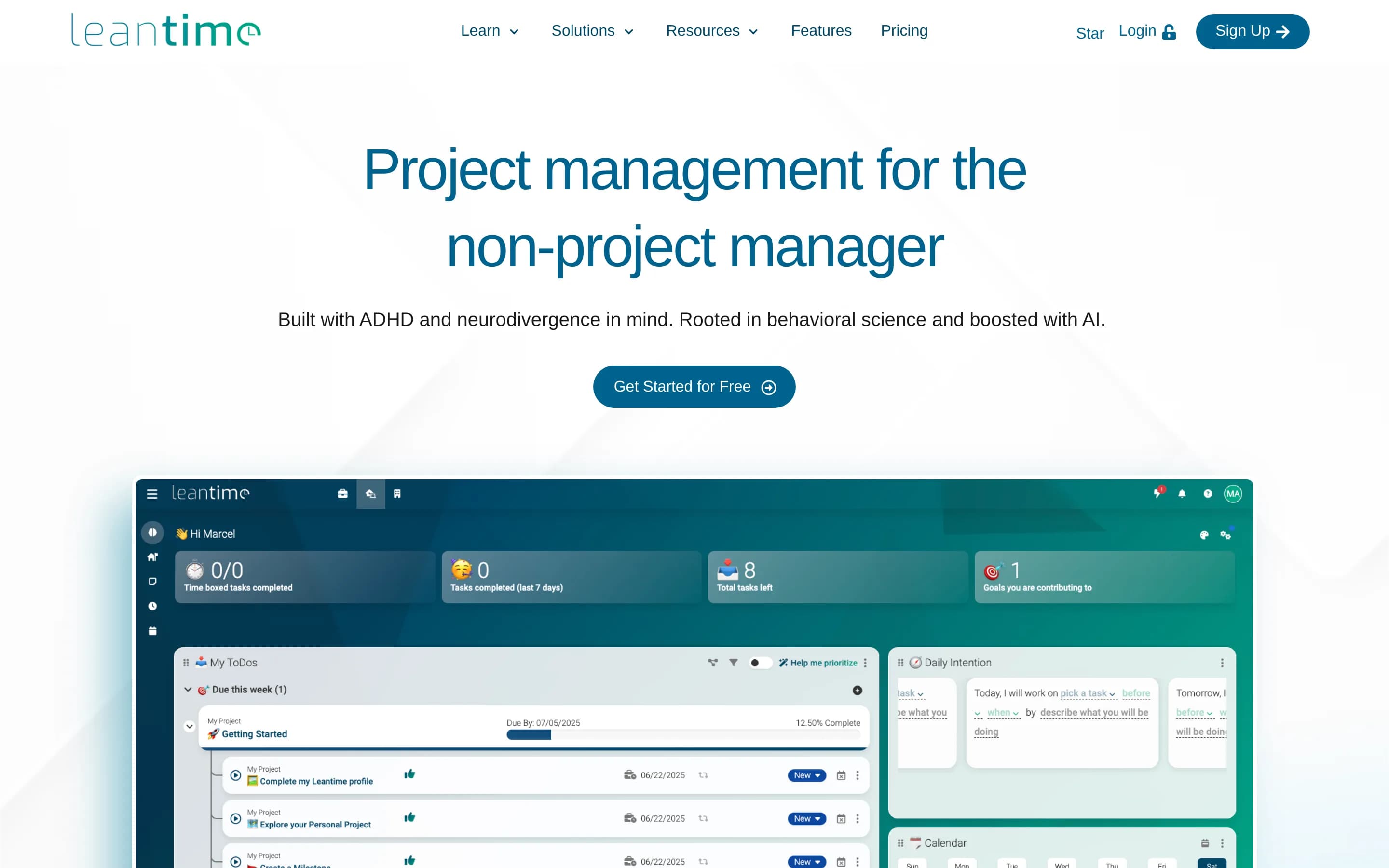
Choose Leantime when the priority is an open-source, self-hostable, project-management-focused system with goals, tasks, timelines, reports, and accommodations-oriented design for non-project managers. Choose monday.com when one configurable platform must also cover CRM, service, marketing, recruiting, no-code AI agents, forms, and broad cross-department automation. The principal tradeoff is infrastructure and code-
What it does
Leantime is an open-source project management system designed for non-project managers. It combines strategy, planning, and execution with task management through kanban, Gantt, table, list, and calendar views. Documented features include subtasks, dependencies, milestones, sprints, timesheets, project dashboards, reports, status updates, goals and metrics, retrospectives, comments, discussions, and project permissions.
The application can be deployed on a user-controlled server through a local PHP, MySQL or MariaDB, and Apache or Nginx installation, or through the official Docker image and Docker Compose setup. It also supports file storage, LDAP and OIDC integration, plugins, a JSON-RPC API, and integrations with Slack, Mattermost, and Discord.
What it covers
- Task and subtask tracking
- Dependencies and milestones
- Kanban, table, list, calendar, and timeline views
- Project dashboards and status reports
- Project documents and wikis
- Slack integration
- Roles and project permissions
- Extensibility through plugins and API
What’s different
- Comparable no-code AI agent builder
- Documented CRM and account workflows
- Documented forms-based request capture
- Documented Salesforce, GitHub, Zoom, Gmail, and Outlook integrations
- Documented workload-balancing coverage
WWorklenz3,147
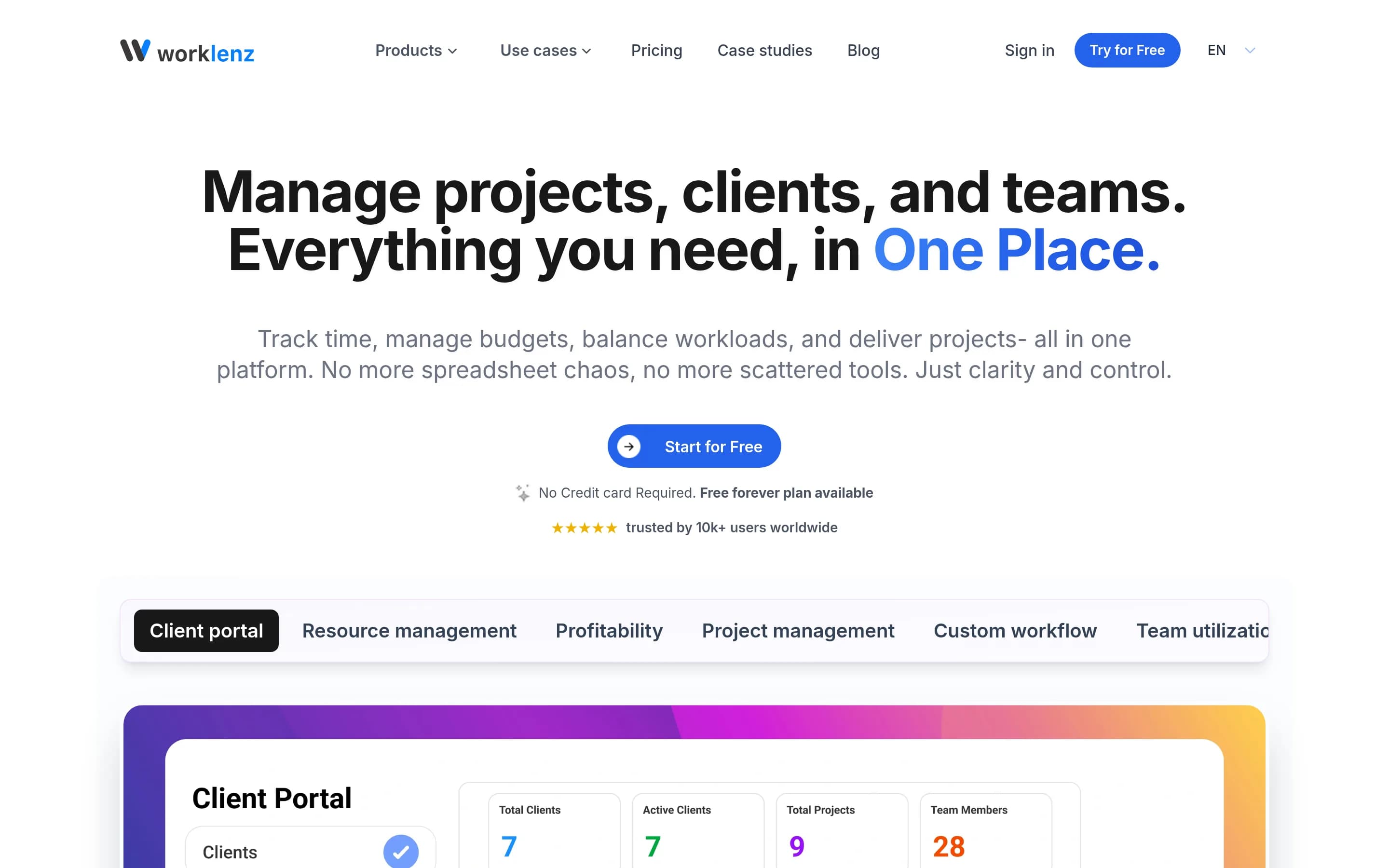
Choose Worklenz when self-hosting and an open-source, project-focused system matter more than monday.com’s broader cross-department platform. It covers task, dependency, resource, workload, and reporting workflows, with additional emphasis on time, project finance, and client work. Choose monday.com when you need documented CRM coverage, broad workflow automation and integrations, forms/workdocs, or AI agents; those9
What it does
Worklenz is an open-source project management platform for planning, executing, and monitoring projects. Teams can create projects and tasks, set priorities and due dates, track progress through list, board, and Gantt views, use templates, and collaborate through comments and file sharing.
The platform documents resource planning, workload balancing, visual scheduling, time tracking, budgets and costs, analytics, reporting, team utilization, project profitability, and a client portal. It can be used through Worklenz Cloud or deployed under user control with Docker, Docker Compose, or manual installation using React, Express, PostgreSQL, Redis, and object storage.
What it covers
- Project and task tracking
- Owners, dates, and status tracking
- Task dependencies
- List, board, and Gantt views
- Resource and workload planning
- Project analytics and reporting
- Custom project workflows
- File and task collaboration
What’s different
- Current CRM coverage
- Documented no-code AI agents
- Documented workflow automations
- Documented named app integrations
- Documented workdocs equivalent
- Documented forms equivalent
- Kubernetes deployment guidance
NNamviek2,547
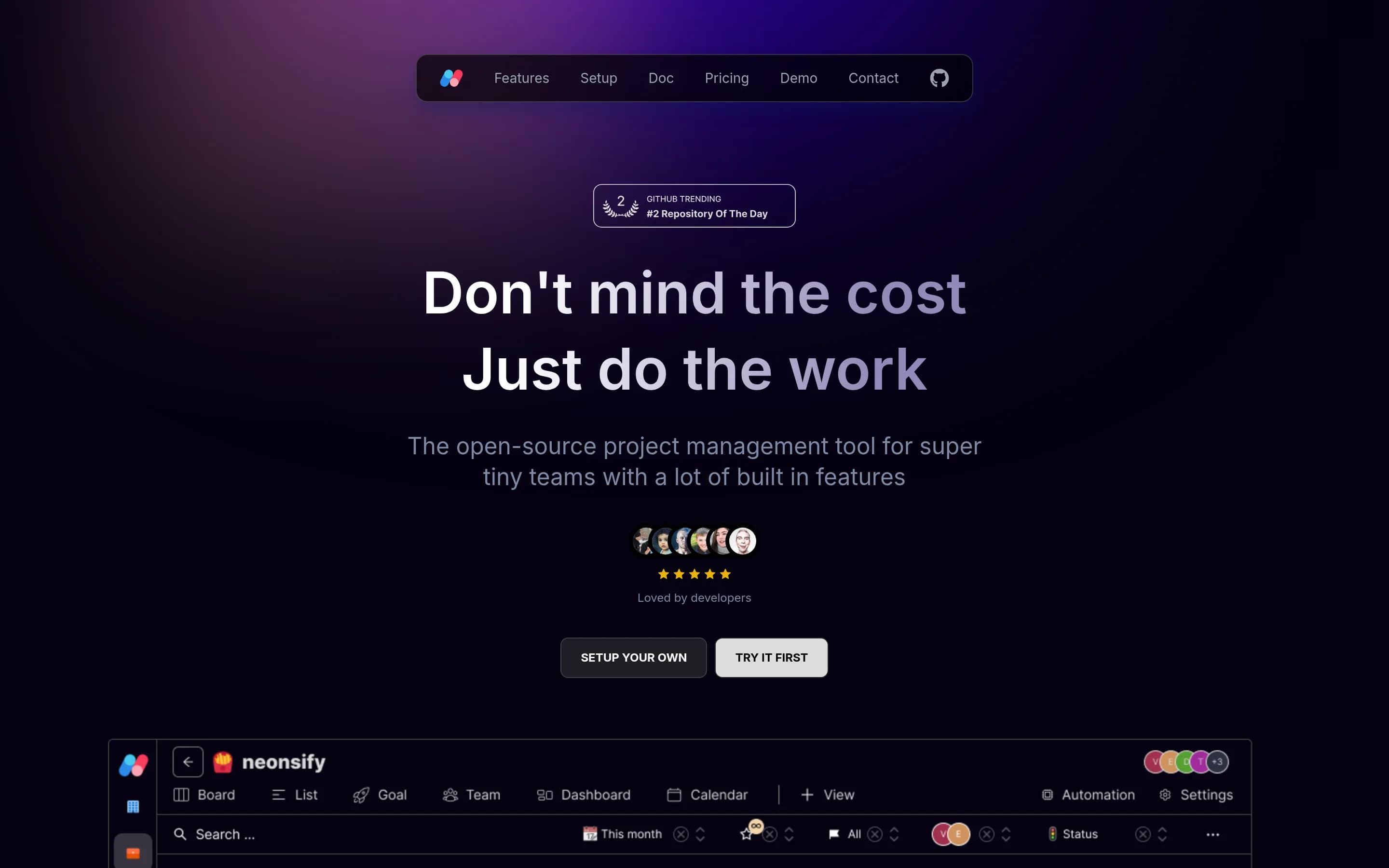
Namviek is the narrower, self-hostable choice for small development teams that primarily need task, goal, calendar, sprint, and dashboard workflows and are prepared to operate the software. Monday.com remains the better fit for organizations needing a broad managed work platform with documented dependencies, workload planning, automations, integrations, forms, documents, CRM, or AI-agent workflows; those capabilities
What it does
Namviek is an open-source project management tool designed for development teams with limited budgets. It provides essential project management capabilities for organizing team work and is described as a self-hosted alternative with fixed hosting costs rather than per-user pricing.
The project is built with Next.js, Node.js, MongoDB, Redis, and NX, and includes demo instances for trying the product. Users can run it locally with Docker Compose, configure required services such as Redis, MongoDB, and Minio, follow manual installation and deployment documentation, or deploy through Vercel and Render. The supplied README does not specify Gantt charts, resource planning, workflow automation, or dashboards.
What it covers
- Task assignment and progress tracking
- Board-based task workflows
- Calendar-based deadline tracking
- Custom dashboards and team reporting
- Filtered and customized views
- Data import and export
What’s different
- Documented dependency planning
- Documented workload balancing
- Documented workflow automations
- Documented third-party integrations
- Documented workdocs and forms
- Documented CRM workflows
- Documented no-code AI agents
KKaneo8,318
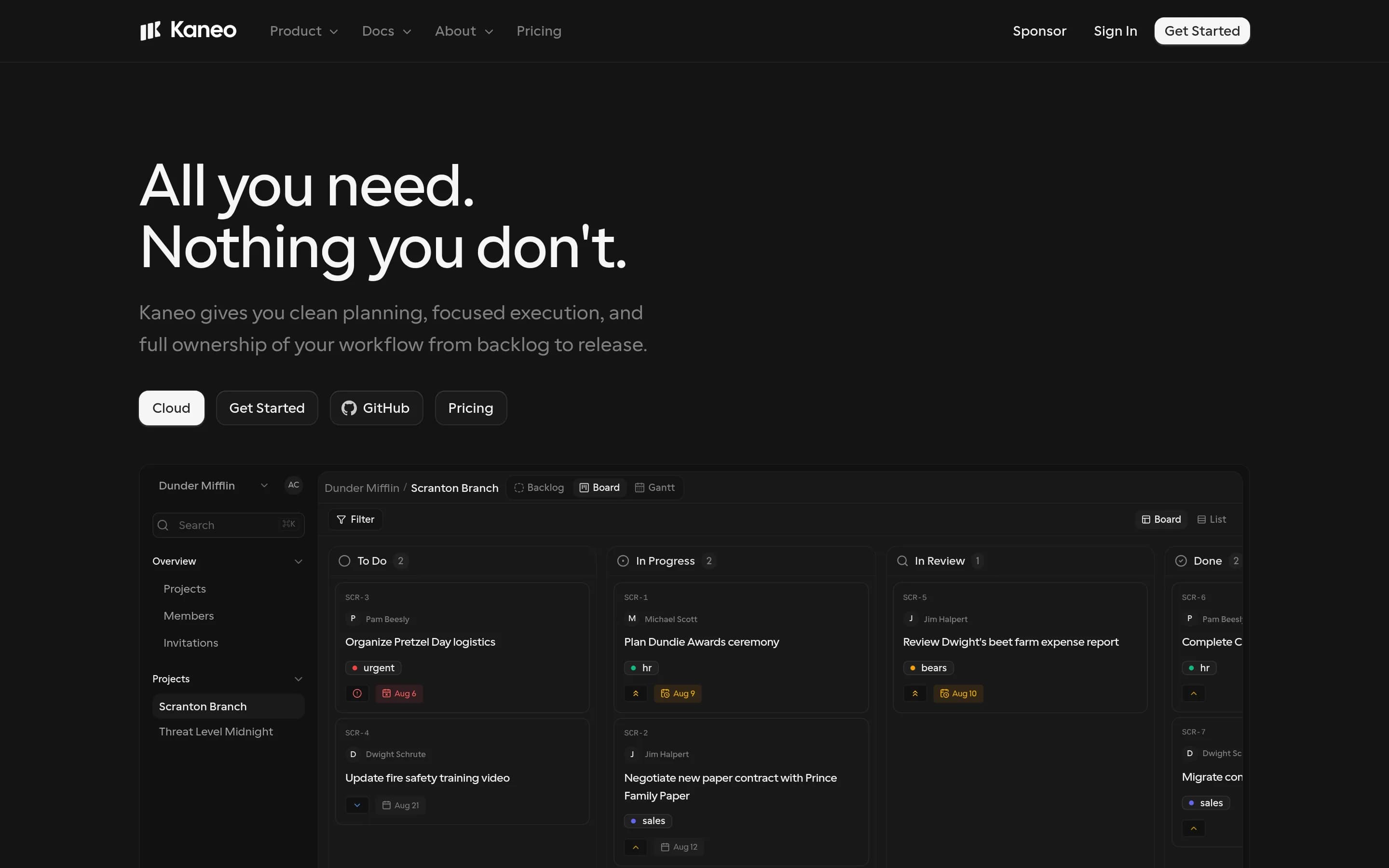
Choose Kaneo when the priority is a focused, open-source project manager that can run on your infrastructure; it covers board/list planning, task ownership, due dates, priorities, labels, backlogs, and configurable workflows. Choose Monday.com when you need the broader documented work platform—especially dashboards and delivery reporting, dependency/workload planning, extensive automation, forms/docs, CRM workflows,或
What it does
Kaneo is an open-source project management platform designed to help teams organize products and projects without a heavily feature-laden interface. The README identifies tasks, projects, labels, issue management, and project management as core uses, and describes a clean interface focused on team work.
The product can be deployed under user control with Docker Compose, a bundled container and PostgreSQL, separate API and web images, or a Kubernetes Helm chart. It also supports a built-in HTTP MCP endpoint and an official MCP package so compatible AI clients can manage tasks, projects, and labels. The repository is MIT-licensed and documents self-hosted and cloud links.
What it covers
- Board-based project planning
- List-based work planning
- Task owners and due dates
- Priorities, labels, and statuses
- Configurable project workflows
- GitHub-connected development work
What’s different
- No documented dependency or workload planning
- No documented delivery dashboards or scheduled reports
- No documented workdocs or form builder
- No documented CRM pipeline workflows
- No documented no-code agent builder
- No documented Monday.com importer
Cm42-central328
Cm42-central is a self-hostable, AGPL-3.0 alternative for development teams that want an opinionated, story-based agile backlog built around fixed iterations, estimation, velocity, and stakeholder acceptance. Choose it over Monday.com when infrastructure control and this specific workflow matter more than broad work-management coverage. Choose Monday.com for configurable cross-department workflows, timeline and quota
What it does
CM42 Central is an open-source application for agile development teams that manages user-story backlogs and project planning. Its documented workflows include projects organized into short iterations, story estimation, stakeholder acceptance or rejection, search, labels, notes, attachments, basic tasks within stories, and team-based project access.
The application includes basic reports such as iteration status, velocity, bugs per iteration, member velocity, volatility, and burn-up charts. It also sends story changes to Mattermost and Slack channels. The README documents a Rails web application that runs locally with PostgreSQL, Redis, and optional Memcached, with Docker Compose support and deployment instructions for Heroku.
What it covers
- Project and task organization
- User assignment and team access
- Status and progress reporting
- Slack notifications
- Search and basic reports
What’s different
- No documented timeline or dependency planning
- No documented workload balancing
- No documented workdocs or forms
- No documented no-code AI agents
- No documented CRM workflows
- No documented Monday.com importer
AAppFlowy75,519
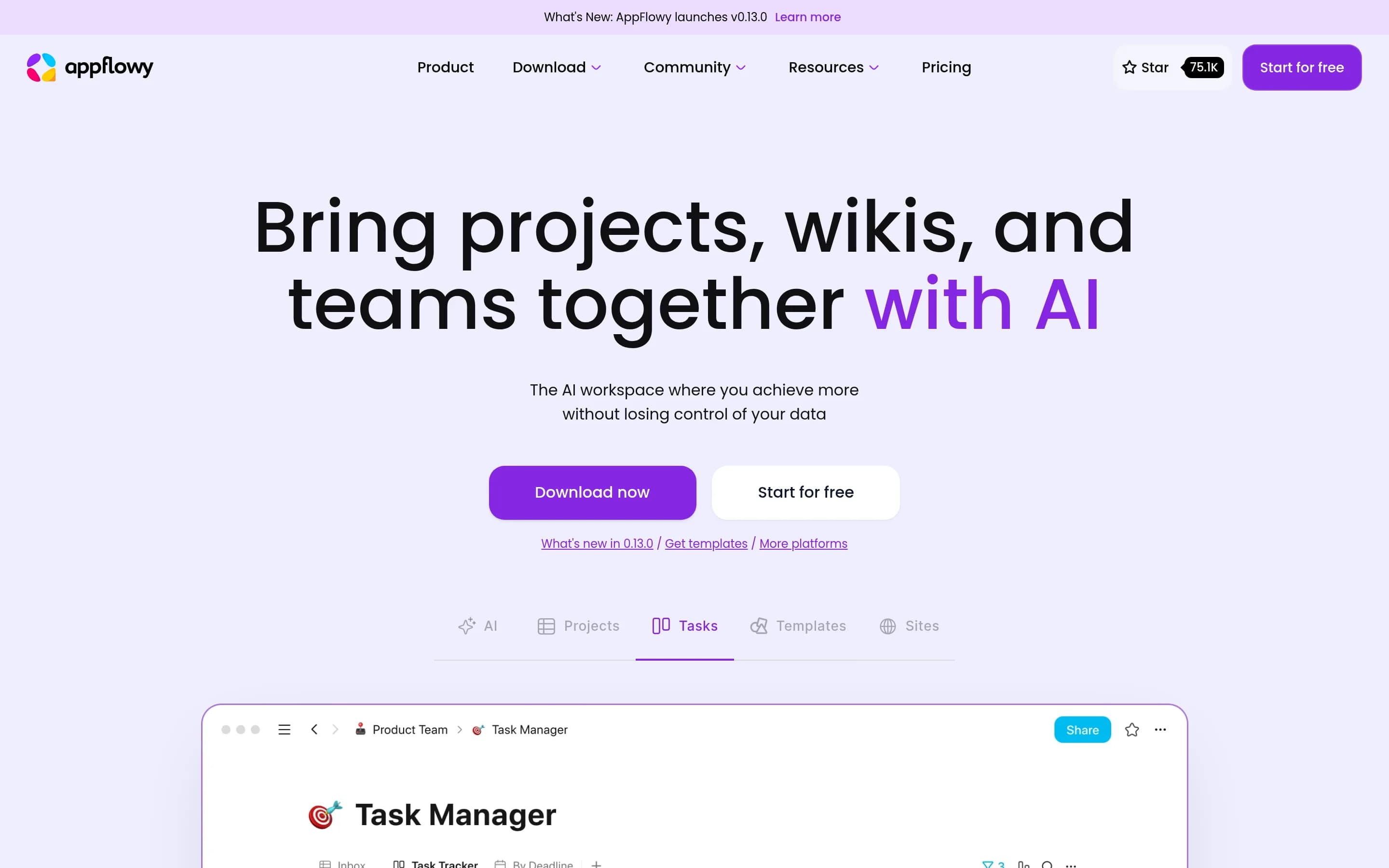
AppFlowy is a plausible alternative for teams prioritizing an open-source, self-hostable workspace that combines documents, databases, boards, and AI. It is not a like-for-like monday.com replacement: the supplied evidence supports task assignment, Kanban-style boards, database views, charts, and collaborative documents, but does not establish monday.com-level coverage for dependencies, workload planning, workflow_1,
What it does
AppFlowy is an open-source collaborative workspace that brings projects, wikis, teams, databases, documentation, templates, and AI features together. Its documented workflows include Kanban boards for to-dos, database views for tasks and projects, collaborative workspace use, and creation of documentation sites.
The repository provides downloadable desktop applications for macOS, Windows, and Linux, plus mobile applications for iPhone and Android. It also documents source-based installation and self-hosting, giving users a deployment path under their own control. AppFlowy is distributed under the AGPL-3.0 license and is built with Flutter and Rust.
What it covers
- Database-backed task and project tracking
- Kanban-style board views
- Assignment to collaborators
- Filtering, grouping, and search
- Chart-based database views
- Collaborative documents and comments
- Desktop and mobile access
- AI-assisted workspace features
What’s different
- Documented dependency scheduling
- Documented workload balancing
- Documented workflow automation parity
- Documented monday.com integration parity
- Documented forms capability
- Documented CRM and account workflows
- Documented no-code AI agent builder
- Documented monday.com import path
DDootask5,548
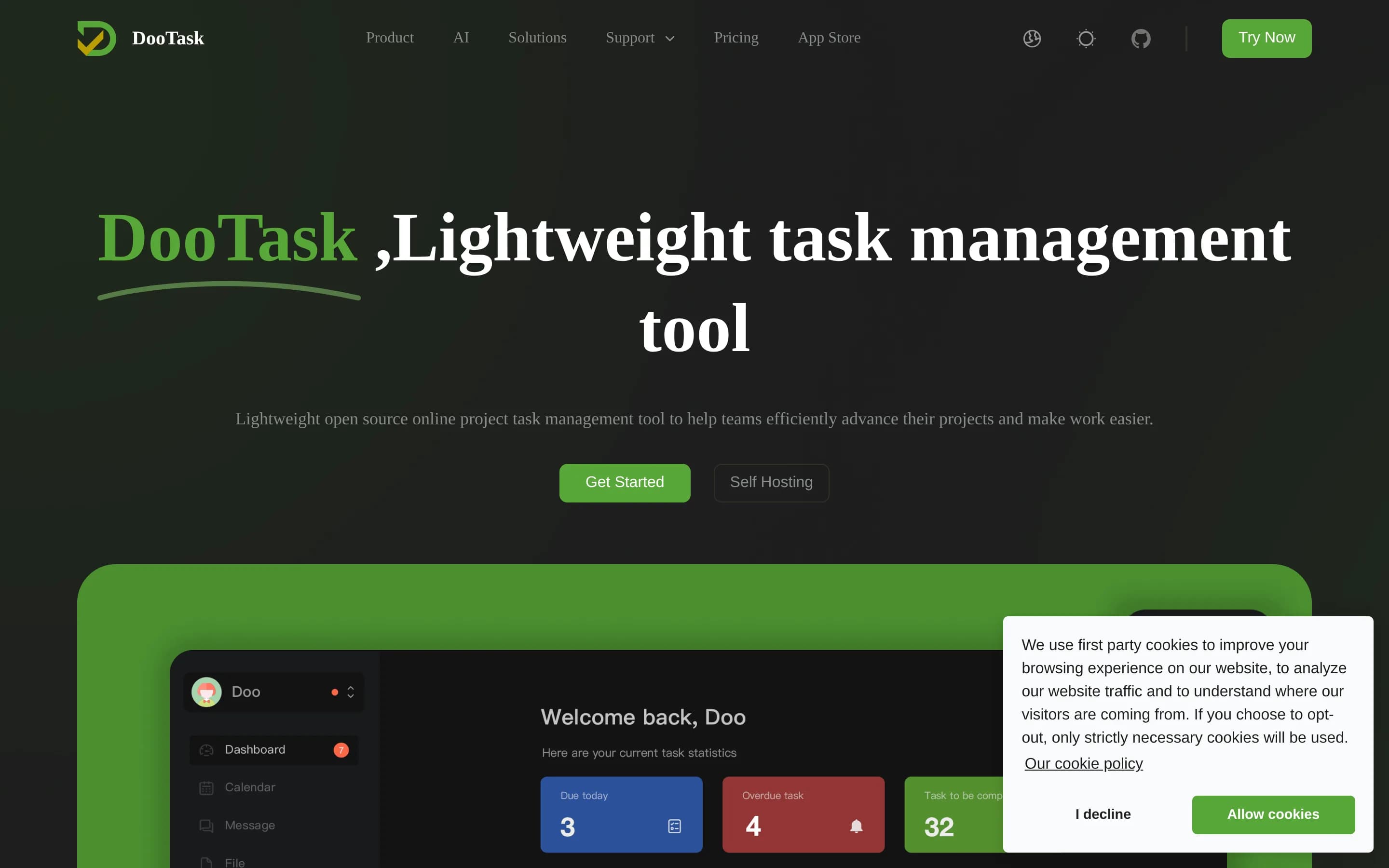
DooTask is a reasonable alternative for teams that want an AGPL-3.0, self-hosted project-and-task collaboration system with multiple project views, calendars, documents, dashboards, and built-in communication. Monday.com remains the better fit for organizations needing a broader vendor-hosted work platform with documented dependency and workload planning, external workflow integrations, no-code AI agents, or CRM. The
What it does
DooTask is an open-source online project and task management system for organizing projects, distributing tasks, and coordinating remote work. Its documented feature set includes document collaboration, online mind maps, online flowcharts, instant messaging, file management, and task-oriented project workflows. Messaging uses asymmetric encryption according to the repository description.
The project is designed for user-controlled deployment. It requires Docker and Docker Compose, uses MariaDB through the default Compose service, and supports CentOS, Debian, Ubuntu, macOS, and other Linux/Unix systems. Installation, upgrades, service control, port changes, HTTPS configuration, backups, migration, and uninstallation are documented through scripts and commands.
What it covers
- Project and task management
- Task-oriented work tracking
- Multiple project views
- Task calendars and timelines
- Progress dashboards and statistics
- Collaborative documents and files
- Custom project templates
What’s different
- Documented dependency planning
- Documented workload balancing
- Documented external workflow integrations
- No-code AI agent builder
- Sales pipeline and account workflows
- Documented Monday.com importer
AApitable15,447
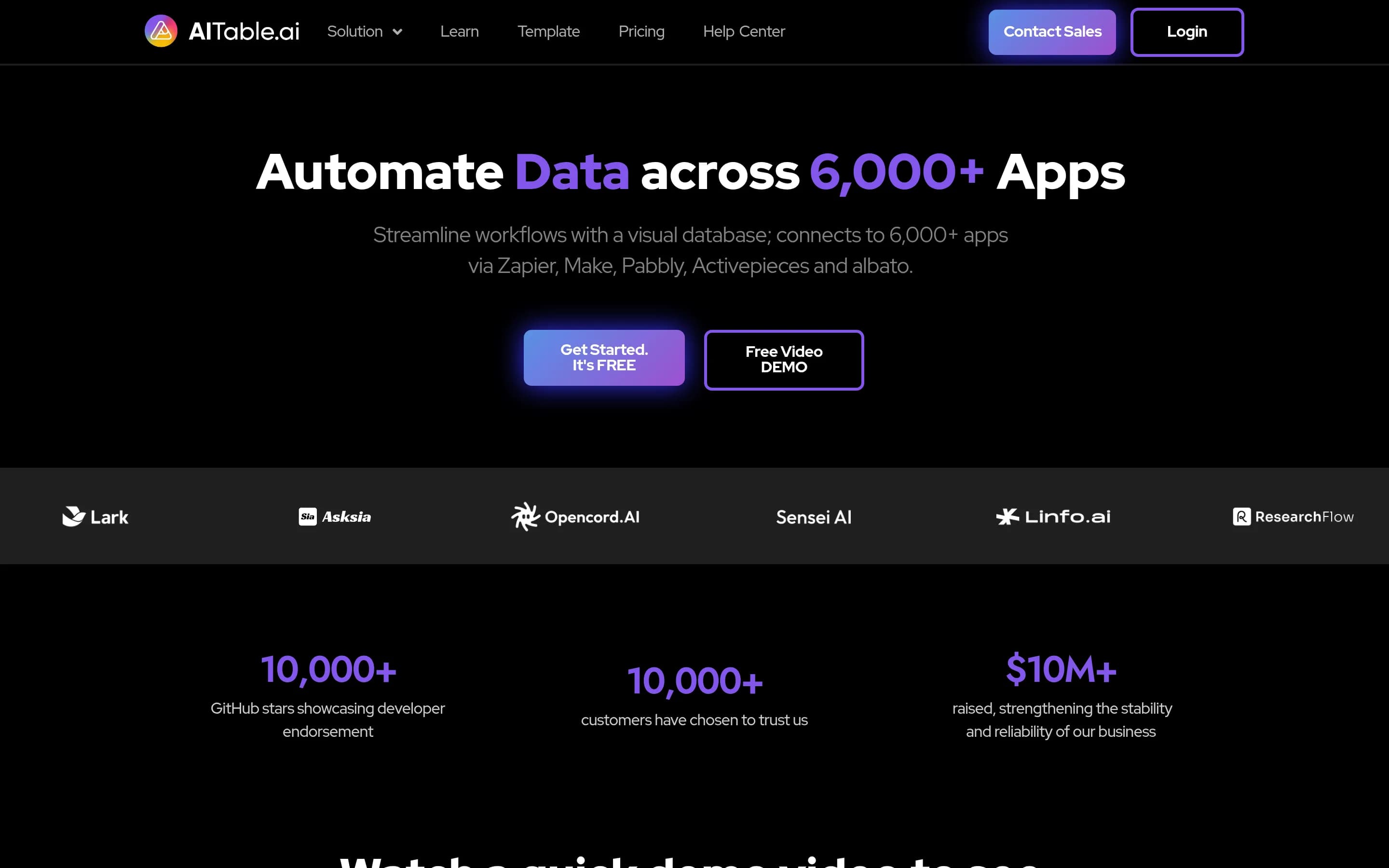
APITable is a credible alternative when infrastructure control, inspectable AGPL source, and a flexible visual-database model matter more than a purpose-built project-delivery experience. Choose APITable for self-hosted, table-centric workflows that teams are prepared to configure and operate; choose Monday.com when documented dependency planning, workload balancing, scheduled status reporting, or governed AI-agent操作
What it does
APITable provides a collaborative database-spreadsheet workspace for creating tables, linked records, forms, dashboards, and multiple views, including grid, gallery, mind map, Kanban, Gantt, and calendar views. It supports real-time editing, formulas, permissions, templates, shareable pages, embedding, and API access.
The platform also includes automation robots, integrations with services such as n8n, Zapier, Appsmith, and Slack, customizable widgets, charts, and an API panel. The repository documents local or cloud installation using Docker Compose, a Docker all-in-one image for testing, and a hosted version at AITable.ai.
What it covers
- Configurable project and task tables
- Kanban, Gantt, and calendar views
- Dashboards and charts
- Forms for structured data entry
- Workflow automation and external integrations
- CRM-style record workflows
- Granular row and column permissions
What’s different
- Documented workload balancing
- Documented project dependency controls
- Scheduled status reports
- AI-agent simulation and activity logs
- Documented Monday.com import path
VVikunja5,069
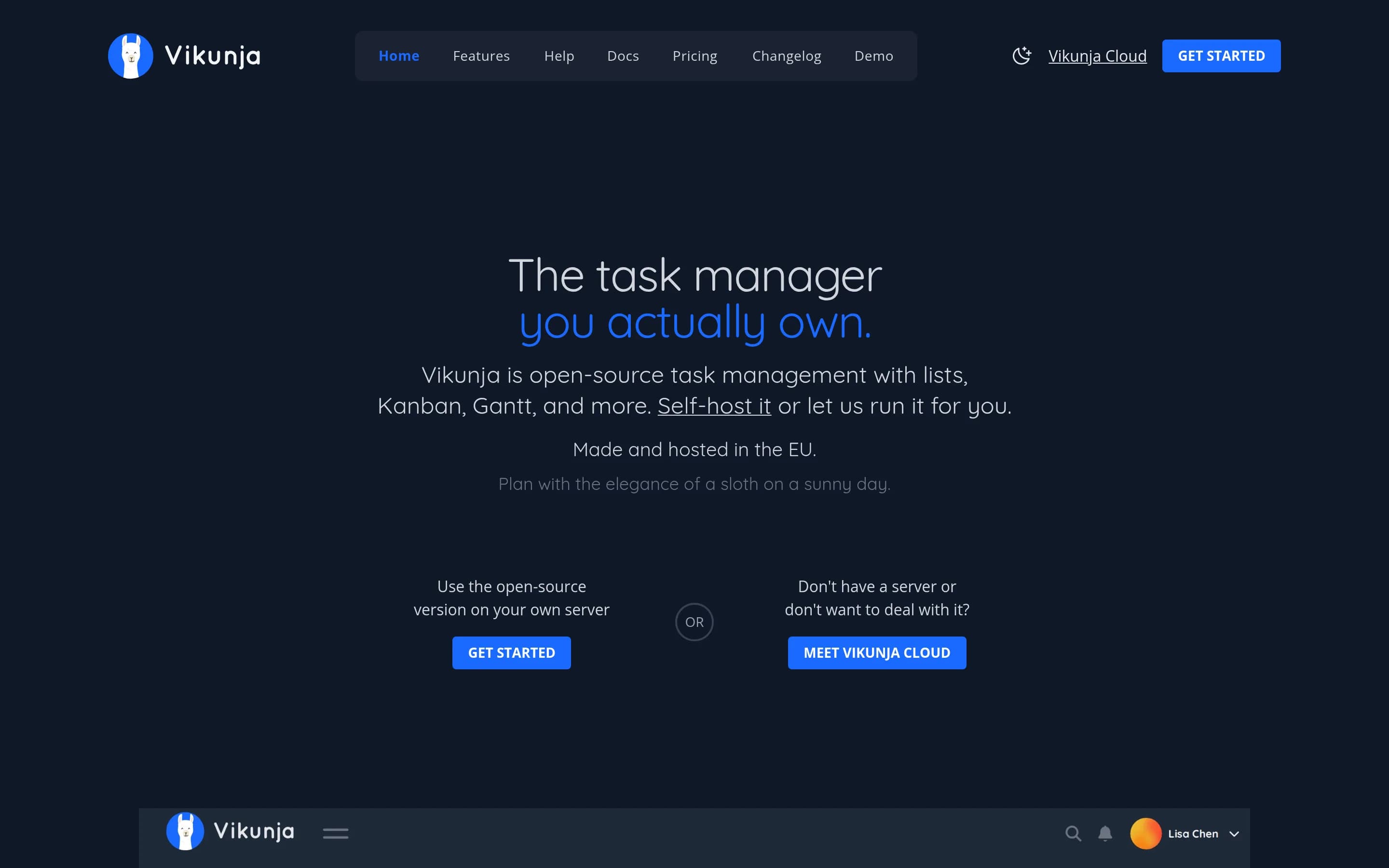
Vikunja is the better fit for teams that want a focused, open-source task and project manager with infrastructure control; it covers project sharing, assignments, due dates, task relations, and list, Kanban, table, and Gantt views. Monday.com remains the stronger choice for organizations that need a broad, vendor-hosted work platform spanning dashboards, automations, documents, forms, CRM, AI agents, and multiple16px
What it does
Vikunja is an open-source task and project management product described as a task manager that users own. The repository identifies project-management use, provides an API, and links to a hosted version for individuals or teams. The supplied README does not enumerate specific task, scheduling, assignment, or reporting workflows beyond the product's task-manager description.
Users can install Vikunja from the project documentation, build it from source, or use Docker images. The repository also points to a hosted service and a browser-accessible trial, but does not explicitly document a graphical interface in the supplied text. Vikunja Pro is mentioned as a separate offering with admin panels, audit logs, and time tracking.
What it covers
- Project-based task organization
- Task assignment and ownership
- Due dates and reminders
- Blocking and subtask relations
- Timeline planning through Gantt views
- Kanban and table views
- Team sharing and permissions
- Task attachments
What’s different
- No documented Monday.com importer
- No documented delivery dashboards or scheduled reports
- No documented workload-balancing view
- No documented no-code workflow automation builder
- No documented Workdocs or forms
- No documented CRM pipelines
- No documented no-code AI agents
- No documented parity for named Monday.com integrations