
SSmartsheet
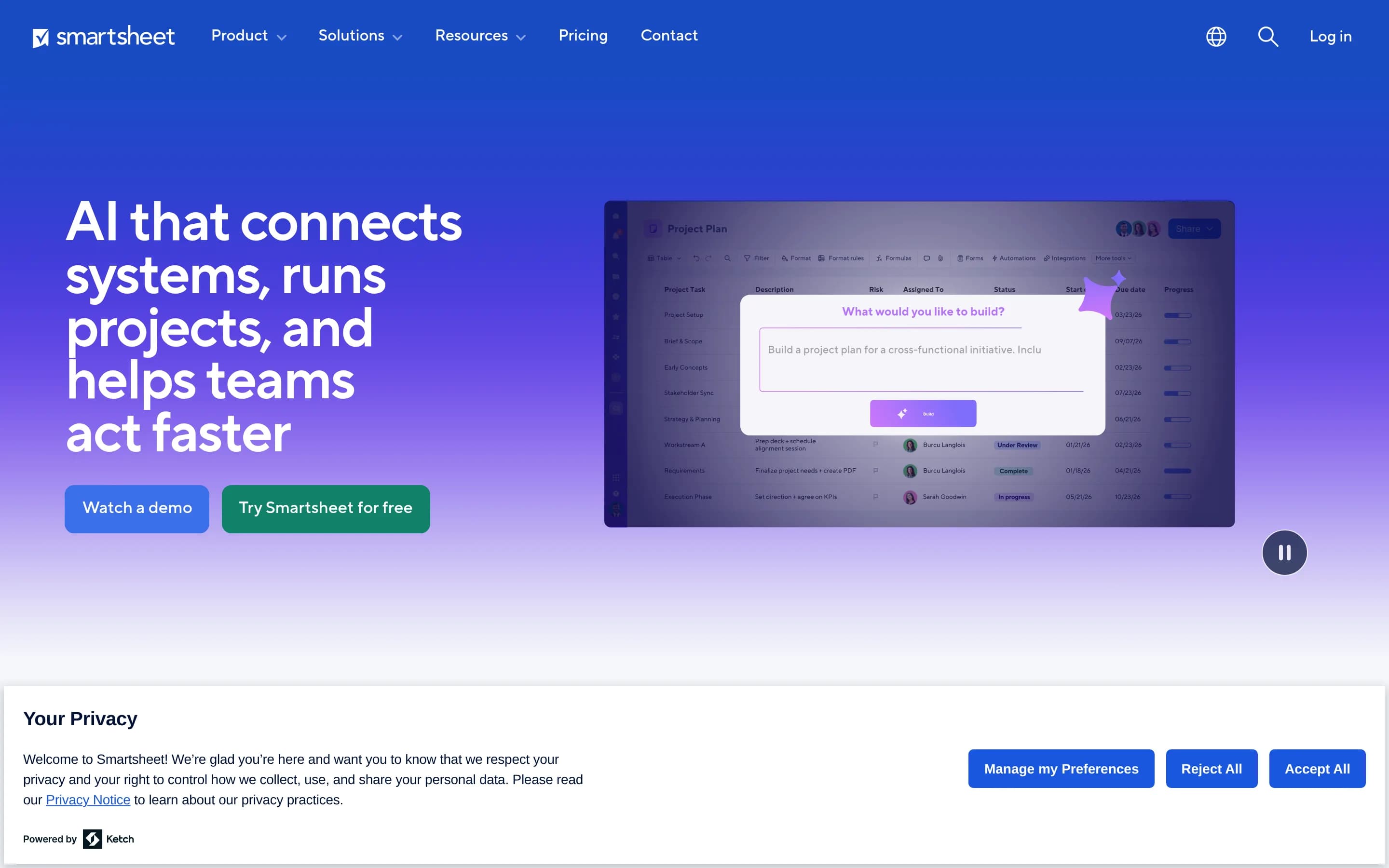
Smartsheet is a work management platform for planning and delivering projects and portfolios, automating workflows, coordinating teams, and reporting on progress. It also supports resource planning, integrations, digital asset management, and no-code work applications.
Why people leave Smartsheet
Organizations may look for a Smartsheet alternative when their needs are narrower than the platform’s broad work-management scope. Smartsheet combines project and portfolio management, workflow automation, dashboards, resource planning, digital asset management, integrations, and no-code applications. A team that only needs straightforward project planning, task tracking, or reporting may prefer a more focused product with fewer modules to evaluate and administer. Conversely, a team with a highly specialized delivery process may seek software designed specifically for its domain rather than adapting a general platform.
Smartsheet emphasizes connected systems, automated workflows, AI-assisted analysis, and solutions that can scale across operations, PMOs, IT portfolios, marketing, and client delivery. That breadth may require teams to make deliberate decisions about templates, workflow structure, integrations, permissions, and reporting conventions. Organizations that want a simpler setup or a more opinionated project methodology could therefore consider alternatives. Others may prefer a tool whose primary interaction model is centered on boards, documents, calendars, or another workflow better aligned with how their teams already operate.
Some organizations may also seek greater control over deployment, customization, or data handling than a proprietary platform provides. An open-source alternative can be attractive when a team wants to inspect the code, self-host the system, build custom extensions, or reduce dependence on a single vendor’s roadmap. These considerations do not imply that Smartsheet lacks security or administration capabilities—the supplied page highlights enterprise-grade security and account administration—but they can still matter for organizations with internal infrastructure policies or specialized integration requirements.
Finally, buyers may compare alternatives when deciding which capabilities should live in one suite. Smartsheet offers integrations and modules spanning automation, reporting, resource planning, portfolio management, and digital asset management. Some teams may prefer separate best-of-breed tools for these jobs, while others may want a single system with a different balance of project planning, communication, analytics, and automation. The better fit depends on the organization’s desired complexity, governance model, deployment preferences, and the concrete artifacts its teams need to deliver.
7 Best Open Source Smartsheet Alternatives (Ranked)
Each alternative is evaluated for core feature coverage, deployment options, licensing, project health, and overall fit. The ranking prioritizes how closely a tool matches Smartsheet's primary workflows, using popularity only as a secondary signal.
OOpenproject15,859
OpenProject is the stronger fit for organizations prioritizing open-source licensing, self-hosting, data control, and conventional or agile project management. Smartsheet remains the safer choice for organizations that depend on its broader suite—particularly no-code applications, digital asset management, or AI-assisted work—because equivalent OpenProject coverage is not documented in the supplied sources. The main
What it does
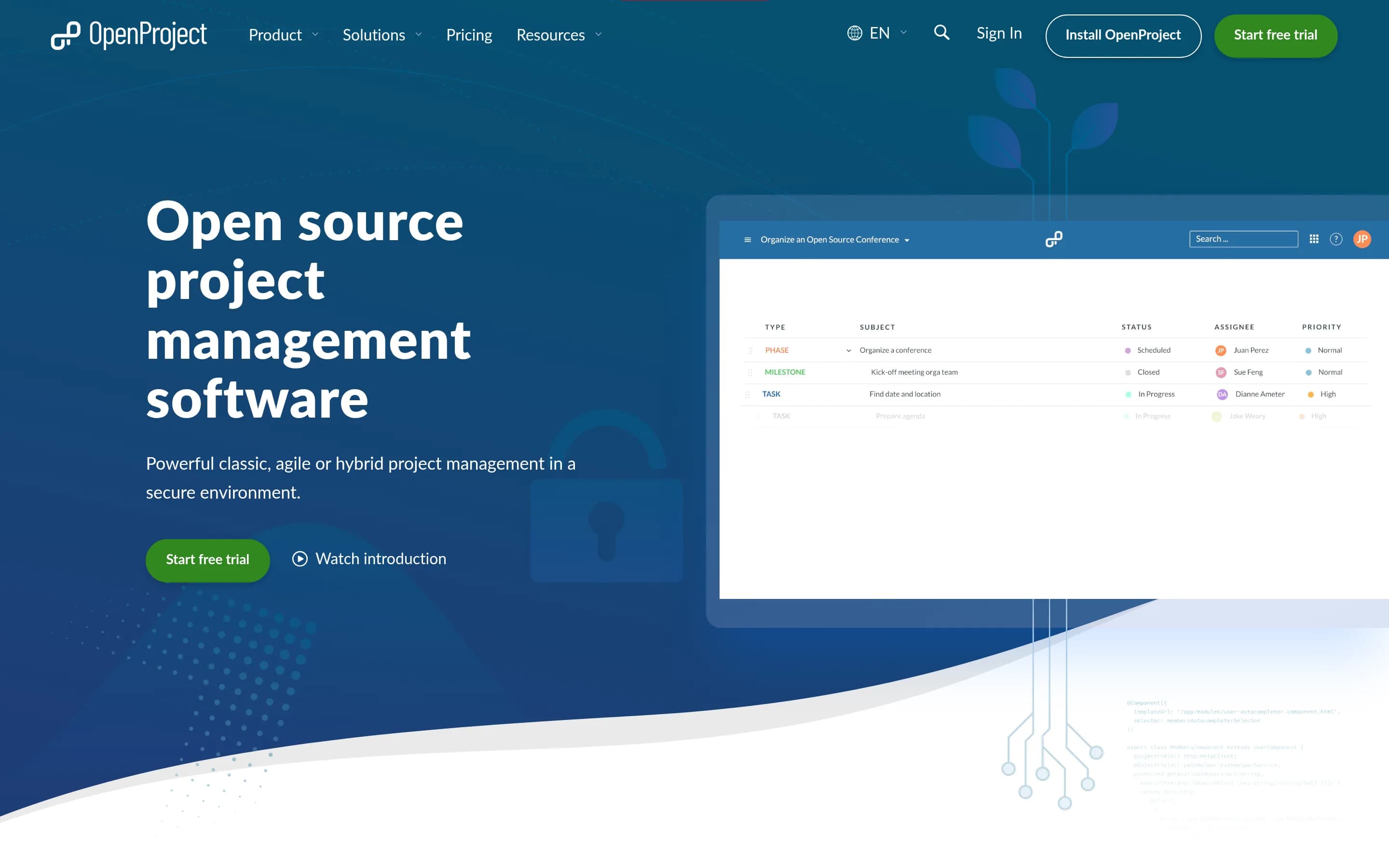
OpenProject is a web-based project management platform for teams and organizations. It manages projects, portfolios, products, tasks, bugs, agile workflows, roadmaps, and team collaboration in one system, with a focus on transparency, flexibility, and data sovereignty.
Documented capabilities include project planning and scheduling with Gantt charts, agile boards for Kanban and Scrum, product and release planning, task and bug tracking, time tracking, cost reporting, budgeting, wikis, forums, meeting management, and integrations with Nextcloud, XWiki, GitHub, and GitLab.
The software is open source under GPL-3.0. The Community Edition can be downloaded and self-hosted, while Enterprise Edition is available through cloud or on-premises deployment.
What it covers
- Project and portfolio planning
- Task tracking and team collaboration
- Dashboards and progress reporting
- Resource planning and allocation
- Workflow configuration
- Application integrations
What’s different
- No documented Smartsheet importer
- No documented no-code app builder
- No documented digital asset management
- No documented AI-assisted intelligence
WWorklenz3,147
Worklenz is a plausible alternative for teams that primarily need project and task management, resource planning, collaboration, reporting, time tracking, and project finances—especially agencies or professional-services firms that want cloud or self-hosted deployment. Choose Smartsheet when broader work-management coverage is essential, particularly workflow automation, application integrations, no-code applications
What it does
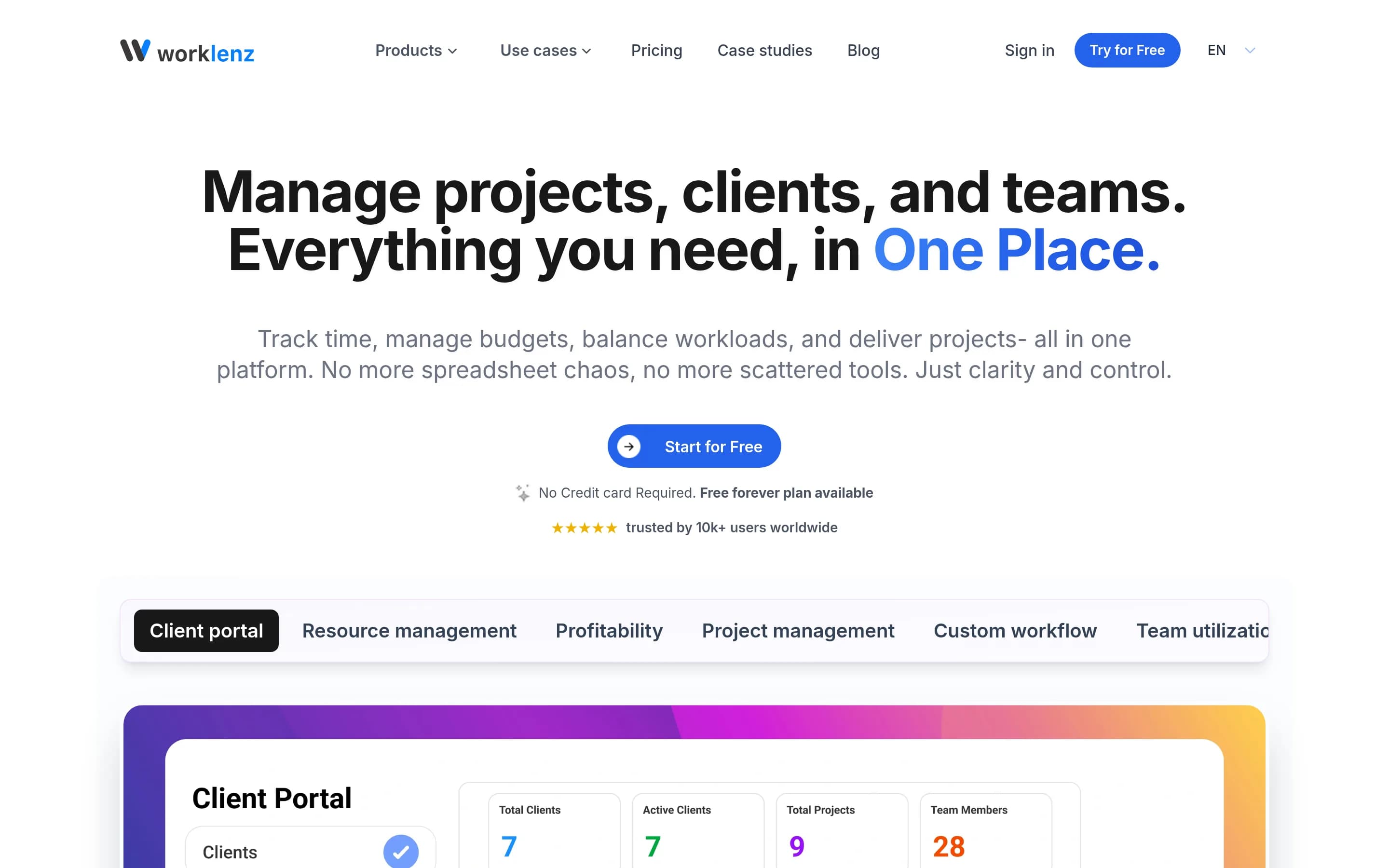
Worklenz is an open-source project management platform for planning, executing, and monitoring projects from start to finish. It supports task priorities, due dates, progress tracking, list, board, and Gantt views, project templates, time tracking, budgets, costs, and project profitability monitoring.
The platform documents team and client collaboration through task comments, file sharing, shared workspaces, and a client portal. It also provides resource allocation, capacity planning, workload and utilization views, visual scheduling, analytics, and reporting. Worklenz can run through its hosted cloud service or be deployed on a user-controlled server using Docker or manual installation, with PostgreSQL, Redis, MinIO or external storage, and optional SSL/TLS.
What it covers
- Project and task planning
- List, board, and Gantt views
- Task dependencies and deadlines
- Team collaboration and file attachments
- Dashboards and project reporting
- Resource allocation and capacity planning
What’s different
- Documented workflow automation
- Documented application integrations
- No-code work applications
- Digital asset management
- AI-assisted work intelligence
PPlane56,013
Plane is the stronger fit for teams seeking an open-source, self-hostable system centered on work items, cycles, roadmaps, pages, and analytics. Smartsheet remains the better choice for organizations that need a broader work-management suite, particularly documented resource planning, digital asset management, and no-code applications; equivalent Plane coverage for those areas is not established by the supplied facts
What it does
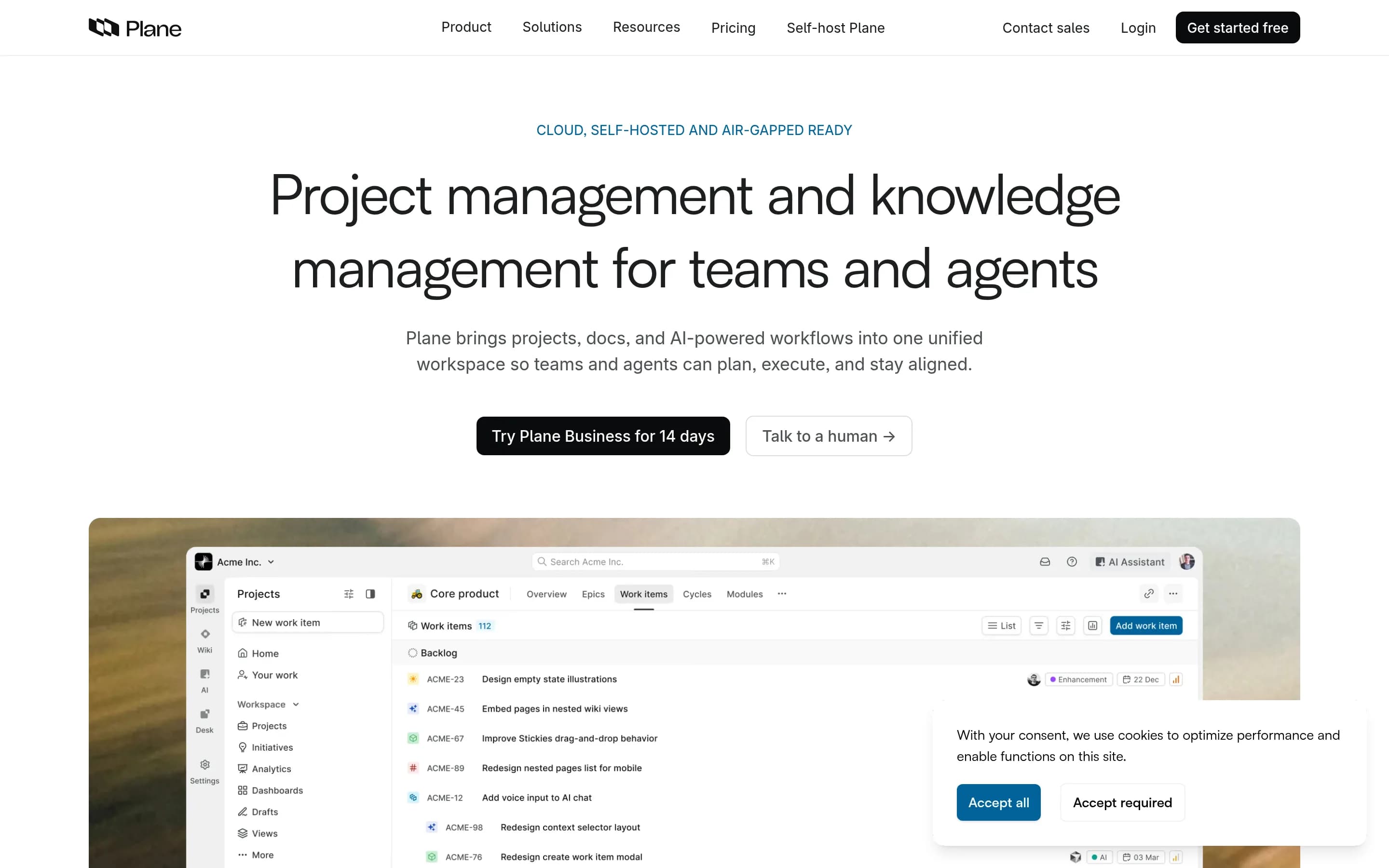
Plane is an open-source project management platform for teams. It supports creating and managing work items with rich text and file uploads, organizing work into cycles and modules, and building filtered views that can be saved and shared. Its description also identifies issue tracking, project roadmaps, and sprint-style planning as core workflows.
Plane includes Pages for organizing ideas and converting notes into actionable items, with documented AI capabilities, and Analytics for real-time insights across Plane data. Users can access Plane Cloud or deploy the software on their own infrastructure. The repository documents Docker and Kubernetes installation methods, as well as managed hosting.
What it covers
- Project and task tracking
- Workflow and approval support
- Dashboards and analytics
- Team knowledge pages
- Application integration options
- AI-assisted work management
What’s different
- No documented resource planning
- No documented digital asset management
- No documented no-code app builder
- No documented Smartsheet importer
LLeantime11,357
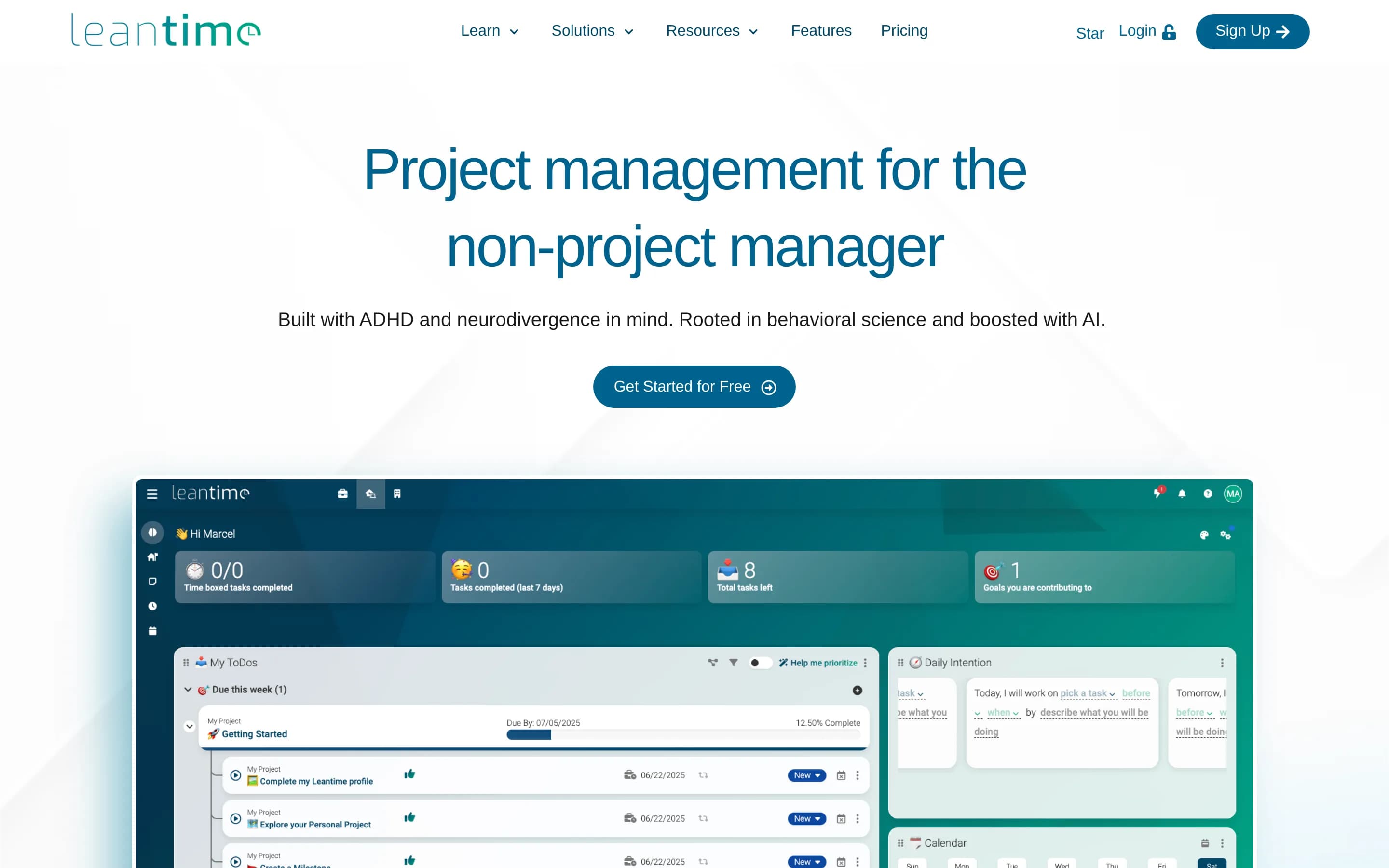
Choose Leantime when the priority is self-hosted, open-source project management centered on goals, tasks, timelines, and team knowledge—especially for non-project managers or neurodivergent-friendly workflows. Choose Smartsheet when you need the target platform’s broader documented scope, including portfolio delivery, workflow automation, resource planning, digital asset management, and no-code applications. The key
What it does
Leantime is an open-source project management system designed for non-project managers. It combines strategy, planning, and execution through kanban, Gantt, table, list, and calendar views, with subtasks, dependencies, milestones, sprints, time tracking, goals, metrics, risks, and status updates.
The product includes project dashboards, reports, retrospectives, wikis, documents, idea boards, comments, discussions, file storage, and project permissions. It integrates with Slack, Mattermost, and Discord, and can be extended through plugins and a JSON-RPC API. Users can install it locally with PHP and MySQL or MariaDB, or deploy the official Docker image; managed hosting and SaaS options are also documented.
What it covers
- Project planning and delivery tracking
- Task and milestone management
- Dashboards and reporting
- Team discussions and shared project knowledge
- Application connectivity through integrations or API
What’s different
- Comparable workflow-automation coverage
- Comparable resource-allocation planning
- No-code work applications
- Digital asset management
- Documented Smartsheet import or migration tooling
KKaneo8,321
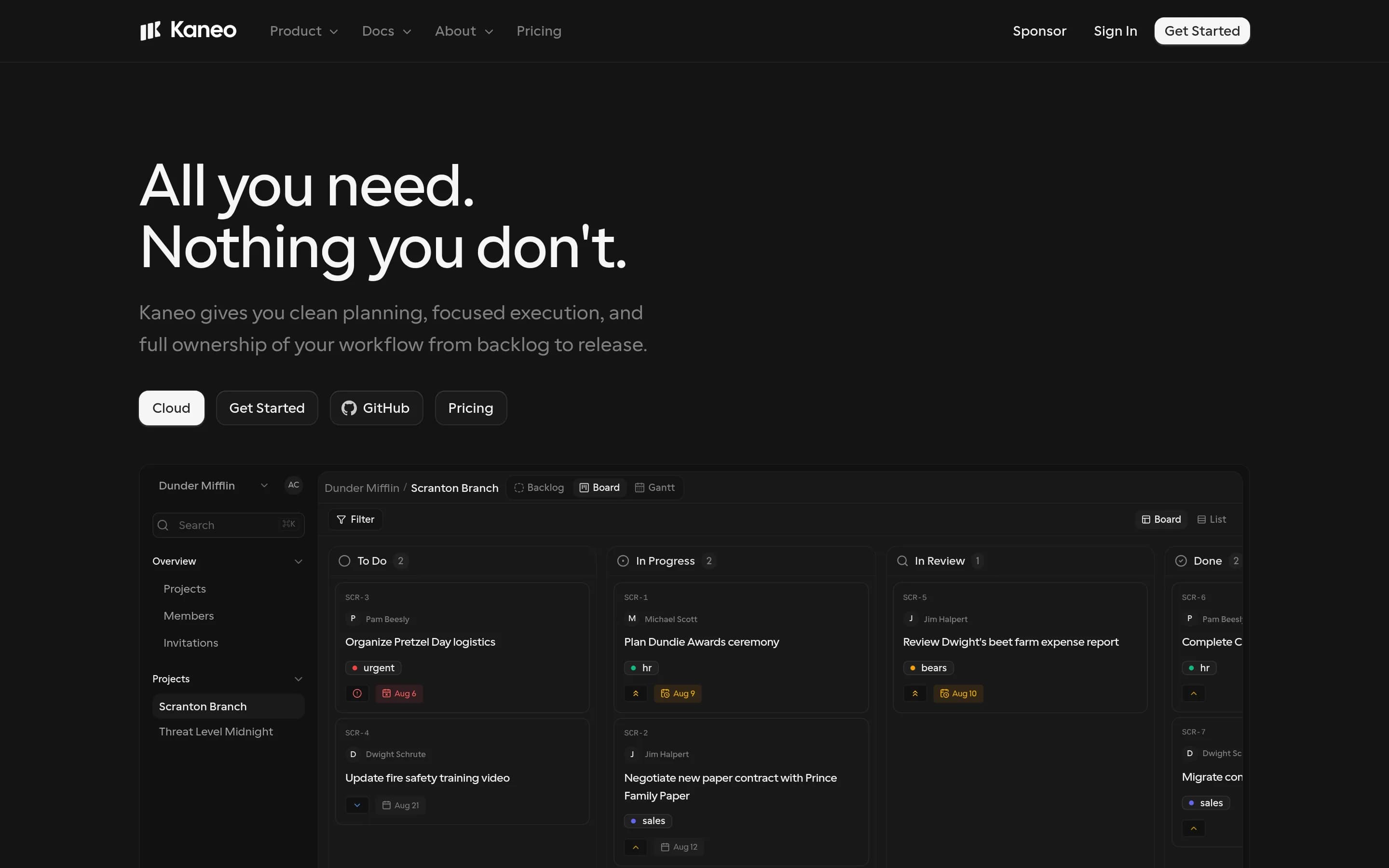
Kaneo is the better fit for teams seeking focused, self-hosted project and task management with code and data control; Smartsheet is the safer choice for organizations that need a broad work-management suite spanning portfolios, automation, reporting, resources, assets, and no-code applications. The main tradeoff is Kaneo’s narrower board/list workflow and infrastructure ownership versus Smartsheet’s wider documented
What it does
Kaneo is an open-source project management platform focused on organizing tasks and projects without the complexity of broader work-management suites. Its documented positioning emphasizes a clean interface, speed, and a focused workflow for teams building products.
Users can deploy Kaneo locally or on their own infrastructure with Docker Compose, PostgreSQL, or Kubernetes using the provided Helm chart. The repository also documents a one-click deployment path with the drim CLI, cloud access, and an MCP server that lets supported AI clients manage tasks, projects, and labels through Kaneo.
The supplied evidence does not document portfolio planning, workflow automation, dashboards and reporting, resource planning, team collaboration features beyond the core project workflow, or application integrations.
What it covers
- Project and task planning
- Configurable work workflows
- Team work coordination
- Application integrations
- Basic work analytics
What’s different
- No documented portfolio management
- No documented workflow automation
- No documented resource planning
- No documented no-code app builder
- No documented digital asset management
- No documented AI-powered analysis
- No documented Smartsheet importer
- No documented advanced dashboards and reporting
DDootask5,548
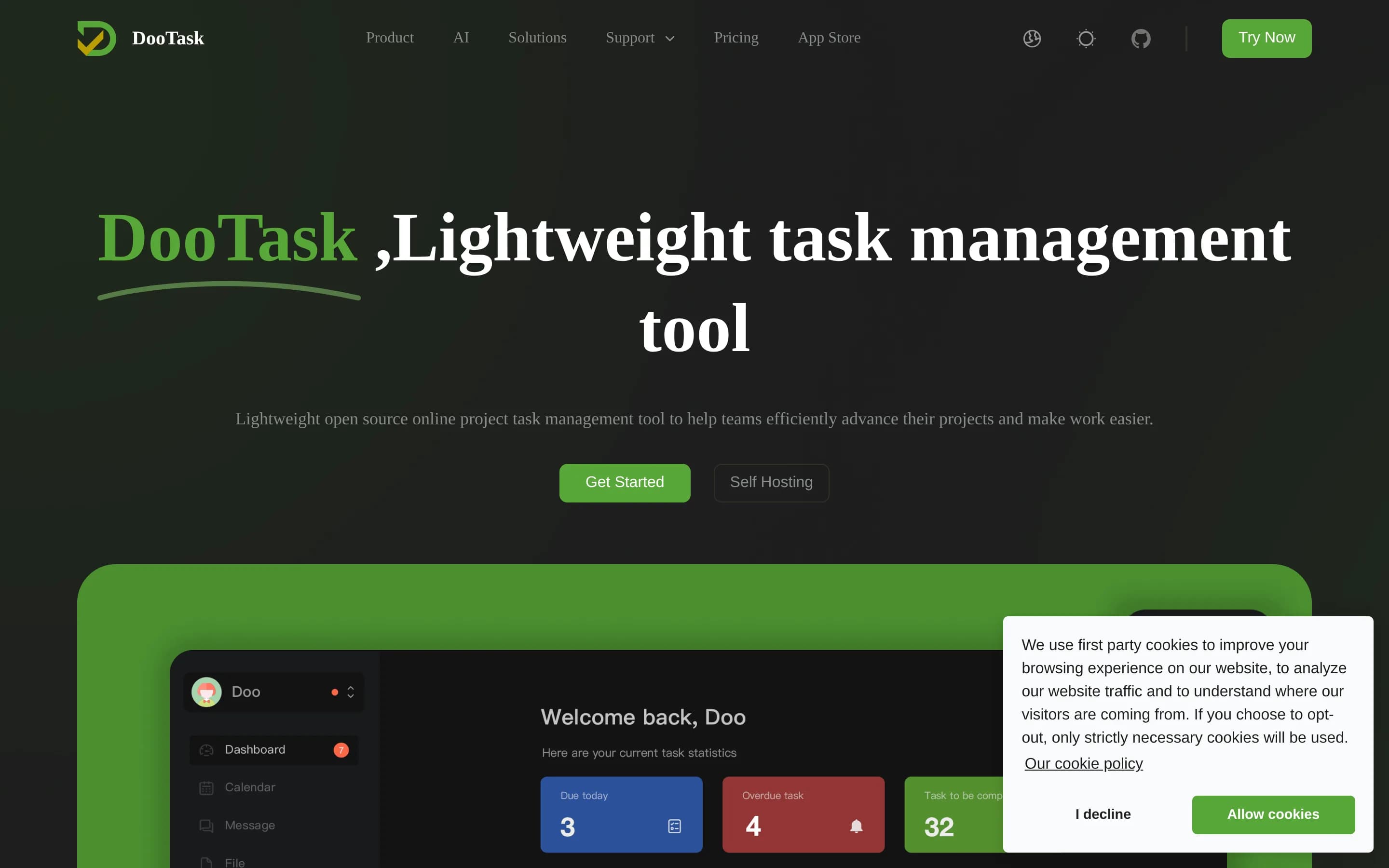
DooTask is a plausible alternative for teams prioritizing self-hosted, open-source project and task collaboration, with Kanban/table/list views, documents, chat, calendars, and task dashboards. Smartsheet remains the stronger fit for organizations requiring the target profile’s broader portfolio management, workflow automation, resource planning, integrations, no-code applications, or digital asset management; those‑
What it does
DooTask is an open-source online project and task management system. Its documented capabilities include project management, task distribution, document collaboration, online mind maps and flowcharts, instant messaging, file management, to-do features, and team communication supported by asymmetric encryption.
The README documents a self-managed deployment model using Docker and Docker Compose, with MariaDB supplied through the default Compose service. Administrators can install, start, stop, update, migrate, back up, restore, and configure HTTPS for the service on Linux/Unix systems, macOS, or Windows through WSL2. The repository also references a web client and desktop-app build workflows.
What it covers
- Project and task management
- Project templates and multiple task views
- Task dashboards and progress visibility
- Team collaboration and messaging
- Calendars and task scheduling
- AI-assisted work functions
What’s different
- No documented portfolio management
- No documented workflow automation
- No documented resource planning
- No documented application-integration coverage
- No documented no-code app builder
- No documented digital asset management
PProject-management498
Project-management is a focused, self-hostable option for basic project and task tracking, with multiple workspaces, assignments, due dates, status tracking, member roles, and simple project analytics. Smartsheet is the safer choice when work depends on the broader documented platform scope—portfolio delivery, workflow automation, resource planning, integrations, no-code apps, digital asset management, or AI-assisted
What it does
GreatStackDev/project-management is an open-source project-management web application built with ReactJS and Tailwind CSS. It supports multiple workspaces, each containing projects, tasks, and members, and provides project and task management workflows with assignments, due dates, and task-status tracking.
The application also documents analytics for project progress, completion rate, and team size, plus user management features for inviting members, managing roles, and viewing activity. The README describes local development deployment: install dependencies with npm, then run the development server and open it in a browser. It is MIT licensed.
What it covers
- Project and task management
- Team-member coordination
- Basic progress reporting
What’s different
- Portfolio delivery coverage
- Workflow automation
- Resource planning
- Application integrations
- No-code work apps
- Digital asset management
- AI-powered intelligence