
TTrello
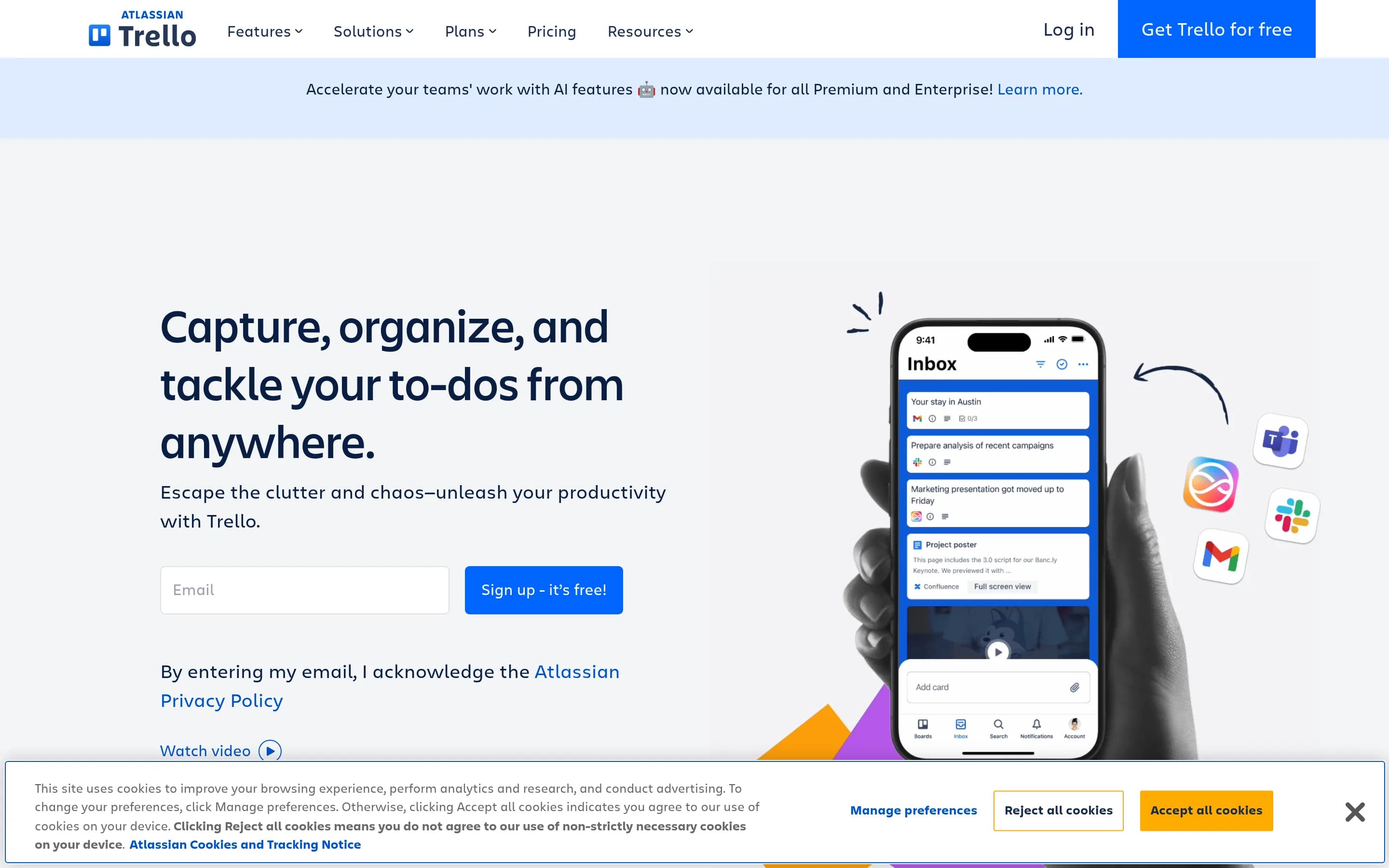
Trello is a visual task-management tool that organizes work as cards moving through lists on shared boards. It also supports project views, calendar-based planning, task capture, templates, automation, and integrations.
Why people leave Trello
Someone might seek a Trello alternative when card-and-board organization no longer matches the structure of their work. Trello’s defining workflow is flexible and visual, but teams managing complex projects may want a system designed more explicitly around milestones, dependencies, resource allocation, portfolios, or detailed roadmaps. Trello offers Timeline, Table, Dashboard, Calendar, and other views on some plans, yet an organization may still prefer a product whose primary data model and navigation are built around formal project planning rather than boards and cards.
Pricing and feature packaging may also influence a switch. The crawled pricing page separates capabilities across Free, Standard, Premium, and Enterprise plans. Features such as unlimited boards, Planner, advanced checklists, Custom Fields, card mirroring, multiple project views, unlimited automation command runs, data export, administrative controls, organization-wide permissions, SAML single sign-on, and enforced two-factor authentication vary by tier. A team may therefore evaluate alternatives if the particular combination of scale, reporting, security, or administrative features it requires is available under a different pricing or deployment model elsewhere.
Organizations may also look elsewhere when they want fewer extensions or integrations involved in configuring their workflow. Trello provides Power-Ups, more than 200 listed integrations, custom fields, templates, and no-code automation through rules, buttons, and commands. That flexibility can cover many use cases, but a buyer may prefer a more opinionated application with specialized workflows available directly in the core product. Conversely, a team with highly customized processes might want broader workflow logic or cross-application automation than Trello’s board-centered automation provides.
Finally, operational requirements can narrow the field. Trello’s pricing FAQ explicitly raises whether an on-premises version exists, while its enterprise offering emphasizes centralized administration through Atlassian Guard, organization permissions, SSO, and user provisioning. Teams with particular hosting, governance, export, attachment, identity, or public-board policies may compare alternatives against those available controls. Individuals may likewise prefer a simpler personal to-do application, while larger organizations may seek deeper portfolio oversight; in either case, the motivation is less about Trello being universally unsuitable than about finding a tool whose scope and operating model more closely fit the intended workflow.
7 Best Open Source Trello Alternatives (Ranked)
Each alternative is evaluated for core feature coverage, deployment options, licensing, project health, and overall fit. The ranking prioritizes how closely a tool matches Trello's primary workflows, using popularity only as a secondary signal.
44gaBoards689
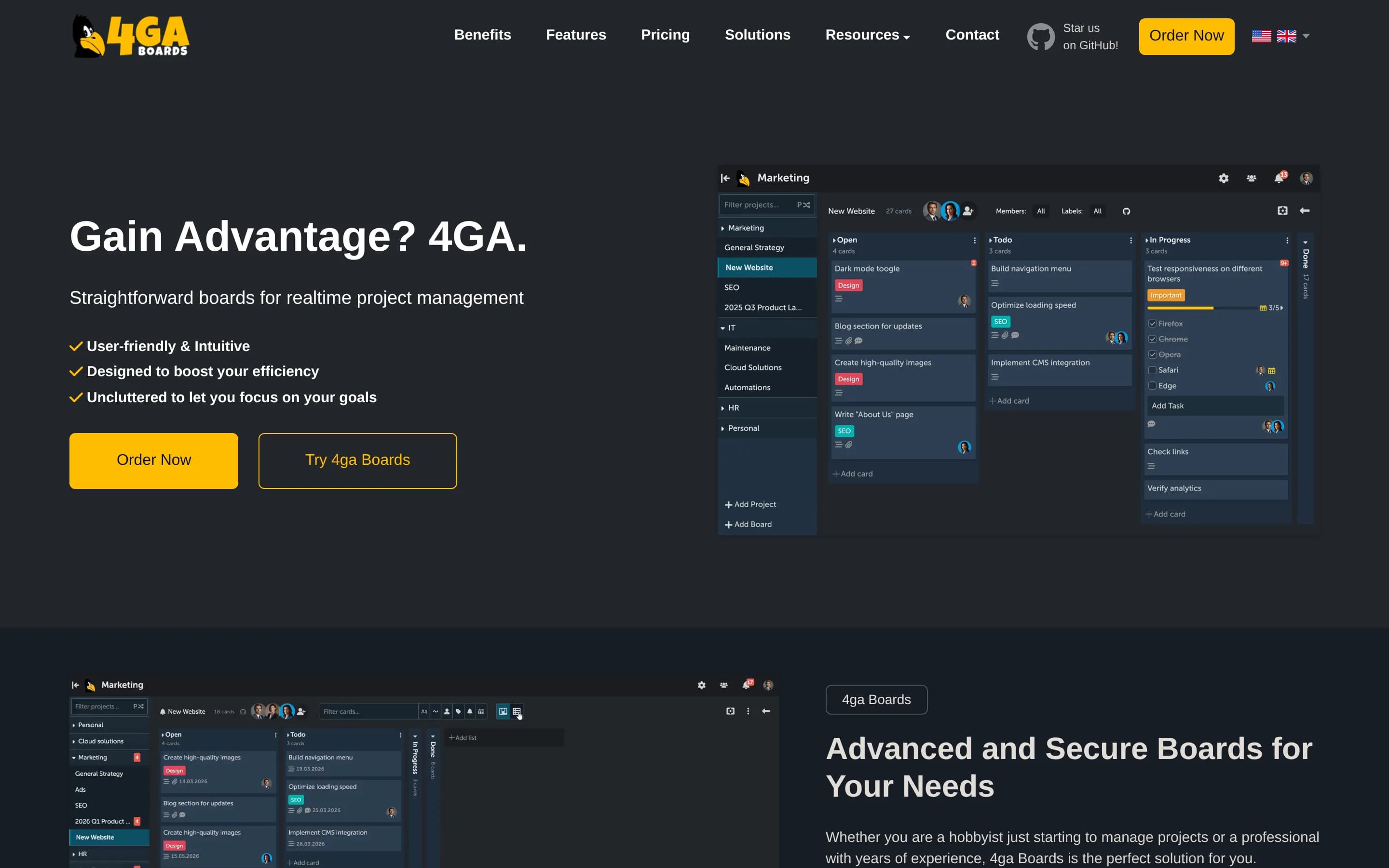
4ga Boards is a credible migration option for teams that primarily use Trello as a Kanban board and want an MIT-licensed, self-hosted system with realtime collaboration and a documented Trello import. Choose 4ga Boards when infrastructure control and core board workflows matter most; choose Trello when you depend on its broader views, Inbox, Planner, automation, Power-Ups, or integrations, because equivalent coverage
What it does
4ga Boards is a realtime web-based kanban system for project and task management. Its documented hierarchy is projects, boards, lists, cards, and tasks, with collapsible lists, filtering and rearranging, multitasking tools, an advanced Markdown editor, shortcuts, and realtime updates without page reloads. It supports shared work through SSO login options and board collaboration features.
The project can be run under user control with Docker Compose, Kubernetes, TrueNAS, or a manual installation. The README also documents importing boards from Trello, exporting and importing boards, backup and restore scripts, PostgreSQL configuration, and a hosted professional option. It is released under the MIT license.
What it covers
- Kanban boards and movable cards
- Assignments and due dates
- Task checklists
- Board templates
- File attachments
- Comments and notifications
- Labels, search, and filtering
- Public and private boards
- Realtime collaboration
What’s different
- No documented Calendar or Timeline view
- No documented Table, Dashboard, or Map view
- No documented Inbox task capture
- No documented calendar Planner
- No documented no-code board automation
- No documented Power-Up ecosystem
- No documented broad app-integration catalog
- No documented custom fields
Ticky289
Ticky is a plausible migration target for teams that primarily need self-hosted Kanban boards and are willing to operate the application themselves. It documents boards, cards, deadlines, subtasks, templates, time tracking, and user management, but not Trello’s broader views, capture tools, calendar planning, automation, or integration ecosystem. Choose Ticky for an MIT-licensed, offline-capable deployment and Trello
What it does
Ticky is a Kanban-style task-management system for personal use and team collaboration. Users can group boards into projects, create configurable columns, and create, edit, filter, and drag cards between columns. Cards support subtasks, deadlines, labels, priorities, attachments, comments, linked cards, activity tracking, reminders, time tracking, snoozing, repeating, and completion progress.
The application includes user and project or board-level access management, an admin panel, email notifications, search, dark mode, responsive design, Trello board import, and board cloning for templates. It is distributed under the MIT license and can run fully offline. Deployment is documented through Docker Compose with a MySQL database, or through a manual .NET setup.
What it covers
- Kanban boards with movable cards
- Deadlines and task responsibility support
- Subtasks comparable to checklist steps
- Reusable boards through cloning
- Team access and card collaboration
What’s different
- No documented alternate project views
- No documented inbox task capture
- No documented calendar Planner
- No documented board automation engine
- No documented Power-Ups or integration catalog
- No documented custom fields
WWorklenz3,147
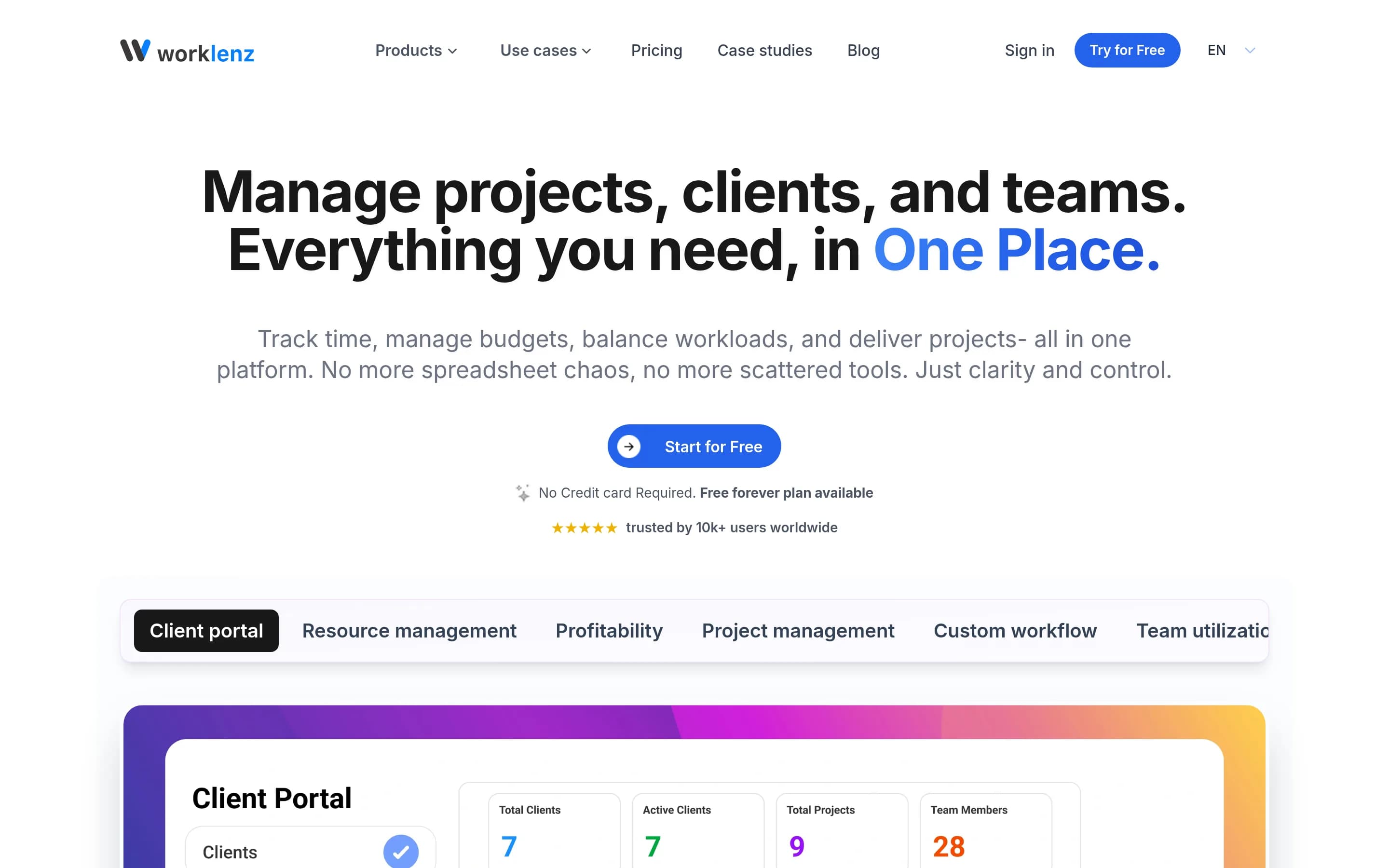
Choose Worklenz when self-hosting and formal project operations—dependencies, Gantt planning, resource capacity, time, budgets, and client work—matter more than Trello’s board-centered ecosystem. Choose Trello when the primary workflow is lightweight card movement or when Inbox capture, calendar Planner, Butler-style automation, Power-Ups, and established integrations are essential; equivalent Worklenz coverage is未受文
What it does
Worklenz is an open-source project management platform for planning, executing, and monitoring projects. Teams can create projects and tasks, set priorities and due dates, track progress through list, board, and Gantt views, use templates, and collaborate through comments and file sharing.
The platform documents resource planning, workload balancing, visual scheduling, time tracking, budgets and costs, analytics, reporting, team utilization, project profitability, and a client portal. It can be used through Worklenz Cloud or deployed under user control with Docker, Docker Compose, or manual installation using React, Express, PostgreSQL, Redis, and object storage.
What it covers
- Kanban-style task boards
- Task assignments and deadlines
- List and timeline-oriented views
- Task comments and attachments
- Reusable project templates
- Progress reporting and dashboards
What’s different
- No documented Trello Inbox equivalent
- No documented calendar Planner equivalent
- No documented board-button automation
- No documented Power-Up ecosystem
- No documented named Trello integration parity
- No documented Trello-specific migration fidelity
KKanri1,994
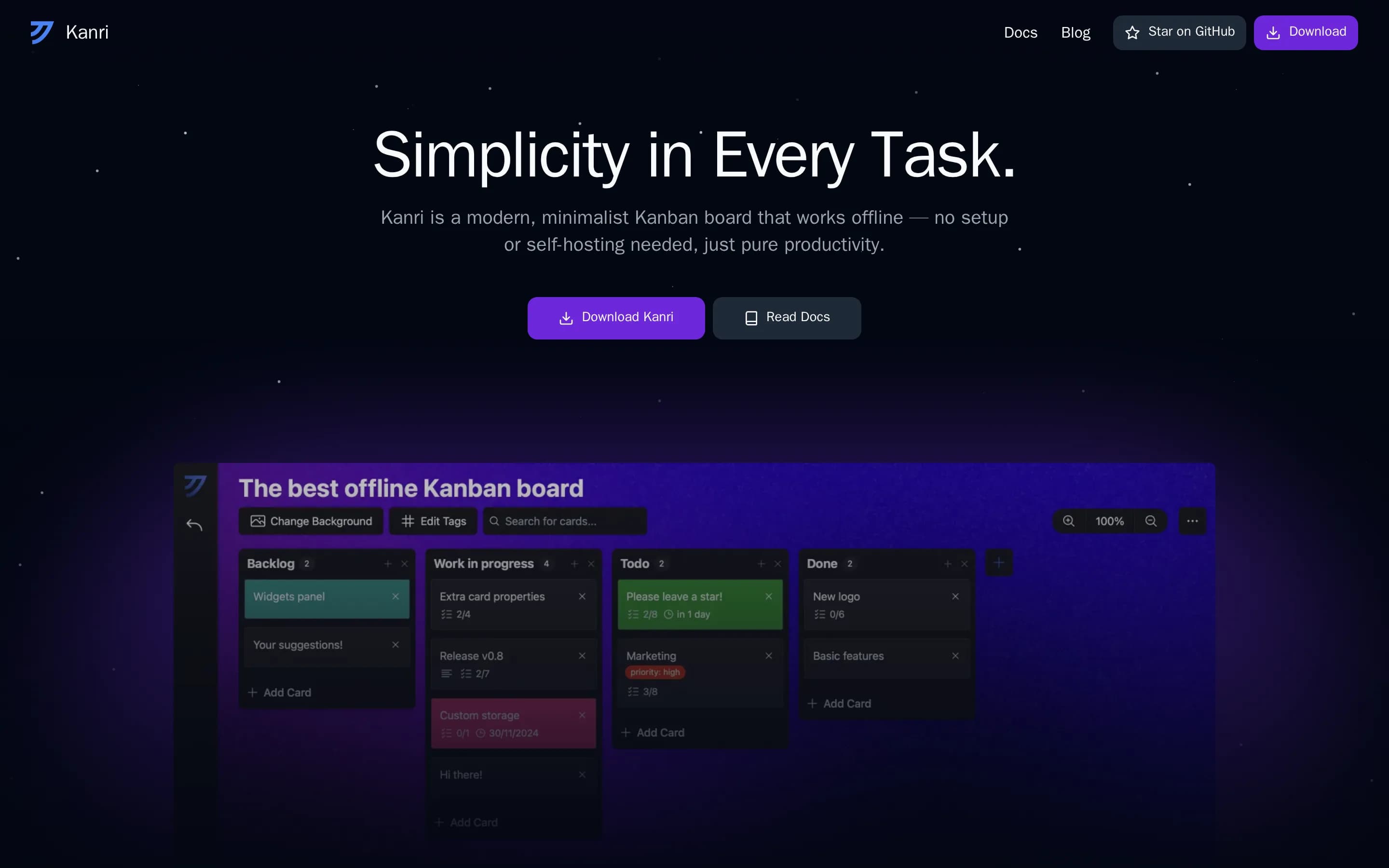
Kanri is a focused desktop alternative for personal, offline Kanban work, with local JSON storage and no account requirement. Its central tradeoff is that it intentionally excludes built-in cloud synchronization, so it is not a like-for-like replacement for Trello’s shared-board collaboration. Choose Kanri for locally controlled, single-user boards; choose Trello when teams need shared cloud workflows, broader views,
What it does
Kanri is a cross-platform desktop Kanban board designed for simple, offline task and project organization. Users create boards with customizable columns and cards, then add rich-text descriptions, subtasks, due dates, and tags. Themes and board background images provide additional customization, while keyboard shortcuts support board navigation.
The application stores data locally in a single JSON file and requires no internet connection or account. It supports basic Trello import and granular or full exports for backups. Installers are available for Windows, macOS, and Linux, with macOS installation also available through Homebrew. The repository documents Tauri-based development and production build commands.
What it covers
- Kanban boards, columns, and cards
- Card due dates
- Checklist-like sub-tasks
- Customizable board backgrounds
- Data export
What’s different
- Built-in cloud synchronization
- Documented shared-board collaboration
- Documented assignee support
- Documented alternate project views
- Documented inbox task capture
- Documented calendar planning
- Documented board automation
- Documented integrations and Power-Ups
- Documented reusable templates
DDeck1,413
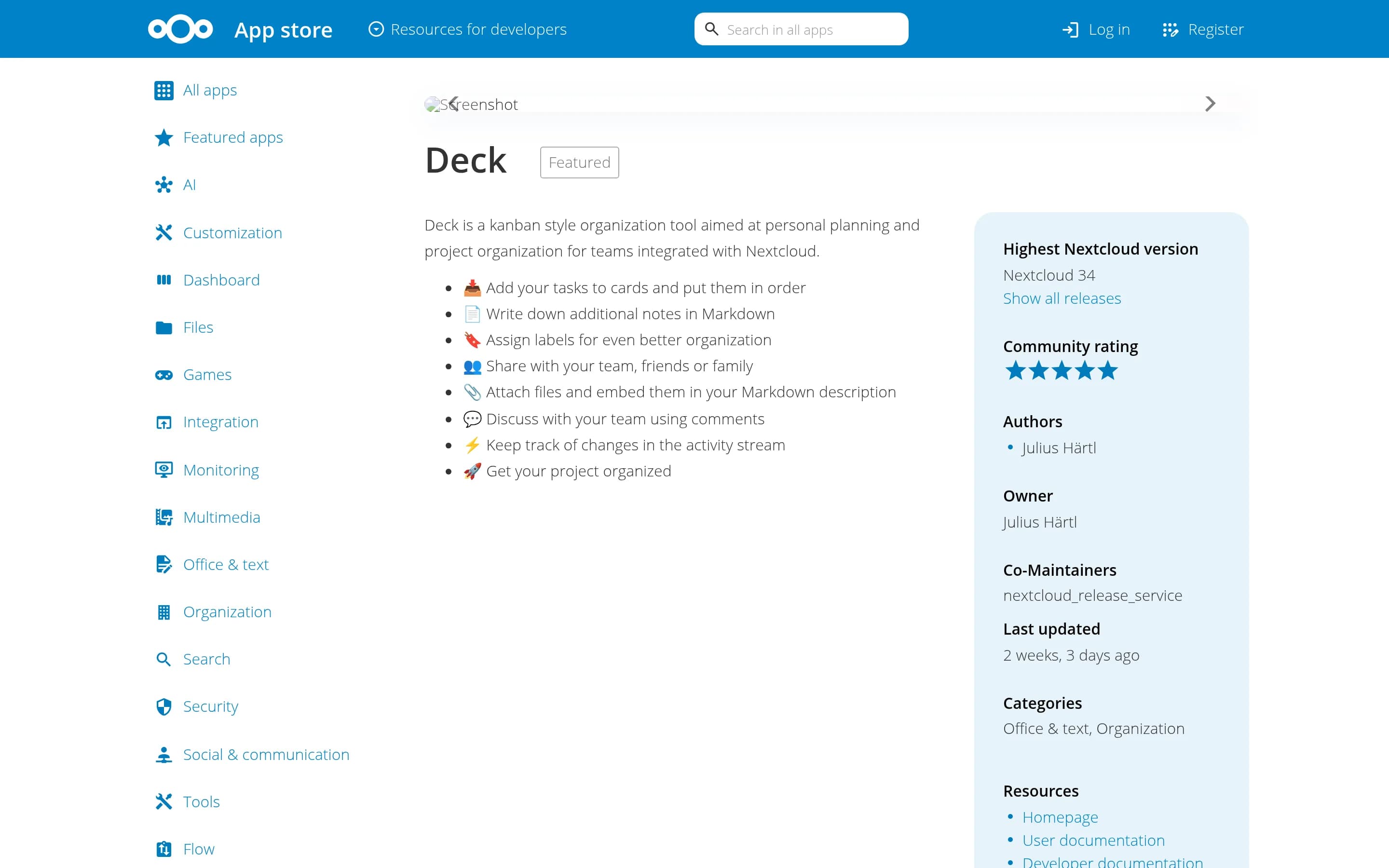
Deck is a credible alternative for users who want Trello-like Kanban boards inside a self-hosted Nextcloud environment. Its documented scope covers cards, ordering, labels, sharing, attachments, comments, and activity history. Trello remains the safer choice for teams that need documented multiple project views, calendar planning, no-code board automation, templates, or a broad integration catalog. Deck also warns of
What it does
Nextcloud Deck is a kanban-style organization tool for personal planning and project organization in teams. Users add tasks to cards, arrange them on boards, add Markdown notes, labels, attachments, and embedded files, then share boards with teammates, friends, or family.
The app supports comments, activity-stream change tracking, and integration with Nextcloud Circles. Mobile applications and third-party tools provide additional access and workflows, including Trello card migration and email-based card creation. Deck is installed through the Nextcloud app store or from a release package and runs within a user-controlled Nextcloud server; Docker-based development deployment is documented.
What it covers
- Kanban-style boards and cards
- Ordered task cards
- Labels for card organization
- Team sharing
- Card file attachments
- Card comments
What’s different
- No documented multiple project views
- No documented calendar Planner
- No documented custom fields or checklists
- No documented board automation
- No documented reusable templates
- No documented broad integration catalog
KKanba642
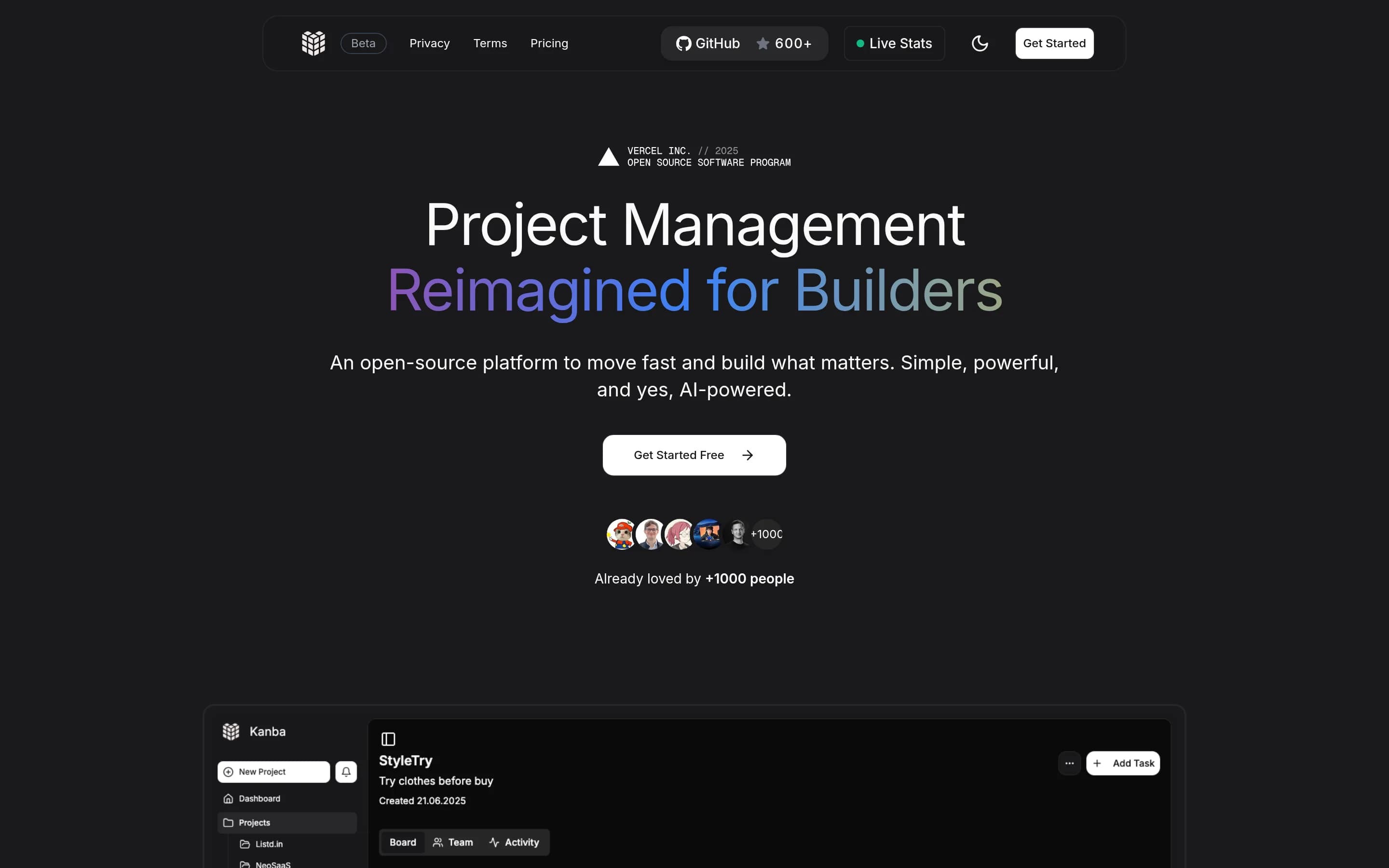
Kanba is the stronger fit for solo developers and small teams that want a lightweight, MIT-licensed, self-hostable project-management application and can operate its Next.js/Supabase stack. Trello remains the safer choice for teams that depend on documented calendar and portfolio-style views, inbox capture, automation, templates, Power-Ups, or established integrations; none of those capabilities is confirmed for Kanb
What it does
Kanba is an open-source, lightweight project-management tool designed as a Trello alternative for makers, indie hackers, solo developers, and small teams. Its documented workflow centers on organizing work through projects, boards, and lists, with support for team collaboration and unlimited projects.
The application is built with Next.js, Tailwind CSS, shadcn/ui, Supabase, Stripe, and NextAuth-related configuration. It supports dark and light modes and can be run locally with npm and environment variables. Production deployment is documented through Vercel, with local Next.js API routes for Stripe checkout and webhook handling.
What it covers
- Project-based work organization
- Team collaboration
What’s different
- No documented multiple work views
- No documented inbox capture
- No documented calendar planner
- No documented board automation
- No documented Power-Ups or app integrations
- No documented reusable templates
- No documented Trello import or compatibility path
SScrumboy429
Scrumboy is the stronger fit for teams that prioritize self-hosting, an AGPL-licensed codebase, custom workflows, sprints, audit trails, and lightweight Kanban. Trello remains the safer choice for organizations that depend on its broader planning views, inbox and calendar workflows, templates, Power-Ups, or established integrations, because equivalent Scrumboy coverage is not documented in the supplied material.
What it does
Scrumboy is a self-hosted project-management and issue-tracking application centered on customizable Kanban boards. Users can create projects, define workflows and priority tiers, manage todos with tags and filters, assign work, and collaborate on realtime boards. It also supports sprints, audit trails, shareable anonymous boards, sticky-note walls, Markdown notes, voice commands, and multiple languages.
The application runs as a local web server backed by SQLite, with Docker images, Docker Compose, source builds, and a Windows executable documented in the README. Full and anonymous modes are available, alongside optional authentication, 2FA, OIDC/SSO, backups, webhooks, API access, PWA support, and MCP-compatible client support for AI-agent integrations.
What it covers
- Kanban-style task boards
- Shared collaborative boards
- Task assignment
- Customizable workflows
- Task tags and filtering
What’s different
- No documented multi-view planning parity
- No documented inbox task capture
- No documented calendar time-blocking
- No documented reusable template library
- No documented Power-Up ecosystem
- No documented checklist or custom-field parity
- No documented Trello automation parity