
TTeamwork.com
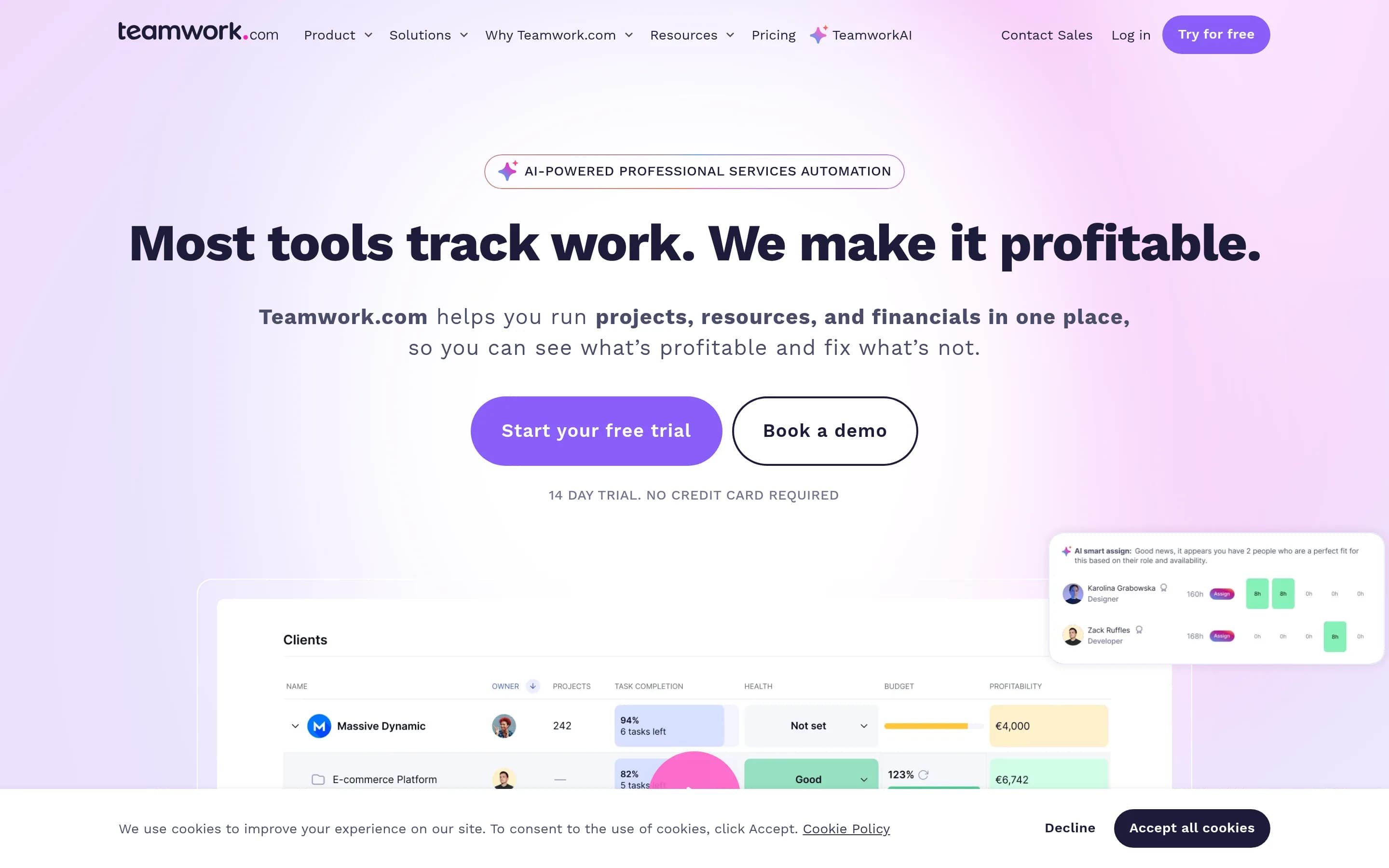
Teamwork.com is a professional services automation and project management platform for planning and delivering client projects. It connects project tasks, resource capacity, time, budgets, client approvals, reporting, and profitability forecasts in one workspace.
Why people leave Teamwork.com
Teams may seek an alternative when Teamwork.com’s professional-services focus does not match how they operate. The platform is designed around client projects, billable utilization, resource allocation, budgets, margins, and profitability. Those workflows may be more extensive than needed for teams that primarily want straightforward task tracking, internal project planning, or a personal to-do system. Conversely, organizations with specialized operational requirements may prefer software tailored more narrowly to their industry or delivery model.
The breadth of the platform can also influence the decision. Teamwork.com combines project planning, task execution, capacity forecasting, time tracking, financial controls, reporting, client communication, approvals, automation, and AI-assisted scheduling. A team may prefer separate, focused tools for these jobs, particularly if it already has established systems for accounting, timekeeping, reporting, or customer collaboration. Others may want a simpler workflow with fewer modules to configure and maintain.
Time, utilization, and financial tracking are central to Teamwork.com’s approach. This can be valuable for agencies, consultancies, and other professional-services businesses, but it may not suit organizations that do not bill by time or evaluate delivery through utilization and project margin. Teams may instead look for alternatives centered on product roadmaps, lightweight Kanban boards, recurring operational work, or planning methods that do not depend on billable rates and timesheets.
Some organizations may also evaluate alternatives because they want greater control over deployment, customization, data handling, or long-term access to the software’s source code. An open-source product may be preferable where internal engineering teams need to inspect the code, adapt workflows beyond built-in configuration, or align the system with specific infrastructure policies. Finally, Teamwork.com advertises more than 150 integrations and several AI-assisted workflows; teams whose required applications or preferred AI practices do not align with those options may consider a platform with a different integration model or no AI dependency. The best fit therefore depends on whether the organization needs an integrated client-work and profitability platform or a more focused, customizable project system.
4 Best Open Source Teamwork.com Alternatives (Ranked)
Each alternative is evaluated for core feature coverage, deployment options, licensing, project health, and overall fit. The ranking prioritizes how closely a tool matches Teamwork.com's primary workflows, using popularity only as a secondary signal.
OOpenproject15,864
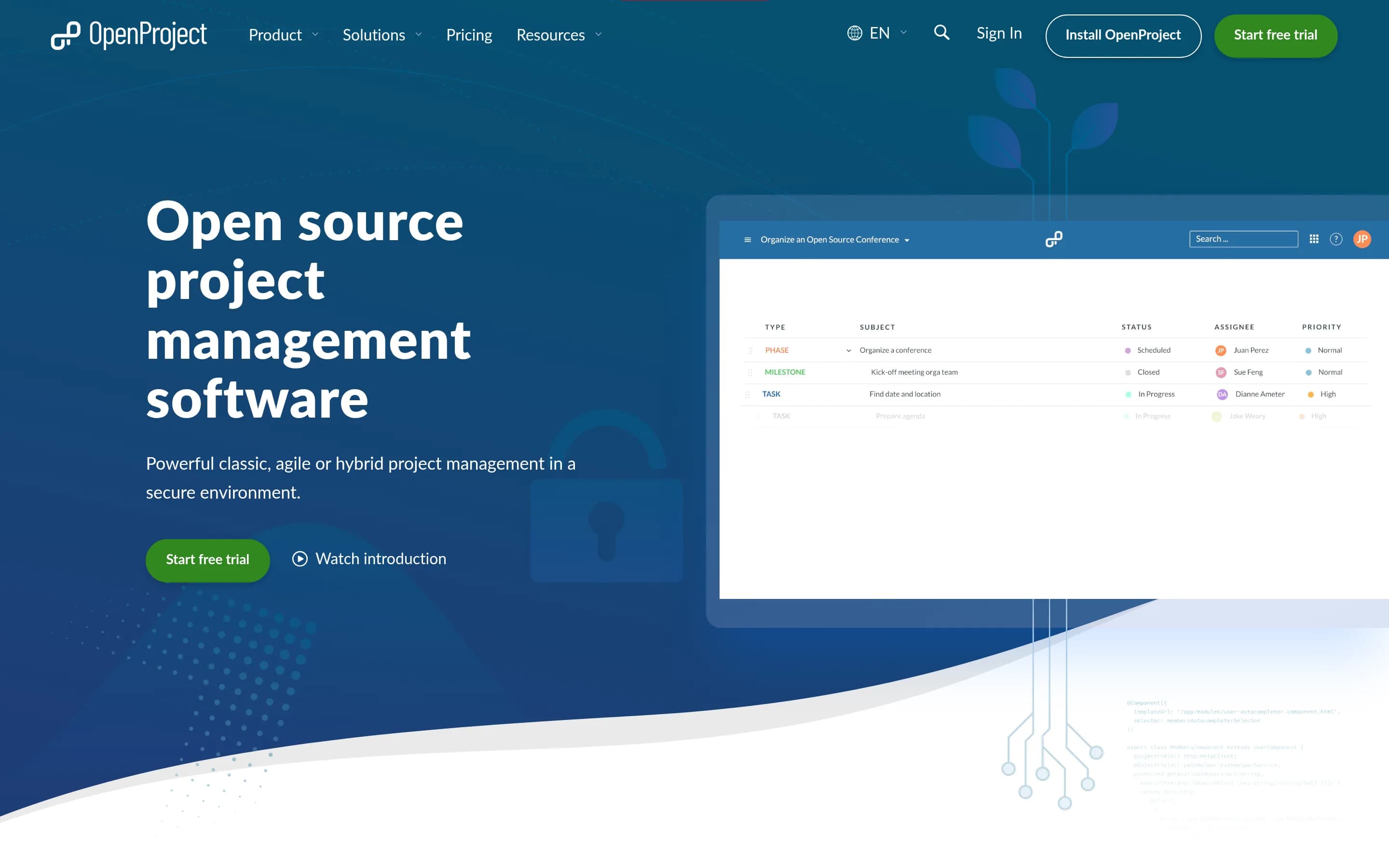
OpenProject is a credible alternative for teams prioritizing open-source code, self-hosting, data control, and classic or agile project management. It covers tasks, schedules, capacity planning, time, costs, budgets, collaboration, and customization, but the supplied evidence does not establish parity with Teamwork.com’s client-facing approvals, billable-utilization reporting, profitability forecasting, AI-assisted.r
What it does
OpenProject is web-based, open-source software for teams and organizations managing projects, portfolios, products, tasks, bugs, agile workflows, roadmaps, and collaboration. Its documented features include project planning and scheduling with Gantt charts, Kanban and Scrum boards, task management, time tracking, cost reporting, budgeting, and team communication through wikis, forums, and news.
The repository describes self-hosted Community Edition deployment through downloadable installation guides, alongside cloud and on-premises Enterprise Edition options. Integrations include Nextcloud, XWiki, GitHub, GitLab, and other services. The README also includes a screenshot of the web interface and identifies OpenProject as a complete web-based application.
What it covers
- Task assignment and progress tracking
- Project timelines and scheduling
- Resource availability and capacity planning
- Time tracking
- Cost reporting and budgeting
- Project templates
- Team collaboration
- Workflow customization
- Project and portfolio views
What’s different
- No documented Teamwork.com importer
- No documented client-approval workflow parity
- No documented billable-utilization reporting parity
- No documented project-margin or profitability forecasting parity
- No documented AI-assisted planning parity
- No evidence of equivalent integration breadth
WWorklenz3,147
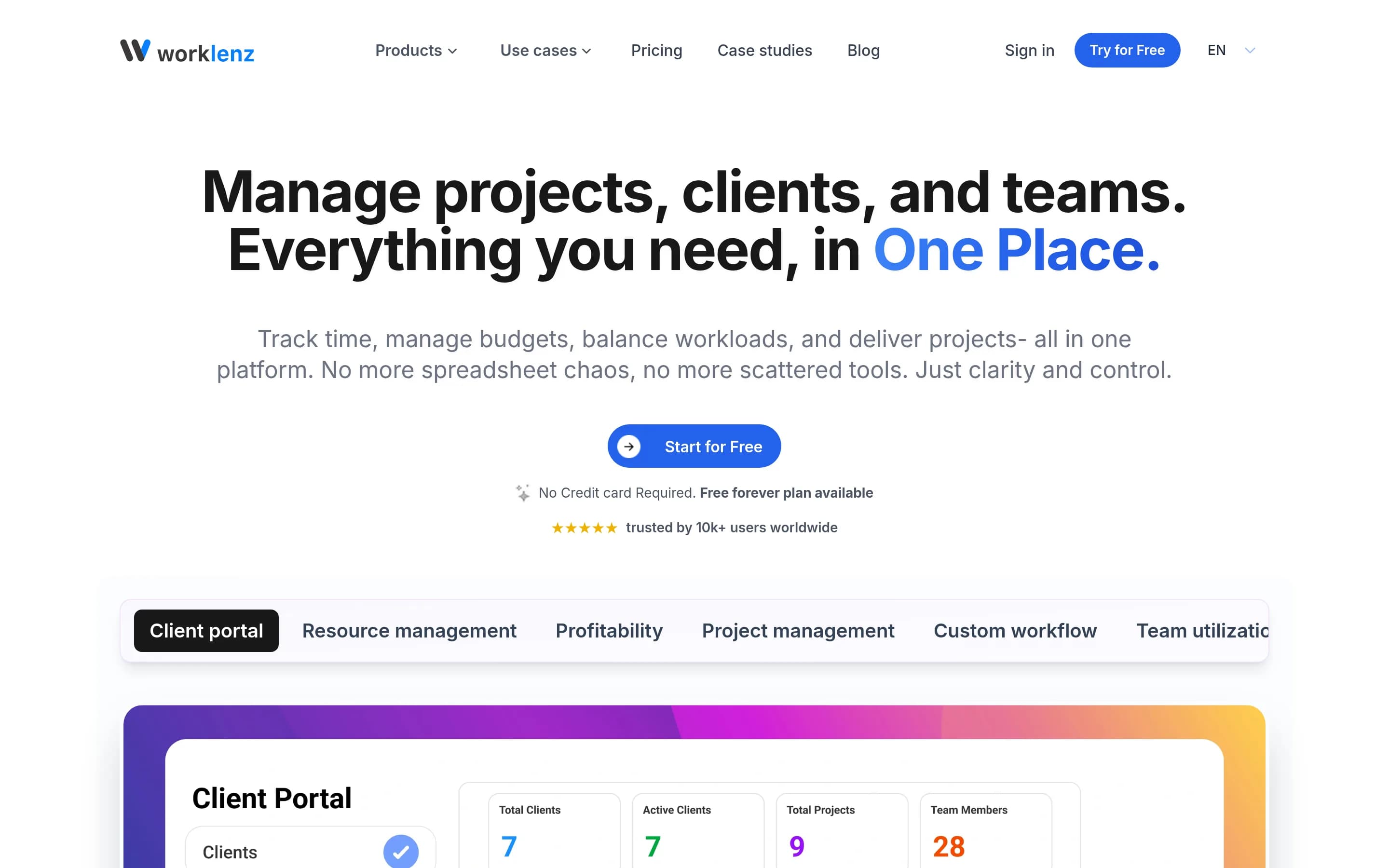
Worklenz is a broad open-source project management platform covering project delivery, tasks, timelines, resources, time, finances, reporting, and client collaboration.
What it does
Worklenz is an open-source project management platform for planning, executing, and monitoring projects. It provides task lists, board and Gantt views, priorities, due dates, progress tracking, resource allocation, visual scheduling, team utilization, time tracking, budgets, costs, project profitability, analytics, templates, comments, file sharing, and client collaboration.
The repository documents both Worklenz Cloud and self-hosted deployment. Users can run the complete application locally or on a production server with Docker Compose, PostgreSQL, Redis, MinIO or other S3-compatible storage, Nginx, and optional SSL/TLS. Manual installation with separate React frontend and Express backend development servers is also supported.
What it covers
- Project and task management
- Task and timeline tracking
- Resource planning and capacity scheduling
- Time tracking
- Budgets, costs, and profitability monitoring
- Analytics and project reporting
- Client and team collaboration
- Project templates
What’s different
- AI-assisted project and resource planning is not documented.
LLeantime11,367
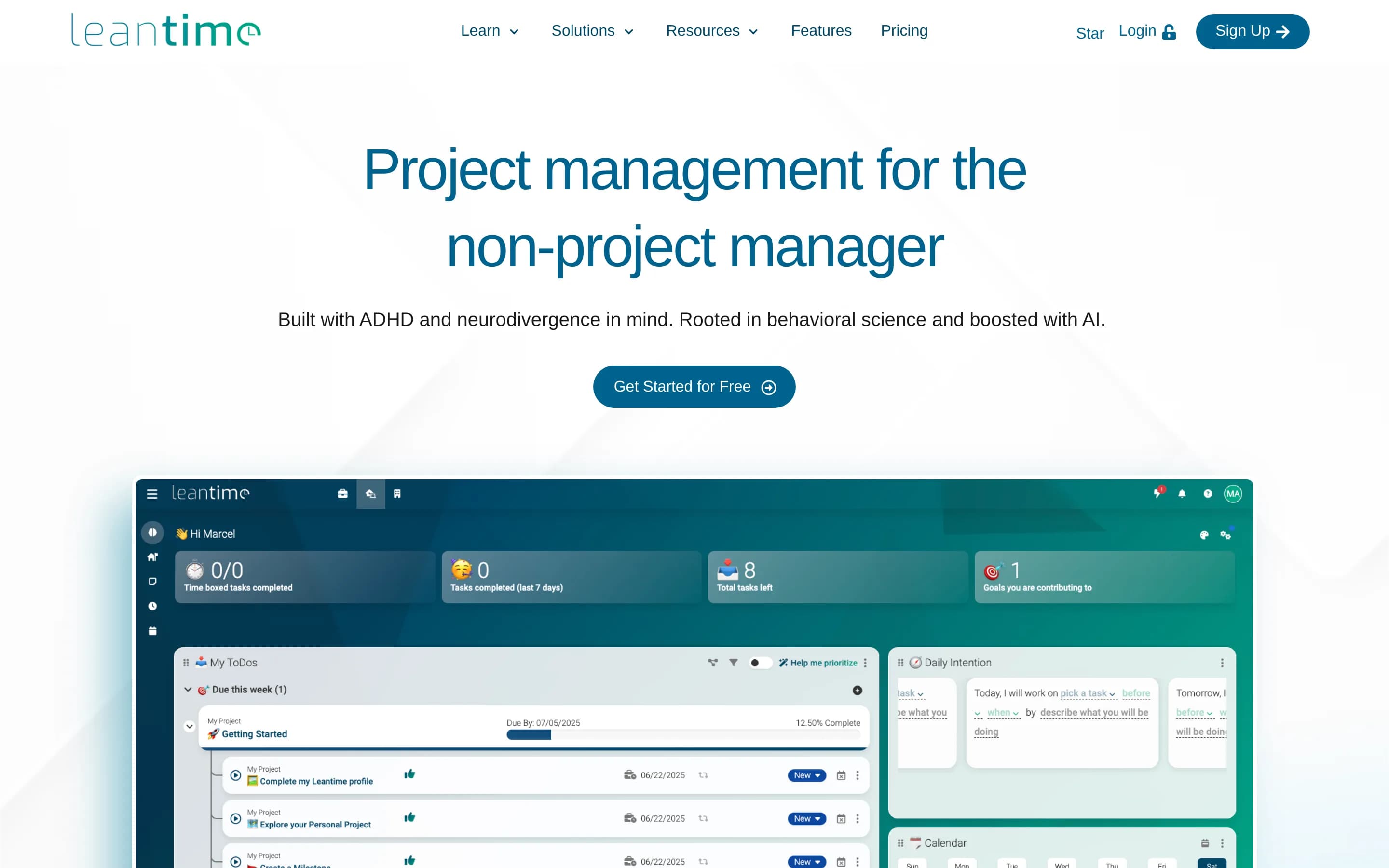
Leantime is the stronger choice for teams seeking self-hosted, open-source project management centered on goals, tasks, timelines, and time tracking, especially where non-specialist or neurodivergent-friendly workflows matter. Teamwork.com remains the better fit for professional-services organizations that need an integrated system for resource capacity, client approvals, budgets, utilization, margins, and profitably
What it does
Leantime is an open-source project management system designed for non-project managers. It combines strategy, planning, and execution through project dashboards, goals and metrics, kanban boards, Gantt and timeline views, lists, tables, calendars, milestones, dependencies, sprint management, status updates, and reports.
The platform also documents wikis and documents, idea boards, retrospectives, comments and discussions, file storage, roles and project permissions, integrations with Slack, Mattermost, and Discord, and time tracking with timesheets. It can be installed locally with PHP, MySQL or MariaDB, Apache or Nginx, or deployed using the official Docker image; managed hosting and SaaS options are also available.
What it covers
- Task assignment and progress tracking
- Kanban and timeline views
- Dependencies and milestones
- Time tracking and timesheets
- Project dashboards and reports
- Status updates and discussions
What’s different
- No documented resource-capacity forecasting
- No documented project-margin forecasting
- No documented budget and cost-rate controls
- No documented client approval workflow
- No documented Teamwork.com importer
- No documented equivalent to 150+ integrations
EEver-gauzy4,329
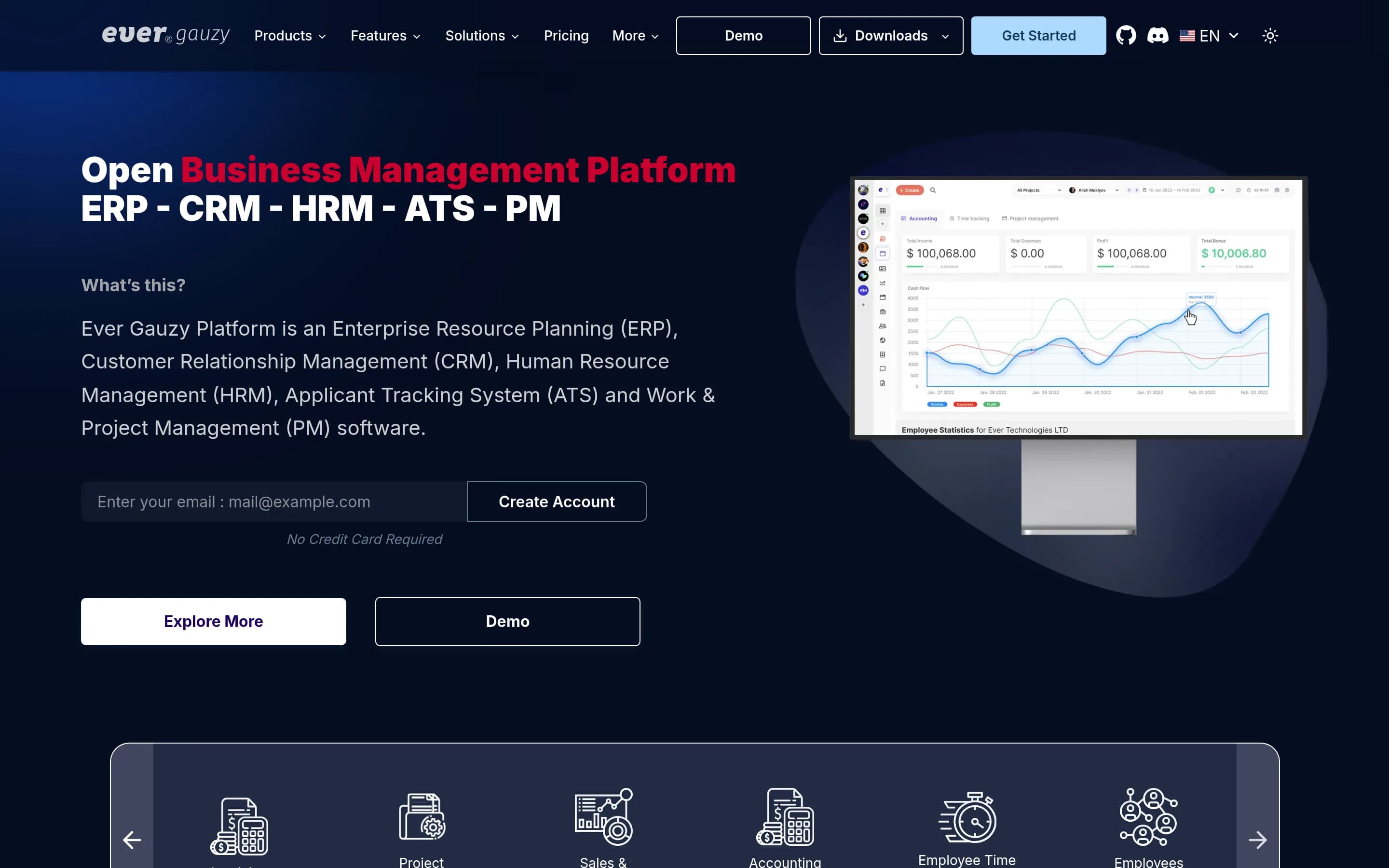
Ever Gauzy is a plausible alternative for organizations that want self-hosting, source access, and a broader ERP/CRM/HRM platform around project work. It documents projects, tasks, time tracking, financial management, reporting, clients, and scheduling, but the supplied evidence does not establish parity with Teamwork.com’s client approvals, resource-capacity forecasting, profitability forecasting, AI planning, or er
What it does
Ever Gauzy is an open business management platform covering ERP, CRM, HRM, ATS, work and project management, employee time and activity tracking, sales, accounting, invoicing, billing, expenses, inventory, and reporting. Its documented project workflows include projects and tasks, schedules, clients, teams, goals, approvals, timesheets, and organizational management.
The platform provides dashboards, reports, insights, analytics, integrations, roles and permissions, multi-organization support, and data import/export. It includes browser-based web UI, desktop applications for Windows, macOS, and Linux, and a desktop timer for time and activity tracking.
Gauzy can run as a hosted SaaS service, a locally installed server, or a desktop application. The README documents Docker Compose deployment, manual Node.js setup, SQLite, PostgreSQL and other database options, and Kubernetes as the推荐ed?
What it covers
- Project and task management
- Time tracking and timesheets
- Client and contact management
- Project budgeting and financial tracking
- Scheduling and reporting
- Roles and permissions
- Integrations and APIs
What’s different
- Documented client approval workflows
- Documented capacity and demand forecasting
- Documented utilization-target planning
- Documented profitability forecasting
- Documented AI-assisted planning
- Documented Teamwork.com migration tooling