
WWrike
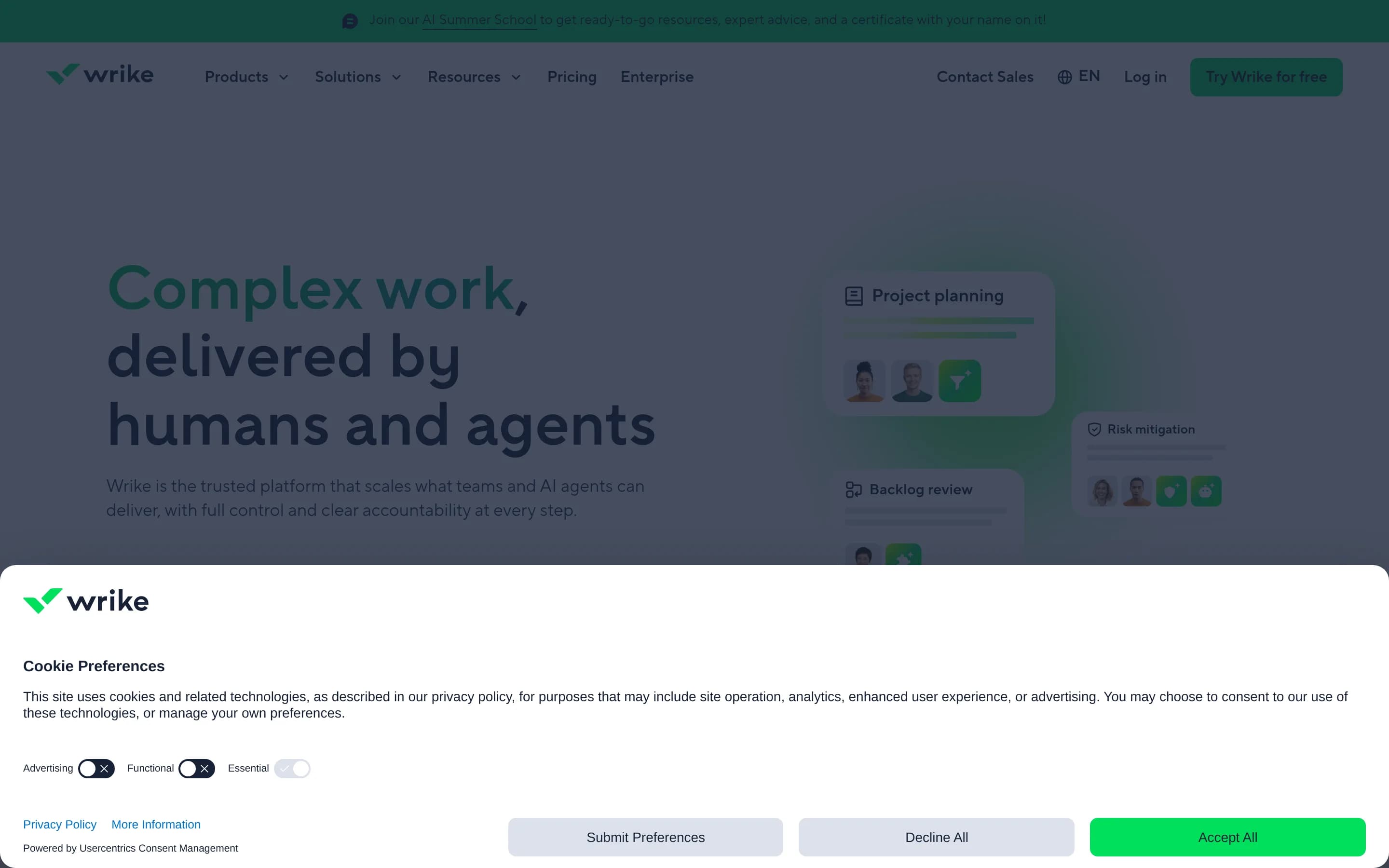
Wrike is an enterprise work and project management platform for planning projects, coordinating tasks, balancing resources, automating workflows, and monitoring delivery through timelines and dashboards. It also provides request forms, whiteboards, integrations, AI assistance, and governance controls.
Why people leave Wrike
Organizations may consider alternatives when Wrike’s broad enterprise work-management scope exceeds what they need. A team that primarily wants a straightforward task list, Kanban board, or lightweight project tracker may prefer a product with fewer layers of portfolio planning, resource management, dashboards, forms, automation, and governance. Conversely, a team with a highly specialized workflow may find a purpose-built tool more appropriate than a unified platform designed to serve marketing, product, PMO, operations, creative, and IT groups.
Workflow fit can also prompt a comparison. Wrike emphasizes configurable automation, templates, request forms, Gantt charts, dashboards, and integrations. Those capabilities can support standardized processes, but organizations may prefer different planning conventions, more opinionated workflows, or simpler setup and administration. Teams centered on software delivery, customer support, documentation, or personal task management might choose a system whose underlying records and terminology align more directly with their work.
Some buyers may seek alternatives because their collaboration needs are concentrated elsewhere. Wrike includes whiteboarding, proofing and approvals, task coordination, and app integrations, yet another product may offer deeper capabilities in one of those areas or reduce the need to move between a work-management platform and existing communication, document, design, or development tools. Integration requirements can be especially important when a company depends on a particular application stack or wants information synchronized in a specific way.
Finally, organizations may compare Wrike with alternatives when evaluating deployment control, data governance, customization, AI usage, or long-term platform dependence. Wrike presents enterprise security and governance alongside AI agents, Copilot, and other intelligent features, but each organization may have different policies for data residency, model usage, extensibility, or administrative control. Teams interested in open-source or self-managed software may also prioritize source access, infrastructure ownership, and the ability to modify the system independently—criteria that call for evaluating other products against Wrike’s hosted enterprise platform.
8 Best Open Source Wrike Alternatives (Ranked)
Each alternative is evaluated for core feature coverage, deployment options, licensing, project health, and overall fit. The ranking prioritizes how closely a tool matches Wrike's primary workflows, using popularity only as a secondary signal.
OOpenproject15,857
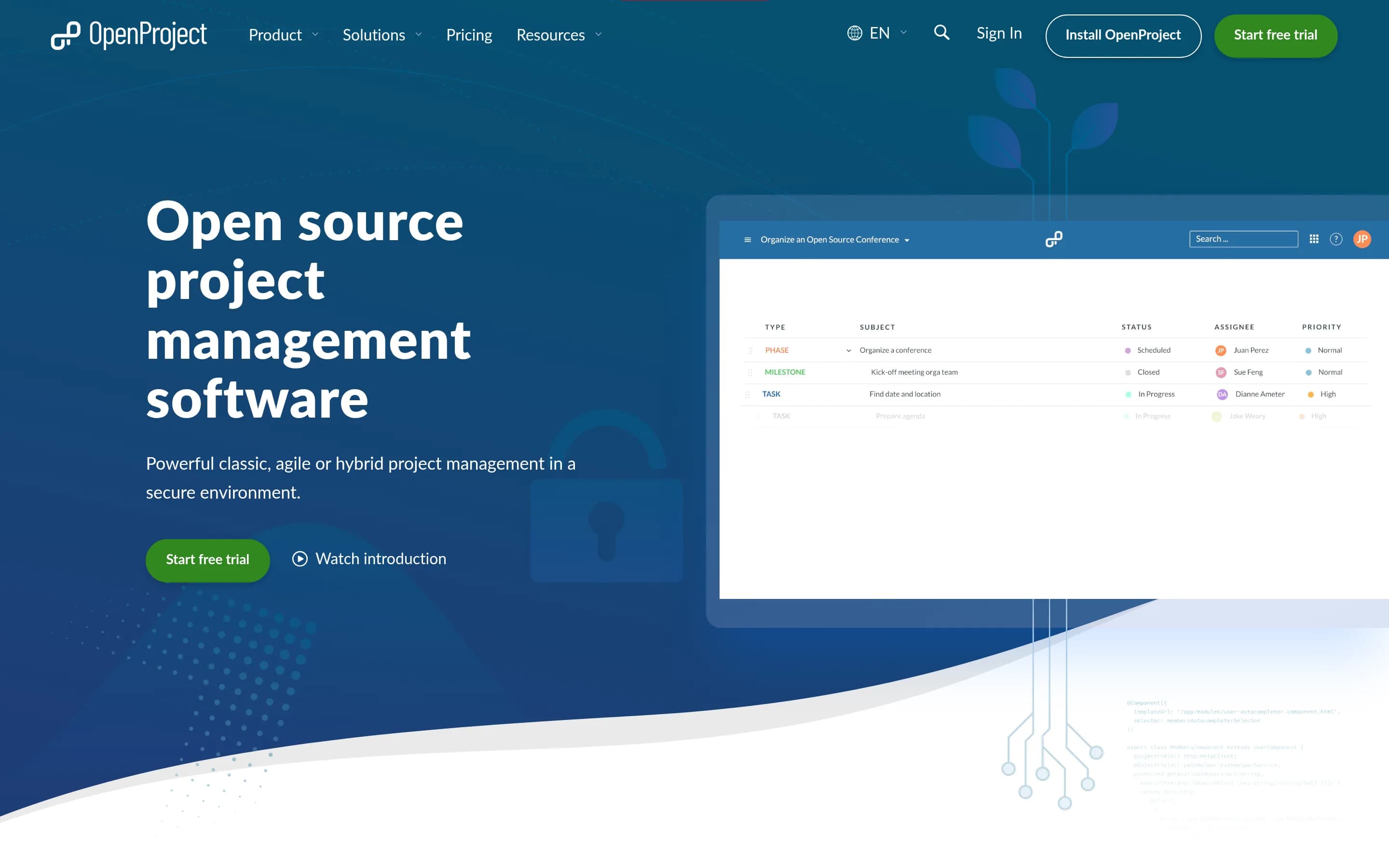
OpenProject is the stronger choice for organizations that prioritize GPL-licensed source access, self-hosting, infrastructure control, and classic or agile project management. It covers portfolios, tasks, Gantt planning, resource allocation, dashboards, workflows, and selected integrations, but the supplied evidence does not establish equivalents for Wrike’s request forms, whiteboards, or AI agents. Choose Wrike when
What it does
OpenProject is a web-based, open-source platform for teams and organizations managing projects, portfolios, products, tasks, bugs, agile workflows, and roadmaps. Its documented capabilities include project and portfolio management, Kanban and Scrum boards, Gantt-based planning and scheduling, task management, time tracking, cost reporting, budgeting, and team collaboration.
The software can be deployed under user control through its self-hosted Community Edition, with installation guides provided. An Enterprise Edition is also available through cloud or on-premises deployment, and documented integrations include Nextcloud, XWiki, GitHub, and GitLab.
What it covers
- Project and portfolio management
- Task assignment and tracking
- Gantt planning and scheduling
- Resource allocation and workload balancing
- Customizable project dashboards
- Configurable workflow support
- External application integrations
What’s different
- Dynamic request forms not documented
- Integrated whiteboarding not documented
- AI assistants and agents not documented
- Wrike-specific migration tooling not documented
PPlane56,003
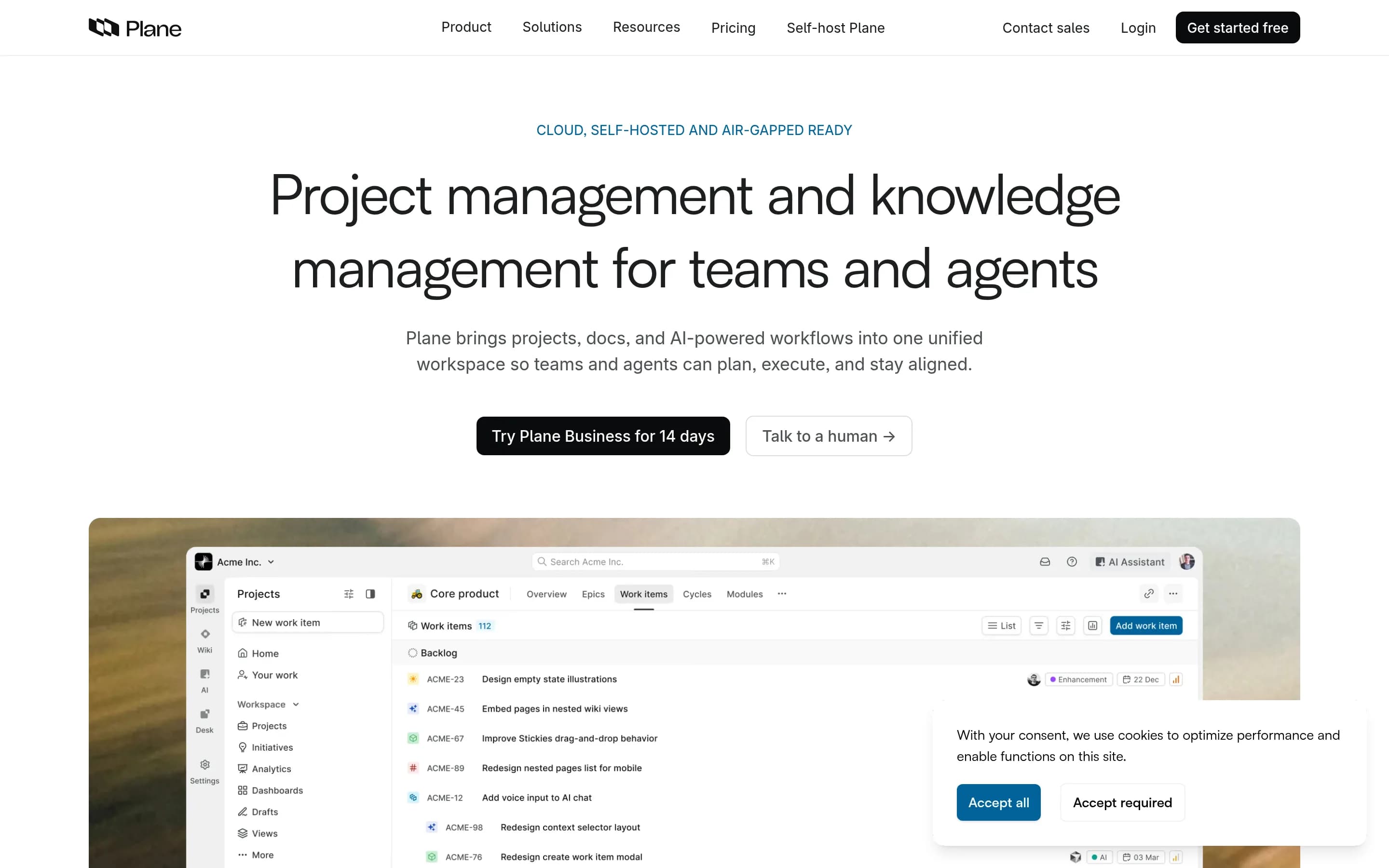
Plane is the stronger fit for teams that want open-source, self-hosted project management centered on work items, cycles, modules, roadmaps, pages, and analytics. Wrike remains the safer choice for organizations that require documented Gantt planning, workload and capacity management, conditional request forms, or whiteboarding; the supplied Plane sources do not establish equivalent coverage for those capabilities.
What it does
Plane is an open-source project management platform for creating and managing work items, organizing cycles and modules, tracking issues, and managing product roadmaps. Its documented workflows include rich-text task editing, file uploads, sub-properties, related issues, filters, saved views, and converting notes into actionable items.
Plane also provides burn-down charts, real-time analytics, and Pages for organizing ideas and documentation. It can be used through Plane Cloud or deployed on user-controlled infrastructure, with documented Docker and Kubernetes installation methods. The repository is licensed under AGPL-3.0.
What it covers
- Task and work-item tracking
- Project organization and roadmaps
- Dashboards or real-time analytics
- Workflow automation or agents
- AI-assisted workspace features
- External apps and integrations
What’s different
- No documented interactive Gantt charts
- No documented workload or capacity planning
- No documented conditional request forms
- No documented whiteboard canvas
PPlatform27,357
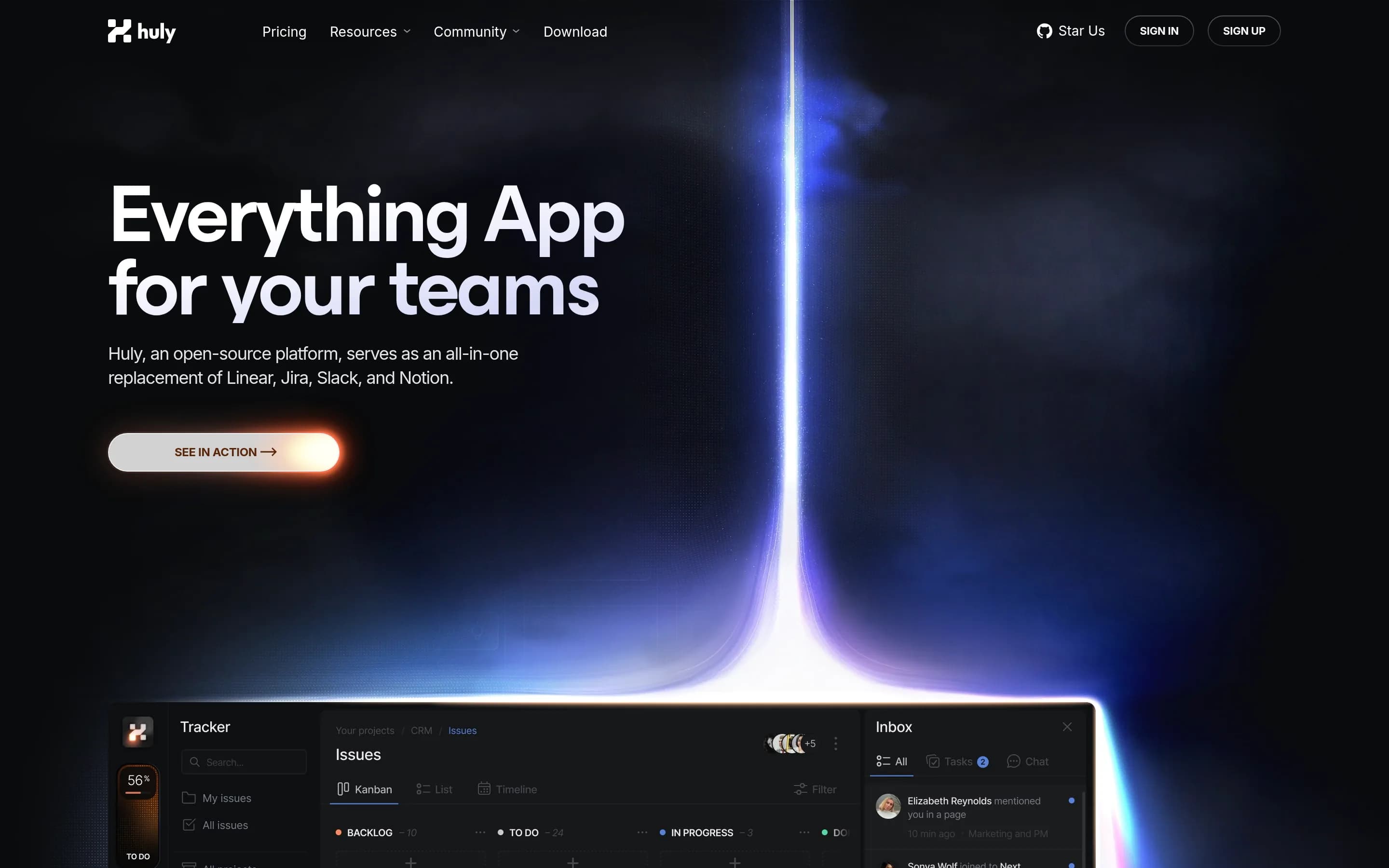
Huly Platform is the stronger choice for teams prioritizing open-source, Docker-based self-hosting and an integrated developer-oriented workspace spanning projects, chat, documents, planning, and GitHub synchronization. Wrike remains the safer choice for organizations that require documented enterprise planning capabilities such as Gantt charts, resource management, request forms, workflow automation, dashboards, and
What it does
Huly is an open-source platform that includes applications for project management, chat, CRM, HRM, and applicant tracking. Its documented project-management scope and workspace setup support teams coordinating business work from a unified application, while the platform architecture also supports teams building products on top of it.
The repository documents production and development releases, API-client access for integrations and custom applications, and a complete local run path. Users can build and launch the application with Docker and Docker Compose, access it through a browser at a local URL, create an account, and create a workspace. The project is licensed under EPL-2.0 and can be self-hosted using the related Huly self-host repository.
What it covers
- Task and project tracking
- Team planning and progress visibility
- External-work synchronization
- Collaborative workspaces
What’s different
- Gantt chart planning not documented
- Resource management not documented
- Workflow automation not documented
- Project dashboards not documented
- Conditional request forms not documented
- Whiteboarding not documented
- Production AI assistance not established
LLeantime11,356
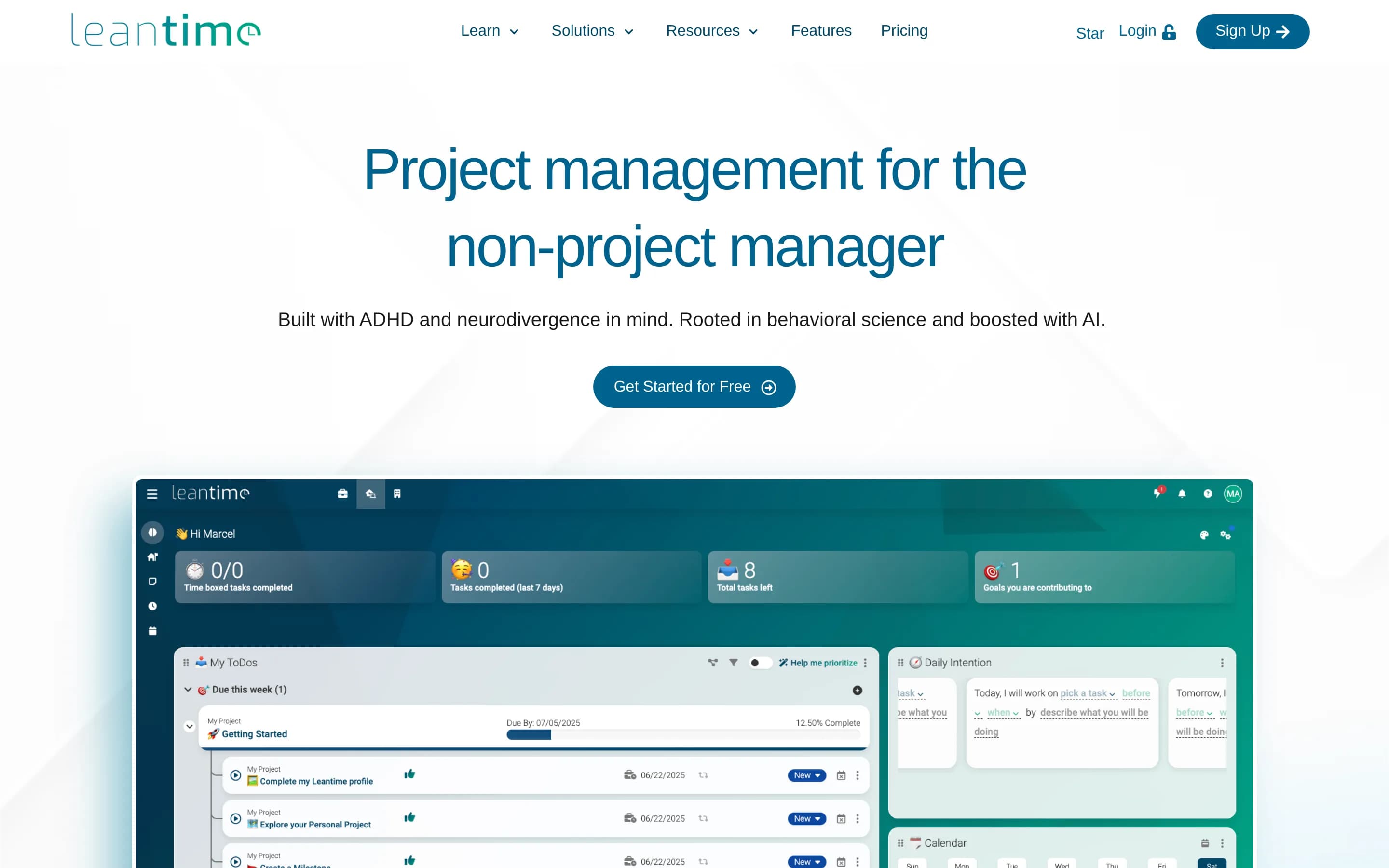
Leantime is a credible alternative for teams seeking self-hosted, goal-oriented project management with tasks, timelines, dashboards, and visual planning. Choose it when infrastructure control and an interface aimed at non-project managers or neurodivergent users matter more than Wrike’s broader enterprise workflow stack. Keep Wrike when resource balancing, conditional request forms, configurable automation, or moreе
What it does
Leantime is an open-source project management system designed for non-project managers. It combines strategy, planning, and execution with task management through kanban, Gantt, table, list, and calendar views. Documented features include subtasks, dependencies, milestones, sprints, timesheets, project dashboards, reports, status updates, goals and metrics, retrospectives, comments, discussions, and project permissions.
The application can be deployed on a user-controlled server through a local PHP, MySQL or MariaDB, and Apache or Nginx installation, or through the official Docker image and Docker Compose setup. It also supports file storage, LDAP and OIDC integration, plugins, a JSON-RPC API, and integrations with Slack, Mattermost, and Discord.
What it covers
- Task and assignment tracking
- Kanban, list, and calendar views
- Gantt-style timeline planning
- Milestones and dependencies
- Project dashboards and reports
- Built-in visual whiteboards
- Project and program-level planning
- External-service integrations
What’s different
- No documented conditional request forms
- No documented workflow-rule automation
- No documented workload or capacity balancing
- No documented autonomous AI agents
WWorklenz3,147
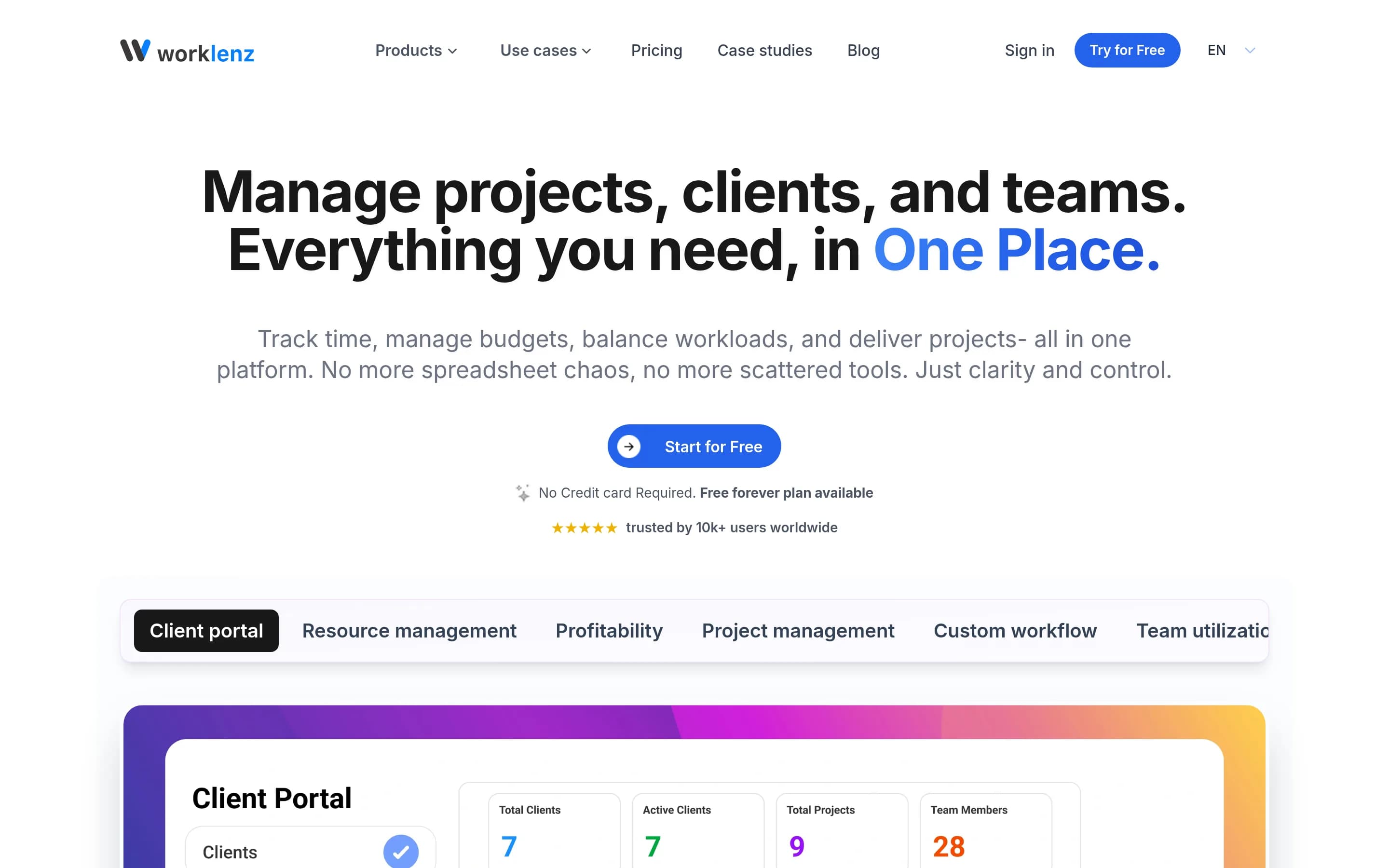
Worklenz is a credible open-source alternative when the priority is self-hosting and core project execution—tasks, list/Kanban/Gantt views, resource planning, reporting, and collaboration—especially for agencies tracking time, budgets, and clients. Choose Wrike when you need documented enterprise breadth such as request forms, workflow automation, whiteboards, AI agents, broad integrations, portfolio governance, or a
What it does
Worklenz is an open-source project management platform for planning, executing, and monitoring projects. Teams can create projects and tasks, set priorities and due dates, track progress through list, board, and Gantt views, use templates, and collaborate through comments and file sharing.
The platform documents resource planning, workload balancing, visual scheduling, time tracking, budgets and costs, analytics, reporting, team utilization, project profitability, and a client portal. It can be used through Worklenz Cloud or deployed under user control with Docker, Docker Compose, or manual installation using React, Express, PostgreSQL, Redis, and object storage.
What it covers
- Project and task tracking
- List, Kanban, and Gantt views
- Task dependencies and deadlines
- Resource and workload planning
- Dashboards, analytics, and reporting
- Project templates
- File and task collaboration
What’s different
- No documented conditional request forms
- No documented workflow automation rules
- No documented whiteboard
- No documented AI assistance or agents
- No documented broad app-integration catalog
- No documented enterprise portfolio-governance controls
EEver-gauzy4,327
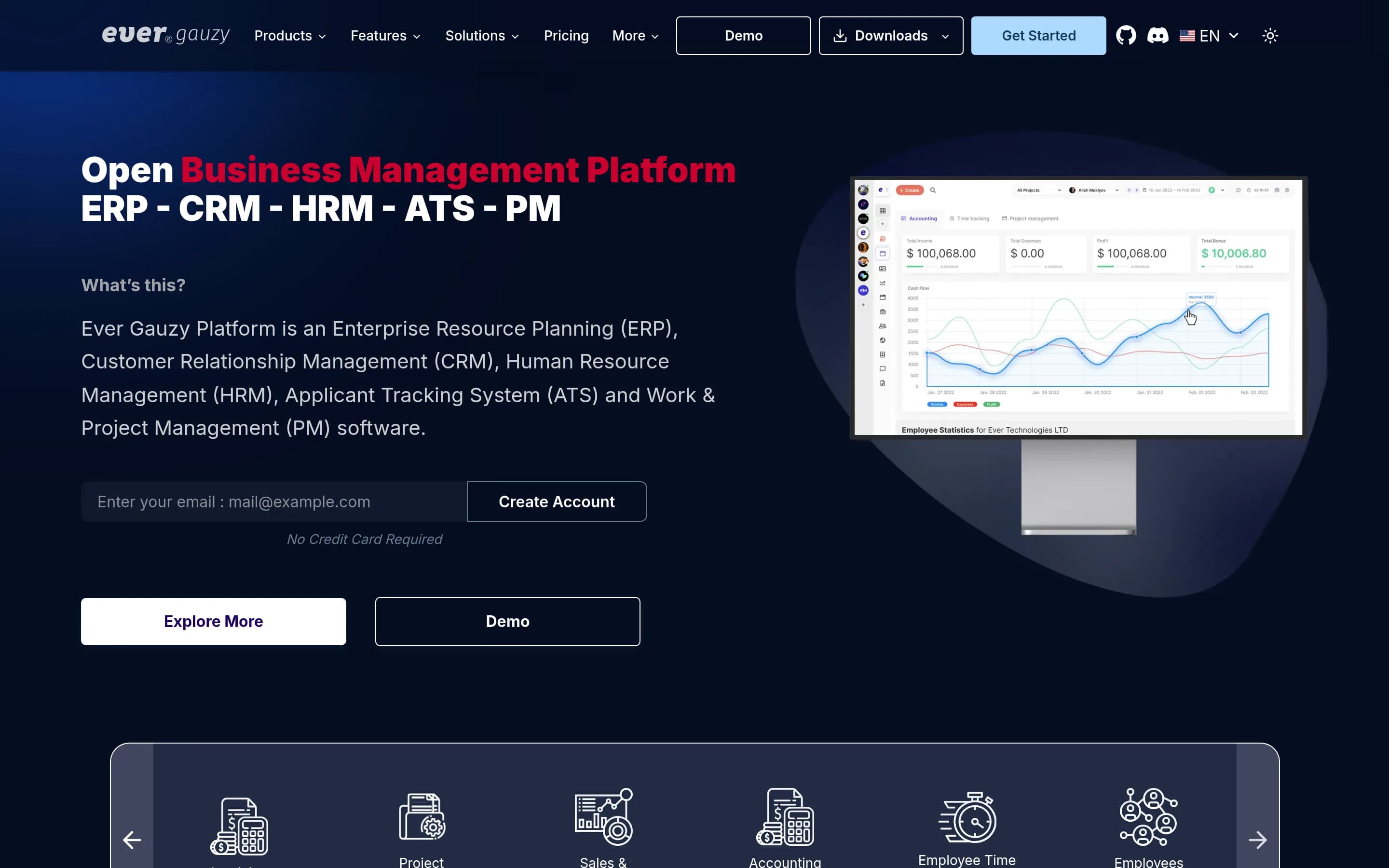
Choose Ever Gauzy when self-hosting and combining project work with time tracking, HR, CRM, invoicing, or other business operations is the priority. Choose Wrike when the required workflow depends on documented portfolio planning, Gantt scheduling, resource management, request forms, automation, whiteboards, or AI assistance; the supplied Ever Gauzy sources do not establish coverage for several of those capabilities.
What it does
Ever Gauzy is an open business-management platform covering ERP, CRM, HRM, ATS, sales, finance, inventory, and work and project management. Its documented project-related workflows include projects and tasks, schedules, team and organization management, goals and KPIs, dashboards, reports, insights, analytics, integrations, and time tracking with timesheets and activity tracking.
The platform is available as a browser-based web UI, server application, and Windows, macOS, and Linux desktop applications. Users can run it locally with Yarn or deploy it with Docker Compose; Kubernetes is recommended for production. It supports SQLite for demos and PostgreSQL or other databases for deployment, and is licensed under AGPL-3.0.
What it covers
- Project and task management
- Dashboards and reporting
- Roles and permissions
- External integrations
- Organizational work tracking
What’s different
- No documented Gantt planning
- No documented resource-capacity planning
- No documented request forms
- No documented workflow automation rules
- No documented collaborative whiteboard
- No documented AI assistant or agents
- No documented Wrike-specific importer
Zametek.ProjectPlan237
Zametek.ProjectPlan is a narrower, open-source desktop planning tool, not a like-for-like replacement for Wrike’s enterprise work-management platform. Choose it for locally controlled project-plan creation, schedule tracking, Gantt output, or scripted plan processing. Choose Wrike when coordinated online teamwork, portfolios, resource management, request intake, automation, dashboards, integrations, whiteboards, AI,或
What it does
Projectplan.net is an open-source, cross-platform desktop application for designing, creating, and tracking project plans. It is positioned as a simple alternative to Microsoft Project and supports project imports from Microsoft Project and Excel, project scenarios, compilation, metrics, and generated Gantt, arrow, and scenario charts.
The repository also includes the headless zpp command-line tool for scripting, CI pipelines, and batch processing. It can export images and JSON metrics, and convert imported plans into project files. Users can build or run the desktop application with the .NET SDK, publish self-contained binaries for Windows, Linux, and macOS, and build a Windows MSI installer.
What it covers
- Project-plan creation and tracking
- Schedule and Gantt output
- Project metrics and status analysis
What’s different
- No documented Wrike import
- No documented collaborative portfolios
- No documented workload balancing
- No documented request forms
- No documented workflow automation
- No documented live dashboards
- No documented whiteboards
- No documented app integrations
- No documented AI assistance
DDootask5,548
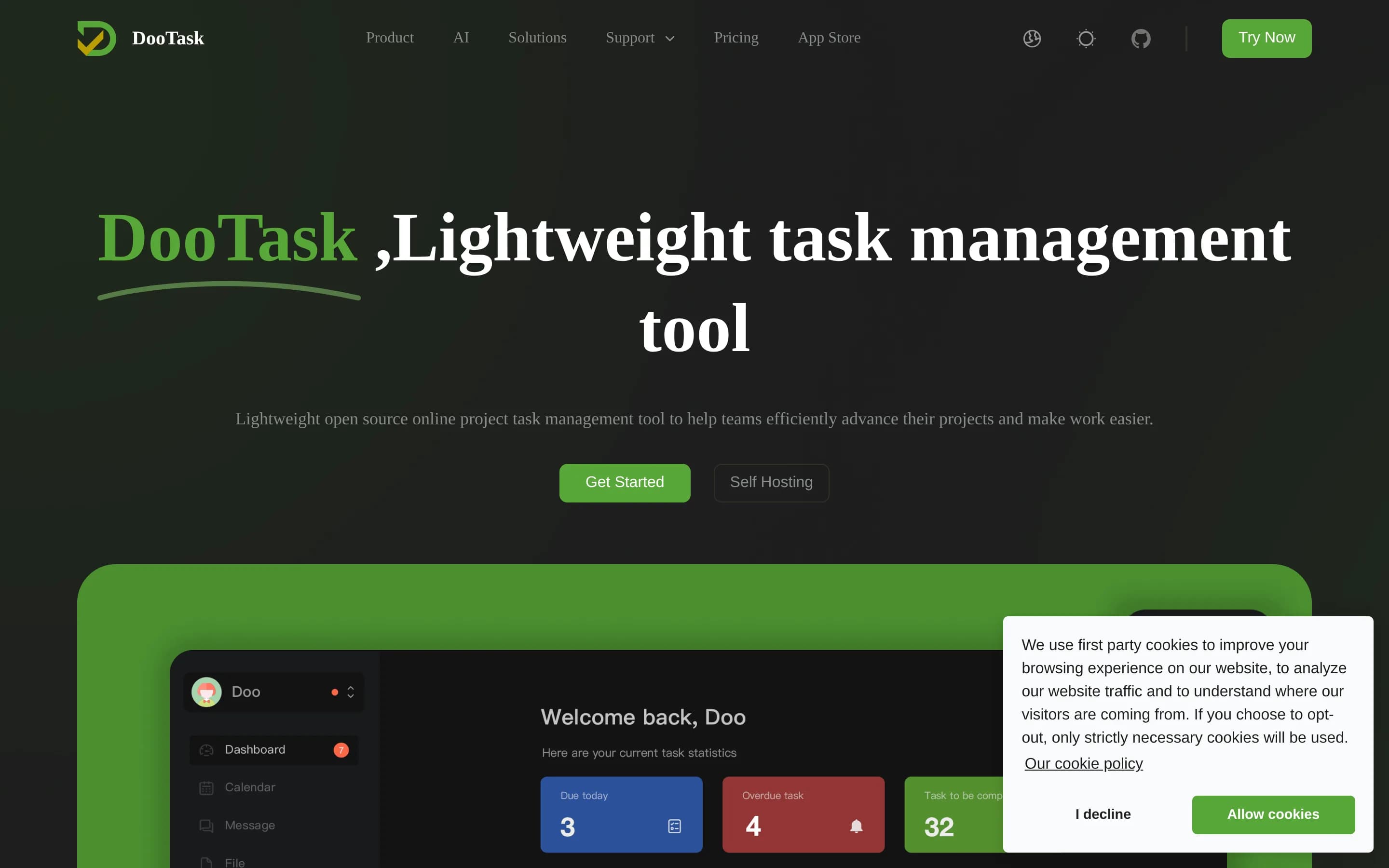
DooTask is a self-hosted project and task management platform with collaboration, messaging, documents, mind maps, flowcharts, and file management. It substantially covers project delivery and task coordination, but the supplied evidence does not document Gantt planning, resource capacity management, workflow automation, or dashboards.
What it does
DooTask is an open-source online project and task management system for organizing projects, distributing tasks, and coordinating remote work. Its documented feature set includes document collaboration, online mind maps, online flowcharts, instant messaging, file management, and task-oriented project workflows. Messaging uses asymmetric encryption according to the repository description.
The project is designed for user-controlled deployment. It requires Docker and Docker Compose, uses MariaDB through the default Compose service, and supports CentOS, Debian, Ubuntu, macOS, and other Linux/Unix systems. Installation, upgrades, service control, port changes, HTTPS configuration, backups, migration, and uninstallation are documented through scripts and commands.
What it covers
- Project management and task coordination
- Task distribution and ownership workflows
- Online collaboration and remote-work support
- Self-hosted deployment
What’s different
- Interactive Gantt chart planning is not documented
- Resource workload or capacity management is not documented
- Configurable workflow automation rules are not documented
- Project monitoring dashboards are not documented