
NNotion
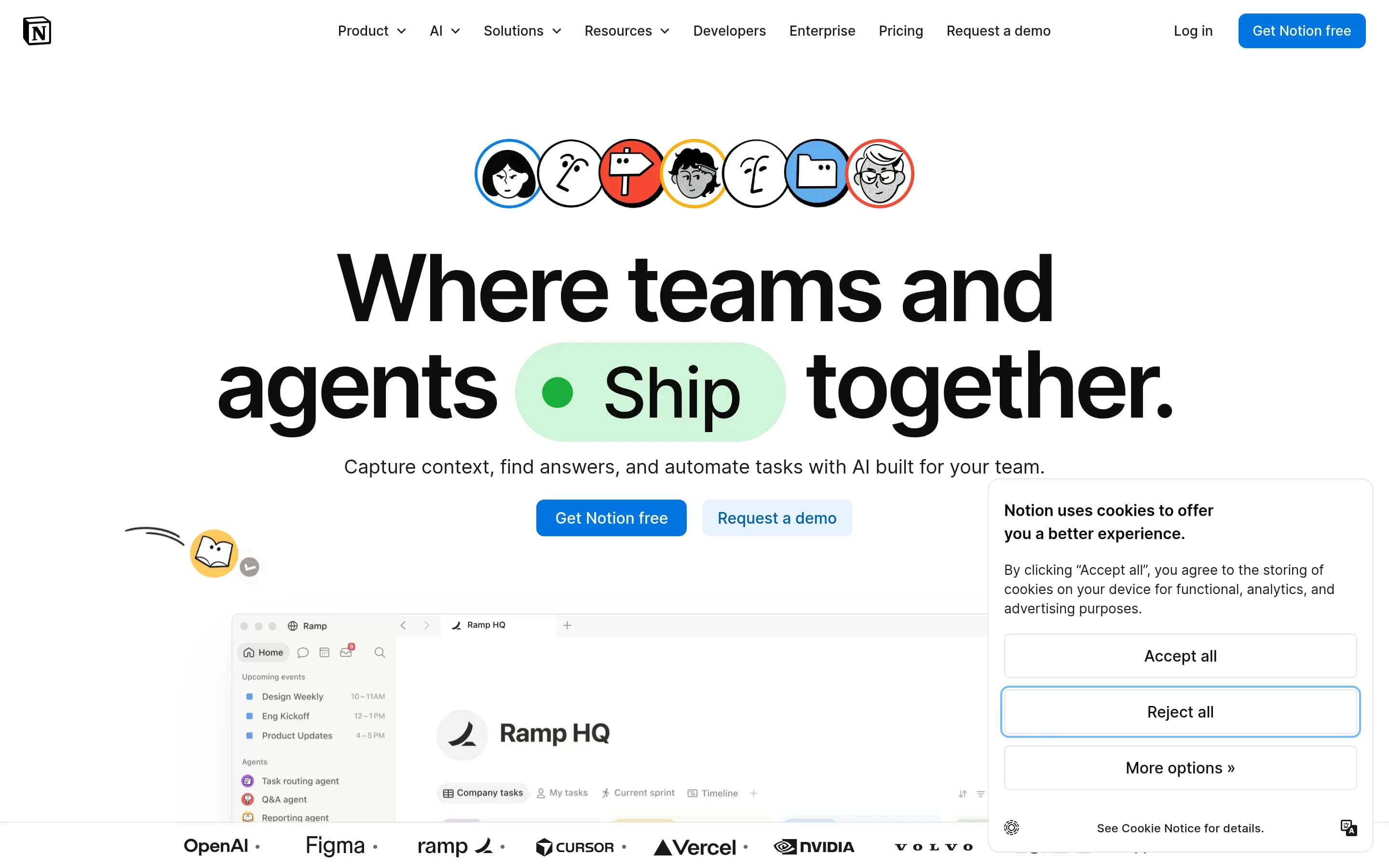
Notion is a workspace for centralizing team knowledge, creating documents, managing projects, searching connected work, and automating recurring tasks with AI agents. It combines knowledge bases, docs, project tracking, meeting notes, enterprise search, and a calendar within one product.
Why people leave Notion
Someone might seek a Notion alternative when a broad, all-in-one workspace is less suitable than a tool dedicated to one workflow. Notion combines knowledge bases, documents, projects, notes, search, calendars, connections, and AI capabilities. That breadth can be useful, but teams focused primarily on documentation, project delivery, personal notes, or scheduling may prefer software whose interface and operating model are built around that single job.
The product’s flexibility may also create a need for internal decisions about how information and work should be organized. Teams must determine how their source of truth, documents, project structures, and recurring workflows fit together. An alternative with a more prescribed structure could be preferable for organizations that want standardized processes rather than a customizable workspace, or for individuals who want to capture and retrieve notes without designing a broader system.
Notion’s current positioning places substantial emphasis on AI, including custom agents, task routing, reporting, meeting notes, writing assistance, and search across connected applications. Some buyers may not need these workflows, may want AI to remain separate from their documentation system, or may prefer a product centered on manual authoring and retrieval. Others may seek a specialized AI assistant, enterprise search product, or automation platform instead of obtaining those functions as modules within a larger workspace.
Organizations may also evaluate alternatives because centralizing knowledge and connected work in one platform affects operational and technology choices. A company might require a different deployment model, tighter specialization, another approach to security and administration, or stronger alignment with tools it already uses. Teams whose work depends on a particular project methodology, document lifecycle, search architecture, or calendar workflow may find a focused product more appropriate. Likewise, users interested in open-source alternatives may prioritize source availability, self-hosting potential, greater control over customization, or reduced dependence on a single vendor—qualities not established by the supplied Notion page.
18 Best Open Source Notion Alternatives (Ranked)
Each alternative is evaluated for core feature coverage, deployment options, licensing, project health, and overall fit. The ranking prioritizes how closely a tool matches Notion's primary workflows, using popularity only as a secondary signal.
TTrilium37,438
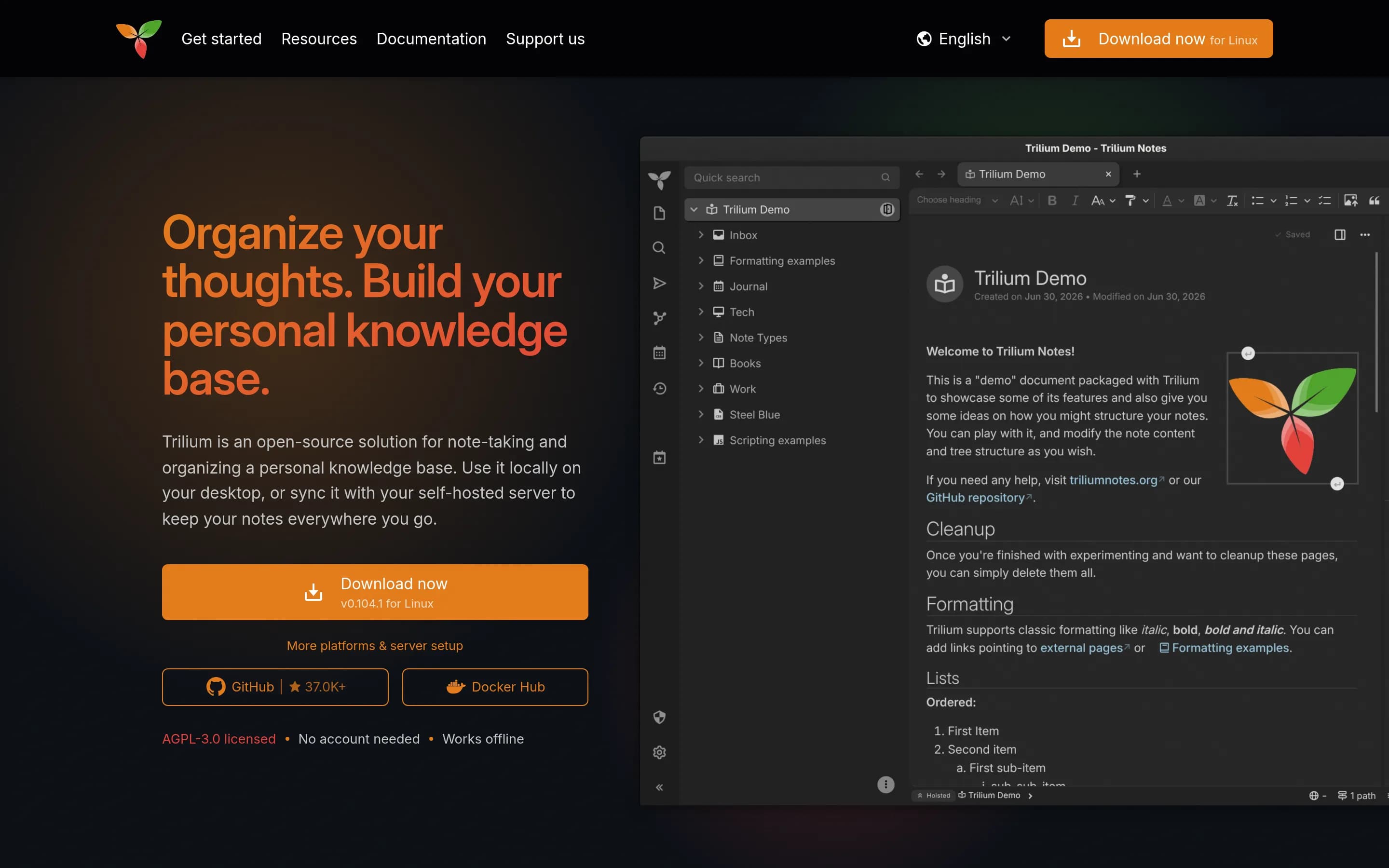
Choose Trilium when the priority is an open-source, offline-capable personal knowledge base with hierarchical notes, local desktop use, or self-hosted synchronization. Choose Notion when the requirement is a broader team workspace spanning collaborative knowledge, project delivery, connected-app search, meeting notes, and managed AI workflows. The central tradeoff is deployment control and note-focused depth versus a
What it does
Trilium Notes is a free, open-source, cross-platform hierarchical note-taking application designed for large personal knowledge bases. Users organize rich WYSIWYG notes in arbitrarily deep trees, place notes in multiple locations, edit tables, images, mathematics, and source code, search full text, version notes, and publish notes publicly.
The application also documents note attributes, scripting, REST automation, encryption, synchronization through a self-hosted sync server, relation and link maps, mind maps, geographic maps, Excalidraw-based canvases, web clipping, and Markdown or Evernote import and export. It provides desktop binaries for Windows, macOS, and Linux, a browser-accessible server interface, mobile web access, and Docker-based server installation.
What it covers
- Structured knowledge-base notes
- Rich-text document editing
- Full-text workspace search
- Calendar and Kanban views
- Programmable workflow automation
- Optional AI for stored notes
What’s different
- No documented connected-app enterprise search
- No documented AI meeting notes
- No documented custom AI agents
- No documented direct Notion import
- No documented real-time collaborative editing
DDocmost21,372
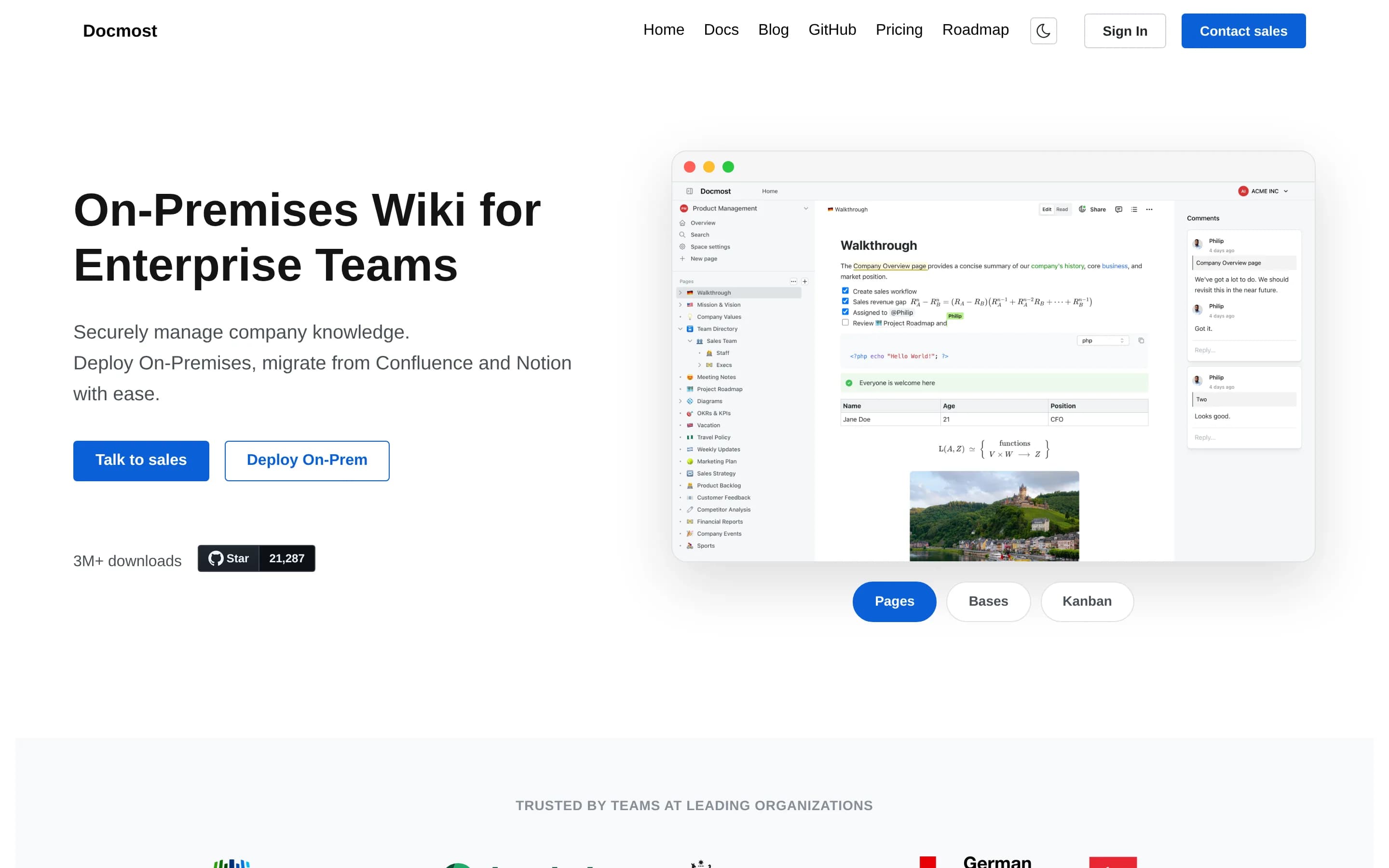
Choose Docmost when the main requirement is a self-hosted collaborative wiki with source-available core, real-time editing, permissions, search, and optional enterprise controls. Choose Notion when one workspace must also cover mature project delivery, calendar workflows, connected-app search, AI meeting notes, and custom agents; equivalent Docmost coverage is either undocumented, enterprise-only, or still planned.
What it does
Docmost is open-source collaborative wiki and documentation software for teams. Its documented workflows include real-time collaboration, spaces, permissions management, groups, comments, page history, search, file attachments, and embedded external content.
The product also supports diagrams through Draw.io, Excalidraw, and Mermaid, plus translations in more than ten languages. Users can try its cloud version or deploy the complete open-source core using the project's self-hosting documentation. The core is licensed under AGPL-3.0, while some enterprise features use a separate enterprise license.
What it covers
- Collaborative pages and documents
- Team knowledge spaces
- Real-time co-editing
- Workspace content search
- Permissions and groups
- Comments and page history
- File attachments and embeds
- Structured database and Kanban views, with Docmost Enterprise
- AI-assisted writing and search, with Docmost Enterprise
What’s different
- No documented AI meeting-note capture
- No documented custom task-routing agents
- No shipped calendar view; listed as planned
- No documented connected-application enterprise search
- No documented full project-management parity
DDocs16,725
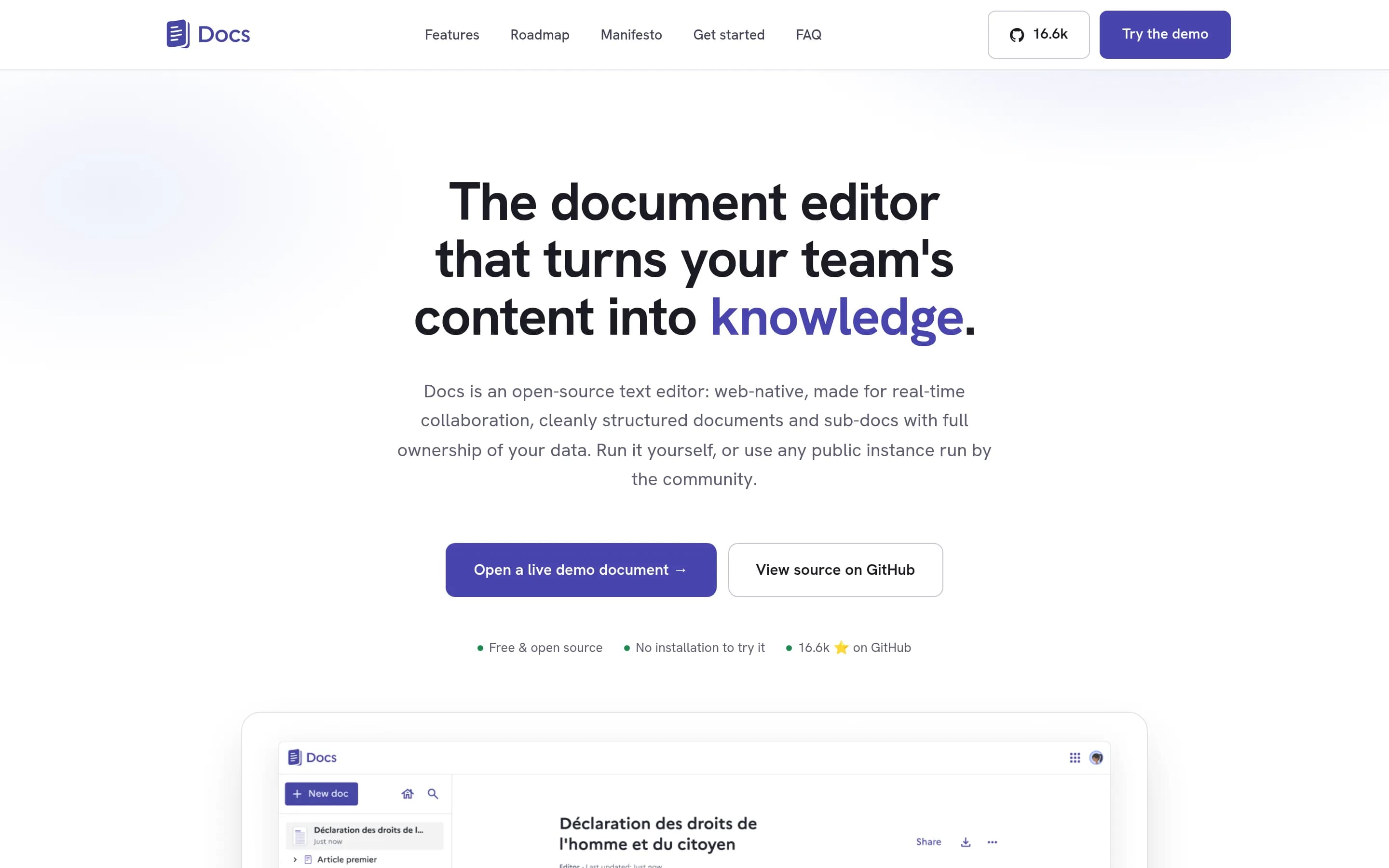
Docs is a focused open-source alternative for collaborative documents and team knowledge bases, with self-hosting and data-control options. Choose Docs when writing, document hierarchy, and real-time collaboration are the main workflow; choose Notion when the workspace must also provide project tracking, connected-app enterprise search, calendar, meeting-note automation, or custom AI agents.
What it does
La Suite Docs is an open-source, web-native collaborative editor for teams and organizations. It supports rich-text and Markdown editing, structured documents and subpages, hierarchical knowledge organization, searchable content, comments, sharing, live cursors, presence, and granular access control. Offline editing and document import/export are also documented.
Optional model- and gateway-agnostic AI features can rewrite, summarize, translate, and correct selected text, with a beta AI toolbar and cursor workflow. Docs includes presentation mode, PDF exports, resource-server and server-to-server APIs, and an example for importing Meet transcripts. The complete product can be self-hosted using Kubernetes or Docker Compose, with local development documented through Docker and Docker Compose.
What it covers
- Collaborative document editing
- Hierarchical knowledge organization
- Searchable document content
- Comments and sharing
- Granular document access
- Optional AI writing assistance
What’s different
- No documented project tracking
- No documented connected-app enterprise search
- No documented integrated calendar
- No documented AI meeting-note capture
- No documented custom task-routing agents
- No documented native Notion import
NNoteDiscovery2,746
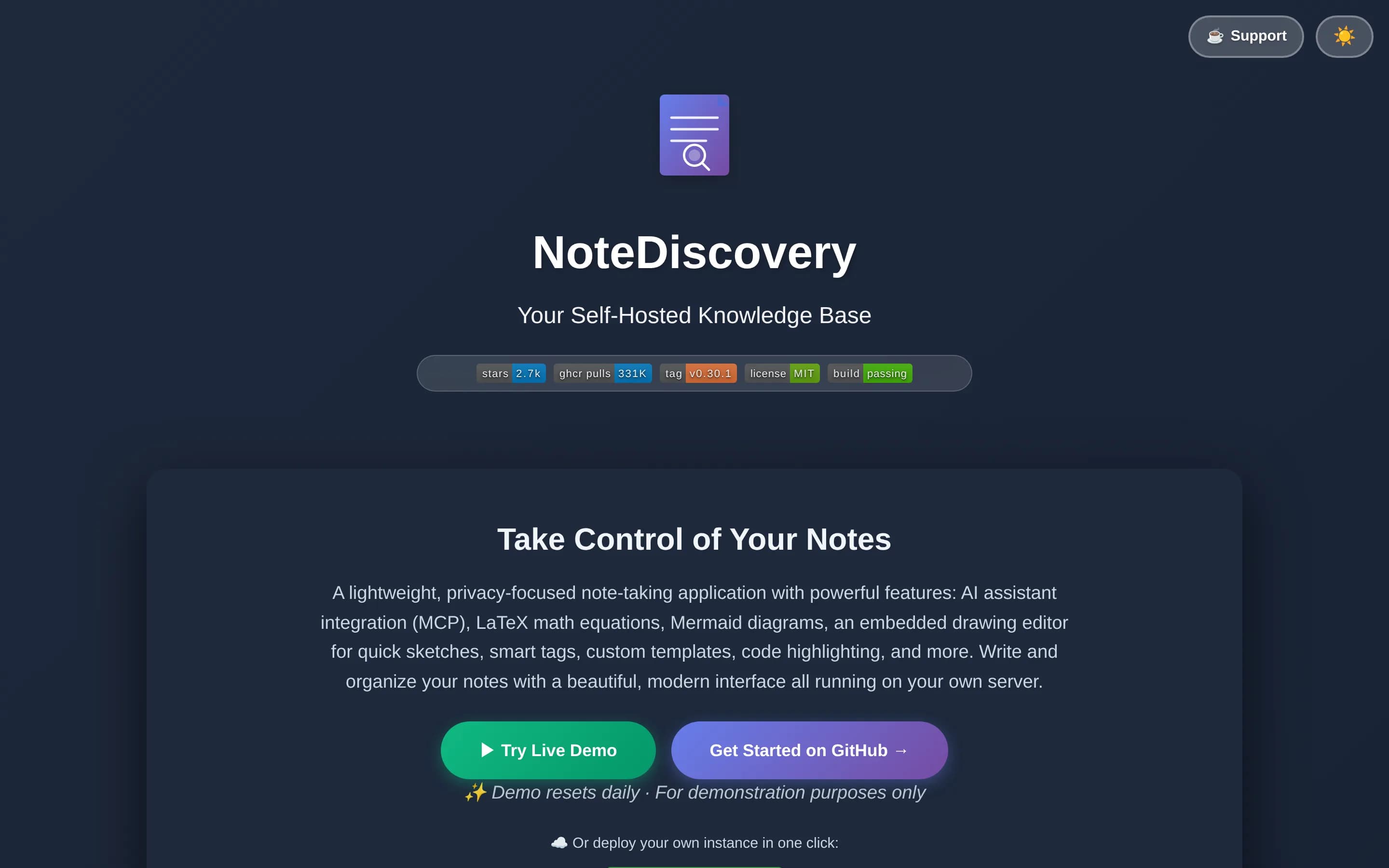
NoteDiscovery is a focused, self-hosted Markdown knowledge base rather than a feature-complete Notion replacement. Choose it for personally managed or small-team notes when source availability, simple files, and infrastructure control matter. Choose Notion when the workspace must also provide documented project tracking, enterprise search across connected applications, calendar functions, meeting-note automation, or5
What it does
NoteDiscovery is a lightweight, self-hosted note-taking and knowledge-base application for personal wikis, second brains, privacy-conscious users, and small teams. Users write and organize notes stored as plain Markdown files, then find them through full-text search, tags, favorites, backlinks, an outline panel, and an interactive graph view.
The documented interface includes responsive layouts, themes, templates with dynamic placeholders, drawing support, LaTeX/MathJax, Mermaid diagrams, HTML export, printing, and optional password protection. Its built-in MCP server lets compatible AI assistants search, create, edit, organize, tag, and append to notes. It runs through Docker or Docker Compose, or directly with Python, and stores data on the user's server.
What it covers
- Knowledge-base pages and notes
- Searchable written content
- Organization with folders and tags
- AI-assisted note search and editing
What’s different
- No documented project tracking
- No documented enterprise connected-app search
- No documented AI meeting-note capture
- No documented custom task-routing agents
- No documented calendar module
- No documented broad application connections
CCommunity2,415
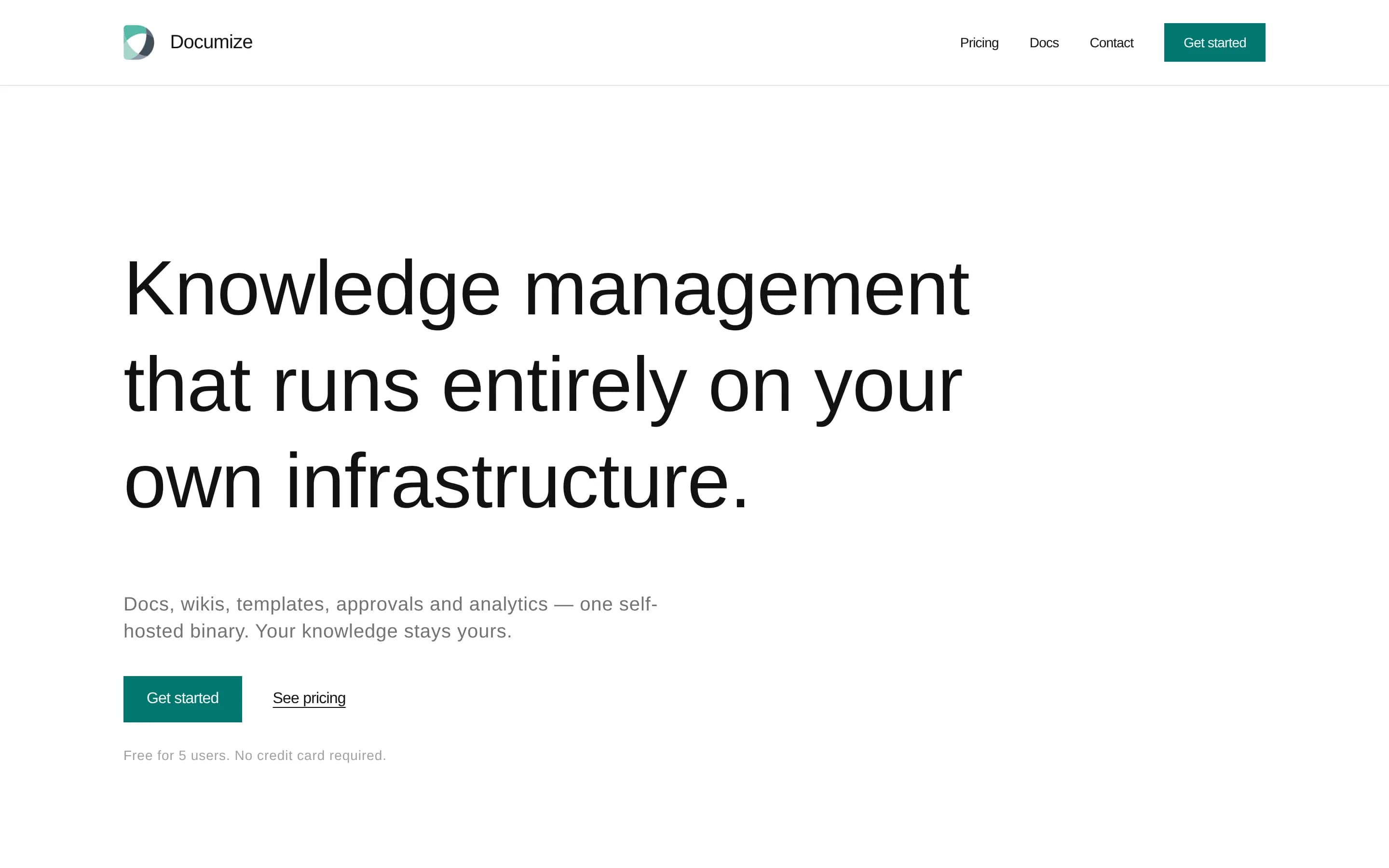
Choose Documize Community when the priority is an open-source, self-hosted knowledge base for internal and external documentation and the team can operate its database and infrastructure. Choose Notion when one workspace must also cover project tracking, connected-app search, AI meeting notes and agents, or calendar workflows; those capabilities are not documented for Documize Community in the supplied sources. The核心
What it does
Documize Community is an open-source knowledge-management solution for technical and non-technical users. It unifies customer-facing and internal documentation, organizing content with labels, spaces, and categories. The repository describes the product as a modern Confluence alternative and includes a screenshot of the product interface.
The application is built with Go and EmberJS and compiles to a single executable for Linux, Windows, macOS, and Raspberry Pi. Deployments require a database with full-text search support, including PostgreSQL, Microsoft SQL Server, MySQL, Percona, or MariaDB. Authentication options include email/password, LDAP, Active Directory, Keycloak, and CAS. Community+ additionally documents approval workflows, version and lifecycle management, feedback, PDF export, analytics, activity streams, audit logs, and assignments.
What it covers
- Centralized team knowledge pages
- Collaborative documentation
- Searchable documentation
- Internal knowledge organization
What’s different
- No documented project tracking
- No documented connected-app enterprise search
- No documented AI meeting notes
- No documented custom AI agents
- No documented calendar module
- No documented external application connections
AAlexandrie2,326
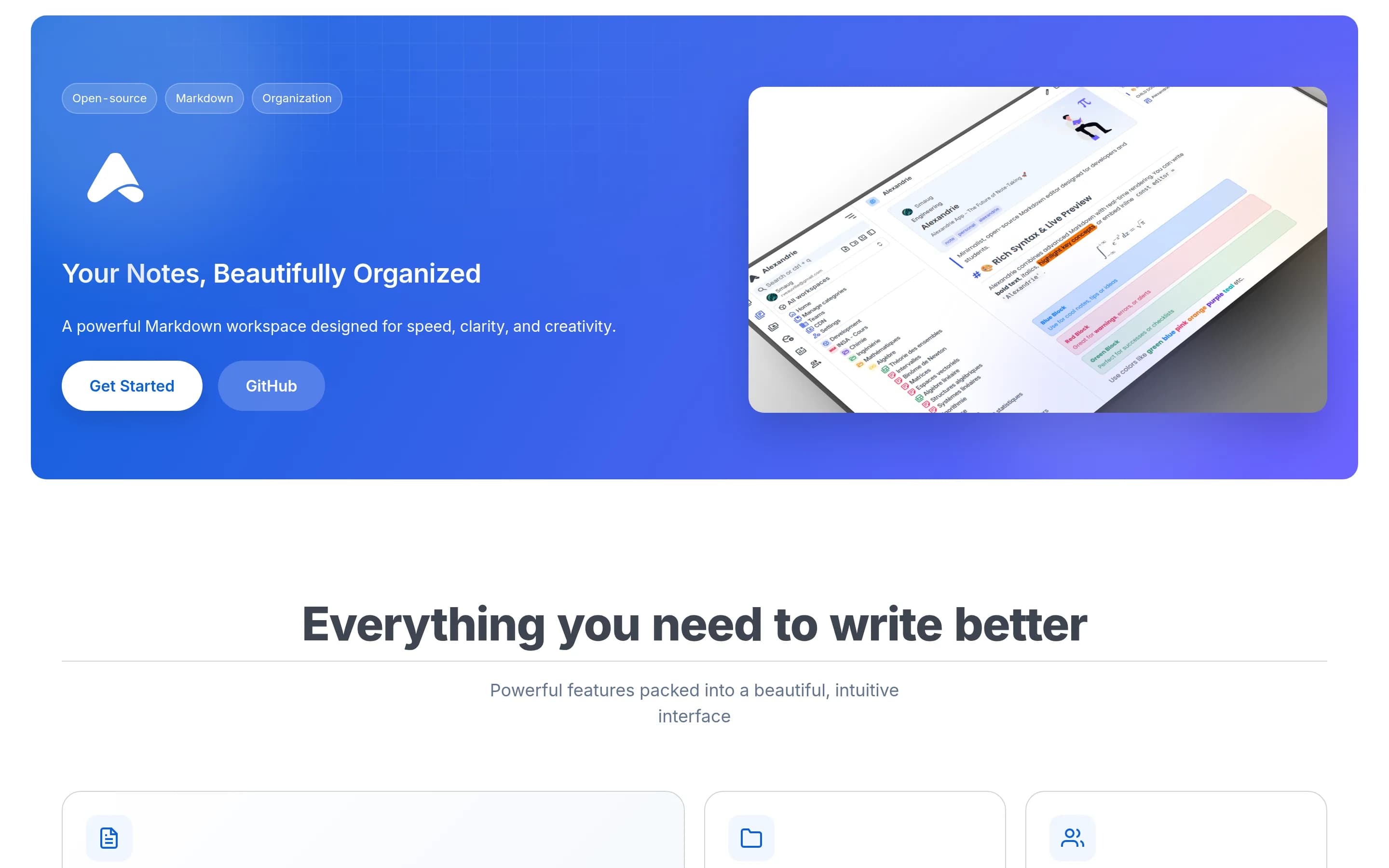
Choose Alexandrie when the priority is a self-hosted, MIT-licensed, offline-first Markdown knowledge base with team permissions and basic Kanban task management. Choose Notion when the workspace must also cover connected-app enterprise search, AI meeting notes and agents, calendar scheduling, or broader project delivery workflows; those capabilities are not documented for Alexandrie.
What it does
Alexandrie is an open-source, self-hosted wiki and knowledge-management platform for teams and individuals. Users create and maintain nested documents with an extended Markdown editor supporting LaTeX, custom containers, checkboxes, snippets, speech-to-text, and embedded diagrams. Documents can be organized across teams, workspaces, categories, and hierarchical nodes.
The platform provides full-text search with highlighted results, offline-first PWA access and synchronization, public links, granular workspace and node permissions, integrated Kanban boards, media previews, and ZIP import/export. It supports OIDC single sign-on, automated backup and restore workflows, and S3-compatible storage. Deployment is documented through Docker Compose, with the application available locally at port 8200.
What it covers
- Team knowledge-base organization
- Collaborative document authoring
- Workspace document search
- Nested workspaces and documents
- Granular sharing permissions
- Kanban task boards
What’s different
- Connected-app enterprise search
- AI meeting-note generation
- Custom AI agents and automation
- Integrated calendar scheduling
- Documented full project-management parity
CCrowi1,099
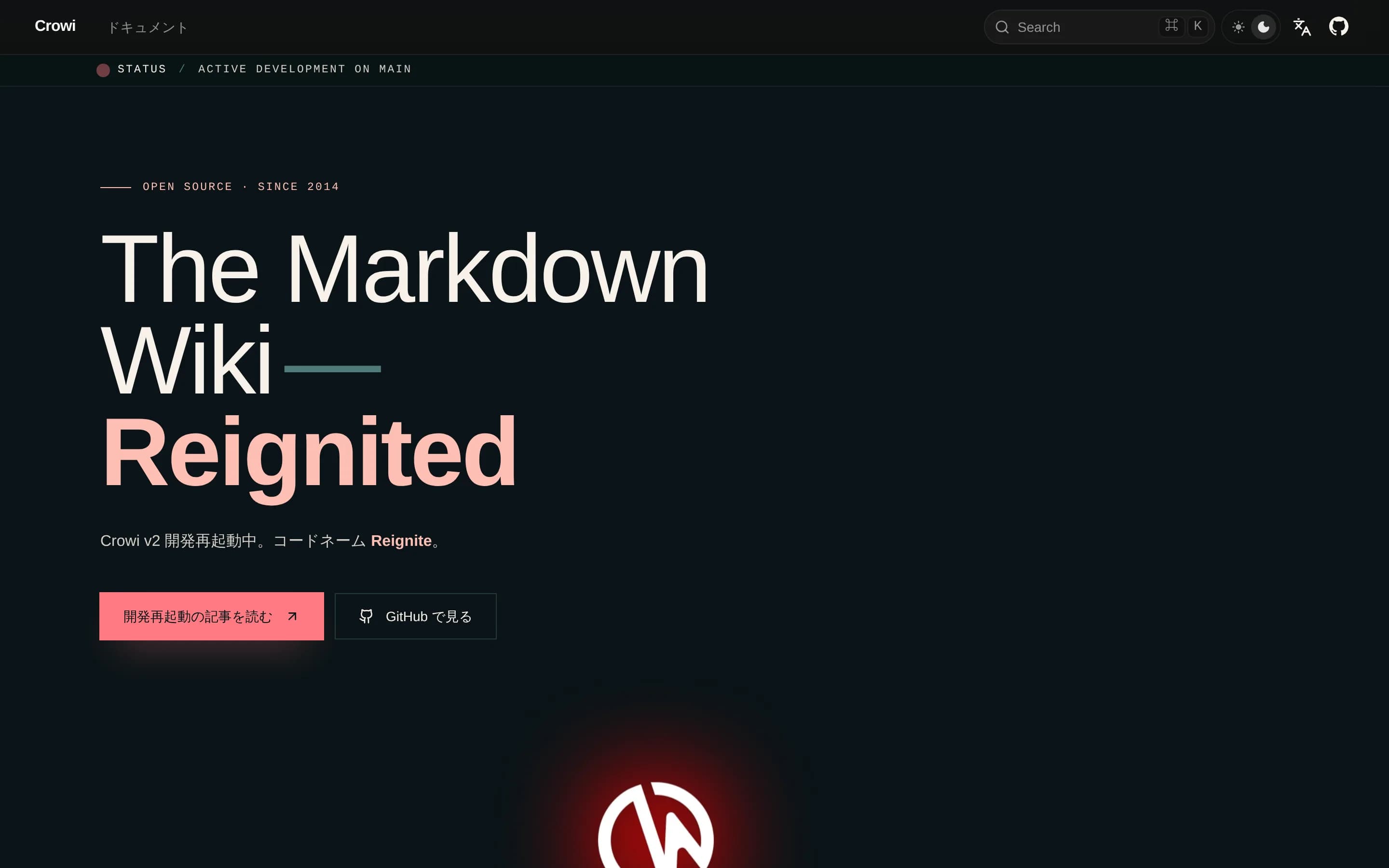
Crowi is a focused, self-hostable Markdown team wiki, whereas Notion is the better fit for teams wanting knowledge, projects, calendars, connected-app search, and AI workflows in one product. Choose Crowi for operator-controlled documentation and real-time wiki editing if you can accept self-hosting and prerelease risk; choose Notion when the broader workspace is required or production stability outweighs source and‑
What it does
Crowi is a Markdown wiki designed for team knowledge sharing. Its URL-based page hierarchy organizes content into paths such as `/team/handbook/onboarding`, while the web frontend supports wiki access and real-time collaborative editing through Yjs and Hocuspocus.
The product includes pluggable storage and search backends, including local filesystem storage, S3, MongoDB-native search, Elasticsearch, and OpenSearch. It also documents OAuth 2.0, personal access tokens, an embedded MCP server, KaTeX and PlantUML renderers, and an end-user CLI for reading, writing, and searching through the HTTP API.
Crowi is deployable under user control. The repository documents local development with Node.js, pnpm, MongoDB, and Redis, and provides published Docker images plus Docker Compose, deployment, and self-hosting guidance. The current v2 release line is an active prerelease.
What it covers
- Team knowledge-base pages
- Collaborative document editing
- Workspace content search
- Page hierarchy and organization
What’s different
- Native project tracking
- Native calendar module
- AI meeting-note capture
- Custom AI agents
- Connected-application enterprise search
LLeafwiki1,042
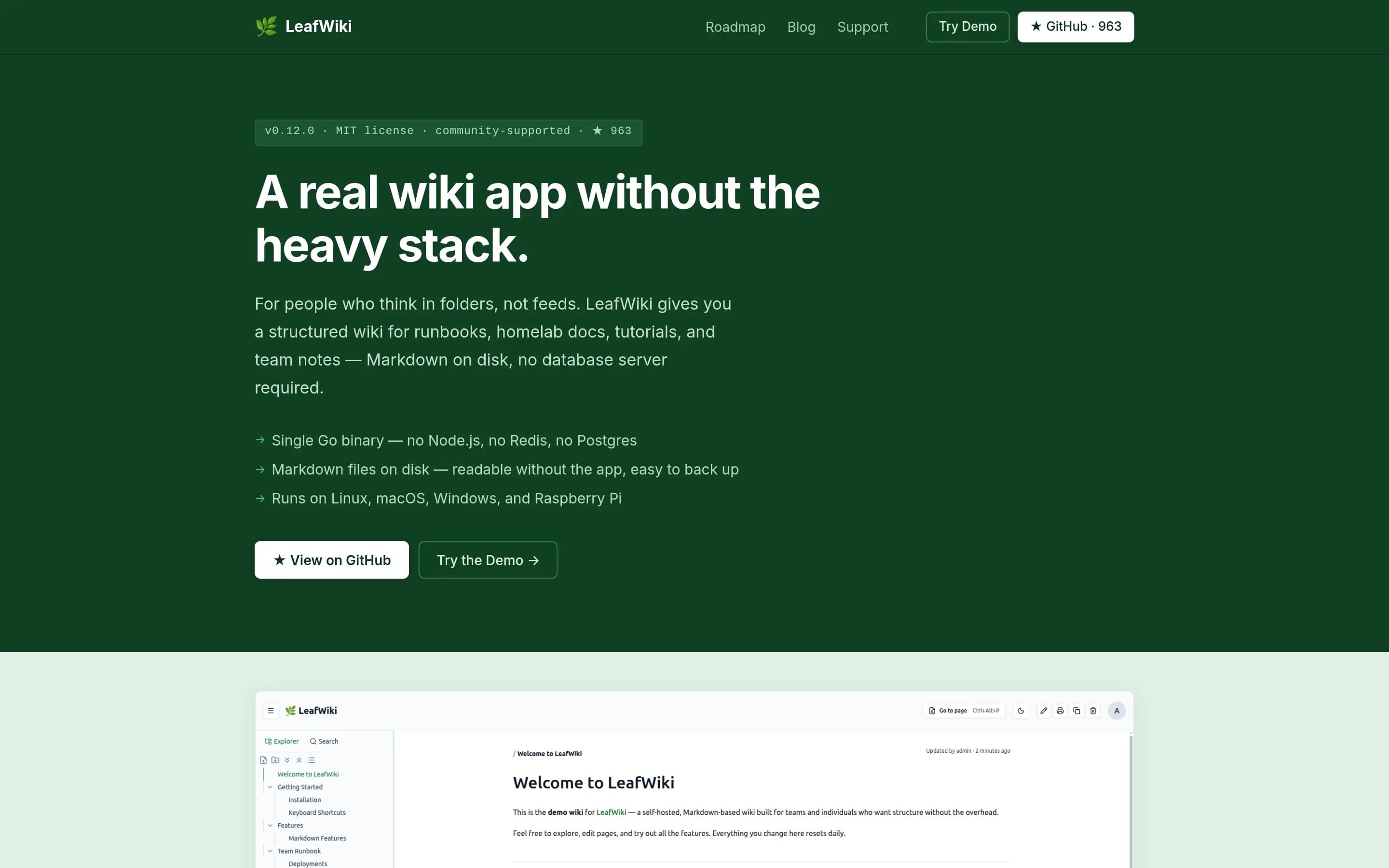
LeafWiki is a focused, self-hosted documentation wiki rather than a full Notion replacement. Choose LeafWiki when portable Markdown, explicit tree navigation, and a small operational stack matter more than an integrated workspace. Choose Notion when the workflow depends on project tracking, connected-app search, real-time collaboration, calendars, AI meeting notes, agents, or enterprise permissions and approvals.
What it does
LeafWiki is a self-hosted wiki for engineers, small teams, and homelabs that need structured, long-lived documentation. It stores Markdown on disk with SQLite metadata and provides hierarchical navigation, manual ordering, tags, full-text search, backlinks, link-status tracking, and a Markdown editor with live preview.
The product supports internal, public-read, or unauthenticated access modes, with admin, editor, and viewer roles. Optional capabilities include revision history, link rewriting on page moves, ZIP-based Markdown import, Git backups, API keys, custom styling, dark mode, and mobile-friendly pages. It runs as a single Go binary or through Docker, Docker Compose, a Linux installer, or a direct binary on Linux, macOS, Windows, and Raspberry Pi.
What it covers
- Shared knowledge-base pages
- Collaborative document authoring without real-time co-editing
- Full-text workspace-content search
What’s different
- Project tracking
- Connected-application enterprise search
- AI meeting notes
- Custom AI agents
- Integrated calendar
- Application connections
- Real-time collaborative editing
- Complex permissions and approval workflows
BBeever-atlas440
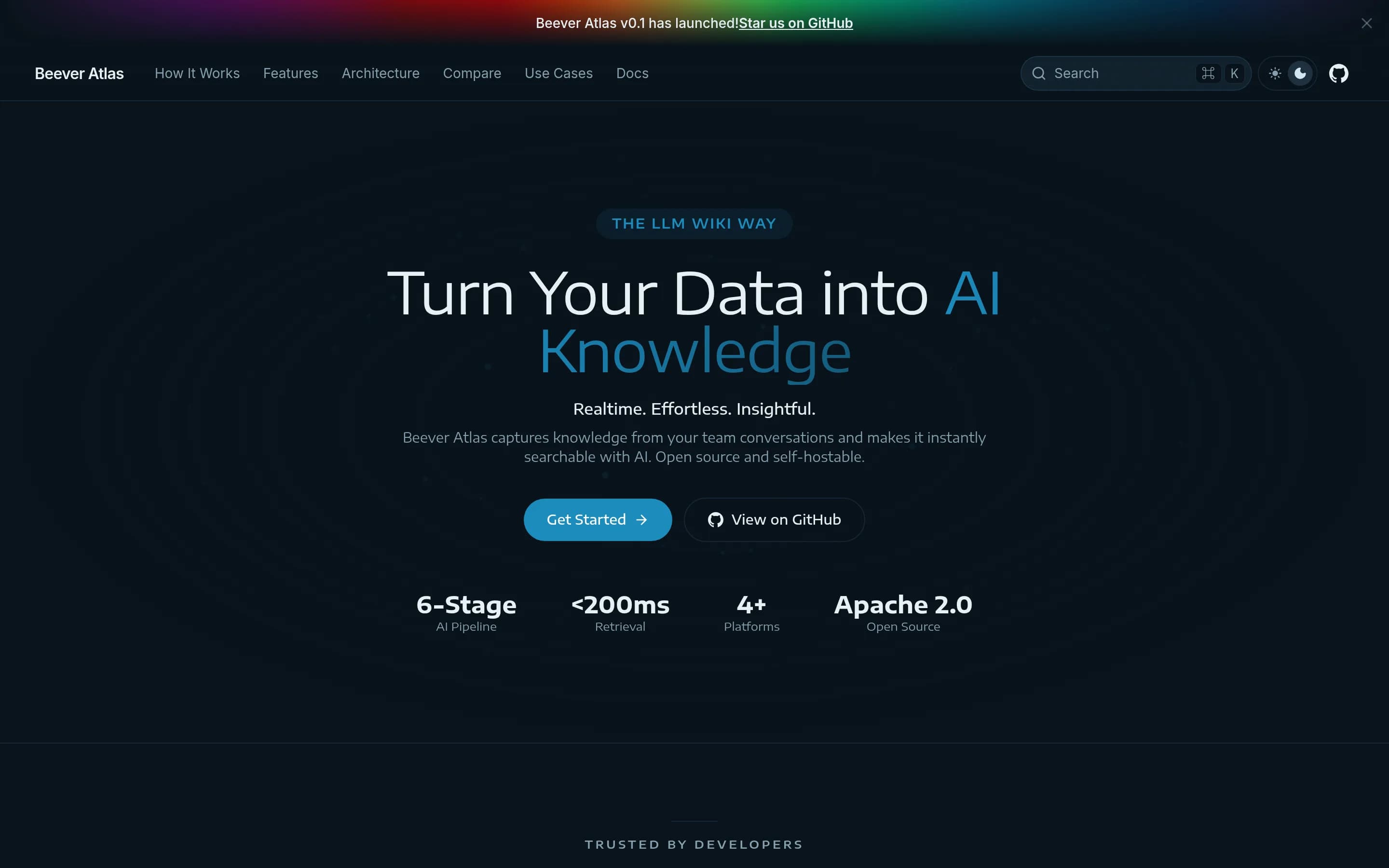
Choose Beever Atlas when the main requirement is a self-hosted, open-source knowledge base that automatically turns team chat into cited wiki pages and searchable answers. Choose Notion when you need a broader workspace for manually authored documents, project tracking, calendars, meeting notes, and configurable workflow automation; the supplied evidence does not show Atlas replacing those functions.
What it does
Beever Atlas ingests conversations from Slack, Discord, Microsoft Teams, and Mattermost, extracting atomic facts, entities, relationships, and citations. It deduplicates and organizes that information into continuously updated channel wikis containing topics, people, decisions, open questions, timelines, FAQs, glossaries, and resources. Users can browse the wiki or ask natural-language questions that return cited answers from the source messages.
The product provides a React dashboard and can expose the knowledge base through an MCP server for Claude Code and Cursor. It includes scheduled or on-demand synchronization, semantic and graph-based retrieval, and configurable AI providers. The repository documents a self-hosted Docker Compose deployment with backend, bot, web, and supporting data stores, alongside local development options.
What it covers
- Team knowledge-base pages
- Natural-language knowledge search
- AI-assisted knowledge retrieval
- External application connections
- Shared team access
What’s different
- General collaborative document editor
- Project planning and tracking
- Integrated calendar
- AI meeting-note capture
- User-configurable task and reporting agents
- Documented Notion workspace importer
AAppFlowy-Web315
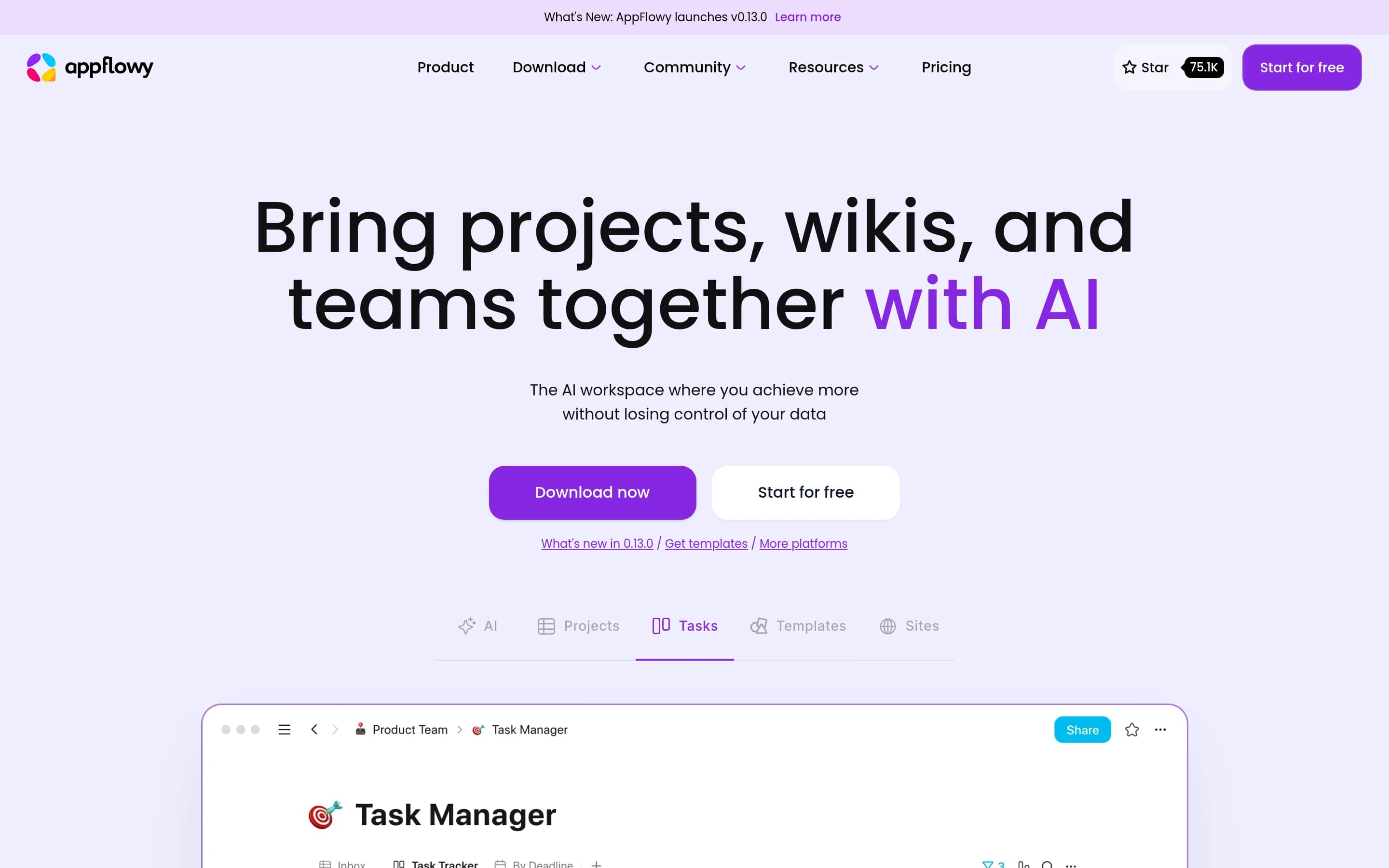
AppFlowy-Web is the stronger choice for teams that want an AGPL-licensed, self-hostable workspace centered on documents, knowledge bases, and database-based project management. Notion remains the safer choice when the broader documented package—especially enterprise search across connected applications, custom AI agents, and a dedicated calendar—is required, because equivalent AppFlowy-Web coverage is not established
What it does
AppFlowy is a browser-based collaborative workspace that brings team projects, wikis, documentation, and AI-assisted content management together. Its documented use cases include maintaining a team knowledge base, publishing documentation, managing content, and coordinating tasks and projects.
The product supports rich-content documents, Grid and Kanban database views, quick notes, workspace invitations, and public or private spaces for organizing content. The repository documents both a hosted cloud option and self-hosted deployment on a user-controlled server, with Docker listed among its technologies and deployment materials.
What it covers
- Team knowledge bases
- Collaborative rich-text documents
- Database-based project tracking
- Grid and Kanban views
- Shared workspaces and permissions
- AI-assisted content workflows
What’s different
- No documented enterprise-wide connected-app search
- No documented custom task-routing AI agents
- No documented dedicated calendar module
- No documented parity for Notion application connections
Webobsidian226
Choose WebObsidian for a single-user, self-hosted Markdown knowledge base with browser editing, local file ownership, search, links, and an agent API. Choose Notion when the priority is a multi-user workspace combining collaborative documents, project delivery, connected search, meetings, calendar, and broader automation. The central tradeoff is operational control and Markdown portability versus Notion’s documented‑
What it does
WebObsidian provides a browser-based and desktop application for editing a folder of Markdown files as an Obsidian-compatible knowledge base. Users can write and render notes, follow wikilinks, inspect backlinks and outlines, browse an interactive graph, search full text with fielded queries, and publish read-only note pages.
The application supports GitHub synchronization with Git LFS, per-file version history, community plugins, responsive mobile layouts, and a scoped REST API for AI agents to read, write, and search notes. It is single-user and self-hosted, with Docker Compose deployment, a Node production server, or packaged macOS, Windows, and Linux desktop installers.
What it covers
- Knowledge-base pages and notes
- Markdown document authoring
- Workspace or vault search
- Task-list content
- API access for AI workflows
- Read-only public page sharing
What’s different
- No real-time multi-user editing
- No documented project-tracking system
- No documented connected-app enterprise search
- No documented AI meeting notes
- No documented calendar module
- No documented general application-connection catalog
AAtomic1,891
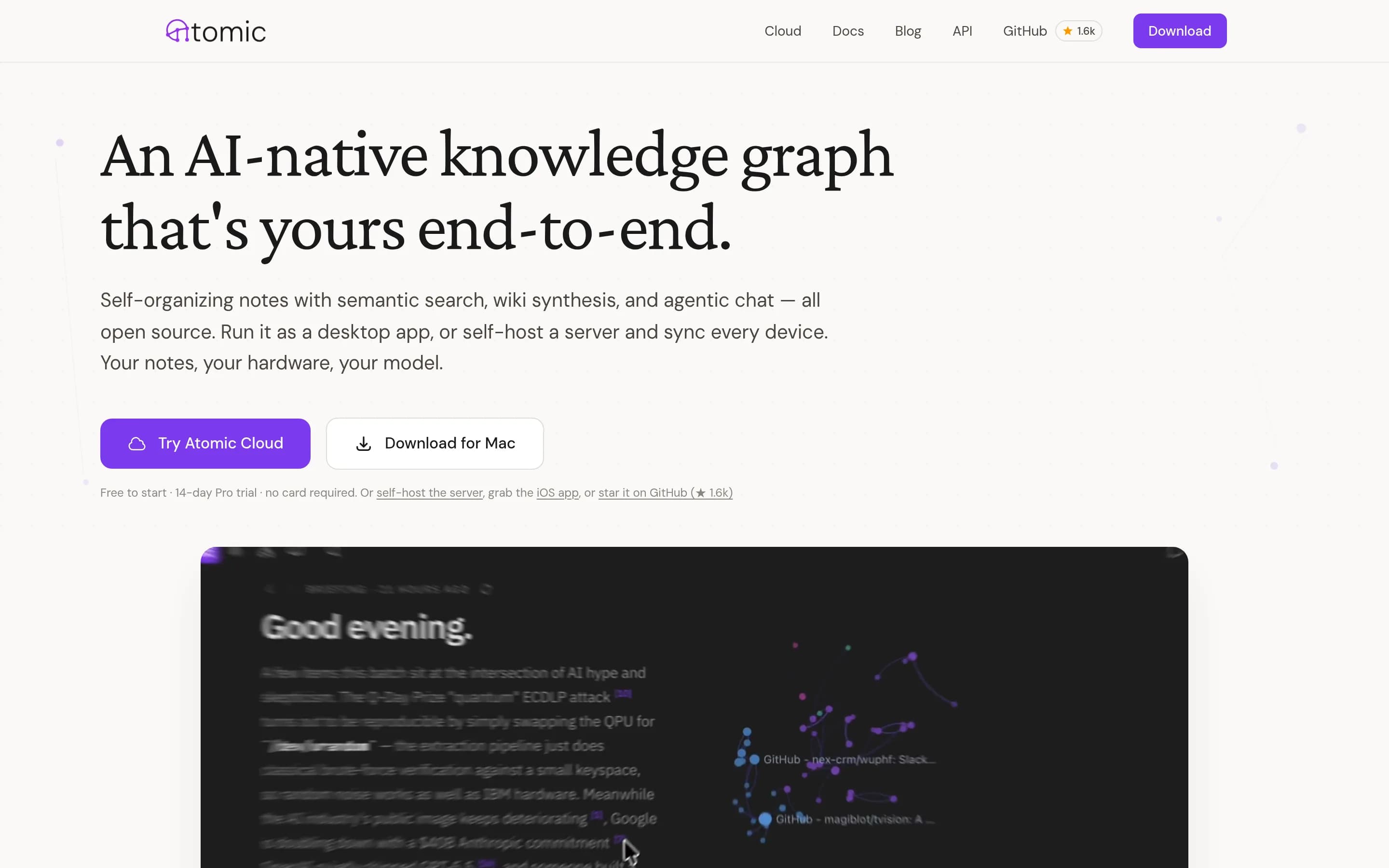
Choose Atomic for a personal, Markdown-centered knowledge base when self-hosting, semantic retrieval, and control over the AI provider matter. Choose Notion for a broader team workspace that also needs documented collaborative documents, project tracking, connected-application search, meeting notes, and calendar workflows. Atomic covers focused knowledge capture and AI-assisted retrieval, but the supplied evidence—un
What it does
Atomic is a personal knowledge base built around “atoms,” or Markdown notes that are automatically chunked, embedded, tagged, and linked by semantic similarity. Users can capture content through the desktop app, iOS app, browser extension, RSS feeds, or MCP tools, then search and browse the resulting knowledge graph.
The product includes wiki synthesis with inline citations, scheduled research reports, agentic chat, hierarchical auto-tagging, a spatial canvas, and support for OpenRouter, Ollama, and OpenAI-compatible providers. It runs as a Tauri desktop app, a web frontend with a headless server, or both, and can be deployed locally with Docker Compose, Fly.io, or a standalone server.
What it covers
- Knowledge-base notes
- Search over stored knowledge
- AI-assisted knowledge retrieval
- Generated knowledge summaries
- External content capture
What’s different
- No documented project tracking
- No documented team document collaboration
- No documented connected-app enterprise search
- No documented AI meeting notes
- No documented calendar module
Sage-wiki582
Sage-wiki is the stronger fit for users who want a self-hosted, open-source knowledge base that compiles existing files into linked Markdown, supports graph-aware retrieval, and can serve agents through MCP. Notion remains the better choice for teams that need one integrated workspace spanning collaborative documents, project tracking, calendar workflows, application connections, meeting notes, and broader automation
What it does
sage-wiki ingests documents, notes, code, email, and other supported formats, then uses an LLM compilation pipeline to produce interconnected Markdown articles, summaries, concepts, and a knowledge graph. Users can search the resulting corpus with hybrid lexical, vector, and graph retrieval, ask cited questions, inspect provenance, and capture new knowledge.
The product supports humans and AI agents through a web UI, terminal dashboard, MCP tools, REST API, and Obsidian-compatible Markdown. Its graph features include typed relations, evidence, confidence, entity resolution, contradiction handling, and multi-hop graph queries. It runs as a Go binary, with local-model support, SQLite or PostgreSQL/pgvector storage, Docker Compose deployment, shared servers, Git synchronization, and federated hubs.
What it covers
- Centralized team knowledge
- Markdown-based documents
- Knowledge search and Q&A
- AI-assisted knowledge workflows
- Personal and team usage
What’s different
- No documented project tracking
- No documented calendar module
- No documented Notion-style collaborative editor
- No documented AI meeting notes
- No documented application connections
- No documented direct Notion import
LLlmwiki1,500
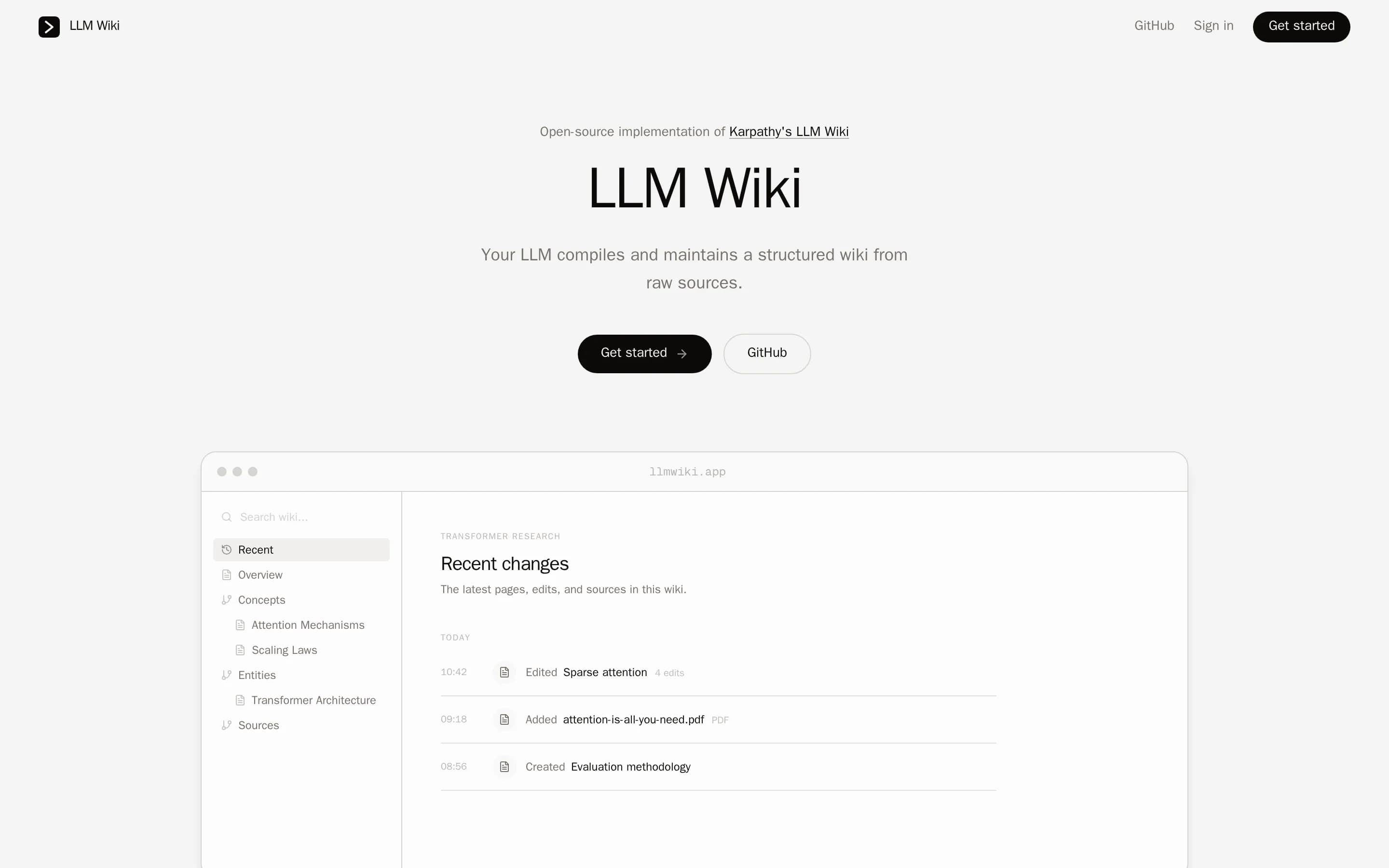
Llmwiki is a focused, open-source alternative for turning uploaded files, notes, and web clippings into an AI-maintained wiki, with local or self-hosted operation. Choose it when source control, filesystem-backed Markdown, Claude/MCP integration, and knowledge synthesis matter more than an integrated team workspace. Choose Notion when you need documented coverage for collaborative documents, project tracking, meeting
What it does
LLM Wiki is an open-source knowledge-management workspace for turning reading and research into a persistent wiki. Users upload documents, capture web pages and PDFs with a Chrome extension, highlight passages, add comments, and browse generated pages with source links, cross-linking, graphs, charts, and Mermaid diagrams.
Claude connects through MCP to search, read, create, edit, append, delete, and lint wiki content. Scheduled Claude routines can synthesize newly added sources and update affected pages. The project supports a hosted mode and local self-hosting, where a CLI starts the API and Next.js web app, stores source files and generated Markdown locally, and uses SQLite for indexing; hosted mode uses Postgres and S3.
What it covers
- Searchable knowledge-base content
- Editable wiki or document pages
- AI-assisted knowledge retrieval and writing
What’s different
- No documented project tracking
- No documented meeting-note capture
- No integrated calendar documented
- No documented enterprise search across connected applications
- No documented Notion-specific importer
EEdgeever1,171
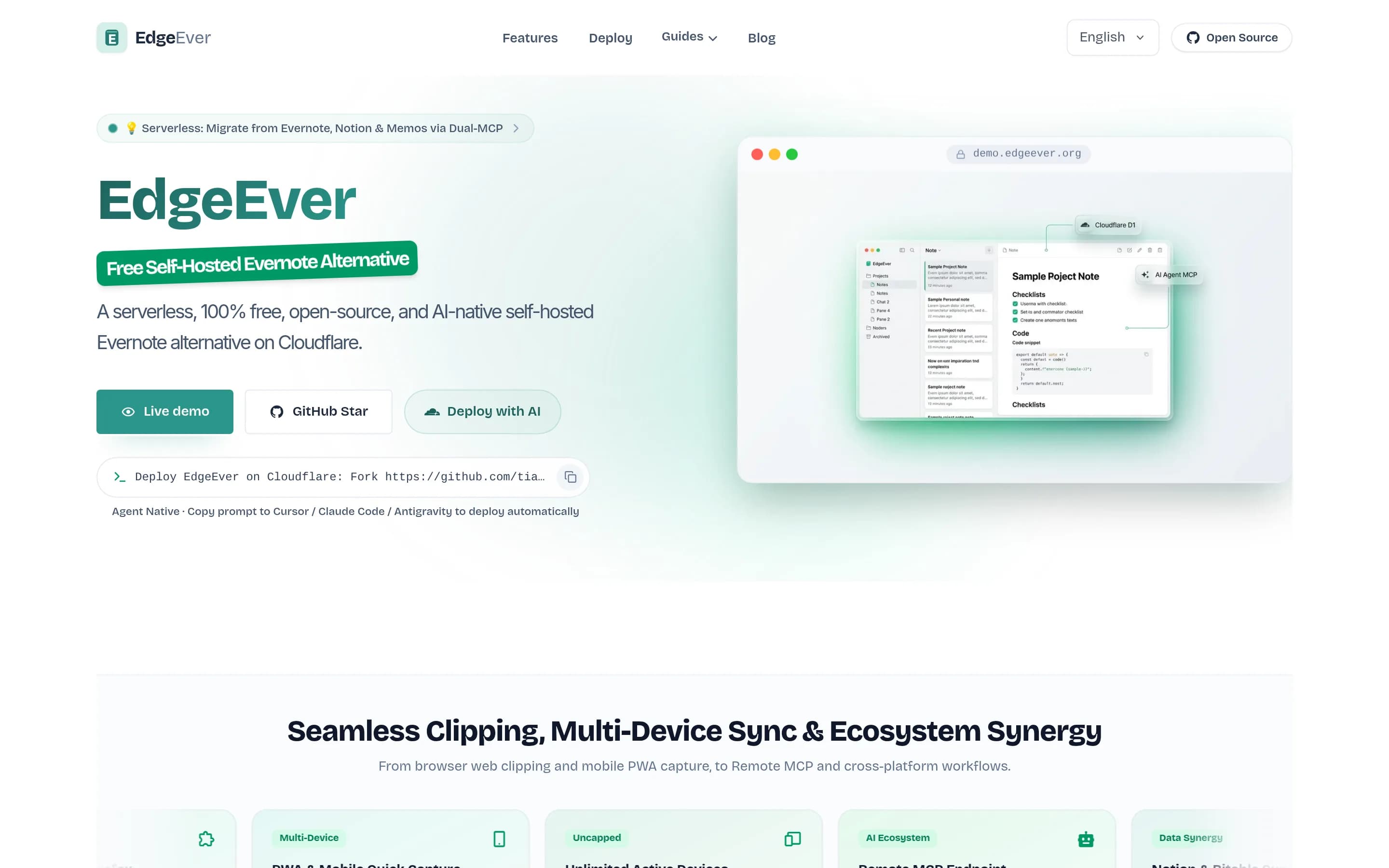
EdgeEver is a focused, open-source notes workspace rather than a feature-complete Notion replacement. Choose EdgeEver for self-hosted personal knowledge capture, Markdown portability, offline note editing, and bring-your-own AI integrations. Choose Notion when the workspace must also provide documented project tracking, collaborative team documents, enterprise search across connected applications, meeting notes, and—
What it does
EdgeEver is an open-source, Evernote-style notes workspace built around a three-pane interface for capturing and organizing rich notes. It supports text, Markdown, images, PDFs, Office files, archives, audio, and video attachments, nested notebooks, revision history, public sharing, Mermaid diagrams, imports, and ZIP exports containing portable Markdown and attachments.
The product provides web clipping for Chrome, Edge, and Firefox, unlimited synchronization across web, PWA, Android, and macOS, and offline drafts or native-client editing with queued synchronization. AI features support summarization, rewriting, translation, task extraction, and other note operations through configurable model providers; MCP and REST APIs support agent access and organization.
EdgeEver is licensed under AGPL-3.0 and deploys as a Cloudflare Workers application using D1 and R2, with documented multi-user
What it covers
- Organized knowledge pages
- Rich-text document editing
- Workspace search within stored content
- AI-assisted summarizing and rewriting
- External-tool connections through MCP
- Multi-device web and app access
What’s different
- Documented project tracking
- Documented real-time co-authoring
- Enterprise search across connected apps
- AI-generated meeting notes
- Notion-style custom task-routing agents
- Integrated calendar module
NNote-gen12,636
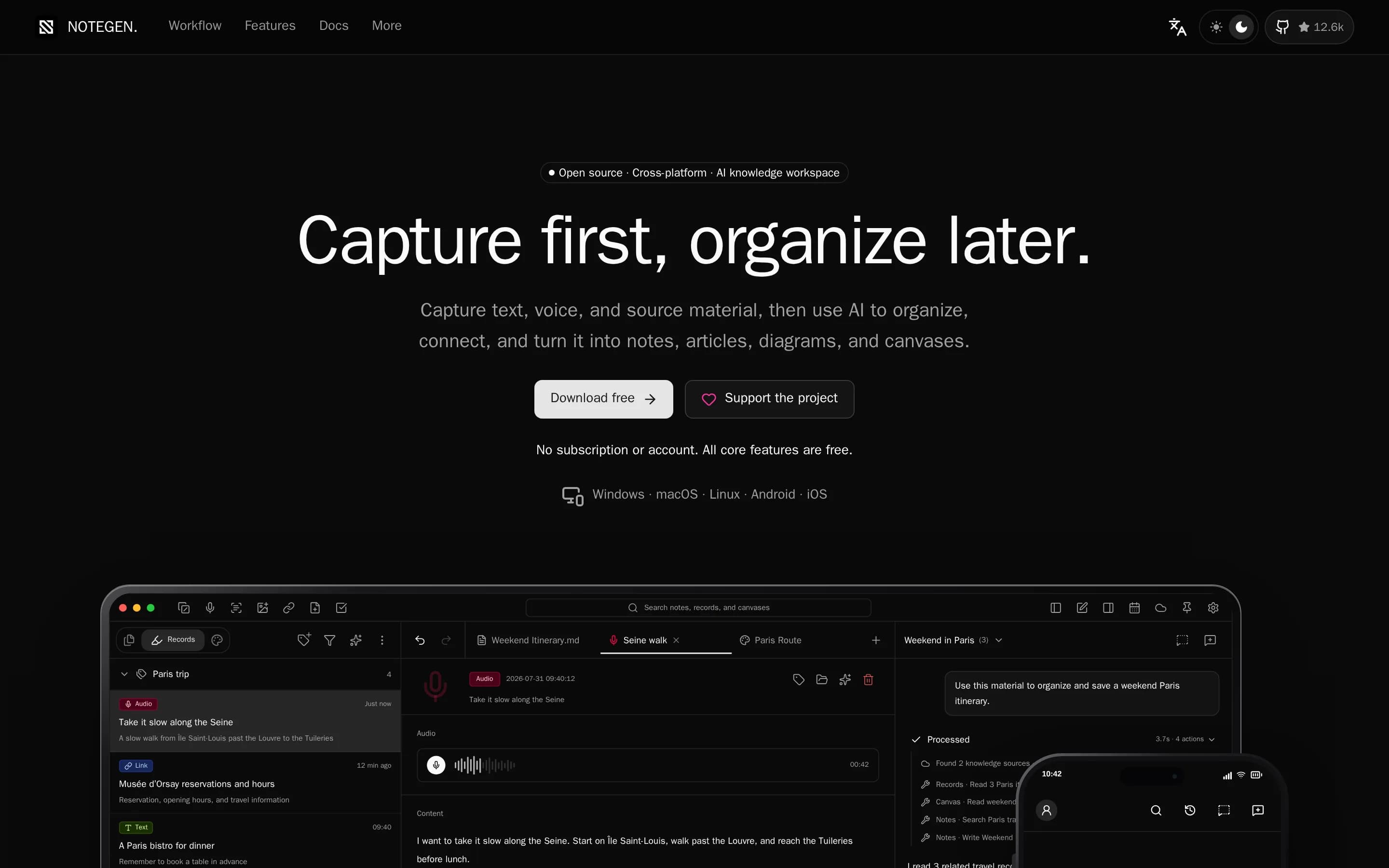
NoteGen is a focused, local-first Markdown notes application rather than a full replacement for Notion’s connected team workspace. Choose NoteGen for personal or small-team capture, local files, configurable AI, and portable Markdown. Choose Notion when project tracking, collaborative knowledge management, enterprise search across connected applications, calendar workflows, or broader team automation are required.
What it does
NoteGen is a local-first Markdown application for capturing thoughts, voice recordings, screenshots, images, links, files, and todos before organizing them into structured notes. Users can filter records by tag, time, or type, select related material, apply a template or instruction, and produce summaries, reports, articles, or other Markdown structures for continued editing.
The editor supports visual and source Markdown modes, tables, task lists, code, math, diagrams, search and replace, attachments, export, printing, history, and workspace management. It also provides AI chat and writing assistance, OCR, audio and image capabilities, searchable knowledge bases with semantic and local retrieval, MCP servers, agent tools, and an editable canvas for diagrams, mind maps, timelines, drawings, and charts.
Notes remain ordinary Markdown files in a chosen workspace. The application is local
What it covers
- Create and edit documents or notes
- Build searchable knowledge from workspace content
- Use AI for writing and question answering
- Capture meeting material into written notes
- Work with tasks inside content
What’s different
- No documented Notion database importer
- No documented project-tracking workspace
- No documented enterprise search across connected apps
- No documented integrated calendar module
- No documented real-time collaborative editing parity
KKuku203
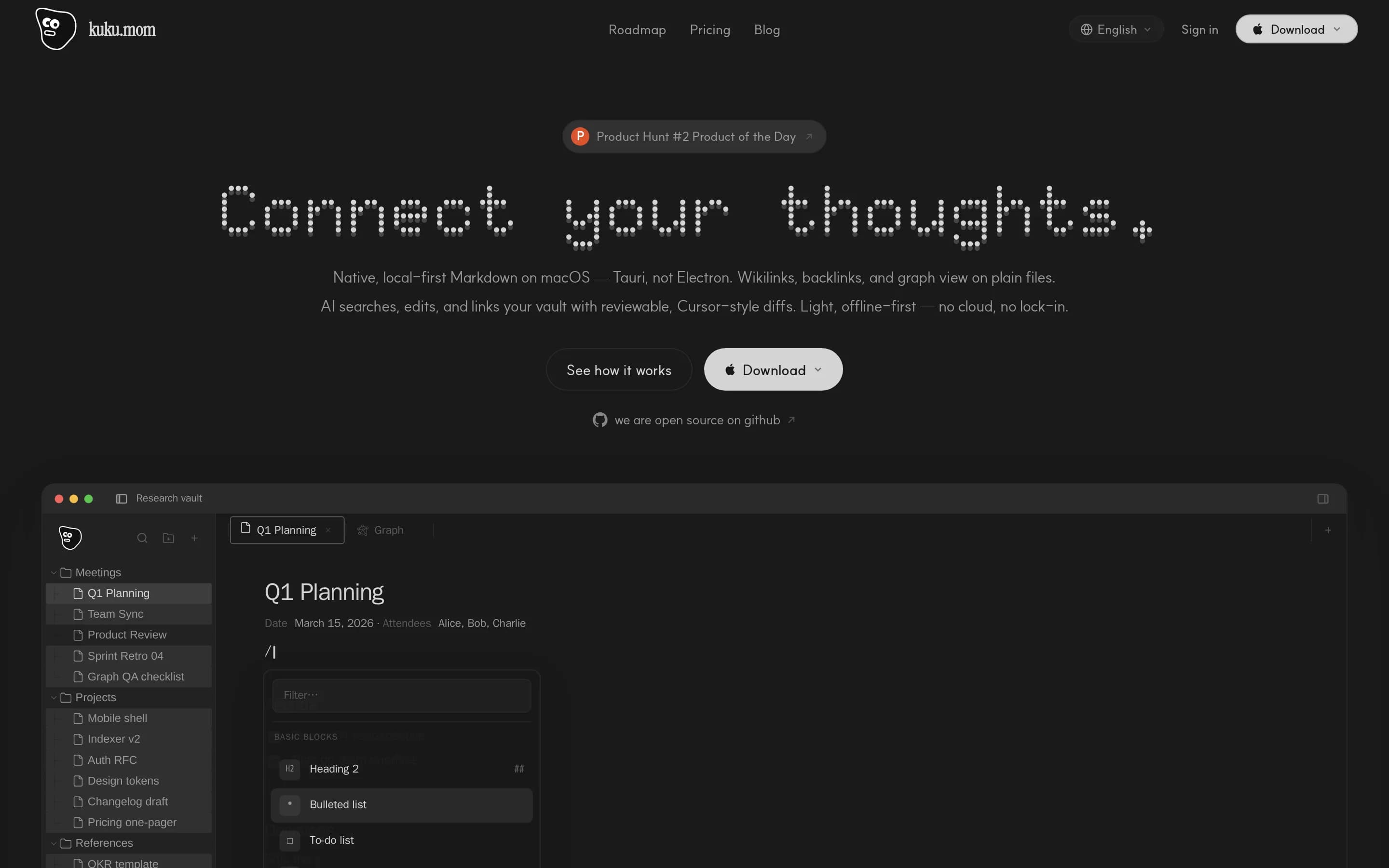
Kuku is a focused Notion alternative for macOS users who primarily need a private, local-first personal knowledge base built from portable Markdown files. It adds wiki navigation, local search, reviewable AI edits, and optional encrypted sync. Notion remains the better fit for teams needing a mature all-in-one workspace spanning collaborative documents, project tracking, calendar, connected-app search, and automation
What it does
Kuku is an open-source local-first Markdown workspace for macOS. It edits ordinary .md files in a local vault and supports portable personal knowledge workflows, including wiki links, backlinks, search, and 2D or 3D graph navigation.
The application also provides Second Brain workflows, AI Agent, Ask, and Inline modes, file or text attachments, and reviewable proposed edits with diffs. Its encrypted sync foundation covers workspaces, devices, key envelopes, signed commits, and encrypted objects.
The repository includes the macOS client, web app, Go server, protobuf contracts, Rust AI and indexing crates, and Docker infrastructure. Users can download the macOS build, install it through Homebrew, or inspect and self-host the system; Windows and Linux are listed as forthcoming.
What it covers
- Knowledge-base pages
- Document authoring
- Workspace search
- AI-assisted editing
- Meeting-note support
What’s different
- Built-in project tracking not documented
- Integrated calendar not documented
- Connected-app enterprise search not documented
- Custom task-routing agents not documented
- Current real-time team collaboration not documented
- Current Windows and Linux clients unavailable
VValour393
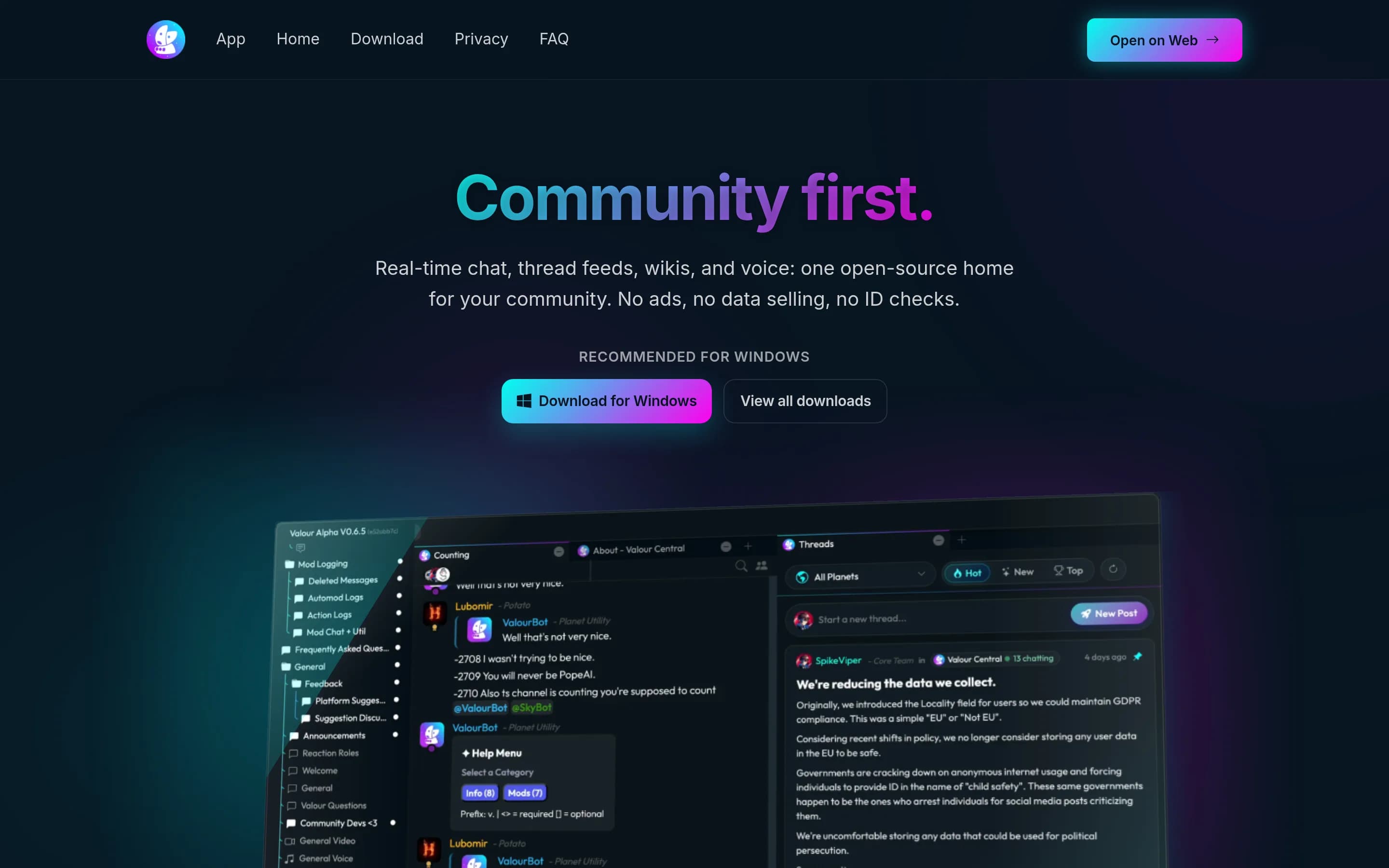
Valour is not a like-for-like Notion replacement. Choose Valour for a self-hosted, open-source community hub combining searchable wikis with real-time chat, persistent discussion feeds, voice, roles, and permissions. Choose Notion when the priority is an integrated work workspace for collaborative documents, project delivery, connected enterprise search, calendars, or AI-assisted workflows; those capabilities are not
What it does
Valour is an open-source community platform organized around “planets,” which provide real-time chat channels, Reddit-style persistent thread feeds, publishable wikis, voice channels, roles, per-channel permissions, and community economies. Its web client is also available as Windows and Android apps, with features including multi-chat windows, themes, bots, webhooks, automoderation, and a Discord importer.
The platform documents self-hosted deployment with Docker Compose using PostgreSQL, Redis, local or S3-compatible media storage, and Caddy for HTTPS. Operators can run community nodes and optionally use federation to move planets between official infrastructure and independently operated servers. Voice can use managed infrastructure or a self-hosted LiveKit server.
What it covers
- Searchable knowledge-base pages
- External integrations through APIs and webhooks
What’s different
- Collaborative workspace documents
- Project planning and tracking
- Search across connected applications
- AI-generated meeting notes
- Custom AI agents
- Integrated calendar